Choosing an OEM mini PC manufacturer is one of the most consequential sourcing decisions a hardware brand, system integrator, or enterprise buyer can make. A mini PC may be small, but behind every compact chassis sits a complex chain of motherboard design, thermal engineering, firmware tuning, component sourcing, and quality assurance. Pick the right partner and you gain a scalable, differentiated product line with predictable margins. Pick the wrong one and you inherit RMA headaches, delayed launches, and damaged customer trust.
This guide walks you through everything you need to evaluate before signing an OEM agreement: the difference between OEM and ODM models, the technical and commercial criteria that separate reliable factories from risky ones, the customization options you should expect, the red flags to watch for, and the step-by-step process of taking a custom mini PC from concept to mass production.
Why the Right OEM Mini PC Manufacturer Matters More Than Ever
Demand for mini PCs has expanded far beyond the desktop replacement niche. Today they power digital signage networks, interactive whiteboards, point-of-sale terminals, industrial controllers, edge AI gateways, thin-client fleets, and hybrid-work meeting rooms. Each of these use cases has a different thermal envelope, I/O requirement, and lifecycle expectation, which is exactly why off-the-shelf consumer units frequently fall short and why businesses turn to OEM partnerships.
A capable manufacturer does more than assemble boards. It helps you define the right processor platform, validate heat dissipation under sustained load, secure long-term component availability, pass regional certifications, and ship a product that carries your brand with confidence. The quality of that partnership directly determines your time-to-market, your warranty cost, and ultimately your reputation.
OEM vs. ODM: Which Model Fits Your Project?
Before evaluating suppliers, clarify which engagement model you actually need. The terms are often used interchangeably, but they imply very different levels of design ownership, investment, and lead time.
| Factor | OEM (Original Equipment Manufacturer) | ODM (Original Design Manufacturer) |
|---|---|---|
| Design Ownership | Buyer provides specifications or design; factory builds to order | Factory owns an existing design; buyer rebrands and customizes |
| Upfront Investment | Higher (tooling, PCB layout, validation) | Lower (shared platform, minimal NRE) |
| Time to Market | 4–9 months depending on complexity | 4–10 weeks for branding and firmware changes |
| Differentiation | Fully unique chassis, I/O, and feature set | Moderate; cosmetic and configuration-level changes |
| Typical MOQ | 500–2,000 units | 50–500 units |
| Best For | Brands with specific industrial or vertical requirements | Resellers and integrators needing fast, low-risk launches |
Many of the strongest manufacturers offer a hybrid path: you begin with a proven ODM platform, such as an N100-based or i5-based reference design, and progressively layer OEM customizations as volumes grow. This reduces early risk while keeping the door open for deeper differentiation later.
8 Essential Criteria for Evaluating an OEM Mini PC Manufacturer
Use the following criteria as a structured scorecard. Weight each according to your priorities, but do not skip any of them; weaknesses in one area tend to surface as problems in another.
1. In-House R&D and Engineering Depth
Ask whether the factory has its own hardware, firmware, and mechanical engineering teams, or whether it outsources board design to third parties. In-house capability means faster iteration, better accountability, and direct access to the people who actually understand the product. Request to see BIOS customization examples, thermal simulation reports, and EMC pre-compliance data from previous projects.
2. Processor Platform Expertise and Roadmap Access
A reliable partner maintains active relationships with Intel, AMD, and ARM ecosystem suppliers, and can advise on which platform fits your performance-per-watt and cost targets. Equally important is their visibility into end-of-life schedules, so that a product you launch today is not orphaned by a discontinued chipset in eighteen months.
3. Thermal and Reliability Engineering
Mini PCs live or die by heat management. Insist on data from sustained-load burn-in tests, fan-noise measurements, and operating-temperature ranges. For fanless industrial units, ask how the chassis acts as a heatsink and what throttling behavior looks like at 45°C ambient. A manufacturer that cannot produce these numbers has probably never measured them.
4. Quality Management and Certifications
Verify ISO 9001 as a baseline, and ISO 14001 if environmental compliance matters to your customers. Then confirm the factory has experience obtaining the product certifications your target markets require, including CE, FCC, UKCA, RoHS, REACH, and, where applicable, Energy Star or TÜV. Ask for actual certificates from previous mini PC projects rather than generic statements of capability.
5. Supply Chain Transparency and Component Sourcing
Request a bill of materials that identifies key component brands for memory, SSD, power adapters, and connectors. Reputable manufacturers source from tier-one vendors and can show traceability. Be cautious of quotes that are dramatically below market; they often rely on unbranded storage or recycled components that fail prematurely in the field.
6. Customization Flexibility
Evaluate how deep the customization goes. Can they modify I/O layouts, add serial ports or PoE, integrate custom antenna arrays, pre-install your OS image, lock BIOS settings, or design a chassis that mounts behind an interactive display? The more vertical your application, the more this flexibility matters.
7. Production Capacity and Lead-Time Stability
Tour the facility, physically or virtually, and look at SMT line count, automated optical inspection equipment, and burn-in room capacity. Then ask for documented on-time delivery rates. A factory running near full capacity for other clients may struggle to prioritize your ramp-up during peak seasons.
8. After-Sales Support and Warranty Terms
Clarify RMA handling, spare-parts availability windows, firmware update commitments, and the escalation path when a batch issue occurs. A partner willing to commit to multi-year component availability and documented warranty SLAs is signaling confidence in its own build quality.
Customization Options You Should Expect From a Capable Partner
Not every project needs every option below, but a well-equipped manufacturer should be able to deliver most of them without resistance:
- Hardware configuration: CPU tier, RAM capacity, SSD type and size, dual-storage layouts, Wi-Fi 6/6E and Bluetooth modules, 2.5G or dual LAN
- I/O customization: additional HDMI or DisplayPort outputs for multi-screen signage, COM ports, GPIO, USB-C with Power Delivery, SIM slots for 4G/5G
- Industrial design: custom chassis color, material, and branding; VESA or DIN-rail mounting; fanless or active cooling
- Firmware and software: custom BIOS logo and boot behavior, pre-loaded Windows or Linux images, kiosk lockdown, remote management agents
- Packaging and documentation: retail or bulk packaging, multilingual quick-start guides, regulatory labeling for each destination market
- Ecosystem integration: bundling with displays, touch panels, or peripherals for turnkey solutions
If your use case involves meeting rooms or classrooms, it is worth examining how the mini PC integrates with interactive smart whiteboards; an OPS-compatible or slot-in design can dramatically simplify installation and support.
Reference Configurations by Application
The table below illustrates how performance tiers map to common deployment scenarios. Use it as a starting point when briefing a manufacturer on your target specification.
| Application | Recommended Platform | Key Requirements | Reference Model |
|---|---|---|---|
| Digital signage, thin client, education labs | Intel N100 / entry-level efficient core | Low power draw, silent operation, 4K output, 24/7 reliability | LP1C Mini PC — N100, 8GB, 512GB |
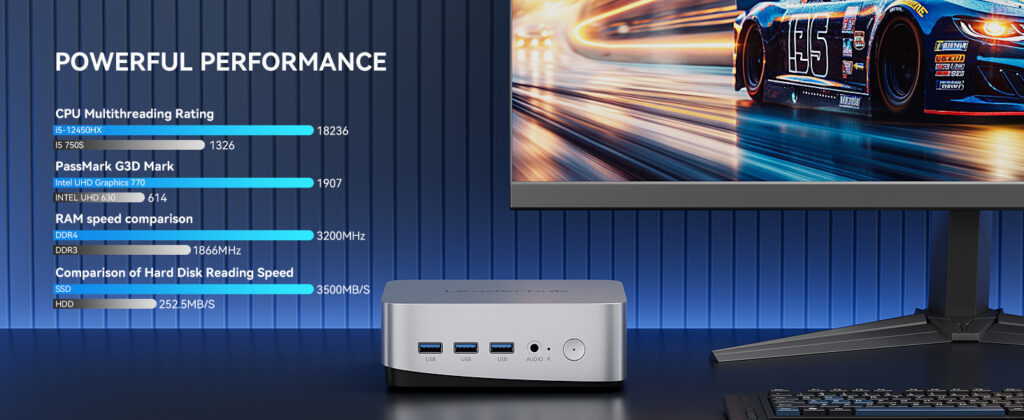
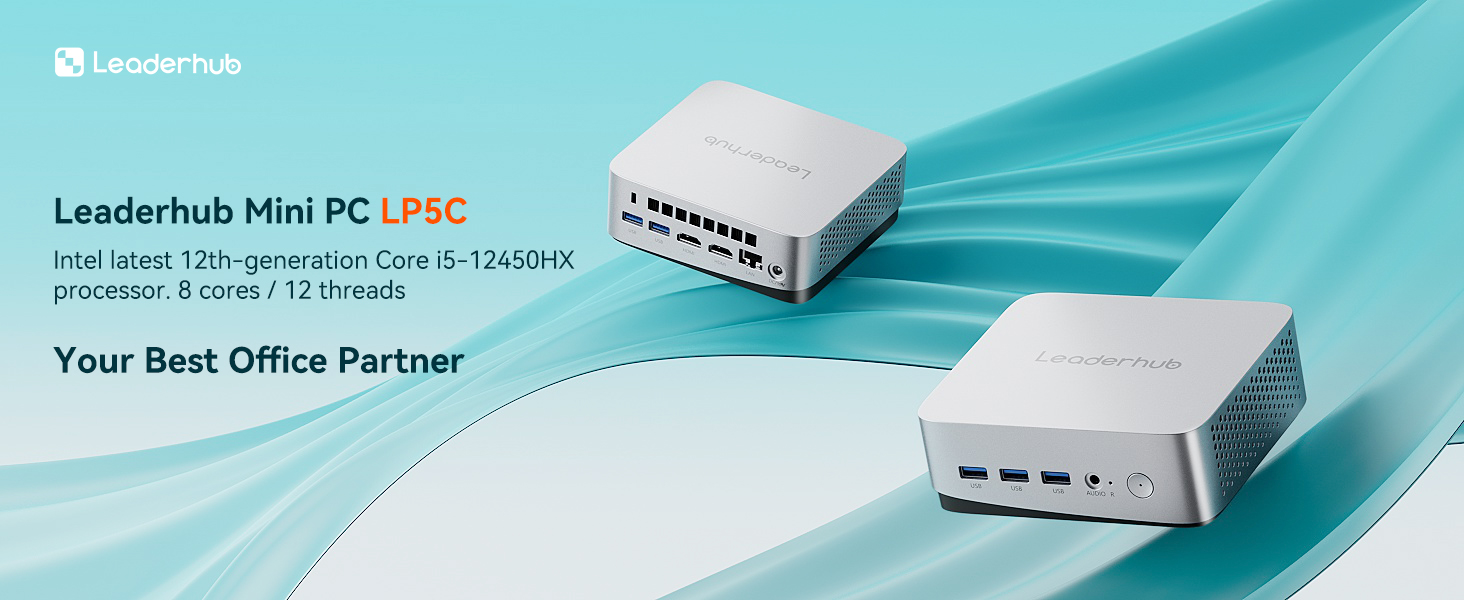
| Office productivity, conference rooms, light design | Intel Core i5 H-series | Multi-monitor support, fast storage, video conferencing performance | LP5C Mini PC — i5-12450HX, 16GB, 512GB |
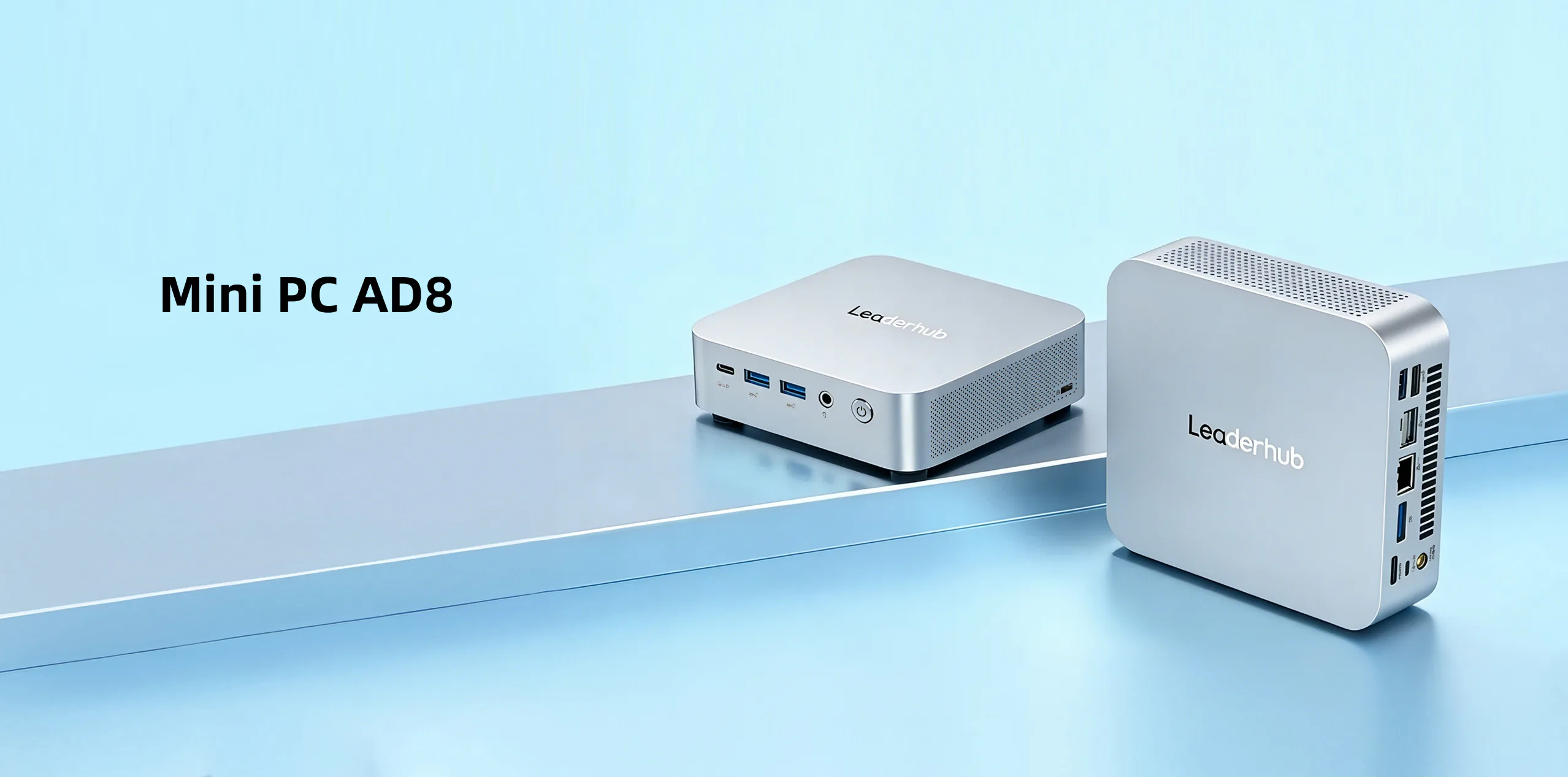
| Edge AI, content creation, demanding workloads | High-performance CPU with integrated AI acceleration | Sustained performance, advanced cooling, expandability | AD8 Mini PC |
Red Flags That Signal an Unreliable Supplier
Experienced sourcing managers learn to recognize warning signs early. If you encounter several of the following, proceed with caution or walk away:
- Reluctance to share factory addresses, audit reports, or allow a video walkthrough of production lines
- Quotes that omit tooling, certification, or packaging costs and only surface them after deposit
- Inability to name specific component brands or provide a detailed BOM
- No published warranty policy or vague answers about RMA turnaround
- Sample units that differ materially from the final production specification
- Poor English technical documentation or slow, inconsistent communication during the quoting stage, which rarely improves after the order
- Trading companies presenting themselves as factories without disclosing the actual manufacturing partner
Questions to Ask Before You Sign
Bring this checklist to your supplier meetings. The quality and speed of the answers will tell you as much as the content.
Technical Questions
- What is the sustained CPU clock under 30 minutes of full load at 35°C ambient?
- Which memory and SSD brands are used, and can we specify alternatives?
- How many BIOS revisions have you released for your current platform, and what is the update process?
- What is the measured mean time between failures for comparable units in the field?
Commercial Questions
- What is the MOQ for the first order and for repeat orders?
- What NRE charges apply for chassis, firmware, and packaging customization, and are they refundable against volume?
- What payment terms are available after the first two successful orders?
- How are price adjustments handled when component costs fluctuate?
Support Questions
- How long do you guarantee spare-part availability after the last production run?
- Who is our dedicated technical contact, and in what time zone do they operate?
- Can you provide references from clients in our industry or region?
The OEM Mini PC Development Process, Step by Step
Understanding the typical workflow helps you set realistic internal timelines and recognize when a partner is cutting corners.
- Requirements definition: target application, performance tier, I/O, environmental conditions, certifications, and budget
- Platform selection and proposal: the manufacturer recommends a reference design or proposes a new layout with preliminary costing
- Engineering validation (EVT): first prototypes are built to validate electrical design and thermal behavior
- Design validation (DVT): refined units undergo reliability, EMC pre-scan, and drop or vibration testing
- Certification: samples are submitted to accredited labs for CE, FCC, and other regional approvals
- Production validation (PVT): a pilot run on the actual production line confirms yield and process stability
- Mass production and QA: full-volume manufacturing with inline AOI, functional testing, and burn-in
- Logistics and after-sales: shipping, documentation handover, and ongoing firmware and RMA support
Why Trade Shows Remain the Best Place to Vet a Manufacturer
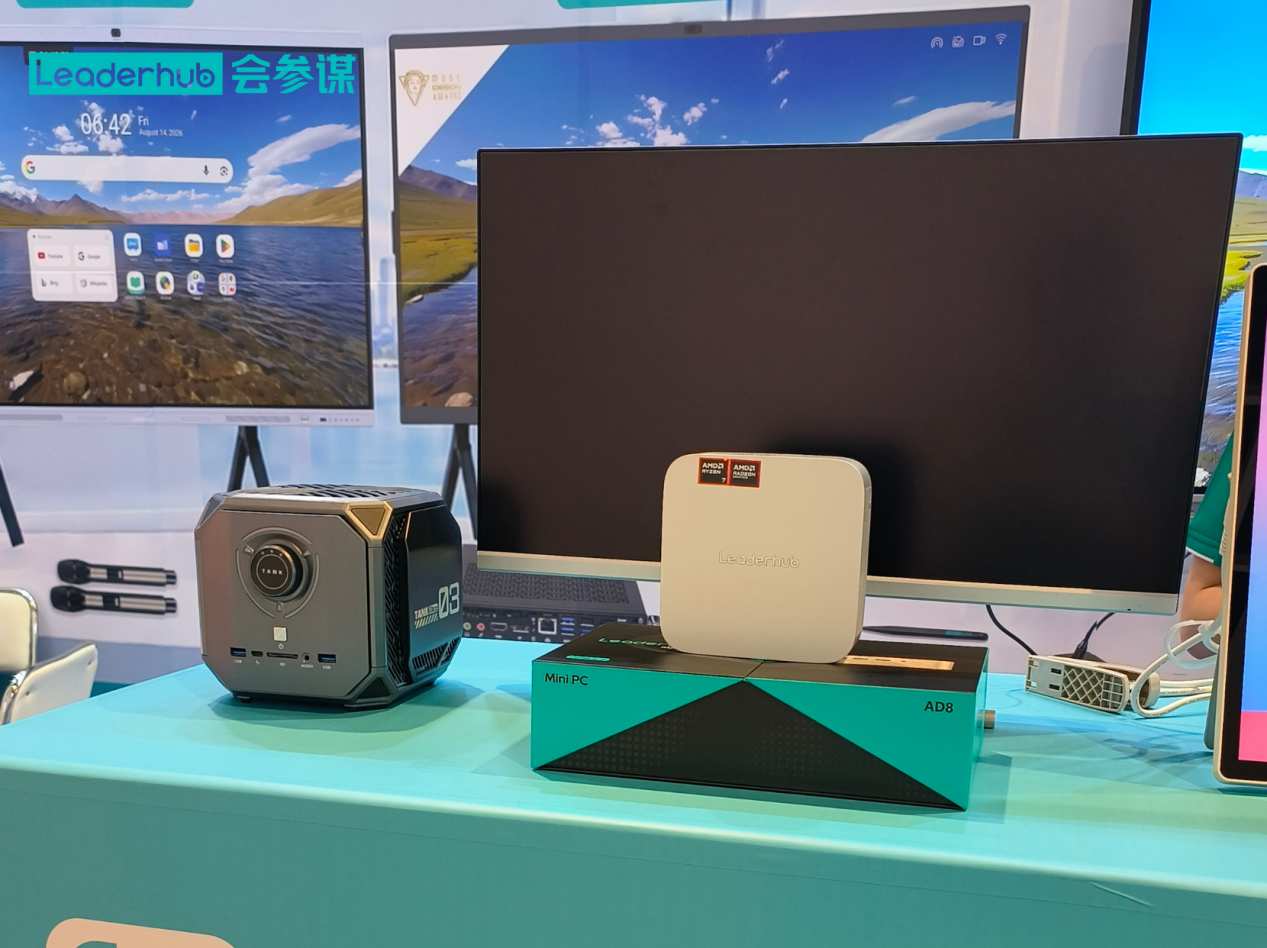
Despite the convenience of virtual sourcing, nothing replaces handling a production unit, opening the chassis, and speaking directly with the engineers who designed it. Events organized by the Consumer Technology Association and the pro-AV community at AVIXA bring together serious manufacturers who are willing to be scrutinized in person. Use these opportunities to compare build quality side by side, verify claims about thermal performance, and gauge how responsive a potential partner is when asked difficult questions.
A Manufacturer Built for Custom Mini PC Partnerships
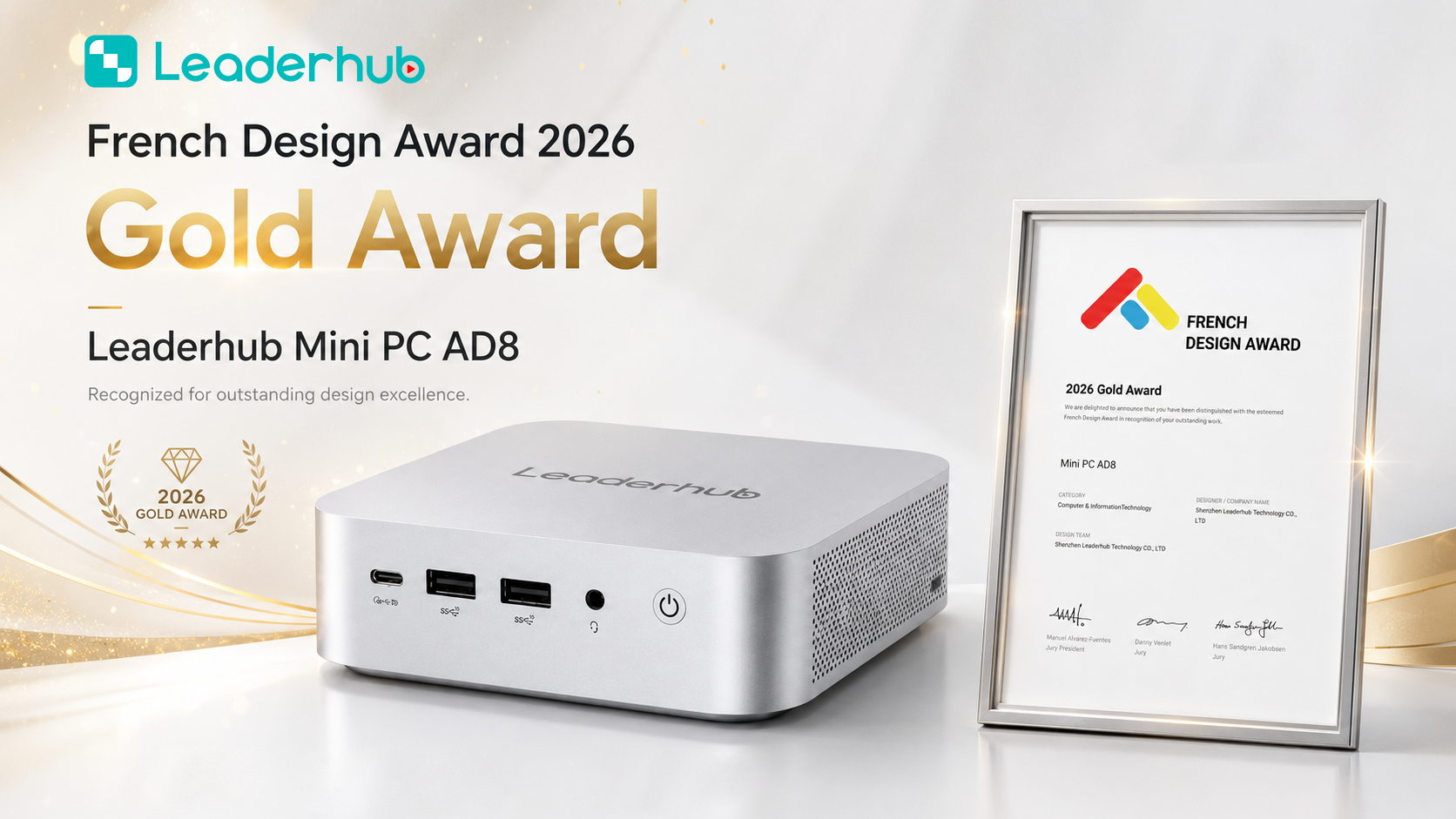
LeaderHub is a Shenzhen-based technology company with 16 years of experience in interactive display hardware, delivering smart whiteboards, mini PCs, and portable smart screens to partners in more than 82 countries. Its mini PC line spans efficient Intel N100 systems through high-performance AI-ready units, all engineered in-house and backed by the same quality systems that earned the brand the number-one position in its JD.com subcategory and multiple industry awards. For OEM and ODM projects, the company offers configurable hardware, custom firmware, branded chassis options, and seamless integration with its interactive flat panels, making it a practical choice for integrators who want a single partner for both compute and display. Explore the full mini PC product range or request an OEM consultation to discuss your specifications.
Frequently Asked Questions
What is the minimum order quantity for an OEM mini PC?
It varies widely. ODM-style rebranding of an existing platform can start at 50 to 100 units, while fully custom OEM designs with new tooling typically require 500 to 2,000 units to amortize engineering costs. Many manufacturers reduce MOQs for repeat orders once the design is stable.
How long does it take to bring a custom mini PC to market?
Branding and configuration changes on a proven platform can ship within four to ten weeks. A ground-up design with custom chassis and certification generally takes four to nine months from requirements sign-off to mass production.
Should I choose a fanless or actively cooled mini PC?
Fanless designs are ideal for dusty, noise-sensitive, or 24/7 environments such as signage and industrial control, but they cap sustained performance. Actively cooled units deliver higher clocks for productivity and AI workloads. A good manufacturer will model your actual workload before recommending either.
Can an OEM partner pre-install our software image?
Yes. Pre-loading Windows or Linux images, configuring kiosk mode, and embedding remote management agents are standard services from capable manufacturers. Clarify licensing responsibilities and image update procedures in the contract.
How do I protect my design IP when working with an overseas factory?
Use a mutual NDA before sharing specifications, define IP ownership clearly in the manufacturing agreement, and consider registering designs in the manufacturing country as well as your home market. Working with established manufacturers that have a long track record and public brand presence significantly reduces risk.
Final Thoughts
A reliable OEM mini PC manufacturer is not simply the lowest bidder. It is a partner with genuine engineering depth, transparent sourcing, proven certification experience, and the operational discipline to deliver consistently as your volumes grow. Score candidates against the criteria in this guide, verify every claim with documentation and samples, and prioritize the relationships that make your engineering and support teams’ lives easier. The right partner will help you launch faster, ship better hardware, and build a product line your customers trust for years.