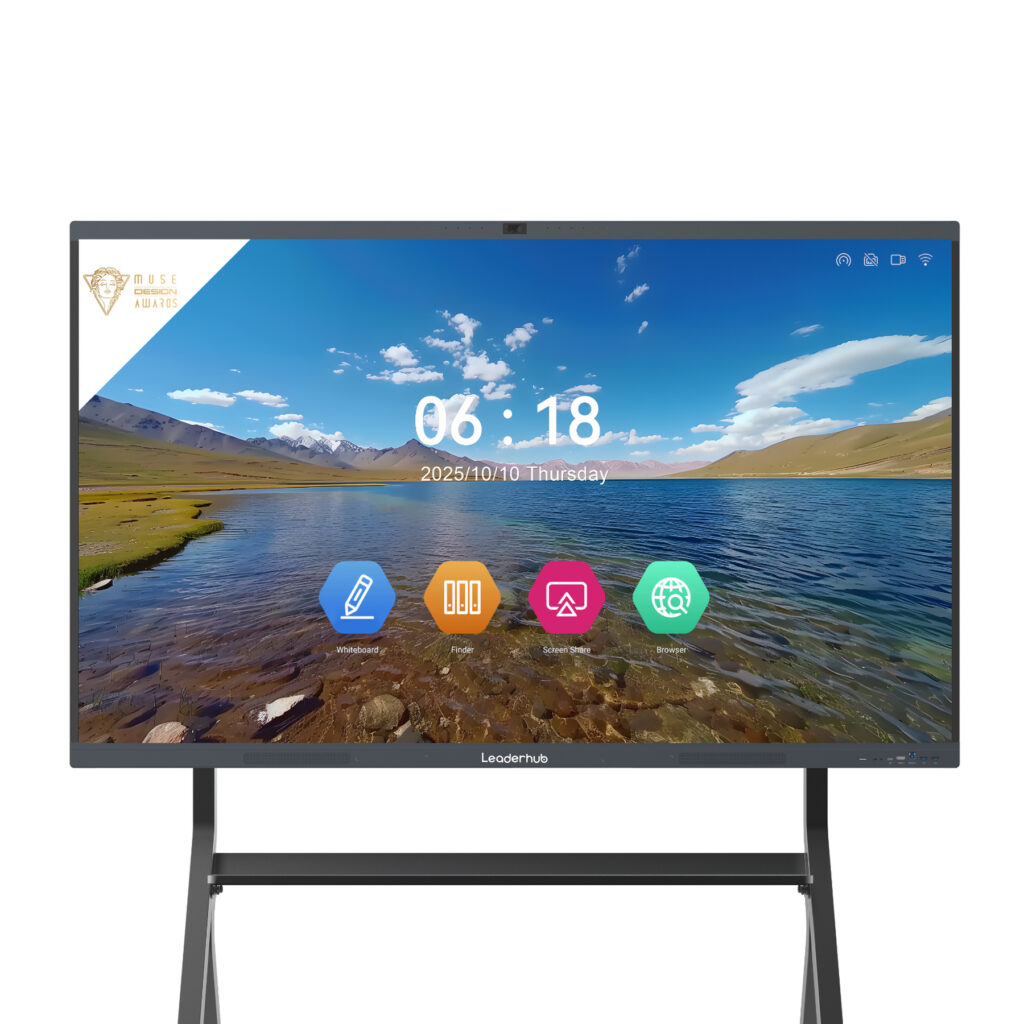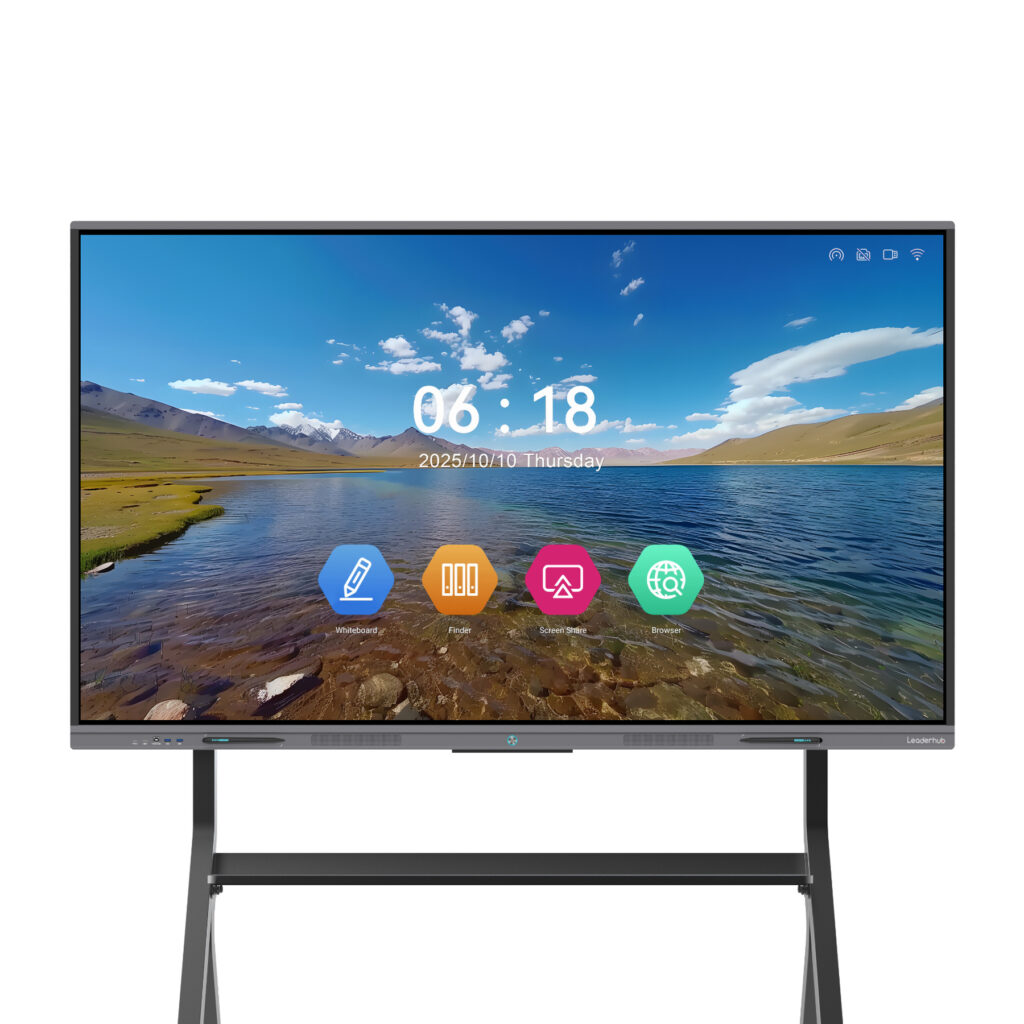
Teaching students how money works is one of the most practical gifts an educator can give. Yet financial literacy remains a subject that is easy to describe and hard to make exciting. Budgets, interest rates, credit scores, and investment risk can feel abstract when they live only on a worksheet. A smart board for financial literacy lessons changes that dynamic completely: it turns numbers into something students can touch, drag, chart, and debate together in real time.
This guide walks you through why interactive displays work so well for personal finance education, which lesson formats deliver the strongest engagement, the digital tools worth loading onto your panel, and how to choose hardware that fits your classroom. Whether you teach middle school, high school economics, a community college course, or an adult financial-wellness workshop, these ideas are built to be adapted and used tomorrow.

Why a Smart Board Belongs in the Financial Literacy Classroom
Financial concepts are inherently visual and dynamic. A compound interest curve, a monthly cash-flow diagram, a pie chart of needs versus wants: these ideas click when learners can see them change. An interactive flat panel brings three advantages that a static projector or traditional whiteboard simply cannot match.
1. Numbers Become Manipulable
On a touchscreen panel, students can drag expense tiles into budget categories, adjust a slider to change a savings rate, and instantly watch a projection chart redraw. This kind of immediate cause-and-effect feedback is exactly what research on classroom technology highlights as the strongest driver of conceptual understanding. The EEF Digital Technology Guidance notes that technology works best when it supports explanation, modeling, and practice rather than replacing the teacher.
2. Whole-Class Participation Rises
Multi-touch panels allow several students to write, sort, or annotate at once. A budget challenge that once involved one student at the chalkboard now involves four at the screen and twenty more voting from their seats through a connected quiz app.
3. Real-World Content Is One Tap Away
With a built-in Android system or a connected mini PC, teachers can open live stock tickers, mortgage calculators, government consumer-protection sites, or a bank’s sample statement directly on the board. Money education stops being hypothetical and starts referencing the actual world students will enter.
Global education bodies increasingly recommend this blended, teacher-led use of classroom displays. The UNESCO Technology in Education Report emphasizes that technology should be chosen to serve clear pedagogical goals, a principle that fits financial literacy perfectly because the learning outcomes are so concrete.
Core Financial Literacy Topics That Shine on an Interactive Display
Not every topic benefits equally from a touchscreen. The table below maps the most common financial literacy standards to the smart board techniques that make them memorable.
| Topic | Best Smart Board Technique | Learning Outcome |
|---|---|---|
| Budgeting & Cash Flow | Drag-and-drop expense sorting into a live pie chart | Distinguish needs vs. wants; balance income and spending |
| Saving & Compound Interest | Interactive slider on a growth calculator with annotated curve | Understand time value of money and early-start advantage |
| Credit & Debt | Side-by-side loan comparison with split-screen view | Compare APR, minimum payments, and total cost of borrowing |
| Investing & Risk | Classroom stock-market simulation displayed on a live leaderboard | Grasp diversification, volatility, and long-term thinking |
| Taxes & Paychecks | Annotated sample pay stub with handwritten deductions | Read gross vs. net pay and identify withholdings |
| Consumer Protection & Scams | Spot-the-red-flag quiz using real phishing examples | Recognize fraud patterns and protect personal data |

Ten Engaging Smart Board Activities for Financial Literacy
Here are classroom-tested activity formats you can run on any interactive display. Each one is designed to take 15 to 45 minutes and requires minimal preparation beyond the built-in whiteboard software.
Activity 1: The Monthly Budget Build
Project a blank budget template with a fixed monthly income at the top. Prepare expense cards (rent, groceries, phone, streaming, transit, emergency fund) as draggable objects. Invite students to the board in pairs to allocate the income. When the total exceeds the income, highlight the overspend in red and ask the class what to cut. Finish by having students photograph the final board with a QR code export so they can replicate it in their own notebooks.
Activity 2: Compound Interest Race
Open a compound interest calculator in one window and the whiteboard annotation layer on top. Create two fictional savers: one who starts at 18 and one who starts at 30. Let students adjust monthly contributions on the touchscreen and watch the two curves diverge. The visual gap between the lines does more teaching than any paragraph in a textbook.
Activity 3: Needs vs. Wants Sorting Wall
Divide the screen into two columns. Display twenty everyday items as images. Students tap and drag each one into the appropriate column, then defend their choice. Expect lively debate about items like smartphones or a car, which is exactly the critical-thinking moment you want.
Activity 4: Credit Card Statement Autopsy
Load an anonymized sample statement onto the display and use the pen tool to circle the APR, minimum payment, due date, and fee schedule. Then calculate together how long it would take to pay off the balance paying only the minimum. Write the answer in large theme-colored digits and leave it visible for the rest of the period.
Activity 5: Classroom Stock Market Challenge
Give teams a virtual starting balance and let them “buy” shares in a handful of well-known companies using a free simulator. Display the live leaderboard on the smart board every day for two weeks. Use the ups and downs as conversation starters about volatility, news events, and emotional investing.
Activity 6: Paycheck Puzzle
Display a sample pay stub with the numbers blanked out. Provide gross pay and tax percentages, and have students calculate each deduction on the board using the built-in calculator and handwriting recognition. Reveal the real figures one layer at a time.
Activity 7: Spot the Scam
Show screenshots of realistic phishing emails, fake investment ads, and suspicious text messages. Students come up and circle every red flag they can find. Score each round and keep a running tally. This activity is especially relevant because digital safety is a core element of modern financial literacy, as highlighted in the Child Protection in Digital Education framework.
Activity 8: Rent vs. Buy Debate Board
Split the panel into two halves. One side lists costs of renting an apartment; the other lists costs of a mortgage. Students add arguments via a connected device or by writing directly on the screen. End with a class vote using the panel’s polling feature.
Activity 9: Goal-Setting Timeline
Draw a horizontal timeline from age 16 to age 65. Students place sticky-note icons for milestones such as first job, first car, college, home, and retirement. Then attach rough price tags to each milestone and discuss how saving early affects every later goal.
Activity 10: Financial Vocabulary Jeopardy
Build a quiz-show grid with categories like Banking, Credit, Investing, Insurance, and Taxes. Tap a square to reveal the clue. Teams buzz in using connected tablets or phones. The smart board keeps score automatically and the competitive energy keeps review sessions lively.
Essential Digital Tools to Pair With Your Smart Board
Hardware is only half of the equation. The right software turns a touchscreen into a personal finance lab. Below is a curated list of tool categories and how they fit into your lessons.
- Built-in whiteboard software: Most interactive panels include an infinite canvas with pens, shapes, sticky notes, and screenshot export. This is your home base for sorting, annotating, and brainstorming activities.
- Spreadsheet applications: Google Sheets or Excel displayed full-screen let students see formulas update live when a cell changes. Perfect for budgets and loan amortization tables.
- Online financial calculators: Compound interest, mortgage, car loan, and retirement calculators from consumer-protection agencies or reputable banks provide trustworthy figures in seconds.
- Stock market simulators: Free classroom simulators give each team a virtual portfolio and a leaderboard that displays beautifully on a large 4K panel.
- Polling and quiz platforms: Tools that let students answer from their own devices while results appear on the board instantly transform passive listeners into active participants.
- Screen-sharing apps: Wireless casting lets a student push their own budget spreadsheet from a tablet to the main screen for peer feedback.
- Video platforms: Short explainer clips on topics like inflation or credit scores can be paused and annotated directly on the panel.
When selecting tools, keep the advice from the Choosing Technology in Education guidance in mind: ask whether the tool is appropriate, equitable, scalable, and sustainable for your specific learners before adding it to your routine.
Structuring a Complete Financial Literacy Unit Around the Smart Board
A single great activity is useful, but a coherent sequence builds lasting understanding. The following six-week outline shows how an interactive display can anchor an entire unit.
| Week | Focus | Smart Board Centerpiece | Assessment |
|---|---|---|---|
| 1 | Money Mindset & Goals | Goal-setting timeline | Personal goal statement |
| 2 | Earning & Paychecks | Paycheck puzzle | Net pay calculation quiz |
| 3 | Budgeting | Monthly budget build | Individual budget spreadsheet |
| 4 | Saving & Investing | Compound interest race + stock challenge | Portfolio reflection |
| 5 | Credit & Debt | Statement autopsy | Loan comparison worksheet |
| 6 | Protection & Review | Spot the scam + vocabulary Jeopardy | Unit capstone presentation |
Best Practices for Teaching Money Skills on a Touchscreen
Even the best hardware will not rescue a poorly paced lesson. These practices help teachers get the most from an interactive display in financial education.
- Keep the teacher at the center. The screen is a tool for your explanations, not a substitute. Narrate what you are doing as you drag, calculate, and annotate.
- Rotate students to the board frequently. Short, two-minute turns keep energy high and prevent the same confident volunteers from dominating.
- Save every board session. Export annotated pages as PDFs or images and post them to your learning platform so absent students and parents can follow along.
- Use real numbers wherever possible. Local rent prices, actual minimum wage, and current interest rates make the content feel urgent and relevant.
- Balance screen time with discussion. The OECD Screen Time Research suggests that purposeful, teacher-guided display use produces better results than passive viewing, so alternate board work with small-group talk.
- Protect student privacy. Never display a real student’s financial information. Use fictional personas with names and backstories to make scenarios vivid without risk.
- Connect to standards. Align each activity with your regional financial literacy framework and the ISTE Standards for Students, which emphasize computational thinking and knowledge construction.
Adapting Financial Literacy Lessons for Different Age Groups
Elementary and Middle School
Focus on coins, saving jars, and simple needs-versus-wants sorting. Use large colorful icons and short game-based rounds. A 65-inch panel is usually sufficient for smaller rooms and younger learners who gather close to the screen.
High School
Introduce paychecks, credit, car loans, and college funding. Students at this age respond strongly to stock simulations and real-world comparisons. A 75-inch or 86-inch display ensures spreadsheets and charts remain legible from the back row.
Adult and Community Education
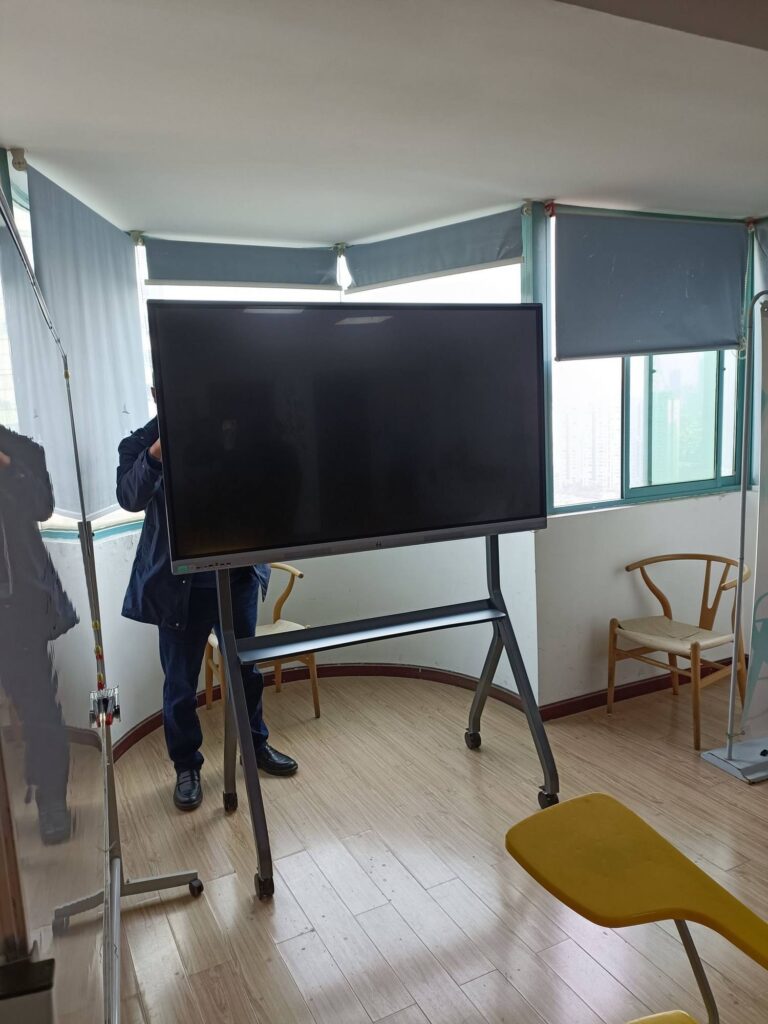
Workshops on mortgages, retirement planning, and small-business budgeting benefit from split-screen comparisons and live calculator demonstrations. Portability matters here, since many adult programs rotate between community rooms, making a mobile stand or a battery-powered rotating screen a practical choice.
Choosing the Right Smart Board for Financial Literacy Lessons
The features that matter most for money education are slightly different from those for art or science classes. Prioritize the following when evaluating hardware.
- 4K resolution: Spreadsheets, statements, and charts contain dense small text. A sharp 4K panel keeps every cell and decimal readable.
- Multi-touch with handwriting recognition: Students need to write numbers and have them converted to clean digits for calculations.
- Split-screen and multi-window support: Comparing two loan offers or showing a calculator beside the whiteboard canvas is a daily need.
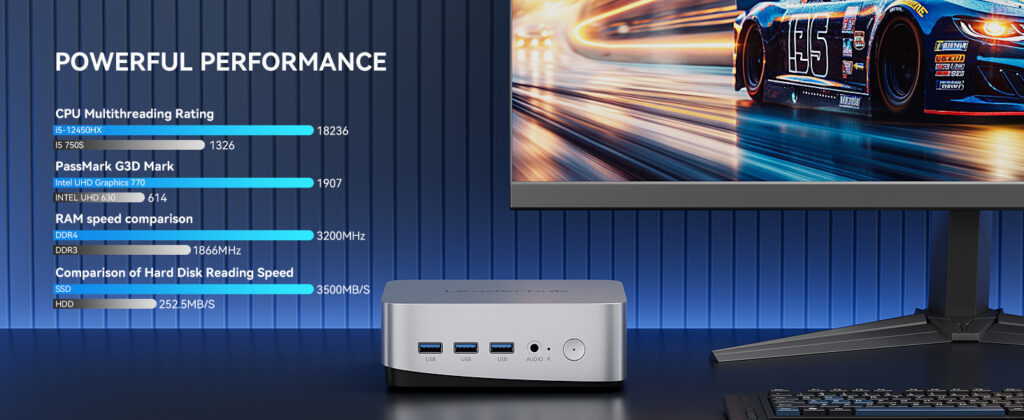
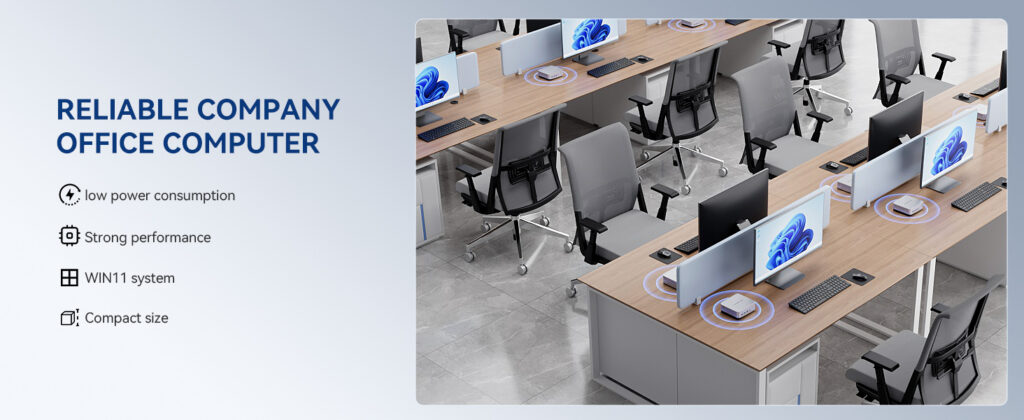
- Built-in Android plus optional PC module: Android handles quick apps and browsing; a mini PC runs full spreadsheet software and simulations.
- Wireless casting: Lets students share their own budgets from personal devices for peer review.
- Cloud export: One-tap saving to QR code, email, or cloud drive keeps lesson records organized.
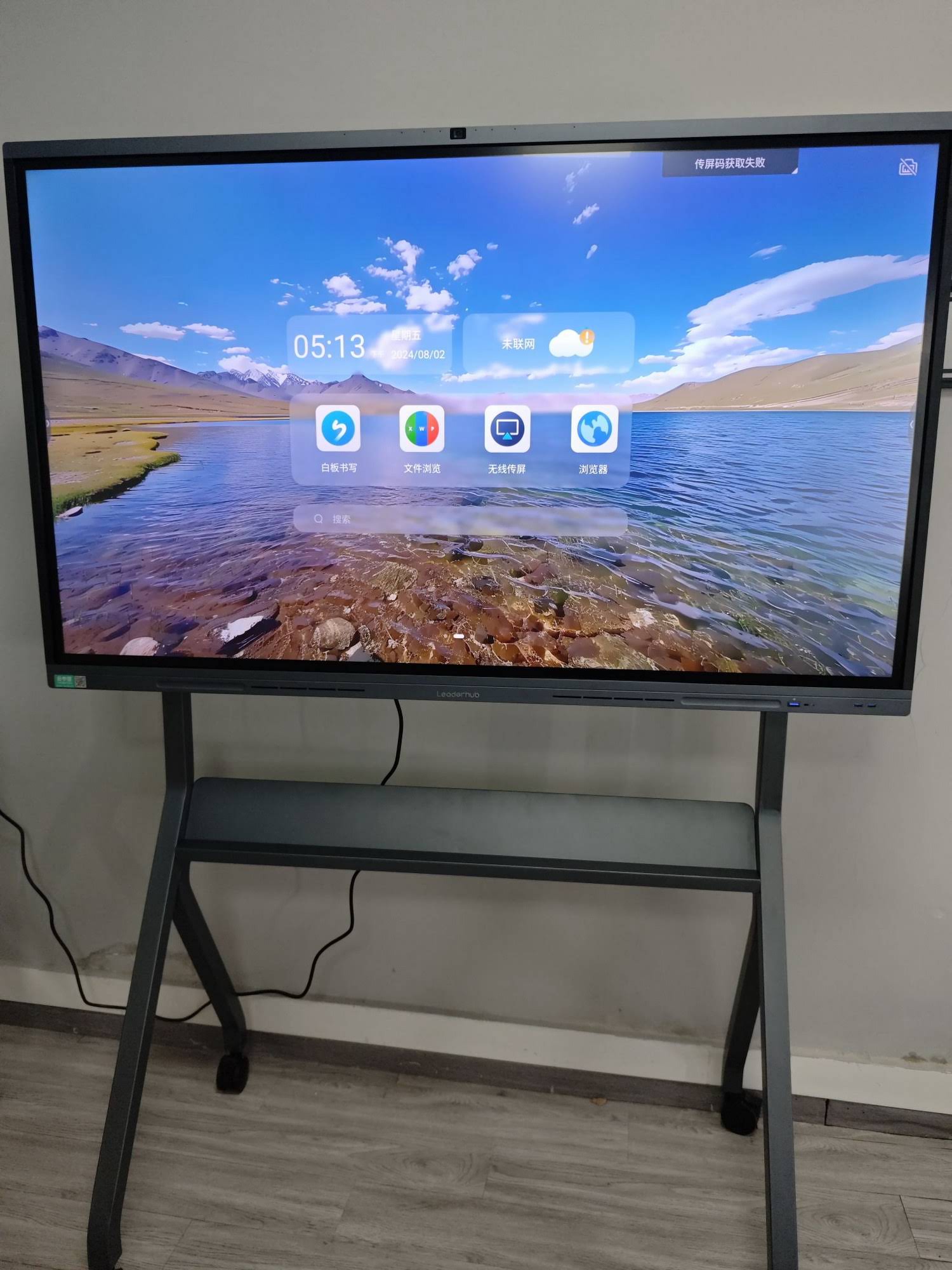
Leaderhub, a Shenzhen-based manufacturer with 16 years of interactive-display expertise serving 82 countries, offers several panels that fit these requirements at education-friendly price points. The table below compares popular options for classrooms and training rooms.
| Model | Size | Best For | Price |
|---|---|---|---|
| Leaderhub L65ZM Interactive Whiteboard | 65″ 4K | Small classrooms, elementary & middle school | $1,099.00 |
| Leaderhub L75HM Smart Whiteboard | 75″ 4K | Standard high school classrooms | $1,599.00 |
| Leaderhub L86ZM Interactive Whiteboard | 86″ 4K | Large lecture rooms and adult workshops | $1,699.00 |
| Leaderhub L277M Smart Rotating Screen | 27″ with battery | Small-group tutoring and mobile community programs | $899.00 |
| Leaderhub LP1C Mini PC | Intel N100, 8GB RAM | Running full spreadsheet software on any panel | $399.00 |
You can browse the full range of smart whiteboards for education or explore compact mini PCs that turn any display into a full financial modeling workstation.
Measuring the Impact of Smart Board Financial Literacy Lessons
Administrators and funders want evidence. Fortunately, interactive displays make data collection easier than ever.
- Pre- and post-unit quizzes delivered through the panel’s polling tool give you an instant knowledge-gain snapshot.
- Saved board sessions document which concepts generated the most student contributions.
- Simulation leaderboards track decision quality over time, not just final scores.
- Capstone presentations delivered on the board let students demonstrate budgeting and planning skills in front of peers.
Broader studies on interactive displays in schools, such as those covered by the Technology and Student Learning publication, consistently find that outcomes improve when technology use is structured, purposeful, and teacher-led. Financial literacy, with its clear measurable competencies, is an ideal subject to demonstrate this effect.
Common Mistakes to Avoid
- Using the board as a passive projector. If students never touch it, you are missing its main value.
- Overloading a single screen with too many numbers. Break complex statements into layers and reveal them one at a time.
- Ignoring the back of the room. Choose a panel size appropriate to your space and zoom in on key figures.
- Skipping the reflection step. After every interactive activity, ask students what they would do differently with their own money.
- Forgetting to update examples. Interest rates and prices change; refresh your scenarios each term.
Frequently Asked Questions
Do I need special financial literacy software for a smart board?
No. Most lessons work with the built-in whiteboard app, a web browser, and a spreadsheet program. Free calculators and simulators cover the rest.
What size smart board is best for financial literacy classes?
For rooms with 25 to 35 students, a 75-inch panel is the sweet spot for spreadsheet legibility. Larger lecture spaces benefit from 86 inches or more.
Can students use their own devices alongside the board?
Yes. Wireless casting and polling tools let students contribute from phones, tablets, or laptops while the panel displays aggregated results.
How do I keep younger students engaged with money topics?
Game formats such as sorting walls, quiz-show grids, and simple saving challenges with visual progress bars work extremely well on a touchscreen for younger learners.
Is an interactive flat panel worth it for a single financial literacy course?
A smart board serves every subject in the building, so the investment is shared across the curriculum. Financial literacy simply happens to be one of the subjects where its interactive strengths are most visible.
Final Thoughts
Financial literacy determines how confidently students will navigate rent, loans, savings, and careers for the rest of their lives. A smart board for financial literacy lessons transforms these high-stakes concepts from abstract vocabulary into hands-on experiences that students remember. By combining thoughtful activity design, trustworthy digital tools, and a reliable 4K interactive display, teachers can build a classroom where every learner leaves with practical money skills and the confidence to use them.
Ready to bring interactive money education to your school or training center? Contact the Leaderhub team to discuss classroom configurations, bulk education pricing, and customized solutions for your financial literacy program.