Government agencies are under constant pressure to do more with less: protect sensitive citizen data, modernize aging desktop fleets, reduce energy bills, and still fit everything inside tight annual budgets. The traditional tower PC no longer matches these realities. A modern mini PC for government agencies delivers the processing power public-sector staff need in a chassis the size of a paperback book, while supporting the security controls, lifecycle management, and procurement transparency that IT departments and auditors demand.
This guide walks procurement officers, IT directors, and department heads through the criteria that matter most when selecting compact desktops for public administration, courts, municipal offices, public libraries, and front-line service counters. It also highlights where LeaderHub mini PCs fit into a secure, cost-effective government desktop strategy.
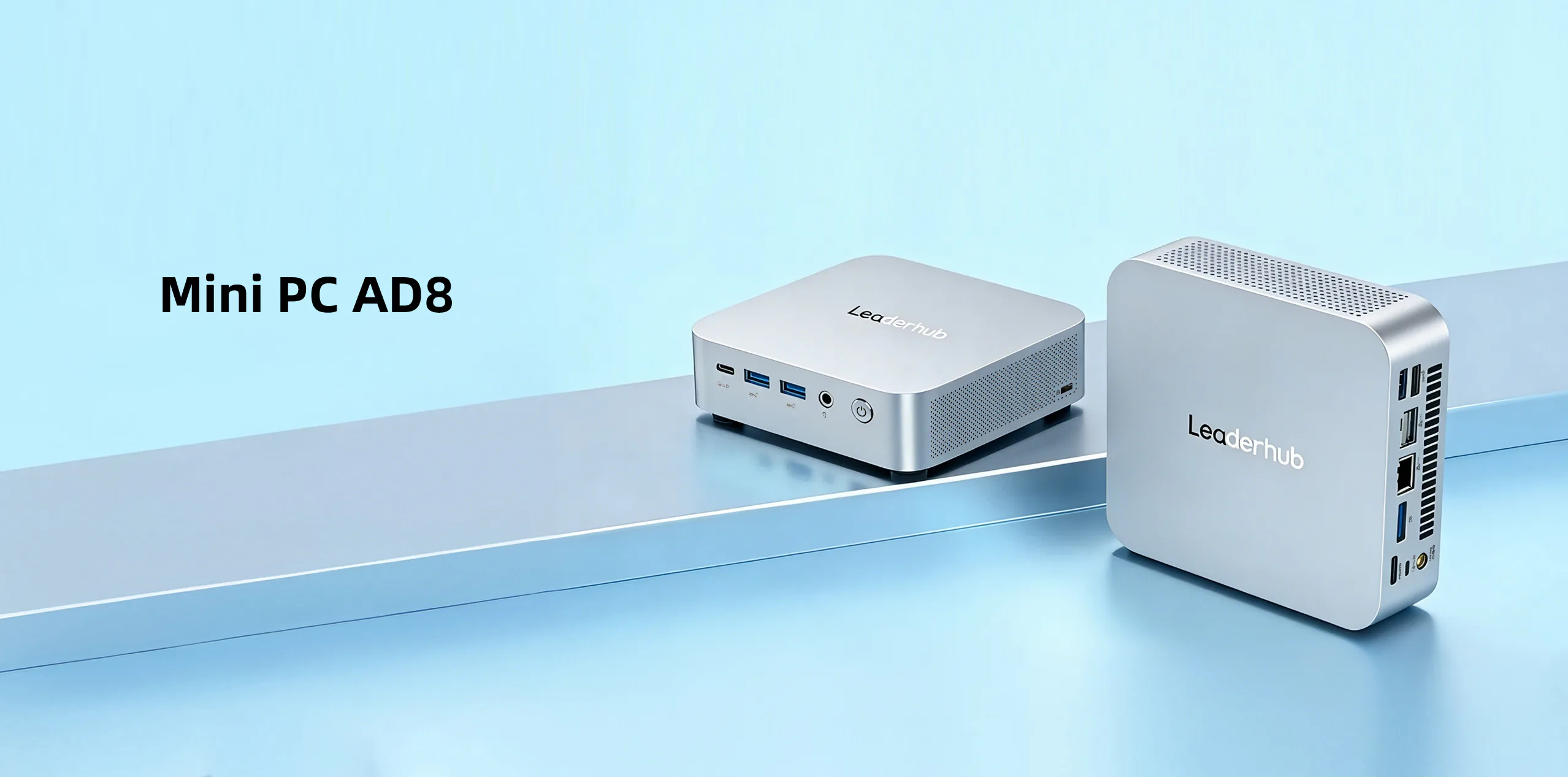
Why Government Agencies Are Replacing Tower Desktops with Mini PCs
Public-sector IT teams historically favored full-size desktops because they were easy to service and upgrade. That advantage has faded. Today’s compact systems ship with modern Intel processors, NVMe storage, and enough I/O to run three monitors, yet they consume a fraction of the power and desk space. The shift is being driven by several practical factors:
- Space constraints in shared service counters, hot-desking offices, courtrooms, and historic buildings where cabling and floor space are limited.
- Energy mandates that require agencies to lower electricity consumption and carbon footprint across their estates.
- Hybrid work policies that make it easier to issue a small, sealed device that can be mounted behind a monitor or moved between locations.
- Security hardening needs, where fewer exposed ports, locked chassis, and firmware-level protections reduce attack surface.
- Budget cycles that favor lower unit cost, lower power draw, and predictable multi-year refresh plans.
In short, the mini PC has evolved from a niche thin-client alternative into a mainstream desktop platform suitable for most knowledge-worker and public-facing roles in government.
The Three Pillars: Secure, Compact, Cost-Effective
Every government desktop purchase ultimately comes down to three priorities. The table below summarizes what each pillar means in practice and the questions procurement teams should ask vendors.
| Pillar | What It Means for Agencies | Questions to Ask Vendors |
|---|---|---|
| Secure | Protects citizen records, internal communications, and network credentials from physical and remote threats. | Is TPM 2.0 included? Does firmware support Secure Boot? Can USB ports be disabled by policy? Is there a Kensington lock slot? |
| Compact | Fits service counters, shared desks, kiosks, and mobile carts without compromising display or peripheral support. | Does it include a VESA mount? How many displays can it drive? What is the noise level under load? |
| Cost-Effective | Lowers total cost of ownership across purchase price, energy use, support labor, and refresh cycles. | What is the idle and typical power draw? What warranty and spare-parts availability is offered? Is volume pricing available? |
Security Requirements for Government Mini PCs
Security is non-negotiable in public administration. Whether an agency follows national frameworks, ISO 27001, or internal data-classification policies, the endpoint device is the first line of defense. When evaluating a mini PC for government use, verify the following capabilities.
Hardware-Level Protection
- TPM 2.0 chip for disk encryption keys, credential storage, and Windows 11 compliance.
- UEFI Secure Boot to prevent unauthorized bootloaders or rootkits from loading.
- BIOS password and port control so administrators can lock USB storage, disable unused interfaces, and prevent boot-order tampering.
- Physical security slot (Kensington or equivalent) and VESA mounting to keep devices out of sight and out of reach at public counters.
Operating System and Lifecycle Security
- Compatibility with Windows 11 Pro or Enterprise, or stable Linux distributions used in government environments.
- Support for centralized management tools such as Microsoft Intune, Active Directory Group Policy, or open-source alternatives.
- Long-term driver and firmware update availability for the full expected service life, typically five to seven years in public-sector fleets.
- Full-disk encryption support (BitLocker, LUKS) that performs well on NVMe SSDs without slowing daily tasks.
Network and Access Considerations
- Gigabit or 2.5G Ethernet for wired, segmented networks that remain the standard in most government buildings.
- Wi-Fi 6 and Bluetooth 5.x for flexible deployments in meeting rooms and temporary offices, with the option to disable wireless entirely through BIOS where policy requires.
- Enough USB and video ports to support smart-card readers, signature pads, barcode scanners, and dual-display workstations common in licensing and registry offices.
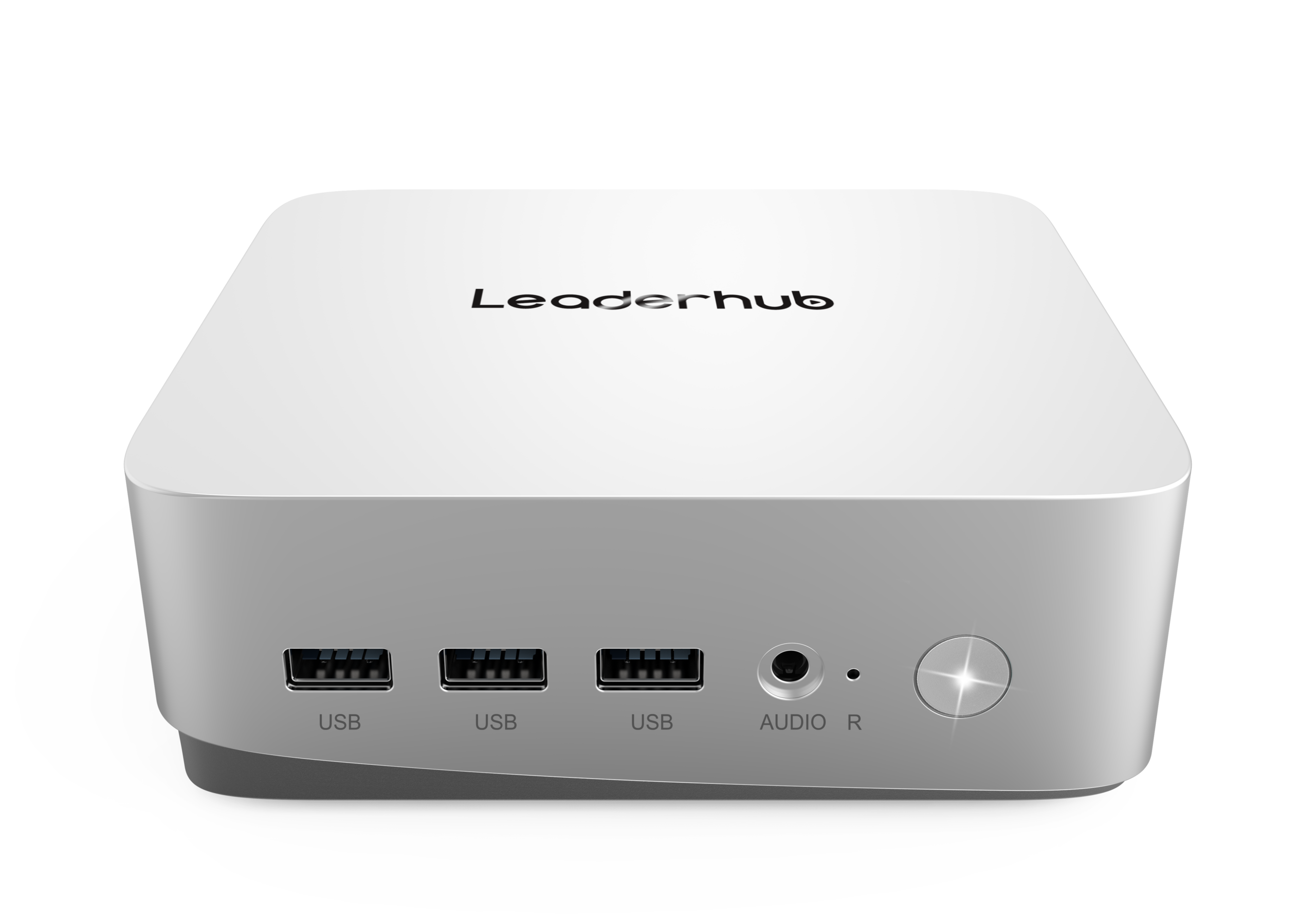
Matching Mini PC Performance to Government Roles
Not every desk needs the same hardware. Over-specifying wastes budget; under-specifying creates productivity complaints and shortens useful life. A tiered approach lets agencies standardize on a small number of models while still meeting the needs of different departments.
| Tier | Typical Roles | Recommended Specification | LeaderHub Match |
|---|---|---|---|
| Tier 1 – Essential | Front-desk reception, public library terminals, kiosks, document lookup stations, digital signage players | Intel N100, 8GB RAM, 512GB SSD, dual display, fanless or low-noise cooling | LeaderHub LP1C Mini PC |
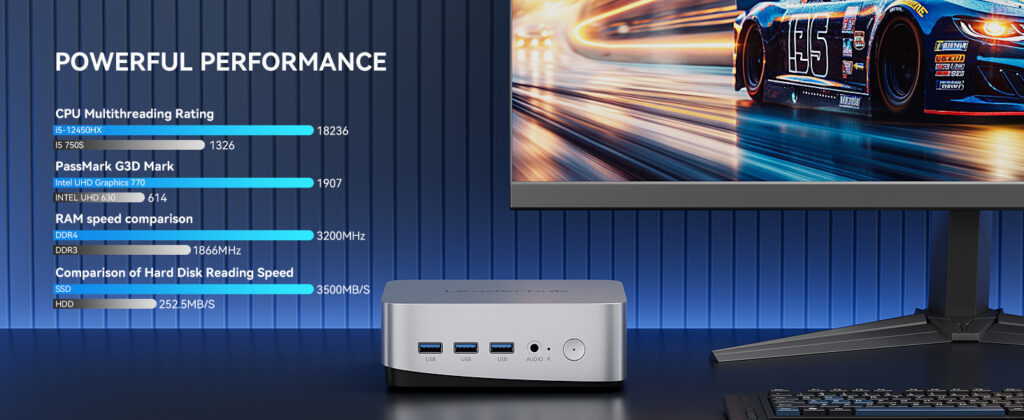
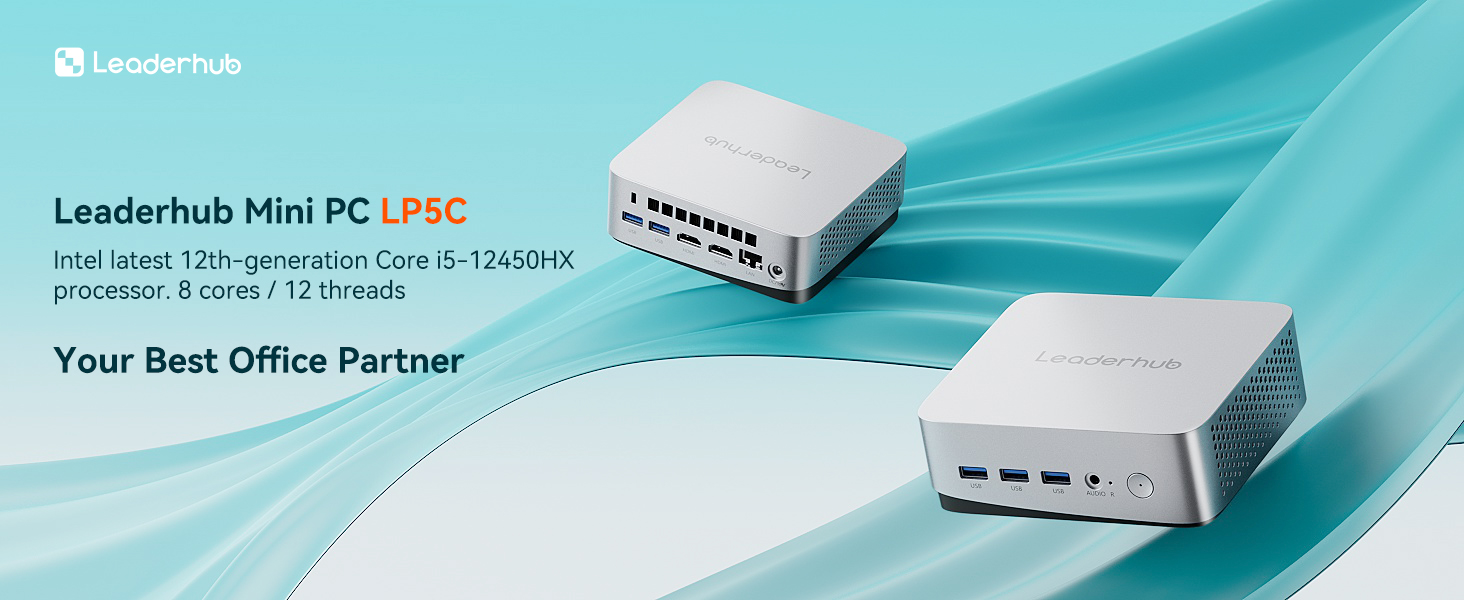
| Tier 2 – Professional | Administrative staff, case workers, finance and HR teams, planning departments running GIS viewers and large spreadsheets | Intel Core i5-12450HX, 16GB RAM, 512GB NVMe SSD, triple display support, Wi-Fi 6 | LeaderHub LP5C Mini PC |
| Tier 3 – Advanced | IT administrators, data analysts, communications teams editing video, meeting-room and council-chamber control systems | High-performance CPU, 16GB+ RAM, fast NVMe storage, multiple 4K outputs, 2.5G Ethernet | LeaderHub AD8 Mini PC |
Standardizing on two or three tiers simplifies image management, spare-parts stocking, and help-desk training, all of which translate into lower support costs over the life of the fleet.
Compact Deployment Scenarios in the Public Sector
The small footprint of a mini PC opens up installation options that are impractical with a tower. Agencies worldwide are using compact desktops in the following ways:
Citizen Service Counters
Mounting the PC behind the monitor with a VESA bracket keeps the counter clear, removes trip hazards from cabling, and places the device out of public reach. Staff gain a cleaner, more professional workspace and IT gains a tamper-resistant installation.
Council Chambers and Meeting Rooms
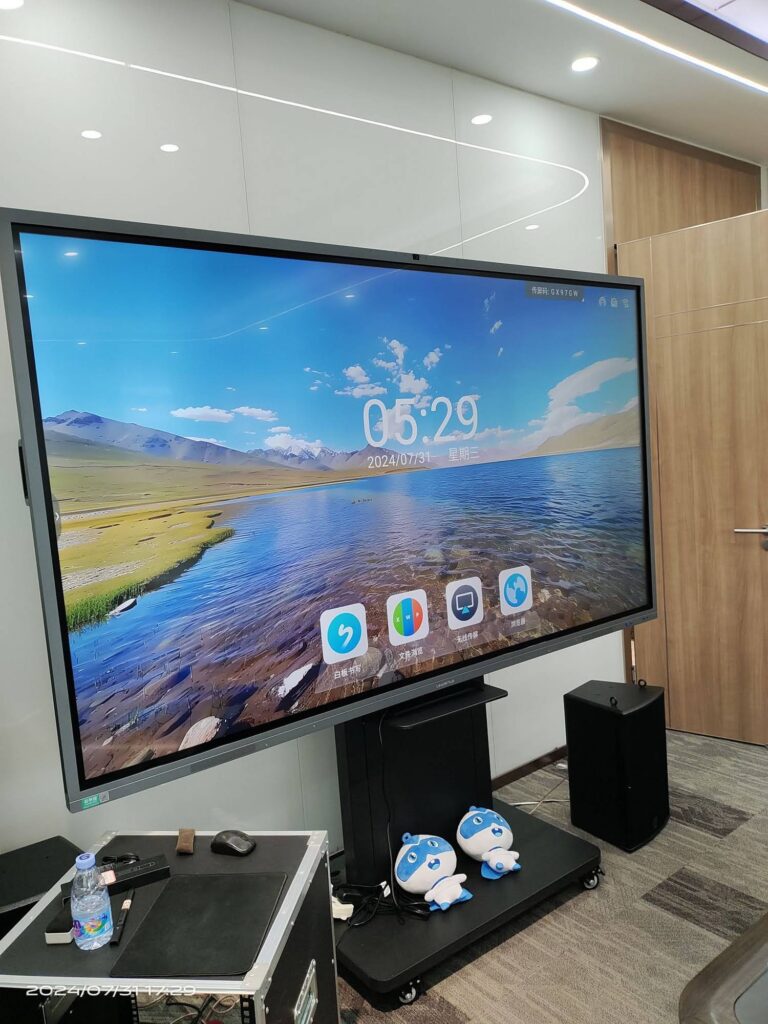
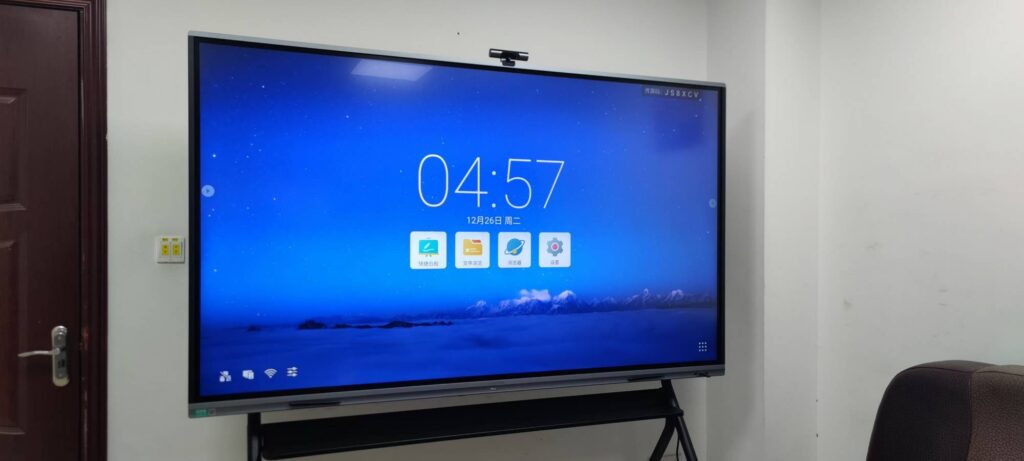
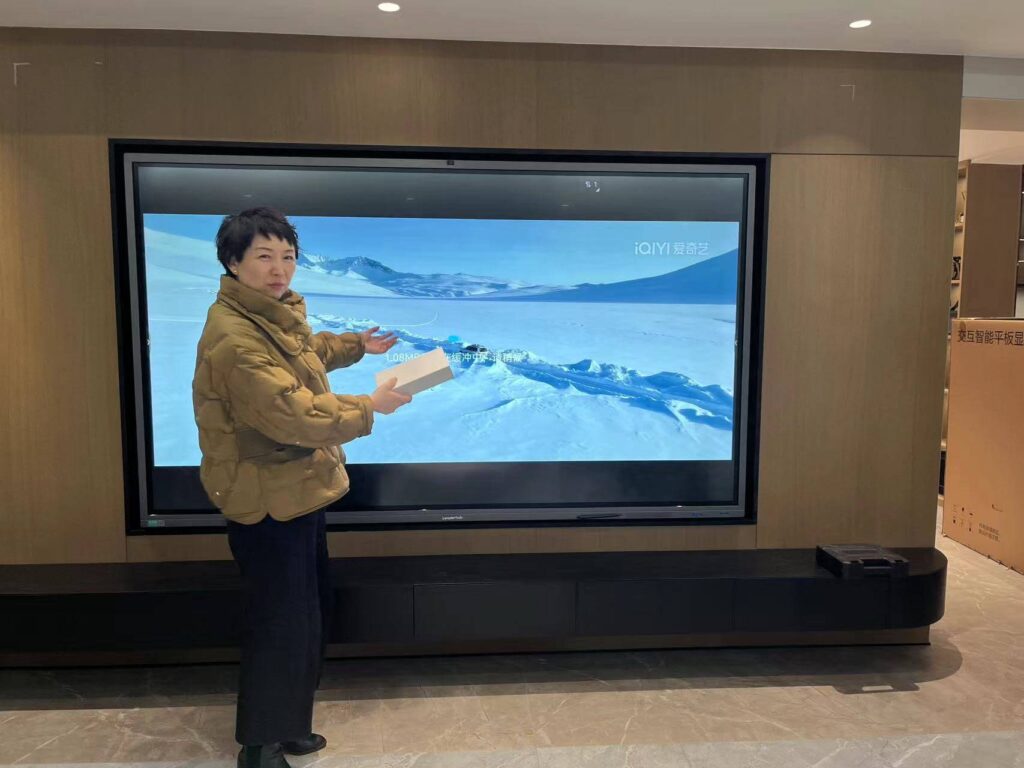
A mini PC paired with an interactive smart whiteboard turns a council chamber or briefing room into a collaborative space for presentations, agenda review, and remote participation. The compact form factor hides neatly inside AV cabinets or behind the display. For agencies designing new meeting spaces, the standards and best-practice resources published by AVIXA offer helpful guidance on room acoustics, display sizing, and integration.
Public Libraries and Community Centers
Low-power N100-class systems run quietly for long hours, support locked-down kiosk modes, and cost little to operate, making them ideal for public access terminals and catalog lookup stations.
Field Offices and Temporary Sites
During elections, census operations, or emergency response, agencies need equipment that can be transported, deployed, and recovered quickly. A sealed mini PC with Wi-Fi 6 and a single power brick is far easier to move than a tower and its accessories.
Calculating Total Cost of Ownership for Government Desktops
Purchase price is only one component of what a desktop costs an agency. A realistic TCO model over a five-year refresh cycle typically includes energy consumption, support labor, downtime, and end-of-life disposal. Mini PCs score well in nearly every category.
| Cost Factor | Traditional Tower Desktop | Modern Mini PC |
|---|---|---|
| Typical power draw (office workload) | 60–120 W | 10–35 W |
| Desk and storage footprint | Large; requires floor or desk space | Minimal; VESA-mountable behind monitor |
| Deployment time per unit | Higher due to cabling and placement | Lower; single power adapter and fewer cables |
| Noise and cooling load | Adds heat and fan noise to open offices | Low heat output; quiet or fanless options |
| Shipping and storage | Bulky; higher freight and warehouse cost | Compact; dozens of units per pallet |
| Entry price (2026 market) | Varies widely | From approximately $399 for an N100 system |
For an agency running several hundred desktops eight hours a day, the energy savings alone can reach thousands of dollars per year, before counting reduced air-conditioning load and simplified logistics.
LeaderHub Mini PCs for Public-Sector Deployment
LeaderHub is a Shenzhen-based technology company with 16 years of experience in the interactive display industry, delivering smart whiteboards, mini PCs, and portable smart screens to organizations in 82 countries, including strategic partners in the government, finance, and education sectors. Its mini PC range is designed around the same priorities government buyers care about: dependable hardware, clean industrial design, and straightforward pricing.
LeaderHub LP1C Mini PC — Intel N100, 8GB RAM, 512GB SSD
Priced at $399, the LP1C is the natural choice for Tier 1 deployments. The efficient Intel N100 processor handles browsers, office suites, and line-of-business web applications with ease, while the 512GB SSD leaves ample room for encrypted local storage. Its low power draw and small chassis make it ideal for public terminals, reception desks, and digital signage.
LeaderHub LP5C Mini PC — Intel i5-12450HX, 16GB RAM, 512GB SSD
At $799, the LP5C brings an eight-core Intel Core i5-12450HX and 16GB of memory to administrative and professional desks. It comfortably runs multiple virtual desktops, large spreadsheets, document management systems, and video conferencing simultaneously, giving case workers and finance teams the headroom they need for the next five years.
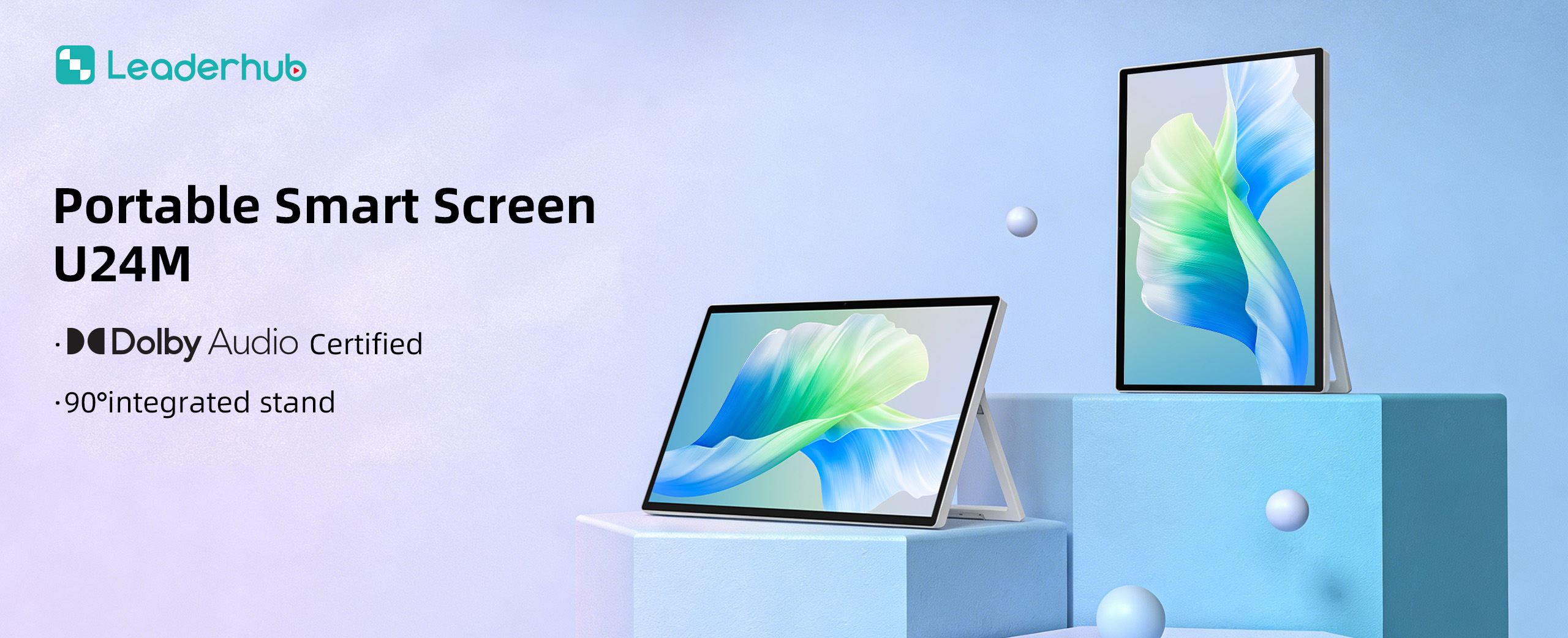
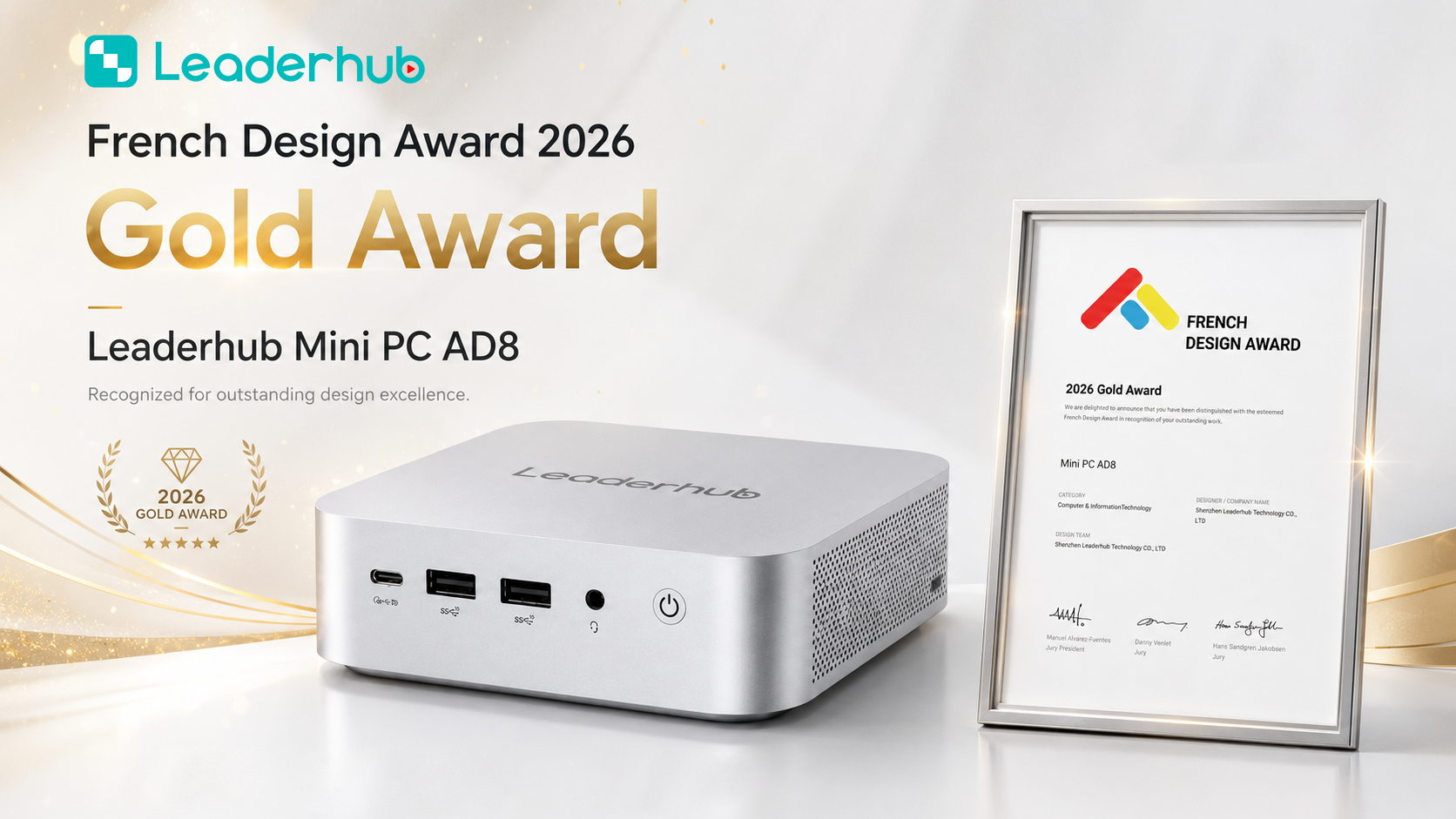
LeaderHub AD8 Mini PC
The flagship AD8 Mini PC, priced at $999, targets demanding roles such as IT administration, data analysis, media production, and meeting-room control. Its performance and connectivity make it a strong companion for large-format displays in council chambers and emergency operations centers.
Government Procurement Checklist for Mini PCs
Use the checklist below to structure RFPs and vendor evaluations. Each item reflects a common requirement in public-sector desktop tenders.
- Security baseline: TPM 2.0, UEFI Secure Boot, BIOS password protection, configurable USB port control, Kensington lock slot.
- Operating system compliance: Windows 11 Pro readiness or certified Linux support, with documented driver update policy.
- Performance tiering: Defined minimum CPU, RAM, and SSD per role; room for memory or storage upgrades where applicable.
- Display and peripheral support: Minimum dual-display output, sufficient USB ports for card readers and scanners, Gigabit Ethernet.
- Mounting and footprint: VESA bracket included; dimensions compatible with existing monitor arms and counter designs.
- Energy efficiency: Documented idle and typical power consumption; low-noise or fanless operation for public areas.
- Warranty and support: Multi-year warranty, advance-replacement options, and spare-parts availability for the full refresh cycle.
- Volume pricing and delivery: Transparent unit pricing at scale, reliable lead times, and consistent configuration across batches.
- Sustainability: Recyclable packaging, energy-efficient components, and take-back or responsible disposal programs.
- Vendor credibility: Track record with institutional customers, international presence, and references from comparable deployments.
Integrating Mini PCs with Interactive Displays
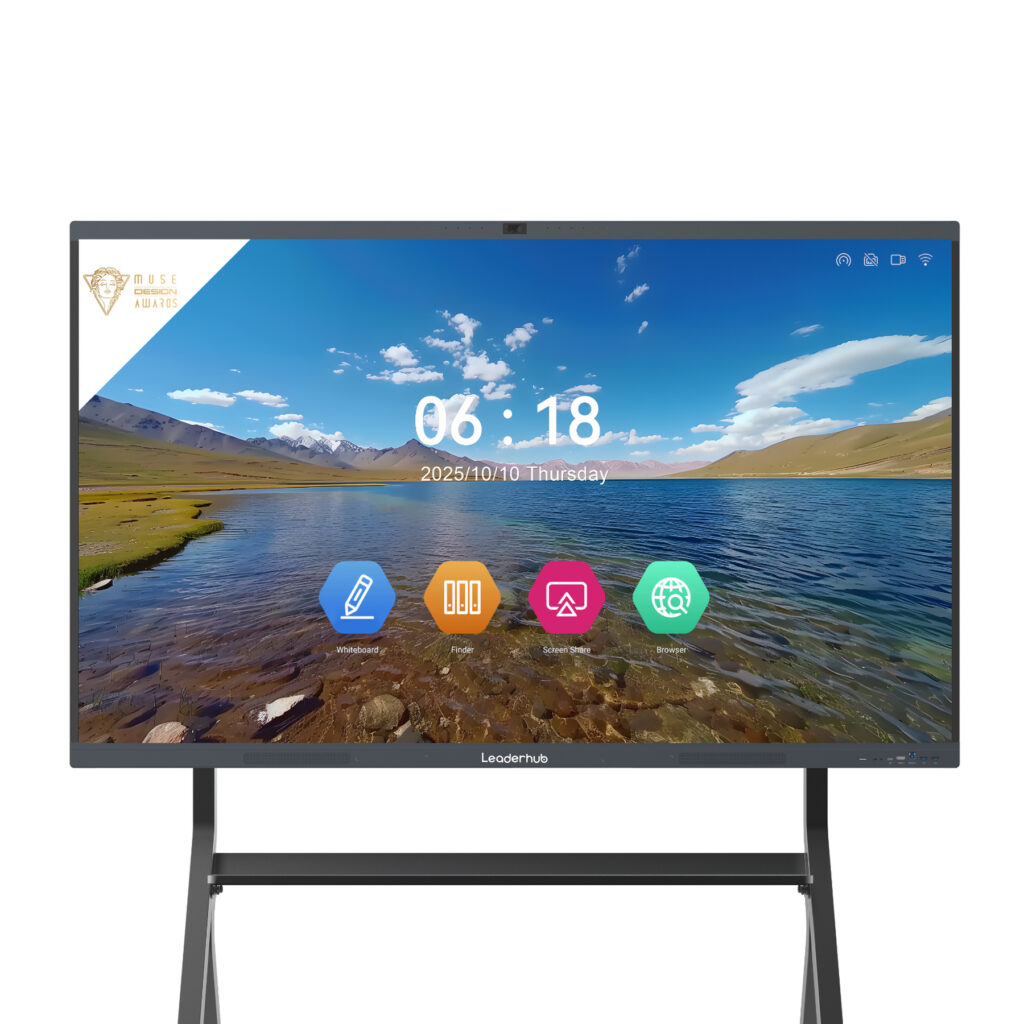
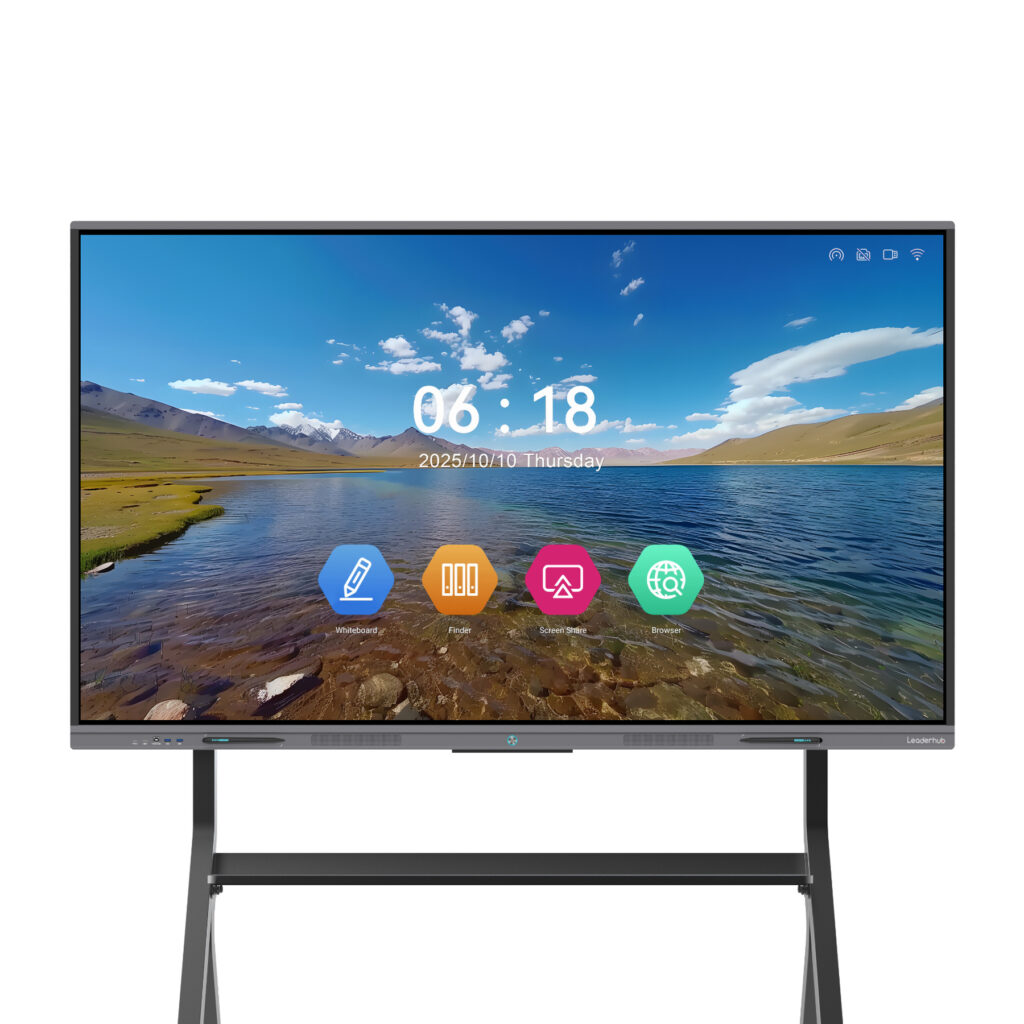
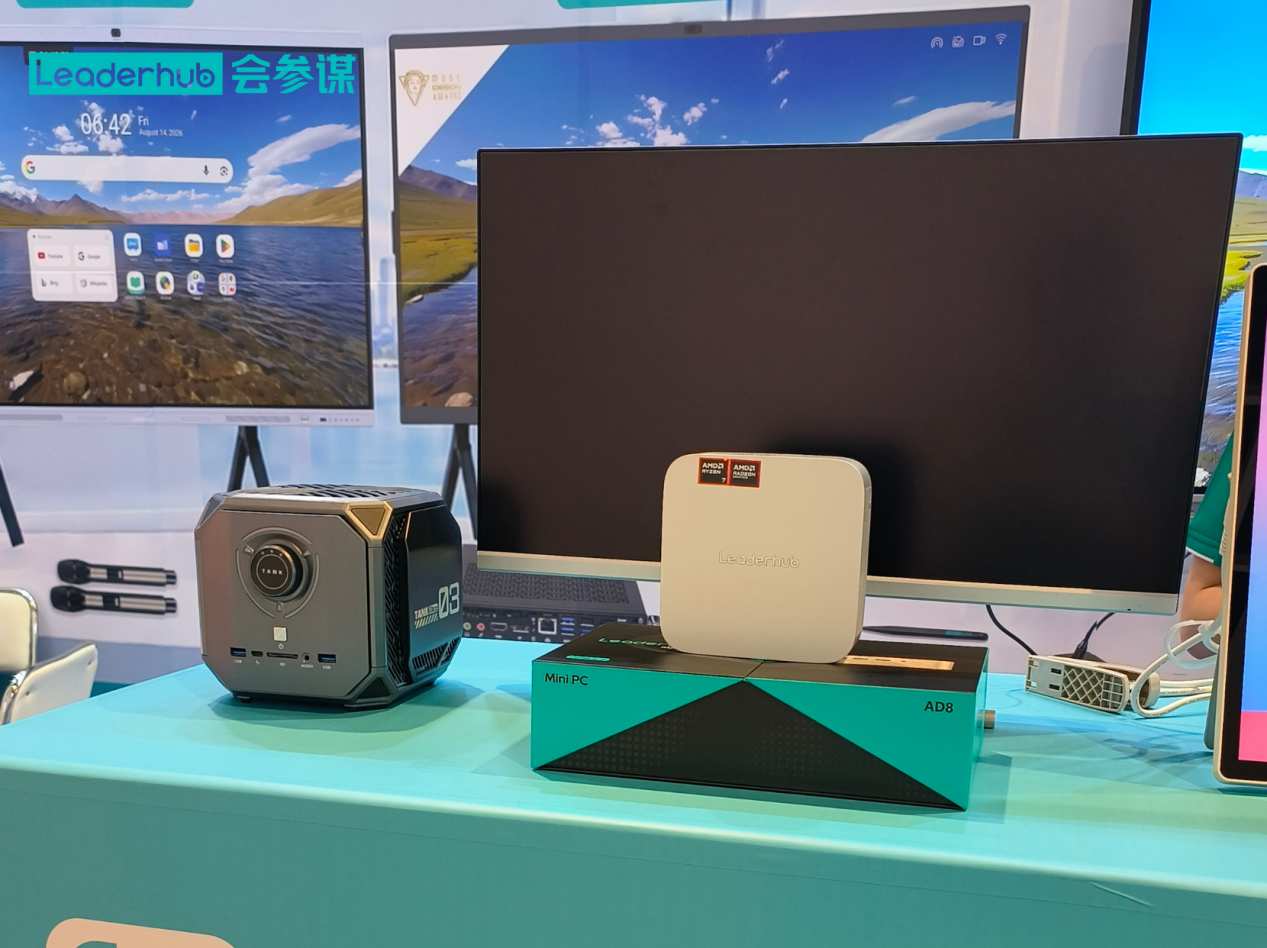
Many agencies modernize desktops and meeting rooms at the same time. Pairing a compact PC with an interactive flat panel such as the LeaderHub L75HM 75″ 4K Smart Whiteboard creates a unified platform for public hearings, training sessions, and cross-department collaboration. The mini PC provides a managed Windows environment that fits existing security policies, while the display delivers touch interaction, annotation, and wireless screen sharing. For smaller offices or mobile teams, the portable rotating smart screens offer a battery-powered alternative that moves between rooms as needed.
Frequently Asked Questions
Are mini PCs powerful enough for daily government work?
Yes. Modern mini PCs with Intel N100 or Core i5 processors handle office productivity, web-based government applications, video conferencing, and document management with ease. Only specialized workloads such as 3D GIS rendering or heavy video editing may require higher-tier configurations.
How do mini PCs improve security compared with tower desktops?
Compact systems can be mounted out of sight and locked in place, reducing the risk of tampering or unauthorized storage devices. Combined with TPM 2.0, Secure Boot, and BIOS-level port control, they offer a smaller physical and digital attack surface.
What is the expected service life of a mini PC in a government fleet?
With SSD storage and efficient cooling, five to seven years is a realistic lifespan when the device is properly specified for its role. Choosing a model with upgradeable RAM and storage extends useful life further.
Can mini PCs be managed centrally?
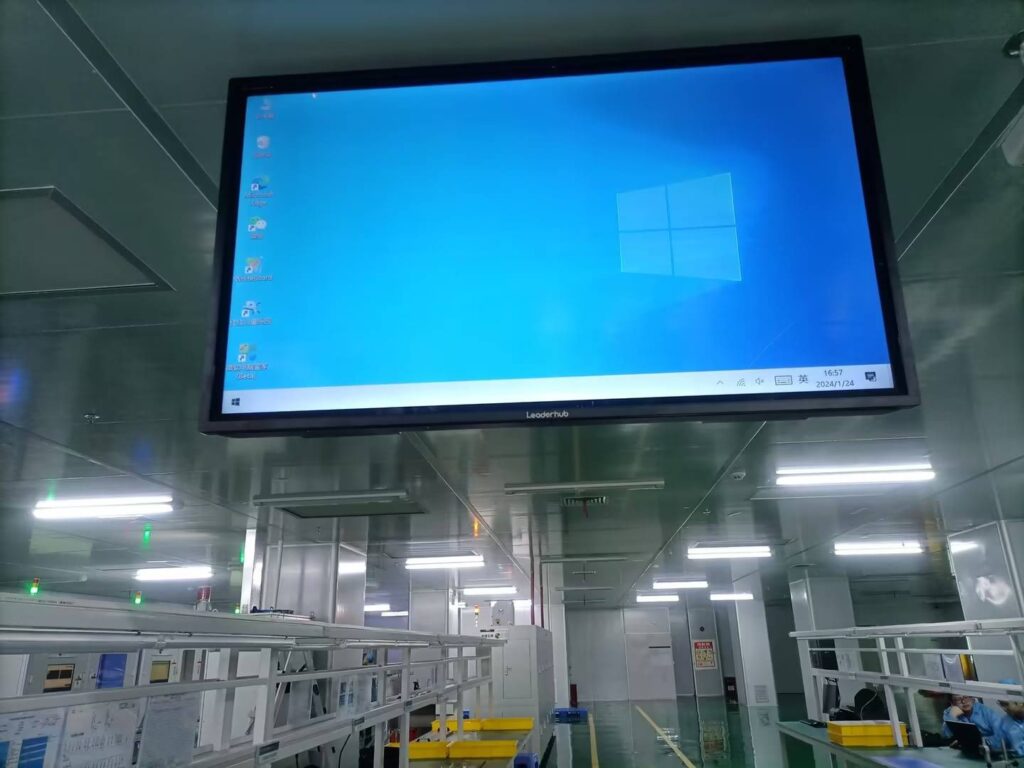
Absolutely. Mini PCs running Windows 11 Pro or Enterprise work with Active Directory, Group Policy, Microsoft Intune, and third-party endpoint management tools exactly like any other desktop.
Does LeaderHub support bulk orders for public institutions?
LeaderHub works with government agencies, system integrators, and distributors worldwide and offers volume pricing, consistent configurations, and OEM/ODM options. Agencies can contact the LeaderHub team to discuss tender requirements and deployment timelines.
Final Thoughts
Choosing a mini PC for government agencies is ultimately about balancing three things: protecting data, fitting into real-world workspaces, and respecting taxpayer budgets. By defining clear performance tiers, insisting on hardware-level security features, and modeling total cost of ownership rather than purchase price alone, procurement teams can build a desktop fleet that is quieter, greener, safer, and easier to manage than the towers it replaces.
Whether an agency needs a $399 entry-level system for public terminals or a high-performance unit for its operations center, the LeaderHub lineup covers every tier with transparent pricing and proven international support. Explore the full range of LeaderHub mini PCs or browse all products to start planning your next desktop refresh.