
Smart Whiteboard Exporter for Seamless Sharing
Unlock frictionless digital session handoffs. Export multi-layer canvas notes, AI annotations, and real-time interactive diagrams into cloud ecosystems, encrypted PDFs, and vector graphics instantly with LeaderHub technology.
What Is a Smart Whiteboard Exporter?
Redefining meeting post-processing through automated, loss-free vector serialization and multi-platform data broadcast.
In modern collaborative ecosystems, brainstorming sessions and interactive instruction are only as effective as their documentation. A dedicated smart whiteboard exporter acts as the intelligent bridge between physical canvas interactions and distributed enterprise cloud repositories. Rather than forcing users to rely on low-resolution screen captures or manual photograph archiving, advanced export pipelines serialize vector pen strokes, shape recognition vectors, AI-transcribed notes, and layered multimedia directly into universally accessible formats.
At LeaderHub, we engineer interactive flat panels powered by hardware-level graphic processing units (GPUs) and integrated Android/Windows dual architectures. This architecture guarantees that when users initiate an export on devices like the LeaderHub L65HM Interactive Smart Whiteboard, the system handles infinite canvas scaling without rendering latency or pixelation artifacts.
Whether exporting real-time flowcharts to Microsoft OneDrive, generating instant QR codes for mobile participant access, or producing encrypted multi-page PDF records, our smart whiteboard exporter technology turns passive displays into active enterprise knowledge hubs.

Versatile Multi-Format Export Pipelines
LeaderHub software integrates high-throughput graphic converters tailored for modern engineering, medical, and educational standards.
Lossless Vector PDF & SVG
Eliminate blurry screenshots. Export multi-page canvas discussions into high-resolution vectorized PDFs and SVG files compliant with ISO 9241-125 display ergonomics for detailed CAD reviews and architectural revisions.
Dynamic QR Code Handshakes
Meeting participants can scan dynamic on-screen QR codes to instantly download minutes to iOS, Android, or Windows devices without needing software installations or third-party drivers on local client machines.
Enterprise Cloud Sync
Direct single-touch export connections to Google Drive, Microsoft OneDrive, Dropbox, and secure enterprise WebDAV servers, fully adhering to FERPA data privacy standards and corporate IT compliance.
Performance Specification & Comparison
Compare traditional board sharing protocols with LeaderHub’s AI-assisted smart whiteboard exporter architecture.
| Feature Criterion | Legacy Interactive Displays | LeaderHub Smart Whiteboard Exporter | Enterprise Operational Benefit |
|---|---|---|---|
| Export Resolution | Standard 1080p Bitmaps (.png, .jpg) | 4K Lossless Vector PDF / SVG | Retains pristine line crispness at any zoom level |
| Export Distribution | Manual USB Stick Transfer Only | QR Code, Cloud Storage, Email & WebDAV | 90% reduction in meeting wrap-up and sharing latency |
| Multi-Page Canvas Handling | Page-by-page manual capture | Single-touch full-session packaging | Consolidates all slides, annotations & notes seamlessly |
| Hardware Processing | Basic Onboard CPU rendering | Dedicated GPU Vector Acceleration | Zero lag even when exporting massive 100+ page sessions |
| Security & Encryption | Unencrypted temporary storage | AES-256 Cloud Token Transmission | Ensures full compliance with corporate data safety protocols |
Featured Export-Ready Hardware
Experience built-in smart whiteboard export engines across the entire LeaderHub interactive hardware lineup.

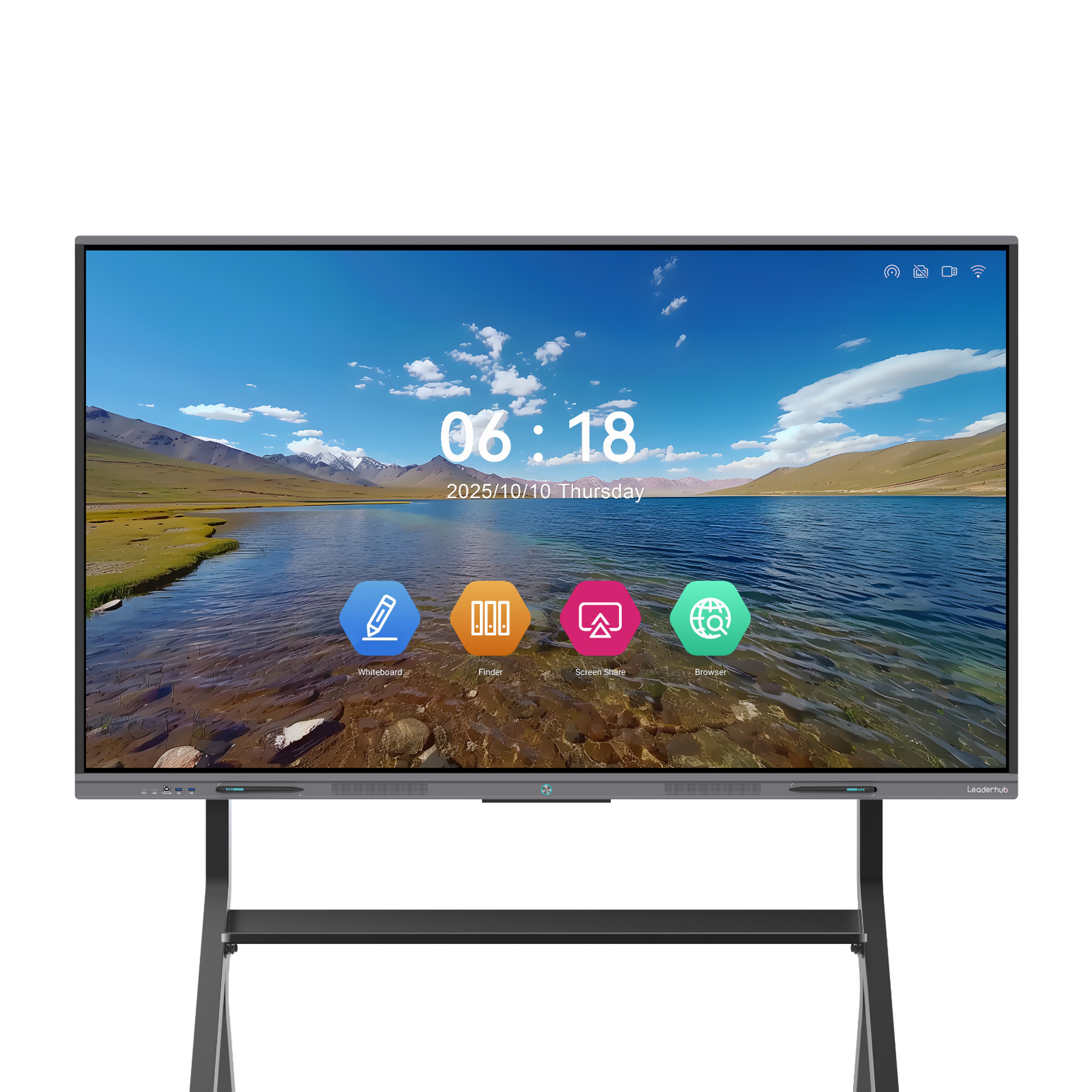
LeaderHub L65HM 65″ 4K Touchscreen
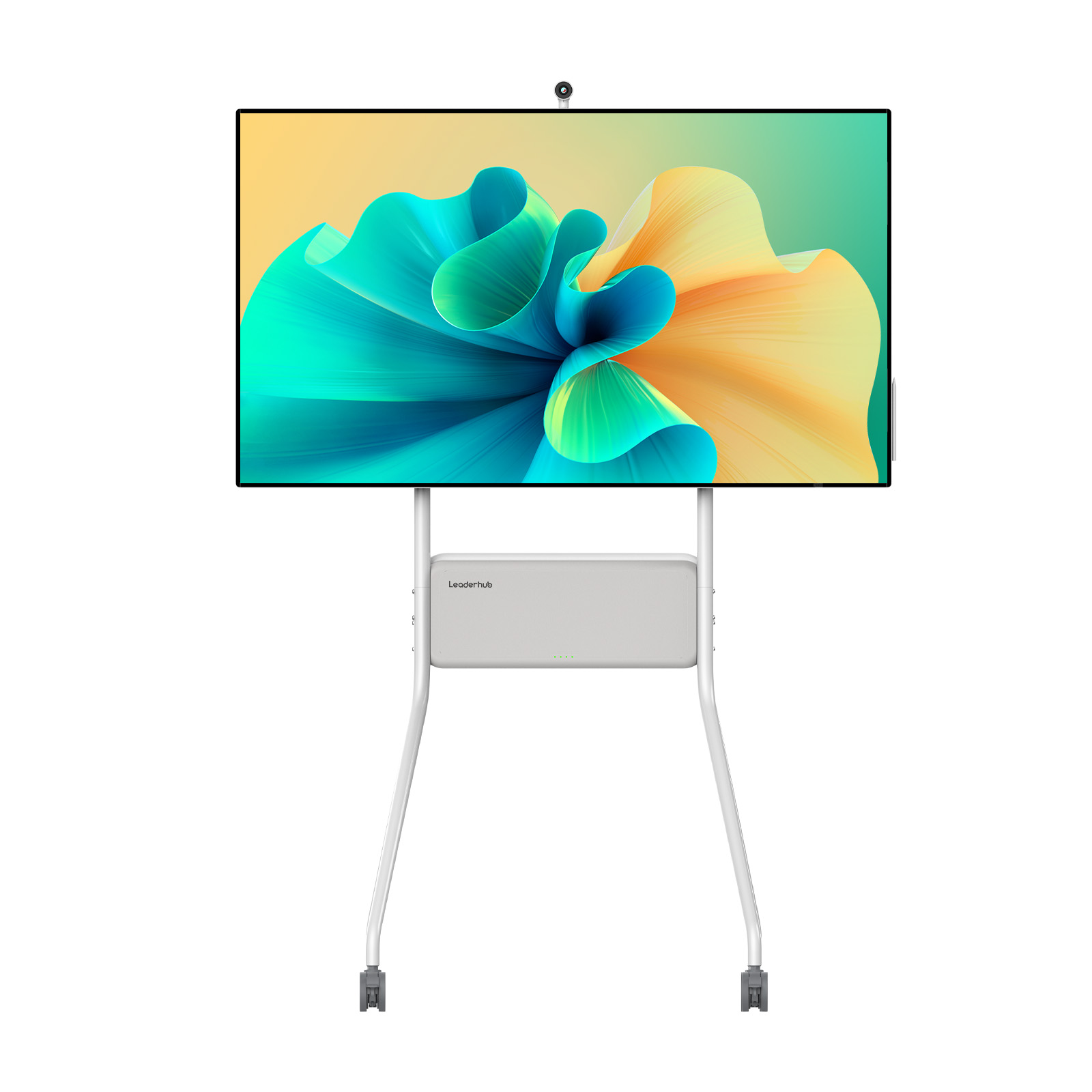
LeaderHub L75ZM 75″ 4K Smart Panel
LeaderHub U55Pro 55″ Mobile 4K Panel
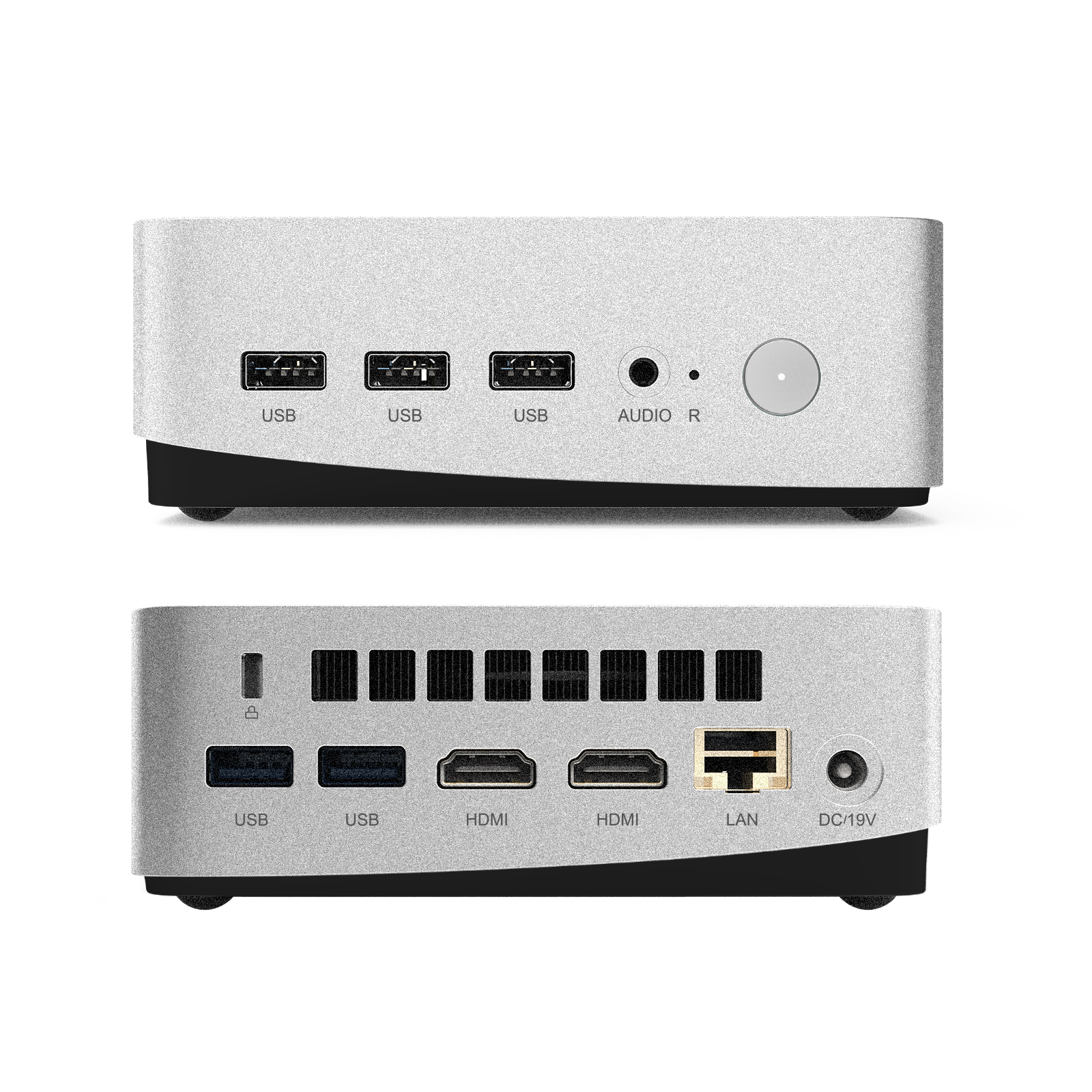
LeaderHub LP5C Mini PC Intel i5
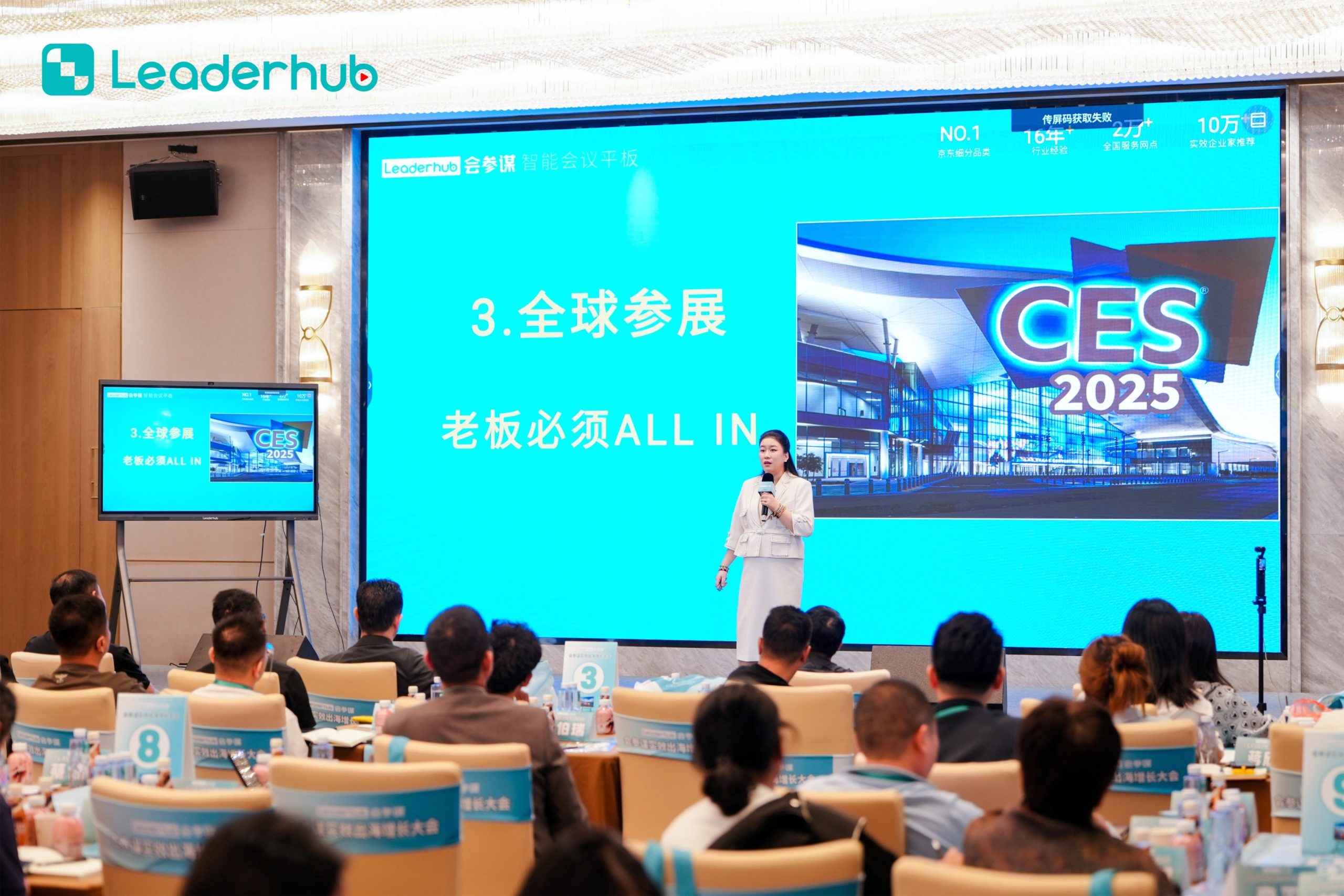
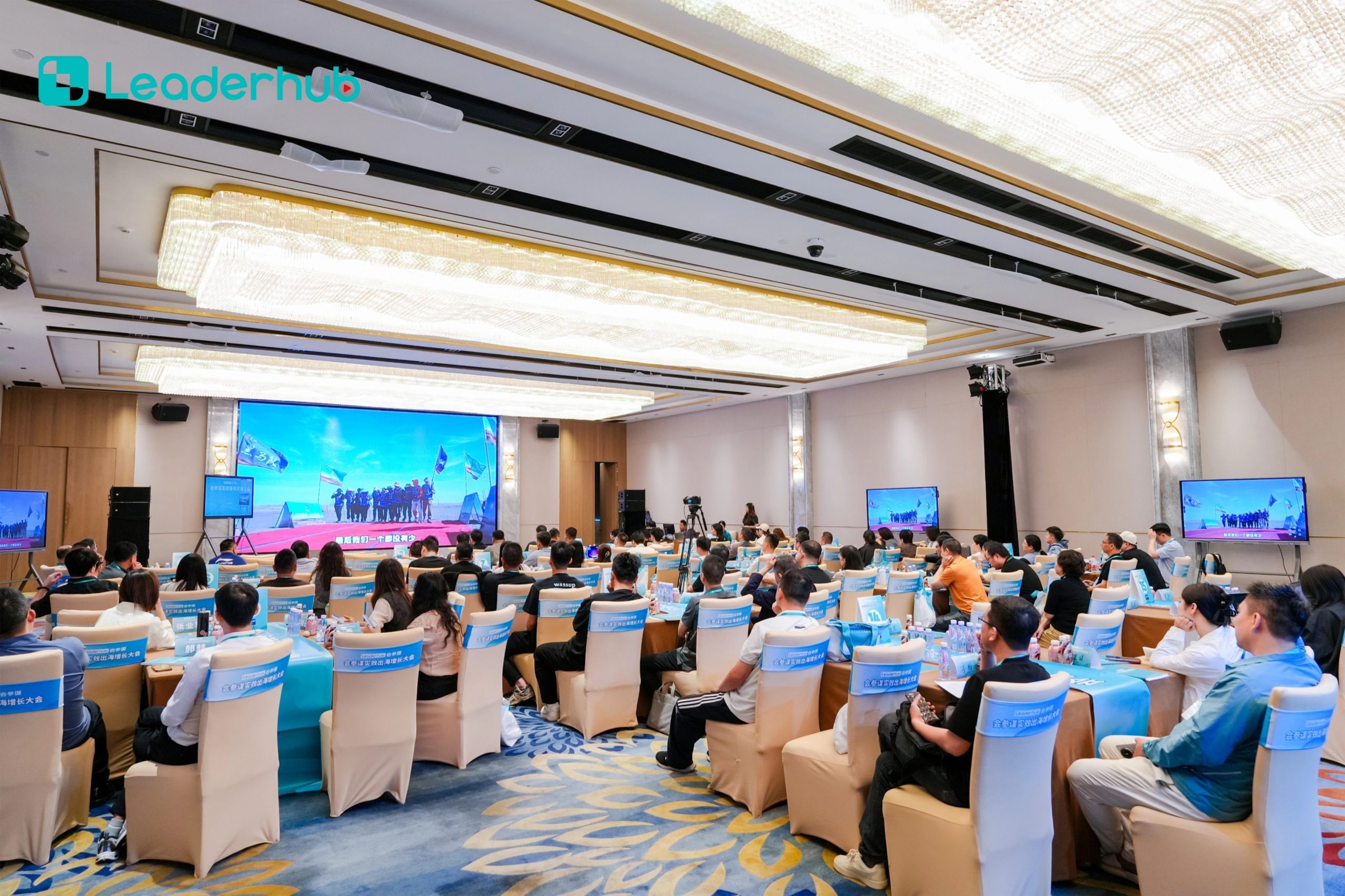
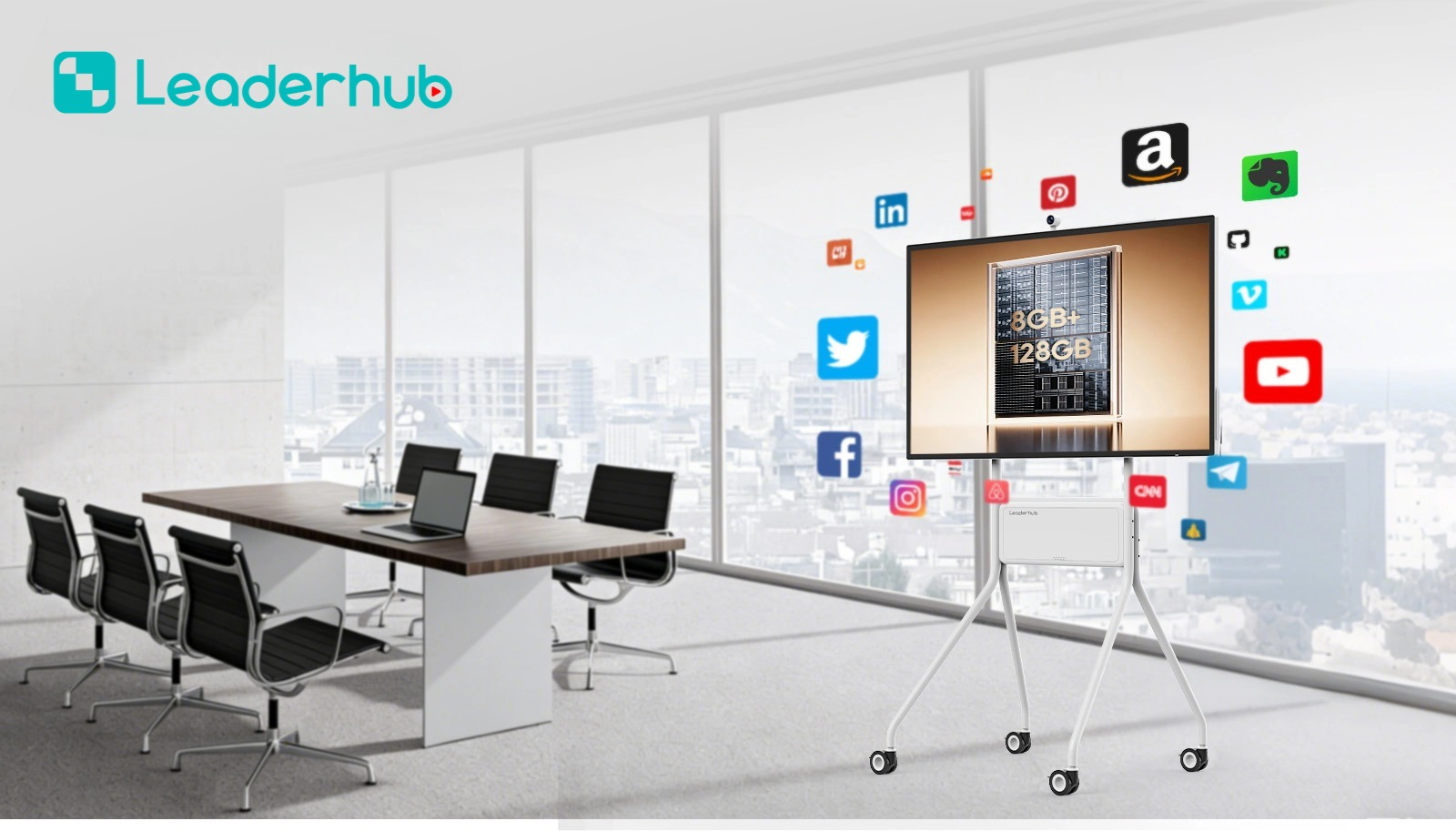
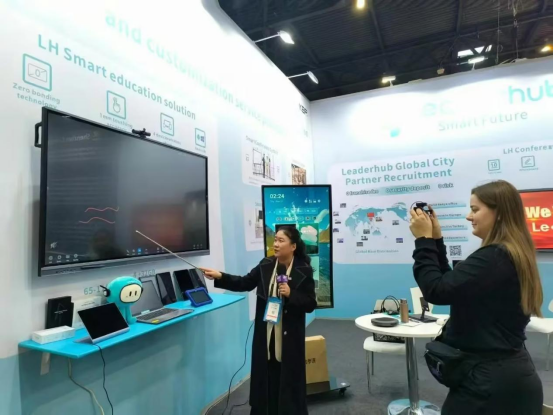
Demonstrated Globally in Real Environments
LeaderHub interactive flat panels and whiteboard exporters drive seamless collaboration across educational institutes and global enterprise trade expos.


Frequently Asked Questions
Key technical inquiries regarding file formats, data security, and cloud interoperability.
How does the smart whiteboard exporter handle multi-layer annotations?
The built-in LeaderHub OS isolates background presentation media, handwritten stroke vectors, and inserted media objects into distinct mathematical layers. When exporting to PDF or SVG, these layers are preserved, enabling recipients to highlight, edit, or search text annotations without quality loss.
Is internet access required to export meeting notes?
No. While cloud synchronization requires active network access, local exporting via dynamic Wi-Fi Direct QR codes, local area network (LAN) network drives, or physical high-speed USB drives operates entirely offline, guaranteeing business continuity in restricted network environments.
Are exported session files compliant with international privacy regulations?
Yes. LeaderHub interactive panels follow stringent security protocols compliant with guidelines outlined in the National Education Technology Plan and ISO standard data handling procedures. Local storage can be configured to auto-purge after meeting export handoffs are finalized.
Ready to Upgrade Your Meeting Export Capabilities?
Partner with LeaderHub to integrate intelligent touch displays and high-efficiency whiteboard exporter technology across your enterprise, school district, or global distribution network.
Headquarters
501-505, A2 Tower, Chuangzhi Yuncheng,
Liuxian Ave, Nanshan, Shenzhen, China
Manufacturing Base
Bldg 1, 33 Hexiang Middle Rd,
Hecheng, Heshan, Guangdong, China
Mon – Sun: 9:00 AM – 6:00 PM (GMT+8)
