
Best Value for Money Smart Board for Schools: 2026 Procurement Guide
Discover how top K-12 districts and higher education institutions secure high-performance 4K interactive flat panels, zero-air-gap touch accuracy, and low lifecycle costs without paying brand-inflated premiums.
What Truly Defines “Value for Money” in Modern EdTech?
Looking beyond sticker prices to evaluate total cost of ownership, software independence, and classroom usability.
When IT decision-makers and academic superintendents search for the value for money smart board, the common misconception is to equate value solely with the lowest upfront invoice price. However, as documented in institutional reviews such as the UNESCO Technology in Education Report, poorly designed digital infrastructure often carries hidden burdens: proprietary ecosystem lock-ins, mandatory annual subscription software licenses, specialized stylus replacement fees, and complex teacher training curves.
Real economic efficiency in school hardware procurement stems from the Total Cost of Ownership (TCO) over a 5 to 7-year educational equipment cycle. A truly cost-effective interactive touch panel must deliver commercial-grade hardware reliability (such as 4mm explosion-proof tempered glass and a 50,000-hour LED backlight), zero-barrier compatibility across Windows, Chrome OS, macOS, and Android platforms, and transparent software policies that never hold school-created digital lesson files behind paywalls.
Core Procurement Rule: An edtech screen that costs $1,100 with open architecture, 20-point multi-touch, and zero mandatory subscription fees yields significantly superior long-term institutional value compared to a $2,800 branded panel that forces districts into recurrent SaaS licensing and proprietary cables.
Leading global benchmarks, including the OECD Digital Education Outlook, emphasize that student learning outcomes do not correlate with high hardware prices. Instead, they depend on consistent technology availability and teacher confidence. Devices that provide direct, lag-free writing experiences, native wireless projection for one-to-one student devices, and robust remote device management represent the gold standard for fiscally responsible schools.
Comparing Top-Tier Value Solutions for Classrooms
An objective breakdown of display sizes, hardware specifications, and budget allocations.
| Model & Display Type | Resolution & Glass | Core Features & OS | Best Classroom Scenario | Price & Direct Access |
|---|---|---|---|---|
|
Leaderhub L65ZMBest Budget 65-Inch Interactive Panel |
4K UHD (3840×2160) 4mm Anti-Glare Glass |
20-Point IR Touch, Dual-Band Wi-Fi, Android Core, High-Precision Writing | Standard Classrooms (15–30 Students), Language Labs, Breakout Rooms |
$1,099.00 View Specifications → |
|
Leaderhub L75ZMTop Recommended 75-Inch Smart Panel |
4K UHD (3840×2160) Zero-Air-Gap Optical Bonding |
Multi-device Screencast, Dual-Stylus Differentiating, Fast Boot, Modular Slot | Standard K-12 Classrooms (25–45 Students), STEM Workshops |
$1,399.00 View Specifications → |
|
Leaderhub L86ZM 86-Inch Extra-Large Display |
4K UHD (3840×2160) Wide Viewing Angle 178° |
Dual Front-Facing Speakers, Comprehensive Connectivity (HDMI, USB-C, Touch-Out) | Lecture Theatres, Multi-Purpose Halls, Hybrid Auditoriums |
$1,699.00 View Specifications → |
|
Leaderhub L65HM 65-Inch Conference/Ed Hub |
4K Touchscreen Display Anti-Fingerprint Treated |
Built-in 4K AI Camera, 8-Array Microphone, Integrated Soundbar, Windows/Android | Distance Learning, Hybrid Classrooms, Administrative Boardrooms |
$1,299.00 View Specifications → |
|
Leaderhub U55Pro 55-Inch Mobile Smart Display |
4K Mobile Touchscreen Heavy-Duty Wheel Mount |
Integrated Battery Power, Omni-directional Mobility, Fast Wireless Mirroring | Special Ed Classrooms, Art Studios, Roving Teacher Stations |
$2,499.00 View Specifications → |
Engineered Specifically for Modern Classroom Collaboration
Meeting international hardware standards while ensuring intuitive adoption for educators of all disciplines.
Anti-Glare Optical Clarity
Standard high-definition screens often suffer from window reflections. Models like the Leaderhub L75ZM incorporate anti-glare, anti-scratch 4mm glass adhering to ISO 9241-300 Display Requirements for flawless wide-angle visibility.
Natural Pen-on-Paper Precision
With an ultra-responsive infrared touch matrix delivering less than 8ms writing latency and zero parallax error, teachers and students experience precise tactile feedback supported by research indexed in ERIC Education Technology Research.
Zero-Licensing Open Software
Avoid recurring annual fees. Seamlessly annotate over existing curriculum materials, run Google Classroom, Microsoft Office 365, or specialized STEM applications natively without proprietary paywalls.
Dual-System Architecture
Classrooms require versatility. With Leaderhub’s optional OPS slot, instantly equip panels with processing solutions like the LP5C Intel i5 Mini PC to switch effortlessly between Android and full Windows 11 Pro.
Multi-Screen Casting
Encourage real-time student participation. Up to 4 or 9 simultaneous mobile, tablet, or laptop screens can project side-by-side onto the main panel, meeting the latest ISTE Education Technology Standards for active collaboration.
Institutional Privacy Compliance
Leaderhub boards operate in harmony with regional data protection standards like the FERPA Education Technology Guidelines, guaranteeing that student information is never captured or monetized by third parties.
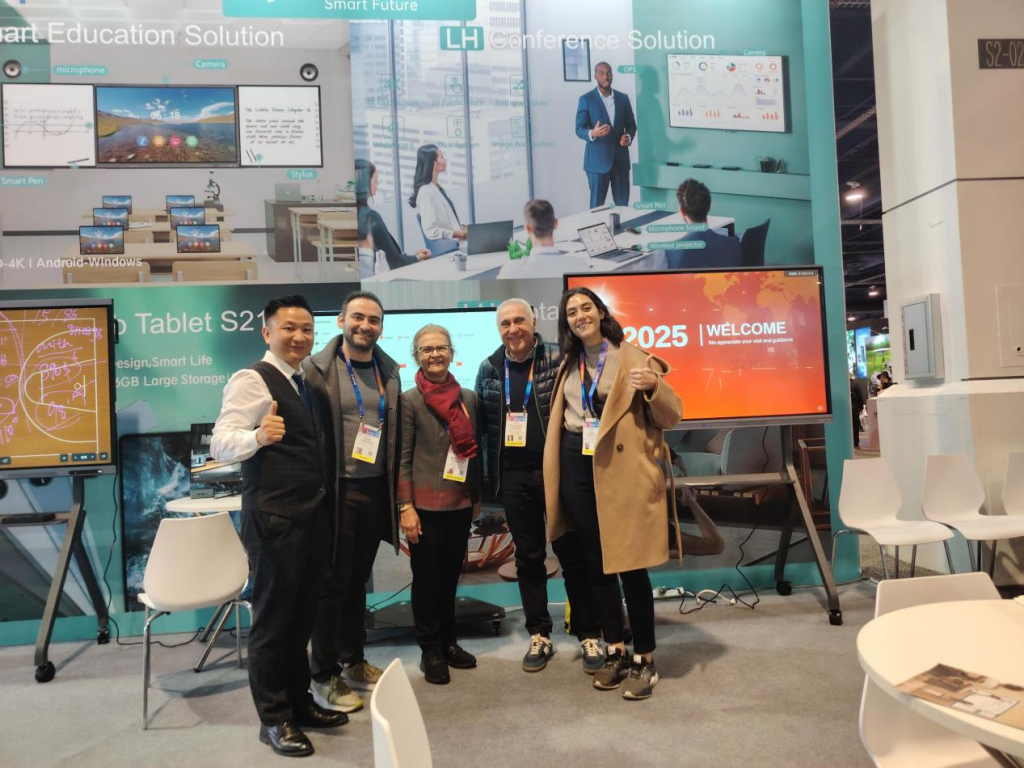
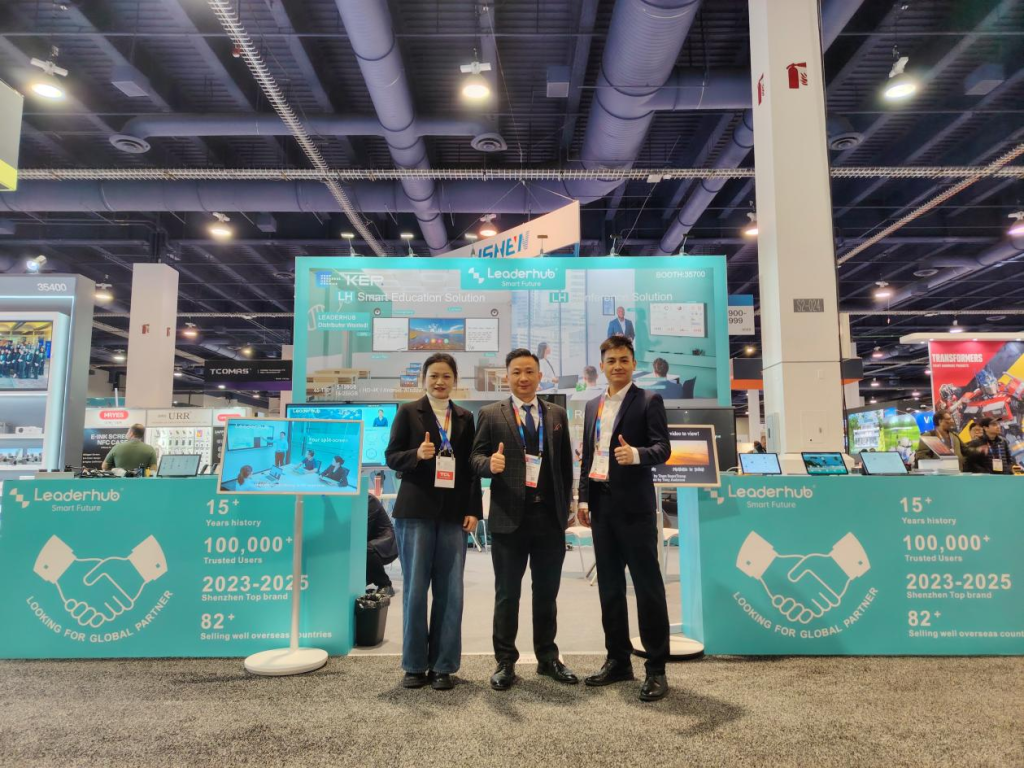
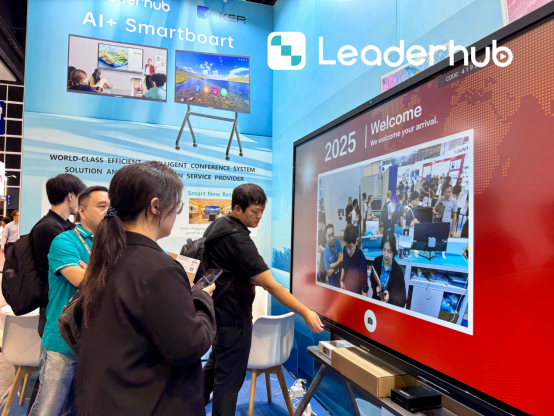
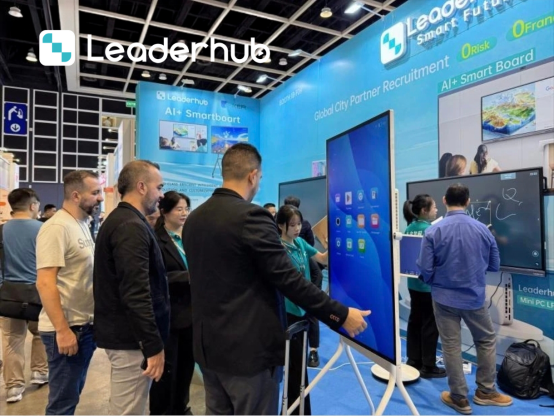
Tested Across Leading Global Tech Arenas
From international tech expos to thousands of active school districts worldwide.


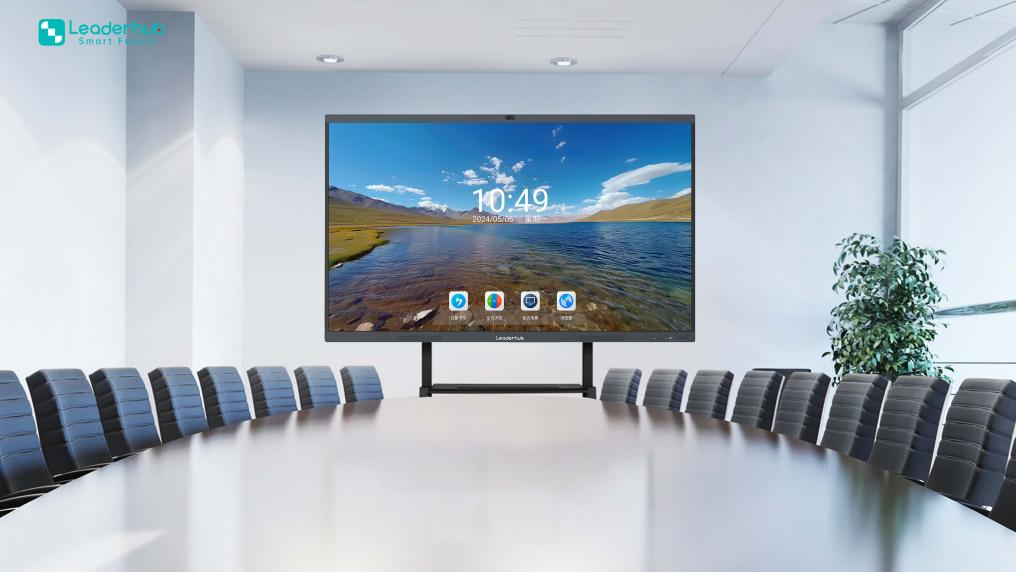
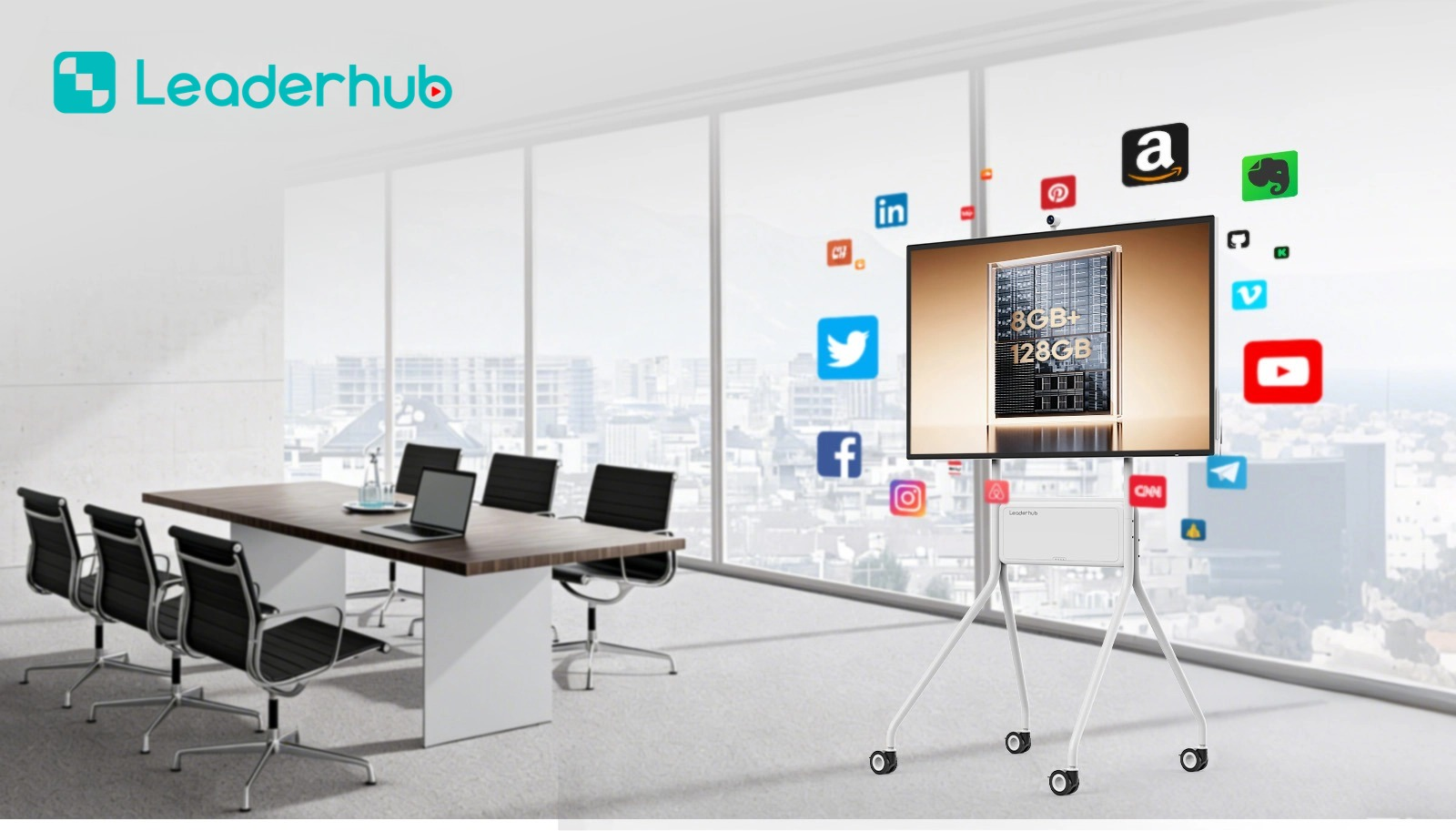
How to Choose the Right Smart Board for Your School
Follow this 4-step framework to maximize classroom impact while respecting your equipment budget.
Match Screen Size to Room Dimensions and Sightlines
Adhering to AVIXA ergonomic standards, the screen height must be at least 1/6th the distance to the farthest student desk. For small seminar rooms (up to 15 students), 55″ to 65″ panels like the L65ZM ($1,099.00) are ideal. For typical 30–45 pupil classrooms, standardise on 75″ units like the L75ZM ($1,399.00). For expansive halls or science labs, opt for the 86″ L86ZM ($1,699.00).
Prioritize Open Operating Systems over Walled Gardens
Avoid solutions that force teachers to abandon existing lesson presentations made in Google Slides, PowerPoint, or SMART Notebook. Choose interactive displays that accept plug-and-play USB touch inputs, connect effortlessly to Chromebooks, and support modular OPS Mini PCs such as the LP1C Intel N100 unit for unified IT maintenance.
Demand Commercial-Grade Hardware Durability
Active K-12 classrooms subject electronic equipment to rigorous daily use. Ensure any evaluated board features 4mm surface-toughened 7H tempered safety glass, anti-fingerprint coatings, solid metal bezels, and zero-maintenance cooling systems. Verified industrial panels provide over 50,000 hours of continuous operation without backlight degradation.
Audit Hidden Recurring Software Costs
Always inspect the terms of the included whiteboard annotation suite. A budget board that costs $1,200 can end up costing over $3,500 across five years if each panel requires a $400 annual software subscription. Insist on lifetime licenses or open-architecture boards that allow direct installation of free educational tools and apps.
Key Inquiries on Classroom Smart Boards
Clear, practical answers for IT directors, school principals, and purchasing committees.
Why are interactive flat panels replacing traditional interactive projectors?
Traditional interactive projectors struggle with daylight glare, require noisy fans, suffer from lamp replacements ($200–$400 every few years), and demand frequent touch calibration. Interactive 4K flat panels like the Leaderhub series offer crisp 4K visibility under bright lights, instant on/off, zero recalibration, and an estimated 15-year typical operational life.
What is the true value for money smart board size for standard classrooms?
For standard classrooms seating 25 to 35 students, the 75-inch smart board is the universal sweet spot. At $1,399.00 for the Leaderhub L75ZM, it delivers 33% more display area than a 65″ panel, ensuring back-row legibility without the significant cost increase of 86″ panels.
Can these smart boards work with our existing Chromebooks and iPads?
Yes. Full cross-platform compatibility is guaranteed. With native wireless casting protocols (AirPlay, Miracast, and standard Wi-Fi casting), students and instructors can instantly share screens from iPads, Chromebooks, MacBooks, and Windows laptops without requiring specialized hardware dongles.
What kind of training do teachers need to use these panels?
Leaderhub boards are built with zero-training usability in mind. The interface functions identically to an intuitive giant tablet. Turning on the panel opens an instant whiteboarding canvas where teachers can write with fingers or dual pens, erase with their palm, and insert images or web resources instantly.
Equip Your Classrooms with High-Value Interactive Tech
Get in touch with Leaderhub’s educational display specialists to request bulk district discounts, evaluation units, or tailored classroom setup consultations.