
Smart Board for Wall Interactive Display for Offices and Classrooms
Empower your collaboration and learning spaces with Leaderhub’s advanced 4K touchscreens, built-in AI tools, and seamless wall-mounted integration designed for modern productivity.
Why a Smart Board for Wall Installation is Essential for Modern Environments
A smart board for wall installation is not just a digital upgrade; it is a fundamental shift in how team members and students interact. By mounting a high-definition interactive flat panel directly onto the wall, you maximize physical space while creating a centralized hub for brainstorming, teaching, and presentations.
Leaderhub designs state-of-the-art interactive display systems that blend hardware innovation with artificial intelligence. With 16 years of expertise, our wall-mounted screens eliminate the clutter of traditional whiteboards, projectors, and cables, replacing them with a sleek, all-in-one smart screen that responds instantly to touch, pen, or voice commands.

Cutting-Edge Features of Our Wall-Mounted Smart Boards
Stunning 4K UHD Display
Crystal-clear clarity ensures every line of code, spreadsheet, or educational graphic is visible from anywhere in the room. Anti-glare coating protects eyes and keeps presentations legible under bright lights.
20-Point Multi-Touch
Encourage real-time collaboration. With ultra-responsive 20-point touch control, multiple users can write, draw, or navigate at the same time with virtually zero latency.
OPS Mini PC Integration
Transform your display into a powerful computer. Seamlessly slide in a Leaderhub Mini PC to run Windows and Android side-by-side, supporting all your essential software suites.
Explore Wall-Mounted Smart Board Models
Select the perfect size and configuration for your boardroom or classroom. Our flat panels feature standard VESA wall mount compatibility for secure installation.
| Product Image | Model Name & Description | Price | Action |
|---|---|---|---|
 |
Leaderhub L65HM Interactive Smart Whiteboard 65″ 4K Touchscreen, perfect for small to medium classrooms and meeting rooms. |
$2,199.00 | View Details |
|
Leaderhub L75HM Interactive Smart Whiteboard 75″ 4K Touchscreen, optimal size for standard corporate boardrooms. |
$2,599.00 | View Details |
|
Leaderhub L86HM Interactive Smart Whiteboard 86″ 4K Touchscreen, designed for large lecture halls and training rooms. |
$3,199.00 | View Details |
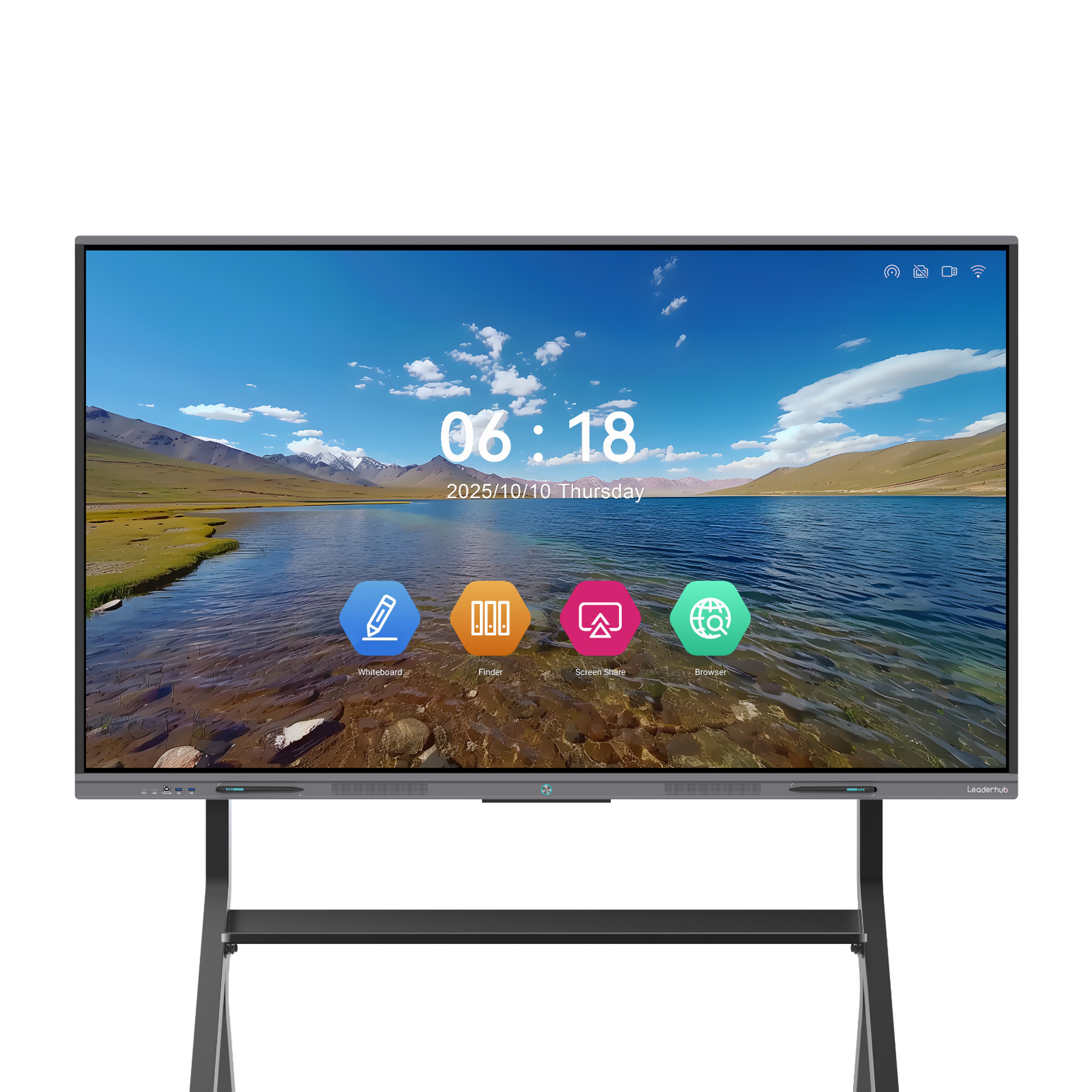 |
Leaderhub L65ZM Interactive Whiteboard 65″ 4K Smart Panel, high efficiency for collaborative workspaces. |
$1,799.00 | View Details |
|
Leaderhub L75ZM Interactive Whiteboard 75″ 4K Smart Panel, high-performance display for modern offices. |
$2,399.00 | View Details |
|
Leaderhub L86ZM Interactive Whiteboard 86″ 4K Smart Panel, immersive whiteboard experience for large groups. |
$2,899.00 | View Details |
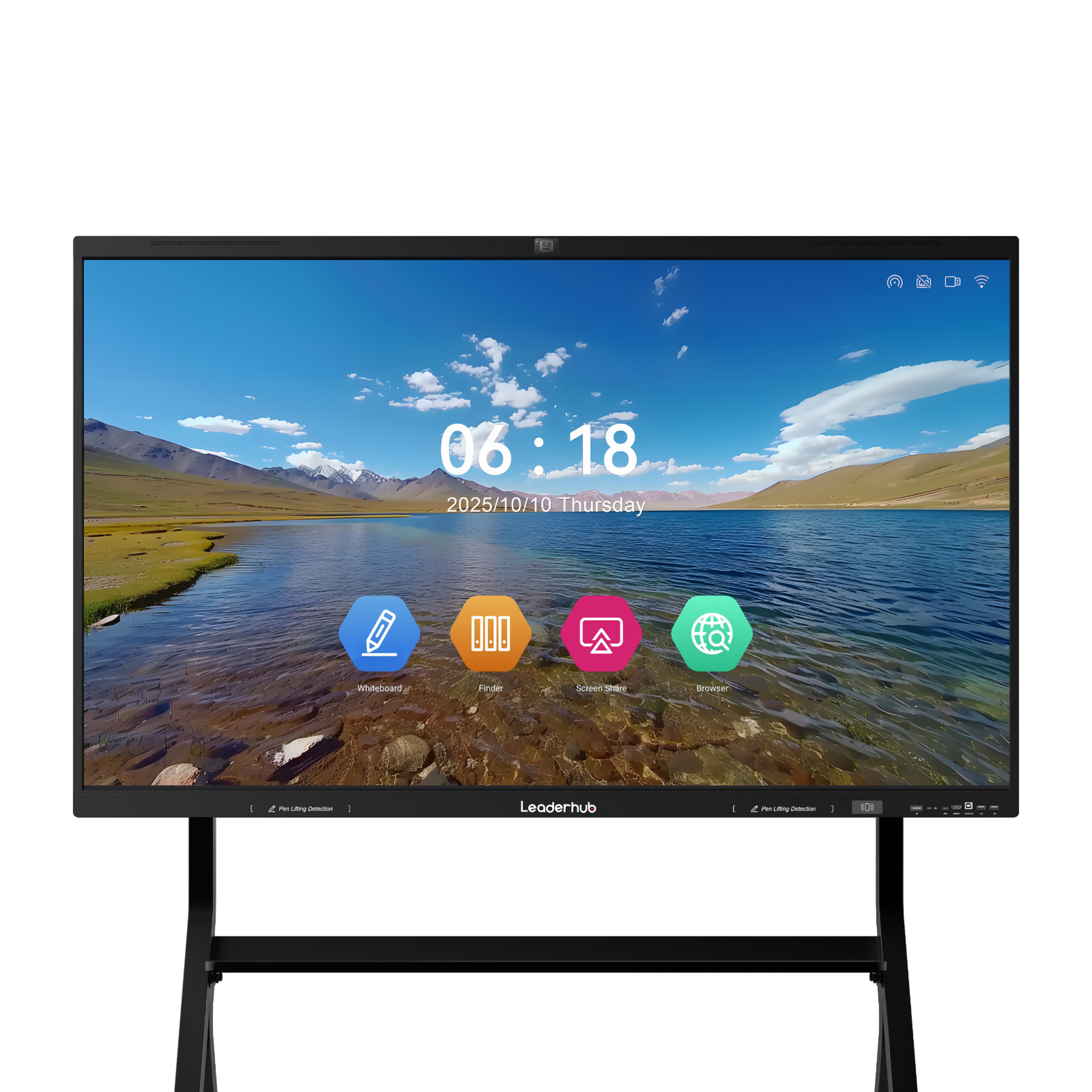 |
Leaderhub L110H 110-Inch Interactive Flat Panel Massive 110-inch screen for auditoriums, command centers, and executive display walls. |
$7,999.00 | View Details |
Streamlining Corporate Collaboration & Meetings
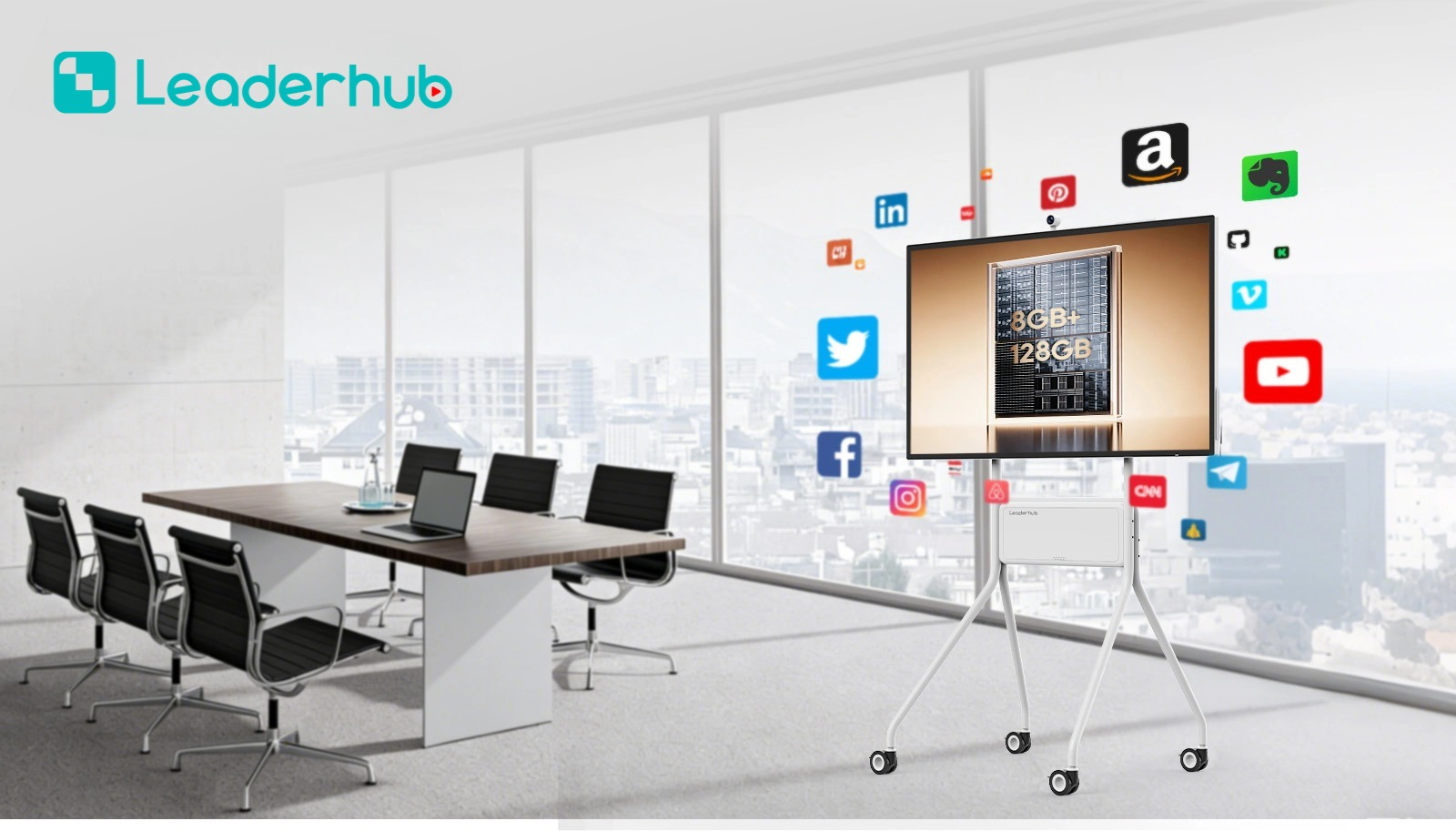
In modern corporate environments, time is the most valuable asset. A wall-mounted interactive display acts as the focal point of your conference room, allowing teams to transition seamlessly from local presentations to global video conferences.
- Hybrid Work Ready: Compatible with Zoom, Microsoft Teams, and Google Meet for effortless hybrid communication.
- Wireless Screen Sharing: Share up to 4 screens simultaneously from laptops, tablets, or smartphones.
- Smart Annotation: Write over PDFs, slide decks, and websites, then save and share instantly via QR code.
- Clean Installation: Wall mounting keeps your conference table free from cable clutter and bulky equipment.
Engaging the Next Generation of Learners
In classrooms, visual and tactile interaction dramatically improves retention and engagement. A wall-mounted smart board acts as an active learning center, allowing teachers to integrate rich multimedia lessons easily.
- Interactive Educational Software: Access whiteboard toolsets, math tools, and scientific simulators natively.
- Eye-Care Technology: Flicker-free and low-blue-light certifications keep students’ eyes comfortable during long lessons.
- Durable Design: Built with 4mm tempered glass to withstand daily classroom use.
- Flexible OS Options: Run educational apps on Android or access full desktop software via Windows OPS.

How to Plan Your Smart Board Wall Installation
Evaluate Wall Strength
Ensure the mounting surface (concrete, brick, or stud-reinforced drywall) can support the weight of a large interactive flat panel.
Check VESA Patterns
Leaderhub smart boards feature industry-standard VESA mounting patterns on the back, compatible with heavy-duty brackets.
Position Height Correctly
For classrooms, mount the display lower to allow students to reach the touch screen. For boardrooms, mount it higher for visibility.
Manage Power & Cables
Position power outlets and LAN ports directly behind the screen area to keep all cables completely hidden from view.
AI Changes Life — Leaderhub Interactive Display Solutions
Leaderhub is a Shenzhen-based technology pioneer with 16 years of professional experience in the interactive panel industry. We design, manufacture, and distribute smart whiteboards, interactive flat panels, mini PCs, and portable smart screens to clients in 82 countries worldwide.
We are committed to helping small, medium, and large enterprises access the best interactive technology. By combining robust hardware with AI, we continually optimize collaboration and business efficiency — making every meeting and class more productive.
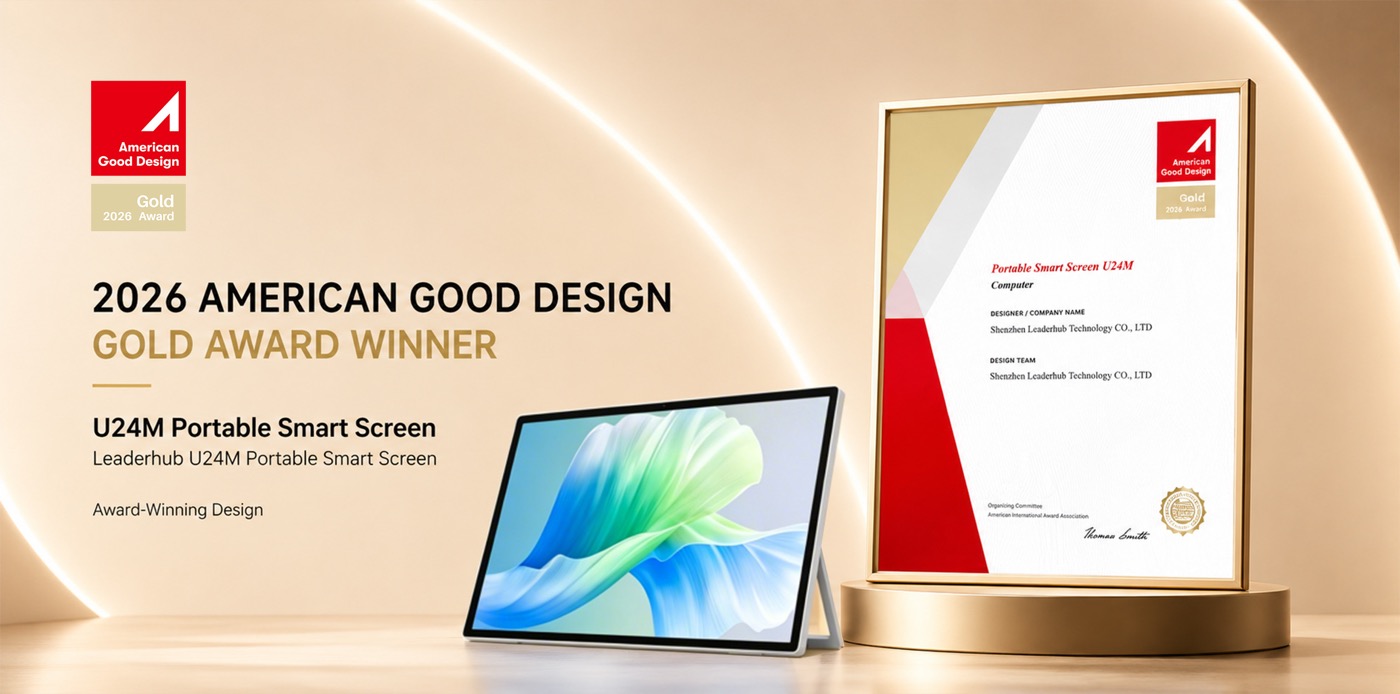
Meet Leaderhub at Global Exhibitions
We actively showcase our latest smart boards, rotating touchscreens, and Mini PC solutions at premier technology trade shows around the world. Connect with us to explore partnership opportunities.



Frequently Asked Questions
What are the advantages of mounting a smart board on the wall?
Mounting a smart board for wall display maximizes floor space, eliminates the risk of tripping over cables, and keeps the screen stable during touch interactions. It provides a clean, professional appearance in boardrooms, training facilities, and classrooms.
Can I use both Windows and Android on Leaderhub smart boards?
Yes! Our boards come with built-in Android OS. By adding a Leaderhub OPS Mini PC (such as the LP1C or LP5C) into the designated slot, you can run a dual-system environment and switch between Windows and Android with a single tap.
How does the screen sharing feature work?
Leaderhub displays support wireless casting from up to four devices simultaneously. You can cast Windows laptops, MacBooks, iPads, iPhones, and Android smartphones without needing external adapters or dongles.
What VESA mounting brackets should I use?
We recommend heavy-duty, fixed, or tilt wall mounts rated for the specific weight and VESA dimensions of your screen size (e.g., 65″, 75″, 86″, or 110″). Standard brackets are typically included or easily sourced.
Ready to Upgrade the Way You Meet, Teach, and Collaborate?
Join thousands of organizations globally that trust Leaderhub to deliver reliable, high-performance interactive hardware. Get in touch with our team today for custom quotes and distribution opportunities.
Contact Us Now