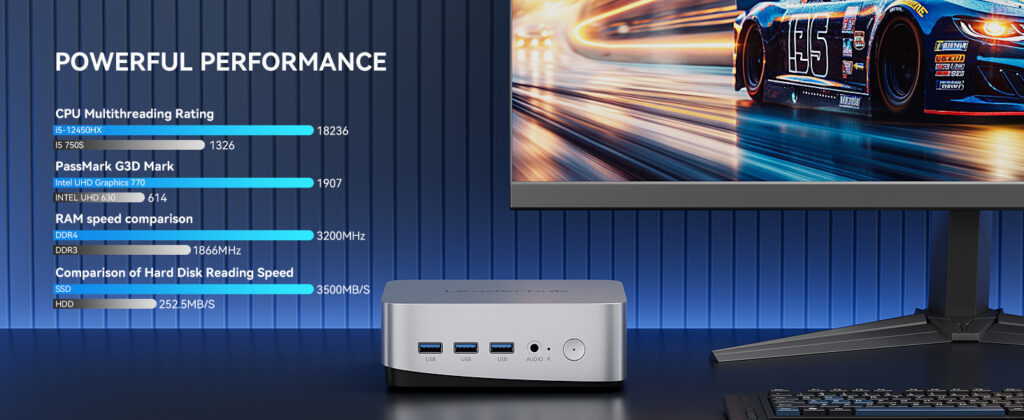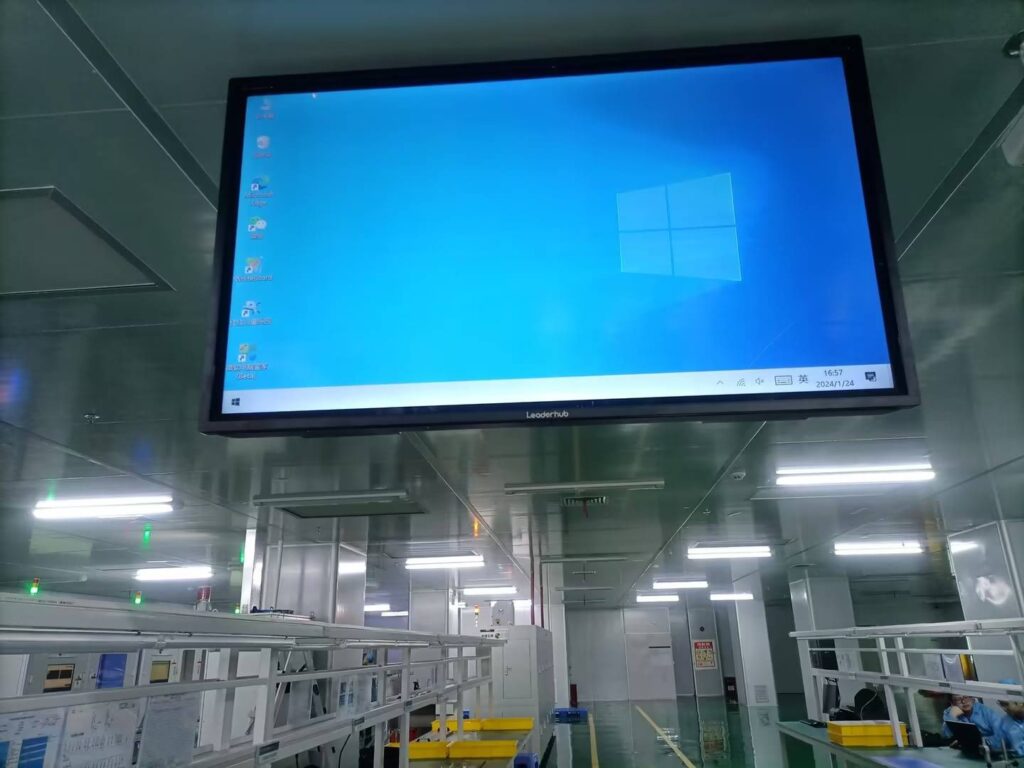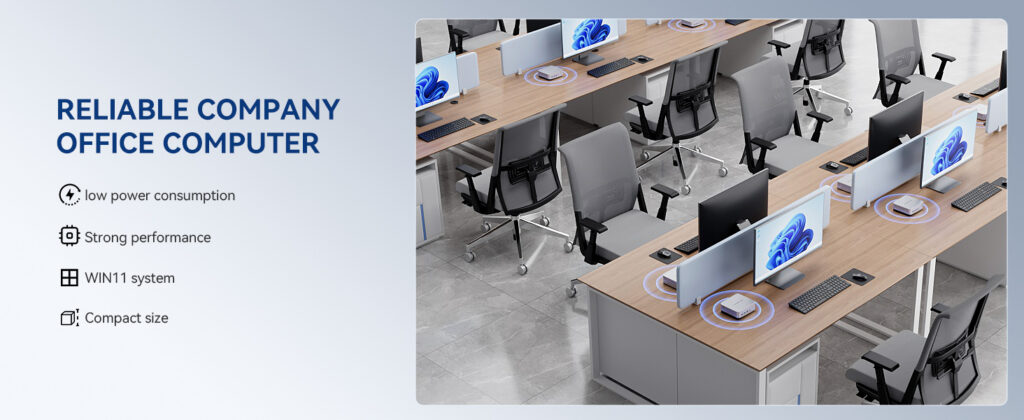
The modern workplace is changing fast. Hybrid teams, cloud-based applications, and shrinking office footprints are pushing IT departments to rethink what a “work computer” should look like. For a growing number of organizations, the answer is a mini PC for enterprise — a compact, energy-efficient desktop that delivers full business performance in a chassis small enough to hide behind a monitor or mount under a desk.
This guide explains why mini PCs are becoming the default choice for offices, remote workers, and large-scale IT rollouts, what specifications actually matter for business use, and how to match the right configuration to each role in your company.
Why Enterprises Are Switching to Mini PCs
A decade ago, the standard office computer was a mid-tower desktop that occupied a large share of every workstation. Today, most knowledge-work tasks — email, spreadsheets, video conferencing, browser-based SaaS tools, and ERP clients — run comfortably on modern low-power processors. That shift has made the tower form factor largely unnecessary for most employees.
Enterprises are adopting mini PCs for several practical reasons:
- Space savings — Typical mini PCs measure under 1 liter in volume, freeing desk space and supporting hot-desking and open-plan layouts.
- Lower energy costs — Many business mini PCs draw 10–35W under normal load, compared with 100W+ for a traditional tower. Across hundreds of seats, this reduces electricity and cooling expenses significantly.
- Simplified deployment — Standardized small units are easier to image, ship, VESA-mount, and replace than full-size desktops.
- Quiet operation — Fanless or low-noise designs improve the acoustic environment in open offices, meeting rooms, and reception areas.
- Versatility — The same device can serve as a desktop, a conference-room engine, a digital-signage player, or a thin-client alternative.
Key Factors When Choosing a Mini PC for Enterprise
Not all mini PCs are built for business. Consumer-oriented models often prioritize gaming graphics or RGB lighting, while enterprise buyers need reliability, manageability, and a predictable lifecycle. Below are the criteria IT teams should evaluate first.
1. Processor Tier and Workload Fit
The CPU determines how many simultaneous applications a user can run smoothly. Rather than buying the most powerful chip for everyone, a tiered approach keeps budgets under control while ensuring no employee is under-equipped.
| Performance Tier | Typical Processor | Ideal Roles | Example Workloads |
|---|---|---|---|
| Entry / Efficiency | Intel N100 class | Reception, call center, kiosks, signage | Browser apps, email, Office suite, video calls |
| Mainstream Business | Intel Core i5 (12th gen or newer) | Knowledge workers, finance, sales, management | Multi-tab research, large spreadsheets, CRM/ERP, dual monitors |
| Performance / Creative | Intel Core i7 / AMD Ryzen 7 class | Designers, engineers, data analysts, developers | Photo/video editing, CAD, compiling, virtual machines |
2. Memory and Storage
For business use, 16GB of RAM is now the recommended baseline for mainstream staff, with 8GB acceptable for light-duty or single-application roles. Storage should always be NVMe SSD — a 512GB drive provides headroom for the OS, applications, and local cache without pushing costs up. Look for models with user-accessible memory and storage slots so IT can upgrade units mid-lifecycle instead of replacing them.
3. Connectivity and Display Outputs
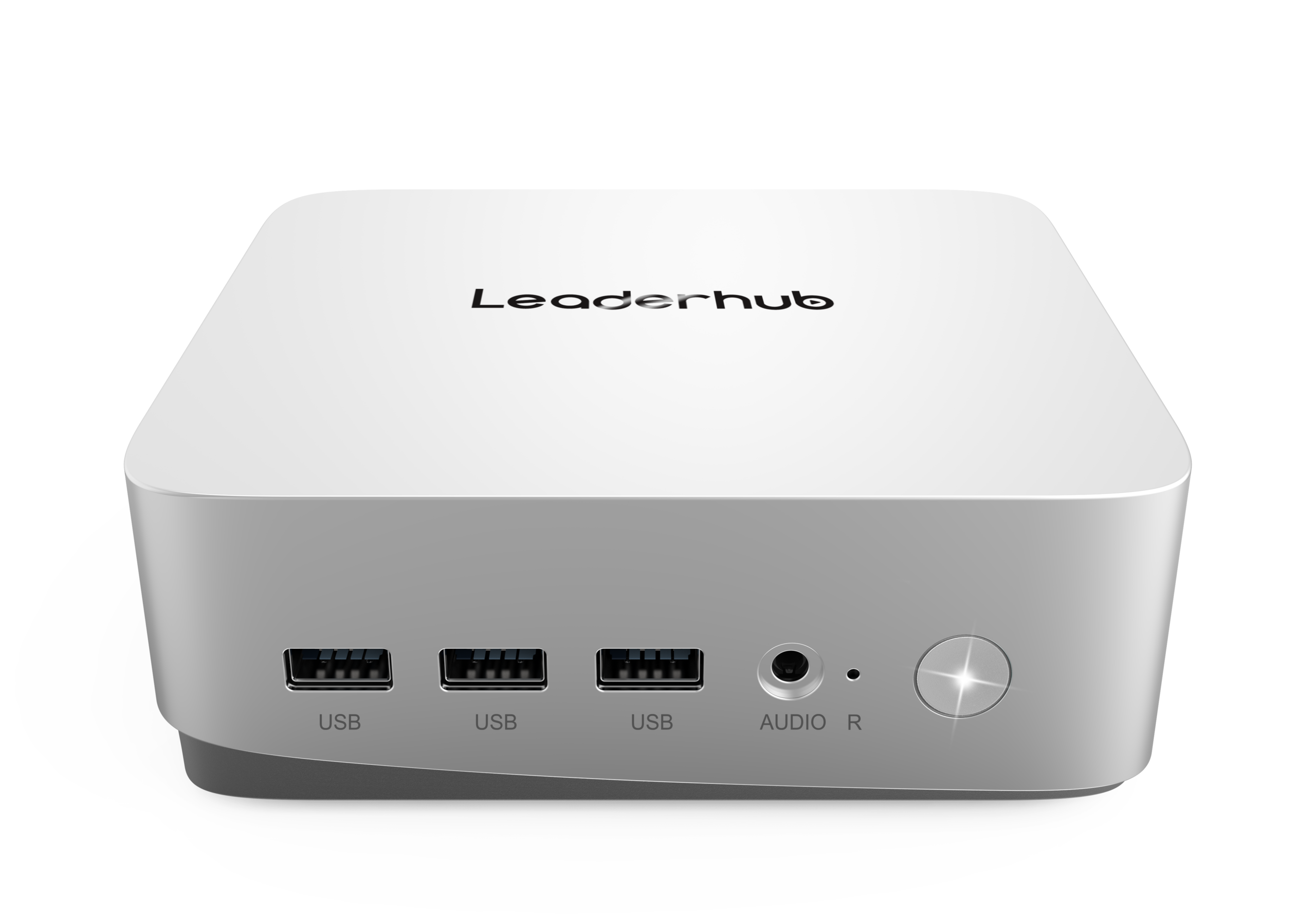
Port selection is often overlooked until deployment day. A well-specified business mini PC should offer:
- At least two display outputs (HDMI and/or DisplayPort/USB-C) for dual-monitor setups
- Multiple USB-A ports for legacy peripherals plus USB-C for modern docks
- Gigabit or 2.5G Ethernet for stable wired networking
- Wi-Fi 6 or newer and Bluetooth 5.x for flexible workspaces
- A 3.5mm audio jack for headsets in call-center or conferencing environments
4. Security and Remote Manageability
Enterprise devices must integrate with existing security and management frameworks. Prioritize mini PCs with a hardware TPM 2.0 module (required for Windows 11 and BitLocker encryption), UEFI Secure Boot, and firmware that supports your device-management platform. For distributed fleets, Wake-on-LAN and remote BIOS configuration reduce the need for on-site visits.
5. Total Cost of Ownership
Purchase price is only one part of the equation. When comparing options, factor in power consumption over a 4–5 year lifecycle, warranty length, spare-part availability, and the time IT staff will spend on imaging and support. Mini PCs frequently win on TCO even when the upfront price is similar to a tower, because of lower energy use and faster swap-out.
Matching Mini PCs to Business Scenarios
Different parts of an organization have very different computing needs. The table below outlines how to match configuration to use case.
| Scenario | Priority Features | Recommended Spec |
|---|---|---|
| Open-Plan Office Desks | VESA mounting, quiet cooling, dual display | Core i5, 16GB RAM, 512GB SSD |
| Remote & Home Workers | Compact shipping, Wi-Fi 6, easy self-setup, low power | N100 or Core i5, 8–16GB RAM |
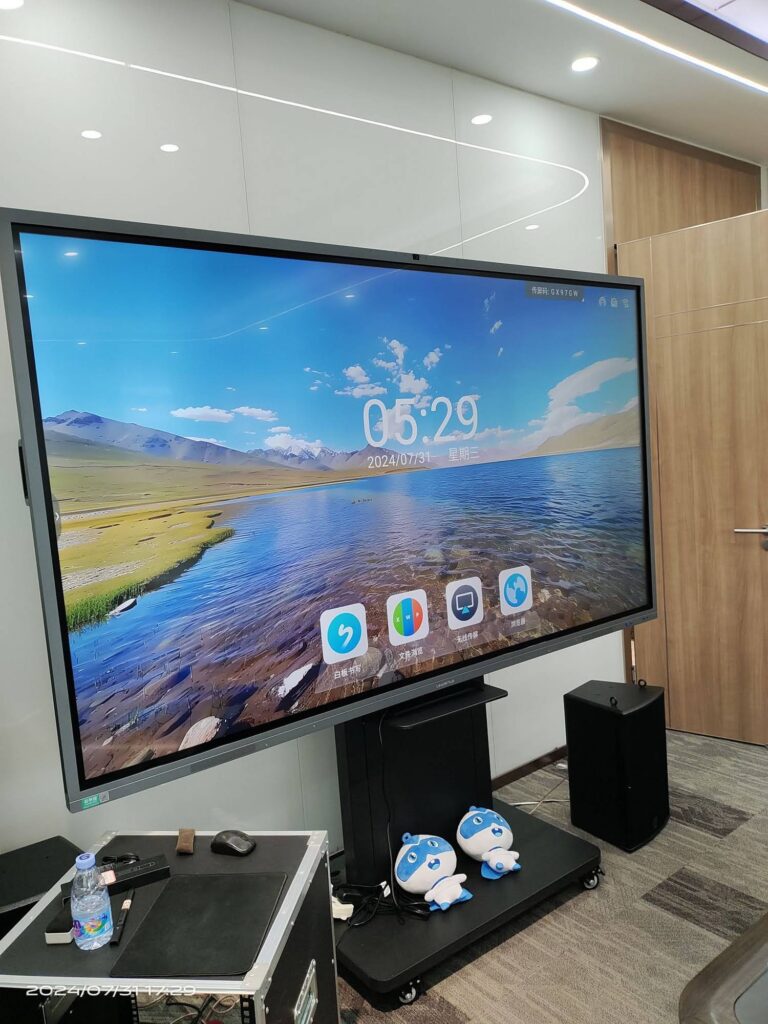
| Conference Rooms | 4K output, multiple USB ports for cameras/mics, always-on reliability | Core i5 or higher, 16GB RAM |
| Reception / Kiosk / Signage | Fanless design, 24/7 operation, small footprint | N100, 8GB RAM, 256–512GB SSD |
| Design & Engineering | Strong CPU/GPU, high memory ceiling, fast NVMe | Core i7 / Ryzen 7, 32GB RAM, 1TB SSD |
Mini PC vs. Desktop Tower vs. Laptop for Enterprise
Many IT leaders weigh mini PCs against the two traditional options. Each has a place, but the comparison below shows why mini PCs are increasingly the default for fixed and semi-fixed workstations.
| Criteria | Mini PC | Desktop Tower | Business Laptop |
|---|---|---|---|
| Desk footprint | Minimal | Large | Moderate |
| Power consumption | Very low | High | Low |
| Upgradeability | RAM / SSD | Full | Limited |
| Portability | Easy to relocate | Poor | Excellent |
| Theft / loss risk | Low (mounted) | Low | High |
| Cost per seat | Low to moderate | Moderate | High |
IT Deployment Best Practices for Mini PC Fleets
Rolling out dozens or hundreds of mini PCs is far smoother when the process is standardized. IT teams that have completed large deployments typically recommend the following steps:
- Standardize on two or three SKUs. Fewer hardware variants mean fewer driver packages, simpler imaging, and easier spares management.
- Build a golden image. Pre-install the OS, security agents, VPN client, and productivity suite, then deploy via your management platform so each unit is ready on first boot.
- Use VESA mounts behind monitors. This keeps desks clean, protects devices from accidental damage, and reduces cable clutter.
- Label and asset-tag every unit. Small devices are easy to misplace during office moves; QR-coded tags linked to your inventory system prevent loss.
- Enable remote wake and management. Schedule patching overnight and troubleshoot without dispatching technicians.
- Plan for remote workers. Ship pre-configured units directly to home addresses with a one-page setup card; mini PCs travel well in small boxes and require only a monitor, keyboard, and mouse.
- Keep a spares pool. Because units are inexpensive and compact, holding 3–5% spare stock allows same-day replacement without disrupting staff.
For organizations building out meeting spaces alongside desktop refreshes, the AV Industry Standards and Resources published by AVIXA offer useful frameworks for integrating compute devices with displays, cameras, and audio systems in conference rooms.
Recommended Business Mini PC Models
LeaderHub, a Shenzhen-based technology company with 16 years of interactive-display experience and customers in 82 countries, offers a focused range of mini PCs designed to pair with its smart whiteboards and serve as standalone business desktops. The three models below cover the entry, mainstream, and performance tiers described earlier.
| Model | Key Specifications | Best For | Price |
|---|---|---|---|
| LP1C Mini PC | Intel N100, 8GB RAM, 512GB SSD | Reception desks, call centers, signage, light remote work | $399.00 |
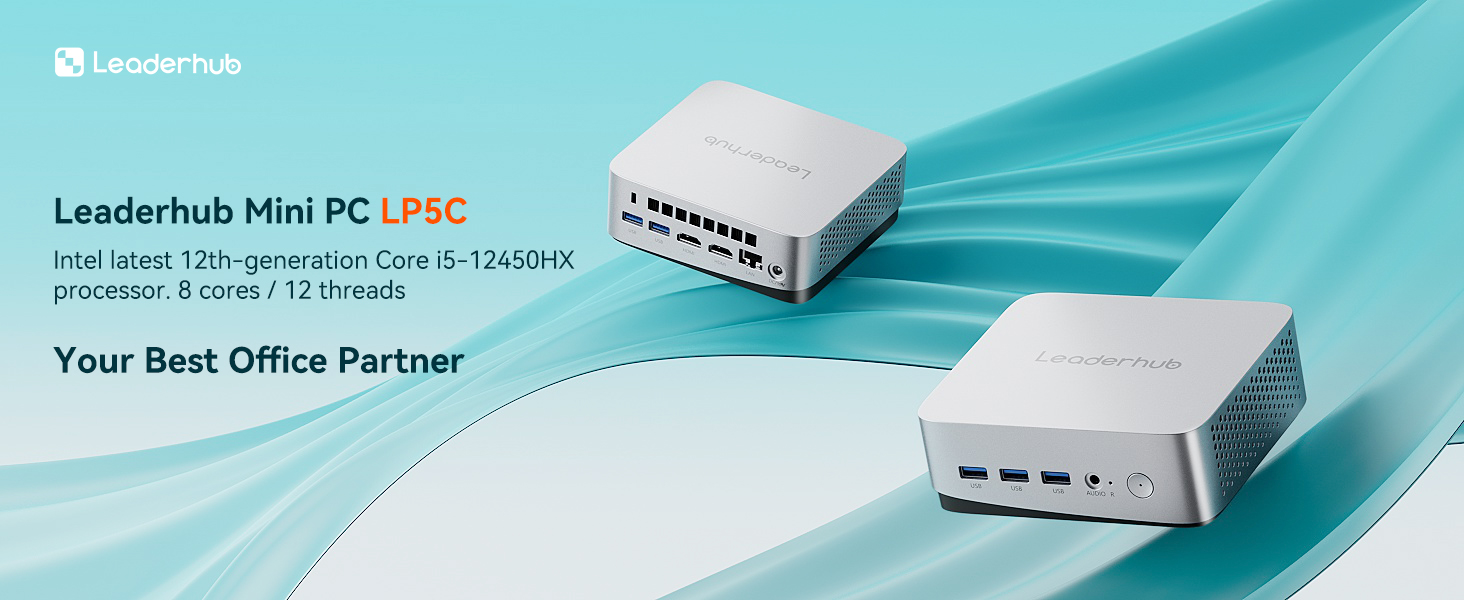
| LP5C Mini PC | Intel Core i5-12450HX, 16GB RAM, 512GB SSD | Knowledge workers, dual-monitor desks, conference rooms | $799.00 |
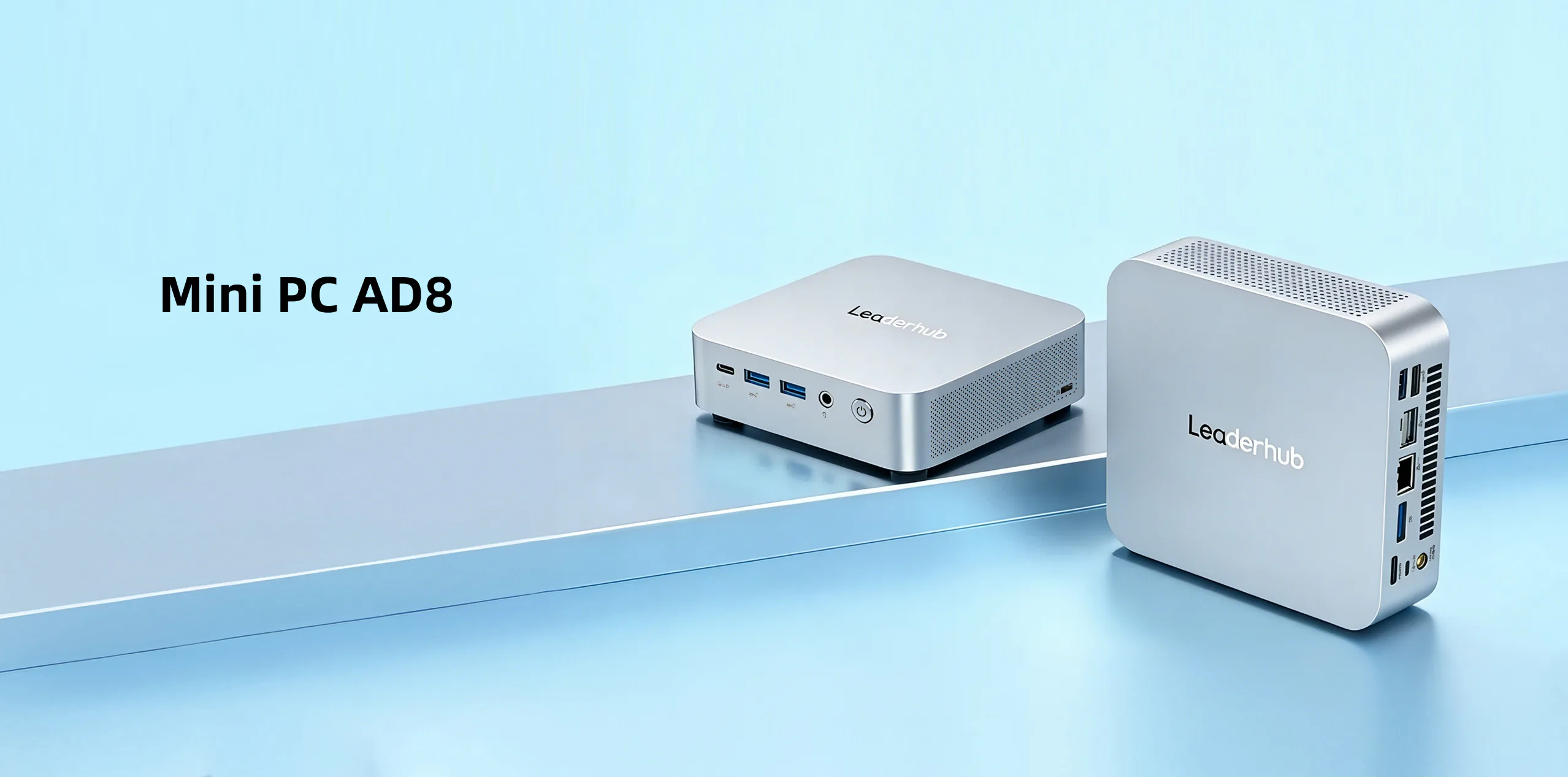
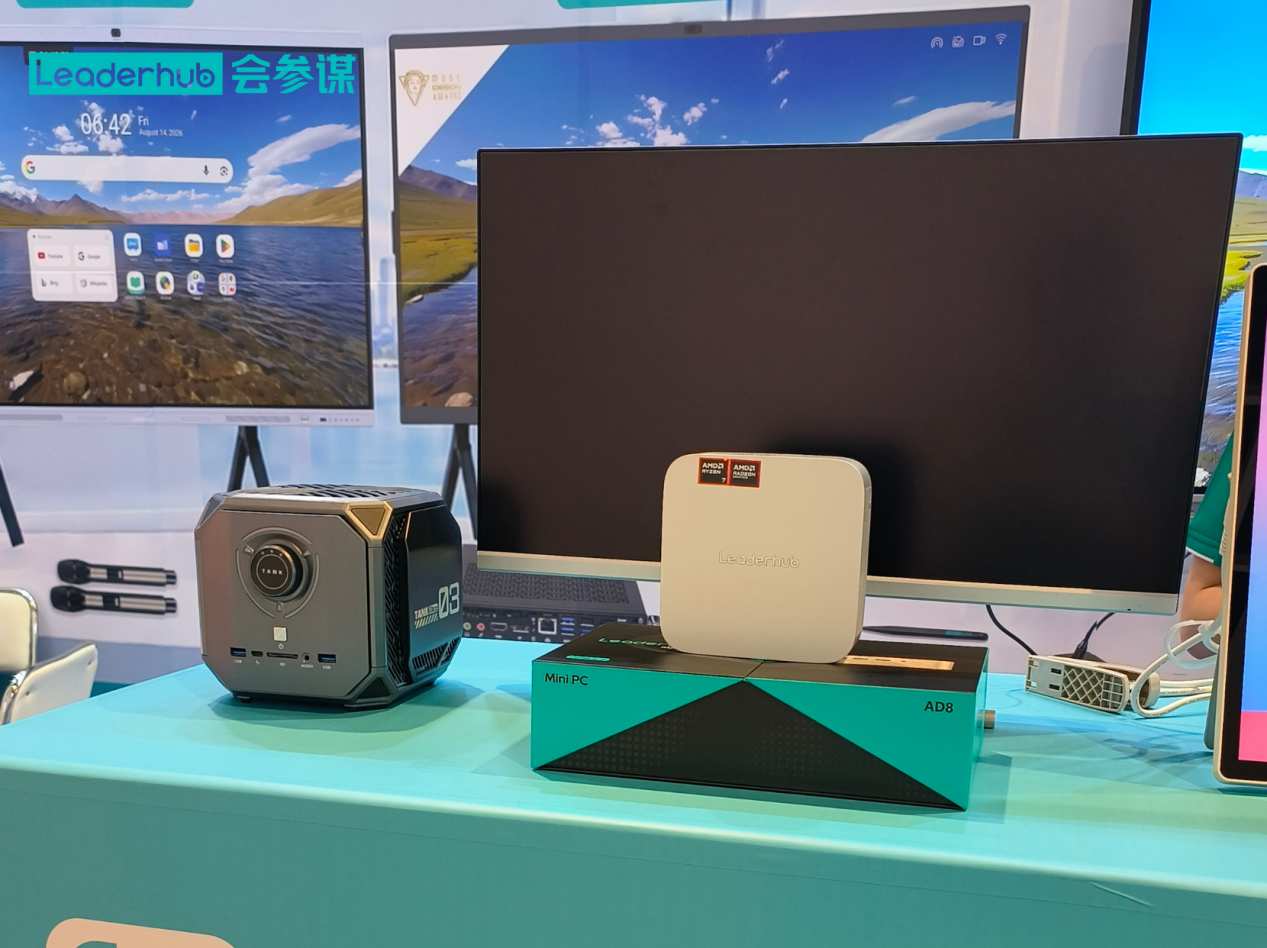
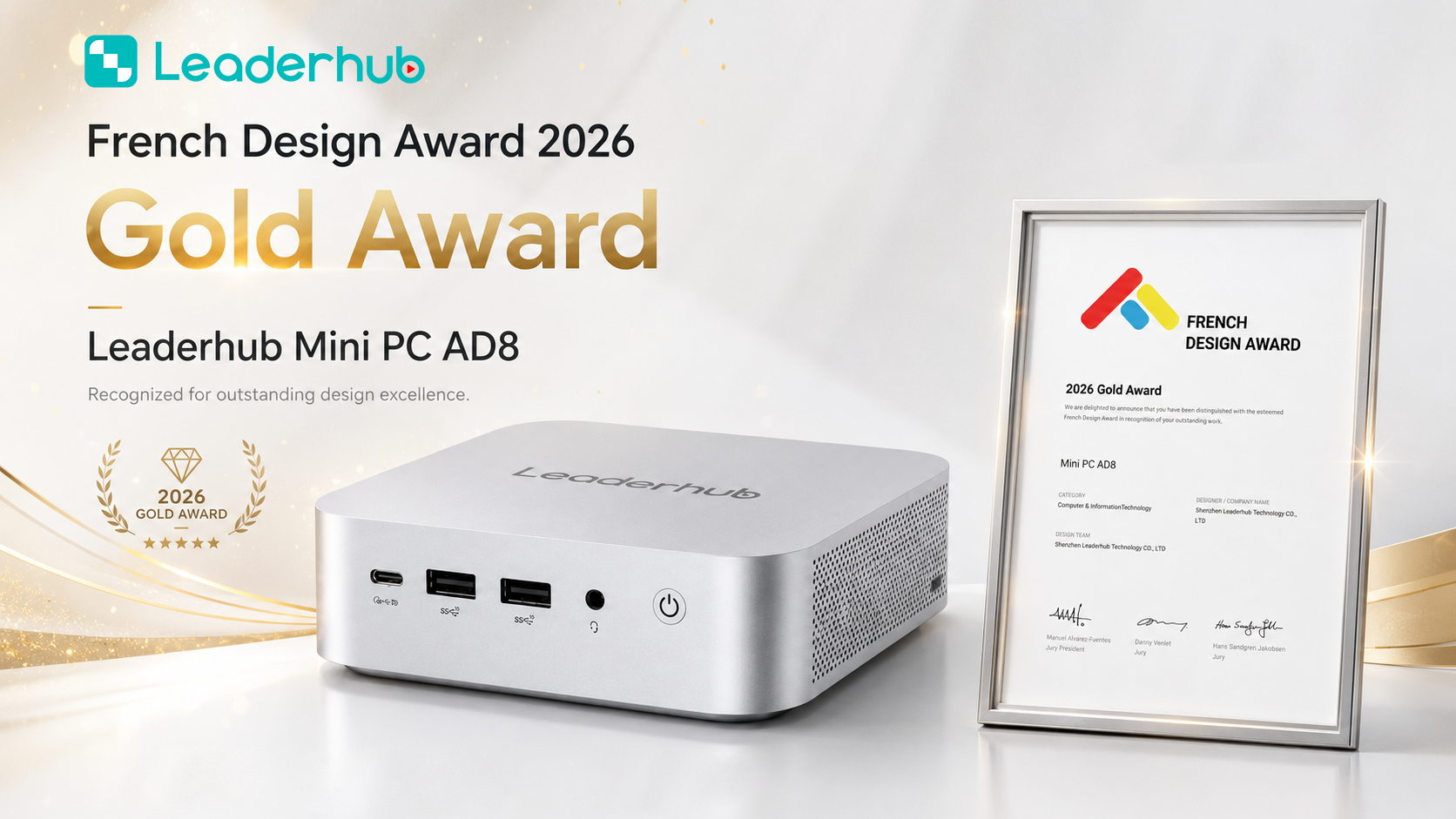
| AD8 Mini PC | High-performance configuration for demanding workloads | Design teams, analysts, developers, power users | $999.00 |
You can browse the complete lineup on the mini PCs collection page to compare specifications side by side.
Pairing Mini PCs with Interactive Displays in Meeting Rooms
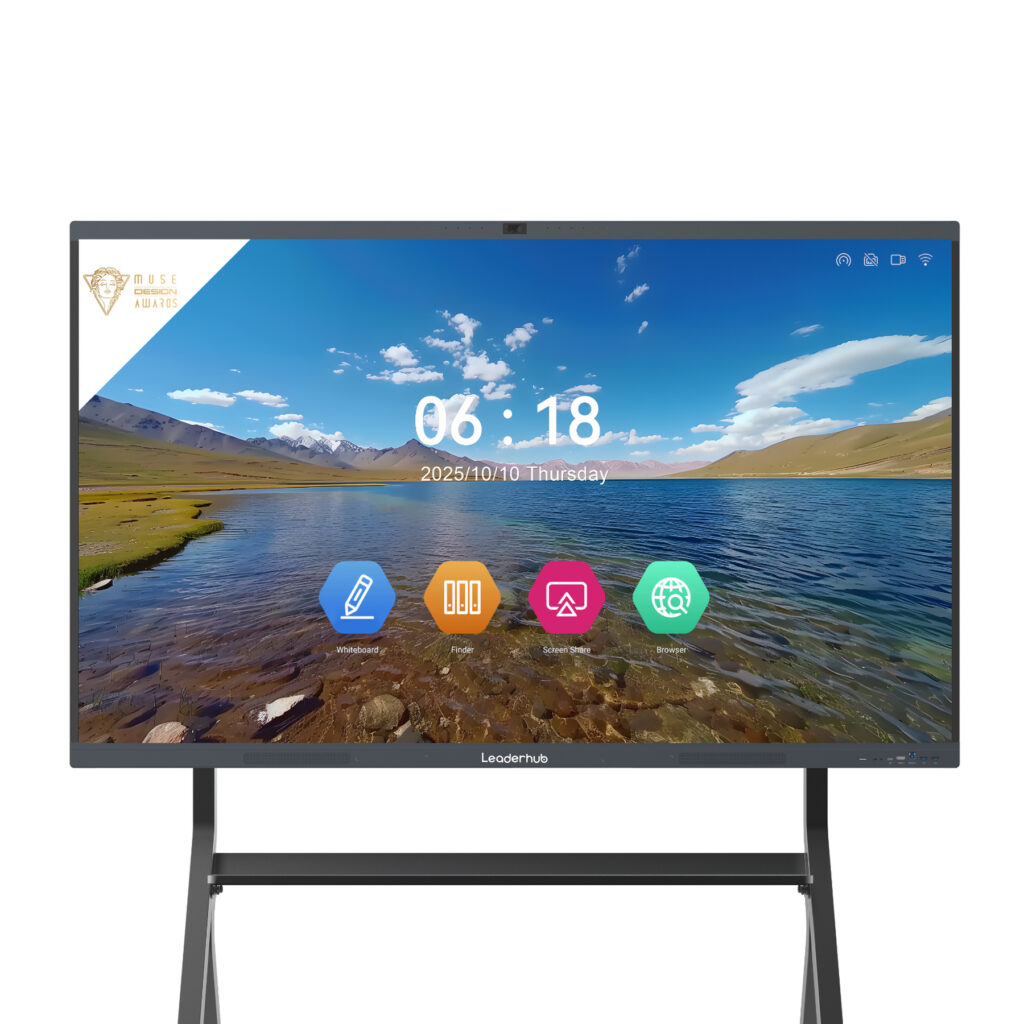
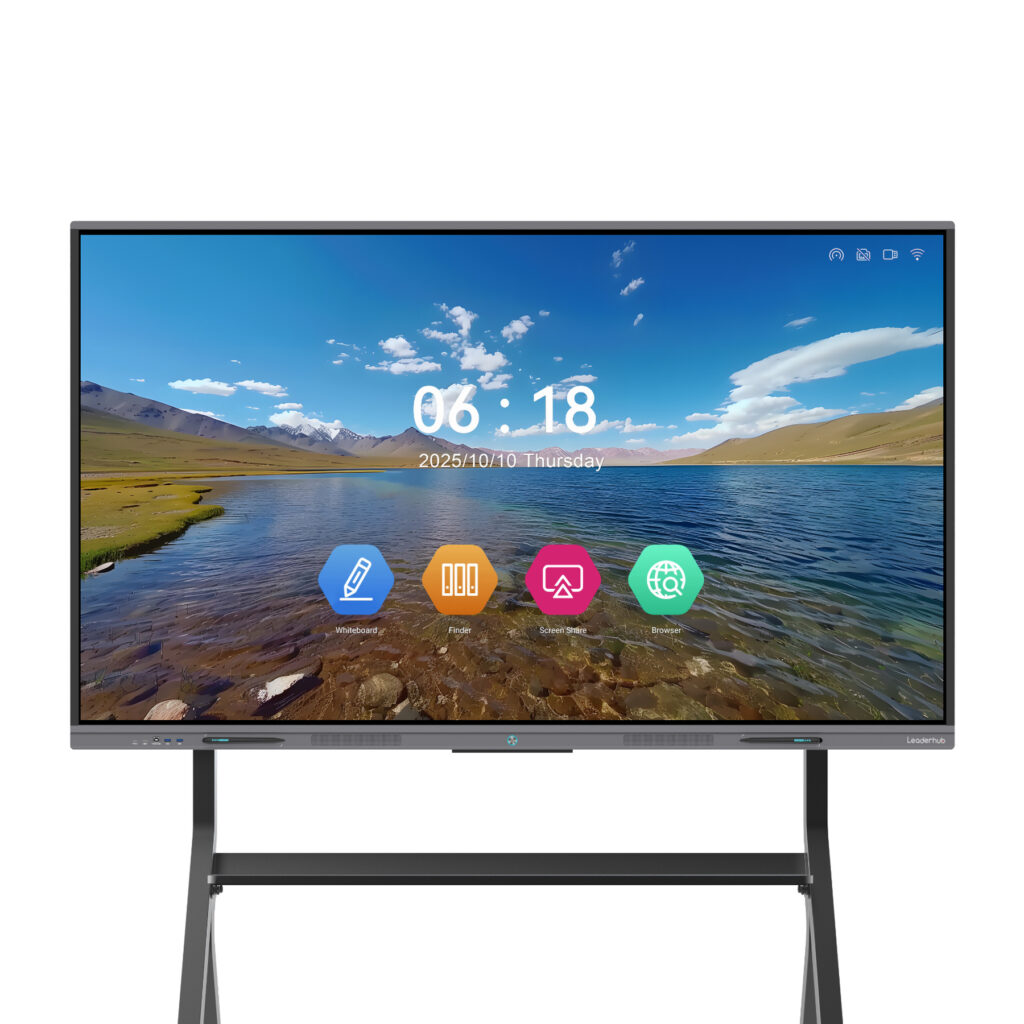
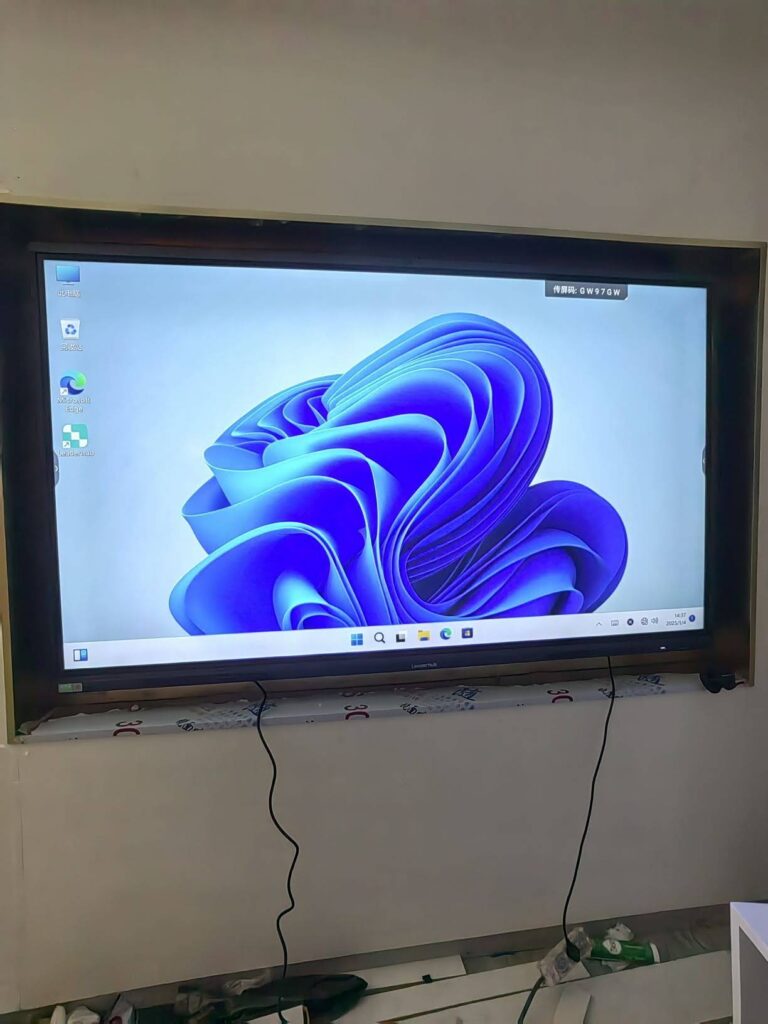
One of the most valuable enterprise applications for a mini PC is as the compute engine behind a conference-room display. Mounted behind a 65-, 75-, or 86-inch interactive smart whiteboard, a mini PC turns the panel into a full Windows collaboration station capable of running Teams, Zoom, or Webex alongside native whiteboarding and annotation tools.
This approach offers several advantages over built-in Android modules alone:
- Full compatibility with corporate Windows applications, VPNs, and security policies
- Easy replacement or upgrade of the compute unit without touching the display
- Consistent management through the same tools used for desktop PCs
- Support for high-resolution 4K output and multiple USB peripherals such as PTZ cameras and conference speakerphones
Smaller huddle rooms and mobile teams may prefer a battery-powered portable rotating screen connected to a compact mini PC, creating a collaboration setup that can move between spaces as needed.
Enterprise Mini PC Buying Checklist
Before finalizing a purchase order, confirm that your shortlisted model meets each of the following requirements:
- Windows 11 Pro compatibility with TPM 2.0 and Secure Boot
- Minimum 16GB RAM for mainstream staff (8GB for light-duty roles)
- NVMe SSD with at least 512GB capacity
- Two or more display outputs supporting 4K resolution
- Wired Gigabit Ethernet plus Wi-Fi 6 and Bluetooth
- VESA mounting bracket included or available
- Commercial warranty with clear RMA process
- Stable product availability for 24+ months to support fleet standardization
- Vendor support for OEM/ODM customization if you need branded or specialized configurations
Frequently Asked Questions
Is a mini PC powerful enough for everyday enterprise work?
Yes. A modern Core i5 mini PC with 16GB RAM handles multi-tab browsing, video conferencing, large spreadsheets, and business applications with ease. Even entry-level N100 models comfortably run Office suites and web-based tools for single-focus roles.
How long do business mini PCs typically last?
Most enterprises plan on a 4–5 year lifecycle. Because mini PCs have fewer moving parts and run cooler than towers, failure rates are generally low, and user-replaceable RAM and SSDs can extend useful life further.
Can mini PCs be managed with existing IT tools?
Absolutely. Mini PCs running Windows 11 Pro integrate with Intune, SCCM, Active Directory, and third-party endpoint management platforms exactly like any other desktop.
Are mini PCs a good fit for remote employees?
They are an excellent fit. Their small size reduces shipping costs, setup takes minutes, and unlike laptops they stay at the home workstation, lowering loss and theft exposure while still delivering desktop-class performance.
What is the difference between a mini PC and a thin client?
A thin client depends on a server or virtual desktop infrastructure to run applications, while a mini PC is a complete standalone computer. Mini PCs offer more flexibility, work offline, and avoid VDI licensing costs, though thin clients may suit highly centralized environments.
Final Thoughts
Choosing the right mini PC for enterprise comes down to matching performance tiers to real workloads, insisting on business-grade security and manageability, and standardizing on a small set of models that your IT team can deploy and support efficiently. Done well, a mini PC refresh delivers cleaner desks, lower energy bills, simpler logistics, and a better experience for both office-based and remote employees.
If you are planning a desktop refresh, a conference-room upgrade, or a large-scale rollout and need help selecting configurations or discussing volume and OEM options, contact our team for tailored recommendations.