Interactive whiteboards used to be a luxury reserved for well-funded districts and corporate headquarters. Today, a 4K touchscreen smart board with built-in Android, wireless screen sharing and 20-point touch can cost less than a mid-range laptop. The challenge is no longer finding an affordable option — it is knowing which low-cost panels deliver real classroom and meeting-room value, and which ones will frustrate teachers and teams within six months.
This budget smart board buying guide walks you through the exact steps schools, training centers and small businesses use to choose an affordable interactive whiteboard: setting a realistic total budget, picking the right size, identifying must-have features, spotting the specs you can safely skip, and comparing entry-level models side by side.
What Counts as a “Budget” Smart Board in 2026?
Price tiers have shifted dramatically over the last few years. In the interactive flat panel market, a reasonable way to think about today’s price bands is:
- Entry / Budget: roughly $1,000 – $1,700 for 65″ to 86″ panels with 4K resolution, Android OS and infrared touch
- Mid-Range: $1,700 – $3,500, adding features such as rotating stands, higher-end cameras, more RAM/storage or Windows OPS modules
- Premium / Large Format: $3,500 and above, including 98″ to 110″ displays for auditoriums and large boardrooms
The key insight is that the budget tier now includes specs that were premium only three or four years ago. A well-chosen entry-level panel is not a compromise; it is a smart allocation of limited funds. For broader context on why schools should evaluate technology on their own terms rather than following hype, the UNESCO Technology in Education Report offers a useful framework for cost-versus-impact decisions.
Step 1: Calculate the Total Cost of Ownership, Not Just the Sticker Price
Many buyers compare only the list price of the panel. The real figure that matters is total cost of ownership (TCO) over five to seven years. A cheaper panel that needs an external PC, paid software licenses and a replacement after three years can cost more than a slightly pricier all-in-one unit.
| Cost Item | Typical Range | How to Reduce It |
|---|---|---|
| Panel purchase | $1,000 – $1,700 | Buy direct from the manufacturer; choose the size your room actually needs |
| Mounting (wall or mobile stand) | $80 – $400 | Check whether a wall mount or stand is included in the bundle |
| External computer / OPS module | $0 – $900 | Pick a panel with capable built-in Android; add a mini PC only if Windows is required |
| Software licenses | $0 – $300 / year | Prefer panels with free whiteboarding, screen-sharing and annotation apps included |
| Installation & training | $0 – $500 | Choose intuitive interfaces; ask the vendor for free onboarding videos |
| Energy use (7 years) | $150 – $400 | Look for LED backlights with auto-sleep and light sensors |
Once you have this picture, you can set a realistic ceiling. For most single classrooms and small meeting rooms, a complete TCO target of $1,500 – $2,200 per room is achievable with today’s entry-level panels.
Step 2: Match Screen Size to Room Size
Over-buying on size is the most common way budgets are wasted. An 86″ panel in a 12-student seminar room adds hundreds of dollars without improving legibility. A 65″ panel in a 35-seat classroom, however, will leave the back rows squinting. Use the viewing-distance rule: the farthest viewer should sit no more than about six times the screen height away for comfortable reading of standard text.
| Screen Size | Ideal Room | Max Viewing Distance | Typical Audience |
|---|---|---|---|
| 55″ | Huddle space, small office, mobile use | ≈ 4 m / 13 ft | 2 – 8 people |
| 65″ | Small classroom, meeting room, training room | ≈ 5 m / 16 ft | 8 – 20 people |
| 75″ | Standard classroom, mid-size conference room | ≈ 6 m / 20 ft | 20 – 30 people |
| 86″ | Large classroom, lecture room, boardroom | ≈ 7 m / 23 ft | 30 – 45 people |
For most budget buyers, 75″ is the sweet spot: it covers the standard classroom and the typical 10–14 person meeting room, and the price step up from 65″ is usually modest compared with the jump to 86″.
Step 3: The Must-Have Features on Any Affordable Interactive Whiteboard
Low price should never mean missing fundamentals. The following features are now standard in the budget tier, and any panel that lacks them should be ruled out regardless of how cheap it is.
Display Quality
- 4K UHD (3840 × 2160) resolution — essential for crisp text on 65″ and larger screens
- Anti-glare, toughened glass (Mohs 7 or higher) to resist scratches from daily use
- Brightness of at least 350 nits so content stays readable in sunlit classrooms
- Low blue light / flicker-free certification for long teaching sessions
Touch and Writing Experience
- 20-point touch or more, so several students can write at once
- Low writing latency with palm rejection and automatic palm erase
- Dual passive pens (no batteries to replace, no pairing issues)
Operating System and Software
- Recent Android version (Android 11 or later) with at least 4 GB RAM and 32 GB storage
- Built-in whiteboard app with cloud save, QR-code sharing and infinite canvas
- Wireless screen casting from Windows, macOS, iOS, Android and Chromebook devices
- Optional OPS slot or HDMI input for a Windows computer when needed
Connectivity
- Multiple HDMI inputs, USB-A and at least one USB-C port with power delivery
- Dual-band Wi-Fi and Gigabit Ethernet
- Bluetooth for keyboards, mice and audio accessories
- Front-facing ports so teachers can plug in a laptop without reaching behind the panel
Resources such as the EdTech Magazine guide to choosing an interactive display for K-12 echo the same point: start with how teachers will actually use the board every day, then filter the spec sheet accordingly.
Step 4: Classroom vs. Meeting Room — Prioritize Differently
Schools and businesses buy the same hardware for different reasons. When funds are tight, knowing which features matter most for your environment prevents paying for capabilities you will never touch.
| Priority | Classroom Buyers | Meeting Room Buyers |
|---|---|---|
| Highest | Durable glass, smooth writing, multi-user touch, eye-care display | Wireless casting, video-conferencing compatibility, fast boot time |
| Important | Lesson templates, screen recording, subject tools (geometry, timers) | Built-in camera and microphone array, split-screen, Windows OPS option |
| Nice to Have | Device management for IT, height-adjustable mobile stand | Rotating portrait/landscape screen, NFC login, room scheduling |
| Can Skip | High-end 4K camera, 8K upscaling, premium speakers | Classroom quiz tools, 40-point touch, hardened anti-vandal glass |
For hybrid classrooms, the OECD Digital Education Outlook highlights that integration with existing platforms matters more than raw hardware power — a reminder that compatibility with Google Classroom, Microsoft Teams or Zoom should be verified before purchase.
Step 5: Features You Can Safely Skip to Save Money
Manufacturers love to advertise headline specs that sound impressive but rarely change daily outcomes. If you are shopping on a budget, these are the areas where cutting back carries almost no real-world penalty:
- Capacitive touch instead of infrared. Capacitive glass adds cost; modern infrared frames deliver precise, low-latency writing that satisfies the vast majority of teachers and presenters.
- Integrated premium cameras. A good USB webcam costs under $100 and can be upgraded independently of the panel.
- Massive storage. 32 GB or 64 GB is plenty when lessons live in the cloud.
- Built-in Windows OPS at purchase. Buy Android-first and add a compact mini PC later only if specific Windows software is needed.
- Oversized speakers. Standard 2 × 15 W speakers fill a classroom; audio beyond that is rarely noticed.
Budget Smart Board Comparison: Entry-Level Models Side by Side
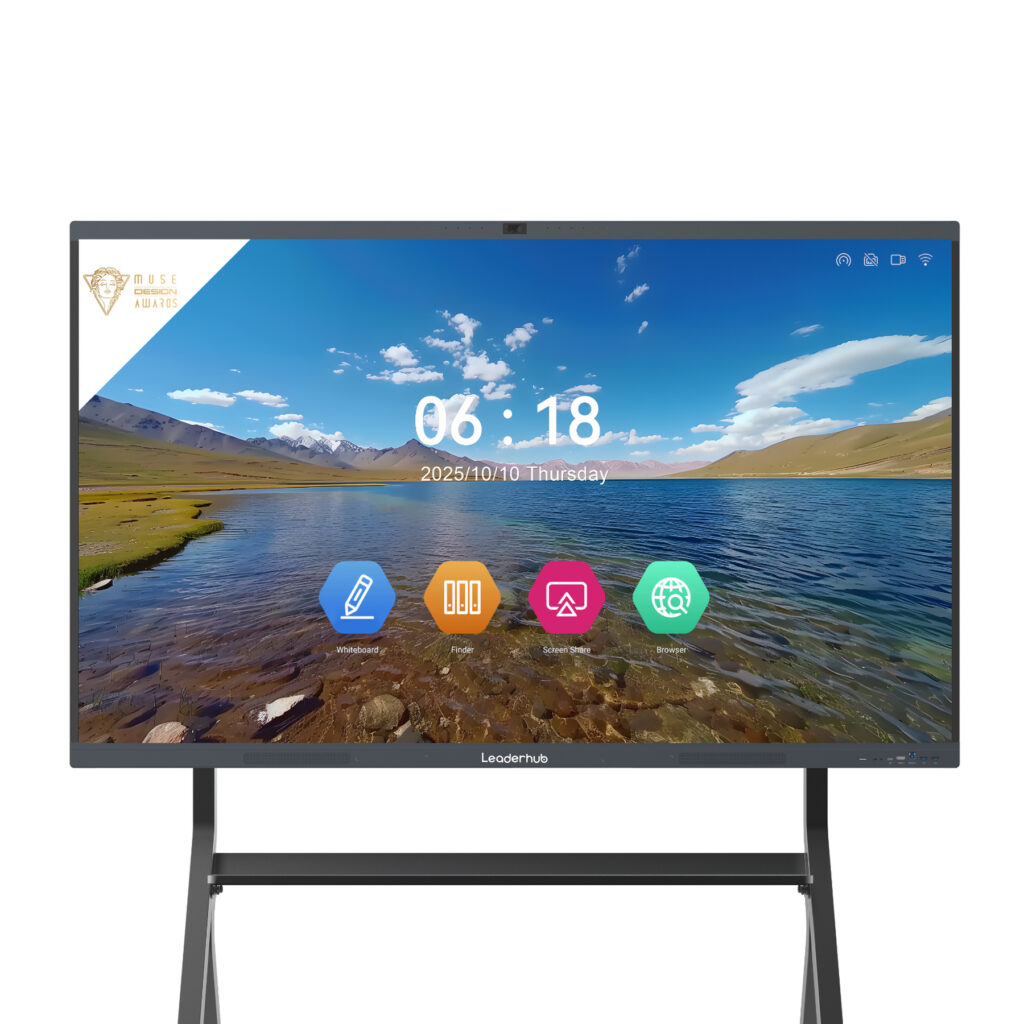
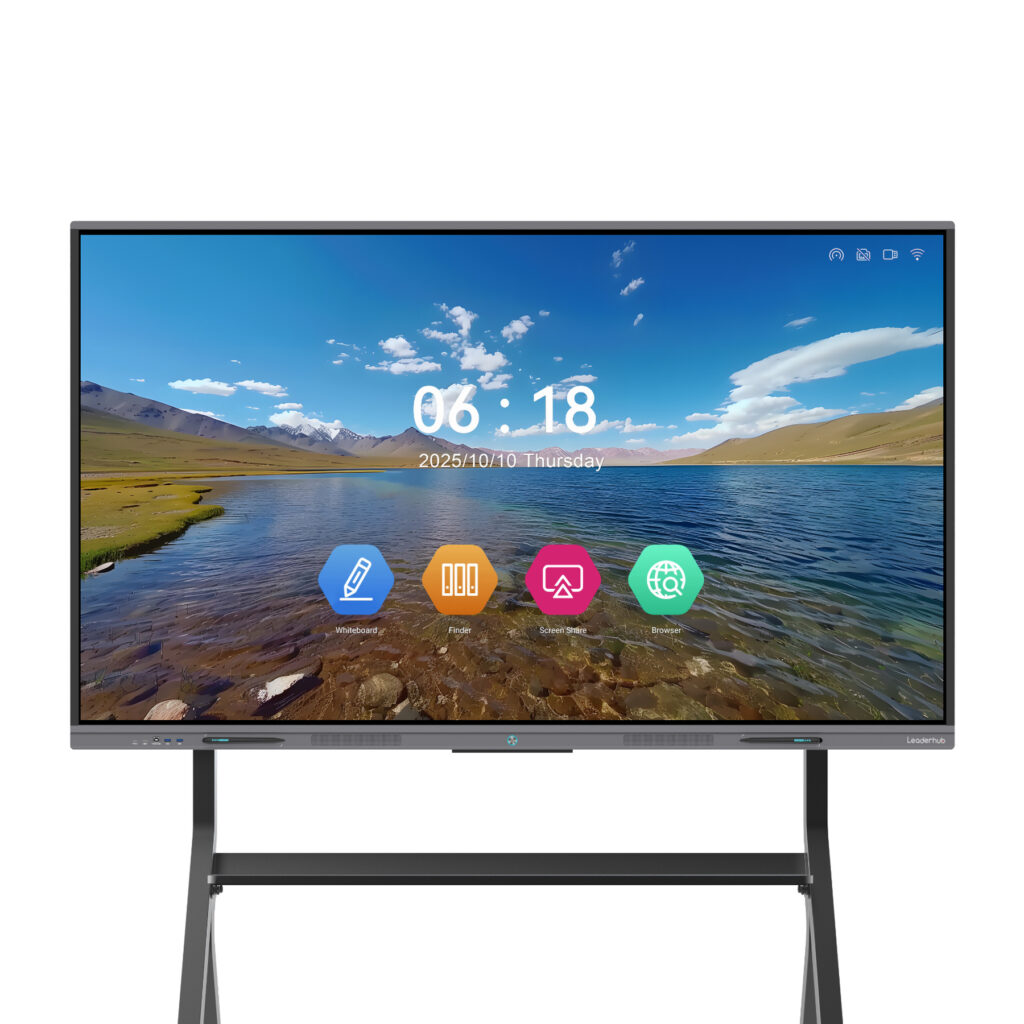
To show what the current budget tier actually looks like, the table below compares a value-focused series with a step-up series from the same product family. Both offer 4K, Android, multi-touch and wireless sharing; the difference lies in the chassis, rotation and premium collaboration features.
| Model | Size | Positioning | Best For | Price |
|---|---|---|---|---|
| L65ZM Interactive Whiteboard | 65″ 4K | Value entry level | Small classrooms, huddle rooms, tutoring centers | $1,099 |
| L75ZM Interactive Whiteboard | 75″ 4K | Value entry level | Standard classrooms, mid-size meeting rooms | $1,399 |
| L86ZM Interactive Whiteboard | 86″ 4K | Value large format | Lecture rooms, boardrooms on a budget | $1,699 |
| L65HM Smart Whiteboard | 65″ 4K | Step-up collaboration | Creative teams, agile offices | $1,299 |
| L75HM Smart Whiteboard | 75″ 4K | Step-up collaboration | Conference rooms needing premium design | $1,599 |
The takeaway: a complete 75″ 4K interactive whiteboard for under $1,400 is now realistic, and even the 86″ class has dropped below $1,700. These models come from Leaderhub, a Shenzhen-based manufacturer with 16 years of interactive-display expertise, products delivered to 82 countries and a No.1 ranking in JD.com’s interactive panel subcategory — the kind of scale that makes direct-from-factory pricing possible without sacrificing after-sales support. You can browse the full range on the smart whiteboards category page.
Where a Budget Panel Fits Within a Complete Setup
An affordable interactive whiteboard rarely works alone. Think of it as the core of a small ecosystem that you can expand gradually as funds allow:
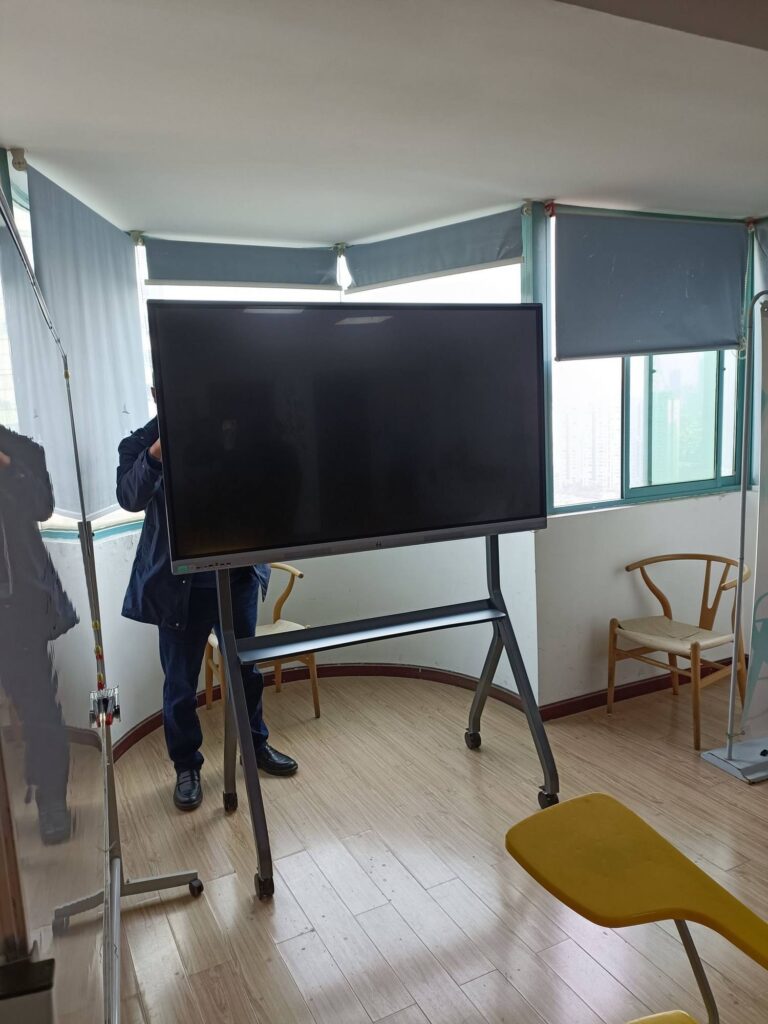
- Mobile stand — lets one panel serve several rooms, effectively halving per-room cost for small schools
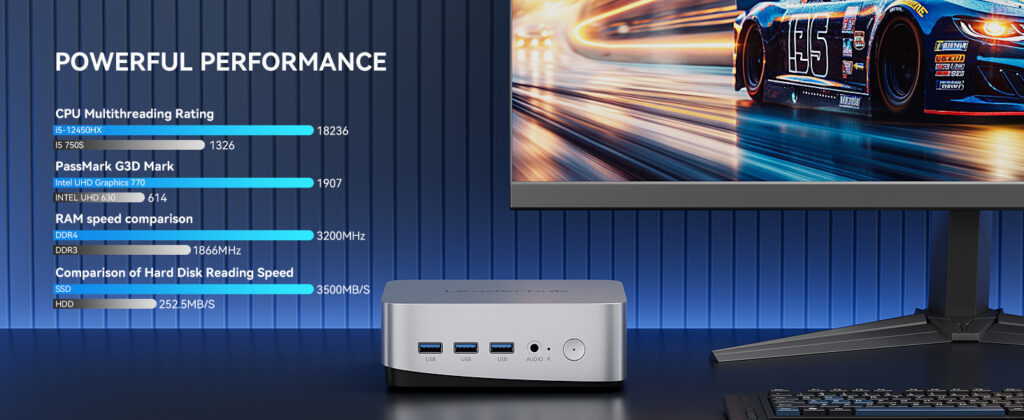
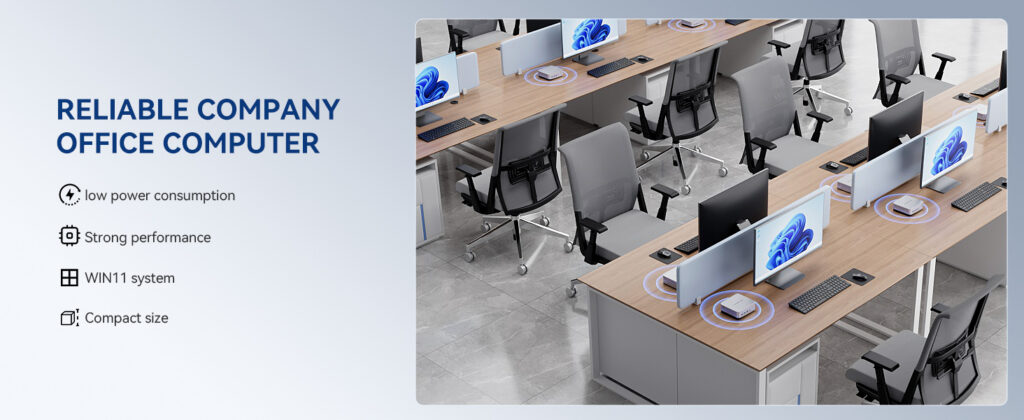
- Mini PC — an Intel N100 unit such as the LP1C Mini PC adds full Windows for under $400 when teachers rely on legacy software
- Portable second screen — a battery-powered touchscreen such as the U24M handheld smart screen supports breakout groups without buying a second large panel
- Document camera or webcam — plug-and-play via the front USB ports
This modular approach aligns with the “buy what you need, when you need it” principle that the UK Education Technology Guidance recommends for schools managing constrained budgets.
Pre-Purchase Checklist for Budget Smart Board Buyers
Before you confirm an order, run through this checklist. Each “no” answer is a signal to ask the vendor more questions or look at an alternative model.
- Is the resolution true 4K UHD, not “4K-ready” or upscaled 1080p?
- Does the panel support at least 20 simultaneous touch points with palm rejection?
- Is the Android version current enough to receive security updates for several years?
- Are whiteboard, screen-sharing and annotation apps included free, with no recurring fees?
- Does it cast wirelessly from every device type your users own?
- Is there an OPS slot or USB-C/HDMI route to add a Windows PC later?
- Is the glass toughened and anti-glare, with a published hardness rating?
- What is the warranty length, and does it cover the touch frame as well as the LCD?
- Does the quoted price include the wall mount or stand, pens and remote?
- Can the supplier provide English documentation, firmware updates and remote support?
Common Mistakes That Turn a Cheap Board into an Expensive One
Buying on brand name alone
Several well-known brands source panels from the same LCD and touch-frame suppliers used by direct manufacturers. Paying 40 – 60 % more for a logo rarely buys better glass or a faster processor.
Ignoring the warranty fine print
Some ultra-low-cost listings offer only a 12-month warranty with return shipping at the buyer’s expense. For a device expected to run eight hours a day, a three-year warranty with local or remote support is worth a modest premium.
Skipping a hands-on trial
Writing latency and touch accuracy cannot be judged from a spec sheet. Request a demo unit or visit a showroom or trade show where you can write, erase and cast from your own laptop before committing to a multi-room rollout.
Forgetting the teachers and staff
Even the best hardware fails without adoption. Budget an hour of onboarding per user and choose panels with simple home screens — the OECD Digital Teaching Guidance consistently finds that confidence, not device specs, predicts classroom impact.

Frequently Asked Questions
How much should I spend on a classroom smart board?
For a standard classroom of 25 – 30 students, plan on $1,300 – $1,700 for a 75″ 4K Android panel, plus $100 – $300 for mounting. Larger lecture spaces may justify an 86″ panel at around $1,700.
Is an interactive projector cheaper than a smart board?
The upfront cost can be lower, but lamps, filters, calibration and shadowing issues raise TCO over time. Most schools replacing projectors now move directly to interactive flat panels for lower maintenance and better image quality.
Do I need a Windows OPS module?
Only if your workflow depends on Windows-only software. Modern Android panels handle web apps, Google Workspace, Microsoft 365 web versions and video calls without an OPS. If you do need Windows later, a compact mini PC connected by USB-C is a flexible, lower-cost alternative.
Can a budget smart board work for video conferencing?
Yes. Pair the panel with a USB camera and soundbar, or choose a model with built-in camera and microphone array. Confirm that Zoom, Microsoft Teams and Google Meet apps are supported on the panel’s Android version.
How long should an affordable interactive whiteboard last?
Quality LED-backlit panels are rated for roughly 50,000 hours — around 15 years at eight hours a day. In practice, software support and connectivity standards usually define the useful life at six to eight years.
Final Thoughts: Spend Where It Counts
Choosing the best affordable interactive whiteboard comes down to a disciplined process: calculate total cost rather than list price, size the screen to the room, insist on the core features that affect daily use, and ignore marketing specs that do not. Follow those steps and a $1,100 – $1,700 panel will deliver the same teaching and meeting outcomes as boards costing twice as much.
If you are equipping multiple rooms, comparing suppliers, or need help matching models to your floor plan, you can contact the Leaderhub team for volume pricing and tailored recommendations, or explore all interactive displays to see current specifications and prices.