
Smart Board for Online Teaching: Enhancing Virtual Classroom Learning
Empower educators and inspire students worldwide. Discover how LeaderHub’s AI-integrated interactive panels bridge the gap between physical and digital learning spaces with cutting-edge touch technology.
The Revolution of Virtual Classroom Learning
Traditional teaching methods are rapidly evolving. A high-performing smart board for online teaching has shifted from a luxury tool to an absolute necessity for modern educators.
Why Static Screens Fail Dynamic Classrooms
In the digital age, keeping students engaged through a standard webcam and static slide presentation is a monumental challenge. Students easily lose focus, and teachers struggle to illustrate complex concepts on the fly. A digital smart board solves this by providing a dynamic canvas that mimics the physical blackboard while integrating powerful multimedia tools.
By using a smart board for online teaching, educators can write, draw, annotate, and manipulate 3D models in real-time. This interactive workflow creates a collaborative environment where students are no longer passive observers but active participants in their learning journey.
Key Insight: Studies show that interactive visual aids increase student information retention by up to 60% compared to traditional text-based presentations.
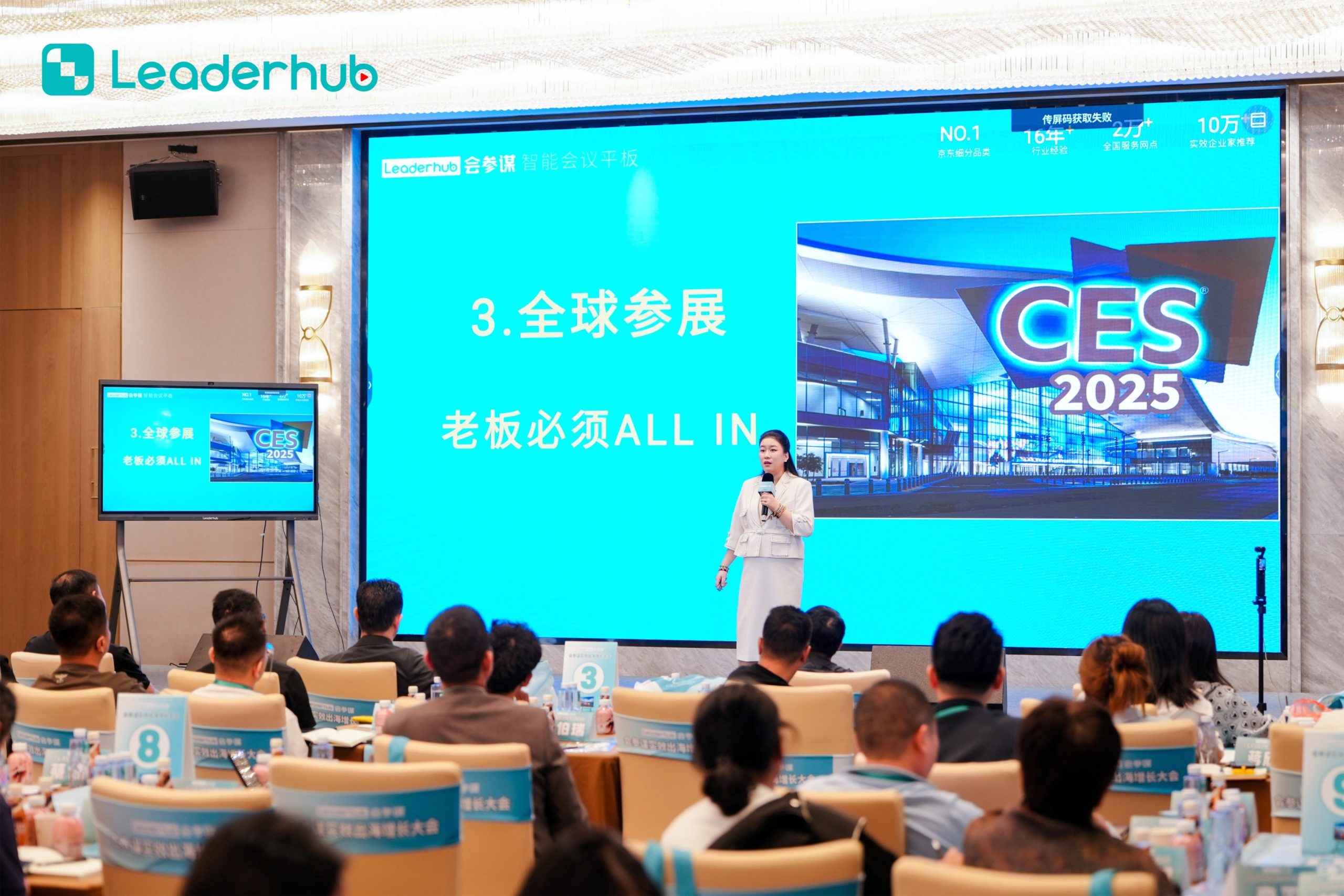

About LeaderHub
AI Changes Life — 16 Years of Interactive-Display Expertise
LeaderHub is a Shenzhen-based technology pioneer specializing in smart whiteboards, interactive flat panels, mini PCs, and portable smart screens. Since 2010, we have delivered cutting-edge collaborative technology to 82 countries worldwide, empowering businesses and classrooms alike.
We combine advanced hardware innovation with artificial intelligence to optimize classroom interaction efficiency. By making smart technologies accessible and affordable, we help schools transition smoothly into hybrid and fully virtual learning ecosystems.
16+ Years
Industry Expertise (Since 2010)
82+ Countries
Global Distribution Network
No.1 JD.com
Subcategory Interactive Panels
4 Product Lines
Comprehensive Visual Solutions
Key Features of LeaderHub Smart Boards
Engineered explicitly for remote, hybrid, and physical classrooms, our smart boards transform standard curriculum into rich interactive media.
4K UHD Visual Clarity
Deliver ultra-sharp diagrams, small text, and high-definition video lessons. Anti-glare glass ensures readability from any camera angle.
Dual Operating Systems
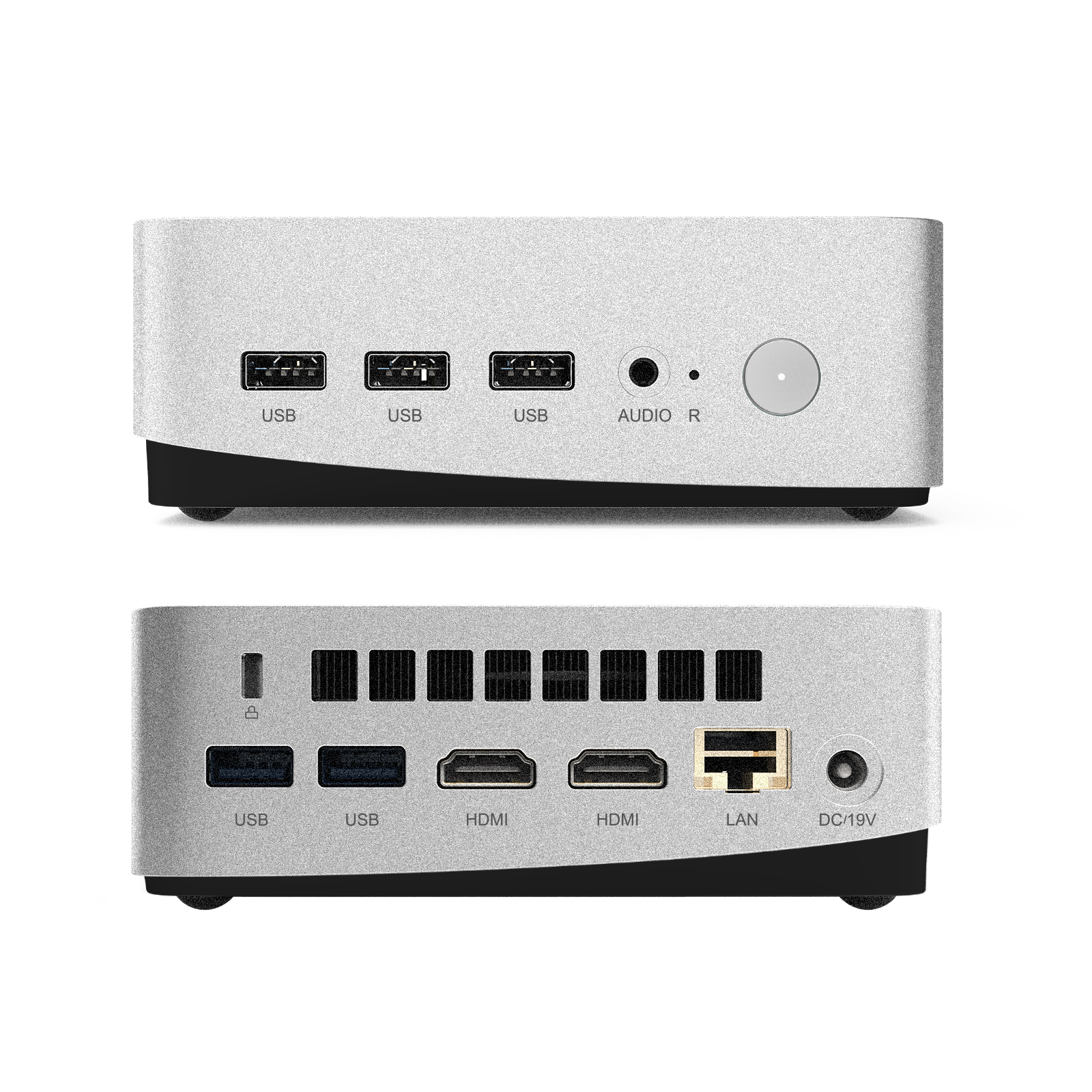
Seamlessly switch between Android and Windows (via OPS Mini PC). Run native educational apps alongside desktop-class teaching software.
Multi-Touch Capability
Support up to 20-point touch, enabling multiple students to write simultaneously during hybrid in-class sessions. Ultra-low latency writing.
Smart Board Model Comparison
Choose the ideal size and specification to match your virtual teaching environment.
| Model Series | Sizes Available | Resolution & Touch | Primary Application | Recommended For |
|---|---|---|---|---|
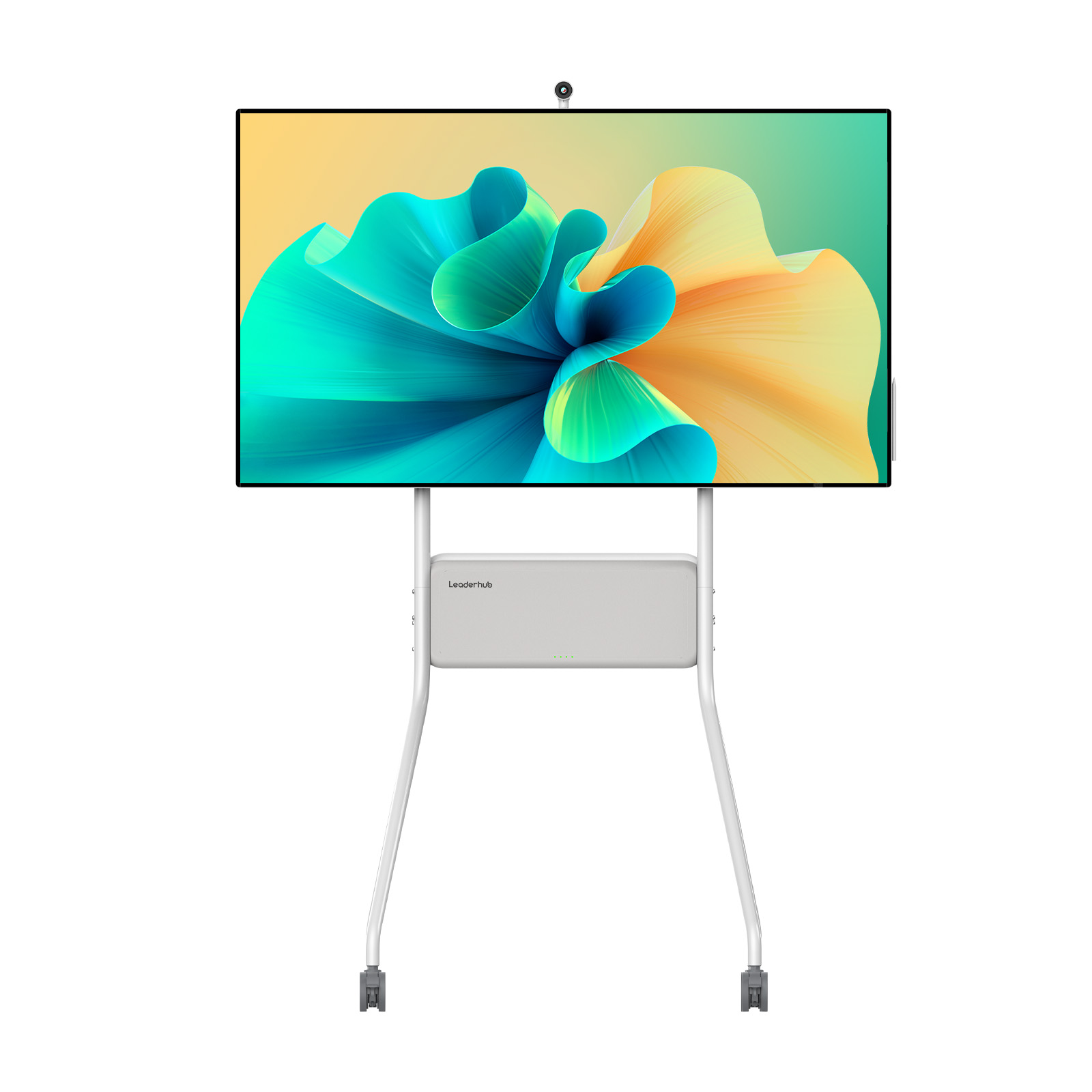
| LeaderHub L-HM Series | 65″, 75″, 86″ | 4K UHD, 20-Point Touch | High-end Virtual Classrooms | Universities & Professional Training |
| LeaderHub L-ZM Series | 65″, 75″, 86″ | 4K UHD, Infrared Touch | Standard Hybrid Learning | K-12 Schools & Small Tutoring Centers |
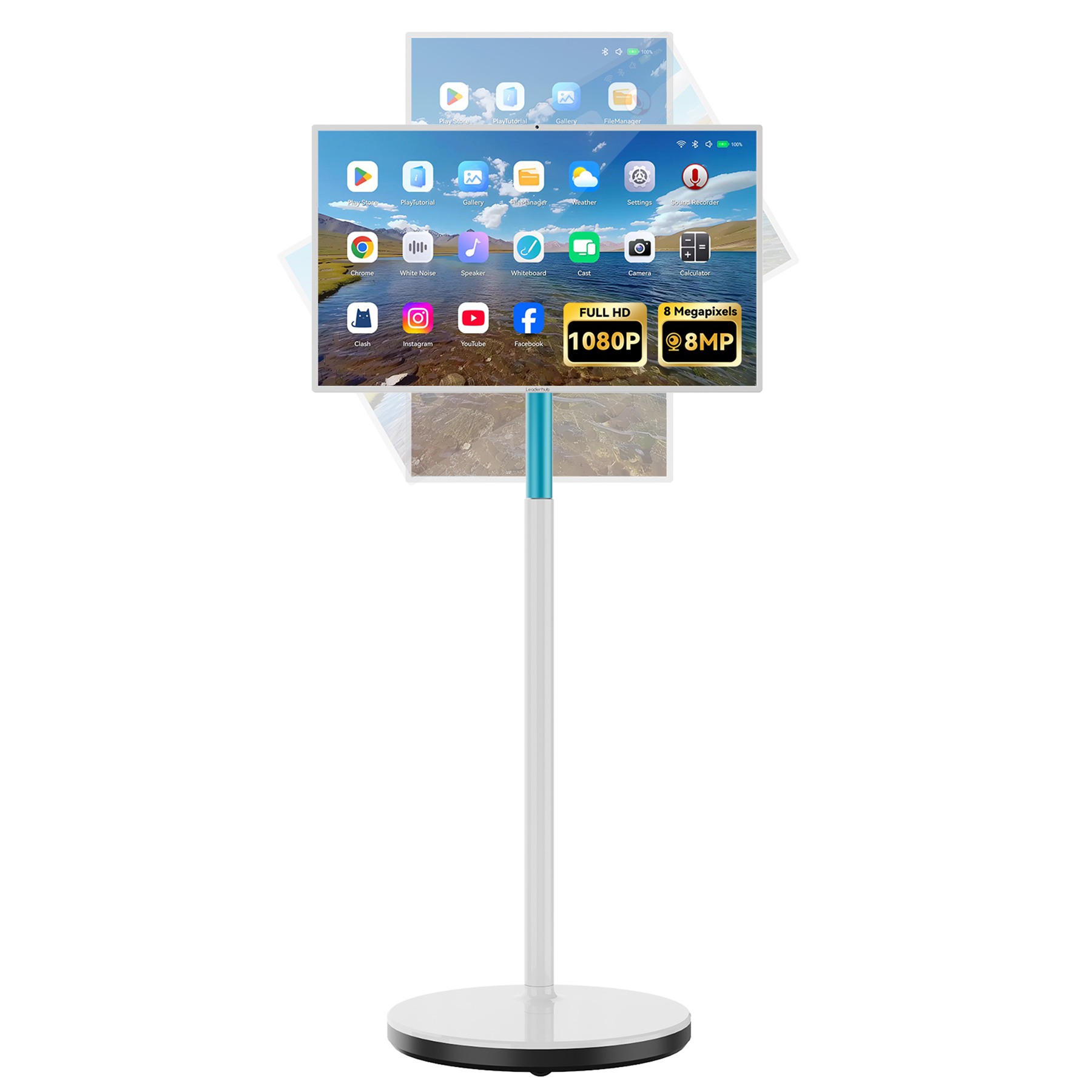
| LeaderHub U55Pro Series | 55″ | 4K Mobile Smart Display | Flexible / Portable Classrooms | Independent Online Tutors & Homeschooling |
Featured Interactive Displays for Online Educators
Explore our top-performing interactive smart boards, portable screens, and mini PC solutions designed to elevate virtual teaching.

Pedagogical Benefits of Interactive Teaching
Integrating a smart board into your online teaching workflow does not just replace the dry-erase board; it transforms your instructional methods, providing deep pedagogical advantages.
-
Enhanced Student Engagement
Gamify lessons, use interactive quizzes, and allow remote students to control the screen directly, turning passive video calls into active learning hubs.
-
Effortless Lesson Archiving
Save all written notes, annotations, and sketches as PDF or image files. Instantly share them with students via Google Classroom, Microsoft Teams, or email.
-
AI-Assisted Collaboration
Leverage AI tools for handwriting recognition, automated shape correction, and voice-to-text transcription to keep your lectures running smoothly.

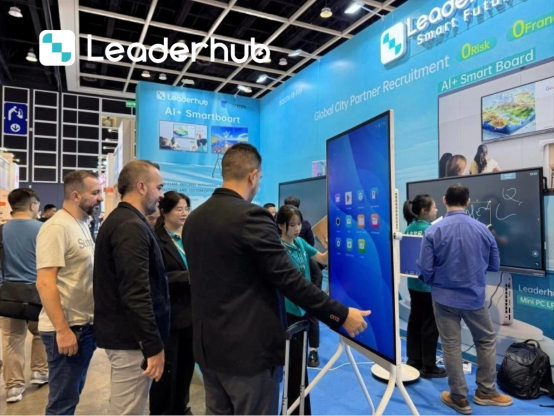
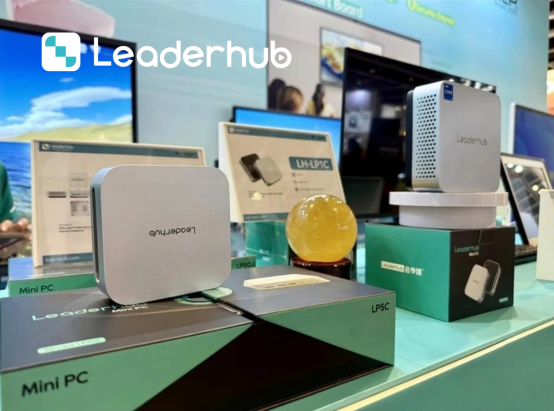
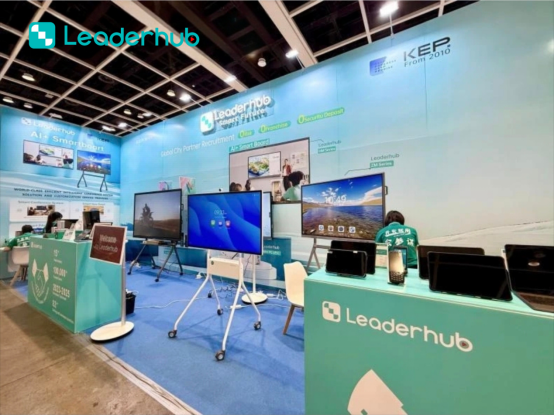
LeaderHub at Global Electronics Exhibitions
Connecting with educational systems, distributors, and integrators worldwide. We demonstrate our cutting-edge smart board technologies across major international trade shows.



Frequently Asked Questions
Everything you need to know about using LeaderHub smart boards for online teaching and hybrid classroom management.
How does a smart board connect to online teaching software like Zoom or Teams?
LeaderHub smart boards run on dual operating systems (Android and Windows via OPS). You can run Zoom, Microsoft Teams, Google Meet, or Skype directly on the panel. Alternatively, you can connect your laptop via USB-C or HDMI/USB-Touch cables to project your laptop screen and use the smart board’s touch functionality to control your computer.
Can remote students see what I write on the smart board in real-time?
Yes. By sharing your screen through your video conferencing software (e.g., sharing the whiteboard app window or the entire desktop), remote students will see every stroke, annotation, and media file you display in real-time with zero latency.
What size smart board is best for my home office or classroom?
For independent online tutors working from home or small offices, a 55″ or 65″ screen (like the U55Pro or L65HM) is perfect. For standard classrooms or lecture halls with hybrid students, we recommend the 75″ or 86″ models (L75HM / L86HM) to ensure visibility for both physical and virtual participants.
Do LeaderHub smart boards support multi-user collaboration?
Absolutely. Our panels feature 20-point touch technology, allowing multiple users to write or draw on the screen simultaneously. Remote students can also collaborate digitally via compatible cloud whiteboard platforms like Microsoft Whiteboard or Google Jamboard.
Ready to Upgrade Your Virtual Classroom?
Empower your teaching, engage your students, and simplify remote collaboration with LeaderHub’s advanced interactive smart boards.
