Every new hire remembers their first week. Too often, that memory is a conference room, a projector that took ten minutes to connect, and a 90-slide deck read aloud by a manager who had somewhere else to be. Companies invest heavily in recruiting the right people, then lose momentum the moment those people walk through the door. A smart board for corporate onboarding programs changes that dynamic by turning passive orientation into an interactive, hands-on experience that new employees actually engage with — and remember.
This guide explains how HR teams, L&D managers and office leaders can use interactive smart boards to shorten time-to-productivity, improve knowledge retention and make the first 90 days feel welcoming rather than overwhelming. We will cover the engagement mechanics, a practical rollout framework, screen-size selection, hybrid onboarding and the metrics that prove ROI.
Why Traditional Onboarding Falls Short
Most onboarding failures are not caused by a lack of content. They are caused by the way content is delivered. Common pain points reported by HR teams include:
- Information overload — new hires receive policies, tools, org charts and culture decks in a single compressed session and retain very little.
- One-way delivery — slides are presented, not discussed; questions are deferred and often forgotten.
- Inconsistent experiences — different trainers, different rooms and different equipment produce wildly different outcomes.
- Technical friction — dongles, incompatible laptops and audio issues eat into training time and signal disorganization.
- No feedback loop — trainers rarely know what new hires understood until mistakes appear weeks later.
An interactive display addresses each of these problems at the hardware level, which is why smart boards have moved from classrooms into corporate training rooms so quickly. AV industry bodies such as AVIXA now treat collaborative displays as a core component of modern workplace design rather than an optional upgrade.
What Is a Smart Board for Corporate Onboarding Programs?
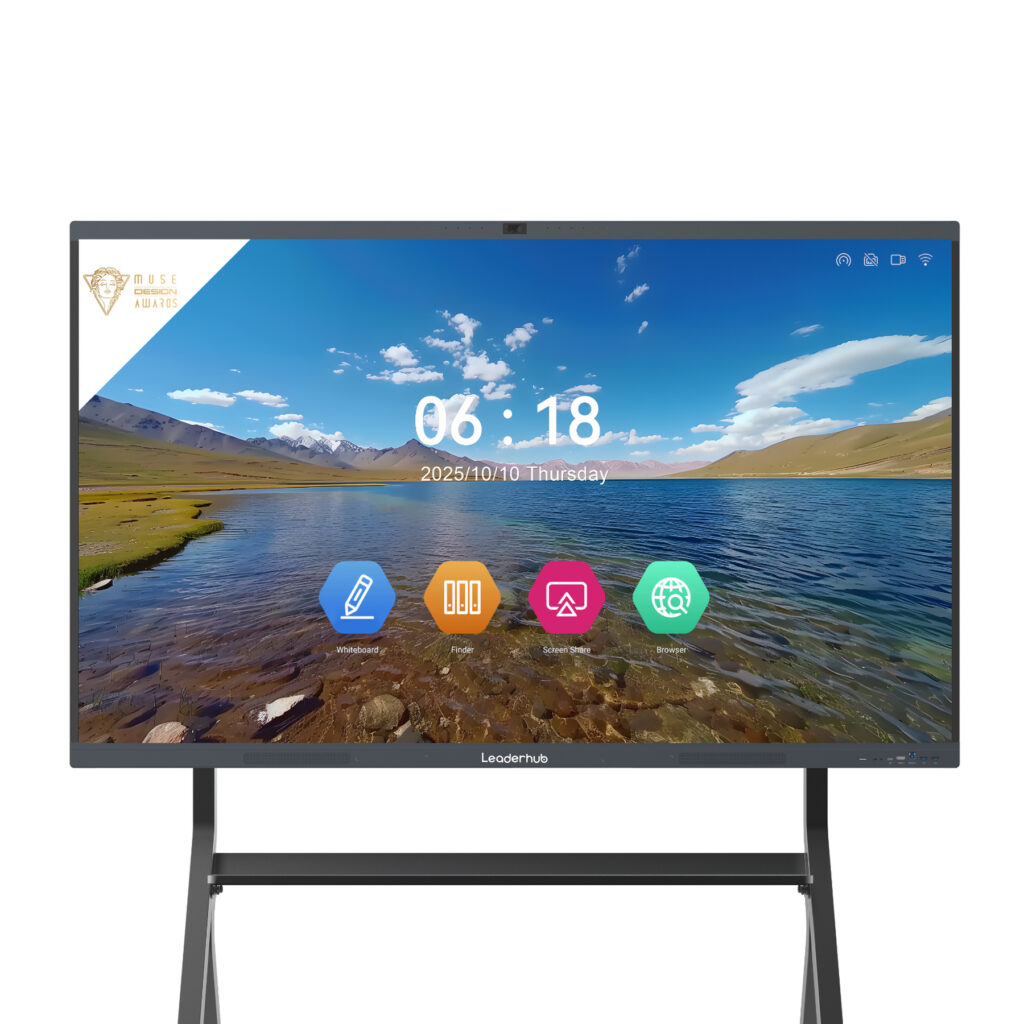
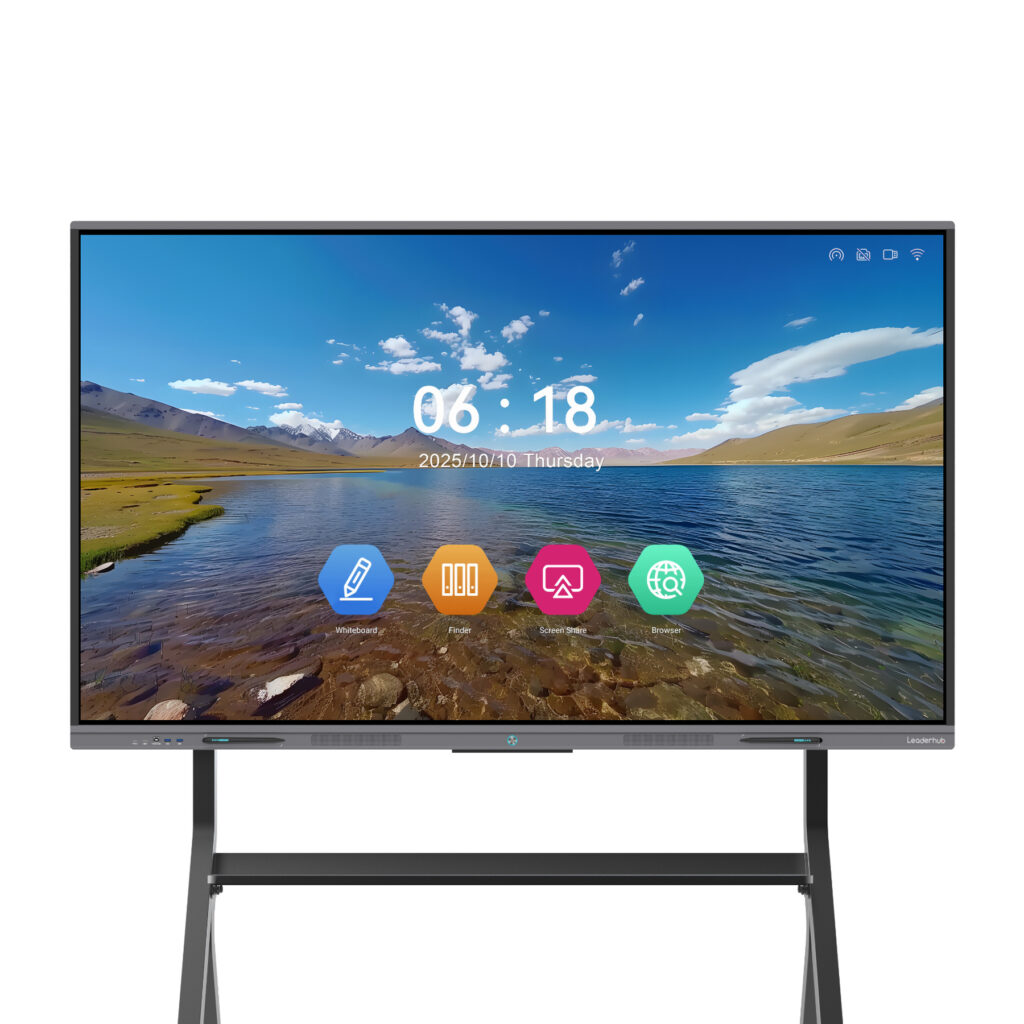
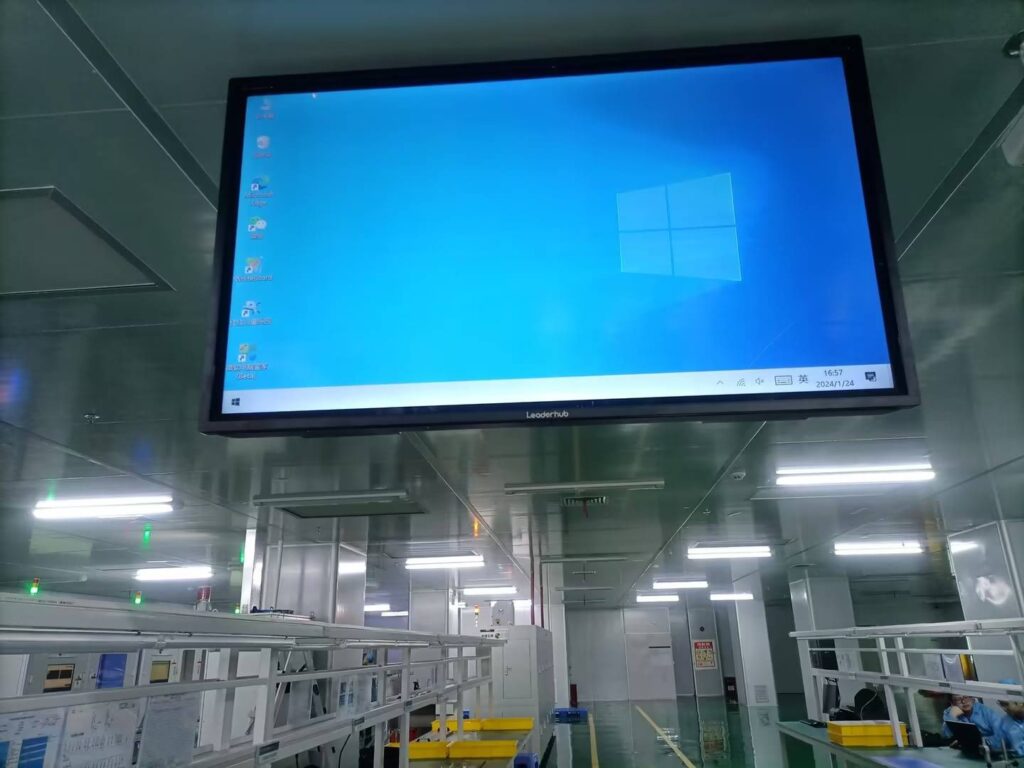
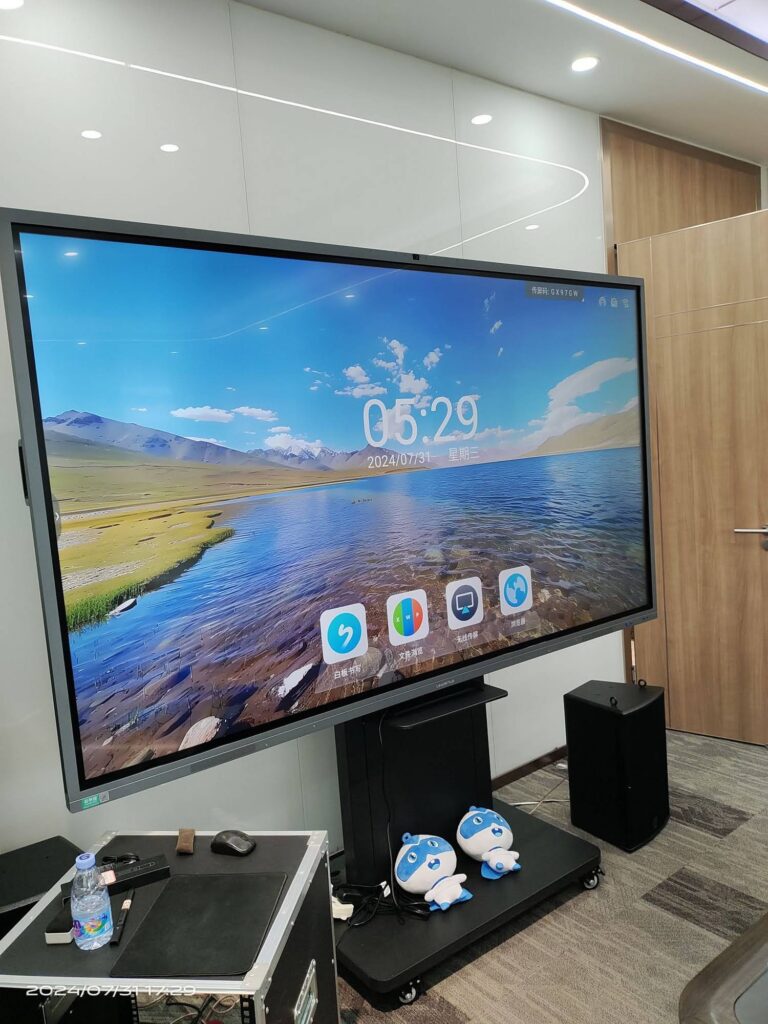
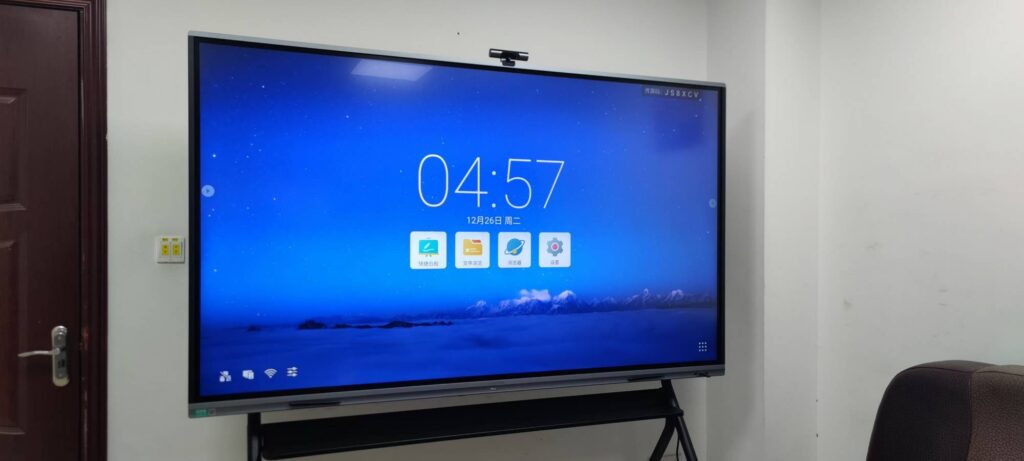
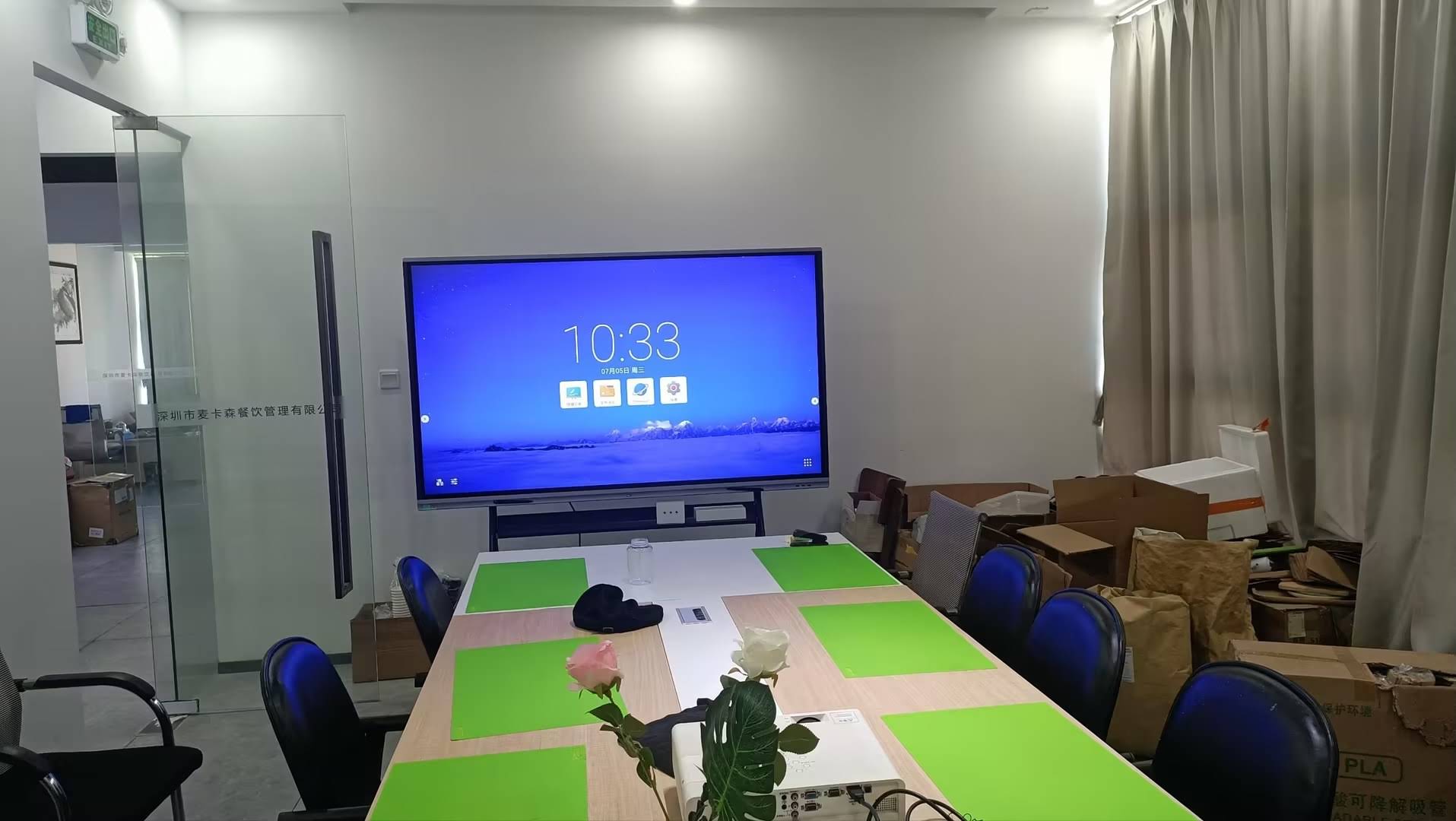
A corporate smart board is a large-format 4K touchscreen display with a built-in operating system, multi-point touch, digital whiteboarding software, wireless screen sharing and video conferencing capability. Unlike a TV connected to a laptop, it functions as a standalone collaboration hub: trainers can annotate over any content, save sessions to the cloud, pull up HR systems directly on the board, and let new hires interact with material by touch.
Modern interactive smart whiteboards typically include:
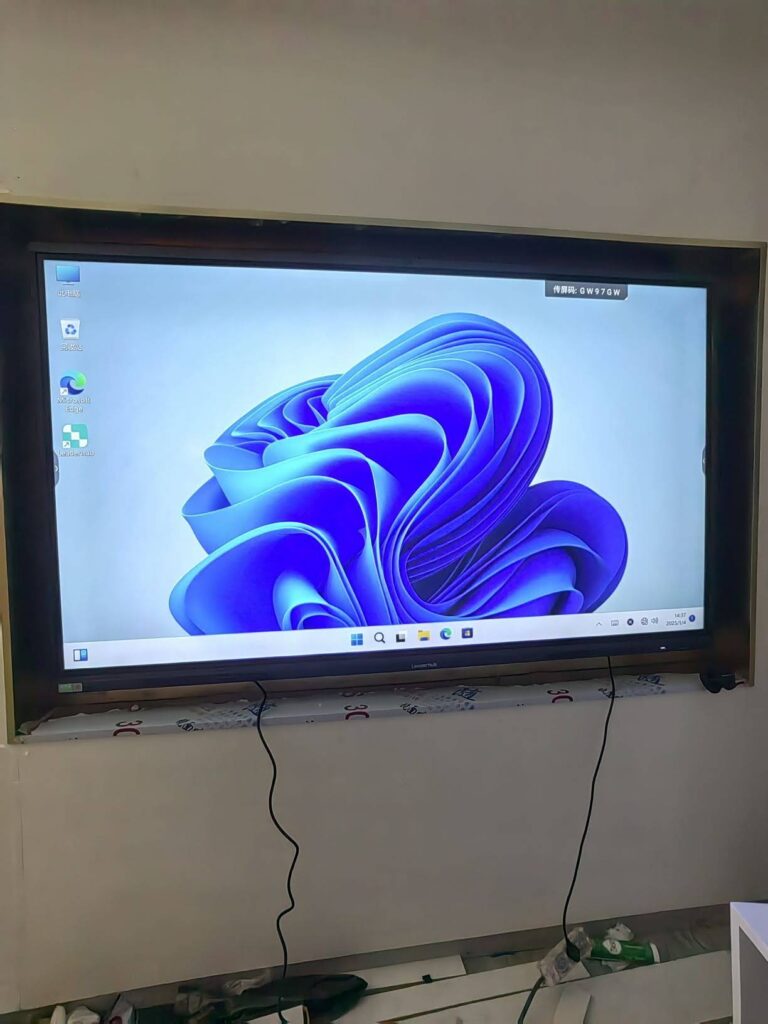
- Android and optional Windows (via OPS or an external mini PC) for running LMS platforms, HRIS portals and Microsoft 365 natively
- 20- to 40-point touch so several people can write on the board at once
- Wireless casting from laptops, tablets and phones without cables
- Built-in cameras, microphone arrays and speakers for hybrid sessions
- Infinite-canvas whiteboard apps with QR-code export so notes go home with the new hire
- Anti-glare, low-blue-light panels designed for full-day training use
7 Ways Smart Boards Engage New Hires
1. Interactive Culture Mapping
Instead of a slide listing company values, ask the cohort to co-create a culture map on the board. New hires drag, write and sticky-note their interpretations of each value. The exercise builds ownership and gives HR immediate insight into how the culture is perceived from the outside.
2. Live System Walkthroughs
Open the actual CRM, ticketing tool or ERP on the board and let new hires complete a real task by touch while the group watches. This hands-on, observed practice is dramatically more effective than screenshots in a PDF.
3. Touch-Based Quizzes and Polls
Run quick knowledge checks after each module. Trainers see instantly which compliance topics need reinforcement before moving on — turning assessment into a conversation rather than a test.
4. Visual Org Charts and Process Flows
Zoomable, annotatable org charts help new employees understand who does what and how work flows between teams. On a 75″ or 86″ display, even a 500-person organization is readable from the back of the room.
5. Collaborative Problem Solving
Give the cohort a realistic business scenario and have them map a solution on the board together. Cross-functional cohorts learn each other’s roles while practicing the collaboration style the company expects.
6. Guest Speakers Without Travel
Bring in a regional director or a product lead over video to speak to the cohort. The built-in camera and microphone array let remote leaders see the room and respond to questions naturally.
7. Take-Home Session Notes
Every annotation, diagram and brainstorm is saved and shared via QR code or email at the end of the session. New hires leave with a personalized record of their first week instead of a folder of generic handouts.
How Smart Boards Speed Up Training
Engagement is only half the story. The other half is time. The table below compares a conventional projector-and-slides approach with a smart-board-led onboarding program across the activities that consume the most hours.
| Onboarding Activity | Traditional Approach | With a Smart Board |
|---|---|---|
| Session setup | 5–15 minutes of cables, adapters and audio checks | Under 1 minute — tap to wake, cast wirelessly |
| Systems training | Screenshots in slides, practice deferred to the desk | Live hands-on practice on the board, observed and corrected in real time |
| Knowledge checks | Paper quiz, graded later | Instant polls with results shown immediately |
| Note distribution | Trainer retypes whiteboard notes and emails them days later | One-tap cloud save and QR share at session end |
| Remote participants | Separate laptop call, remote hires cannot see the whiteboard | Integrated video with the whiteboard visible to everyone |
| Content updates | Reprint handouts, redistribute decks | Edit once in the cloud; every room pulls the latest version |
Organizations that standardize on interactive displays commonly report onboarding cycles shortened by 20–30 percent, largely because practice happens during training rather than afterward, and because trainers spend less time on logistics and more on coaching.
A Practical Framework: Building Onboarding Around the Board
Technology alone does not fix onboarding. The following phased structure shows how a smart board fits into a well-designed program.
Day One: Welcome and Orientation
- Display a personalized welcome screen with each new hire’s name and team.
- Run the interactive culture-mapping exercise described above.
- Walk through the org chart by touch, zooming into the new hire’s own department.
- Complete a short poll on expectations to capture a baseline.
Week One: Tools and Compliance
- Live system walkthroughs with hands-on practice for each core application.
- Compliance modules delivered with annotated case studies rather than text-only policies.
- Daily five-question knowledge checks on the board, results reviewed openly.
- Session notes exported to each new hire’s inbox every afternoon.
Month One: Role-Specific Deep Dives
- Team leads use the board for process mapping specific to the role.
- Shadowing sessions are recorded and replayed with annotations.
- Remote mentors join via video for cross-office knowledge transfer.
Day 90: Review and Feedback
- Compare the Day-One baseline poll with a Day-90 confidence survey on the board.
- Co-create an individual development plan with the manager on a shared canvas.
- Collect program feedback to refine the next cohort’s onboarding.
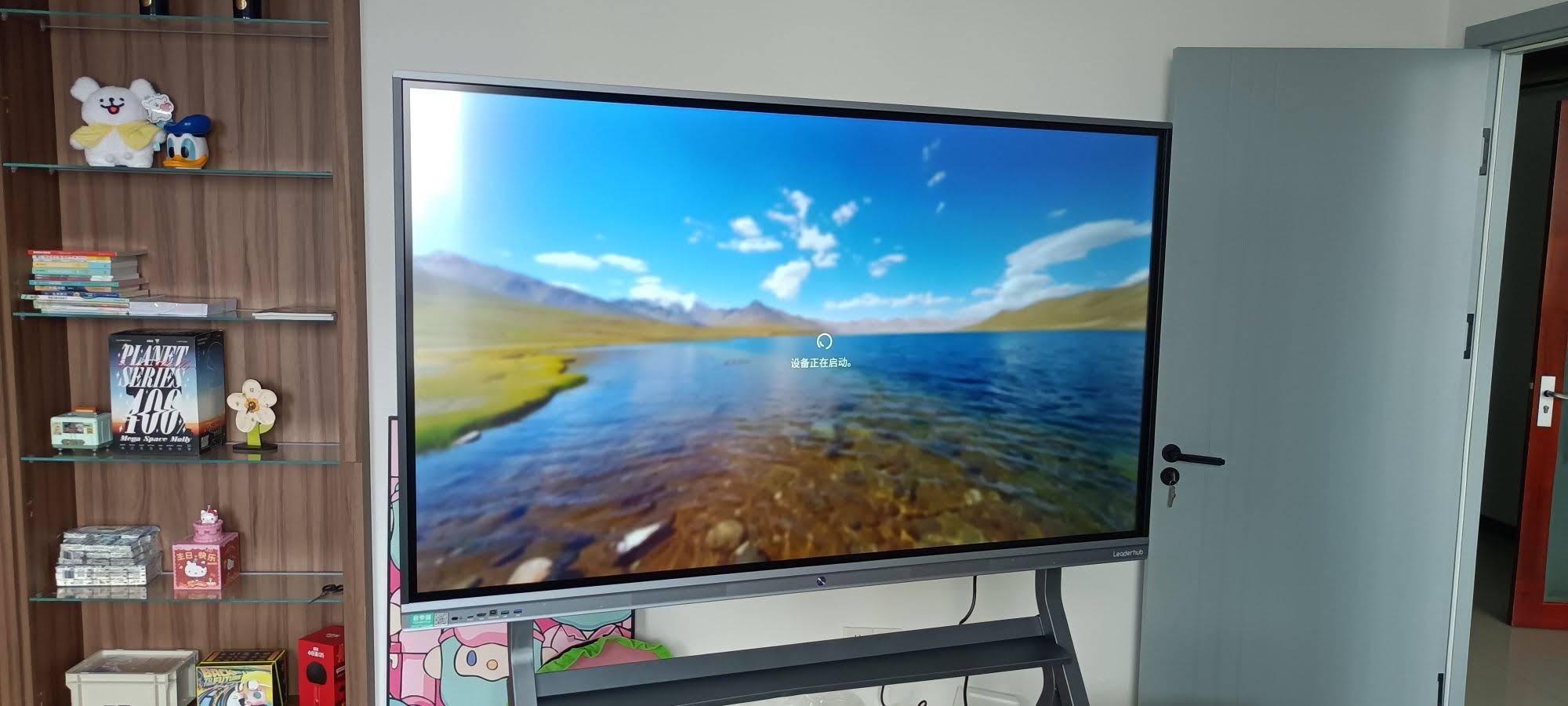
Choosing the Right Smart Board Size and Model
Screen size should match the room and cohort size. A board that is too small forces people to crowd forward; a board that is too large for a small room is uncomfortable to annotate on. Use the guide below as a starting point.
| Onboarding Scenario | Recommended Size | Suggested Model | Why It Fits |
|---|---|---|---|
| Huddle room, 2–6 new hires | 55″–65″ | L65ZM Interactive Whiteboard | Budget-friendly 4K panel for one-on-one and small-group sessions |
| Standard training room, 6–15 new hires | 75″ | L75HM Smart Whiteboard | The most popular size for corporate training; readable from 6 meters |
| Large cohort or town-hall style, 15–30 people | 86″ | L86ZM Interactive Whiteboard | Large canvas for org charts and process maps at a competitive price |
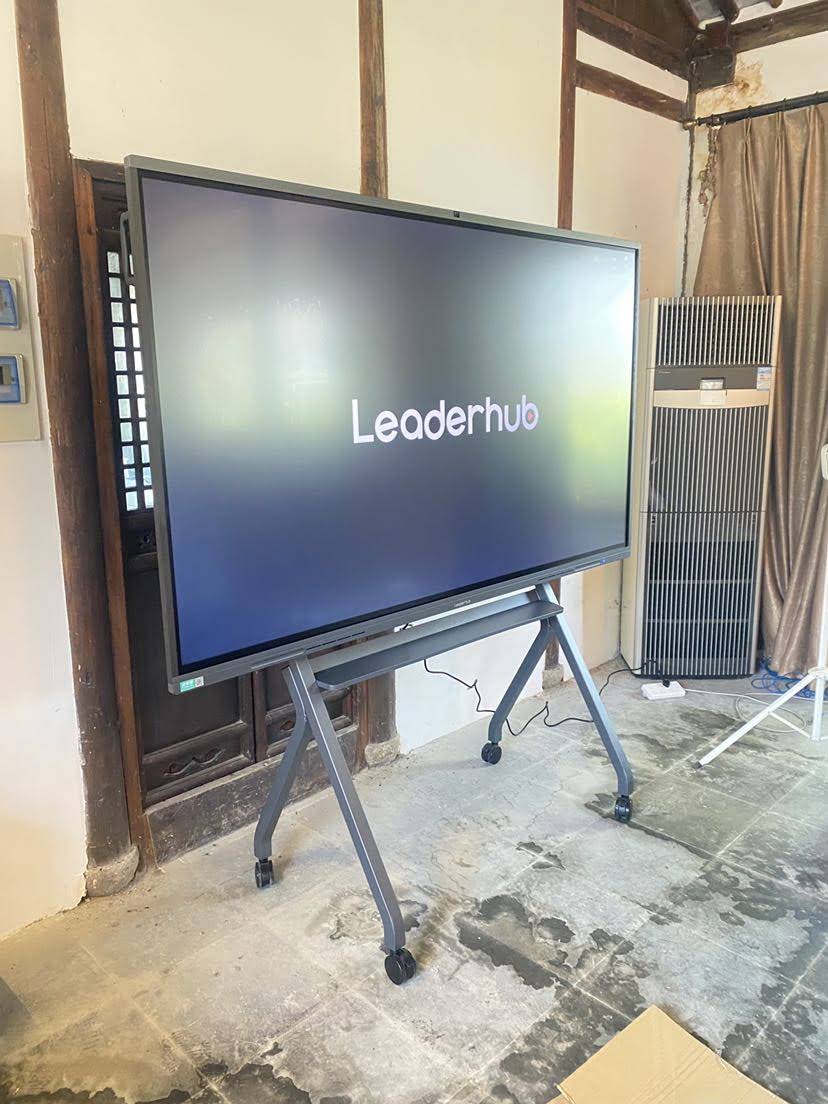
| Rotating between rooms and offices | 55″ mobile | U55Pro Mobile Interactive Flat Panel | Wheeled stand lets one board serve several departments |
| Auditorium onboarding, 30+ people | 110″ | L110H Interactive Flat Panel | Cinema-scale visibility for all-hands welcome events |
For teams that onboard field staff or run desk-side coaching, a portable rotating smart screen with a built-in battery can complement the main board, letting mentors carry the same digital whiteboard to a new hire’s workstation.
Hybrid and Remote Onboarding
Distributed teams are now the norm, and onboarding programs that treat remote hires as an afterthought see higher early attrition. A smart board with integrated conferencing solves the core problem of hybrid training: remote participants finally see the same whiteboard the in-room group sees, and they can annotate on it from their own devices.
- Single-view parity — the whiteboard canvas is the shared meeting content, not a camera pointed at a wall.
- Two-way annotation — remote hires write on the canvas through the whiteboard app on their laptop or tablet.
- Recorded sessions — every onboarding module is captured with annotations for asynchronous review across time zones.
- Consistent experience — a cohort split across three offices follows one program on identical hardware.
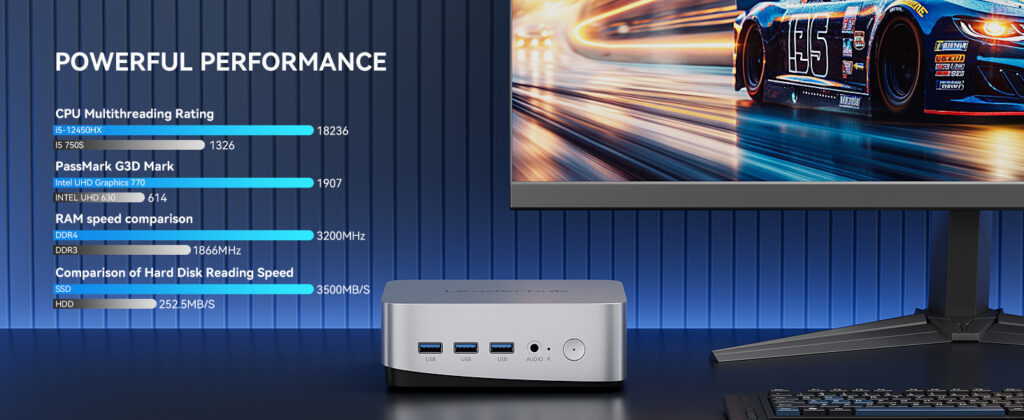
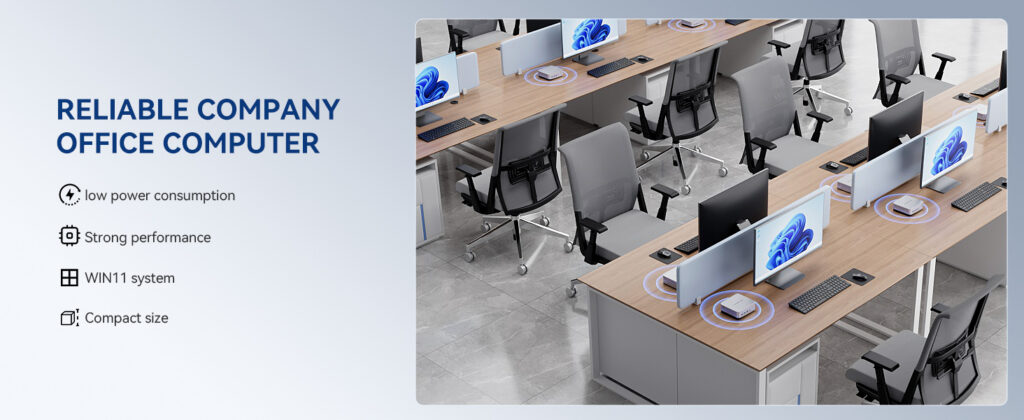
Pairing the board with a Windows-based compact mini PC ensures full compatibility with Teams, Zoom, Webex and any LMS your organization already uses.
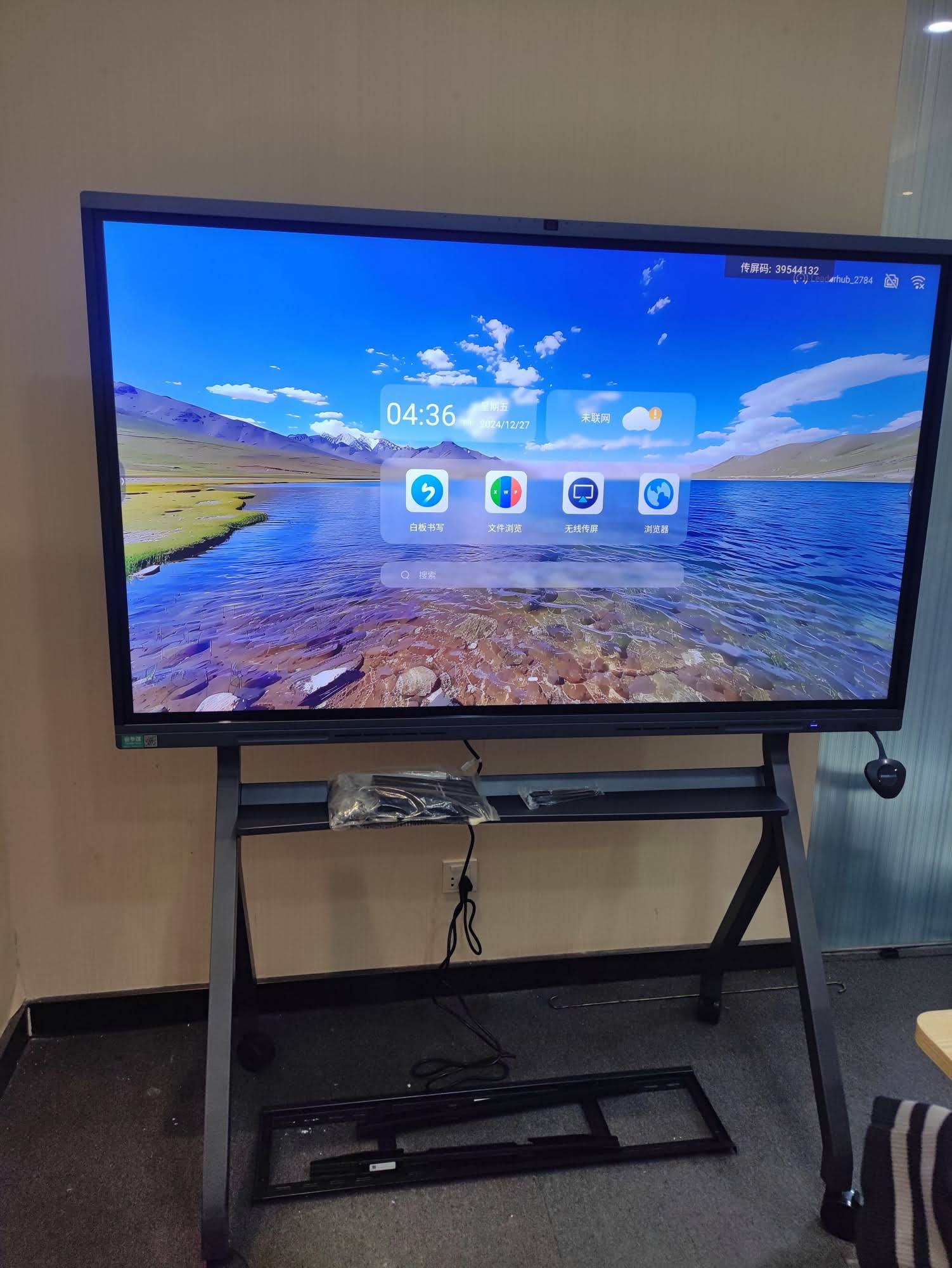
Measuring the ROI of Smart Board Onboarding
HR leaders need more than anecdotes to justify a capital purchase. Track the following metrics before and after deployment to quantify the impact.
| Metric | How to Measure | Typical Direction of Change |
|---|---|---|
| Time to productivity | Days until a new hire meets baseline output targets | Shorter |
| Knowledge retention | Day-30 quiz scores on compliance and systems | Higher |
| Trainer hours per cohort | Logged prep, delivery and follow-up time | Lower |
| 90-day retention | Share of new hires still employed at day 90 | Higher |
| Onboarding satisfaction | Post-program survey score | Higher |
| Support tickets from new hires | IT and HR tickets in the first 60 days | Lower |
Because a single 75″ interactive panel is priced in the same range as a mid-level employee’s first two weeks of salary, the payback period is usually measured in cohorts rather than years — especially when the same board doubles as the department’s meeting and brainstorming display between onboarding sessions.
Best Practices for Rolling Out Smart Boards in Onboarding
- Train the trainers first. A 60-minute session on the whiteboard app, casting and cloud save prevents awkward first sessions.
- Build a template library. Pre-made canvases for culture mapping, org charts and process flows keep every cohort consistent.
- Limit slides. If a module can be taught by touching, drawing or doing, do not put it in a deck.
- Save everything. Make QR-code export the default end-of-session habit so new hires build a personal onboarding archive.
- Mount at the right height. The center of the screen should sit around 1.4–1.5 meters from the floor so people of all heights can annotate comfortably.
- Standardize across sites. Identical hardware in every office means a remote cohort gets the same experience as headquarters.
- Review the data quarterly. Use poll and quiz results to retire modules that new hires already understand and expand those they struggle with.
Research on workplace digital skills from the World Economic Forum highlights that comfort with collaborative digital tools is becoming a baseline expectation for employees — making the onboarding room itself an ideal place to model that behavior from day one.
Frequently Asked Questions
Do we need IT support to run onboarding on a smart board?
No. Modern panels boot directly into a touch interface with the whiteboard and casting tools ready. IT involvement is typically limited to initial network setup and account provisioning.
Can new hires use their own laptops with the board?
Yes. Wireless casting supports Windows, macOS, iOS and Android, and most panels include HDMI and USB-C inputs as a fallback.
How many people can write on the board at the same time?
Most corporate models support 20 or more simultaneous touch points, which comfortably allows four to six people to annotate together during group exercises.
Is a smart board useful outside of onboarding?
Absolutely. The same display serves daily stand-ups, client presentations, brainstorming and video meetings, which is why many companies place it in a multi-purpose room rather than a dedicated training space.
What is the realistic lifespan of a corporate smart board?
Commercial-grade panels are rated for roughly 50,000 hours of use, which translates to well over a decade of standard office operation.
Final Thoughts
The first weeks of employment set expectations for everything that follows. A smart board for corporate onboarding programs signals that your company is organized, modern and genuinely invested in helping people succeed — while giving trainers the tools to deliver faster, more consistent and more measurable results. Start with one well-sized panel in your primary training room, build a small template library, and let the data from your first two cohorts guide the rollout to other sites.
Leaderhub, a Shenzhen-based manufacturer with 16 years of interactive display expertise and customers in 82 countries, offers smart whiteboards from 55″ to 110″ alongside mini PCs and portable smart screens built for enterprise training environments. To discuss the right configuration for your onboarding rooms, contact the team or browse the full product range.