Interactive displays have moved from “nice-to-have” technology to core infrastructure for classrooms, boardrooms, training centers and public-sector offices. Yet many organizations still approach smart board technology investment planning reactively — buying a few panels when budget appears, without a clear roadmap for cost, deployment or measurable return. This guide walks procurement teams, IT managers, school leaders and operations directors through a structured planning process: setting objectives, building a realistic budget, calculating ROI, and selecting the right solution for each space.
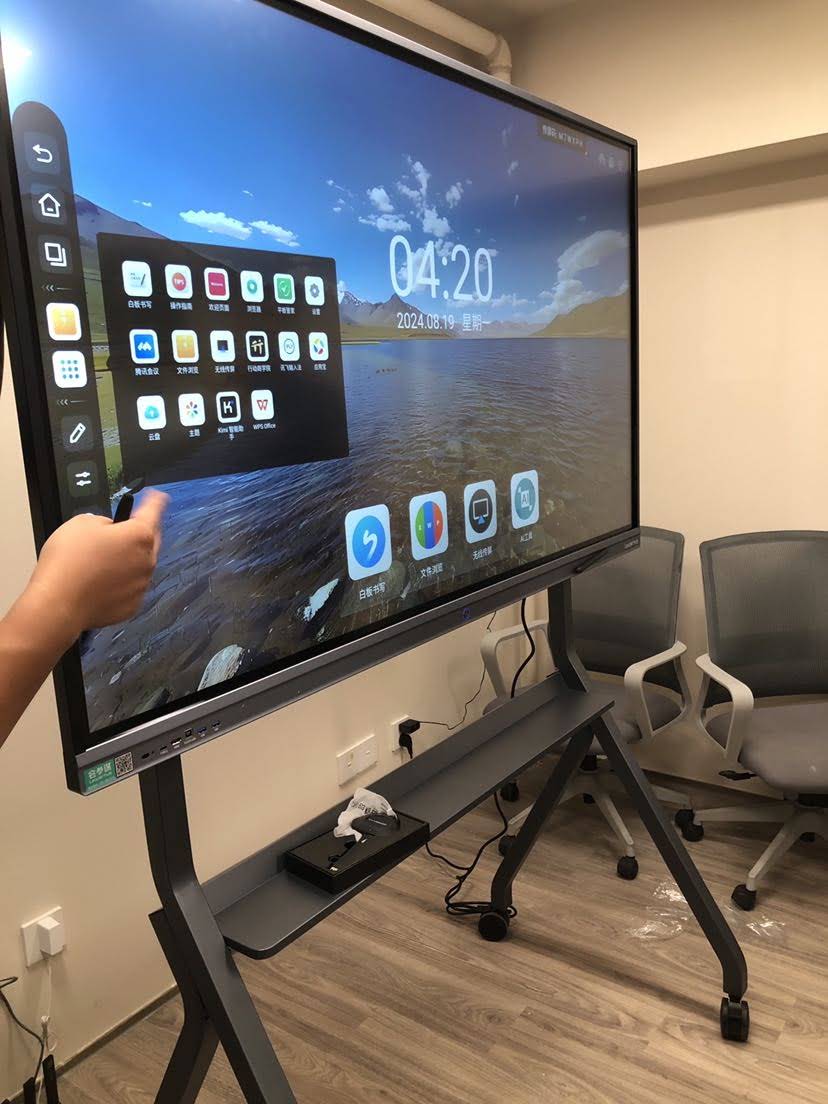
Why Smart Board Investment Planning Matters for Organizations
An interactive flat panel is not a single purchase — it is a multi-year commitment that touches hardware, software, networking, training and facility management. Research summarized in the OECD Digital Education Outlook consistently shows that technology delivers value only when it is integrated with clear pedagogical or operational goals. The same principle applies to enterprise collaboration: the device is only as valuable as the workflow it enables.
Well-planned investments typically achieve three outcomes:
- Predictable budgeting — no surprise costs for mounts, cabling, software licences or replacement parts.
- Higher adoption rates — users actually touch the screen daily rather than treating it as an expensive projector.
- Measurable return — leadership can see time saved, consumables eliminated and engagement improved.
Step 1: Define Objectives and Use Cases Before Looking at Hardware
The most common planning mistake is starting with screen size and price. Start instead with the question UNESCO poses in its Choosing Technology in Education guidance: what problem are we solving, and for whom?
Education Institutions
- Replace aging projectors and analog whiteboards with low-maintenance 4K panels.
- Support hybrid and blended lessons with built-in cameras, microphones and screen sharing.
- Standardize classroom technology across campuses so teachers can move between rooms without retraining.
Enterprises and SMEs
- Shorten meeting setup time and eliminate cable-hunting before video calls.
- Enable remote participants to annotate and co-edit in real time.
- Equip huddle rooms, training rooms and executive boardrooms with a consistent experience.
Government and Public Sector
- Improve citizen-facing presentations, planning sessions and inter-agency coordination.
- Meet procurement requirements for warranty, data security and local support.
- Deploy mobile or portable screens for field offices and temporary facilities.
Planning tip: Document each room type (classroom, huddle room, boardroom, lecture hall, lobby) with its typical audience size, seating distance and existing AV. This room inventory becomes the backbone of your budget and your sizing decisions.
Step 2: Build the Budget Around Total Cost of Ownership
Hardware is usually only 60–75% of the real cost of a smart board deployment. A credible budget accounts for every line item across the expected service life — typically 5 to 7 years for a quality LED interactive panel.
| Cost Category | What to Include | Typical Share of TCO |
|---|---|---|
| Hardware | Interactive panel, OPS or mini PC module, wall mount or mobile stand, stylus, camera | 60–75% |
| Installation | Mounting, electrical work, network drops, cable management, old equipment removal | 8–15% |
| Software & Licences | Whiteboarding apps, device management (MDM), video-conferencing subscriptions | 5–10% |
| Training & Change Management | Onboarding sessions, quick-start guides, internal champions programme | 3–8% |
| Support & Maintenance | Extended warranty, spare styluses, IT helpdesk time, firmware updates | 5–10% |
Organizations that skip the training line almost always underperform on adoption. The EEF Digital Technology Guidance highlights that professional development is the single strongest predictor of whether classroom technology improves outcomes — a finding that translates directly to corporate environments.
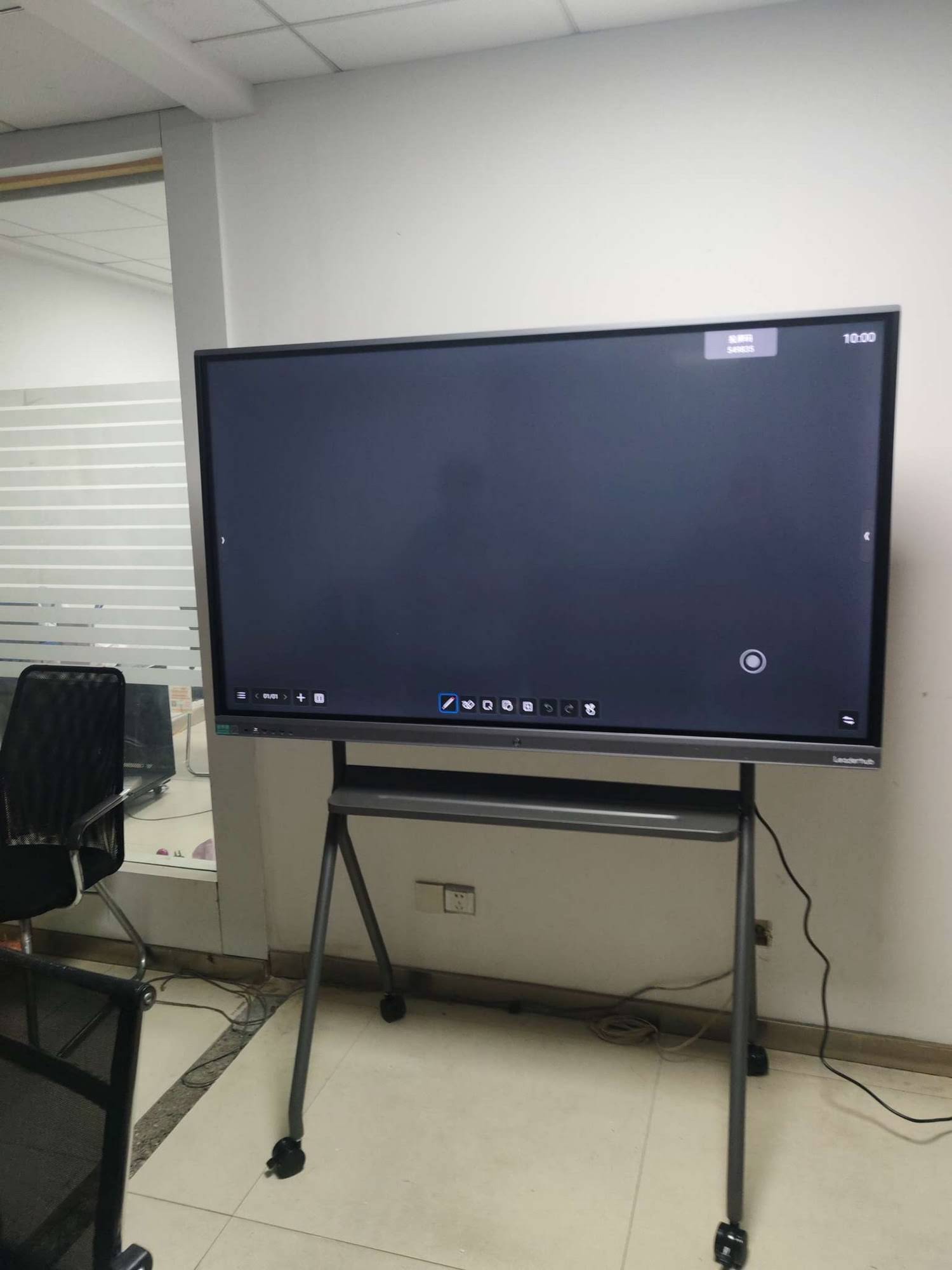
Sample Per-Room Budget (Mid-Size Meeting Room or Classroom)
| Item | Example Choice | Estimated Cost (USD) |
|---|---|---|
| 75″ 4K interactive panel | L75ZM Interactive Whiteboard | $1,399 |
| Compute module (optional) | LP1C Mini PC | $399 |
| Installation & cabling | Local integrator | $250–$400 |
| Training allocation | 2-hour group session | $100 |
| Total per room | ≈ $2,150–$2,300 |
Note that many organizations skip the separate mini PC entirely, since modern panels run Android with built-in whiteboarding, browsing and wireless casting. Reserve the compute module budget for rooms that need full Windows applications.
Step 3: Calculate ROI in Terms Leadership Understands
Return on investment for smart boards comes from two buckets: hard savings that appear on a ledger, and soft gains that affect productivity and engagement. Present both, but lead with the numbers you can defend.
Hard Savings
- Projector lamp and filter replacement — typically $150–$300 per room per year, eliminated entirely.
- Consumables — markers, flip-chart pads, printed handouts and agendas.
- Energy — LED panels generally draw less power than projector-plus-PC setups and switch off automatically.
- Travel reduction — fewer trips when remote teams can genuinely collaborate on a shared canvas.
Productivity Gains
- Meeting start-up time — one-touch join and wireless casting remove the 3–5 minutes typically lost to cables and adapters.
- Decision speed — annotated screenshots and saved whiteboard sessions reduce follow-up emails.
- Student engagement — multi-touch interaction supports group work; see the Interactive Displays in Education research for evidence on participation effects.
Illustrative ROI Model — One Enterprise Meeting Room
| Assumption | Value | Annual Impact |
|---|---|---|
| Meetings per week | 8 | 384 meetings / year |
| Setup time saved per meeting | 3 minutes × 6 attendees | 115 staff-hours recovered |
| Loaded hourly cost | $35 | ≈ $4,030 productivity value |
| Projector & consumables eliminated | Lamps, markers, printing | ≈ $450 hard savings |
| Total annual benefit | ≈ $4,480 | |
| Payback period on $2,200 room cost | Under 7 months |
Adjust the assumptions to your own staffing costs and meeting frequency. Even with conservative inputs, a mid-priced 4K panel usually pays for itself well inside the first two years, with a further four to five years of near-zero-cost service.
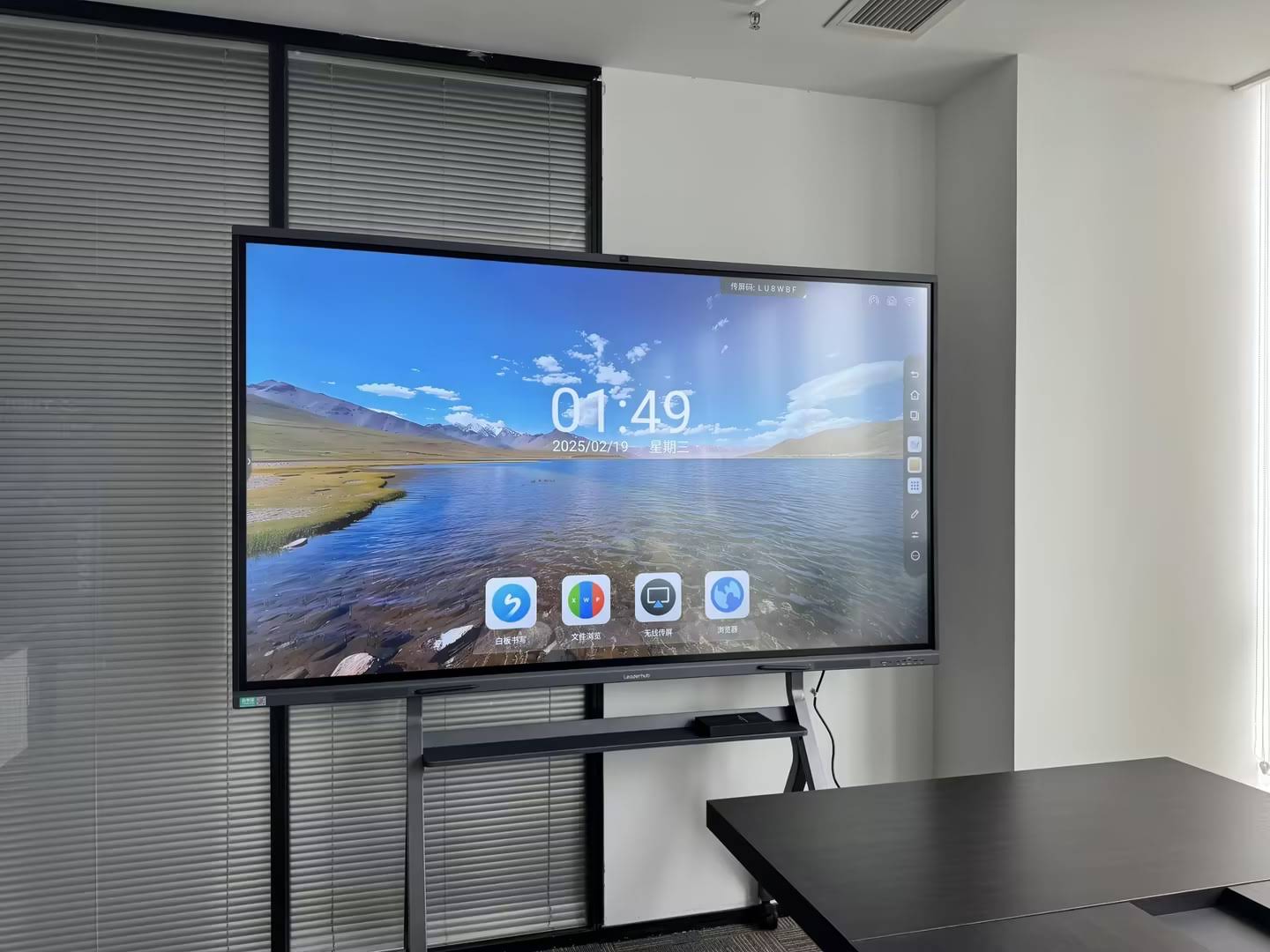
Step 4: Choosing the Right Solution for Each Space
With objectives and budget defined, hardware selection becomes a matching exercise. Three variables matter most: screen size versus viewing distance, compute model, and mobility.
Screen Size Guide by Room Type
| Room Type | Audience | Recommended Size | Example Options |
|---|---|---|---|
| Huddle room / small office | 2–6 people | 55″–65″ | L65ZM ($1,099) · L65HM ($1,299) |
| Standard classroom / meeting room | 8–25 people | 75″ | L75ZM ($1,399) · L75HM ($1,599) · L75H Pro ($2,399) |
| Large classroom / boardroom | 25–40 people | 86″ | L86ZM ($1,699) · L86HM ($3,199) |
| Lecture hall / auditorium | 40+ people | 98″–110″ | L110H 110-Inch Panel ($7,999) |
| Flexible / shared spaces | Varies | Mobile 24″–55″ | U55Pro Mobile Display ($2,499) · Rotating Screens from $699 |
Specification Checklist for Procurement Teams
- Resolution and panel quality — insist on 4K UHD with anti-glare glass; check brightness (350+ nits) for rooms with daylight.
- Touch performance — 20-point touch or higher, sub-10 ms latency, palm rejection and passive stylus support.
- Operating system and updates — Android 13/14 or newer, with a documented firmware update policy.
- Connectivity — HDMI 2.0, USB-C with power delivery, Wi-Fi 6, Bluetooth and gigabit Ethernet.
- Video conferencing readiness — integrated or modular 4K camera and far-field microphone array.
- Device management — remote monitoring, app deployment and lockdown via MDM.
- Warranty and parts — minimum three years, with clear advance-replacement terms.
- Certifications — CE, FCC, RoHS and relevant eye-comfort or low-blue-light certifications for education buyers.
For AV integration standards, technical specifications and room design references, the AV Industry Standards and Resources from AVIXA are a valuable benchmark when writing RFP requirements.
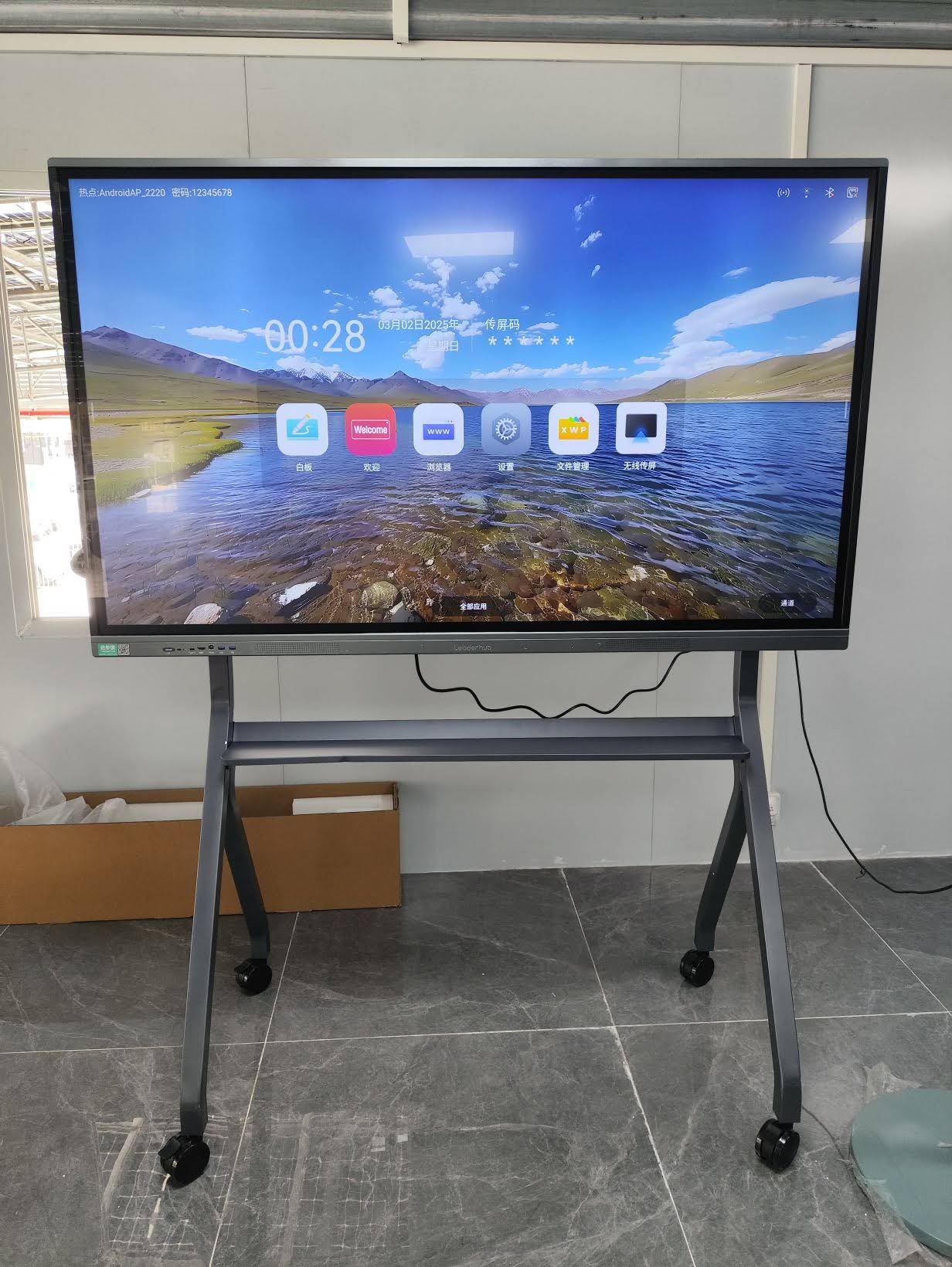
Should You Buy Integrated Android Panels or Add a Mini PC?
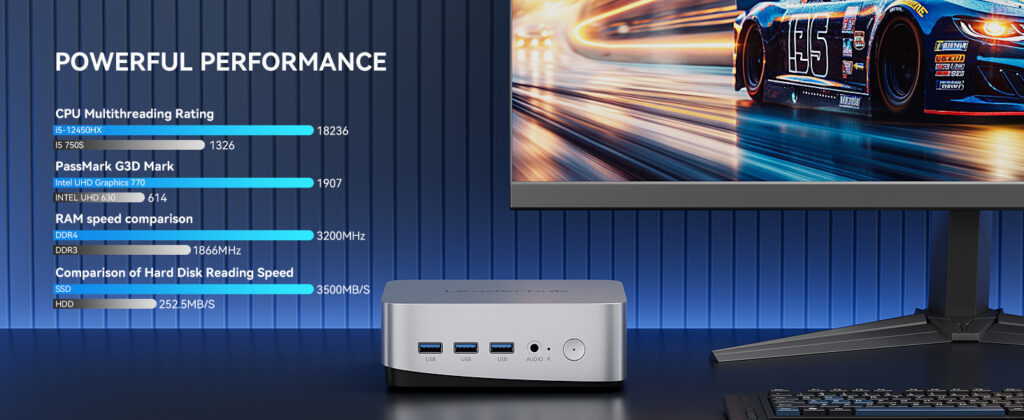
Most everyday tasks — whiteboarding, screen sharing, browser-based tools and video calls — run natively on the panel’s Android system. Add a dedicated compute module only where users need full desktop software such as CAD, statistical packages or legacy enterprise applications. A compact unit like the LP5C Mini PC with an Intel i5 and 16GB RAM covers almost every professional workload, while keeping the display and compute lifecycles independent so you can upgrade one without replacing the other.
Step 5: Pilot, Phase and Scale
Large rollouts succeed when they are staged. A phased approach protects budget, surfaces integration issues early and builds internal advocates.
- Pilot (1–3 months): Deploy 3–5 panels across representative room types. Collect usage data, user feedback and IT helpdesk tickets.
- Refine (1 month): Finalize mounting standards, network configuration, default apps and a one-page quick-start guide.
- Phase 1 rollout: Equip the highest-traffic rooms first — these generate the fastest ROI and the most visible wins.
- Phase 2–3 rollout: Extend to remaining spaces, aligned to fiscal-year budgets and facility renovation schedules.
- Review annually: Measure utilization, satisfaction and savings against the original business case.
Volume purchasing advantage: Consolidating phases into a single framework agreement with one manufacturer typically unlocks 10–20% better pricing, uniform warranty terms and a single point of support. Request bulk quotations through the contact page once your room inventory is complete.
Common Mistakes That Erode Smart Board ROI
- Under-sizing the screen. A 65″ panel in a 30-seat classroom leaves back rows squinting; follow the sizing table above.
- Ignoring network readiness. Wireless casting and cloud whiteboards need stable Wi-Fi; budget for access-point upgrades where needed.
- No usage policy. Decide in advance who manages apps, accounts and content so the panel does not become a locked kiosk.
- Buying on lowest unit price alone. A panel with a short warranty or no firmware roadmap costs more over five years.
- Skipping teacher or staff development. The Effective Technology Use in Schools framework from ISTE lists ongoing professional learning as an essential condition — not an optional extra.
A 12-Week Procurement Timeline Template
| Weeks | Activity | Owner |
|---|---|---|
| 1–2 | Needs assessment, room inventory, stakeholder interviews | Project lead / IT |
| 3–4 | Budget model, TCO and ROI business case | Finance / Project lead |
| 5–6 | Specification writing, vendor shortlist, sample requests | Procurement / IT |
| 7–9 | Hands-on evaluation, pilot installation, user feedback | End users / IT |
| 10–11 | Contract negotiation, warranty and support terms | Procurement / Legal |
| 12 | Purchase order, rollout schedule, training calendar | Project lead |

Choosing a Manufacturing Partner, Not Just a Product
Because a smart board investment spans many years, the supplier relationship matters as much as the specification sheet. Look for manufacturers with a long track record, a full product ecosystem and export experience in your region. Leaderhub, a Shenzhen-based technology company with 16 years in the interactive display industry, supplies smart whiteboards, interactive flat panels, mini PCs and portable smart screens to education, enterprise and government customers in more than 82 countries, and offers OEM/ODM and volume programmes designed specifically to help small and medium-sized organizations access enterprise-grade technology at accessible prices. You can review the complete range in the smart whiteboard collection or browse the full product shop.
Frequently Asked Questions
How much should an organization budget per room for a smart board?
For a standard 75″ 4K panel with installation and basic training, plan on $1,800–$2,500 per room. Smaller 65″ rooms can be equipped from around $1,500 all-in, while 86″ boardrooms and lecture-hall displays range from $2,200 to $9,000 depending on size and features.
What is the typical lifespan of an interactive flat panel?
Quality LED panels are rated for 30,000–50,000 hours of use, which translates to roughly 7–10 years at typical daily operation. Most organizations plan a 5–7 year refresh cycle to align with software and connectivity changes.
Is leasing better than buying?
Leasing smooths cash flow and may suit organizations with annual operating budgets but limited capital funds. Buying outright generally delivers lower total cost over five years, especially when combined with volume pricing. Many public-sector buyers blend the two: purchase core rooms, lease expansion phases.
How do we measure ROI after deployment?
Track room-booking utilization, panel power-on hours (available via device management), helpdesk tickets, consumable spend and short user-satisfaction surveys. Compare these quarterly against the baseline captured during your needs assessment.
Can portable screens replace wall-mounted panels?
For flexible workspaces, pop-up training and field offices, battery-powered devices such as the U24M Handheld Smart Screen or a 55″ mobile panel offer excellent value. For fixed classrooms and boardrooms, a wall-mounted or trolley-mounted 75″–86″ panel remains the standard choice.
Next Steps for Your Investment Plan
Successful smart board technology investment planning for organizations comes down to a disciplined sequence: define use cases, build a total-cost budget, model ROI with defensible numbers, match hardware to each space, and scale through a pilot. Organizations that follow this process consistently report faster adoption, lower lifetime costs and a collaboration environment that staff and students actually use.
Ready to turn your room inventory into a quotation? Request a tailored deployment proposal or compare interactive whiteboard models to start building your business case today.