
Smart Board for Beginners: Easy Guide to Getting Started Fast
Unlock the full potential of interactive technology. Whether you are an educator, corporate presenter, or creative thinker, our step-by-step guide helps you master your smart board in minutes.
What is a Smart Board?
Demystifying interactive technology for first-time users and professionals alike.
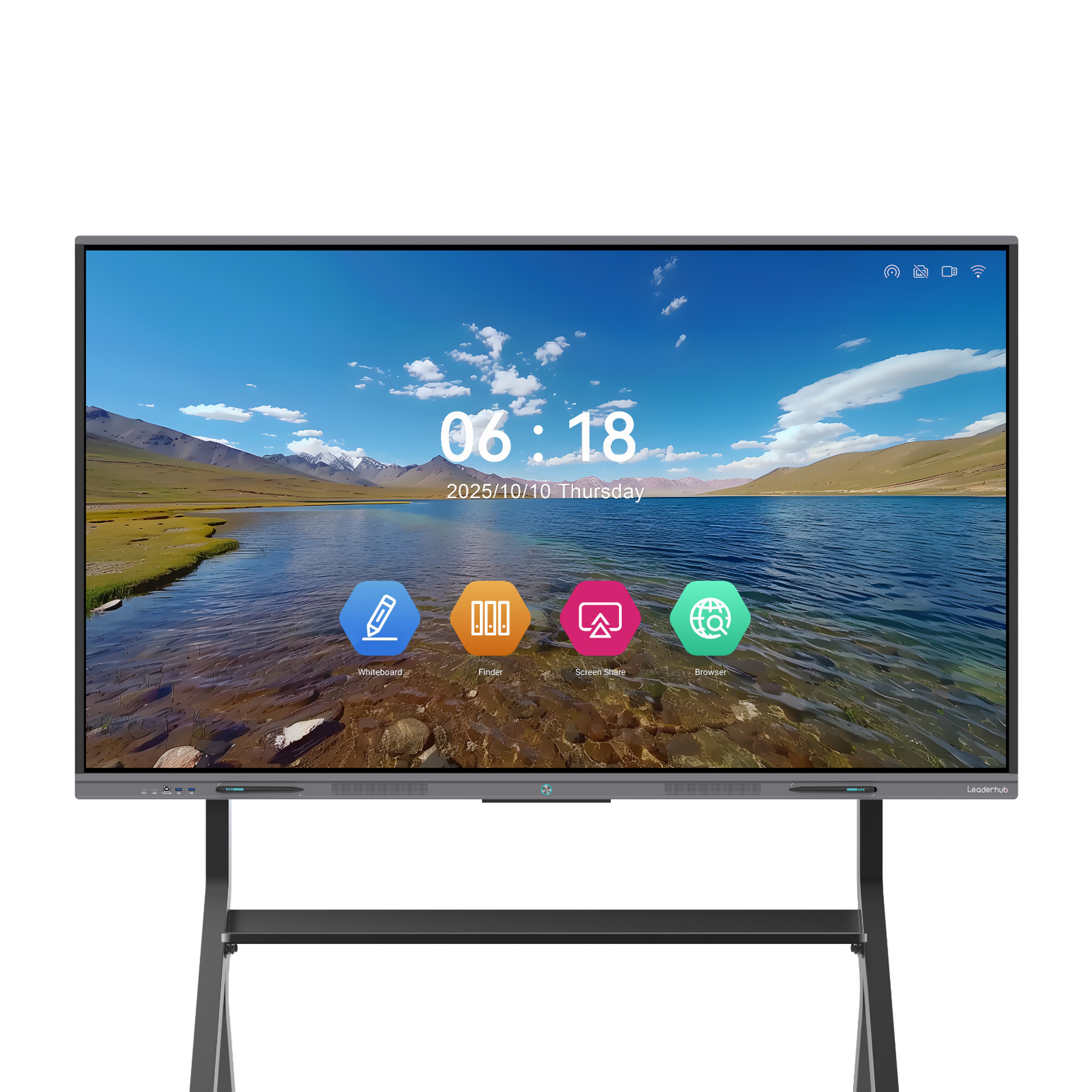
A smart board for beginners can seem intimidating at first glance, but it is essentially a giant, touch-sensitive interactive flat panel display that acts as an extension of a computer or built-in operating system. By combining high-definition visual capabilities with tactile inputs, it replaces traditional chalkboards, dry-erase whiteboards, and standard projectors.
Modern smart boards run on advanced operating systems like Android or Windows (often powered by integrated Mini PCs). They allow you to write with digital ink, open applications, view documents, browse the web, and collaborate in real-time with remote participants. The integration of AI technology has further simplified how we interact with these panels, allowing for smart handwriting recognition, automated templates, and seamless device casting.
Whether you are setting up a classroom, a corporate huddle room, or a creative design studio, mastering the basics of an interactive panel is the first step toward boosting engagement and productivity.

Getting Started: Step-by-Step Setup
Follow these simple steps to configure your smart board and begin presenting immediately.
Power On & Connection
Plug in the power cable and locate the main switch (usually at the back or side). Connect the panel to your local network via Wi-Fi or Ethernet. If using an external laptop, connect via HDMI and USB (for touch feedback) or a single USB Type-C cable.
Calibrate & Initialize
Most modern panels like the Leaderhub ZM and HM series feature auto-calibration. If you experience touch inaccuracy, navigate to the settings menu and run the quick touch calibration tool to align the screen sensors with your touch inputs.
Launch Interface
Access the built-in Android interface or switch to the OPS Windows system (utilizing a Leaderhub Mini PC). Open the whiteboard application to practice basic gestures: writing, erasing, drawing shapes, and importing files.
Key Features Beginners Must Master
Familiarize yourself with these essential functionalities to elevate your presentation game.
Intuitive Writing & Smart Gesture Control
The primary interface of any smart board is its digital canvas. Modern displays mimic the natural feeling of pen on paper with ultra-low latency writing.
- Multi-Touch Capability: Up to 20 or 40 simultaneous touch points allow multiple users to write or draw at the same time.
- Gesture Erasing: Wipe away text using the palm of your hand instead of switching tools.
- Smart Shapes: Draw rough circles or boxes, and the system auto-corrects them into perfect geometric shapes.
Wireless Screen Mirroring & Casting
Say goodbye to tangled cables. Smart boards let you project screens from laptops, tablets, or smartphones instantly.
- Cross-Platform Support: Fully compatible with iOS, Android, macOS, and Windows.
- Multi-Screen Display: Cast up to 4 or 9 screens simultaneously on a single 4K panel to compare reports or student work side-by-side.
- Two-Way Control: Control your connected PC directly from the smart board touchscreen.
Recommended Smart Boards for Beginners
Explore our top-selling interactive displays, designed for effortless setup and intuitive use.

HM Series vs. ZM Series Comparison
Choose the perfect interactive panel configuration aligned with your specific space and workflow needs.
| Feature | HM Series (Premium/AI-Enhanced) | ZM Series (Value/Standard) |
|---|---|---|
| Available Sizes | 65″, 75″, 86″ | 65″, 75″, 86″ |
| Display Resolution | 4K UHD (3840 x 2160) | 4K UHD (3840 x 2160) |
| Touch Technology | High-precision Infrared (20-point touch) | Standard Infrared Touch (20-point touch) |
| Built-in System | Android (Supports OPS Windows slot-in) | Android (Supports OPS Windows slot-in) |
| Best Suited For | Enterprise boardrooms, advanced classrooms | Small business meeting rooms, standard training rooms |
About Leaderhub
A trusted global provider of interactive flat panels and smart screen ecosystems.
Leaderhub is a Shenzhen-based technology company specializing in smart whiteboards, interactive flat panels, mini PCs, and portable smart screens. We are committed to helping small and medium-sized enterprises access the best interactive technology. By combining hardware innovation with artificial intelligence, we continuously optimize business-interaction efficiency.
Our commitment to excellence has earned us industry-wide recognition:
- Annual Conference Tablet — Most Innovative Product Award
- Annual Consumer Trustworthy Brand
- Shenzhen Famous Brand
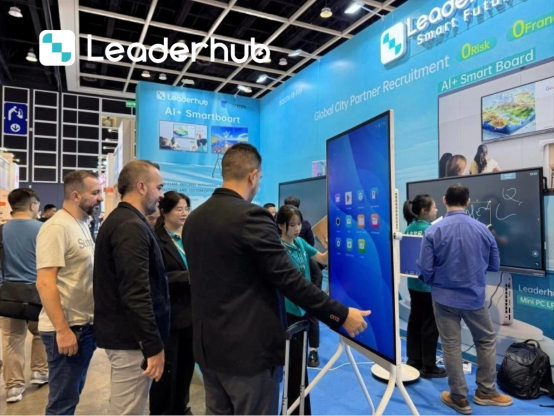
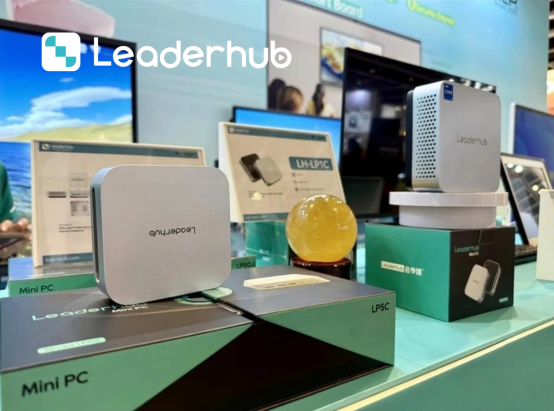
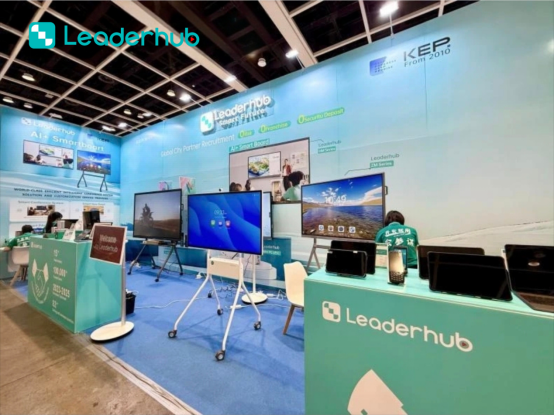
Global Electronics Exhibitions
Connecting with distributors, system integrators, and partners worldwide to showcase cutting-edge interactive solutions.



Frequently Asked Questions
Common questions answered to make your transition to interactive smart boards seamless.
Do I need a computer to use a smart board?
No. Leaderhub smart boards come with a built-in Android operating system that allows you to write, browse the web, and open documents directly. However, for running heavy Windows applications, you can add an OPS Mini PC or connect your personal laptop.
Can I use normal dry-erase markers on the screen?
No, dry-erase markers should never be used on interactive touchscreens. Instead, use the stylus pens provided with your smart board, or your finger. Writing tools are completely digital to protect the screen surface.
How do I clean my smart board screen?
Turn off the screen first. Use a clean, dry microfiber cloth to wipe away dust and fingerprints. For tougher smudges, lightly dampen the cloth with water or a specialized screen cleaner. Avoid spraying liquids directly onto the panel.
What is the difference between ZM and HM series?
The HM series is our premium lineup designed for enterprise and advanced educational setups, featuring enhanced AI processing, improved writing precision, and premium materials. The ZM series is a highly cost-effective option optimized for standard meeting rooms and classrooms.
Ready to Upgrade the Way You Meet, Teach, and Create?
Explore our full line of interactive whiteboards, portable smart screens, and high-performance Mini PCs designed to optimize your collaboration.
