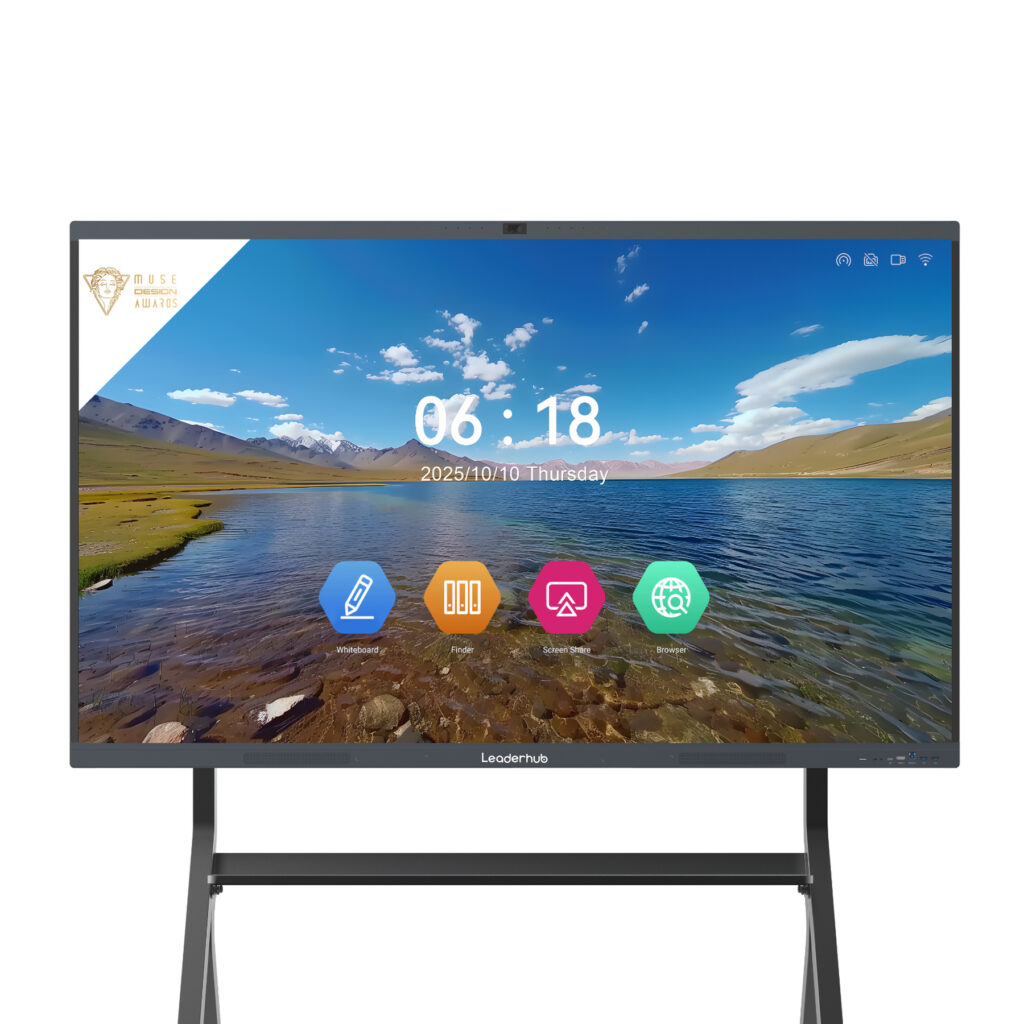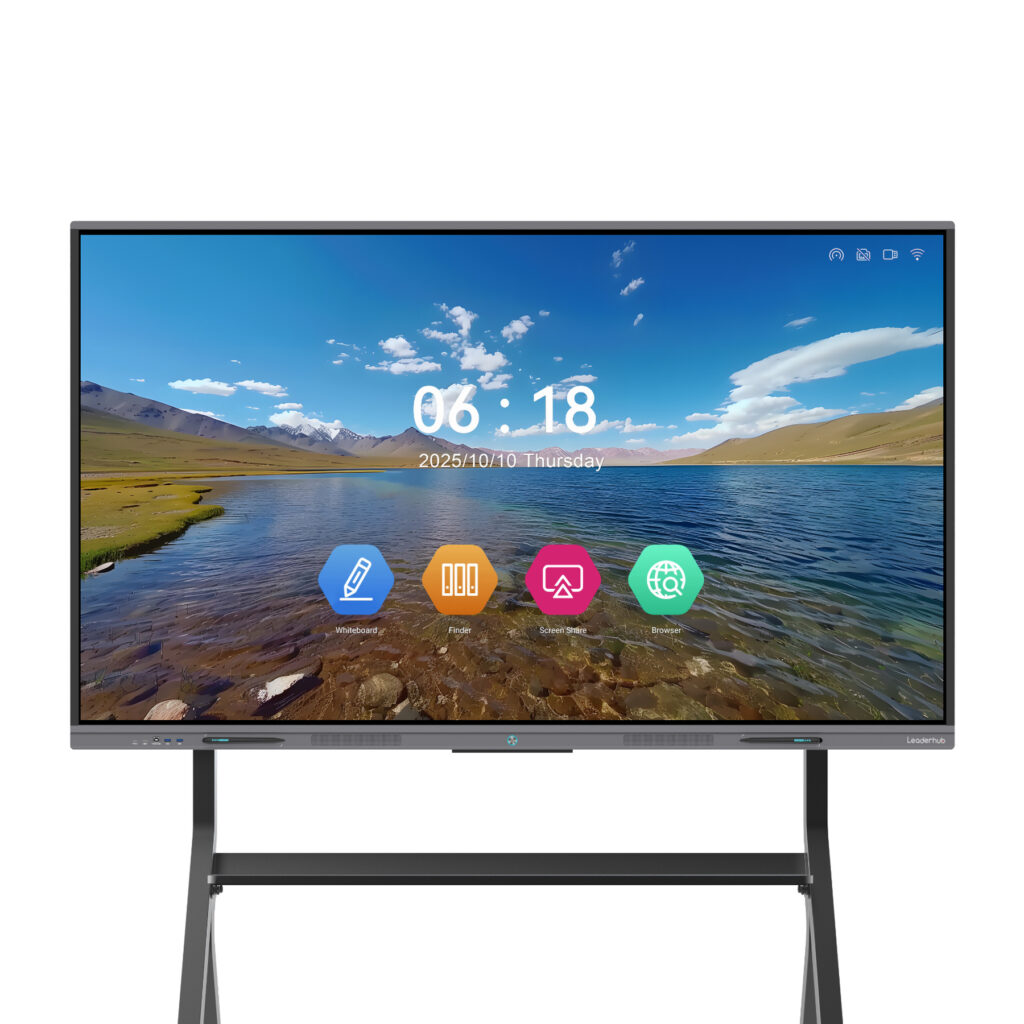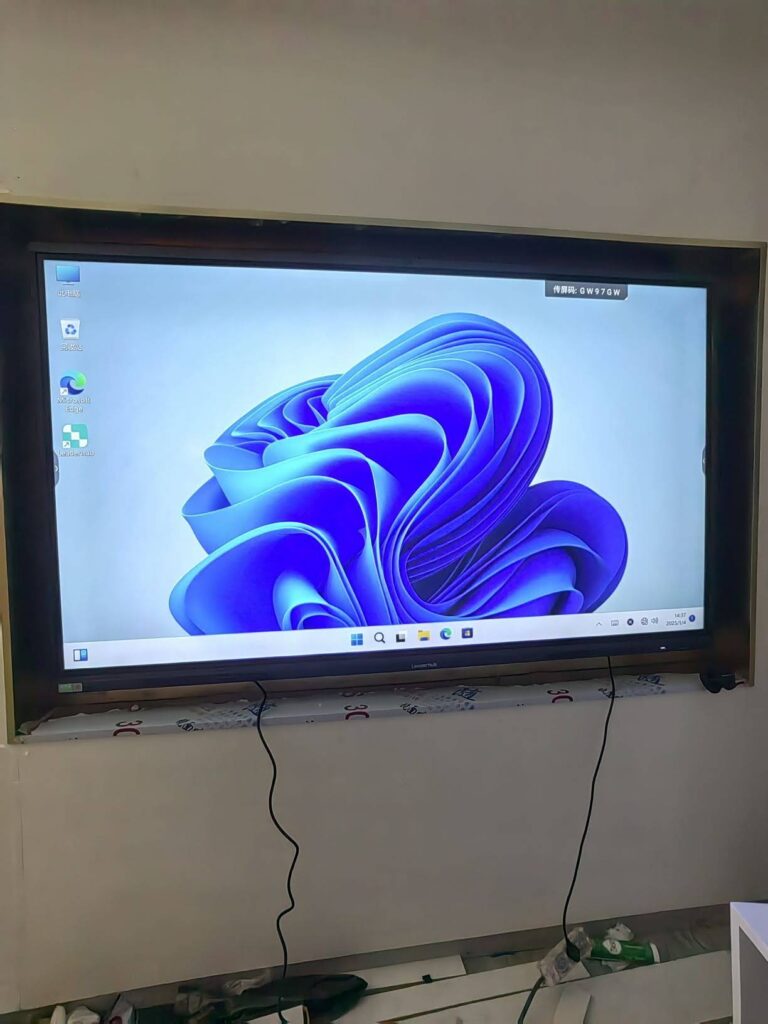
Procurement teams, IT managers and school administrators issuing a Request for Quotation (RFQ) for interactive displays face the same challenge: supplier proposals arrive in different formats, use different terminology and often omit the details that actually determine classroom or boardroom performance. A well-structured smart board technical specification checklist for RFQs solves this by forcing every bidder to answer the same questions in the same order, so you can compare panels on substance rather than marketing language.
This guide walks through each specification category you should include, explains why it matters, provides benchmark values to help you set minimum requirements, and shows how to build a scoring matrix that makes supplier comparison transparent and defensible.
Why a Specification Checklist Matters Before You Issue an RFQ
Interactive flat panels are a long-term investment. A typical deployment stays in service for five to eight years, and a weak specification document can lock you into hardware that cannot run future software, lacks the ports your laptops need or fails under daily classroom use. According to the UNESCO Technology in Education Report, technology purchasing decisions in education are too often driven by availability rather than clearly defined learning or operational needs. A checklist reverses that logic: you define the requirement first, then let suppliers prove compliance.
A good RFQ checklist does three things:
- Sets minimum thresholds so non-compliant bids can be filtered quickly.
- Creates comparable data across suppliers with different product naming conventions.
- Documents the decision for audit, budget approval and future replacement cycles.
Section 1: Display and Panel Specifications
The panel is the single most expensive component and the one users notice first. Require suppliers to state each value explicitly rather than accepting “4K” or “high brightness” without numbers.
| Specification | What to Ask For | Recommended Minimum |
|---|---|---|
| Screen size | Diagonal in inches and active display area in mm | 65″ for small rooms, 75″ for standard classrooms, 86″+ for large spaces |
| Resolution | Native pixel count | 3840 × 2160 (4K UHD) |
| Brightness | Typical and minimum, in cd/m² (nits) | ≥ 350 nits typical; ≥ 400 nits for bright rooms |
| Contrast ratio | Static (not dynamic) ratio | ≥ 1200:1 static |
| Viewing angle | Horizontal / vertical in degrees | 178° / 178° |
| Panel type and backlight | IPS, VA or ADS; DLED or ELED | IPS or ADS with DLED backlight |
| Protective glass | Thickness, hardness, anti-glare treatment | 4 mm tempered, Mohs 7, anti-glare etched |
| Panel lifetime | Rated hours to half brightness | ≥ 50,000 hours |
| Eye-care features | Low blue light, flicker-free certification | TÜV or equivalent low blue light |
A Note on Panel Grade
Ask bidders to confirm whether the LCD is a Grade A+ new panel or a refurbished or lower-grade unit. Pricing differences between competing 86″ offers are frequently explained by panel grade alone, and this information rarely appears on a product datasheet unless you request it.
Section 2: Touch Technology and Writing Experience
Touch performance determines whether teachers and presenters actually use the board or revert to a projector. Specify the technology, the number of simultaneous touch points and the measured latency.
| Specification | Why It Matters | Recommended Minimum |
|---|---|---|
| Touch technology | Infrared is durable and cost-effective; capacitive offers finer precision at higher cost | Infrared (zero-bonding or optical bonding preferred) |
| Touch points | Determines how many users can write simultaneously | 20 points (Android), 40 points preferred |
| Writing latency | Lag between pen and ink breaks writing flow | ≤ 8 ms response |
| Touch accuracy | Alignment of touch with display | ± 1 mm |
| Minimum object size | Smaller value means thinner pen tips work | ≤ 2 mm |
| Palm rejection and pen/finger differentiation | Allows resting a hand while writing; dual-color pens | Required |
| Stylus included | Passive vs. active, quantity, magnetic storage | 2 passive styluses, dual-tip |
Section 3: Computing Platform, Operating System and Memory
Most interactive panels run an embedded Android system, with an optional slot for a Windows OPS module. Both must be specified separately because they affect software compatibility, update lifespan and total cost.
Embedded Android System
- Android version – request Android 11 or later; Android 13 or 14 provides longer security support and broader app compatibility.
- Processor – quad-core or octa-core ARM Cortex-A55/A73 class; ask for the exact chipset name.
- RAM – 4 GB minimum, 8 GB recommended for multi-window use.
- Storage – 32 GB minimum, 64 GB or 128 GB for schools storing lesson recordings locally.
- Google Mobile Services – confirm whether Google Play is certified or whether only an alternative app store is available.
OPS Slot and Windows Module
- Confirm the OPS slot follows the Intel 80-pin standard so modules can be sourced from multiple vendors.
- If a Windows PC is required, specify CPU generation (e.g. Intel Core i5 12th Gen), RAM, SSD capacity and Windows licence type.
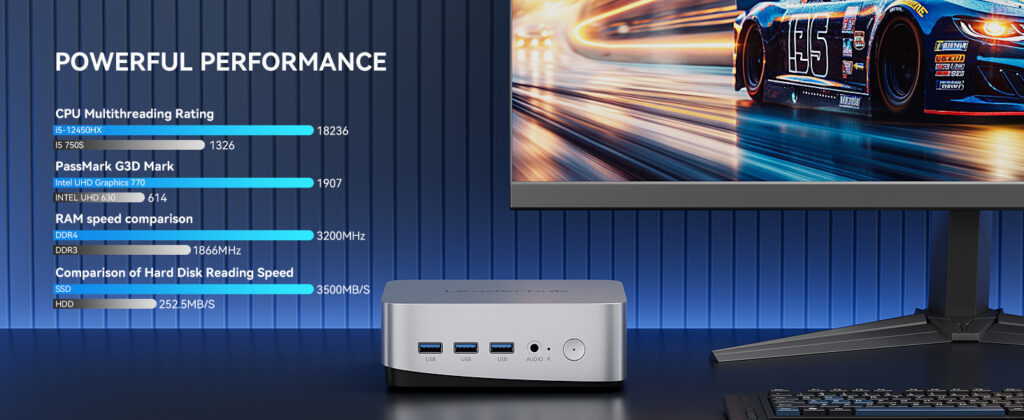
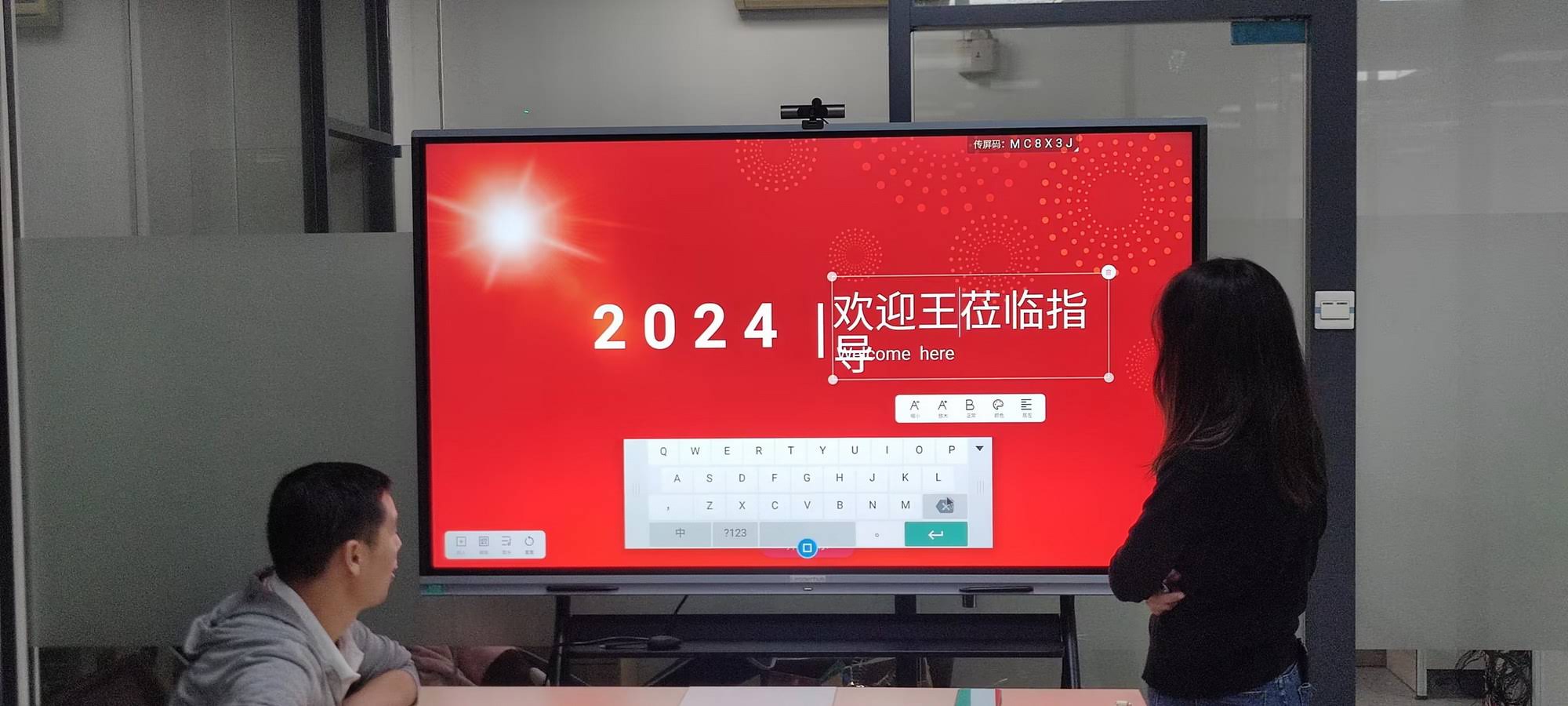
- Ask whether the panel supports a USB-C single-cable connection to an external mini PC as an alternative to OPS, which can reduce cost when panels are shared across rooms. Compact units such as the Leaderhub mini PC range are often paired with panels for exactly this reason.
Section 4: Connectivity and Input/Output Ports
Port counts are where many RFQs become vague. Specify the quantity, version and location (front or rear) of every port, because front-facing USB and HDMI dramatically improve day-to-day usability.
| Port / Interface | Recommended Minimum | Clarification to Request |
|---|---|---|
| HDMI in | 3 × HDMI 2.0 (one front) | 4K@60Hz support, HDCP 2.2 |
| USB-C | 1 × full-function (one front) | DisplayPort Alt Mode, touch-back, Power Delivery wattage (65 W / 100 W) |
| USB-A | 3 × USB 3.0 (two front) | Whether ports follow source (Android / OPS / HDMI) |
| Touch USB-B | 2 × | Mapped to which HDMI inputs |
| HDMI out | 1 × | Resolution of mirrored output |
| Ethernet | 2 × RJ45 Gigabit | LAN pass-through to OPS module |
| Wi-Fi | Wi-Fi 6 (802.11ax), dual band | Hotspot capability, 802.1X enterprise authentication |
| Bluetooth | 5.0 or higher | Audio output and peripheral pairing |
| Audio | 3.5 mm out, SPDIF, mic in | Compatibility with room audio systems |
| Control | RS-232, IR | Command protocol documentation for AV control systems |
Section 5: Audio, Camera and Collaboration Features
For corporate boardrooms and hybrid classrooms, integrated conferencing hardware can eliminate a separate camera and soundbar purchase. Include these in the RFQ even if you may not use them immediately.
- Speakers – total output in watts and configuration (e.g. 2 × 15 W front-firing plus 20 W subwoofer).
- Microphone array – number of microphones, pickup distance in metres, noise and echo cancellation.
- Camera – resolution (4K / 1080p), field of view, auto-framing, whether it is built-in, detachable or optional.
- Wireless screen sharing – supported protocols (Miracast, AirPlay, Chromecast, proprietary dongle), number of simultaneous split screens, and whether the Android app can be installed on BYOD laptops without admin rights.
- Video conferencing compatibility – confirm certification or tested compatibility with Microsoft Teams, Zoom and Google Meet.
Section 6: Mechanical, Mounting and Power Requirements
Physical specifications affect installation cost, safety compliance and whether the panel fits existing wall structures or mobile stands.
| Item | What to Specify |
|---|---|
| Dimensions and weight | Net and gross, with and without packaging, to confirm door clearance and lift capacity |
| VESA pattern | e.g. 600 × 400 or 800 × 400 mm, M8 bolt size |
| Mounting options | Wall bracket included, mobile trolley with height adjustment, wheel locks |
| Power | Input voltage range (100–240 V), typical and maximum consumption in watts, standby consumption |
| Operating environment | Temperature and humidity range, fan or fanless cooling |
| Bezel and frame | Material (aluminium alloy), bezel width, front button layout, NFC reader |
Form Factor Alternatives
Not every space needs a fixed wall panel. For training rooms, huddle spaces or shared facilities, include an optional line item for mobile or rotatable units. A battery-powered mobile display such as the U55Pro 55″ mobile interactive flat panel can be moved between rooms, while rotating designs allow portrait orientation for document review. Listing these as options lets suppliers propose a mixed fleet rather than a one-size-fits-all solution.
Section 7: Software, Security and Device Management
Hardware specifications are only half the picture. The firmware and management tools determine how much IT time the fleet consumes over its lifetime.
- Whiteboard software – bundled or licensed, cloud save, export formats (PDF, image, QR code sharing), handwriting recognition.
- Remote device management – central console for firmware updates, app deployment, screen lock, power scheduling and usage reporting; confirm whether it is free or subscription-based.
- Firmware update policy – guaranteed years of security patches and Android version upgrades.
- Security controls – admin password, USB port lock, app whitelisting, guest mode that wipes data on exit, encrypted storage.
- Data privacy – where cloud data is stored and compliance with GDPR or local regulations.
Organisations deploying in schools should pay particular attention to the data-handling clauses; the Child Protection in Digital Education guidance from UNICEF outlines the safeguards procurement teams should expect from connected classroom devices.
Section 8: Compliance, Certification, Warranty and Service
Request documentary evidence, not just a yes/no. A supplier who can attach test reports is demonstrating process maturity.
| Category | Typical Requirements |
|---|---|
| Safety and EMC | CE, FCC, UL/ETL, CB report, RoHS, REACH |
| Energy | ErP, Energy Star or local equivalent |
| Quality system | ISO 9001, ISO 14001 factory certification |
| Warranty | 3 years standard, options to extend to 5; on-site vs. return-to-base; panel burn-in coverage |
| Service response | Response time in business days, local service partner, advance replacement availability |
| Spare parts | Availability period after end of sale (minimum 5 years), spare stylus and remote pricing |
| Training | Installer training, end-user onboarding sessions, documentation language |
Commercial Terms to Include Alongside Technical Specs
An RFQ that only covers technology will produce quotes that cannot be compared on total cost. Add a short commercial section covering:
- Quantity per model and delivery schedule, including phased rollouts.
- Incoterms, packaging standard and whether pallets are export-grade.
- Lead time from purchase order to shipment.
- OEM/ODM options such as custom logo, boot animation or pre-installed apps, with associated minimum order quantities.
- Price validity period and currency.
- Sample availability for evaluation before volume award.
Building the Supplier Comparison Matrix
Once bids arrive, transfer every response into a single scoring matrix. Assign each specification a weight based on your use case, score each supplier from 0 to 5, and multiply. This produces a weighted total that is easy to justify to budget holders.
| Category | Education Weight | Corporate Weight | Scoring Basis |
|---|---|---|---|
| Display quality | 15% | 15% | Brightness, panel grade, anti-glare |
| Touch and writing | 20% | 10% | Latency, touch points, palm rejection |
| Computing and OS | 10% | 15% | Android version, RAM, OPS standard |
| Connectivity | 10% | 15% | USB-C PD, HDMI count, Wi-Fi 6 |
| Audio, camera, collaboration | 10% | 15% | Conferencing readiness, screen sharing |
| Software and management | 15% | 10% | MDM, update policy, security |
| Warranty and service | 10% | 10% | Years, response time, spares |
| Total cost of ownership | 10% | 10% | Unit price, accessories, power, licences |
Tips for a Fair Comparison
- Treat “not specified” as non-compliant rather than assuming the best case.
- Ask for a demonstration unit and test writing latency and brightness in the actual room before final award.
- Normalise pricing to include wall mount, stylus, OPS module and any software subscription so quotes are like-for-like.
- Follow AV integration best practice from bodies such as AVIXA when specifying control protocols and room acoustics.
Reference Benchmarks by Screen Size
To help you set realistic minimums, the table below shows typical specification tiers for mainstream interactive panels, using current models from the Leaderhub smart whiteboard range as reference points. Leaderhub is a Shenzhen-based manufacturer with 16 years of interactive-display experience and shipments to more than 82 countries, so these figures reflect what is commercially available at competitive price points rather than premium-only tiers.
| Use Case | Typical Size | Reference Model | Indicative Budget |
|---|---|---|---|
| Huddle room / small classroom | 65″ | L65ZM 65″ 4K Smart Panel | From $1,099 |
| Standard classroom / meeting room | 75″ | L75HM 75″ 4K Smart Whiteboard | From $1,599 |
| Large classroom / boardroom | 86″ | L86ZM 86″ 4K Smart Panel | From $1,699 |
| Lecture hall / executive suite | 110″ | L110H 110″ Interactive Flat Panel | From $7,999 |
Use these as calibration points: if a bid for an 86″ 4K panel comes in significantly below the market range, request clarification on panel grade, warranty terms and included accessories before shortlisting.
Common Mistakes in Smart Board RFQs
Specifying a brand instead of a performance requirement
Writing “equivalent to Model X” limits competition and often imports irrelevant features. Describe the measurable outcome you need instead.
Ignoring the Android lifecycle
A panel shipped with an outdated Android version may lose app compatibility within two years. Specify both the current version and the supplier’s upgrade commitment.
Forgetting front-facing ports
Rear-only USB and HDMI ports force users to reach behind a wall-mounted 86″ panel. Always require at least one front HDMI and two front USB ports.
Treating software as an afterthought
Subscription fees for device management or whiteboarding can exceed the hardware saving from a cheaper bid. Include all recurring costs in the total cost of ownership calculation.
Skipping the pilot
Even the most detailed smart board technical specification checklist for RFQs cannot replace hands-on testing. Resources such as the EdTech Magazine guide on choosing an interactive display for K-12 stress piloting with real teachers before district-wide rollout.
Putting the Checklist to Work
A disciplined RFQ process does not need to be slow. Start with the eight specification sections above, set minimum values appropriate to your rooms, add weights to the comparison matrix, and require evidence for every compliance claim. Suppliers who are confident in their product will welcome the structure because it allows genuine quality to show through.
If you are preparing a tender and would like a pre-formatted specification template, or need sample units for evaluation, the Leaderhub solutions team can provide datasheets, test reports and OEM/ODM options to help you complete your RFQ with confidence.