
Best Smart Board for Mac Compatible Interactive Display Solutions
Unlock seamless productivity, high-fidelity touch accuracy, and effortless screen sharing. Bridge the elegance of Apple’s ecosystem with LeaderHub’s advanced 4K interactive hardware.
Why Finding a True “Smart Board for Mac” Matters
Many interactive displays are optimized primarily for Windows, leaving Mac users struggling with driver issues, inaccurate touch calibration, and limited gesture support.
For creative agencies, high-tech corporate boardrooms, and modern educational institutions heavily invested in the Apple ecosystem, compatibility is non-negotiable. Designers, developers, and educators rely on macOS for its smooth performance, color accuracy, and specialized software. When they connect a Mac to a standard interactive whiteboard, they often encounter frustrating limitations.
Common issues include the loss of multi-touch gestures, laggy input, and complex calibration processes that disrupt workflow. A true smart board for Mac must offer native, plug-and-play compatibility, transferring not just video and audio, but also high-precision touch data back to the Mac without lagging or requiring proprietary software.
LeaderHub bridges this gap by engineering hardware and firmware that recognize macOS protocols directly. Through high-speed USB-C interfaces and advanced touch controllers, LeaderHub interactive displays deliver the fluid, responsive experience that Apple users expect.
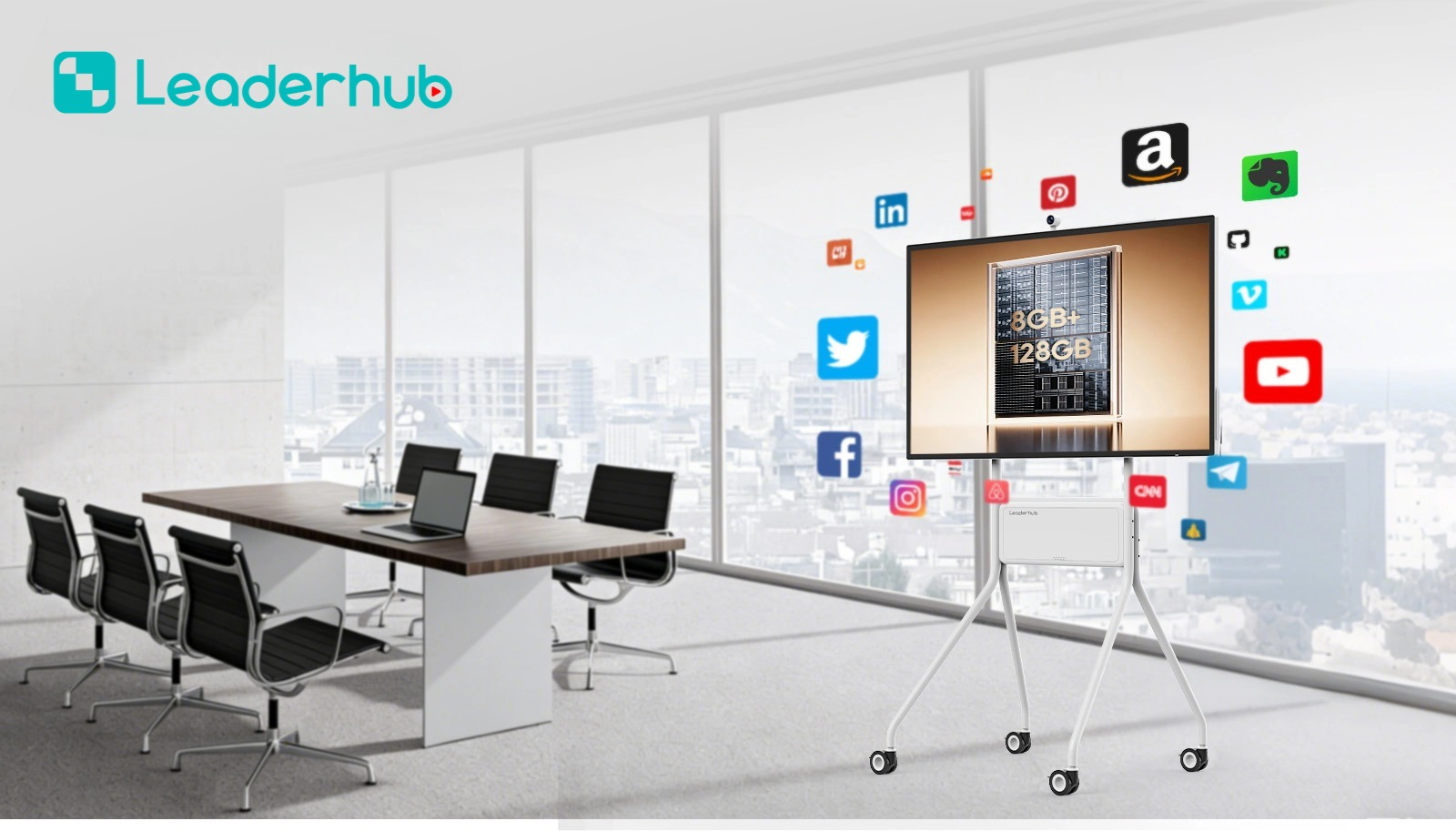
Key Features of Mac-Compatible Smart Boards
Explore the engineering behind LeaderHub’s interactive displays that makes them the ideal companion for your MacBook, Mac Studio, or iMac.
One-Cable USB-C Solution
Connect your Mac using a single Type-C cable to transmit 4K video, audio, high-speed touch data, and up to 65W/100W power delivery simultaneously.
Native AirPlay Mirroring
Cast your iPad, iPhone, or Mac screen instantly without installing third-party apps. Supports split-screen display for multi-device collaboration.
Intelligent Touch Accuracy
Zero-bonding technology and high-precision infrared touch frames allow macOS users to draw, annotate, and write with pixel-perfect accuracy.
Dual-OS Versatility
Integrate LeaderHub Mini PCs (OPS) to run Windows alongside your Mac casting, allowing you to access legacy business apps and macOS environments simultaneously.
Anti-Glare 4K Display
Retain the visual brilliance of Retina displays. LeaderHub screen coatings minimize reflections and resist fingerprints while keeping colors vibrant.
Global Certifications
Exported to 82+ countries, our smartboards meet international safety, environmental, and hardware compatibility standards for enterprise deployments.
Mac Compatible Smart Boards & Accessories
Select from our top-tier interactive flat panels and mini PCs designed to power premium creative and collaborative environments.

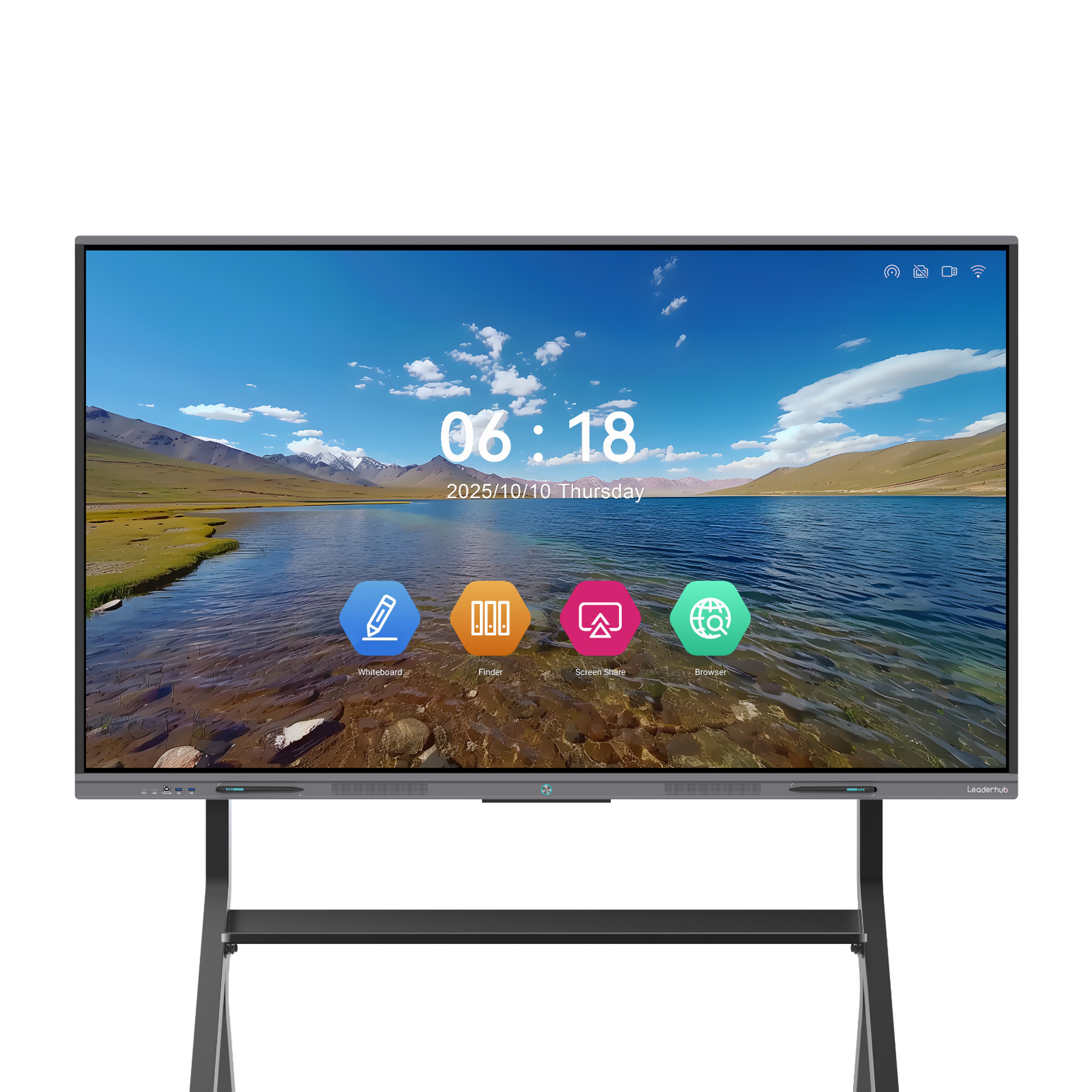
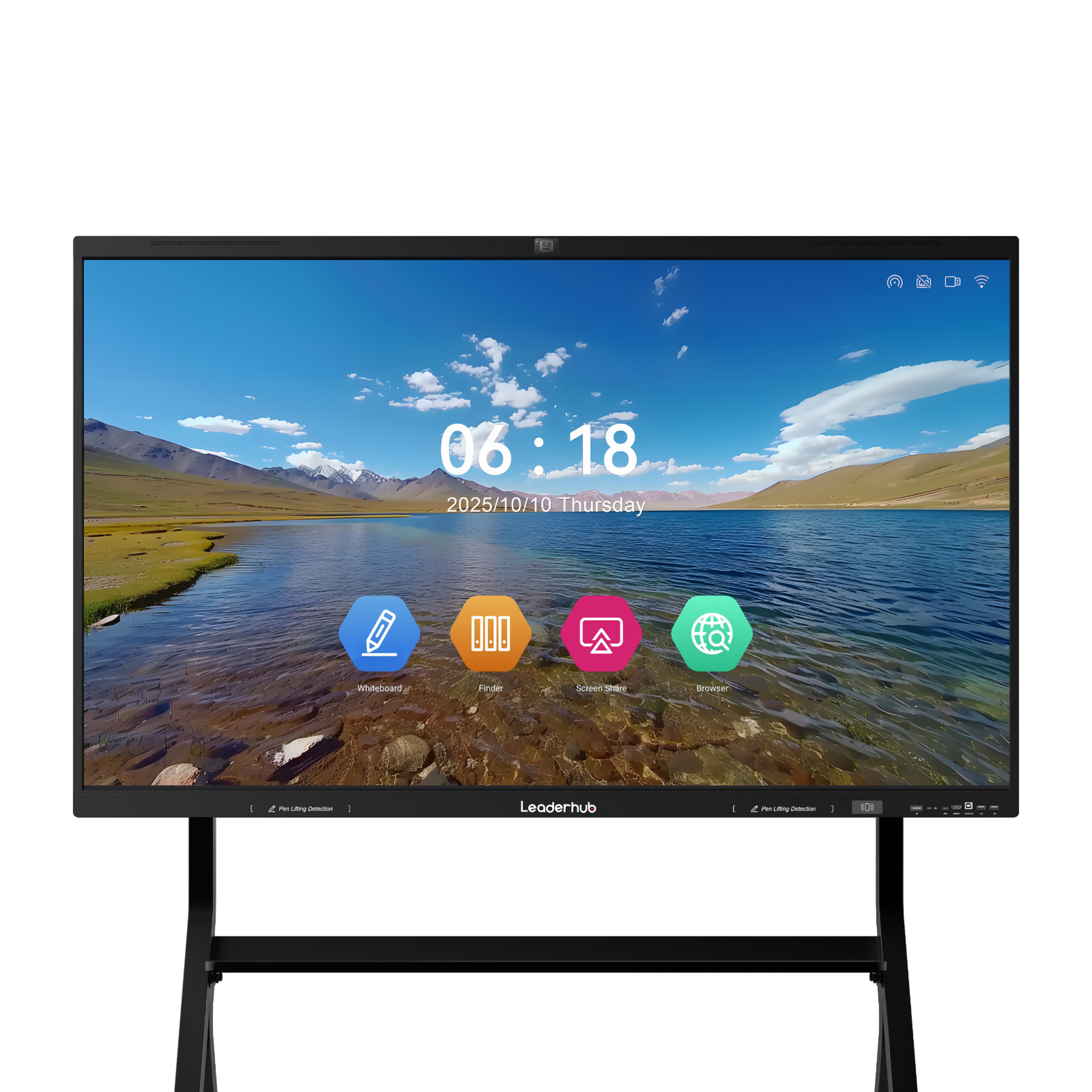
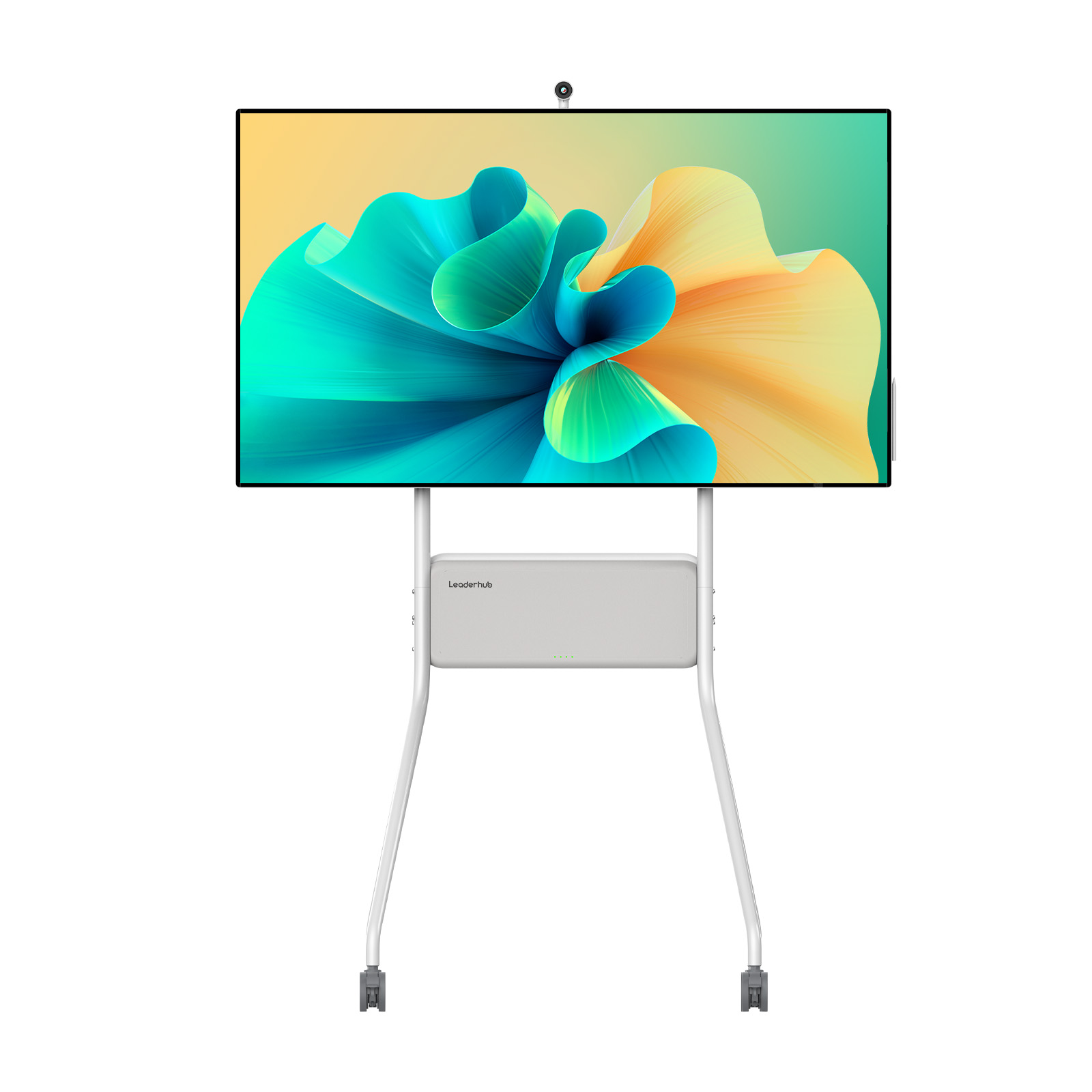
LeaderHub U55Pro Interactive Flat Panel — 55″ Mobile 4K Smart Display
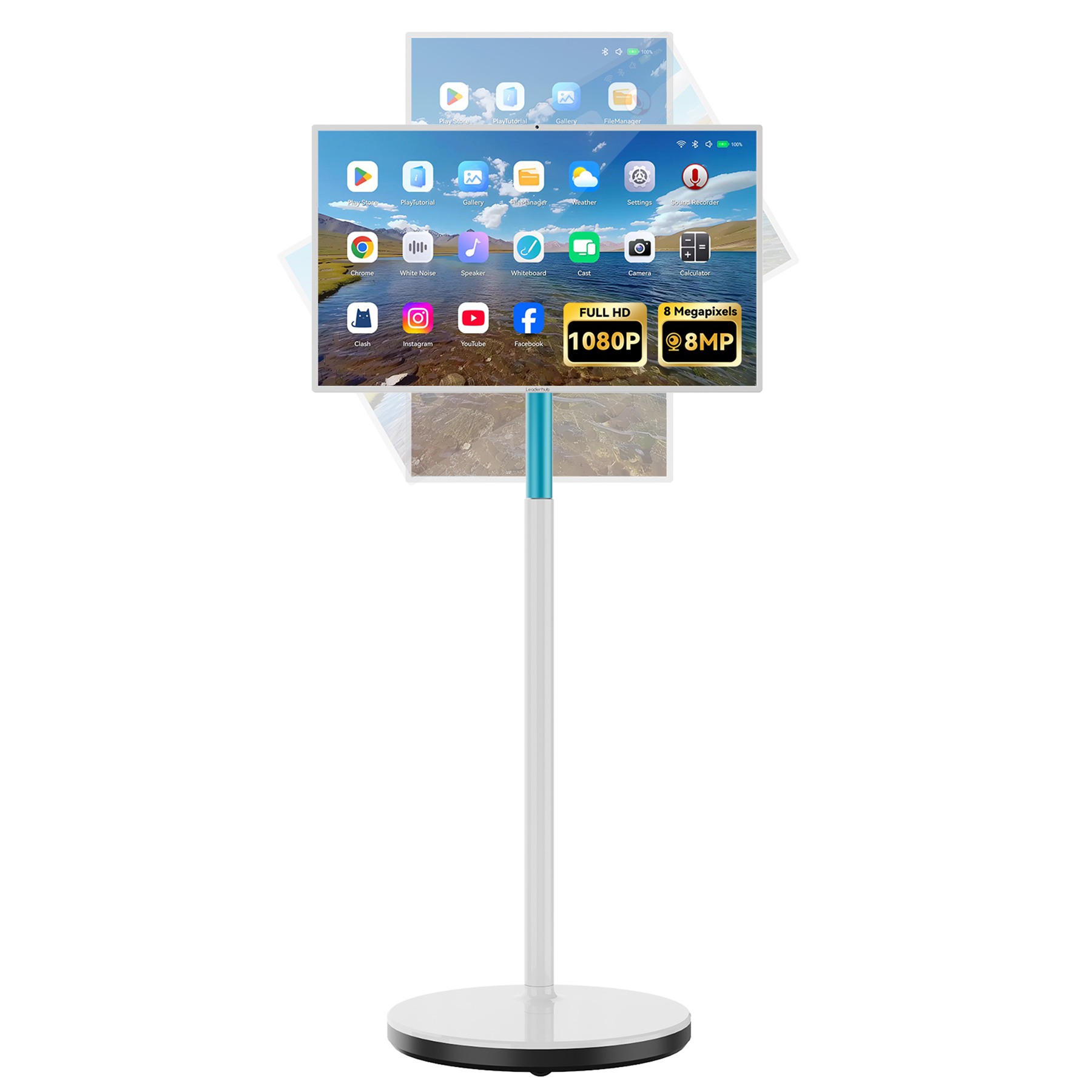
Comparing Smart Board Series for macOS Environments
Analyze which configuration best meets your workspace, performance, and budgetary requirements.
| Product Series | Screen Sizes | Touch Technology | USB-C Power Delivery | Mac Compatibility Level | Best For |
|---|---|---|---|---|---|
| LeaderHub HM Series | 65″, 75″, 86″ | High-Precision IR (20 points) | Yes (Up to 65W Charging) | Native Plug & Play | Premium conference rooms, corporate boardrooms, creative studios. |
| LeaderHub ZM Series | 65″, 75″, 86″ | Standard IR Touch | Yes (Data & Display Only) | Native Touch Support | Cost-effective educational installations and collaborative startups. |
| LeaderHub H Pro Series | 75″, 110″ | Zero-bonding Advanced IR | Yes (Up to 100W Charging) | High Performance | Executive offices, large-scale lecture halls, high-end presentation spaces. |
| LeaderHub U55Pro | 55″ | Capacitive / Advanced IR | Yes (Type-C Integrated) | Mobile Casting | Agile teams, design studios requiring mobile interactive setups. |
| LeaderHub L277M / U24M | 24.5″, 27″ | 10-Point Capacitive Touch | Yes (Full-featured Type-C) | Personal Interactive | Individual creators, home offices, and remote presentation setups. |
Unlock Windows Power While Retaining macOS Casting
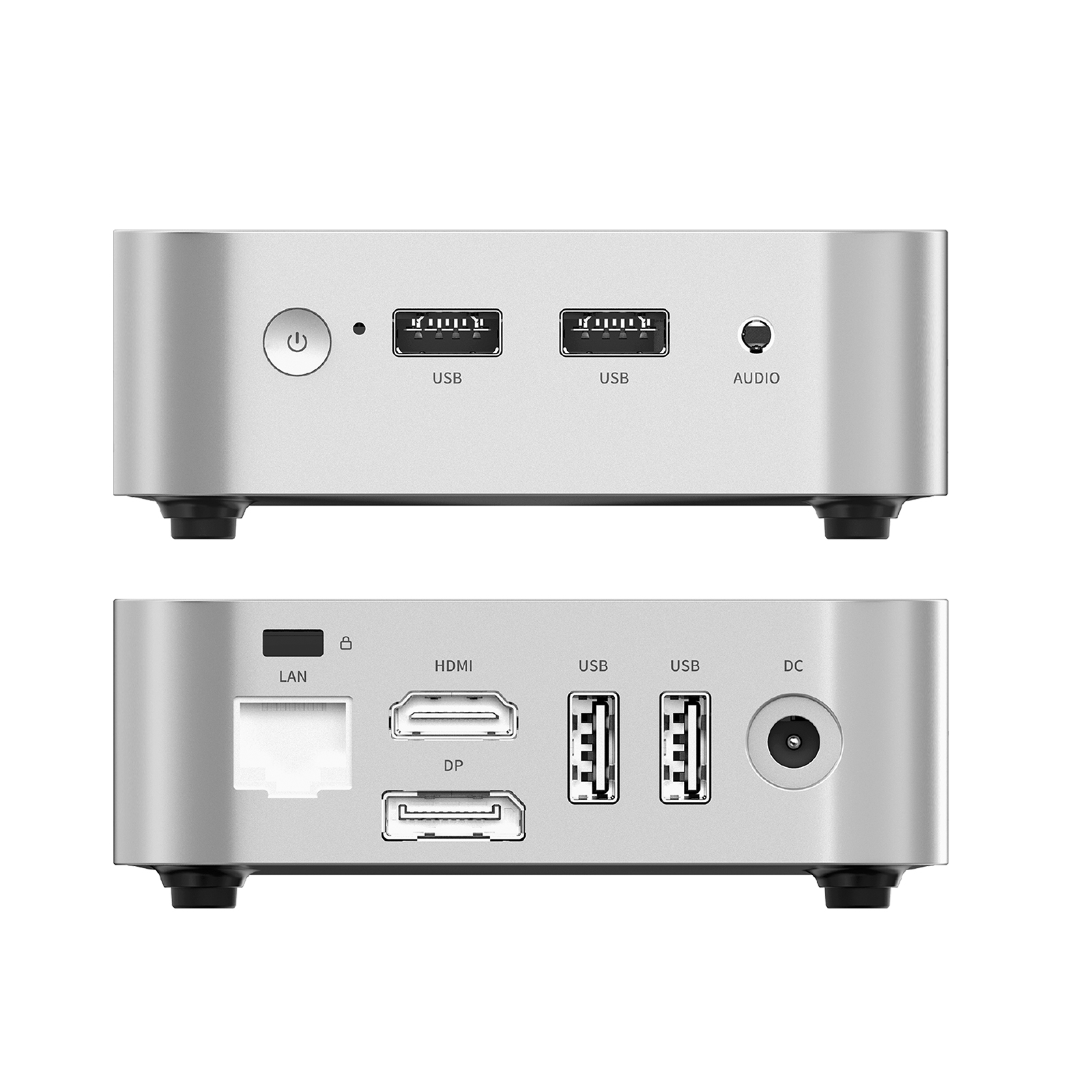
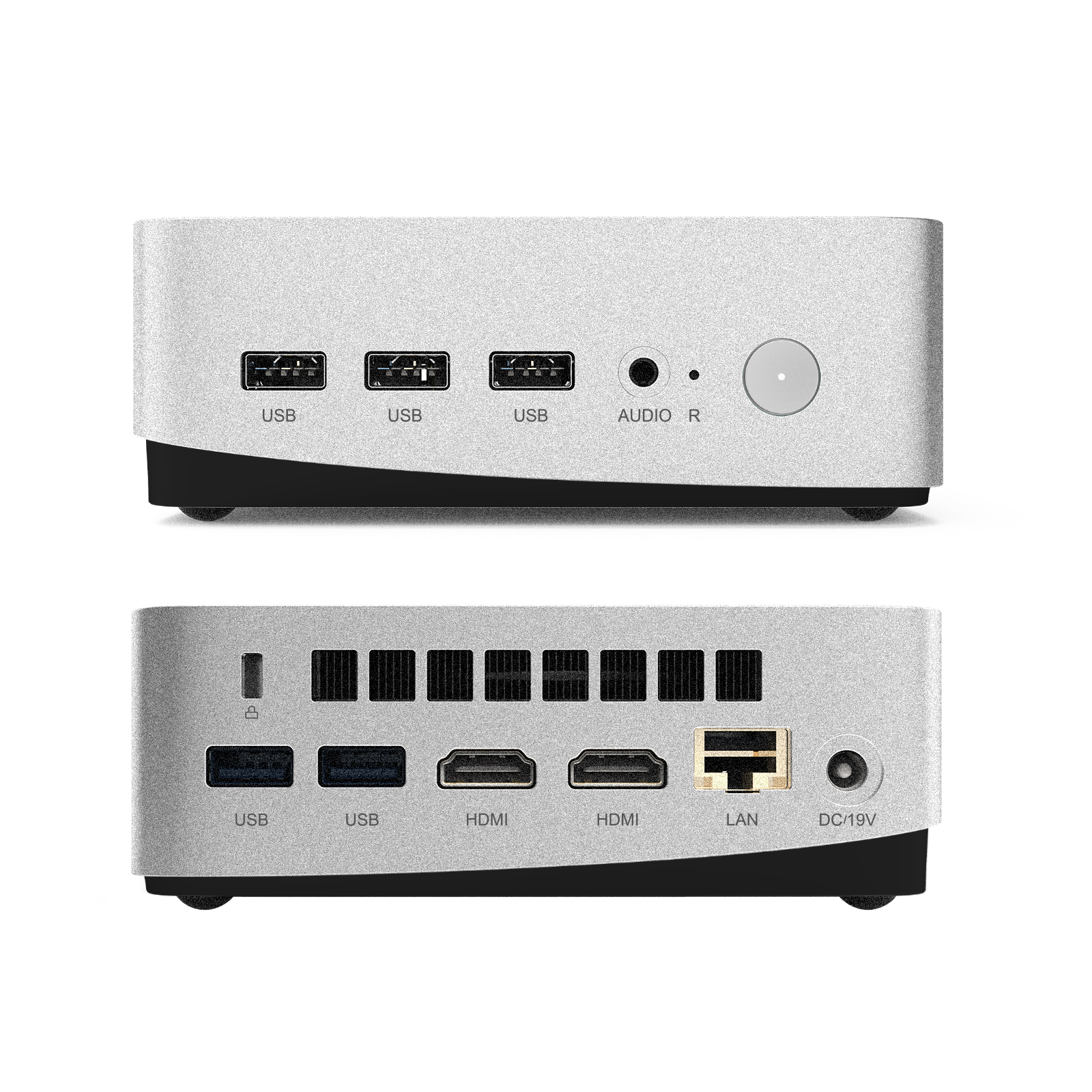
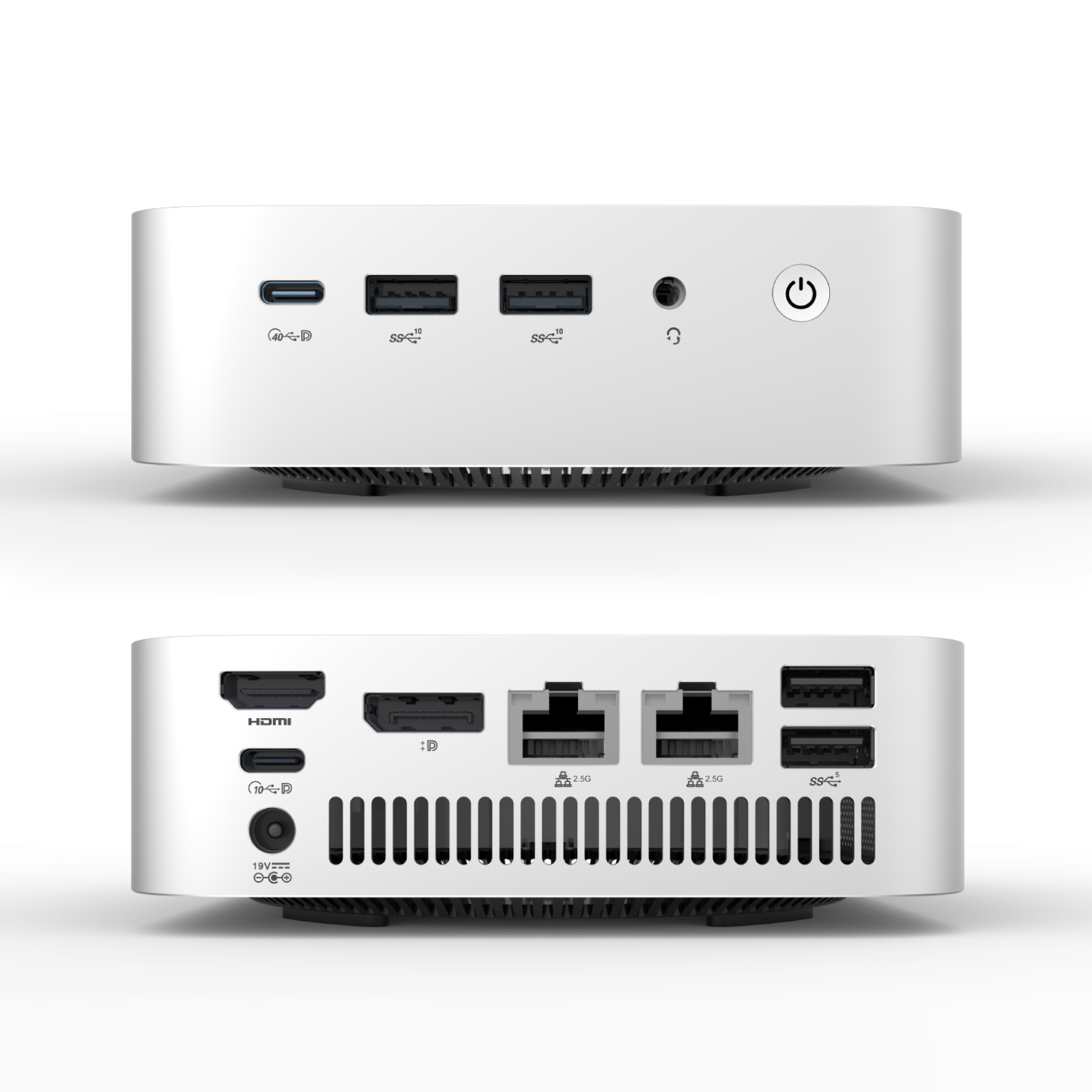
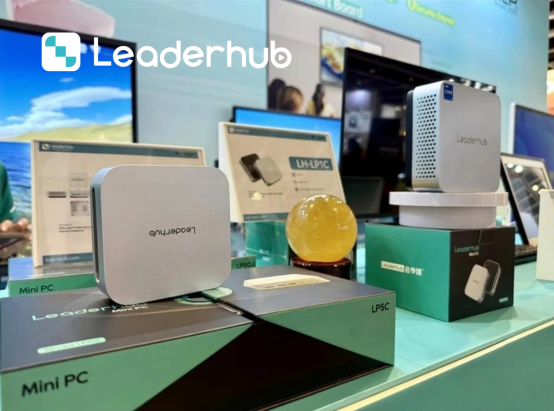
Many corporate applications require native Windows environments (such as dedicated CAD tools, specific enterprise software, or proprietary database systems). LeaderHub solves this by offering high-performance OPS Mini PCs that insert directly into the smartboard’s rear slot.
This enables a unique hybrid setup: your smartboard runs a dedicated Windows environment locally, while you can instantly cast your MacBook or iPad screen via AirPlay or USB-C. Switch inputs in under a second to collaborate across platforms without hardware bottlenecks.
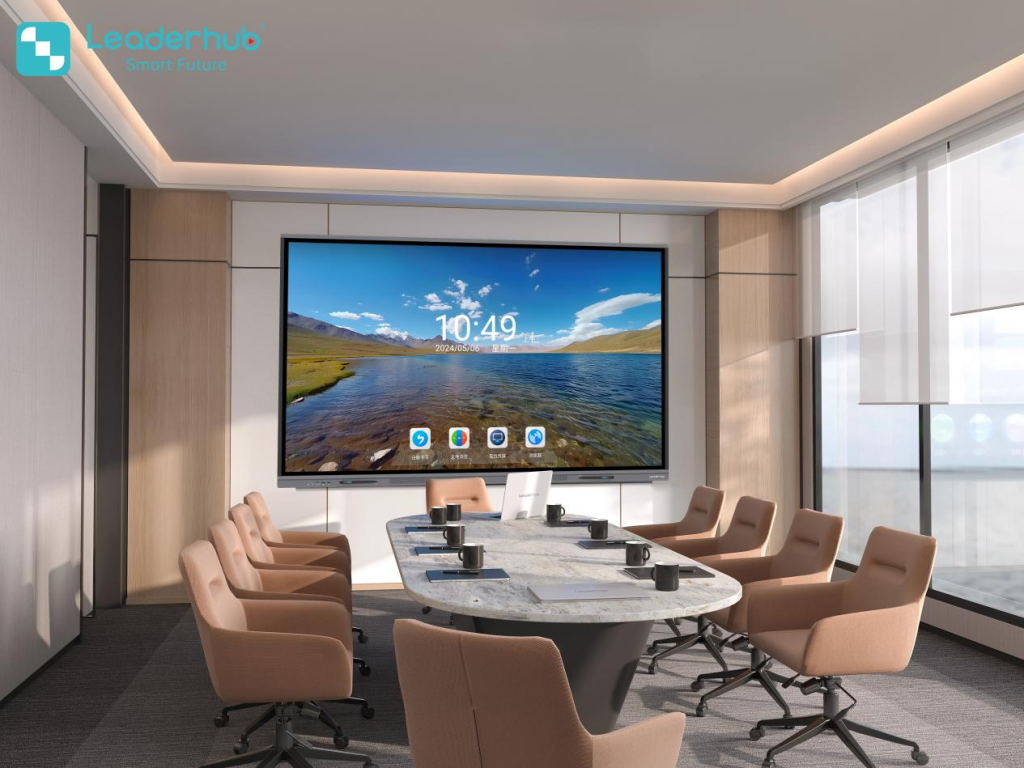
Smart Board Applications & Demonstrations
Discover how LeaderHub smart boards and interactive displays support modern classrooms, business meetings, presentations, and collaborative creative workflows.
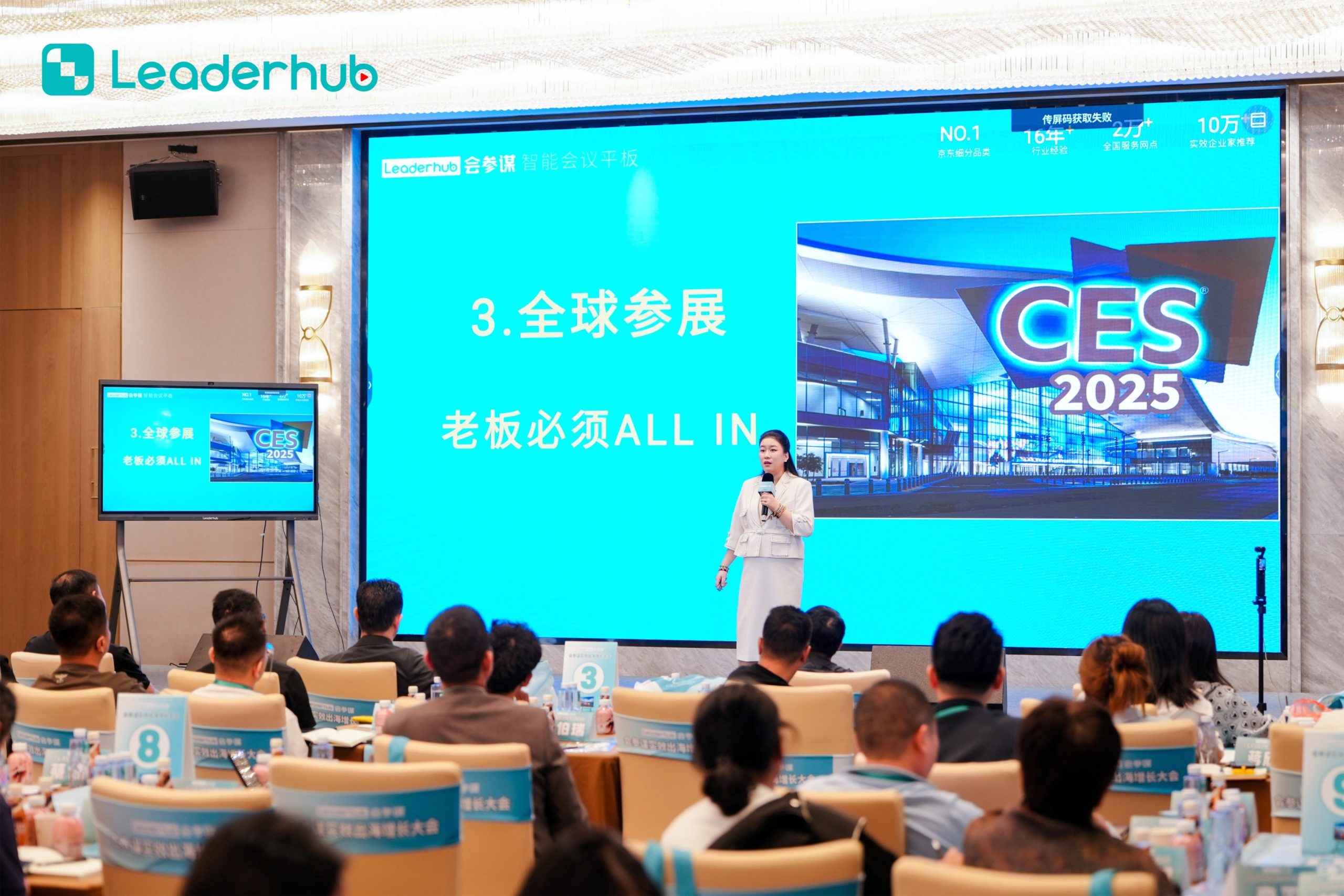
Smart Board in Action
Experience interactive technology designed for modern education and business environments.
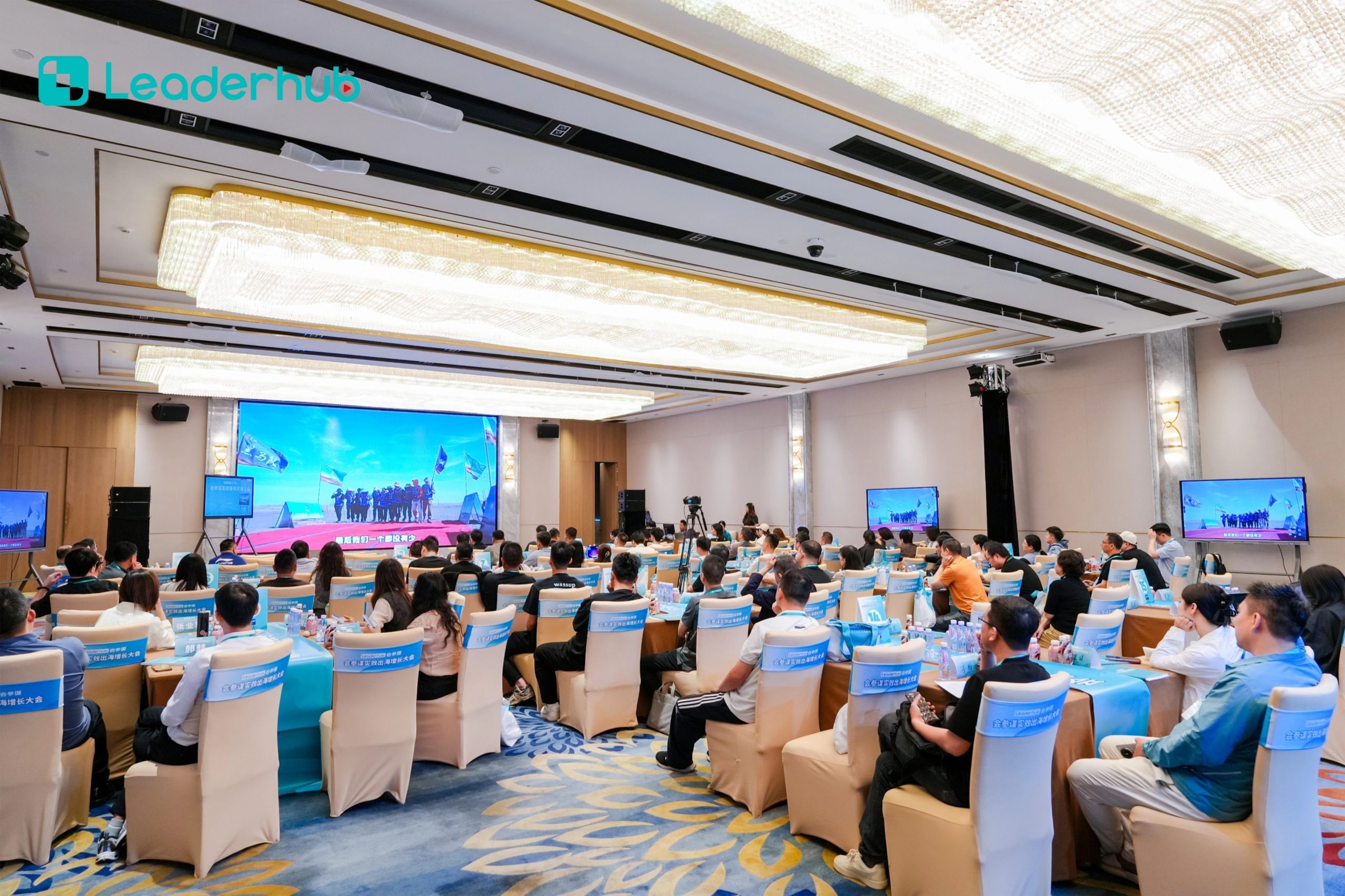
Interactive Display Demonstration
Explore intuitive touch interaction and smart collaboration features.

Classroom Application
Bring interactive learning to life with educational software integration.
Business Meetings
Enhance corporate strategy sessions, board presentations, and remote team alignment.
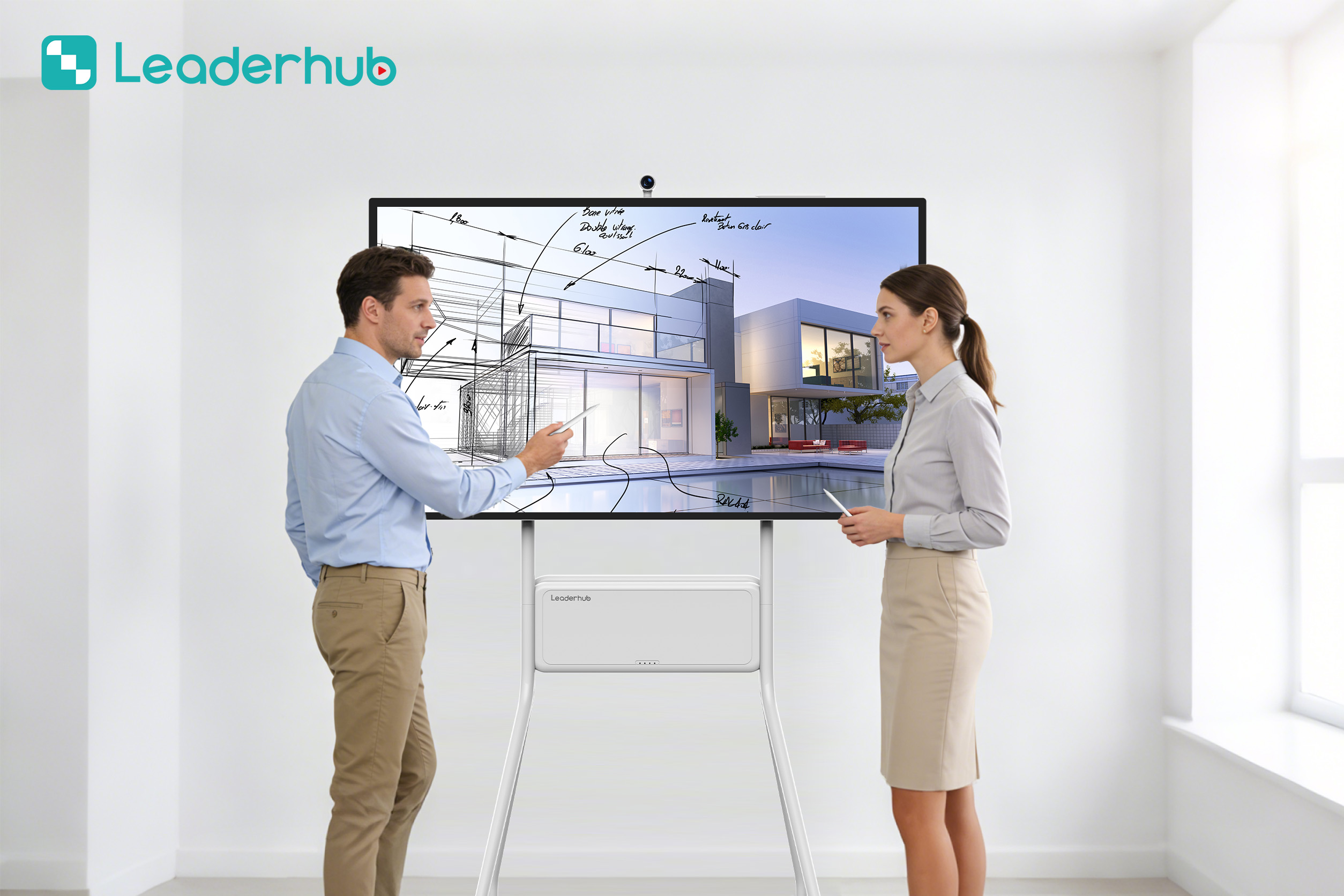
Creative Collaboration
Ideal for brainstorms, wireframing, and design reviews with macOS-based tools.
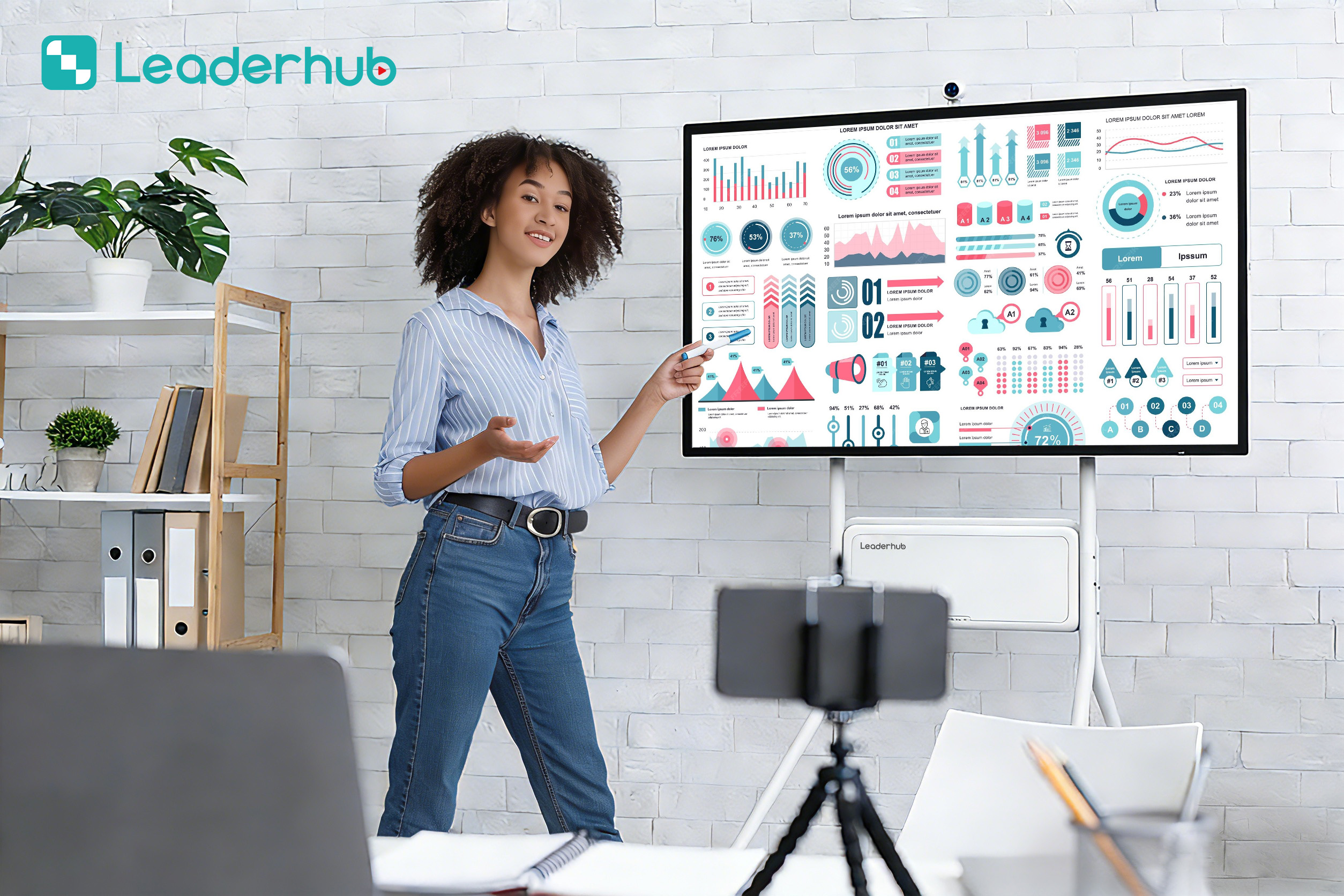
Interactive Training
Enable interactive workshops, continuous education, and technical bootcamps.
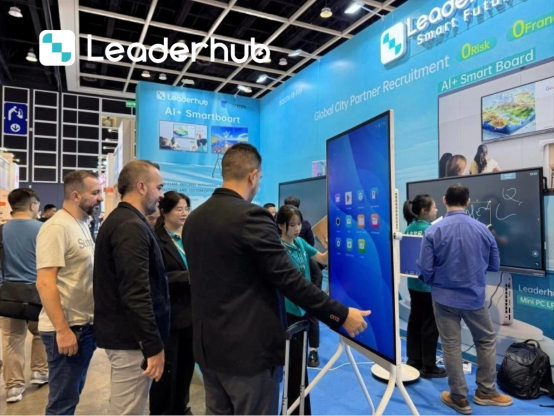
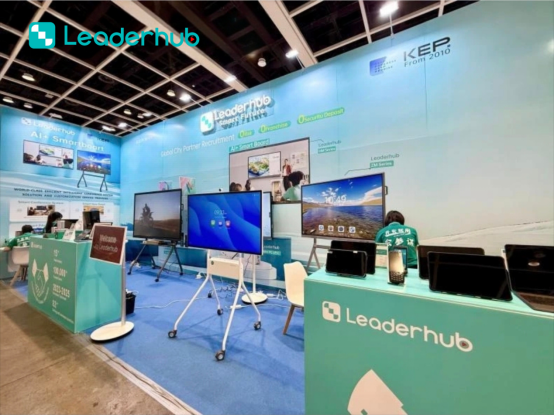
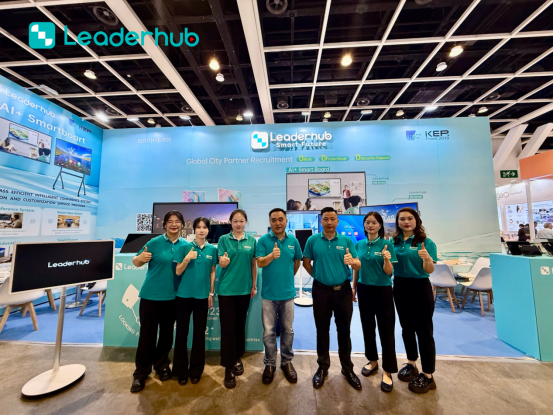
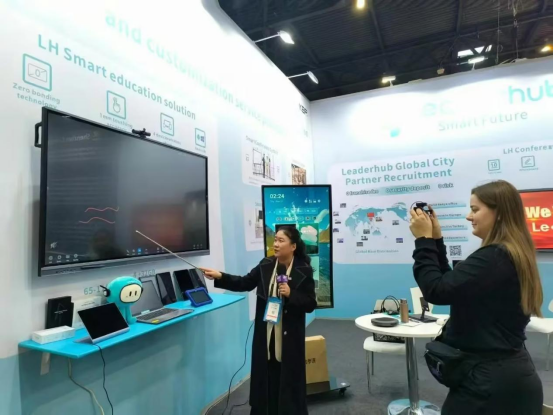
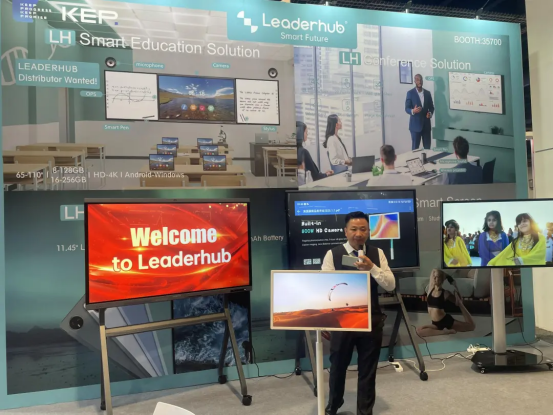
Meet LeaderHub at Global Electronics Exhibitions
LeaderHub actively participates in major electronics and technology exhibitions around the world, connecting with distributors, system integrators, education providers, and business partners.
At each exhibition, we showcase our latest smart boards, interactive flat panel displays, portable smart screens, and smart collaboration solutions. Visitors can experience our products firsthand, explore OEM/ODM opportunities, and discuss customized solutions for education, business, and commercial applications.
Looking for a reliable smart board manufacturer? Meet us at the next global electronics exhibition and discover new opportunities for partnership.



AI Changes Life & Interactive Display Expertise
LeaderHub is a Shenzhen-based technology company with 16 years of professional experience in the interactive panel industry. We specialize in smart whiteboards, interactive flat panels, mini PCs, and portable smart screens — delivering innovative solutions to education, enterprise, and creative professionals in 82 countries worldwide.
We are committed to helping more small and medium-sized enterprises access the best technology. By combining hardware innovation with AI, we continuously optimize business-interaction efficiency — making every meeting more effective and convenient. Today, LeaderHub holds strategic partnerships with organizations across finance, internet, education, training, and government sectors worldwide.

Our Mission
AI Changes Life. We believe artificial intelligence and interactive technology can transform how people work, learn, and collaborate — making that transformation accessible and affordable.
Our Vision
To become a world-class, effective smartboard and screen full-solutions service provider — delivering complete interactive technology ecosystems to businesses and institutions.
Corporate Values
Customer First · Effective Priority
Keep Progress · Keep Promises
Customer Focus
Effective Service · Lifelong Partner. Dedicated to building long-term value and support for every integration partner worldwide.
Recognition & Achievements
Our commitment to innovation and premium hardware engineering has earned LeaderHub recognition from top industry bodies, distribution networks, and consumer platforms globally.
- NO.1 in JD.com subcategory — interactive panels category leader.
- Annual Most Invested-Value Brand — recognized for corporate growth and innovation.
- Annual Consumer Trustworthy Brand — voted by educators and business users.
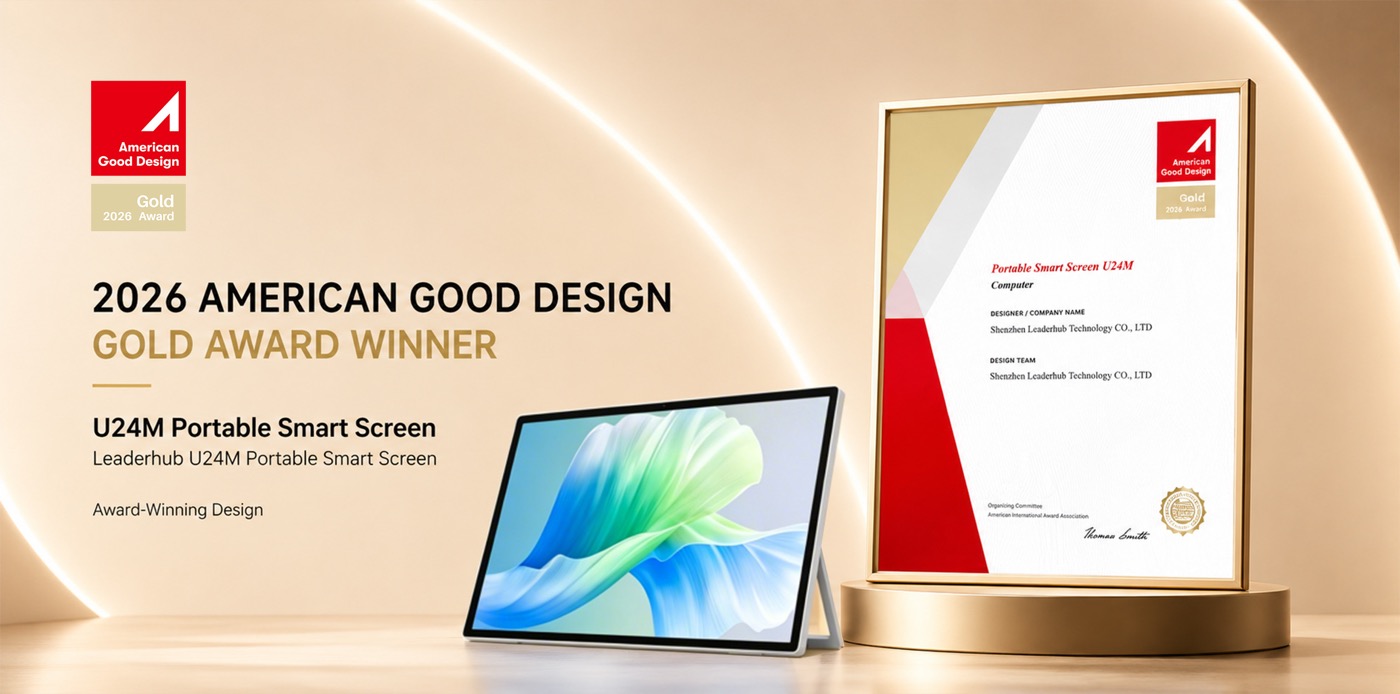
- Annual Conference Tablet Award — honored as the Most Innovative Product.
- Shenzhen Famous Brand — reflecting manufacturing excellence.
Choosing the Best Smart Board for Mac: What to Look For
An in-depth look at how hardware design, operating systems, and connectivity protocols affect your macOS interactive workspace experience.
When searching for a smart board for Mac, it is essential to understand that not all interactive displays are created equal. The Apple ecosystem relies on unique interface standards and touch gestures that require specific hardware compatibility to function correctly. Without proper integration, a high-end interactive display can feel like a glorified, non-touch television screen when hooked up to a Mac. Below, we break down the critical elements that make an interactive display truly compatible with macOS.
1. Touch Interface and Gesture Support
Windows uses native touch protocols that are easily integrated into standard whiteboards. macOS, however, handles touch data differently. A premium Mac-compatible smartboard must support driverless USB HID (Human Interface Device) protocols. This enables basic touch functionality immediately upon connection. For advanced multi-touch gestures—such as pinch-to-zoom, swiping between full-screen apps, and accessing Mission Control—LeaderHub displays utilize advanced touch controllers that translate standard infrared or capacitive touch points into macOS-compatible gesture commands. This ensures that you do not lose the fluid navigation experience that makes macOS so productive.
2. The Power of Single-Cable USB-C Connectivity
Modern MacBooks and Mac Studios have transitioned almost exclusively to USB-C and Thunderbolt ports. Traditional smart boards require multiple cables: an HDMI or DisplayPort cable for video, a USB-A-to-USB-B cable for touch data, and a separate power brick for your laptop. LeaderHub’s modern product lines, including the L75H Pro and the HM Series, feature full-function USB-C ports. This single-cable solution handles:
- 4K UHD Video Transmission: Delivering crisp, pixel-perfect visuals that match the color accuracy of Apple Retina displays.
- Bi-directional Touch Data: Routing high-precision touch inputs from the screen back to your Mac instantly.
- High-Speed Data & Audio: Eliminating lag in audio playback and integrated camera feeds.
- Power Delivery (PD): Charging your MacBook (up to 65W or 100W depending on the model) directly from the smartboard, keeping your workspace clean and wire-free.
3. Screen Mirroring and Wireless Collaboration
In collaborative environments, team members often need to share their screens wirelessly. LeaderHub interactive displays feature native support for Apple AirPlay. This means you do not need to install proprietary apps or compromise your network security with third-party software. Simply swipe down on your iPhone, iPad, or Mac, select the LeaderHub display, and share your screen instantly. Our advanced firmware supports multi-screen splits, allowing a Mac, an iPad, and an Android device to be cast side-by-side for real-time comparison and brainstorming.
4. Software Compatibility for Creative Workflows
Creative professionals use specialized macOS software like Adobe Creative Cloud, Figma, Sketch, and Final Cut Pro. A high-quality smart board for Mac must support these applications seamlessly. LeaderHub’s zero-bonding technology minimizes the gap between the LCD panel and the protective glass, reducing parallax error. When you use a stylus or your finger to sketch a UI layout in Figma or annotate a design draft in Adobe Illustrator, the digital ink aligns perfectly with the physical point of contact, simulating a natural drawing experience.
Frequently Asked Questions
Get answers to the most common queries regarding Mac compatibility, touch configuration, and setup options.
Do LeaderHub smart boards require drivers to work with macOS?
No, LeaderHub smart boards support plug-and-play USB HID protocols. Basic touch and presentation features work immediately upon connecting your Mac via USB-C or HDMI/USB. For advanced macOS gesture customization, optional drivers can be installed to align touch coordinates perfectly.
Can I charge my MacBook directly from the smart board?
Yes! Our premium series, such as the L75H Pro and HM Series, feature full-featured Type-C ports supporting Power Delivery (PD). You can charge your MacBook at up to 65W or 100W while simultaneously transmitting 4K video, audio, and touch feedback.
How does AirPlay screen mirroring work with LeaderHub?
LeaderHub displays feature native screen casting compatibility. When your Mac, iPhone, or iPad is connected to the same Wi-Fi network as the smart board, you can use the built-in Screen Mirroring option in the macOS control center to cast instantly—no external apps or dongles required.
Can I use Apple Pencil or other styluses on the screen?
While the Apple Pencil itself is designed specifically for the iPad, LeaderHub smart boards come with specialized dual-tip passive pens that write smoothly on the screen. The screen’s pressure-sensitive touch technology mimics the natural writing feel of drawing on an iPad.
Is it possible to run macOS and Windows simultaneously?
Yes. By installing a LeaderHub OPS Mini PC into the smartboard, you can run Windows natively on the panel. You can then connect or cast your Mac to display side-by-side or switch between systems using the smartboard’s quick-access input menu.
How does zero-bonding display technology benefit Mac users?
Zero-bonding eliminates the air gap between the glass and the LCD panel. This prevents light refraction, dramatically increases viewing angles, and eliminates parallax error. This ensures that when you draw on the screen, the digital ink aligns perfectly with your pen tip, matching the optical quality of Apple displays.
Ready to upgrade the way you meet, teach and create?
Explore our full line of interactive displays, rotating screens, and mini PCs. Let us help you design the perfect collaborative setup for your macOS environment.
