
Smart Board for Teaching App: Features, Creative Ideas, and Benefits for Schools
Unlock the full potential of interactive displays in modern classrooms. Explore how combining high-performance hardware with the right smart board for teaching app transforms traditional pedagogy into an immersive learning experience.
Why Smart Boards Require Advanced Teaching Applications
The integration of technology in classrooms has shifted from passive viewing to active participation. A standard interactive flat panel is only as powerful as the software it runs. Installing a tailored smart board for teaching app transforms the hardware into an interactive hub, allowing teachers to create dynamic lesson plans, import multi-format files, and directly engage students.
LeaderHub’s 16 years of expertise in interactive display technology has shown that schools achieve the highest rates of student engagement when they merge robust hardware, such as our 4K touchscreen smartboards, with feature-rich educational software. These applications allow for real-time collaboration, cloud saving, and instantaneous student feedback.
AI Changes Life: By combining robust hardware innovation with intelligent apps, LeaderHub transforms how teachers deliver information and how students absorb it.

Creative Smart Board for Teaching App Ideas
To truly optimize the classroom environment, teachers can deploy targeted application strategies that make full use of multi-touch hardware. Here are some of the most effective app concepts designed for interactive displays:
Virtual Science Labs
Simulate complex chemical reactions, physics experiments, or anatomical dissections. A virtual lab app allows students to drag and drop elements on a 4K screen safely without physical hazards or material costs.
Gamified Interactive Quizzes
Turn standard assessments into high-energy classroom game shows. Students can answer questions from their personal devices or step up to the panel to compete in real-time, boosting retention.
Collaborative Mind Mapping
Brainstorming apps allow multiple students to write, draw, and connect ideas simultaneously. LeaderHub’s 20-point multi-touch screen ensures smooth, lag-free collaborative drawing.
Immersive Geography & History Maps
Take virtual field trips across the globe. Swipe to zoom in on historical monuments, overlay historical maps onto modern topographies, and interact with 3D models of ancient architecture.
Key Features of a Premium Smart Board for Teaching App
When evaluating software for interactive flat panels, schools must look for specific core features that maximize classroom efficiency, encourage teacher adoption, and keep students engaged.
Multi-Touch Collaboration & Gesture Control
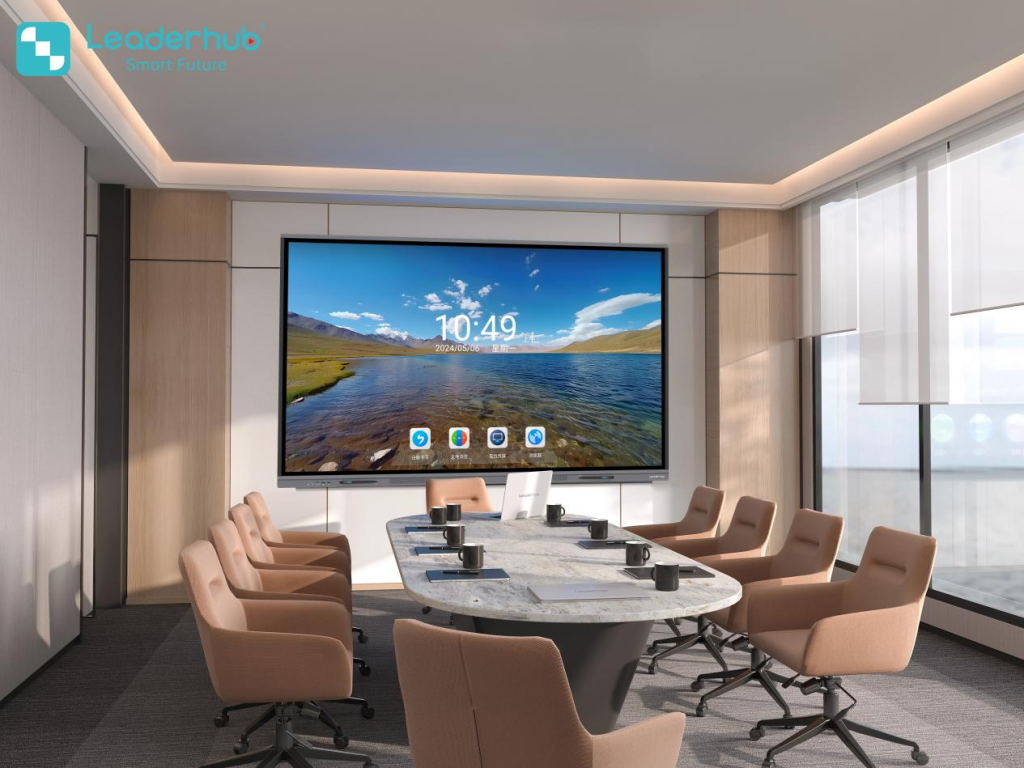
Modern classrooms thrive on interactive teamwork. A high-quality smart board for teaching app supports up to 20 points of touch, allowing multiple students to work side-by-side. Intuitive gesture controls—such as pinch-to-zoom, swipe to erase, and palm rejection—ensure that writing feels natural and fluid, replicating the tactile experience of paper.
LeaderHub’s smartboards are engineered to support these heavy multi-touch demands without latency, ensuring that software features operate seamlessly during fast-paced classroom activities.
Cloud Synchronization & File Compatibility
Teachers need to access their lesson materials instantly. The best smart board for teaching app options connect directly with major cloud storage providers like Google Drive, Microsoft OneDrive, and Dropbox. This allows teachers to load PowerPoint presentations, PDFs, videos, and interactive widgets directly from their personal accounts.
Furthermore, after a lecture, notes and annotations written on the board can be saved as PDFs or image files and shared directly with students via QR code or email, eliminating the need for manual note-taking.
Legacy Software vs. Next-Gen Teaching Apps
| Feature Category | Legacy Whiteboard Software | Modern Smart Board for Teaching App |
|---|---|---|
| Input Latency | High latency, visible delay when writing | Ultra-low latency with zero-bonding glass technology |
| Cloud Integration | Local storage only (requires USB drives) | Direct Google Drive / OneDrive sync and QR code sharing |
| Multi-User Support | Single or dual-touch limitations | Up to 20 points of simultaneous touch & split-screen options |
| AI Assistance | Manual drawing and text input only | AI handwriting conversion, shape recognition, and auto-draw |
| Screen Casting | Requires HDMI/VGA cables | Wireless casting from up to 4 devices (iOS, Android, Windows) |
Key Benefits of Smart Boards & Apps for Schools
Investing in high-performance interactive displays and optimized educational software delivers measurable advantages across the entire school ecosystem—from teachers and students to IT administrators and board members.
Increased Student Retention & Focus
Visual and kinesthetic learners absorb concepts much faster when they can interact with the material. Using a smart board for teaching app creates sensory-rich lessons that keep students highly focused and improve test scores.
Streamlined Lesson Planning
Instead of recreating lessons from scratch, teachers can load premade templates, import multimedia files, and modify content on the fly. This saves hours of weekly prep time, allowing teachers to focus on student mentorship.
Cost-Efficiency & Sustainability
Transitioning to digital worksheets, virtual lab kits, and electronic testing helps schools drastically reduce paper, printing, and material costs, supporting green school initiatives and budgetary efficiency.
Inclusive and Accessible Learning
Teaching apps feature text-to-speech, color contrast modifications, zoom options, and language translation tools, ensuring that students with diverse learning needs and language barriers are never left behind.
The Ultimate Hardware for Classroom Teaching Apps
To unlock the full potential of your smart board for teaching app, you need powerful, reliable hardware. LeaderHub offers industry-leading interactive flat panels and Mini PCs designed to run complex educational software effortlessly.

LeaderHub L65HM Interactive Smart Whiteboard — 65″ 4K Touchscreen
LeaderHub L75HM Interactive Smart Whiteboard — 75″ 4K Touchscreen
LeaderHub L86HM Interactive Smart Whiteboard — 86″ 4K Touchscreen
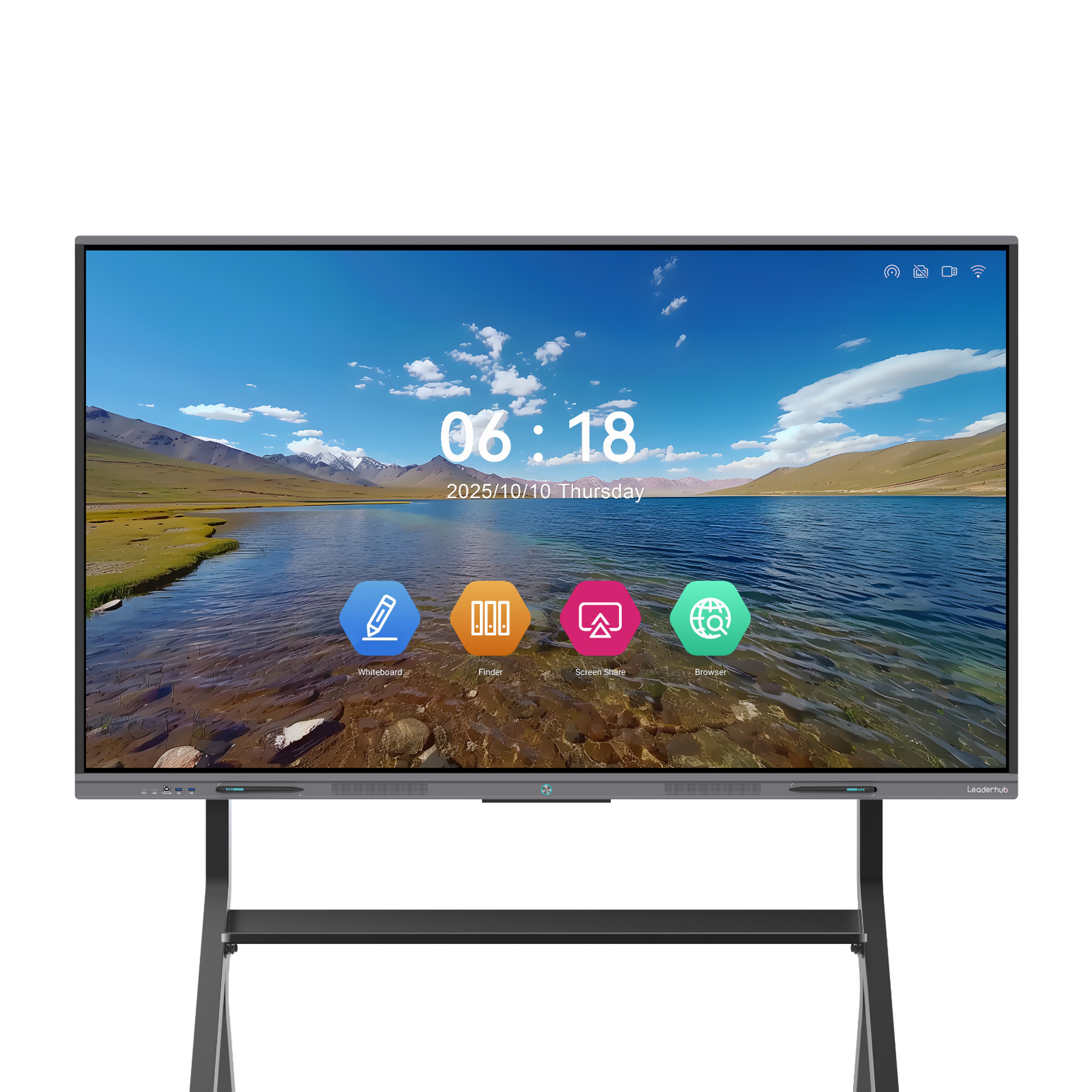
LeaderHub L75ZM Interactive Whiteboard — 75″ 4K Smart Panel
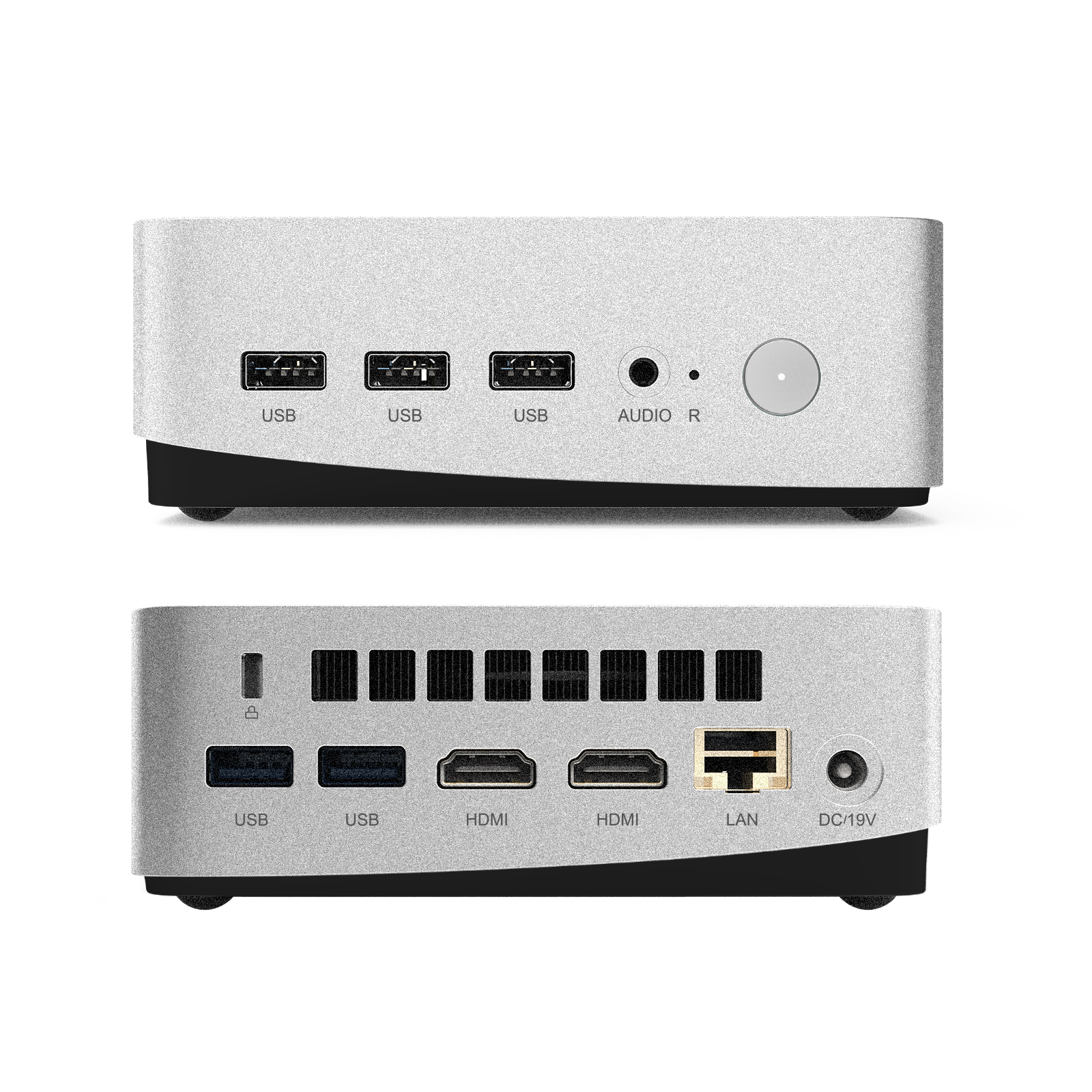
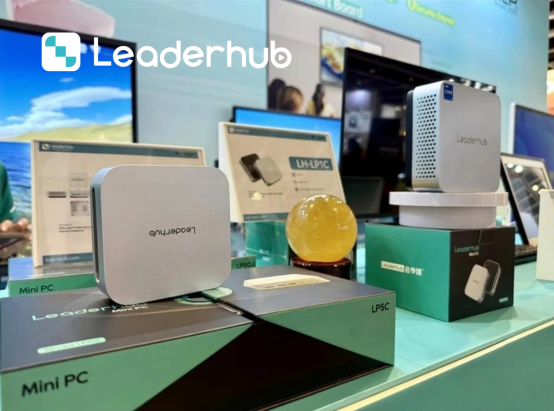
LeaderHub LP5C Mini PC — Intel i5-12450HX 16GB RAM 512GB SSD
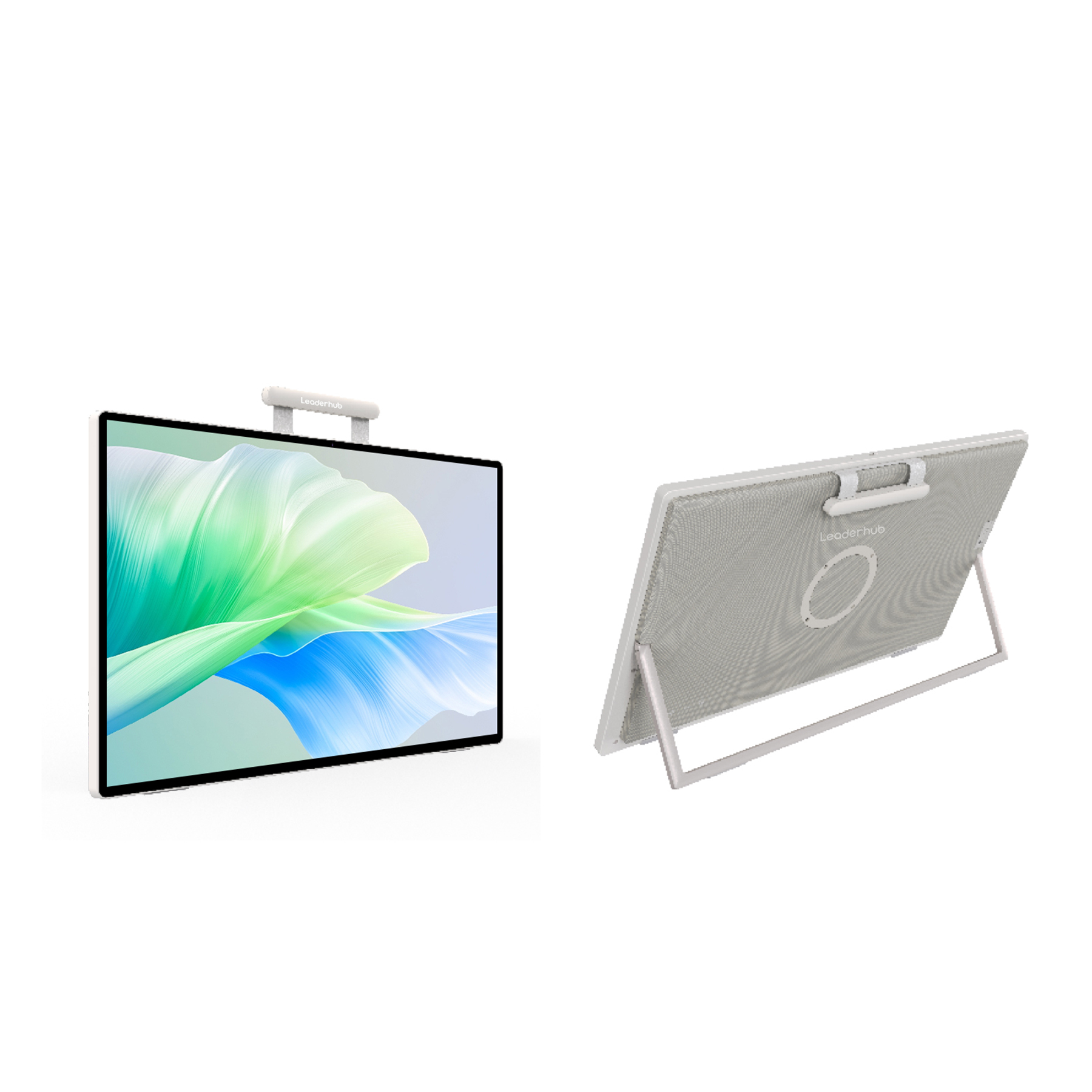
LeaderHub U24M 24.5″ Handheld Smart Screen — Android 14
LeaderHub in Action Around the World
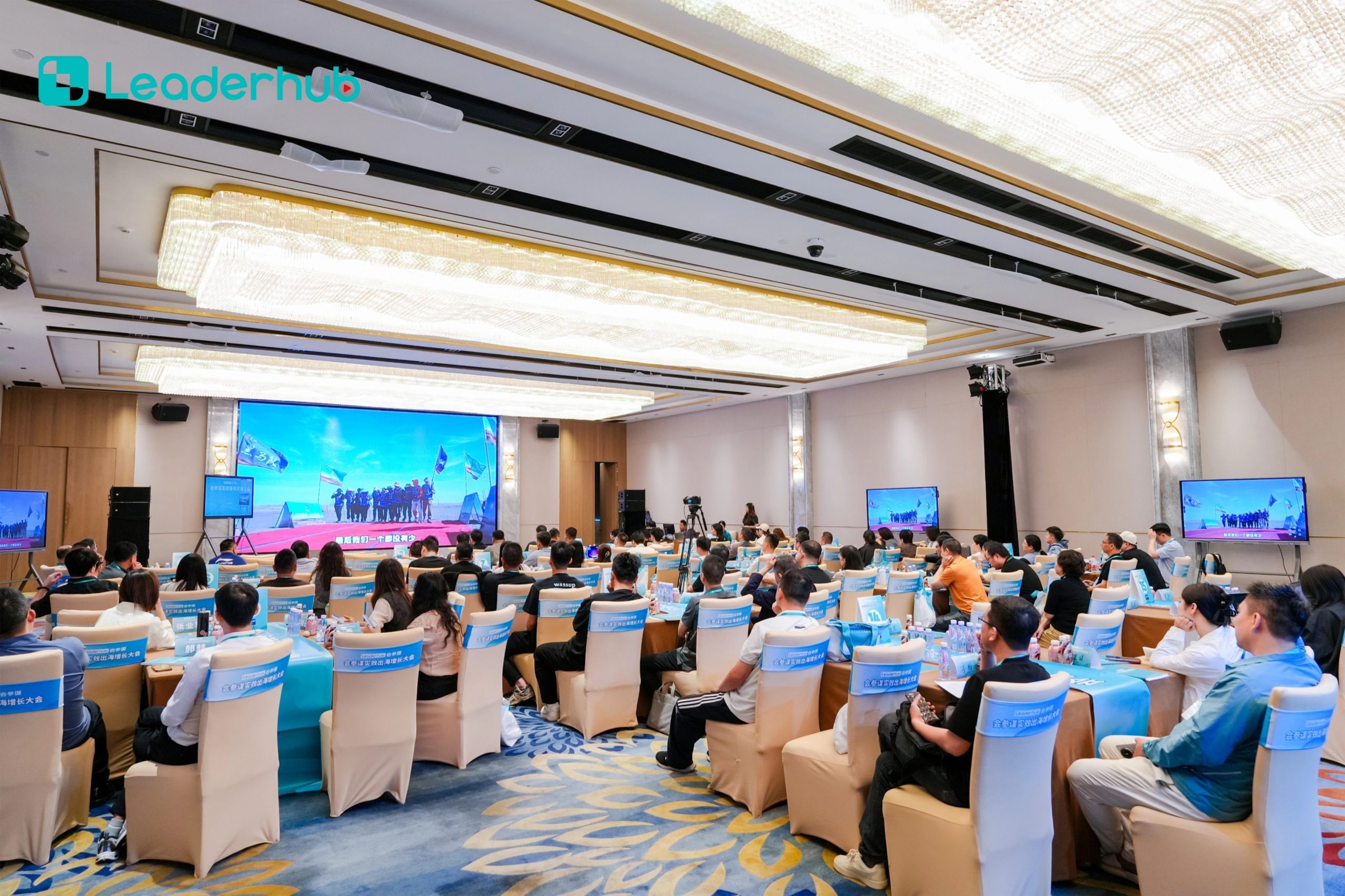
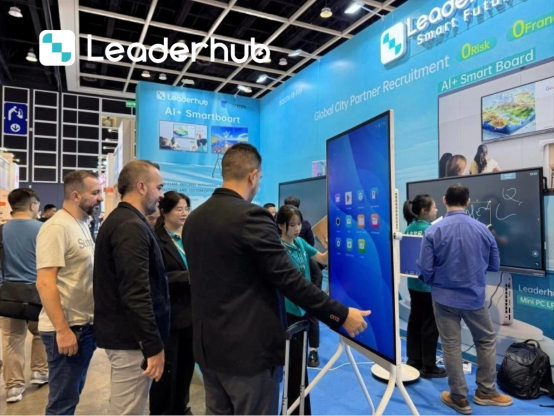
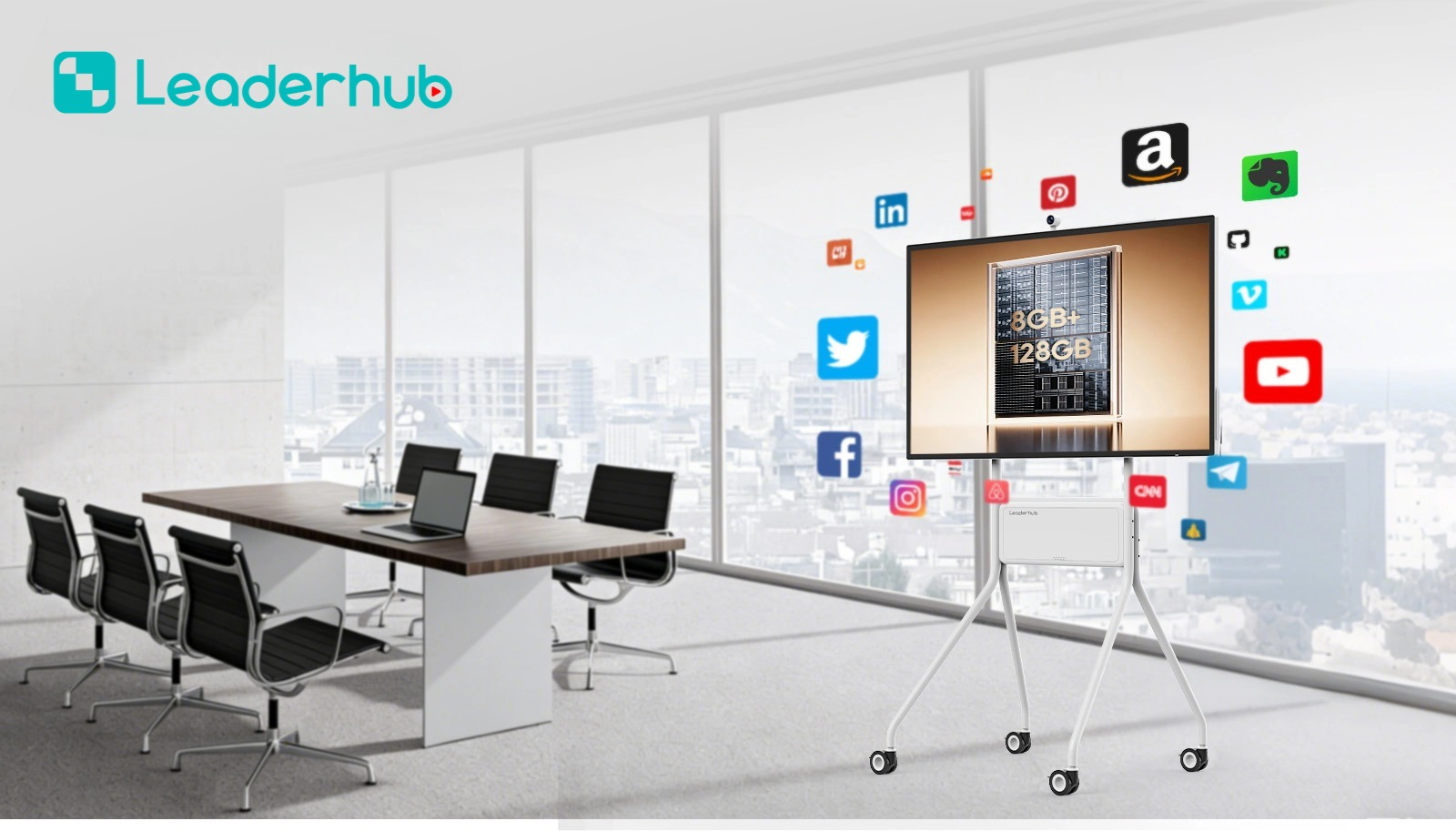
With 16 years of expertise, LeaderHub has delivered interactive panels to 82 countries. Here is a look at our global exhibition presence and practical classroom application showcases.




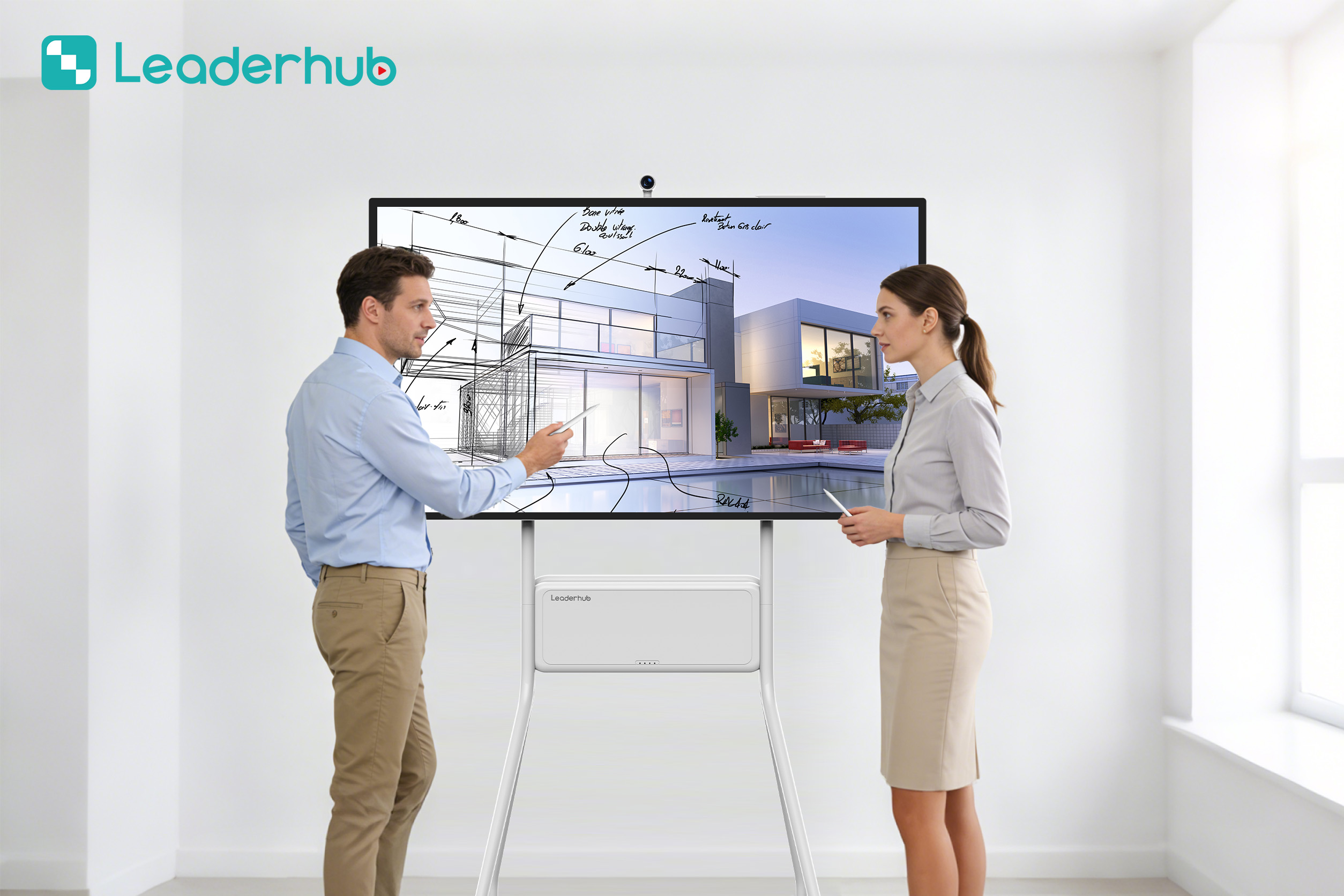
Maximizing the Synergy Between Hardware and Software
Selecting a smart board for teaching app is only half the battle. To guarantee long-term adoption, schools must plan how software integrates with hardware and how teachers are trained. Without compatibility, schools risk purchasing expensive displays that end up being used merely as simple projectors.
1. Operating System Compatibility: Android vs. Windows
Most interactive flat panels run on Android, Windows (via an Open Pluggable System – OPS), or a dual-boot setup. Android is excellent for quick-access whiteboard apps, web browsing, and educational games. Windows, powered by LeaderHub’s high-performance Mini PCs, allows schools to run full desktop editions of Microsoft Office, advanced STEM simulation engines, and enterprise-grade administrative software. When selecting a smart board for teaching app, ensure it is optimized for the operating system your school runs.
2. Ensuring Data Privacy and Security
Educational institutions handle sensitive student data daily. When deploying teaching apps on interactive panels, IT administrators must select software that complies with regional security standards (such as COPPA, FERPA, or GDPR). Premium apps offer encrypted cloud logins, automatic user log-outs, and local network deployment options to prevent data leaks.
3. Future-Proofing Classroom Hardware
As AI and machine learning continue to evolve, the software demands of teaching apps will grow. Running these demanding platforms requires robust hardware with fast CPUs, ample RAM, and scalable storage. Investing in panels equipped with high-performance processors and upgrading them with dedicated Mini PCs ensures your school’s hardware remains compatible with next-generation AI-powered teaching software for years to come.
Ready to Upgrade the Way You Meet, Teach, and Create?
Partner with LeaderHub to deploy state-of-the-art interactive flat panels and mini PCs tailored for modern teaching applications. Contact us today for custom solutions, volume school discounts, and OEM/ODM opportunities.
