Government offices run on paperwork, databases, citizen-facing services and long meetings — not on gaming benchmarks. What public-sector IT teams actually need from a desktop computer is simple to describe and surprisingly hard to buy: a machine that protects sensitive data, keeps working for years without drama, and does not strain a budget that is answerable to taxpayers. A well-chosen mini PC for government offices meets all three goals in a chassis smaller than a paperback book.
This guide explains how to evaluate mini PCs for municipal halls, ministries, courts, tax offices, public libraries and service counters. It covers the security features that matter, the reliability signals to look for, how to calculate real cost-effectiveness, and which specifications fit each type of government workload.
Why Government Offices Are Moving From Towers to Mini PCs
For two decades the standard government workstation was a full-size tower under the desk. That model is quietly disappearing, and the reasons go beyond aesthetics:
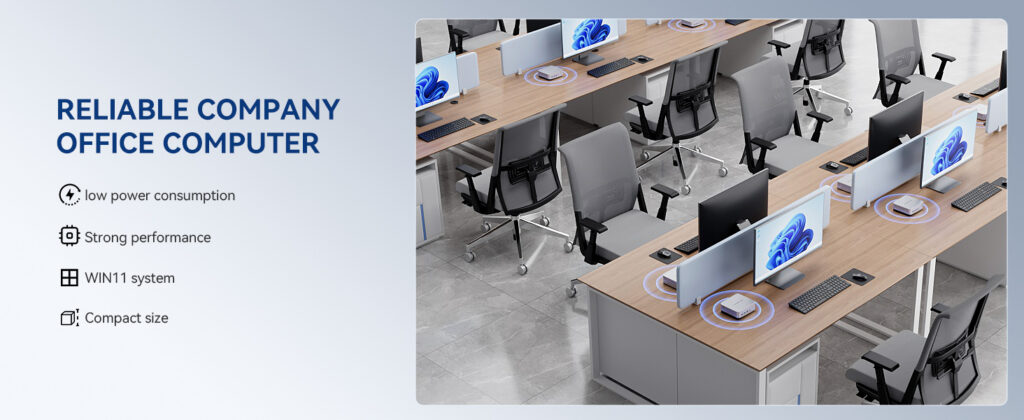
- Space efficiency: service counters, shared hot-desks and compact archive rooms rarely have room for a 30-litre case. A mini PC mounts behind the monitor and frees the desk entirely.
- Energy savings at scale: a modern mini PC draws 10–35 W under typical office load versus 100 W or more for an older tower. Multiply that by several hundred seats running eight hours a day and the utility savings become a line item.
- Simpler asset management: identical, small units are easier to inventory, image, lock down and replace. A faulty device can be swapped in minutes without rewiring a workstation.
- Quieter public spaces: fanless and low-noise designs improve the environment in reading rooms, courtrooms and reception areas.
- Modern security hardware by default: current-generation mini PCs ship with the firmware and chip-level protections that legacy towers often lack.
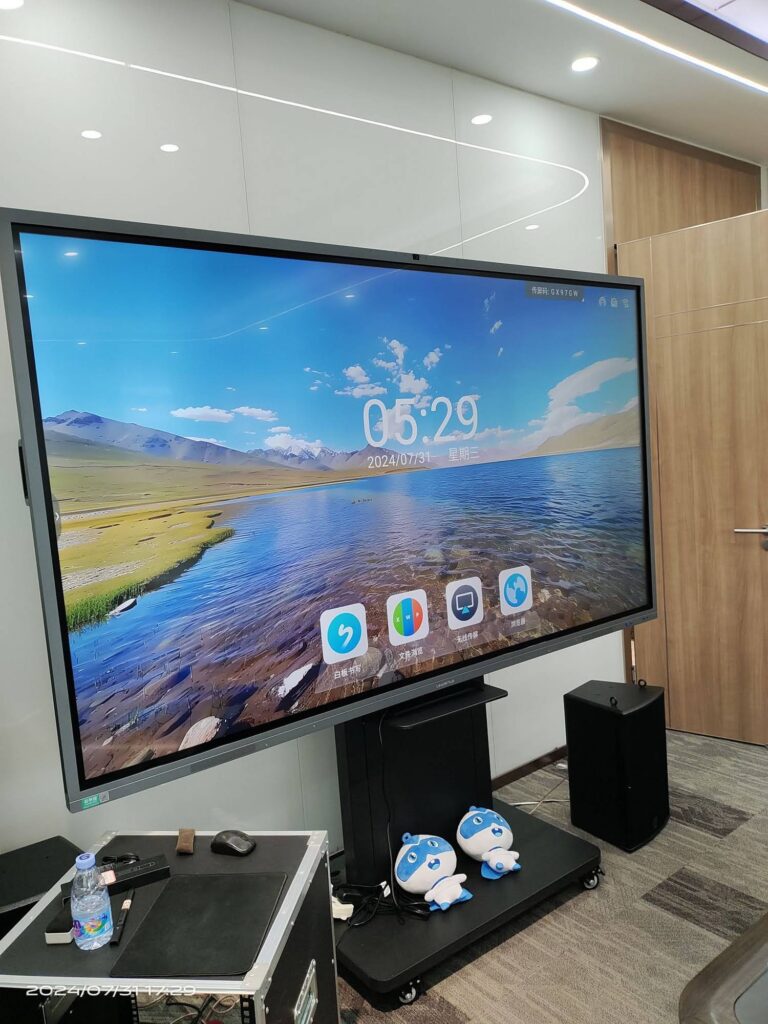
Mini PCs also pair naturally with the interactive displays now common in council chambers and training rooms. Many agencies deploy them as the compute engine behind a smart whiteboard or digital signage screen, which keeps the whole meeting-room stack on a single managed Windows image.
Security Requirements for a Government Mini PC
Security is the non-negotiable criterion. Citizen records, personnel files, tax data and internal correspondence all carry legal obligations. Evaluate candidate models against the following four layers.
1. Hardware-Level Protection
- TPM 2.0 — a discrete or firmware Trusted Platform Module is required for Windows 11, BitLocker key storage and most zero-trust frameworks.
- UEFI Secure Boot — prevents unsigned boot loaders and rootkits from running before the operating system loads.
- BIOS/firmware password and update signing — confirm that firmware updates are cryptographically signed and that the BIOS can be locked by IT.
- Memory and storage encryption support — self-encrypting NVMe drives (TCG Opal) make decommissioning far simpler.
2. Operating System and Management
Choose units that ship with or support Windows 11 Pro (or a supported Linux distribution if your agency standardises on open-source). Pro editions unlock BitLocker, Group Policy, Windows Defender Application Control and domain join — the building blocks of a compliant fleet. Remote-management features such as Wake-on-LAN and PXE boot allow overnight patching without a technician visiting every desk.
3. Physical Security
Small devices are easy to carry away. Look for a Kensington lock slot, a VESA mounting plate that can be secured behind the monitor, and ideally a chassis intrusion switch. For public-facing kiosks, the ability to disable unused USB ports in BIOS is equally important.
4. Supply Chain and Compliance
Procurement officers should request documentation covering component origin, CE/FCC/RoHS certifications, and the manufacturer’s firmware-update policy. A supplier that can provide consistent SKUs for multi-year framework contracts saves considerable re-testing effort later.
Reliability: What Public-Sector Workloads Really Demand
A government desktop is typically kept in service for five to seven years. Reliability therefore matters more than peak performance. The table below lists the signals that separate a durable mini PC from a consumer gadget.
| Reliability Factor | What to Look For | Why It Matters in Government Use |
|---|---|---|
| Thermal design | Metal chassis, large heat sink, fanless or low-RPM fan | Dusty archives and warm server closets kill cheap plastic units |
| Continuous operation | Rated for 24/7 duty, auto power-on after outage | Signage, kiosks and monitoring stations never shut down |
| Storage | NVMe SSD, no spinning disks, spare M.2 slot | Fewer mechanical failures; easy capacity upgrades |
| Connectivity | Gigabit or 2.5G Ethernet, Wi-Fi 6, multiple USB-A/USB-C, dual display outputs | Wired LAN is mandatory in most secure networks; dual monitors are standard for case workers |
| Warranty and parts | Minimum 2-year warranty, spare-parts availability, consistent SKU | Framework contracts run for years; replacements must match the approved image |
One practical tip: request a sample unit and run it for two weeks on a real workstation before approving a bulk order. Thermal throttling, fan noise and driver stability only reveal themselves in daily use.
Cost-Effectiveness: Look at Total Cost of Ownership
Public procurement rules often push buyers toward the lowest unit price. Yet the purchase price is only a fraction of what a desktop costs over its life. A fair comparison includes energy, support labour, downtime and disposal.
| Cost Element (per seat, 5 years) | Traditional Tower | Business Laptop | Mini PC |
|---|---|---|---|
| Hardware purchase | Medium | High | Low to Medium |
| Electricity | High | Low | Low |
| Desk space and cabling | High | Medium (docks required) | Minimal |
| Loss, theft and battery replacement | Low | High | Low (when locked and mounted) |
| IT support time | Medium | High | Low (swap-and-go replacement) |
The cost-effective choice is rarely the cheapest box. It is the model whose performance tier matches the role, whose components will not need replacing within the contract period, and whose supplier can deliver identical units next year.
Matching Specifications to Government Use Cases
Not every seat needs the same processor. Over-specifying wastes budget; under-specifying generates support tickets. Use the following matrix as a starting point for your tender.
| Use Case | Typical Software | Recommended Spec | Suggested Model |
|---|---|---|---|
| Service counter / front desk | Browser-based portals, e-forms, queue systems | Intel N100 class, 8 GB RAM, 256–512 GB SSD | LP1C Mini PC |
| Digital signage / kiosk | Signage player, info screens, 24/7 loop | Low-power quad-core, 8 GB RAM, dual HDMI | LP1C Mini PC |
| Case worker / administrator | Office suite, ERP clients, video calls, dual monitors | Core i5 H-series, 16 GB RAM, 512 GB NVMe | LP5C Mini PC |
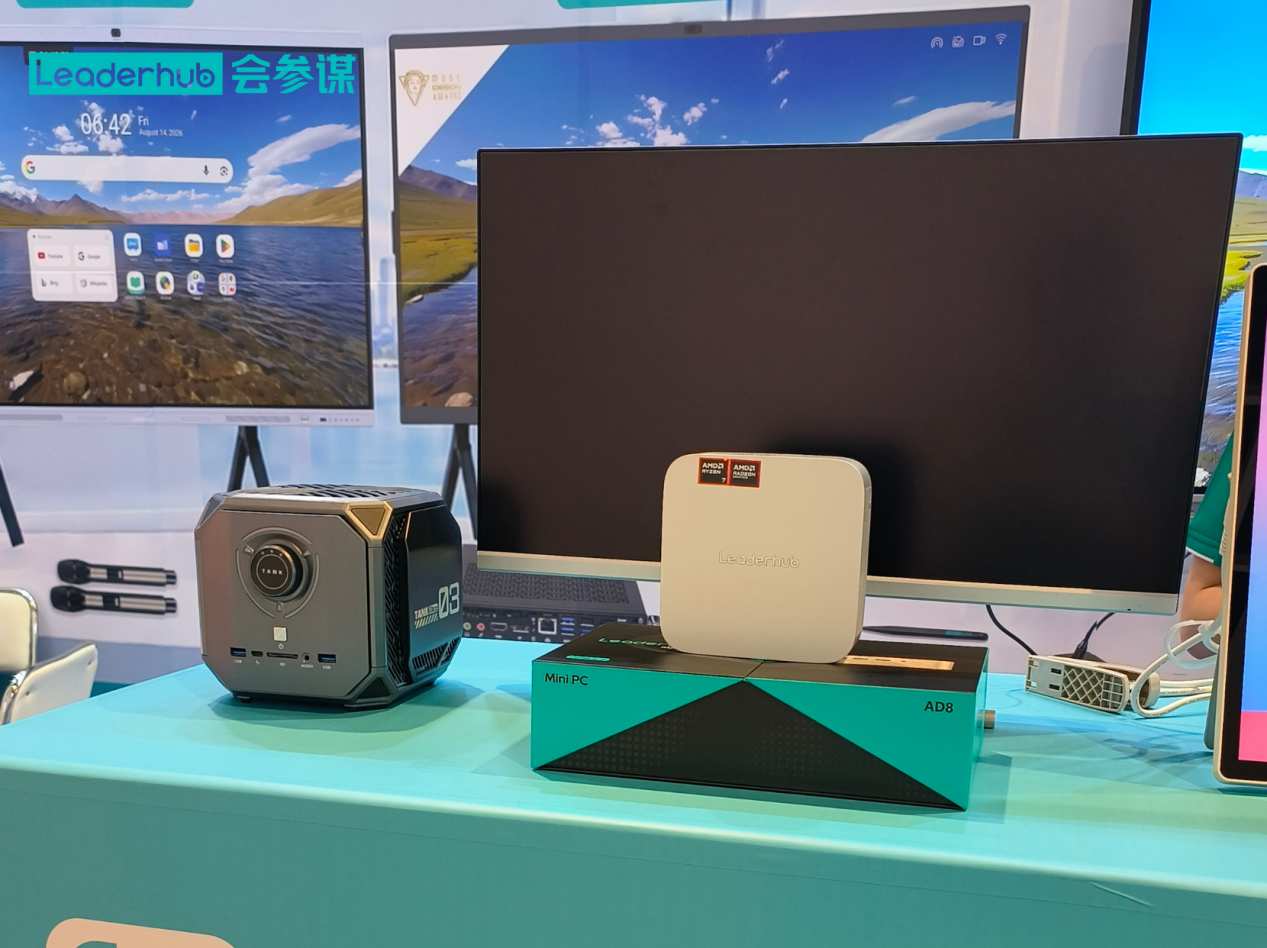
| GIS, planning, data analysis | Mapping tools, large spreadsheets, local databases | High-performance CPU, 16–32 GB RAM, 1 TB SSD | AD8 Mini PC |
| Council chamber / meeting room | Conferencing, presentation, interactive display driver | Core i5 or higher, 16 GB RAM, 4K output | LP5C or AD8 |
Three Mini PC Models Suited to Government Deployment
LeaderHub, a Shenzhen-based technology company with 16 years in the interactive-display industry and customers in 82 countries, builds its mini PC range for exactly the kind of long-life, managed environments that public agencies operate. The three current models cover the full spread of government workloads.
LeaderHub LP1C — Entry Tier for Counters, Kiosks and Signage
Powered by the Intel N100 with 8 GB RAM and a 512 GB SSD, the LP1C Mini PC ($399) is designed for roles where efficiency and silence matter more than raw speed. Its very low power draw makes it ideal for front desks, public information screens, library catalogue terminals and any station that stays on all day. The compact chassis mounts behind a monitor, keeping citizen-facing counters tidy and secure.
LeaderHub LP5C — The Mainstream Administrative Workstation
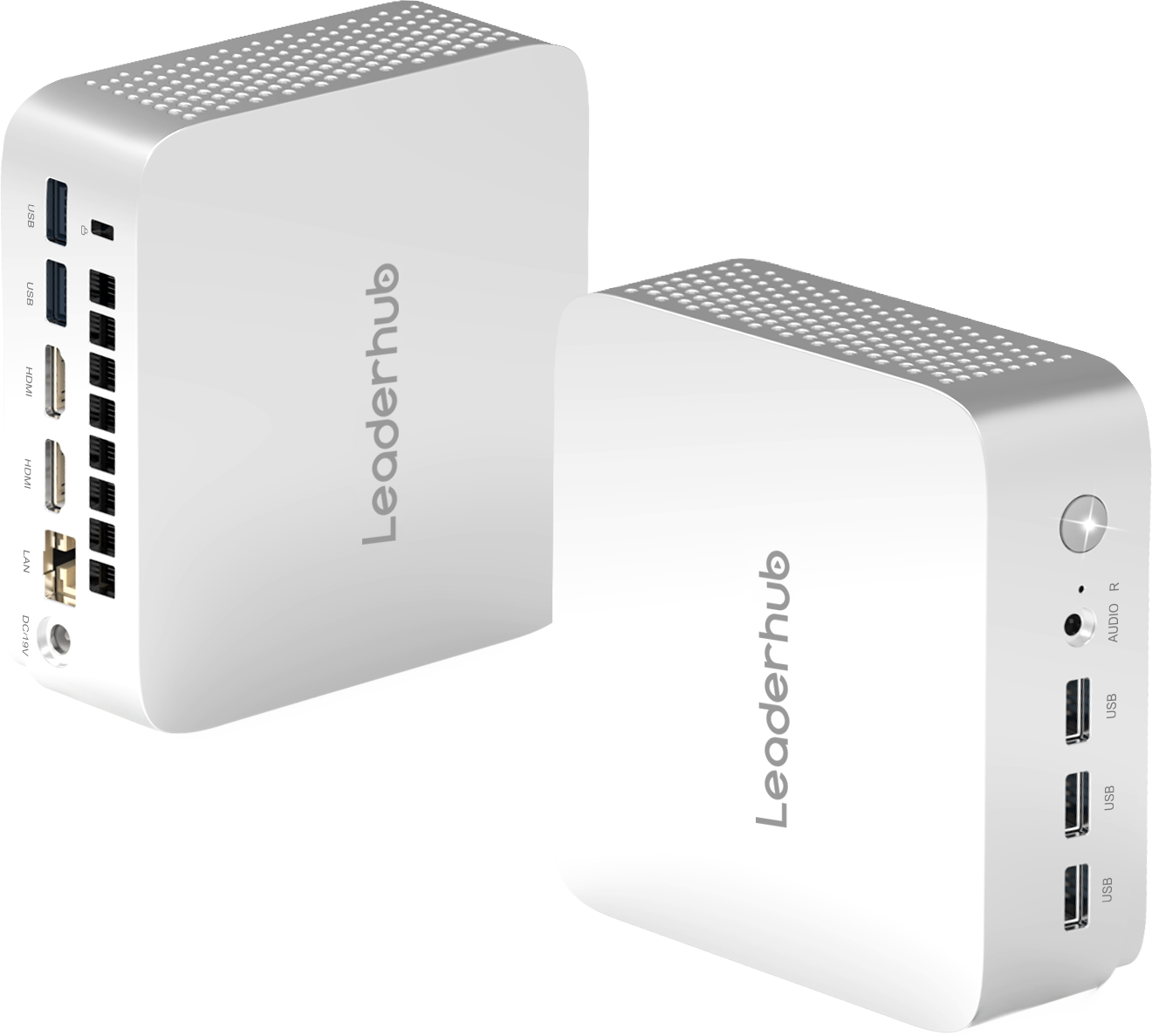
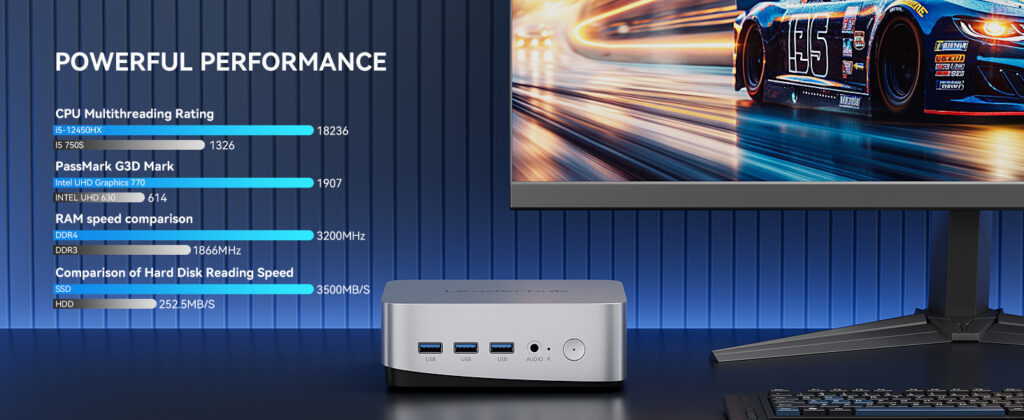
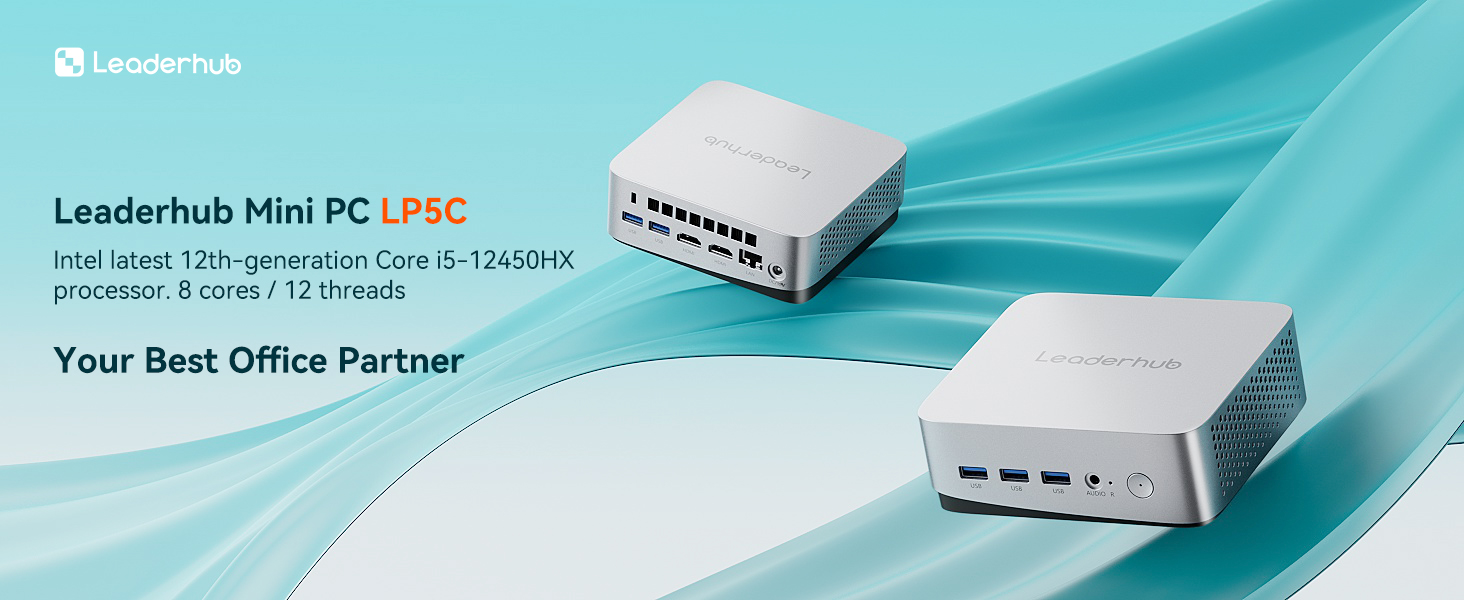
The LP5C Mini PC ($799) pairs an Intel Core i5-12450HX with 16 GB RAM and a 512 GB SSD. This is the configuration most IT departments will standardise on for case workers, finance staff, HR teams and legal departments — users who run an office suite, several browser tabs, an ERP client and a video call simultaneously across two monitors. It offers meaningful headroom for the next five years of software updates without crossing into premium pricing.
LeaderHub AD8 — Performance Tier for Specialist and Meeting-Room Roles
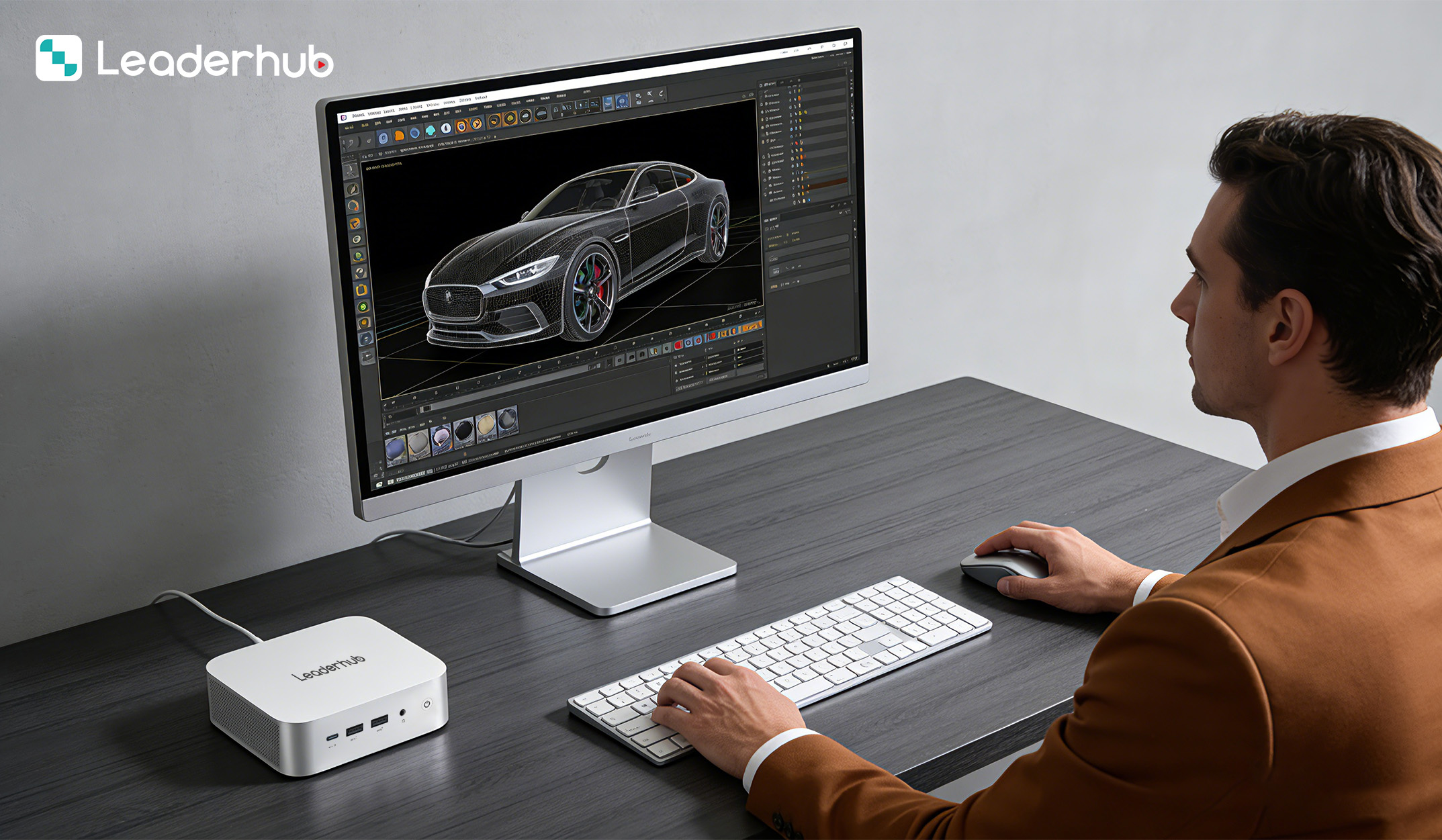
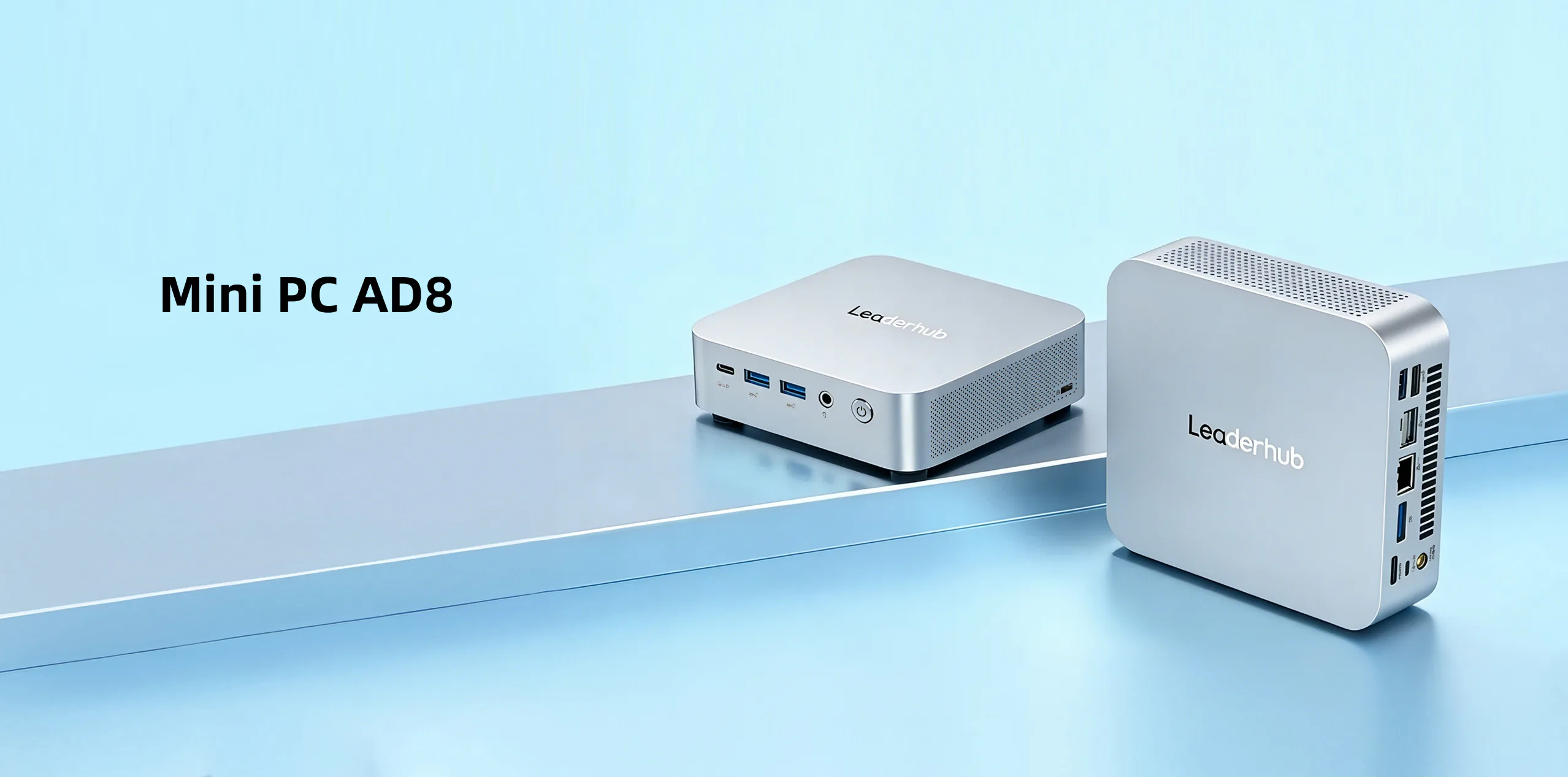
For planning departments, GIS analysts, statistical offices and council chambers driving large interactive displays, the AD8 Mini PC ($999) delivers the highest performance in the range. It handles demanding applications and multi-screen presentation setups while retaining the small footprint and energy profile that make mini PCs attractive in the first place. Paired with a 75-inch interactive whiteboard, it forms a complete, single-image meeting-room solution.
Deployment Best Practices for Government IT Teams
- Standardise on two or three SKUs. Fewer models mean fewer driver packages, fewer images and faster replacements.
- Enable BitLocker and TPM-backed keys on day one. Encrypting after deployment is far harder than encrypting during imaging.
- Mount and lock every unit. Use the VESA bracket behind the monitor and a cable lock; disable boot from USB in BIOS.
- Segment the network. Kiosks and signage players should live on a separate VLAN from staff workstations.
- Schedule firmware updates alongside OS patches. Many vulnerabilities live below the operating system.
- Document the decommissioning process. Self-encrypting drives can be cryptographically erased in seconds, which simplifies end-of-life compliance.
- Plan meeting rooms as a system. Follow recognised AV industry standards and resources when integrating mini PCs with displays, microphones and cameras so that council sessions and public hearings run without technical interruptions.
Procurement Checklist: Questions to Put in Your Tender
- Does the unit include TPM 2.0 and UEFI Secure Boot?
- Is Windows 11 Pro available pre-installed or officially supported?
- What is the rated power consumption at idle and under load?
- Is the device designed for 24/7 operation, and is there an auto power-on BIOS option?
- How many display outputs, USB ports and Ethernet ports are provided?
- Is there a Kensington lock slot and VESA mount in the box?
- What is the warranty term, and will the same SKU remain available for the contract period?
- Can the supplier provide bulk pricing, custom imaging or OEM branding for large rollouts?
Frequently Asked Questions
Are mini PCs secure enough for handling confidential citizen data?
Yes, provided they include TPM 2.0, Secure Boot and full-disk encryption, and are managed under the same policies as any other endpoint. The physical form factor does not weaken security; if anything, mounting the device behind a monitor and locking it reduces tampering risk compared with an exposed tower.
How long should a government mini PC last?
A well-specified business-class unit should comfortably serve five to seven years. Choosing 16 GB RAM and an NVMe SSD for knowledge workers extends usable life because the machine absorbs future software demands without upgrades.
Can one mini PC drive two or more monitors?
Most current models, including the LP5C and AD8, support dual or triple displays through HDMI, DisplayPort or USB-C, which is sufficient for the two-screen layout common among administrative staff.
Is a fanless model always better for government use?
Fanless designs are excellent for low-power roles such as kiosks and counters. For heavier workloads, a well-engineered low-noise fan allows sustained performance without throttling. Match the cooling design to the workload rather than assuming one approach fits all seats.
Final Thoughts
The best mini PC for government offices is the one that quietly does its job for years: it encrypts what must be protected, runs the applications staff depend on, keeps energy bills and support tickets low, and can be replaced like-for-like when the time comes. By defining use-case tiers, insisting on hardware security features and evaluating total cost of ownership instead of sticker price, procurement teams can modernise entire departments without exceeding budget.
To discuss volume pricing, custom configurations or a pilot deployment for your agency, contact the LeaderHub team or browse the full product catalogue to compare models side by side.