
Smart Board for Autism Interactive Learning and Communication Tools
Empowering neurodiverse classrooms and therapy spaces with cutting-edge touch technology, AI-assisted tools, and immersive sensory learning environments.
Why a Smart Board for Autism is a Game-Changer
Autism Spectrum Disorder (ASD) affects communication, social interaction, and behavior. In educational and therapeutic environments, traditional teaching methodologies often fall short of engaging individuals with ASD. This is where assistive interactive technology steps in. A smart board for autism provides a highly structured, visual, and tactile learning interface that addresses the core sensory and cognitive needs of autistic learners.
By transforming abstract concepts into tangible, touch-sensitive interactions, these interactive flat panels act as a bridge for communication. They offer a non-threatening, predictable, and highly engaging medium that captures attention far more effectively than traditional paper-based tools or standard computer monitors.
“Visual learning tools combined with physical touch feedback can accelerate language acquisition and social-emotional development in children on the autism spectrum.”
LeaderHub’s advanced interactive display solutions leverage 4K multi-touch technology to create safe, intuitive spaces for neurodivergent individuals to express themselves, collaborate with peers, and build critical life skills.

How Interactive Smart Boards Support Autism
Visual Predictability & Structure
Autistic individuals process visual information far better than auditory cues. Smart boards allow teachers to display highly structured visual schedules, social stories, and step-by-step tasks, reducing anxiety and behavioral outbursts.
Sensory Integration & Customization
Sensory overload is a significant barrier to learning. LeaderHub interactive screens allow educators to customize brightness, adjust contrast, control volume, and use calming background themes to suit individual sensory profiles.
AAC Software Compatibility
Augmentative and Alternative Communication (AAC) apps can be directly run on the smart board. The large touchscreen format allows non-verbal students to point, tap, and communicate their needs to the entire room.
Gamified & Interactive Learning
Gamification turns repetitive learning tasks into fun, rewarding challenges. Autistic children can interact directly with educational games, matching exercises, and drawing canvases that provide instant, positive reinforcement.
Joint Attention & Social Skills
One of the primary challenges in ASD is joint attention. By using a large, centralized interactive panel, therapists can prompt students to share a screen, take turns, and engage in collaborative group activities.
Fine & Gross Motor Development
Drawing, dragging, and touching objects on a large screen builds hand-eye coordination. For children struggling with the fine motor control required for pencils, the broad touch canvas of a smart board is highly empowering.
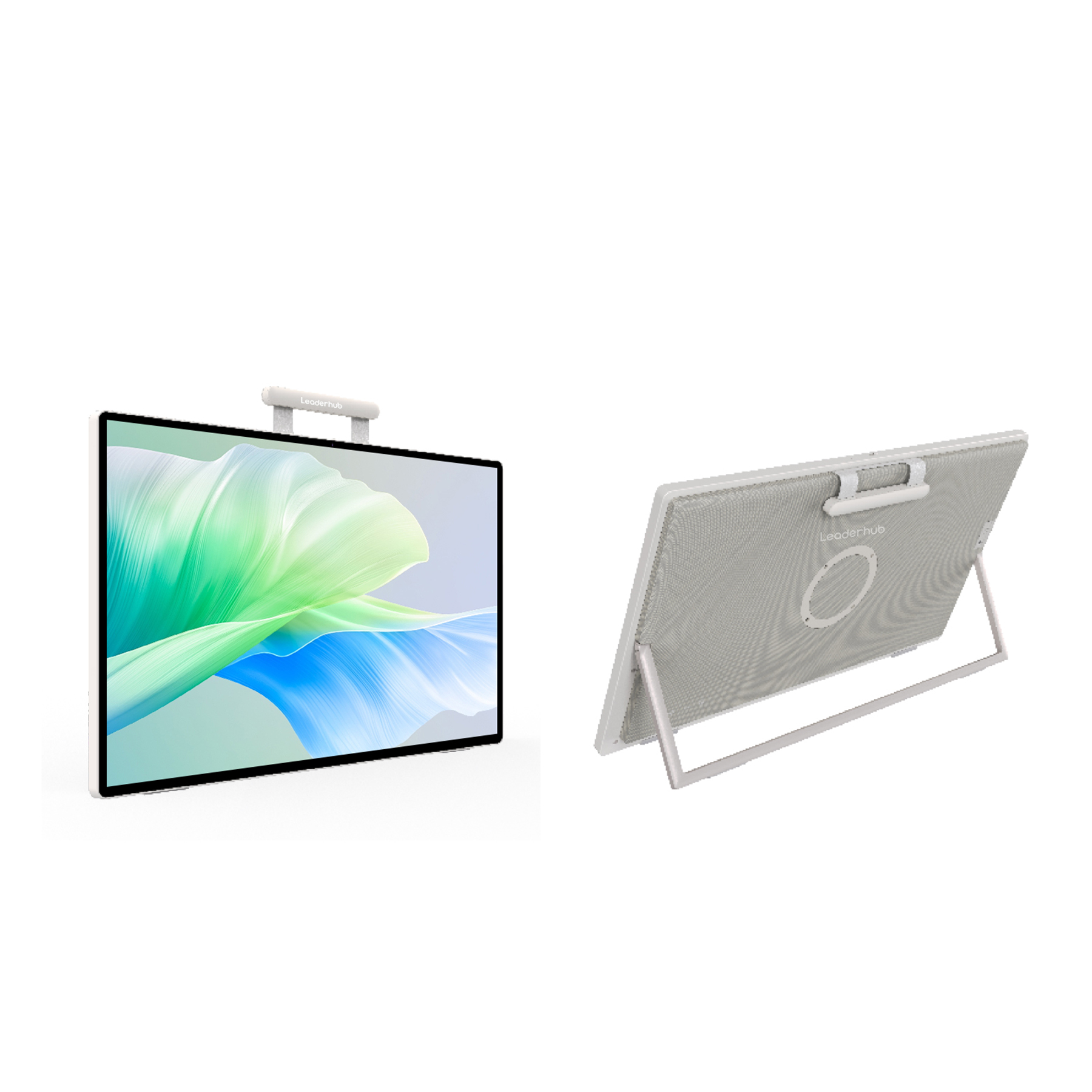
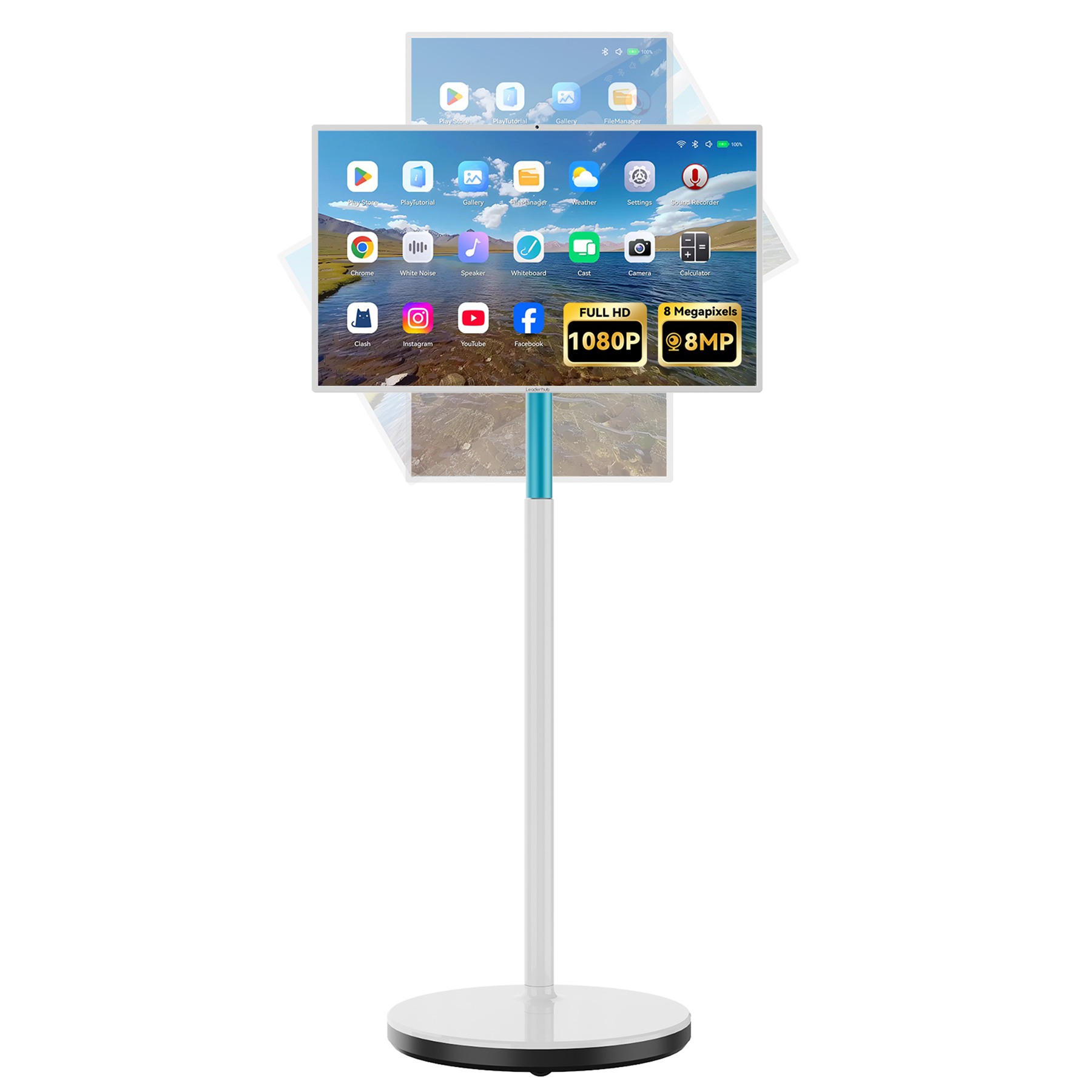
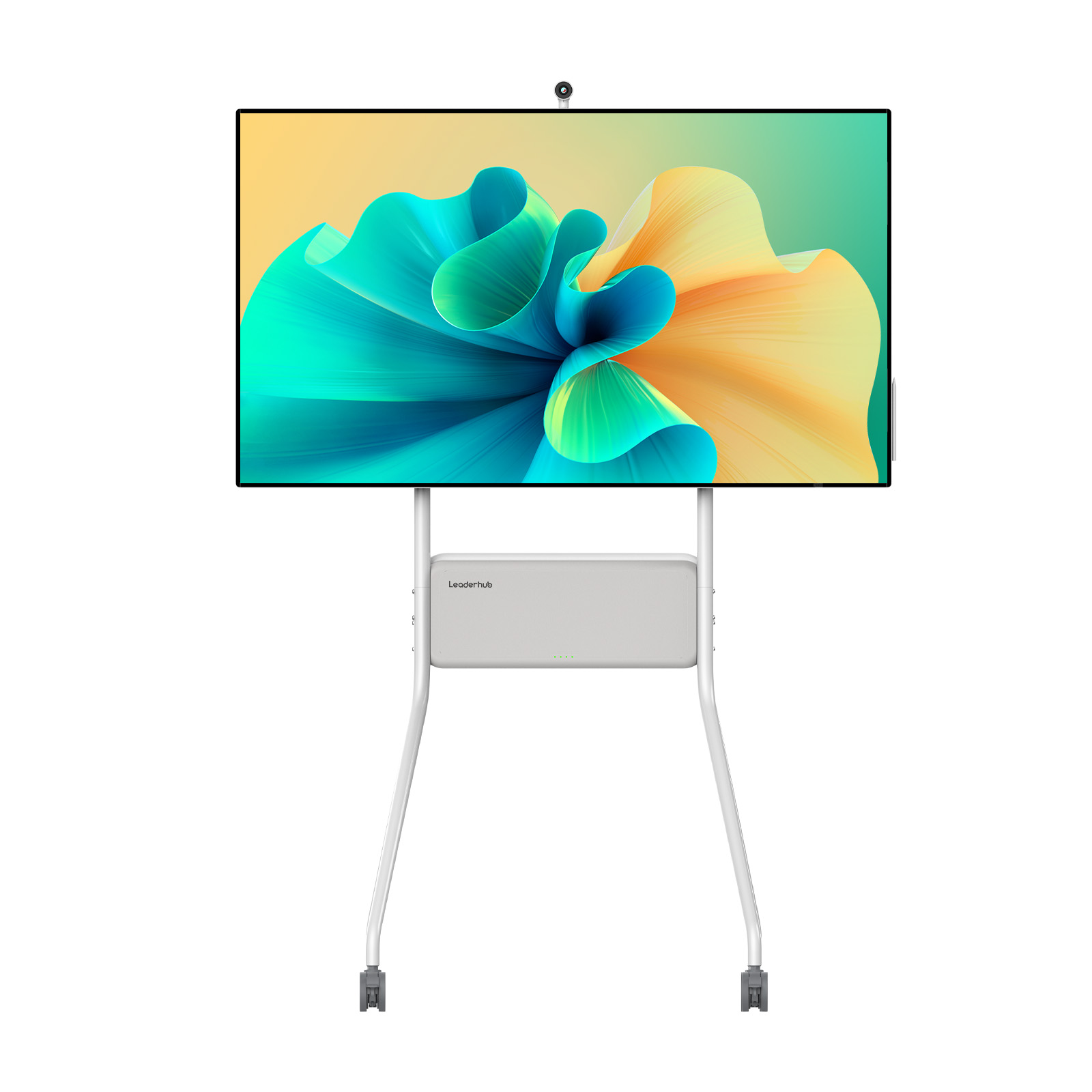
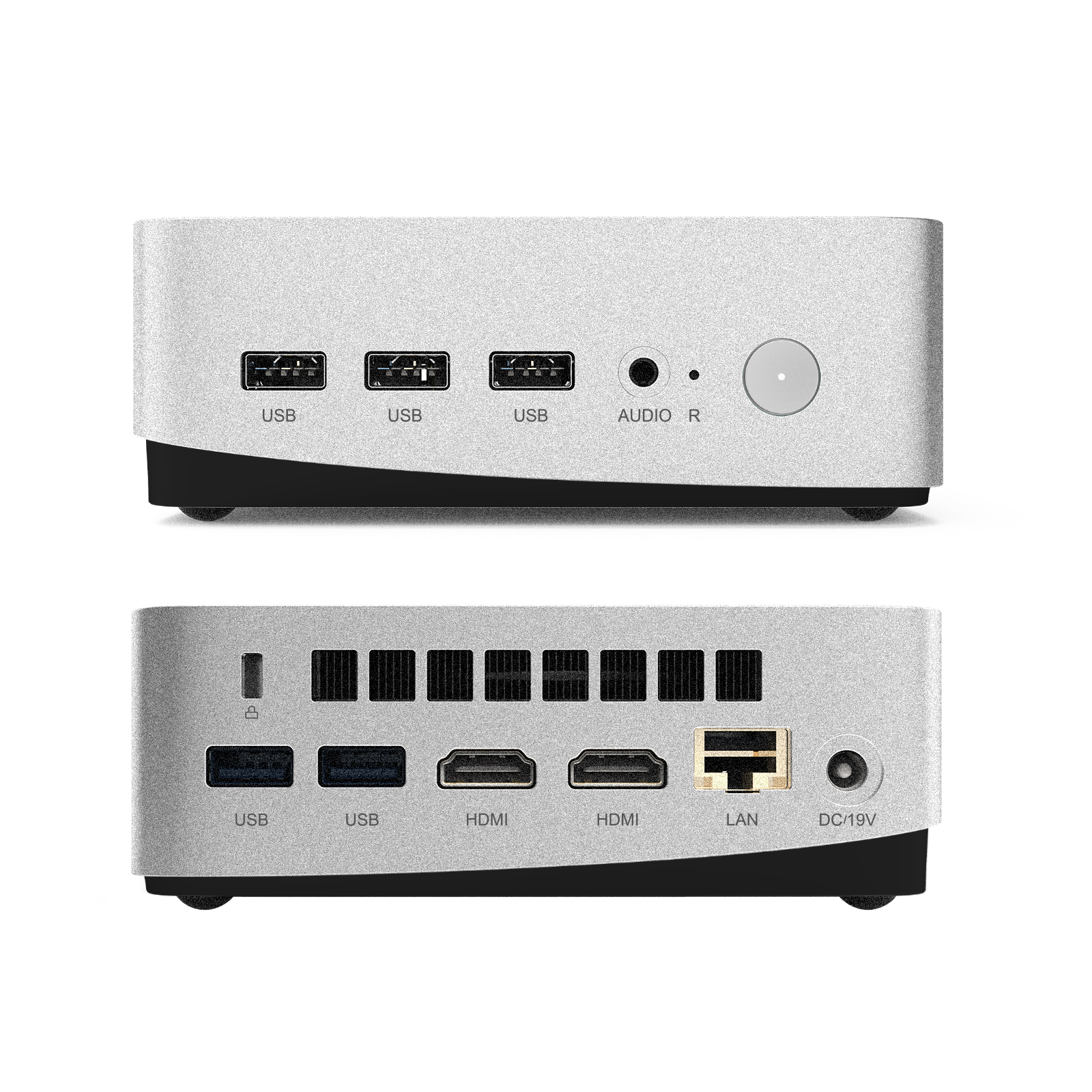
LeaderHub Interactive Displays & Hardware

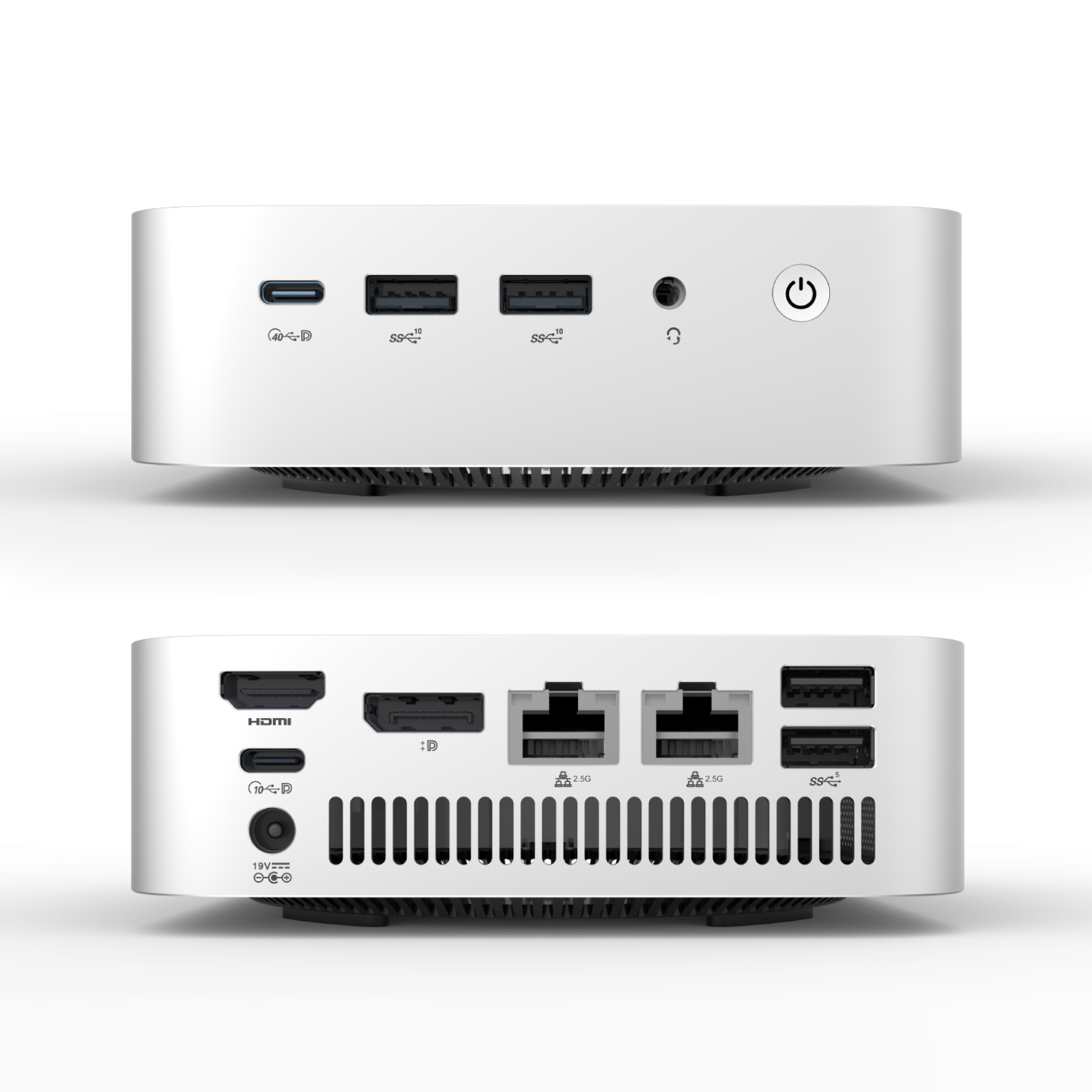
Traditional Teaching Tools vs. LeaderHub Smart Boards
| Feature / Capability | Traditional Whiteboards & Paper | LeaderHub Smart Board for Autism |
|---|---|---|
| Visual Schedule Integration | Manual drawing/velcro strips (time-consuming, easily lost) | Yes Digital, customizable, interactive templates with timers |
| Sensory Overload Prevention | No control over physical glare or ambient noise | Yes Anti-glare screen, adjustable brightness, customized audio levels |
| Multi-Sensory Engagement | Limited to viewing or static drawing | Yes Simultaneous tactile touch, sound effects, visual animations |
| AAC App & Software Support | No Requires separate physical cards or tablets | Yes Run native Android/Windows AAC applications directly on-screen |
| Collaborative Learning | Difficult for multiple students to interact simultaneously | Yes 20-point multi-touch allows group therapy and turn-taking games |
| Data Tracking & Progress | Manual note-taking by therapist/teacher | Yes Save drawings, record sessions, and track interaction progress digitally |
Smart Board Applications & Demonstrations
Active Classroom Collaboration
Watch how students engage in collaborative learning tasks, encouraging peer-to-peer communication and social development.

Tactile Learning & Touch Intervention
Experience the smooth, high-precision touch interface designed for motor skill development and sensory tracking.

Therapeutic Visual Schedules
Displaying routine plans and interactive reward charts to help autistic children manage transitions throughout the school day.
AI Changes Life — Interactive Display Pioneers
LeaderHub is a Shenzhen-based technology company with 16 years of professional experience in the interactive panel industry. We specialize in smart whiteboards, interactive flat panels, mini PCs, and portable smart screens — delivering innovative solutions to education, enterprise, and creative professionals in 82 countries worldwide.
Our mission is simple: AI Changes Life. We believe artificial intelligence and interactive technology can transform how people work, learn, and collaborate — and every LeaderHub product is engineered to make that transformation accessible and affordable, especially in the field of special education.



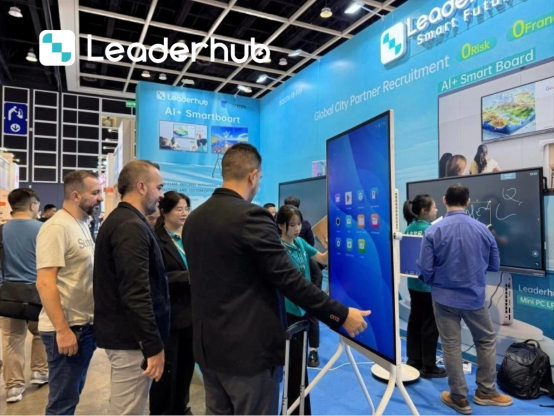
Implementing Smart Boards in Autism Classrooms: Best Practices & Strategies
Using a smart board for autism education requires more than just installing hardware. Educators and therapists must tailor the digital environment to align with neurodivergent learning styles. Below, we explore the core methodologies that make interactive flat panels highly effective in special education classrooms.
1. Structuring the Digital Environment to Avoid Overstimulation
Children on the autism spectrum often experience sensory sensitivity. To prevent cognitive fatigue and sensory meltdowns, it is crucial to optimize the visual settings of the interactive display. LeaderHub smart boards feature advanced backlight controls and blue-light filters. Teachers should use soft, pastel-colored backgrounds instead of harsh white screens. Additionally, audio cues should be set to clear but gentle tones to accommodate students with auditory processing challenges.
2. Designing Interactive Visual Schedules
Transitioning between activities is a common trigger for anxiety in autistic learners. A smart board allows therapists to build dynamic, interactive visual schedules. Students can walk up to the board and physically slide a completed task into the “done” column. This tactile feedback reinforces the concept of task completion and gives students a sense of control over their daily routine.
3. Fostering Peer-to-Peer Social Interaction
Special education curricula place a heavy emphasis on Social-Emotional Learning (SEL). Traditional tablets are highly isolating; a child tends to look down and ignore their surroundings. In contrast, a 65-inch or 75-inch LeaderHub smart board serves as a shared canvas. Therapists can design games that require two students to work together—such as sorting shapes or completing puzzles simultaneously. This encourages eye contact, verbal communication, and turn-taking behavior.
4. Integrating Assistive Communication Tools (AAC)
For non-verbal students, expressing thoughts can be incredibly frustrating. By using LeaderHub’s powerful Mini PCs (like the LP1C or LP5C) paired with the smart board, classrooms can run robust AAC software on a grand scale. The large touch targets make it easier for students with limited motor control to select symbols, construct sentences, and play them aloud, giving them a powerful voice in the classroom.
Frequently Asked Questions
How does a smart board help a non-verbal child with autism?
Smart boards can run Augmentative and Alternative Communication (AAC) software. The large, high-definition screen makes visual icons and speech-generating buttons highly visible and easy to press, allowing non-verbal children to communicate their needs, feelings, and answers to the teacher and peers.
Can LeaderHub smart boards handle rough physical interactions?
Yes, LeaderHub interactive panels are engineered with durable, impact-resistant tempered glass (typically 7H hardness) to withstand robust use in classroom environments. They are built to handle repetitive tapping, drawing, and accidental bumps common in therapeutic settings.
Is it easy for teachers to create custom lessons for special education?
Absolutely. Running on Android or Windows (via LeaderHub Mini PCs), our boards are compatible with major educational software suites like Google Classroom, Microsoft Whiteboard, and specialized special education platforms, allowing teachers to drag, drop, and customize lessons easily.
Which screen size is recommended for a therapy center or classroom?
For small group therapy or one-on-one sessions, the 65-inch L65HM or the portable U24M Handheld Smart Screen is ideal. For larger classrooms, the 75-inch L75HM or 86-inch L86HM provides the visibility and multi-touch space needed for multiple students to collaborate at once.
Ready to Transform Your Interactive Learning Space?
Contact our team today to find the perfect smart board configuration for your special education classroom, clinical therapy center, or home learning space.
