Choosing a commercial mini PC supplier is a very different decision from buying a single desktop for a home office. When you are equipping 40 meeting rooms, 300 retail kiosks, or an entire factory floor, the supplier you select determines your uptime, your maintenance costs, and how smoothly every future upgrade cycle goes. A low unit price means little if devices fail after 18 months, firmware is never updated, or replacement parts are unavailable when a production line stops.
This guide walks procurement managers, IT directors, system integrators, and distributors through a practical framework for evaluating mini PC suppliers for business, industrial, and bulk-order scenarios. You will find evaluation criteria, a comparison table of deployment tiers, questions to ask before signing a purchase order, and the warning signs that separate a reliable long-term partner from a short-term vendor.
Why the Right Commercial Mini PC Supplier Matters
Mini PCs have become the default computing platform for modern workplaces. They sit behind conference displays, power digital signage in shopping centers, drive point-of-sale terminals, run industrial HMI panels, and serve as compact workstations in open-plan offices. Their small footprint, low power draw, and silent or near-silent operation make them ideal for environments where a tower PC would be impractical.
However, commercial deployments introduce requirements that consumer-grade devices rarely meet:
- Consistency across batches — every unit in a 500-piece order should carry identical components so IT can use a single system image.
- Long-term availability — the same model should be purchasable for several years so expansions match existing hardware.
- Extended duty cycles — many commercial mini PCs run 16 to 24 hours per day, which demands robust thermal design.
- Enterprise-grade support — remote management, BIOS customization, and responsive RMA handling.
A supplier that understands these needs will reduce your total cost of ownership far more than a vendor who simply quotes the lowest price per unit.
Where Commercial Mini PCs Are Deployed
Before evaluating suppliers, clarify your own use case. Different deployment environments place very different demands on hardware, and a good supplier will ask you these questions first.
| Deployment Scenario | Key Hardware Priorities | Typical Order Volume |
|---|---|---|
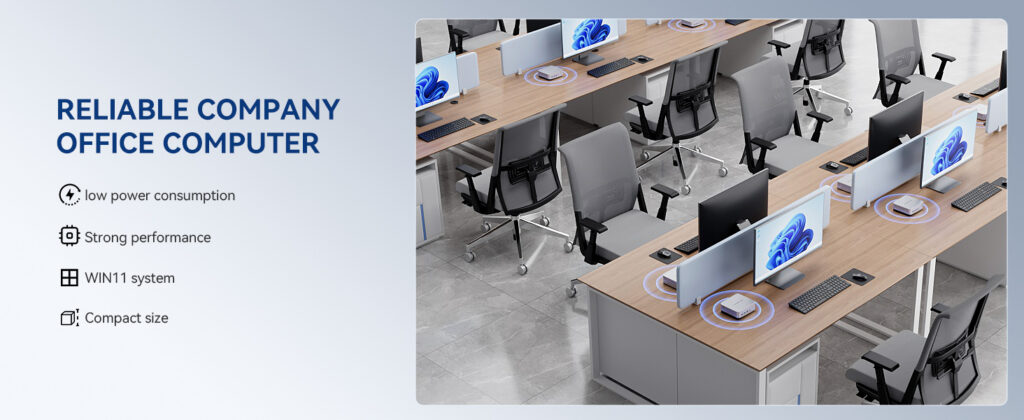
| Corporate meeting rooms | 4K output, HDMI/USB-C, Wi-Fi 6, quiet cooling, compatibility with interactive displays | 20 – 500 units |
| Office workstations | Multi-core CPU, 16GB+ RAM, dual-monitor support, VESA mounting | 50 – 2,000 units |
| Digital signage & retail | 24/7 operation, auto power-on, fanless or dust-resistant design, remote management | 100 – 5,000 units |
| Industrial & factory control | Wide temperature tolerance, serial/COM ports, vibration resistance, long lifecycle | 10 – 1,000 units |
| Education & training centers | Cost efficiency, easy imaging, lockable mounts, pairing with smart whiteboards | 50 – 3,000 units |
If your project touches education, it is worth reviewing how institutions are advised to evaluate hardware investments; the World Bank Education Technology resources offer useful context on sustainable procurement for schools and training organizations.
Eight Criteria for Evaluating a Commercial Mini PC Supplier
1. Manufacturing Capability and Track Record
Ask how long the supplier has been producing computing or display hardware, how many countries they ship to, and whether they own or directly control their production lines. A supplier with a decade or more of experience in commercial electronics will have refined quality control processes, established component sourcing relationships, and the ability to scale production when your order grows.
2. Product Range and Configuration Flexibility
A single mini PC model rarely fits every department. The ideal supplier offers a tiered lineup — an entry-level device for signage and light office tasks, a mid-range unit for standard workstations and meeting rooms, and a high-performance model for AI workloads, design, or data-heavy applications. Look for configurable RAM and storage so you can standardize on one chassis while adjusting specifications per use case.
3. Thermal Design and Reliability Testing
Commercial mini PCs often run continuously. Request information about thermal testing, burn-in procedures, and the expected mean time between failures. Devices intended for signage or industrial use should be validated for extended operation at elevated ambient temperatures.
4. Certifications and Compliance
Depending on your market, you may need CE, FCC, RoHS, UKCA, or other regional certifications. A reliable supplier should provide documentation promptly and have experience shipping to your target region. Standards bodies such as the AV Industry Standards and Resources from AVIXA can also help you specify interoperability requirements for AV-connected deployments.
5. Bulk Pricing, MOQ, and Lead Times
Clarify the minimum order quantity, volume price breaks, and realistic lead times for 100, 500, and 1,000-unit orders. Ask whether the supplier can hold safety stock for rolling deployments and how they communicate component shortages or delays.
6. Warranty and After-Sales Service
Standard commercial warranties should run at least two years, with options to extend. Confirm the RMA process, average turnaround time, whether advance replacement is available, and how spare parts are handled for industrial customers who cannot tolerate downtime.
7. OEM/ODM and Customization Options
Distributors and system integrators frequently need custom branding, pre-installed software images, BIOS settings (such as auto power-on and wake-on-LAN), or modified I/O layouts. Suppliers with genuine OEM/ODM capability can deliver these at reasonable minimums.
8. Ecosystem Compatibility
Mini PCs rarely work in isolation. If your rooms also use interactive smart whiteboards or portable rotating smart screens, sourcing from a supplier who manufactures both reduces compatibility issues and simplifies support to a single point of contact.
Supplier Evaluation Checklist
| Evaluation Area | What to Verify | Preferred Answer |
|---|---|---|
| Experience | Years in commercial hardware, export markets served | 10+ years, multi-region shipping |
| Product lifecycle | How long each model stays in production | 3+ years with upgrade path |
| Samples | Availability of pre-order evaluation units | Yes, within 1 – 2 weeks |
| Warranty | Coverage period and RMA turnaround | 2 – 3 years, documented process |
| Customization | Branding, BIOS, software imaging, packaging | Available at reasonable MOQ |
| Communication | Dedicated account manager, response time | Named contact, <24h response |
Comparing Mini PC Tiers for Commercial Deployment
A well-structured supplier catalog lets you match performance to the task without overspending. The table below shows how a three-tier lineup typically maps to commercial requirements, using the current LeaderHub mini PC range as an example.
| Tier | Model | Core Specification | Best For | Unit Price |
|---|---|---|---|---|
| Entry | LP1C Mini PC | Intel N100, 8GB RAM, 512GB SSD | Digital signage, kiosks, reception desks, light office tasks | $399.00 |
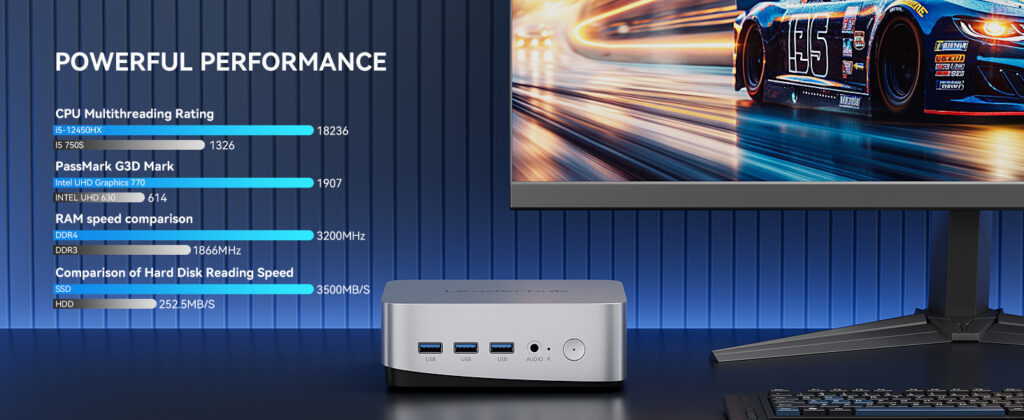
| Mainstream | LP5C Mini PC | Intel i5-12450HX, 16GB RAM, 512GB SSD | Office workstations, meeting rooms, multi-display setups | $799.00 |
| Performance | AD8 Mini PC | Flagship-tier processing for demanding workloads | AI applications, design teams, control rooms, heavy multitasking | $999.00 |
For most organizations, a mixed deployment works best: entry-tier units for signage and front-desk roles, mainstream units for the majority of staff, and performance units for specialized departments. A supplier who can deliver all three from a single order simplifies logistics and invoicing considerably.
Questions to Ask Before Placing a Bulk Order
- Can you supply evaluation samples of each model we plan to deploy, and will the production units match the samples exactly?
- What are your price breaks at 100, 500, and 1,000 units, and are they valid for staged deliveries over 12 months?
- Which certifications are already in place for our region, and can you share the test reports?
- How do you handle component substitutions if a chipset or SSD becomes unavailable mid-order?
- Can you pre-configure BIOS settings such as auto power-on, wake-on-LAN, and boot order?
- What is your RMA procedure, and do you offer advance replacement for mission-critical sites?
- Do you provide custom packaging, labeling, or branding for distributor and OEM partners?
- Will the same model remain available for repeat orders over the next three years?
Red Flags That Signal an Unreliable Supplier
- No physical address or verifiable factory — trading companies without manufacturing control cannot guarantee batch consistency.
- Vague specifications — listings that omit exact CPU models, RAM type, or SSD interface often hide component swaps.
- Unwillingness to send samples before a bulk commitment.
- Pressure to pay 100% upfront with no escrow or staged payment option.
- No trade show presence or customer references in your industry.
- Consumer-only warranty terms applied to commercial orders.
Mini PCs and Interactive Displays: The Integration Advantage
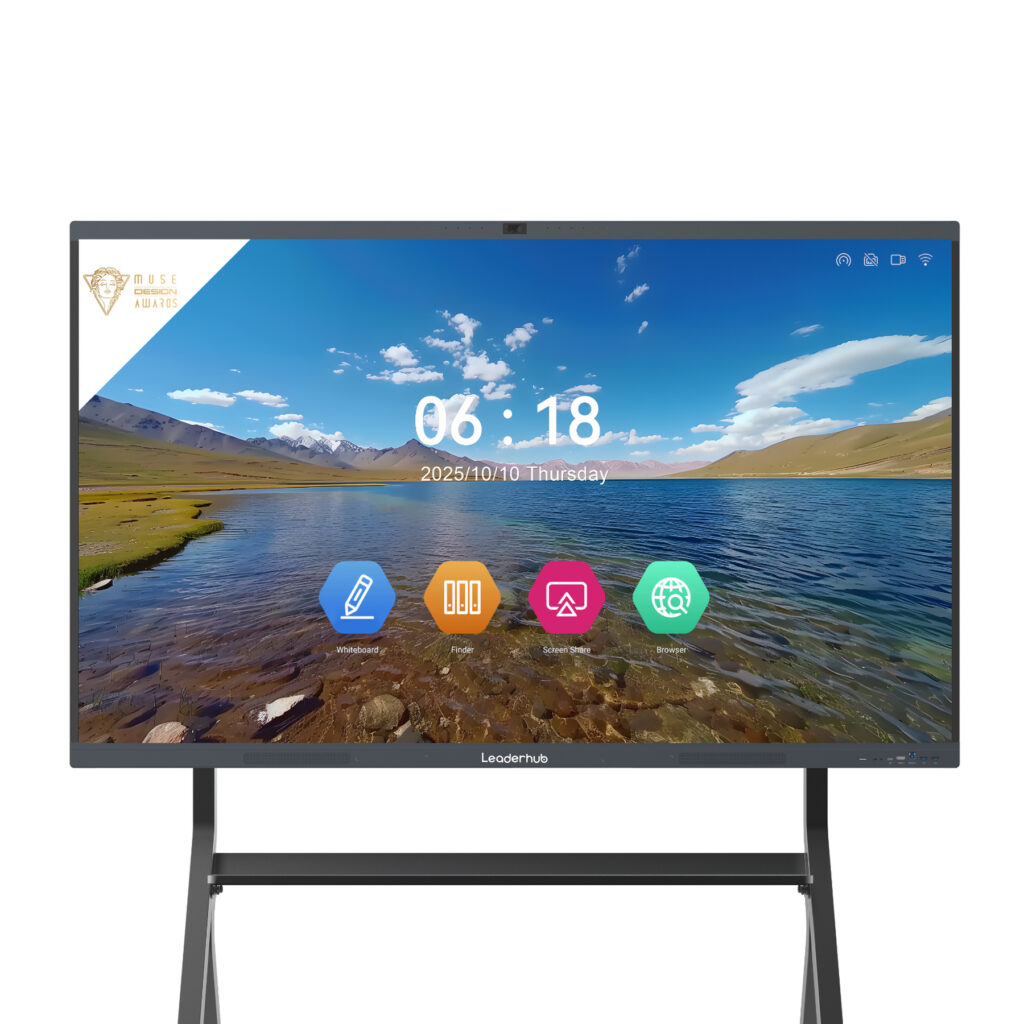
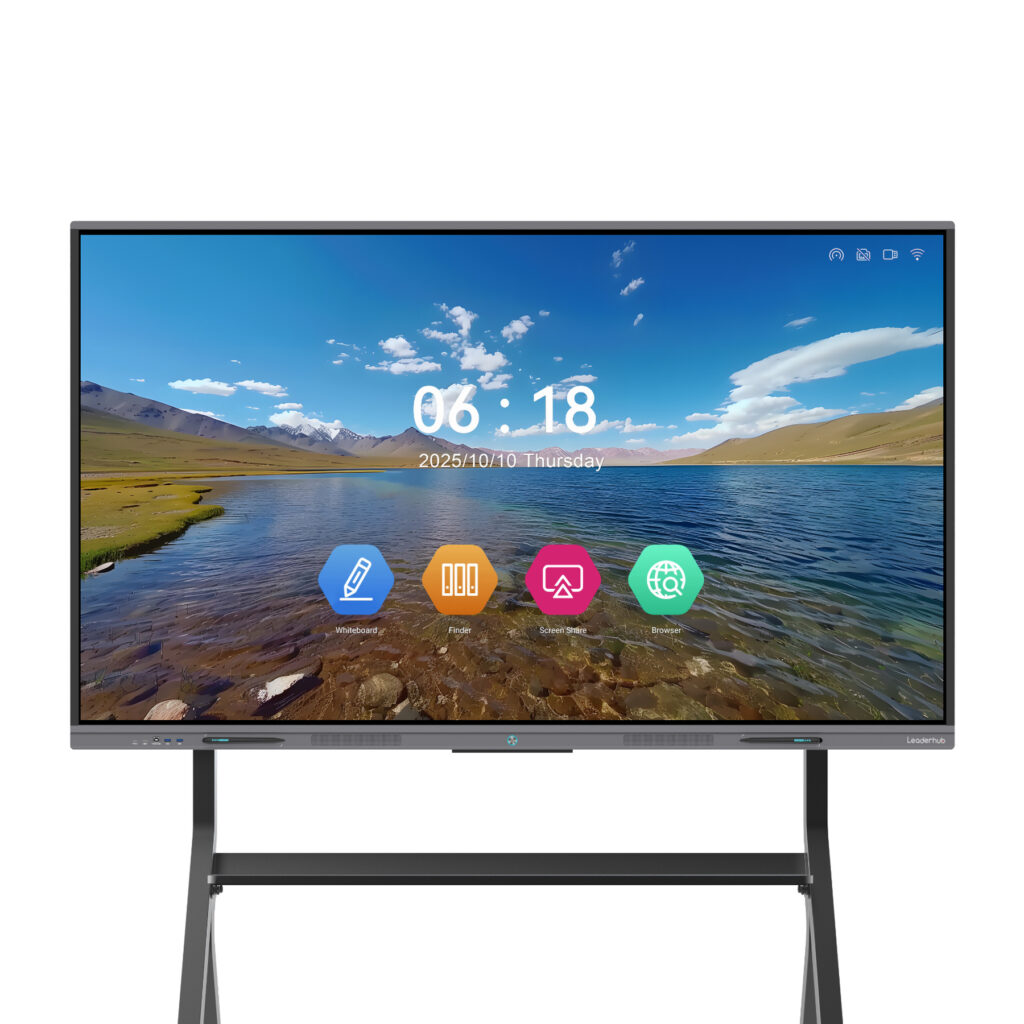
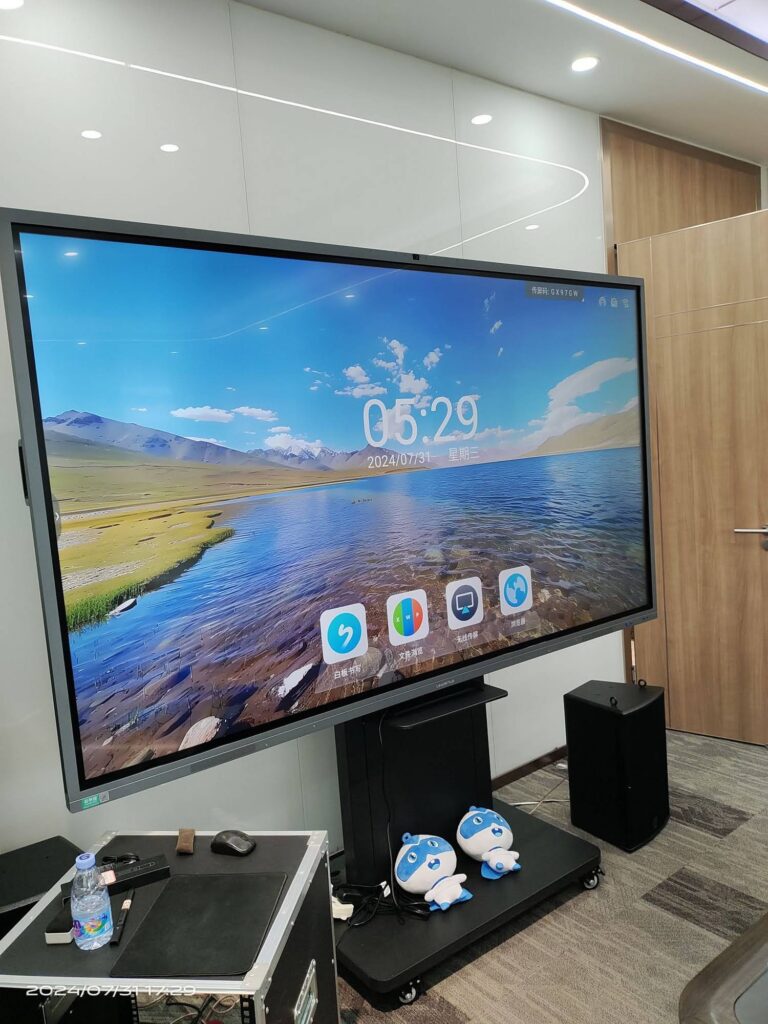
In meeting rooms, classrooms, and training centers, the mini PC is only half of the solution. It typically drives a large touch display, and the quality of that pairing — touch-back over USB, 4K output, consistent wake behavior — determines the day-to-day user experience. Sourcing both from a single supplier means the firmware, cabling, and mounting are tested together before they reach your site.
For example, pairing a mainstream mini PC with the L75HM 75″ 4K Interactive Smart Whiteboard creates a complete collaboration hub, while the U55Pro mobile smart display offers a portable alternative for flexible workspaces. Organizations planning hybrid or digital learning environments can also consult the OECD Digital Education Outlook for guidance on evaluating technology infrastructure holistically rather than device by device.
Why Global Buyers Partner with LeaderHub
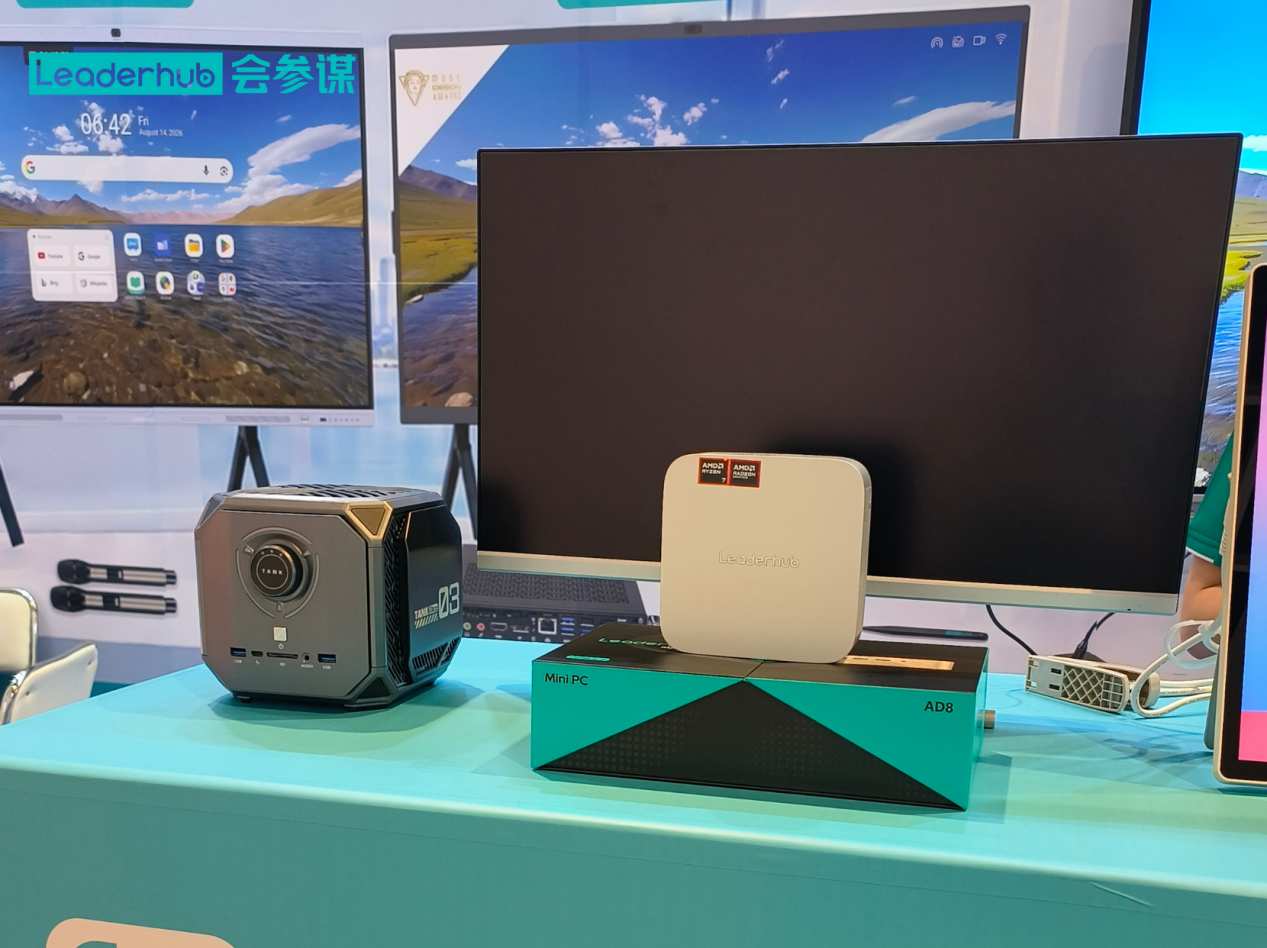
LeaderHub is a Shenzhen-based technology company with 16 years of experience in interactive displays, mini PCs, and portable smart screens, serving business, education, and government customers in 82 countries. Its product lines are engineered to work together, its team regularly exhibits at major global electronics trade shows where buyers can evaluate hardware in person, and it supports OEM/ODM projects for distributors and system integrators. Recognitions including the NO.1 ranking in JD.com’s interactive panel subcategory and the Shenzhen Famous Brand award reflect a consistent focus on quality and long-term customer relationships. You can review the complete catalog in the LeaderHub online shop.
Frequently Asked Questions
What is the typical minimum order quantity for commercial mini PCs?
MOQs vary widely. Established suppliers often accept orders from 10 to 20 units for standard configurations, with meaningful volume discounts beginning around 100 units. Custom OEM projects usually require higher minimums.
How long should a commercial mini PC last in daily use?
With proper thermal design and quality components, a commercial mini PC should deliver five or more years of service in office environments and three to five years in demanding 24/7 signage or industrial roles.
Can a supplier pre-install our operating system image?
Many commercial suppliers offer software imaging as part of OEM services. Confirm licensing arrangements and whether the supplier can apply your image at the factory to reduce on-site deployment time.
Is it better to buy mini PCs and displays from the same supplier?
For meeting rooms and classrooms, yes. A single-source supplier tests compatibility in advance, provides unified support, and simplifies warranty claims when an issue involves both devices.
Ready to Discuss Your Bulk Mini PC Project?
Whether you are outfitting a new headquarters, rolling out signage across a retail chain, or sourcing hardware for a distribution network, a structured supplier evaluation protects your budget and your uptime. Share your deployment scenario, target volume, and regional requirements, and the team will respond with configuration recommendations, sample availability, and volume pricing. Contact LeaderHub to start the conversation.