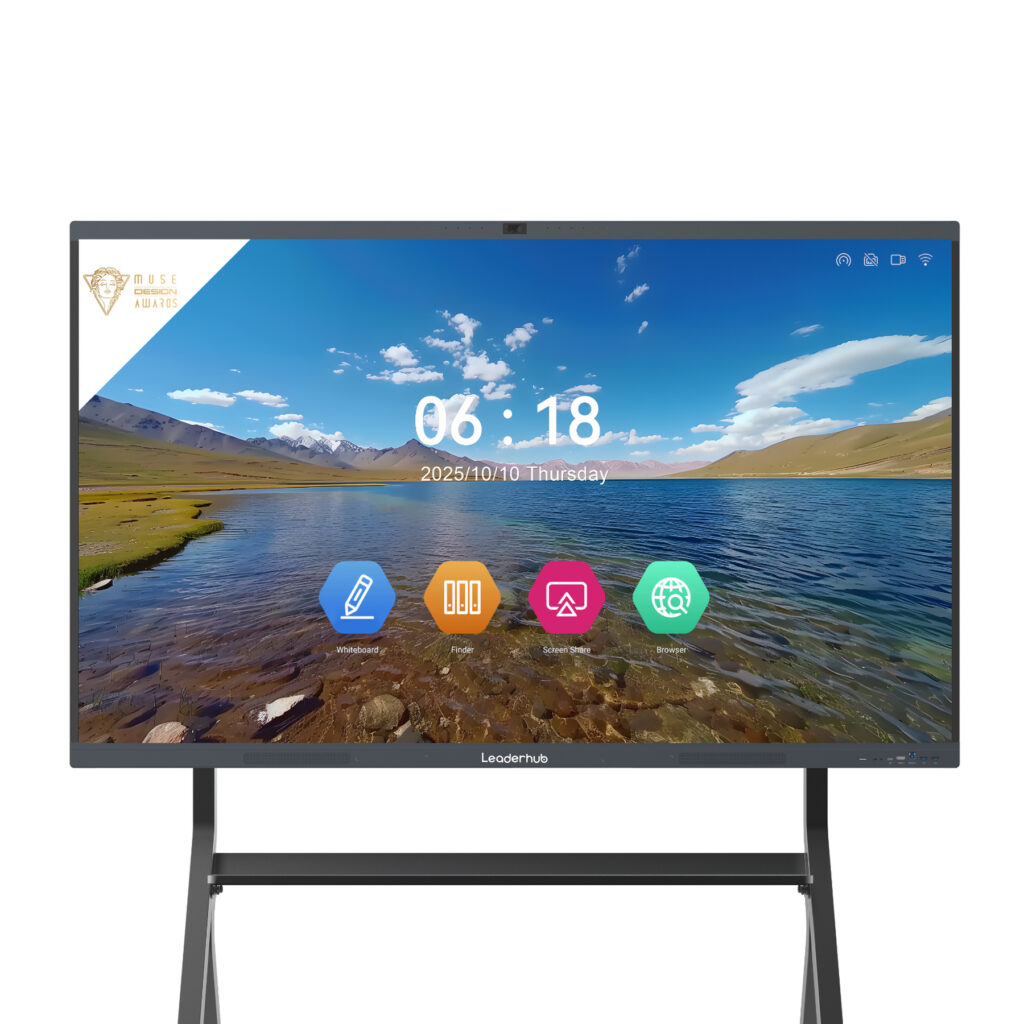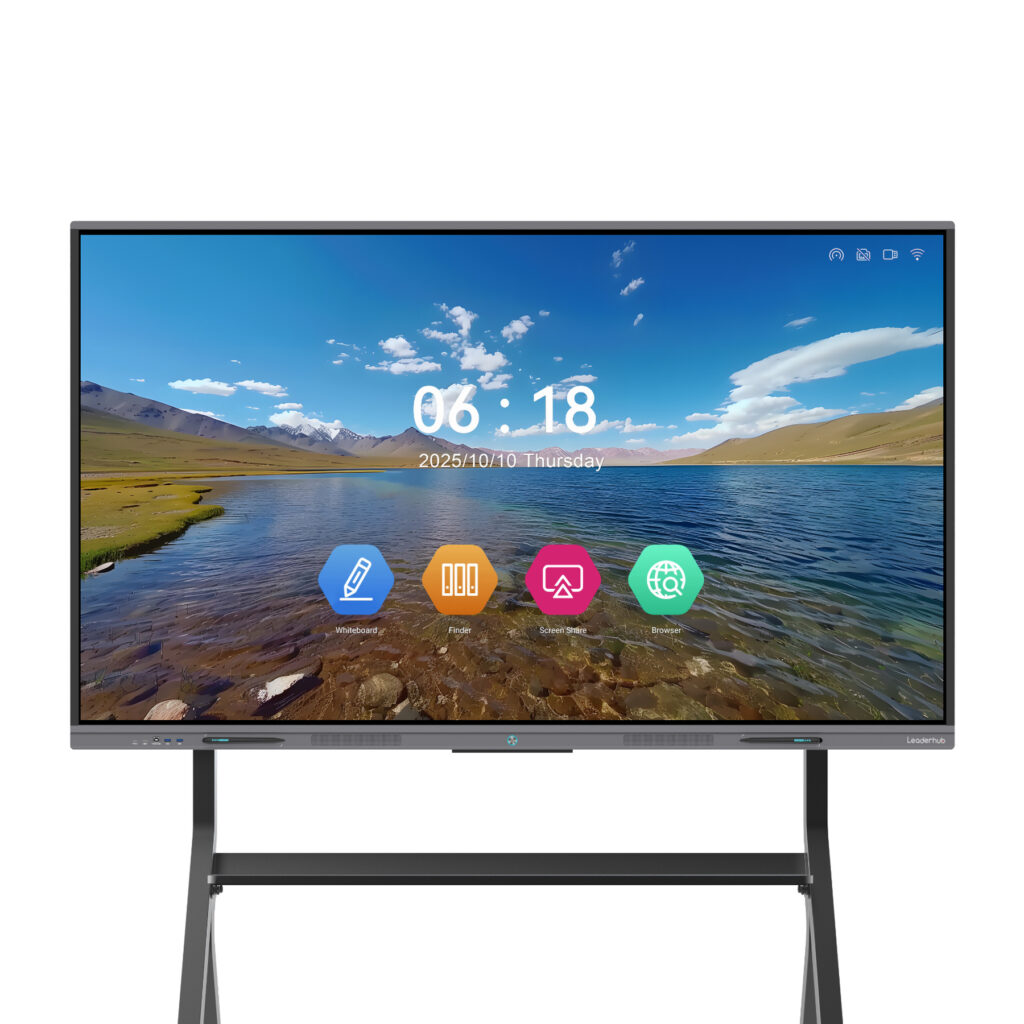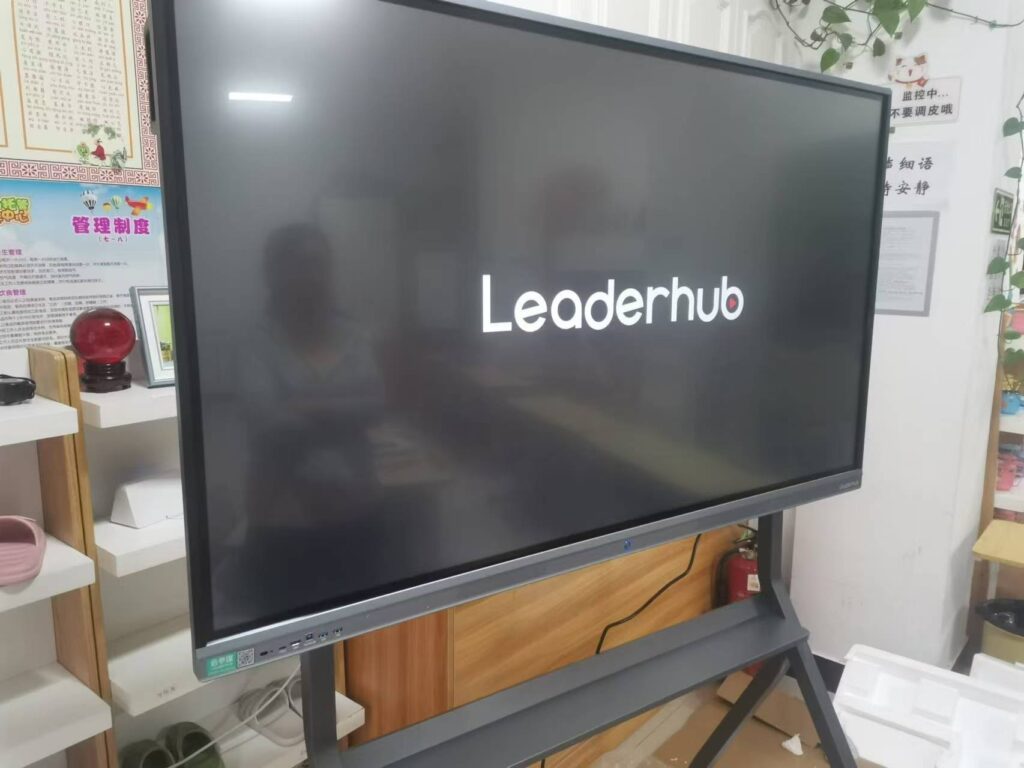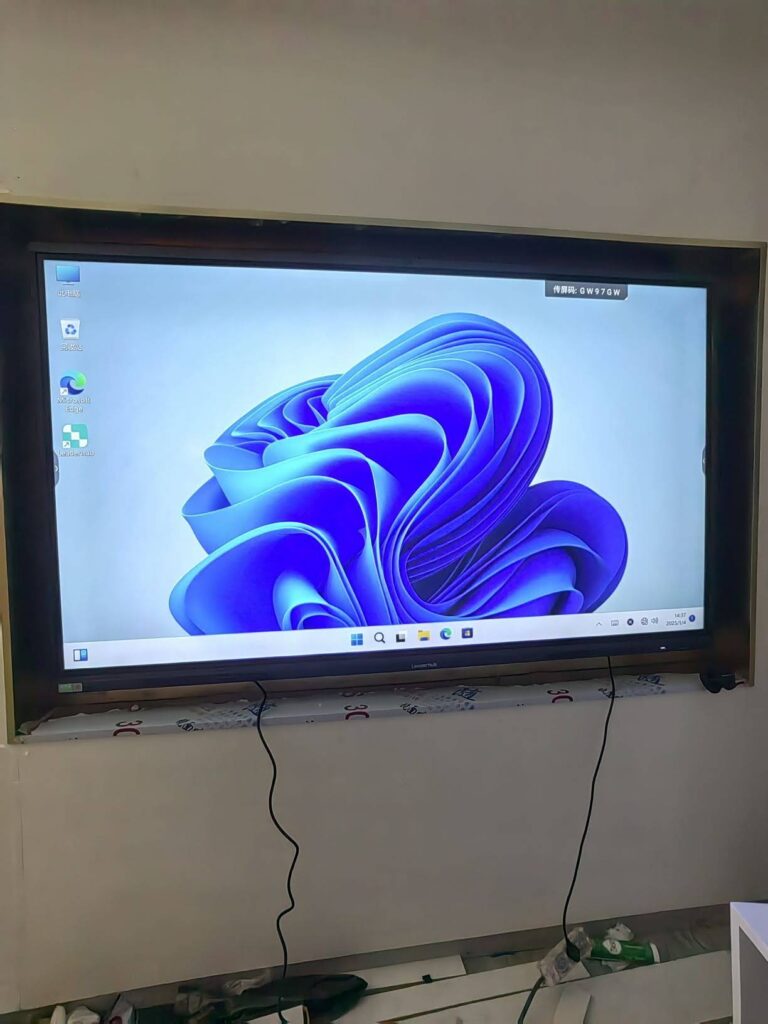
Local government runs on meetings. Budget hearings, zoning reviews, roll-call votes, public comment periods — every decision a city makes passes through a council chamber at some point. Yet many of those chambers still rely on paper agendas, static projectors, and hand-tallied votes. A smart board for city council meetings changes that dynamic. By replacing passive screens with an interactive display, councils can show residents exactly what is being discussed, record votes in real time, and invite the public into the process instead of leaving them watching from the back row.
This guide explains how interactive displays improve transparency, voting accuracy, and public engagement in municipal settings, what features matter for government use, and how to plan a deployment that fits a public-sector budget.
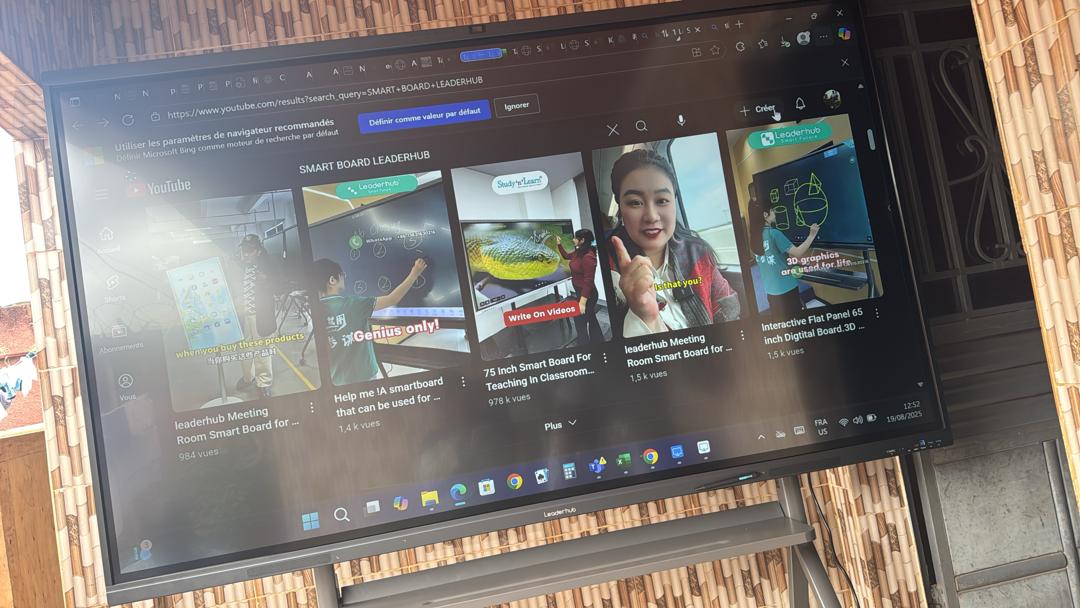
Why City Councils Are Moving to Interactive Displays
Councils face a unique set of pressures. They are accountable to taxpayers, subject to open-meeting laws, and expected to keep accurate public records. At the same time, chambers are often shared with planning commissions, school boards, and community groups, so the technology must be easy for anyone to operate without an AV technician on standby.
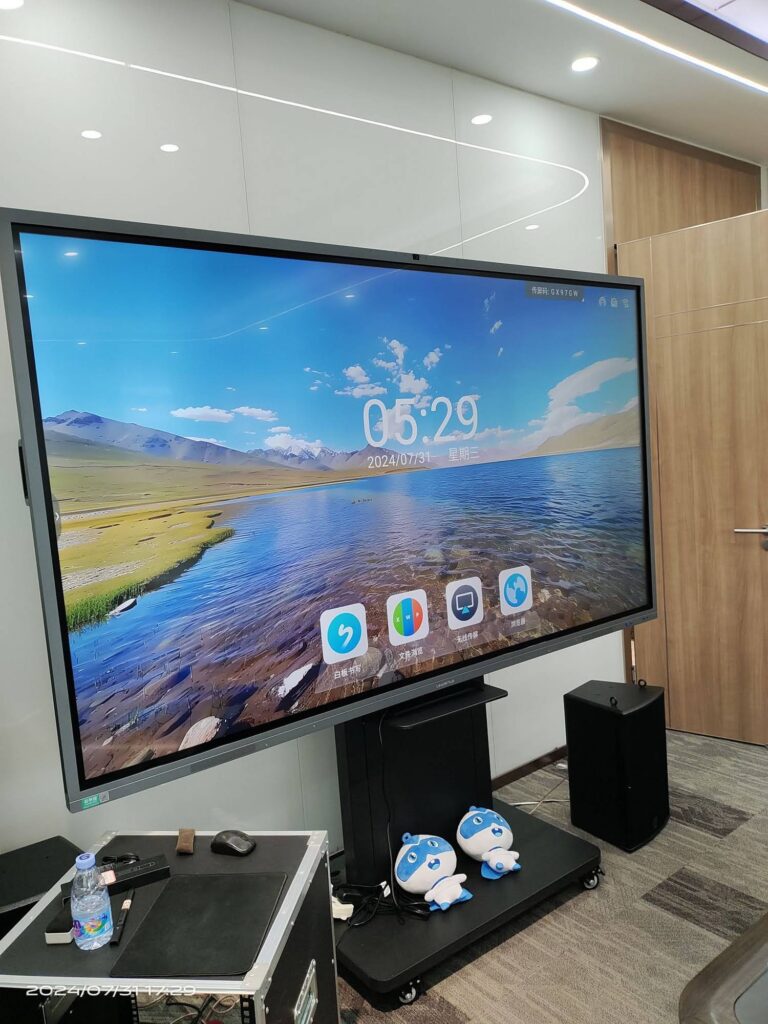
Interactive flat panels address these needs because they combine a high-resolution display, touch input, built-in computing, and wireless connectivity in a single unit. There is no separate projector to calibrate, no laptop that has to be found and connected, and no whiteboard that must be photographed before the room is cleared.
Common Pain Points in Traditional Council Chambers
- Illegible visuals: Projector images wash out under chamber lighting, so residents in the gallery cannot read maps, budgets, or draft ordinances.
- Slow voting: Voice votes or hand counts take time, invite error, and are hard to verify after the fact.
- Disconnected remote participants: Hybrid meetings often leave remote council members or residents as small faces on a laptop screen.
- Record-keeping gaps: Annotations made during discussion disappear when the projector turns off.
- Low public turnout: If residents cannot follow what is on screen, they stop attending.
How Smart Boards Improve Transparency
Transparency is the foundation of public trust. When residents can see the same document the council is debating, understand which line item is being amended, and watch the vote appear on screen, they are far more likely to believe the process is fair.
Agenda and Document Display in 4K
A 75-inch or 86-inch 4K panel is readable from the back of most municipal chambers. Agendas, staff reports, GIS parcel maps, and architectural renderings can be displayed at full resolution, zoomed with a pinch gesture, and annotated directly on screen. When a council member asks to see the traffic impact study on page 14, the clerk can navigate there in seconds, and everyone — dais and gallery alike — sees the same thing.
Live Annotation That Becomes Part of the Record
During a zoning discussion, a planner can circle the affected parcel, mark setback lines, and write proposed changes directly on the map. Unlike a traditional whiteboard, those annotations can be saved as a PDF or image, attached to the meeting minutes, and published to the city website. This creates a visual audit trail that complements the written record.
Streaming and Recording Integration
Most interactive panels output HDMI and connect to the council’s streaming encoder, so what appears on the smart board is captured in the live broadcast and archived video. Residents watching from home see exactly what the chamber sees, which is critical for cities that are required to publish meeting recordings.
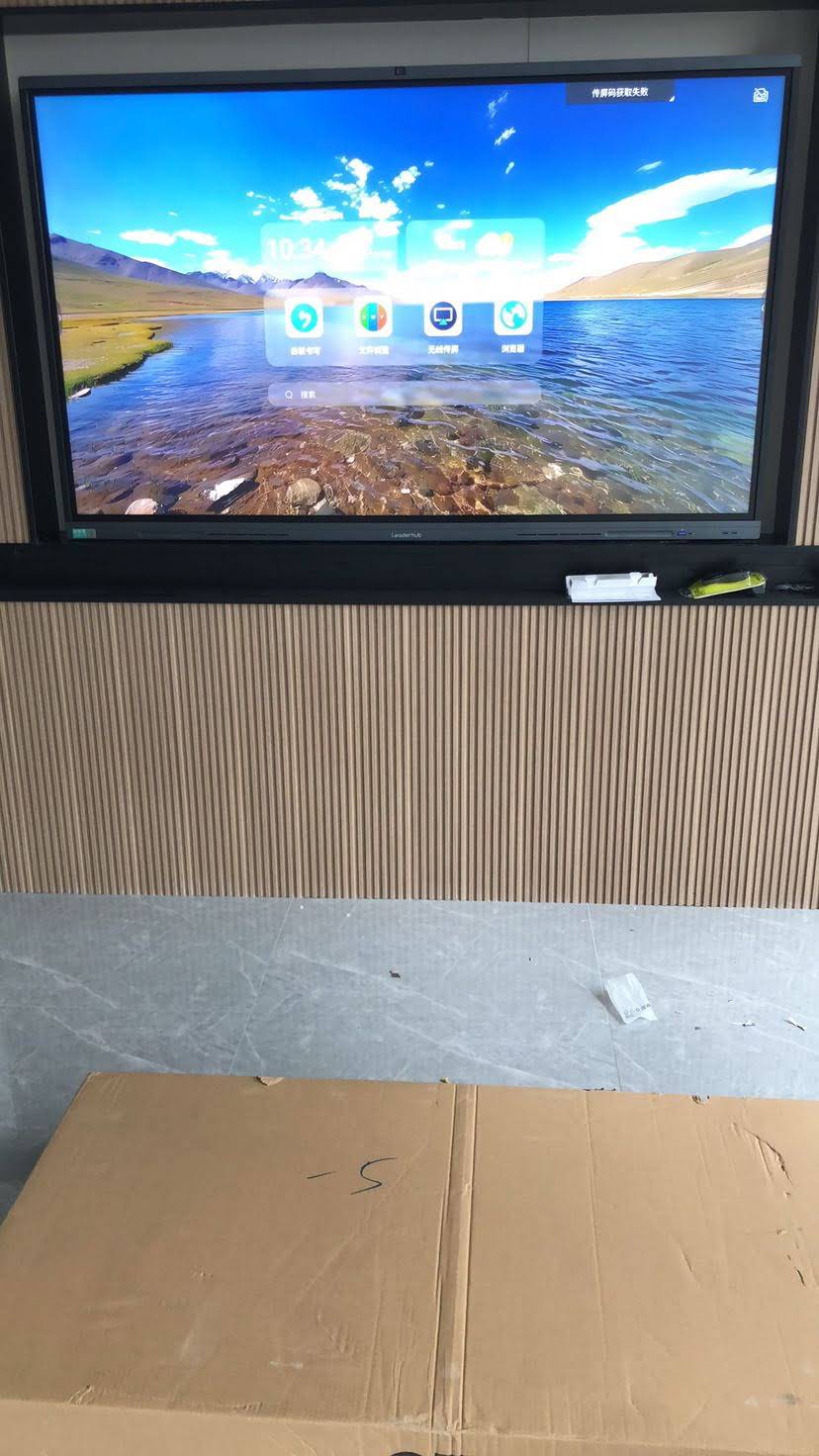
Smarter Voting: Accuracy, Speed, and Verifiability
Roll-call voting is one of the most visible moments in any council meeting, and it is also one of the easiest to improve with technology. A smart board does not replace a dedicated voting system in every case, but it dramatically improves how votes are presented, recorded, and verified.
Real-Time Vote Boards
Using agenda-management or voting software that runs on the panel’s built-in Android or OPS Windows module, the clerk can display a live vote board showing each member’s name and position. As members vote via tablets, desk buttons, or verbal roll call entered by the clerk, the board updates instantly. Residents see who voted, how they voted, and the final tally without waiting for the minutes to be published days later.
Reducing Procedural Errors
- Motions and amendments are typed on screen before the vote, so there is no ambiguity about what is being decided.
- Quorum status and recusals are displayed, reducing challenges on procedural grounds.
- The vote result is exported automatically into the minutes template, eliminating transcription mistakes.
Hybrid Voting for Remote Members
When council members attend remotely, the smart board’s integrated camera, microphone array, and video-conferencing support allow them to appear at full size beside the agenda. Their votes can be cast through the same software and shown on the same board, keeping the process consistent regardless of location.
Feature Comparison: Traditional Chamber vs. Smart Board Chamber
| Meeting Function | Projector & Paper Setup | Interactive Smart Board |
|---|---|---|
| Document visibility | Low contrast, hard to read from gallery | 4K anti-glare panel, readable in lit rooms |
| Vote recording | Manual tally, published later | Live vote board, auto-exported to minutes |
| Annotation | Dry-erase, lost after meeting | Saved as PDF, attached to public record |
| Remote participation | Laptop webcam, small window | Built-in camera and mic, full-size video |
| Setup time | 10–20 minutes, AV staff needed | Under 2 minutes, one-touch start |
| Public comment support | Verbal only | QR submissions, polls, resident slides via wireless casting |
Public Engagement: Bringing Residents Into the Conversation
Transparency tells residents what is happening. Engagement gives them a way to take part. Interactive displays support both, and the engagement features are often what surprise councils the most once a system is installed.
Resident Presentations Without the Cable Hunt
Wireless screen sharing lets a resident, developer, or neighborhood association president cast slides from a phone or laptop in seconds. No adapters, no waiting, no awkward pause while someone searches for an HDMI cable. For a public comment period with a three-minute limit, that time saving matters.
Live Polling and Sentiment Checks
During a community workshop on a new park design or a budget priorities session, the clerk can display a QR code linking to a quick poll. Results appear on the smart board as residents respond, giving council members immediate, visible feedback that complements formal testimony.
Accessibility Improvements
- Large, high-contrast text helps residents with low vision follow along.
- Real-time captions from meeting software can be displayed alongside the agenda.
- Multilingual agenda versions can be switched instantly for communities with diverse language needs.
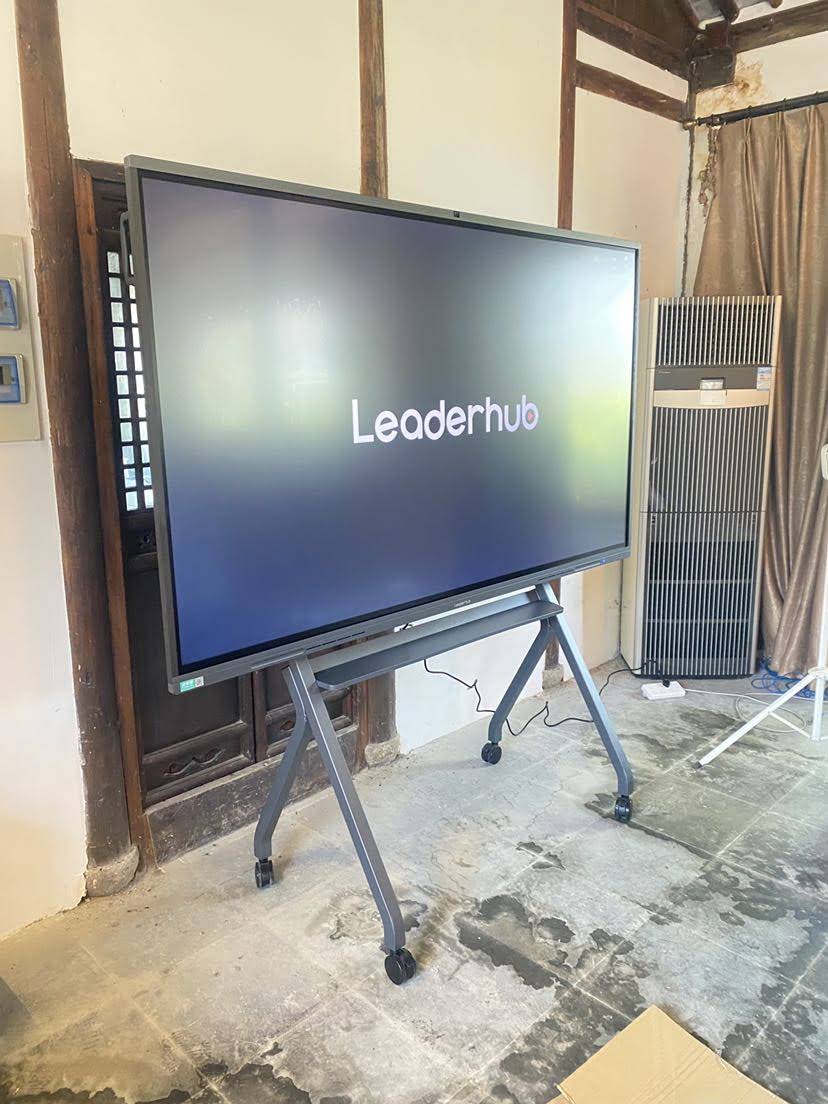
What to Look for in a Smart Board for Government Use
Not every interactive display is suited to a council chamber. Government buyers should evaluate panels against the specific demands of public meetings — long sessions, mixed lighting, multiple presenters, and strict record-keeping.
Essential Specifications
- Screen size matched to chamber depth: 65″ for small committee rooms, 75″ for mid-size chambers, 86″ or larger for main halls seating 100 or more.
- 4K UHD resolution with anti-glare glass: Essential for legible text under ceiling lights and broadcast lighting.
- 20-point or higher multi-touch: Allows two presenters to annotate simultaneously during collaborative planning sessions.
- Dual operating system (Android + optional Windows OPS): Runs agenda software, video conferencing, and browser-based GIS tools natively.
- Built-in camera and far-field microphones: Supports hybrid meetings without extra peripherals.
- Multiple HDMI and USB-C inputs: Connects to streaming encoders, clerk workstations, and visitor laptops.
- Mobile stand option: Lets one panel serve the council chamber, a committee room, and off-site town halls.
Security and Data Governance
Municipal IT departments should confirm that the panel supports network segmentation, password-protected admin settings, and local storage wipe between sessions. Because council documents may include confidential personnel or legal matters discussed in closed session, the ability to lock the device and clear temporary files is important.
Recommended Configurations by Chamber Type
| Setting | Suggested Panel | Why It Fits |
|---|---|---|
| Committee or work-session room | L65ZM 65″ Smart Panel | Compact, budget-friendly, ideal for 8–15 participants |
| Standard council chamber | L75HM 75″ Interactive Smart Whiteboard | Rotatable design shows portrait documents and landscape maps |
| Large municipal hall | L86HM 86″ 4K Touchscreen | Readable from 15+ meters, supports broadcast integration |
| Mobile town hall / outreach | U55Pro 55″ Mobile Smart Display | Wheeled stand, moves between libraries and community centers |
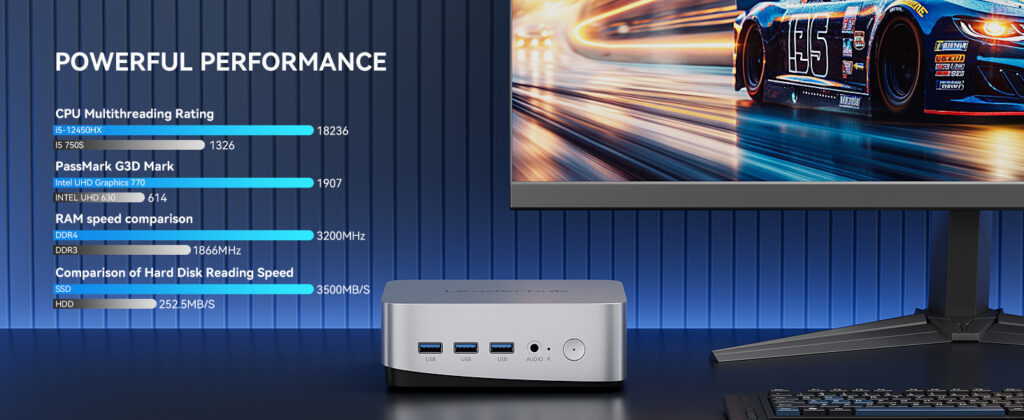
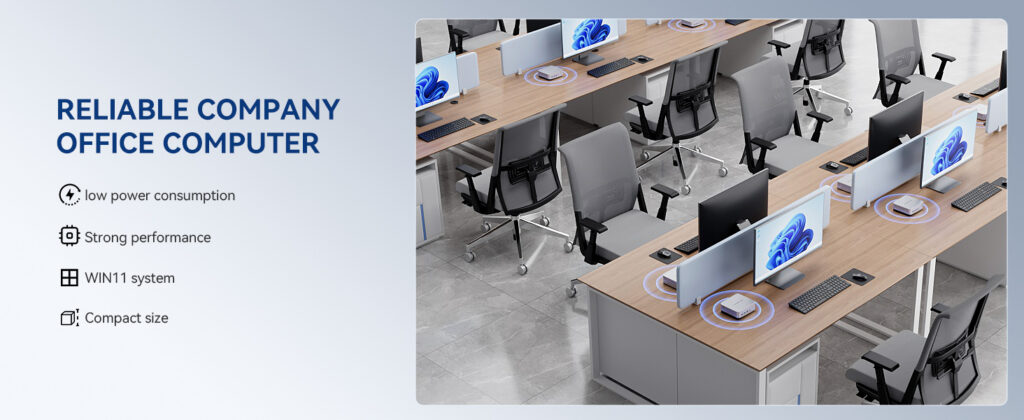
| Clerk workstation | LP5C Mini PC | Runs agenda, voting, and streaming software reliably |
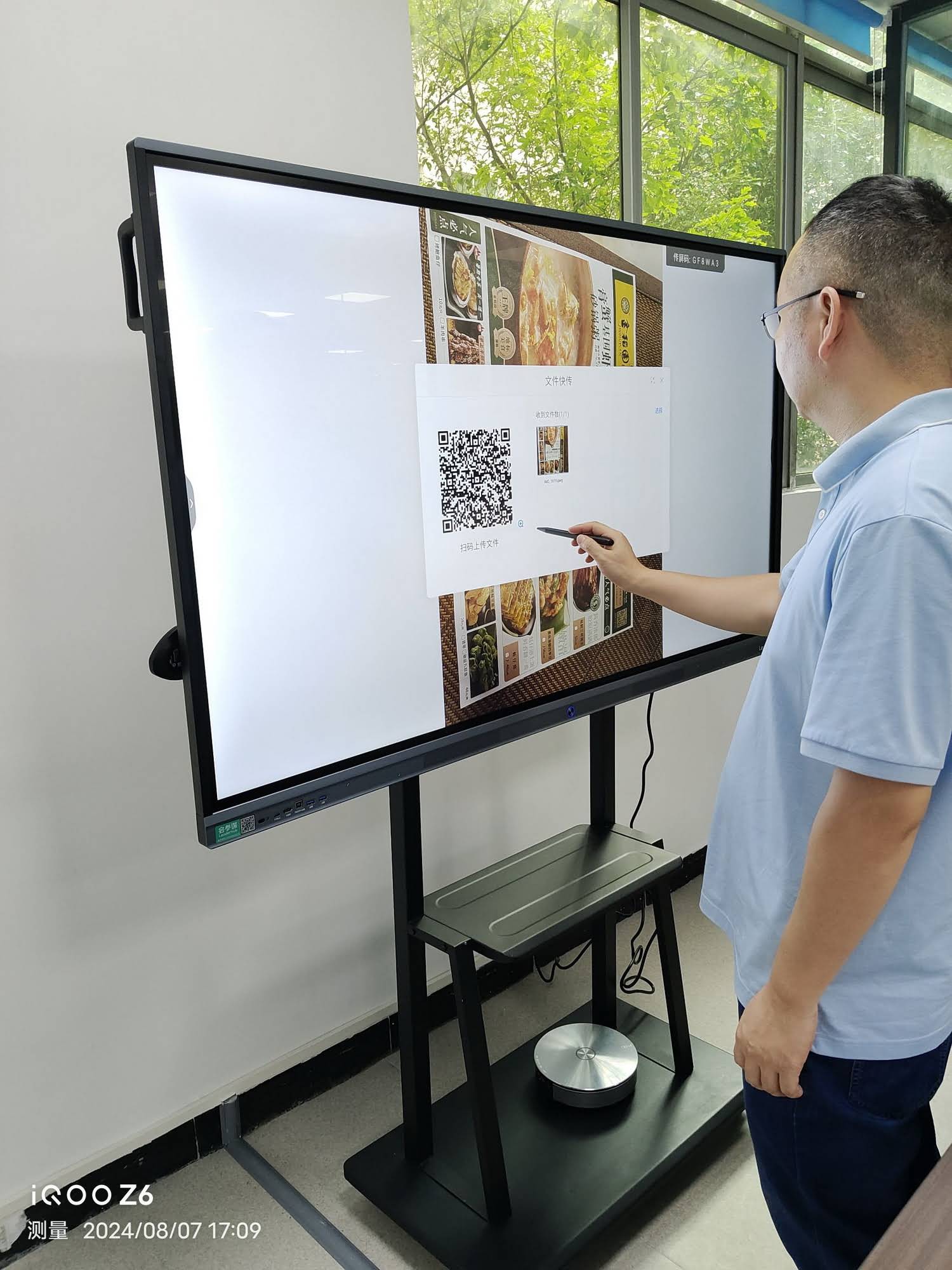
Why a Rotating Display Matters for Government Documents
Most council documents — ordinances, resolutions, staff memos — are portrait-format PDFs. On a standard landscape screen, a letter-size page appears small with wasted space on both sides. A rotating smart whiteboard flips to portrait orientation so a full page fills the display at a readable size. When the discussion moves to a site plan or a budget spreadsheet, the panel rotates back to landscape. This single feature noticeably improves legibility for residents in the gallery and was a key reason the Leaderhub HM Series received international design recognition as a rotatable conference hub.
Implementation Roadmap for Municipalities
Phase 1: Needs Assessment (Weeks 1–2)
- Measure chamber dimensions and sightlines from the farthest public seat.
- Inventory existing AV: streaming encoder, microphones, recording system.
- Identify software requirements — agenda management, voting, video conferencing.
- Consult the clerk, IT, and the city attorney on record-retention rules.
Phase 2: Pilot and Procurement (Weeks 3–8)
- Trial a single panel in a committee room before committing to the main chamber.
- Confirm compatibility with the city’s network security policy.
- Compare total cost of ownership, including mounting, training, and warranty.
Phase 3: Installation and Training (Weeks 9–12)
- Mount or position the panel for both dais and gallery visibility.
- Integrate with the broadcast feed and test the recorded output.
- Train the clerk and two backup staff on one-touch meeting start, annotation saving, and wireless casting.
Phase 4: Public Rollout
- Announce the upgrade in the meeting agenda and on the city website.
- Display a QR code at the first meeting explaining how residents can share screens or respond to polls.
- Collect feedback after three meetings and adjust layouts or workflows.
Budget Considerations for Public Agencies
Public-sector buyers frequently assume interactive displays are out of reach, but pricing has fallen considerably. A fully equipped 75-inch 4K interactive panel now costs less than many projector-plus-screen installations once labor and lamp replacement are factored in. Councils can also phase purchases across fiscal years — starting with the main chamber and adding committee rooms later — or share a mobile unit across departments.
For a broader view of how cost-effective Chinese-manufactured panels compare for institutional buyers, the China Smart Board Selection Guide outlines the specifications that matter most at each price tier. Government procurement teams can also reference AV Industry Standards and Resources from AVIXA when drafting technical requirements for tenders.
Frequently Asked Questions
Can a smart board replace our existing voting system?
In many small and mid-size municipalities, yes. Agenda-management software running on the panel can handle roll-call entry and display. Larger councils with dedicated voting consoles can still use the smart board as the public-facing vote display while the console handles input.
Will the panel work with our live-stream setup?
Interactive panels provide HDMI output and can be captured by any standard streaming encoder. What appears on the board appears in the broadcast.
How do we handle closed-session confidentiality?
Panels support admin lock, guest-mode wipe, and network isolation. Clerks can clear all temporary files and annotations with a single action before opening the room.
Does the clerk need technical training?
Basic operation — opening the agenda, annotating, saving, and casting — takes under an hour to learn. Most councils designate the clerk plus two backups.
Can one panel serve multiple rooms?
Yes. A mobile stand lets a single display move between the council chamber, committee rooms, and off-site community meetings.
Partnering With an Experienced Display Manufacturer
Choosing the right hardware partner is as important as choosing the right specifications. Leaderhub is a Shenzhen-based manufacturer with 16 years of interactive-display experience, supplying smart whiteboards, interactive flat panels, mini PCs, and portable smart screens to institutions in 82 countries, including government and public-sector clients. The company’s rotatable HM Series and mobile U-Series panels were designed specifically for environments where documents, maps, and video conferencing must share the same screen. Government buyers can browse the full smart whiteboard range, or contact the Leaderhub team to discuss chamber-specific configurations, bulk procurement, and OEM options for municipal networks.
A smart board for city council meetings is ultimately not about the technology itself. It is about making every resident feel that the decisions shaping their neighborhood are visible, verifiable, and open to their voice. When the agenda is readable from the back row, the vote appears the moment it is cast, and a resident can share a slide in seconds, the chamber becomes what it was always meant to be — a place where the public and its representatives meet on equal footing.