A smart board projector is an interactive projection system that turns an ordinary wall, whiteboard, or projection screen into a touch-enabled digital workspace. Instead of simply displaying an image, it tracks a pen or finger on the projected surface, allowing teachers, trainers, and business teams to write, annotate, drag content, and control software directly on the image. If you have been searching for what is a smart board projector, this guide explains how the technology works, what features matter, where it is used, and how it compares with modern interactive flat panels before you buy.
What Is a Smart Board Projector?
A smart board projector, often called an interactive projector or interactive whiteboard projector, combines two things in one device: a standard video projector and an interactive sensing module. The projector throws the image from a computer or media source onto a surface, while the sensing module detects where a user touches that surface and converts the touch into mouse or pen input on the connected computer.
The concept grew out of the first generation of “smart boards,” which required a separate touch-sensitive board mounted on the wall plus a conventional projector pointed at it. Smart board projectors simplified this by building the interactive layer into the projector itself, so almost any flat, light-colored surface can become an interactive display. Today the category sits alongside LCD-based interactive smart whiteboards, which deliver the same touch functionality through a built-in 4K display rather than projection.
Smart Board Projector vs. Traditional Projector
- Traditional projector: one-way display only; control happens at the computer.
- Smart board projector: two-way interaction; users control content on the projected image with a pen or finger.
- Built-in whiteboarding: most models include software to draw, annotate, save, and share notes.
- Short-throw design: mounted close to the wall to reduce shadows and glare for the presenter.
Key Features of a Smart Board Projector
While specifications vary by brand and price, most smart board projectors share a core feature set that defines the category.
- Interactive touch or pen input — infrared pens, finger touch, or both, with multi-user support on higher-end models.
- Ultra-short-throw lens — projects a 80–120 inch image from only a few centimeters away.
- Brightness of 3,000–5,000 lumens — necessary to stay visible in classrooms and meeting rooms with ambient light.
- Resolution from WXGA (1280×800) to Full HD and 4K UHD on premium units.
- Annotation and whiteboard software with save, export, and cloud sharing.
- Connectivity: HDMI, USB, VGA, LAN, Wi-Fi, and wireless screen mirroring.
- Split-screen and dual-source display for comparing documents side by side.
- Laser or LED light sources on newer models with 20,000+ hours of life.
- Built-in speakers and microphone input for presentations and hybrid meetings.
How Does a Smart Board Projector Work?
Understanding the mechanics helps you judge which technology best fits your room. A smart board projector works through three coordinated systems.
1. The Projection Engine
A DLP, 3LCD, or laser light engine creates the image and sends it through an ultra-short-throw lens or mirror. Because the unit sits just above the projection surface, the presenter rarely casts a shadow onto the content.
2. The Interactive Sensing Layer
This is what makes the projector “smart.” Common approaches include:
| Sensing Technology | How It Works | Strengths | Limitations |
|---|---|---|---|
| Infrared Pen | An IR camera in the projector tracks a light-emitting pen tip when it touches the surface. | Precise, affordable, works on almost any surface. | Requires a pen; batteries need replacing. |
| Finger Touch (IR Curtain) | A laser curtain unit emits an invisible IR plane across the surface; fingers breaking it are detected. | Natural touch, no pen needed, multi-user support. | Needs a very flat surface; sensitive to misalignment. |
| Camera-Based Tracking | Cameras analyze gestures and pen position relative to projected markers. | Flexible, supports gestures. | Higher cost; lighting affects accuracy. |
| Resistive / Electromagnetic Board | A separate touch board detects pressure or pen signals and sends data to the PC. | Very accurate, proven in schools. | Requires a dedicated board; larger install footprint. |
3. Calibration and Software
After mounting, the system is calibrated so that the sensed touch position aligns perfectly with the projected pixels. Driver software then translates each touch into cursor movement, clicks, or pen strokes inside whiteboard apps, browsers, or presentation tools. Modern units auto-calibrate in under a minute, while older models rely on manual nine-point or sixteen-point calibration.
Smart Board Projector vs. Interactive Flat Panel
Buyers researching smart board projectors almost always compare them with interactive flat panels (IFPs). Both deliver touch interactivity, but the user experience, maintenance profile, and long-term cost differ significantly.
| Criteria | Smart Board Projector | Interactive Flat Panel |
|---|---|---|
| Image Quality | Washes out in bright rooms; typically WXGA to Full HD | 4K UHD, high contrast, unaffected by ambient light |
| Screen Size | 80–120 inches, scalable with distance | 55–110 inches, fixed per model |
| Touch Accuracy | Good, but needs recalibration if bumped | Excellent; 20–40 point touch with palm rejection |
| Maintenance | Lamp or filter replacement, dust, alignment | Virtually maintenance-free, 50,000-hour panel life |
| Built-in Computing | Requires an external PC in most cases | Android OS built in; optional OPS Windows module |
| Upfront Price | $900–$3,000 plus surface and PC | $1,099–$3,199 for 65–86 inch models |
| 5-Year Total Cost | Higher due to consumables and energy | Lower; no consumables, lower power draw |
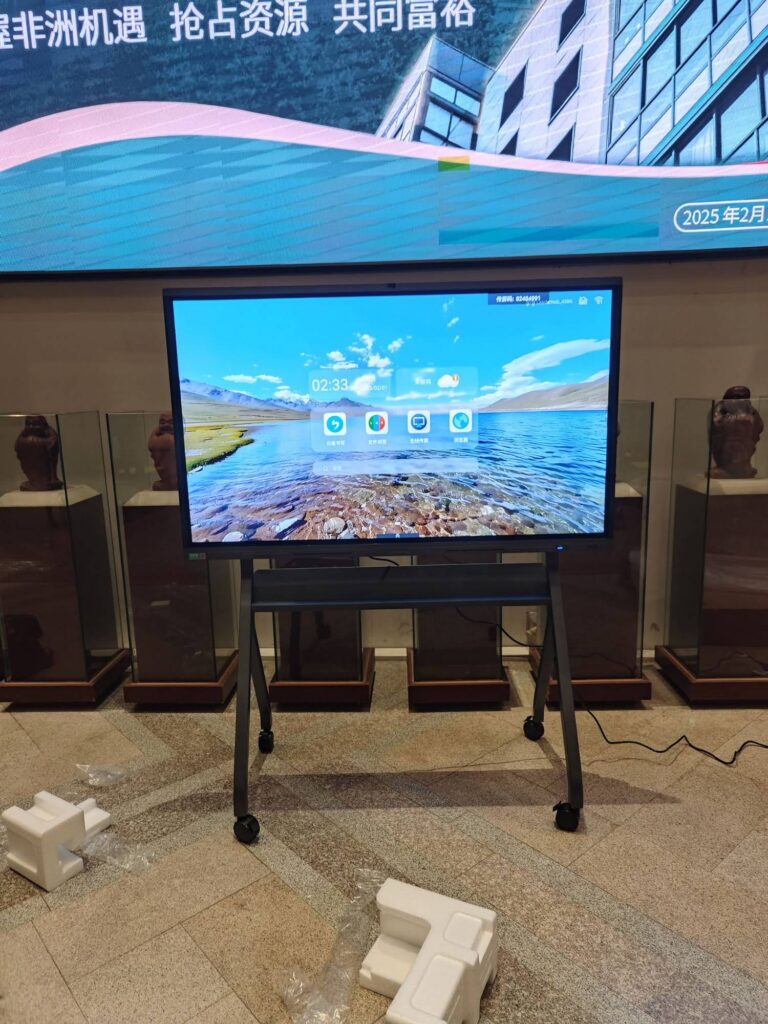
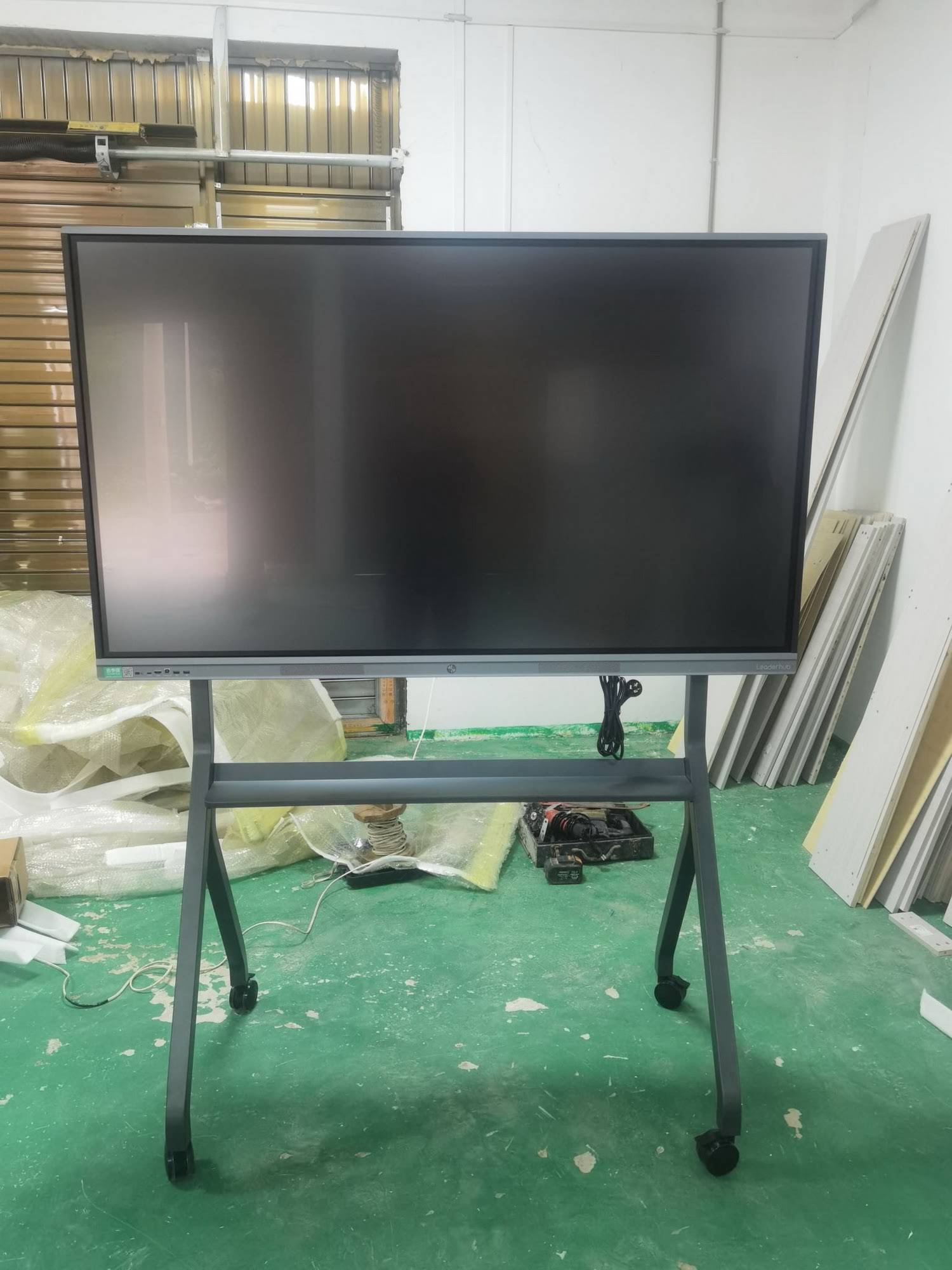
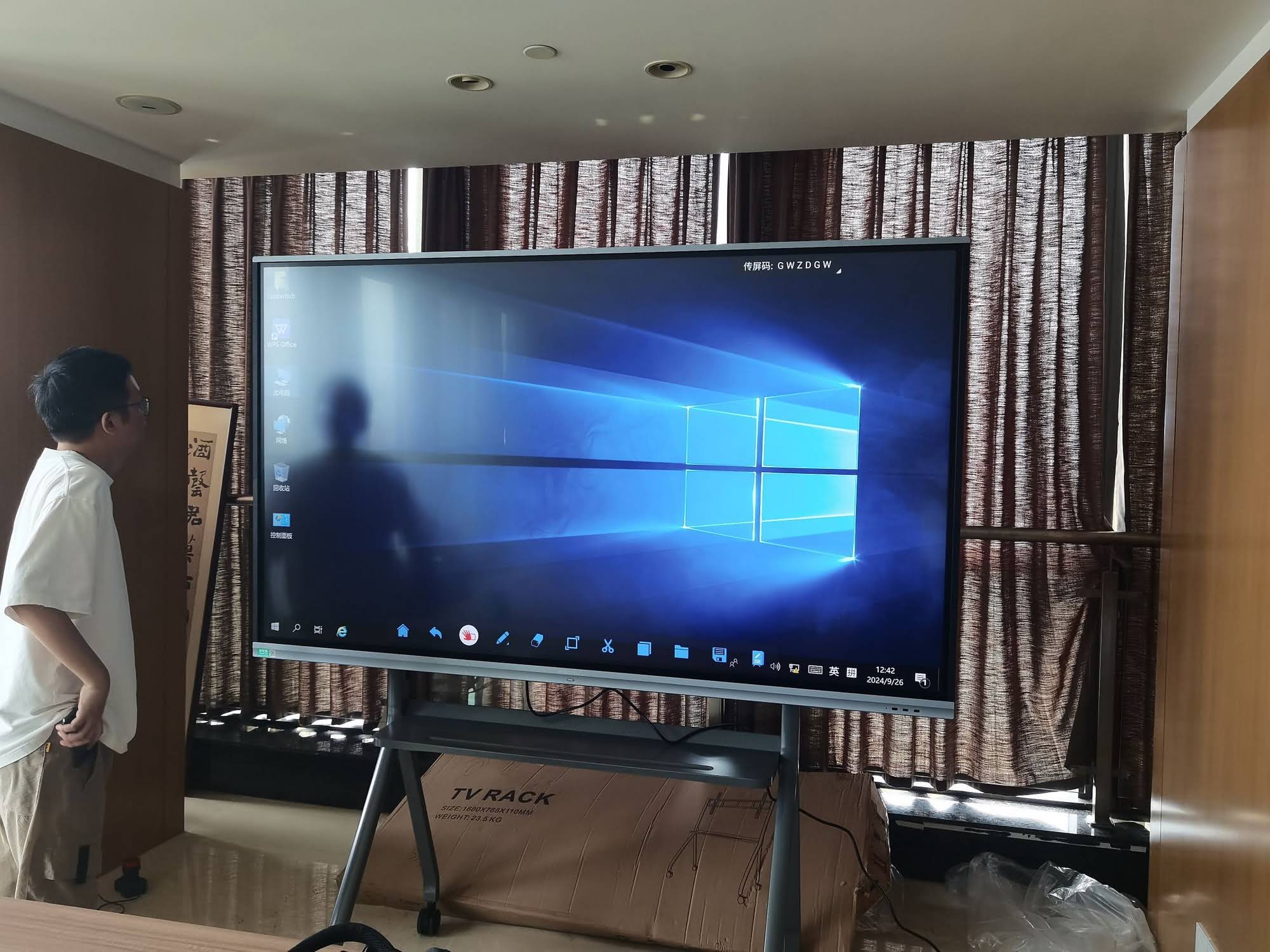
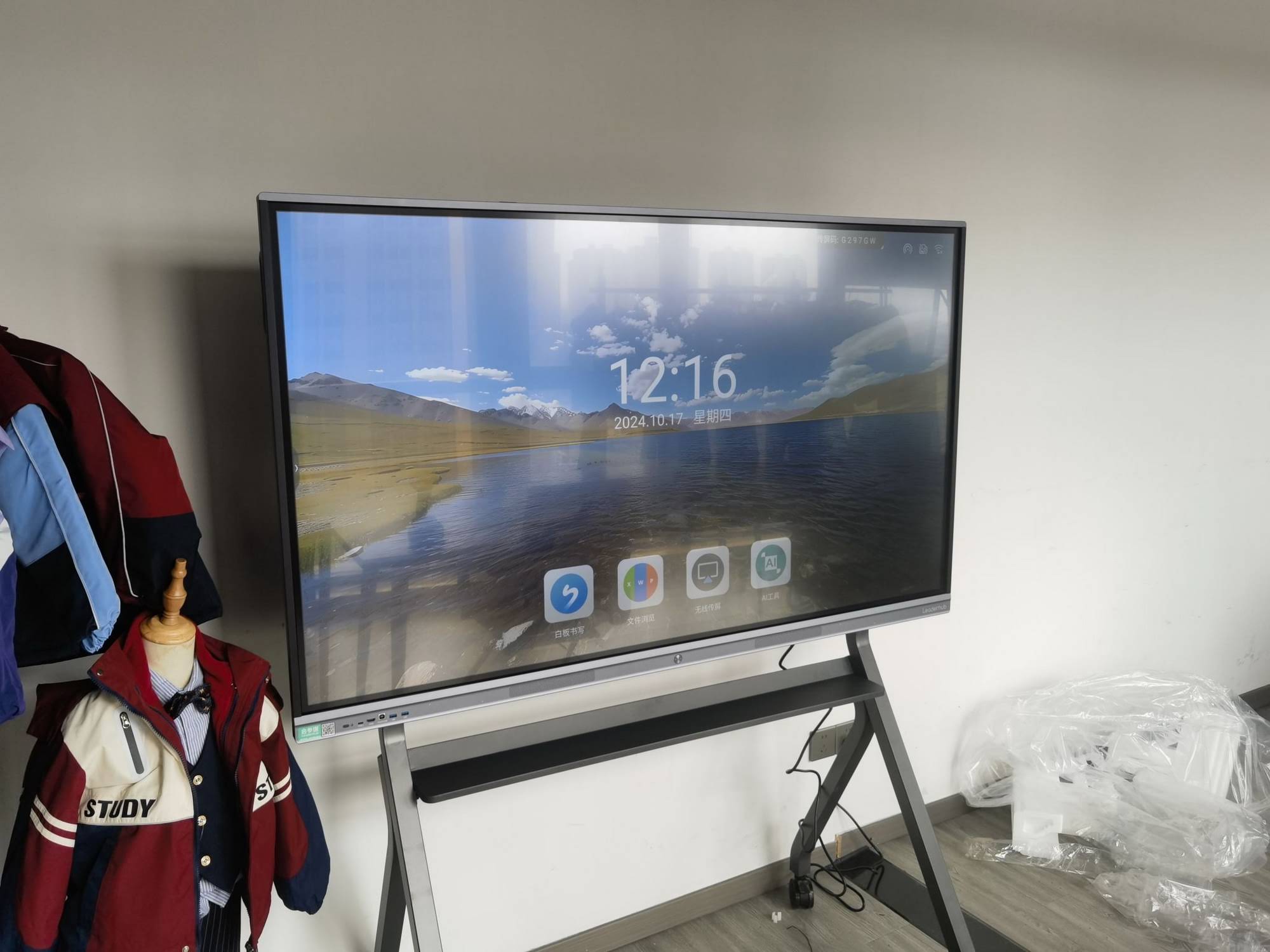
For very large rooms where a 100-inch-plus image is required on a tight budget, a smart board projector can still make sense. For most classrooms and meeting rooms, an all-in-one panel such as the LeaderHub L75HM 75″ 4K Interactive Smart Whiteboard now delivers sharper visuals, faster touch, and lower lifetime cost.
Common Uses of Smart Board Projectors
Education
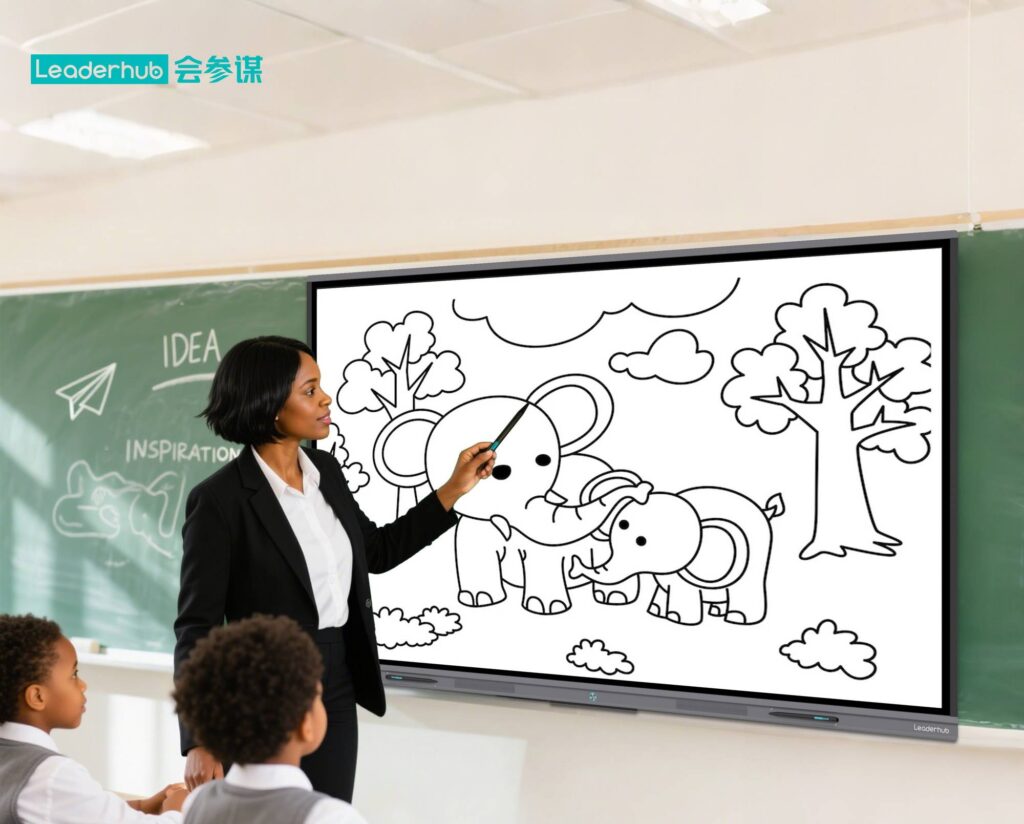
Smart board projectors became popular in K-12 and higher education because they let teachers annotate lesson slides, run interactive quizzes, and save board notes for absent students. The UNESCO Technology in Education Report highlights that interactive technology improves outcomes when it is paired with sound pedagogy rather than used for its own sake, a principle that applies equally to projectors and flat panels.
Corporate Meeting Rooms
Teams use interactive projection for brainstorming, marking up architectural drawings, and annotating financial dashboards during reviews. Wireless mirroring lets multiple laptops share the same wall.
Training Centers and Workshops
Vocational training, medical education, and corporate onboarding benefit from large-format visuals that trainers can draw on in real time.
Other Applications
- Design studios and agencies for collaborative sketching
- Houses of worship and community centers
- Museums and exhibitions with interactive floor or wall projection
- Home learning spaces and tutoring businesses
Smart Board Projector Buying Guide
Whether you decide on a projector-based system or an interactive panel, these are the specifications that determine real-world satisfaction.
Brightness and Ambient Light
For a typical classroom with windows, look for at least 3,500 ANSI lumens. Rooms with strong daylight may need 5,000 lumens or more, or you should consider a flat panel that is not affected by ambient light.
Resolution
WXGA is the minimum for readable text; Full HD is strongly recommended for spreadsheets, CAD, and small fonts. If 4K matters to you, flat panels currently offer far more value at that resolution.
Throw Distance and Image Size
Ultra-short-throw units mount 20–60 cm from the wall and produce 80–120 inch images. Confirm the maximum interactive image size, which is often smaller than the maximum display size.
Touch Technology
Pen-only systems are cheaper and more precise; finger-touch systems feel more natural and allow two or more users. Check the number of simultaneous touch points if group work is a priority.
Light Source and Maintenance
Lamp projectors cost less upfront but require bulbs every 3,000–6,000 hours. Laser models last 20,000+ hours with no lamp changes, narrowing the maintenance gap with panels.
Software and Compatibility
Make sure the bundled whiteboard software supports Windows, macOS, and Chrome OS, exports to PDF or cloud storage, and integrates with the tools your organization already uses. The Choosing an Interactive Display for K-12 guide offers a useful needs-assessment checklist for schools.
Total Cost of Ownership
Add the cost of the projection surface, a dedicated PC, mounting hardware, replacement lamps, filters, and electricity over five years. Many buyers discover that an interactive panel with a built-in Android system and optional mini PC ends up cheaper overall.
| Room Type | Recommended Size | Minimum Brightness | Suggested Solution |
|---|---|---|---|
| Huddle room / small office | 55–65 inches | 3,000 lumens | 65″ 4K interactive whiteboard |
| Standard classroom (25–35 students) | 75–86 inches | 3,500–4,500 lumens | 86″ 4K smart panel or UST projector |
| Lecture hall / boardroom | 100–120 inches | 5,000+ lumens | 110″ interactive flat panel or laser projector |
| Mobile / multi-room use | 55 inches on wheels | N/A | U55Pro mobile 4K smart display |
Pros and Cons of Smart Board Projectors
Advantages
- Very large image sizes at a comparatively low entry price
- Lightweight and easy to relocate between rooms
- Works on existing whiteboards or painted walls
- Mature ecosystem of lesson content and teaching software
Disadvantages
- Image washes out under daylight or bright LED lighting
- Lamp replacement, filter cleaning, and recalibration add ongoing cost
- Touch response is slower and less precise than capacitive or IR panels
- Fan noise and heat in small rooms
- Usually requires a separate computer to operate
Is a Smart Board Projector Still Worth It in 2026?
The honest answer depends on your room and budget. Projectors remain the most affordable path to a 100-inch-plus interactive image, and laser models have reduced the maintenance burden. However, education and corporate buyers have shifted decisively toward interactive flat panels because they are brighter, sharper, quieter, and ready to use without external hardware. The OECD Digital Education Outlook notes that reliable, low-friction infrastructure is a prerequisite for teachers to adopt digital tools consistently, and that reliability advantage increasingly favors panels.
LeaderHub, a Shenzhen-based manufacturer with 16 years of interactive-display expertise and customers in 82 countries, offers a full range of 4K interactive smart whiteboards from 65 to 110 inches, along with mini PCs and portable smart screens, giving schools and businesses a direct upgrade path from projector-based smart boards. You can compare models in the online shop or contact the team for a room-by-room recommendation.
Frequently Asked Questions
Can any projector become a smart board projector?
Not directly. You need either a projector with a built-in interactive module or an add-on IR tracking device paired with a standard projector. The add-on route is cheaper but less accurate and more fiddly to calibrate.
Do I need a special whiteboard surface?
Most interactive projectors work on any flat, matte, light-colored surface. Glossy whiteboards create hotspots and glare, so a low-gloss projection whiteboard or specialized paint is recommended.
How long does a smart board projector last?
Lamp models typically need a new bulb every 3,000–6,000 hours; laser models last 20,000 hours or more. The interactive sensor itself usually outlives the light source.
Is an interactive flat panel better than a smart board projector?
For most classrooms and meeting rooms, yes. Panels offer 4K clarity, faster multi-touch, built-in Android, and almost no maintenance. Projectors win only when you need a very large image on a limited budget.
What size smart board do I need for a classroom?
A 75-inch display suits rooms up to about 7 meters deep; 86 inches is better for larger classrooms. Industry guidance from AVIXA suggests the farthest viewer should sit no more than roughly six times the image height away for comfortable reading.
A smart board projector transformed how classrooms and meeting rooms worked for more than a decade, and it still has a place in large venues with tight budgets. Yet for anyone asking what is a smart board projector today, the more important question is whether interactive projection or an all-in-one 4K panel better serves your space, your users, and your five-year budget. Evaluate brightness, resolution, touch technology, and total cost of ownership carefully, and you will end up with an interactive display that people actually enjoy using every day.