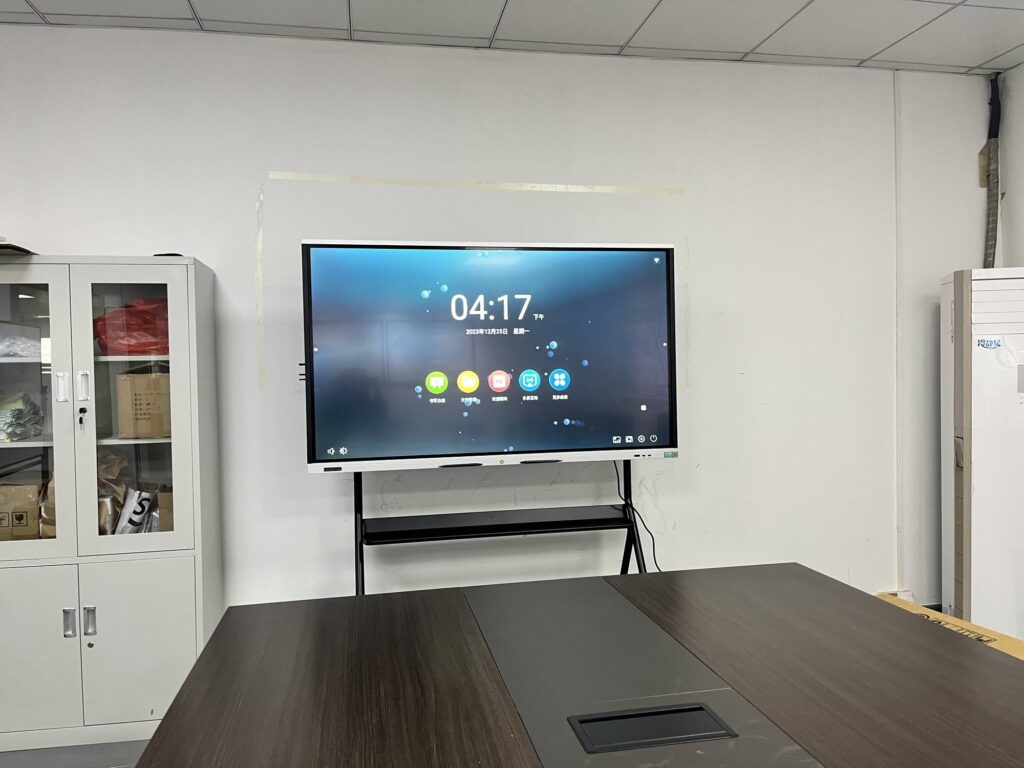
Most companies do not suffer from a shortage of data. They suffer from a shortage of shared understanding. Sales numbers live in a CRM, marketing metrics sit in a separate dashboard, finance exports spreadsheets every Friday, and operations tracks KPIs on a wall chart nobody updates. By the time all of that is stitched into a slide deck, the numbers are already a week old. A smart board for business intelligence reporting solves this problem by moving live dashboards out of individual laptops and onto a large, touch-enabled screen where the whole team can see, question, annotate and act on the same data at the same time.
This guide explains what a smart board actually adds to a BI workflow, how to connect tools like Power BI, Tableau, Looker Studio and Google Analytics to an interactive display, how to design dashboards that work on a large touchscreen, and which hardware specifications matter most when you are choosing a board for data-driven meetings.
What Is a Smart Board for Business Intelligence Reporting?
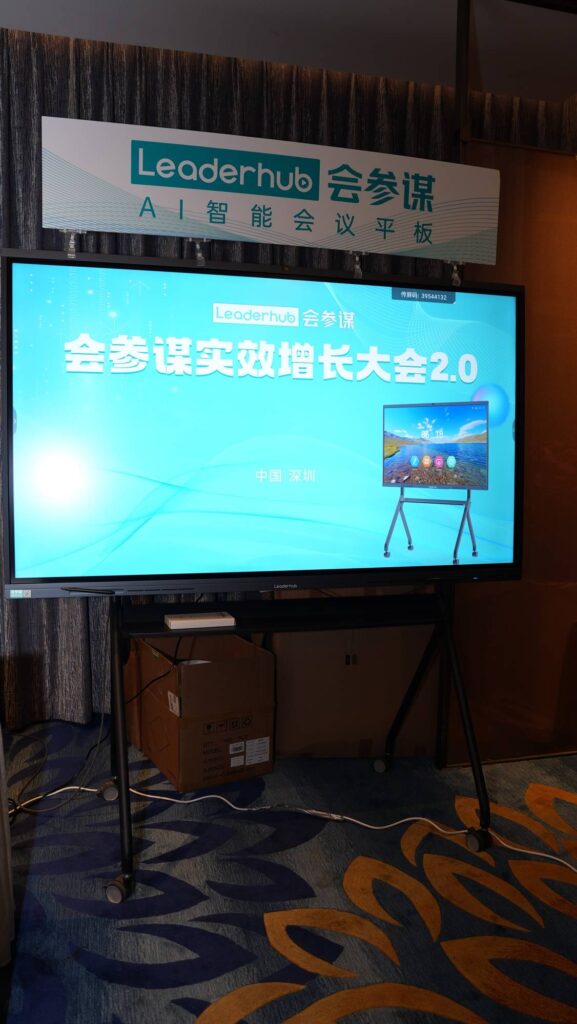
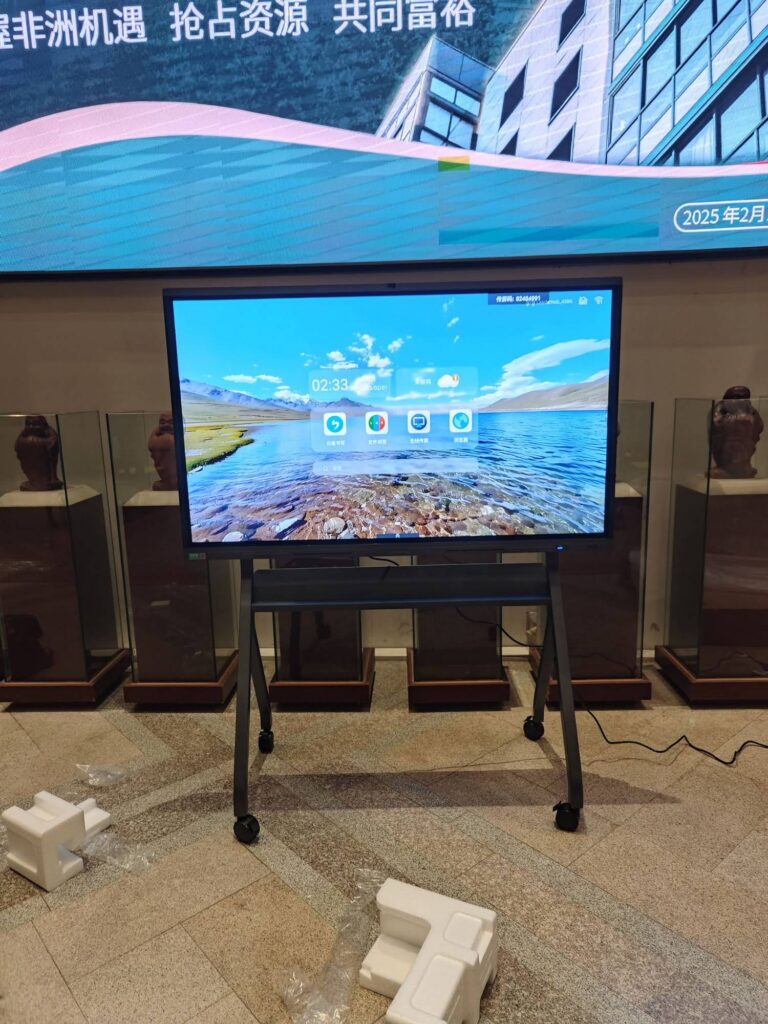
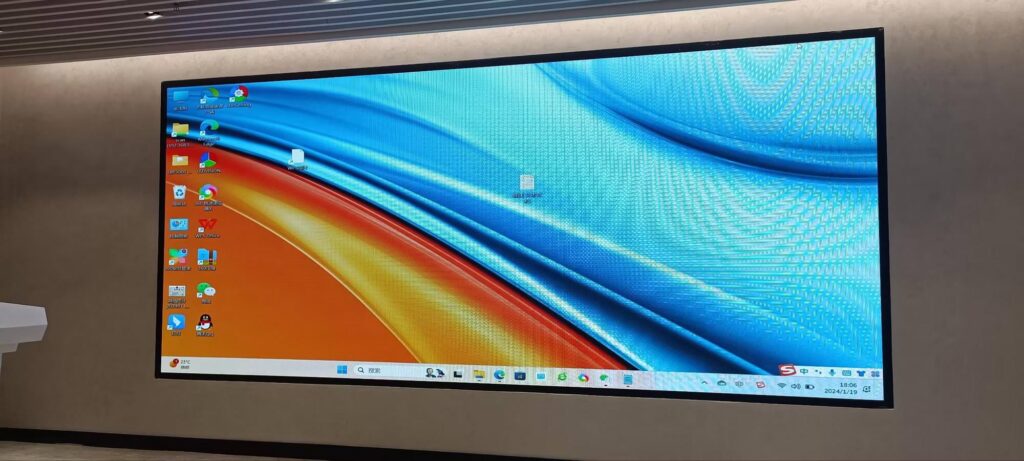
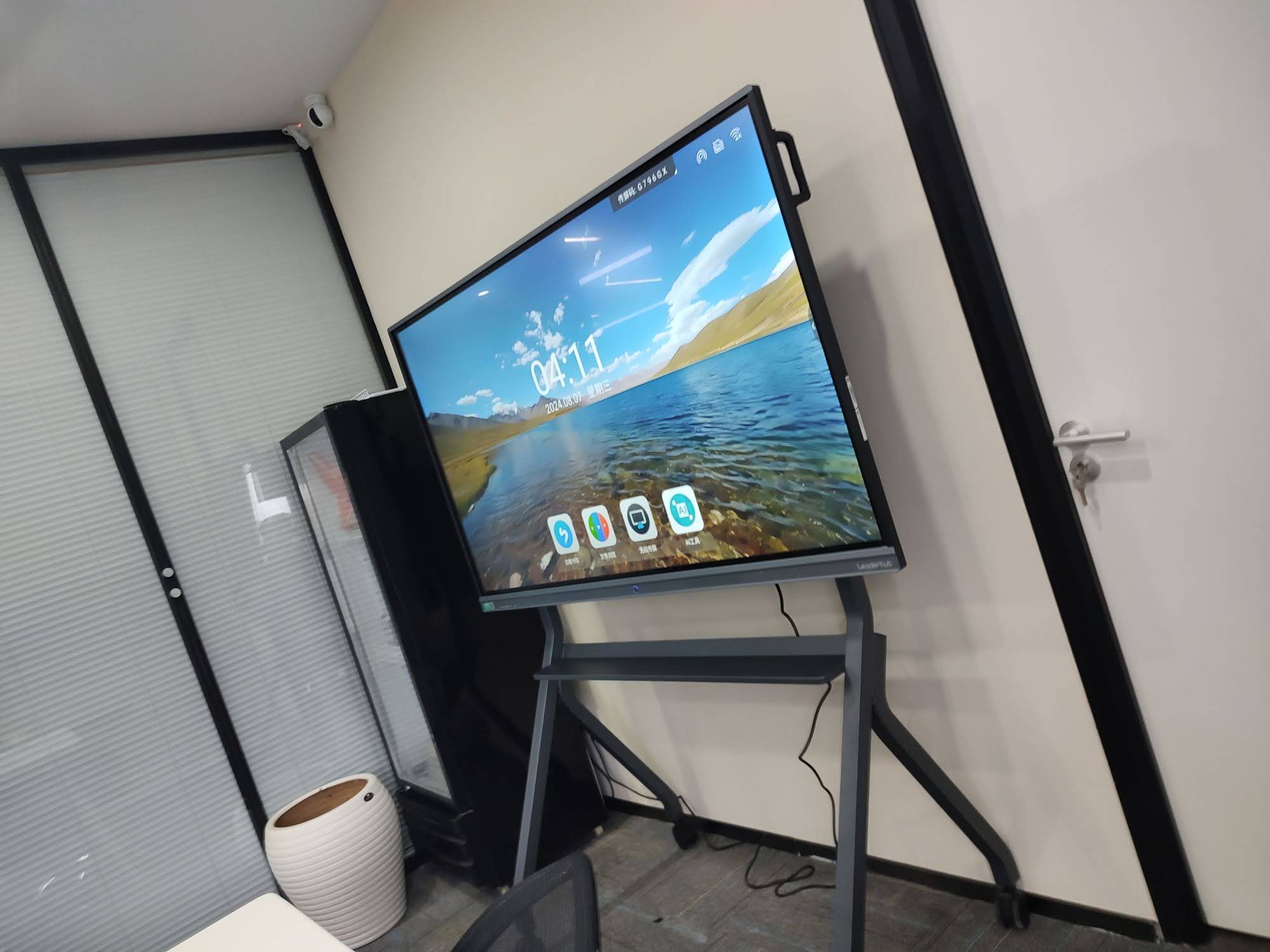
A smart board (also called an interactive flat panel or interactive whiteboard) is a large 4K touchscreen display with a built-in operating system, wireless screen sharing, multi-point touch and digital annotation tools. When used for business intelligence, it becomes a shared analytics surface: a single place where live dashboards are displayed, filtered by touch, marked up during discussion and saved as part of the meeting record.
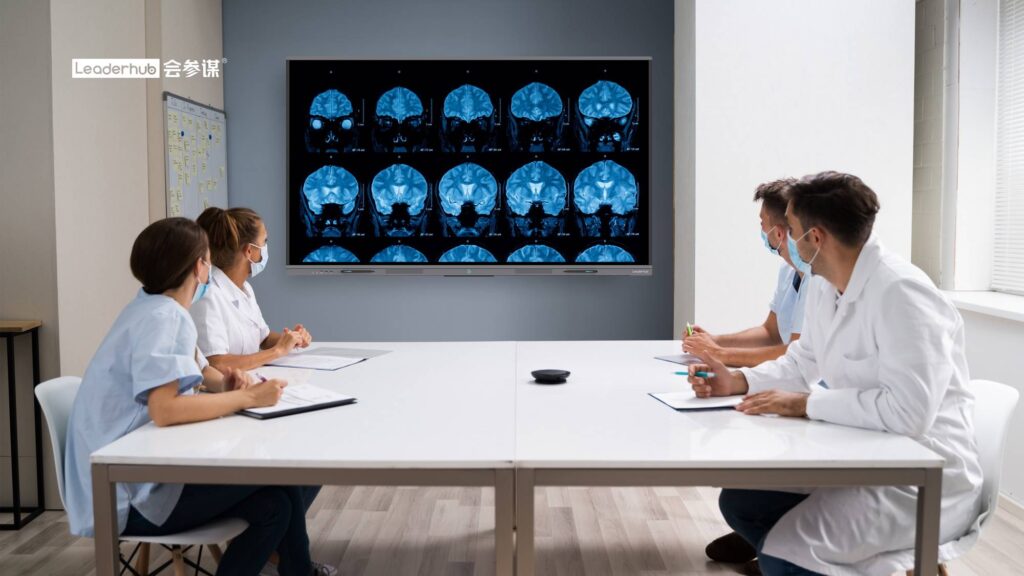
The difference between a smart board and a standard conference TV is interaction. On a TV, one presenter controls a laptop and everyone else watches. On a smart board, any participant can walk up, tap a chart to drill into the underlying data, swipe between dashboard pages, circle an anomaly with a stylus, and write the agreed action item right next to the number that triggered it.
Typical BI tasks a smart board supports
- Displaying real-time sales, marketing, finance and operations dashboards during stand-ups and weekly reviews
- Drilling down from company-level KPIs into regions, products, campaigns or individual accounts by touch
- Comparing two dashboards side by side using split-screen mode
- Annotating charts, highlighting variances and capturing decisions directly on screen
- Sharing data views from multiple laptops or phones wirelessly without cables or dongles
- Joining hybrid meetings so remote analysts and stakeholders see the same annotated dashboard
Why Traditional BI Reporting Fails in the Meeting Room
Business intelligence platforms have become remarkably capable, yet the final step of reporting is still often a static export. Here is where the value leaks out.
| Traditional Reporting Pain Point | Business Impact | How a Smart Board Helps |
|---|---|---|
| Slides built from last week’s data | Decisions are based on outdated figures | Live dashboards refresh automatically on screen |
| “Can you go back a slide?” requests | Lost time, broken discussion flow | Anyone can navigate and filter by touch |
| Questions that need a new query | Follow-up meeting required | Drill-downs answer questions in the room |
| Notes taken separately from the data | Context is lost, actions are vague | Annotations saved alongside the chart |
| Remote staff see a blurry shared screen | Hybrid teams disengage | 4K output and camera integration keep everyone aligned |
The underlying theme is that insight is generated in conversation, not in export. A smart board keeps the data live during the conversation, so the gap between seeing a number and deciding what to do about it shrinks from days to minutes.
How to Connect BI Platforms to a Smart Board
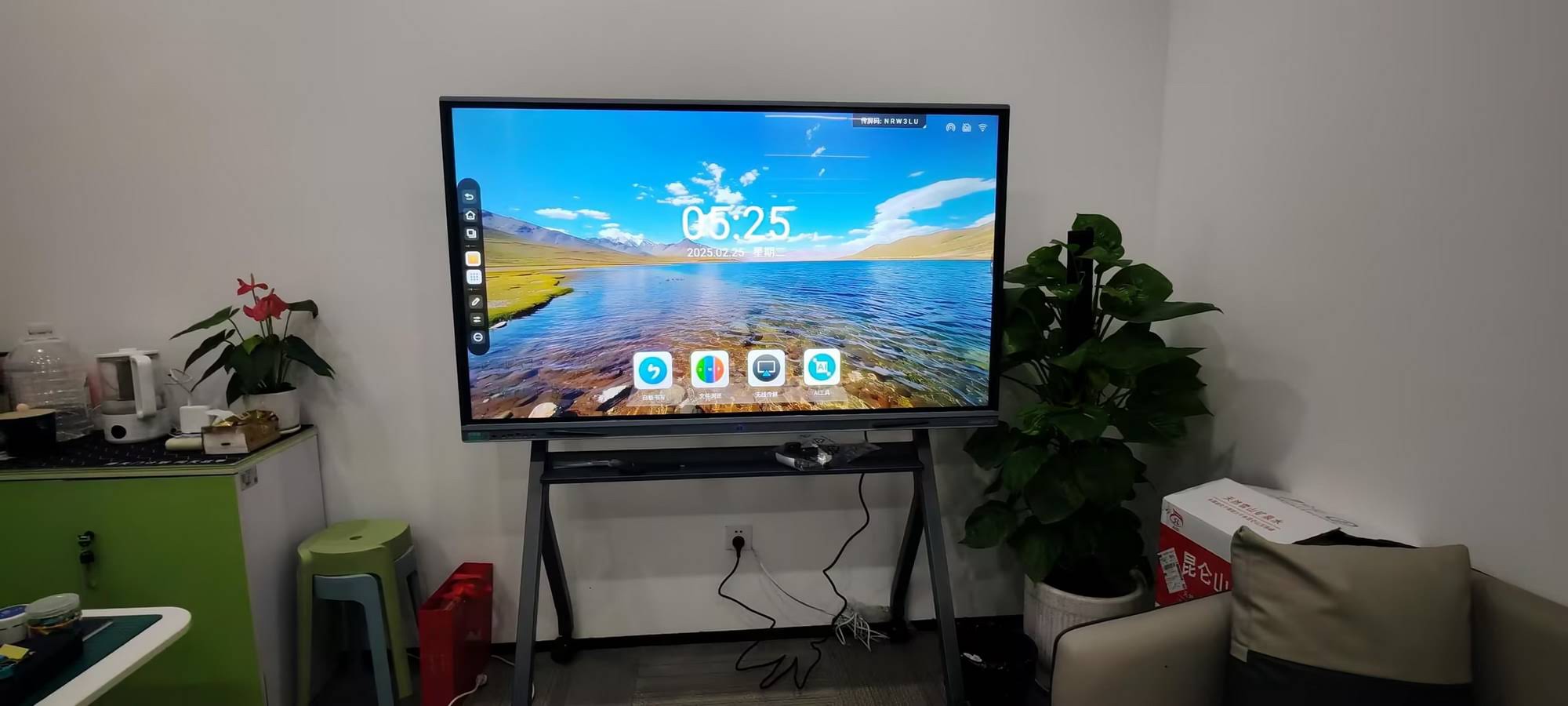
Modern interactive panels run Android and can host a Windows OPS module or connect to an external mini PC. That gives you three practical ways to bring dashboards onto the big screen.
1. Browser-based dashboards directly on the panel
Power BI Service, Tableau Cloud, Looker Studio, Metabase, Grafana and Google Analytics all run in a web browser. Open the panel’s built-in browser, log in, and pin the dashboard URL to the home screen. Enable auto-refresh in the BI tool so the board becomes a self-updating KPI wall that is ready the moment someone walks into the room.
2. Dedicated Windows mini PC for full desktop BI
For Power BI Desktop, Excel models, SQL clients or Python notebooks, pair the panel with a compact Windows machine. A LeaderHub LP5C Mini PC with an Intel i5 and 16GB RAM handles multi-page Power BI reports and large pivot tables smoothly, while the touch input from the panel passes straight through via USB, so you can filter slicers with your finger.
3. Wireless casting from analyst laptops
When an analyst needs to show a working file, wireless screen sharing (Miracast, AirPlay, Chromecast or a dongle) lets them cast in seconds. Good panels support multi-device split screen, so a finance dashboard and a sales pipeline can sit side by side for a cross-functional review.
Quick setup checklist
- Confirm the board has stable Wi-Fi 6 or a wired Gigabit Ethernet port for uninterrupted refresh
- Create a dedicated service account for the board in your BI tool with view-only permissions
- Set dashboard pages to 16:9 so they fill the 4K screen without scrolling
- Enable auto-refresh intervals that match your data latency (every 15 minutes is typical for sales; hourly for finance)
- Test touch filtering on slicers and drill-through buttons before the first live meeting
- Set a screen-saver lock or PIN to protect confidential financial data between sessions
Designing Dashboards for a Large Touchscreen
A dashboard that looks great on a 15-inch laptop can fall apart on an 86-inch panel viewed from four meters away. A few design rules make the difference.
| Design Principle | Recommendation for Smart Board Display |
|---|---|
| Hierarchy | Place 3–5 headline KPIs at the top in large tiles; supporting charts below |
| Touch targets | Buttons and slicers should be large enough to tap with a finger from standing position |
| Contrast | Use high-contrast colours; avoid pale gradients that wash out under meeting-room lights |
| Density | One question per page; use drill-through rather than cramming everything on one canvas |
| Annotation space | Leave margins so handwritten notes do not cover the data |
| Timestamp | Show “last refreshed” prominently so the room trusts the data is current |
Real-World Use Cases Across Departments
Sales pipeline reviews
Display the live CRM pipeline, tap a stage to see which deals are stuck, circle the at-risk accounts, and assign owners on the spot. The annotated screenshot goes straight into the team channel after the meeting.
Finance month-end close
Put the P&L variance dashboard on the board, split-screen it with the general ledger drill-down, and let the controller and department heads trace a variance to its source together instead of exchanging emails for three days.
Marketing performance stand-ups
Campaign spend, CAC, conversion funnels and channel attribution update every morning. A ten-minute stand-up in front of the board replaces a weekly 40-slide deck.
Operations and manufacturing floors
An interactive panel near the production line shows OEE, defect rates and shift output in real time. Supervisors can tap a machine to see its history, and the touchscreen survives an environment where keyboards do not.
Executive war rooms
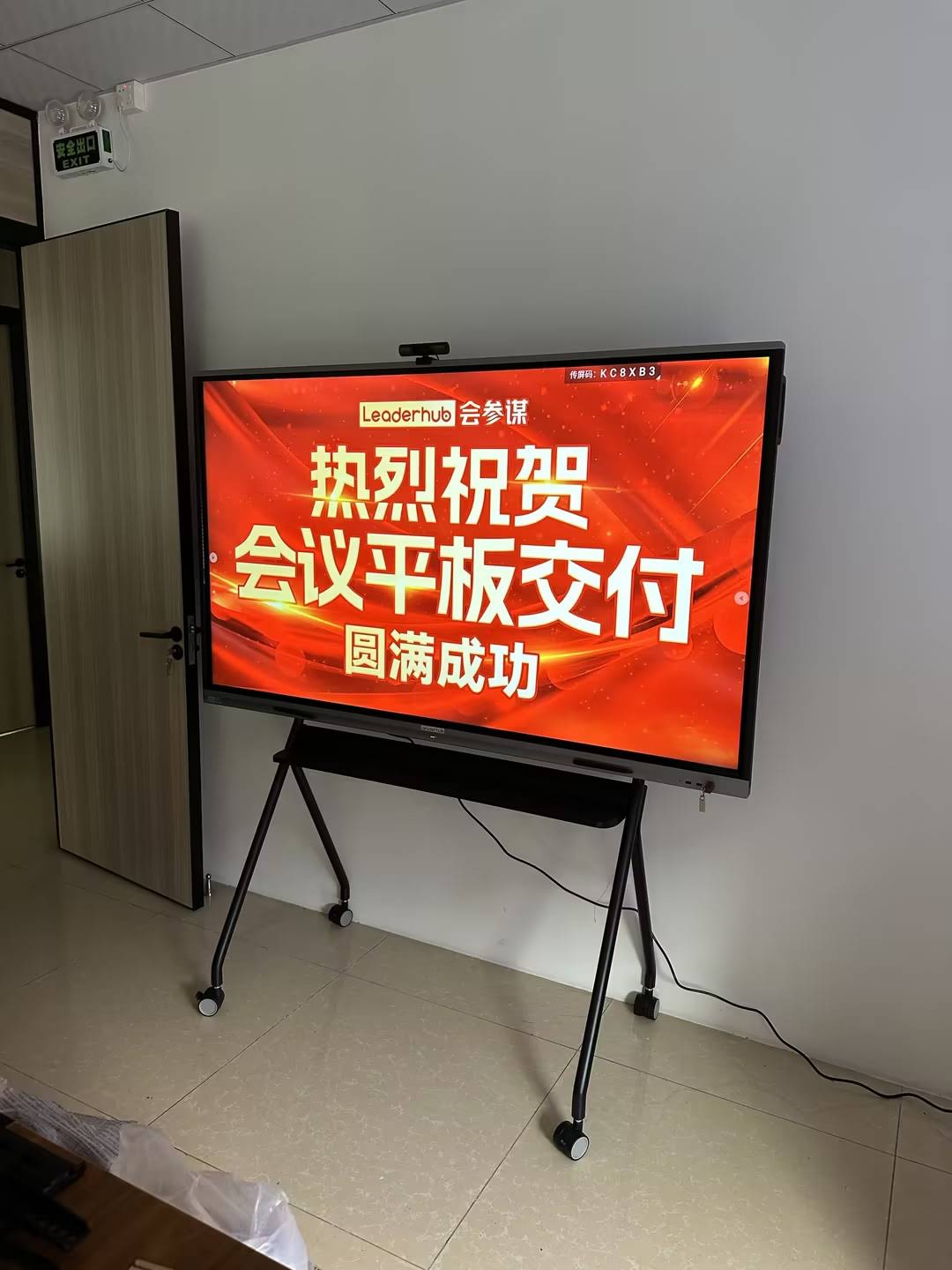
A 110-inch display gives leadership a single pane of glass across all business units. During a crisis or a product launch, the room can toggle between company-wide metrics and granular detail without waiting for an analyst to rebuild a report.
Hardware Specifications That Matter for BI Reporting
Not every interactive display is equally suited to dense, data-heavy dashboards. These are the specifications that make the most difference.
- 4K UHD resolution — dense tables and small chart labels remain legible across the room
- Anti-glare glass with 400+ nits brightness — meeting rooms are bright and dashboards are text-heavy
- 20–40 point touch with low latency — multiple people can filter and annotate simultaneously
- Android with 8GB RAM or more — browser-based BI tools render faster and multi-tasking stays smooth
- OPS slot or USB-C with power delivery — one cable to a Windows PC for desktop BI software
- Gigabit Ethernet and Wi-Fi 6 — reliable auto-refresh without dropouts
- Screen sizes from 65″ to 110″ — match the room: 65″ for huddle rooms, 75″–86″ for boardrooms, 110″ for executive briefing centres
Teams that need to move the dashboard between departments can also consider a mobile option. The U55Pro 55″ mobile interactive flat panel rolls from the sales floor to the finance office, while the battery-powered rotating smart screens give individual analysts a portable touchscreen for one-on-one data walkthroughs.

Recommended Smart Boards for Business Intelligence Reporting
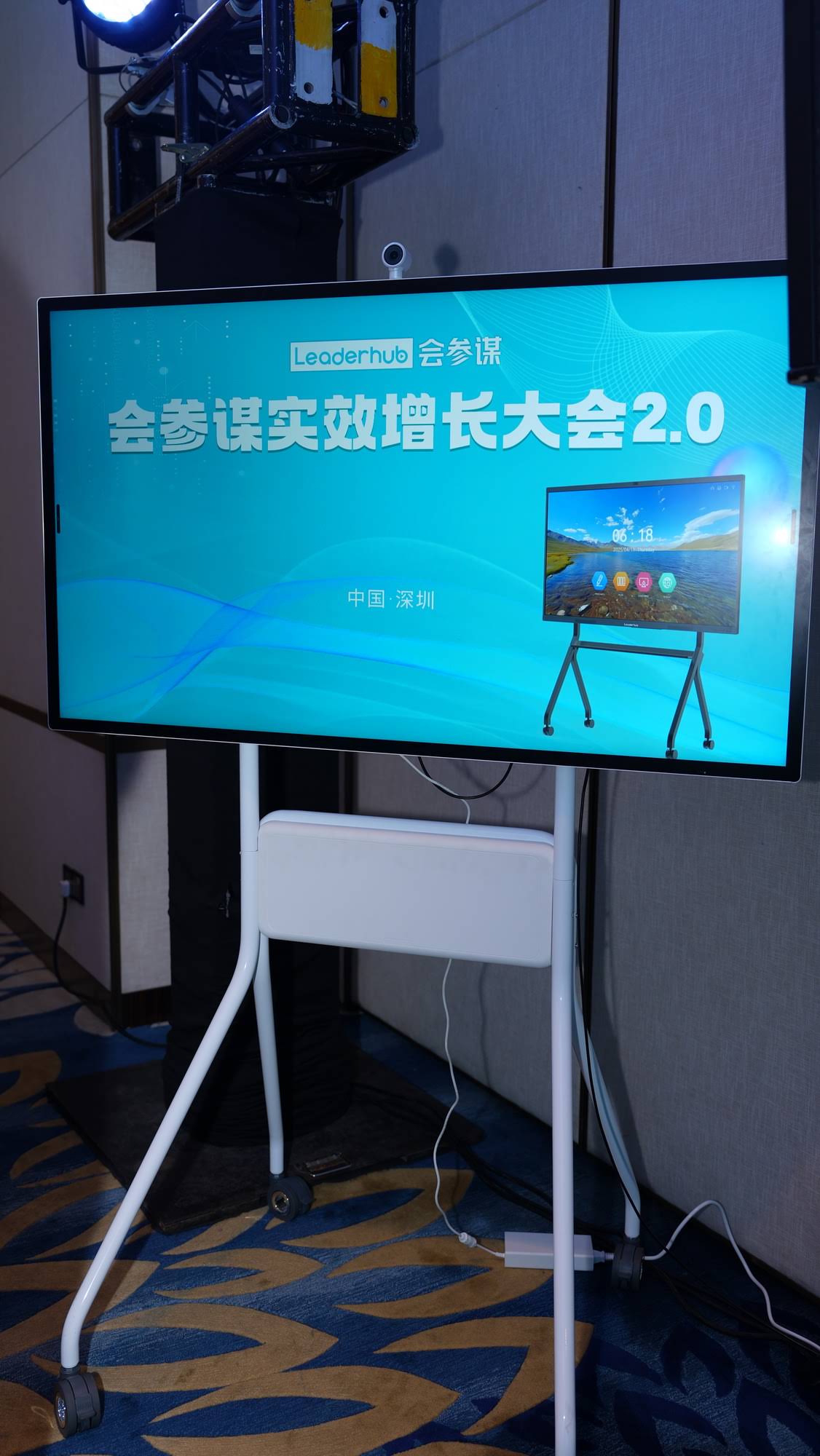
With 16 years of interactive-display expertise and products delivered to 82 countries, LeaderHub builds 4K touch panels and mini PCs that pair naturally for data-driven meeting rooms. The models below cover the most common BI deployment scenarios.
| Model | Best For | Key Advantage | Price |
|---|---|---|---|
| L65ZM 65″ Smart Panel | Huddle rooms, small team stand-ups | Cost-effective 4K entry point | $1,099 |
| L75HM 75″ Smart Whiteboard | Mid-size boardrooms, weekly reviews | Balanced size and visibility for 8–14 people | $1,599 |
| L86ZM 86″ Smart Panel | Large boardrooms, split-screen dashboards | Room for two dashboards side by side | $1,699 |
| L75H Pro Interactive Flat Panel | Hybrid meetings with remote analysts | Pro-grade performance for video plus data | $2,399.40 |
| L110H 110″ Interactive Flat Panel | Executive war rooms, control centres | Single pane of glass for enterprise KPIs | $7,999 |
| AD8 Mini PC | Powering Windows BI software on any panel | Desktop-class performance in a compact chassis | $999 |
Browse the full range of smart whiteboards and interactive flat panels or pair any panel with a mini PC to run your preferred BI stack natively.
Security and Governance Considerations
Putting live financial or customer data on a shared screen raises legitimate governance questions. A few practices keep your deployment compliant.
- Use row-level security in your BI tool so the board account only sees data appropriate for that room
- Enable automatic sign-out and screen lock after inactivity
- Keep panel firmware updated and connect it through a dedicated VLAN
- Store saved annotations in your document management system rather than on the panel’s local storage
- For regulated industries, disable USB export on the panel and rely on cloud sharing with audit logs
Measuring the ROI of a Smart Board in Your BI Workflow
The return on an interactive display for reporting shows up in time and decision quality rather than in a single line item. Organisations that adopt touch-enabled dashboards commonly report:
- Fewer hours spent building static decks each week per analyst
- Shorter review meetings because questions are answered live
- Fewer follow-up meetings triggered by “let me check and get back to you”
- Faster time from anomaly detection to corrective action
- Higher engagement from non-technical stakeholders who can explore data themselves
Research on interactive displays in collaborative settings supports this: a peer-reviewed study on interactive public displays found that shared, touchable screens increase participation and shared understanding compared with single-presenter setups. The AV industry standards body AVIXA also publishes guidance on display sizing and viewing distances that is directly applicable when planning a data wall.
Getting Started: A 30-Day Rollout Plan
- Week 1 — Pick one meeting. Choose a recurring review (sales pipeline or weekly ops) and identify the one dashboard it depends on.
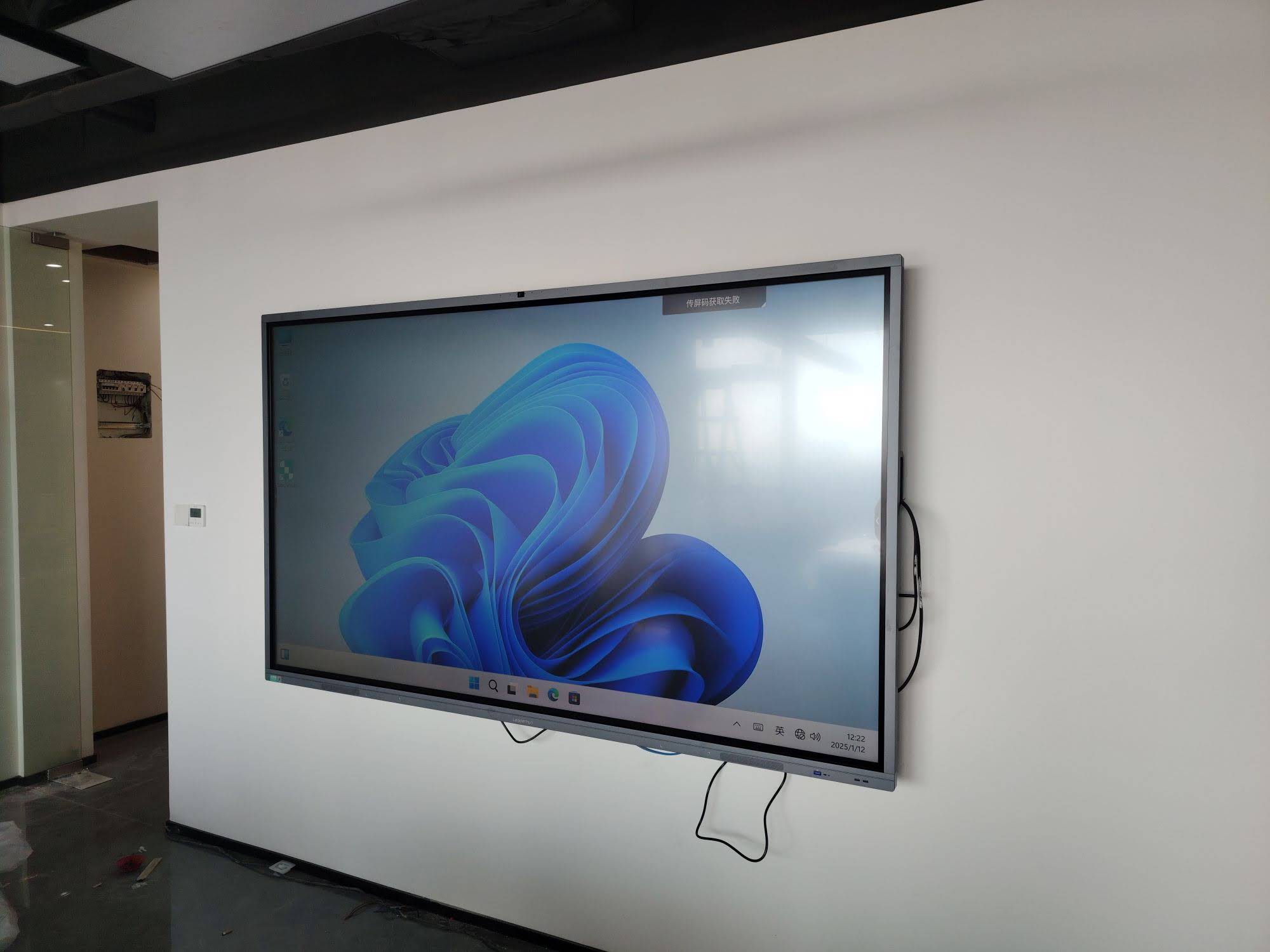
- Week 2 — Install and connect. Mount the panel, connect it to the network, pin the dashboard, and test touch filtering with the meeting owner.
- Week 3 — Run the meeting live. Replace the slide deck entirely. Capture annotations and share them afterwards.
- Week 4 — Review and expand. Gather feedback, refine the dashboard layout for the big screen, and schedule the next department.
Frequently Asked Questions
Can a smart board run Power BI or Tableau without a separate computer?
Yes. Cloud versions of both platforms run in the panel’s built-in Android browser. For desktop versions or complex data models, connect a Windows mini PC via HDMI and USB touch-back.
What screen size is right for a boardroom?
A rule of thumb is that the farthest viewer should sit no more than about six times the screen height away for detailed data. In practice, 75″ suits rooms up to 6 metres long and 86″ covers rooms up to 8 metres.
Will remote participants see the annotations?
When the panel joins a video call or shares its screen through Teams, Zoom or Google Meet, remote participants see the dashboard and every annotation in real time.
How is this different from a digital signage display?
Signage is one-way and view-only. A smart board for business intelligence reporting is interactive: it supports touch filtering, drill-downs, annotation and multi-device sharing, which is what turns passive viewing into active decision-making.
Final Thoughts
Business intelligence only pays off when insights lead to action. A smart board for business intelligence reporting closes the loop by bringing live data into the room where decisions are made, letting every stakeholder interact with it directly, and preserving the reasoning alongside the numbers. Whether you start with a single 65″ panel in a huddle room or roll out a 110″ executive data wall, the result is the same: shorter meetings, faster decisions and a team that trusts the data because they can see it, touch it and question it together.
Ready to turn your dashboards into decisions? Contact the LeaderHub team for a tailored recommendation or explore the full product range.