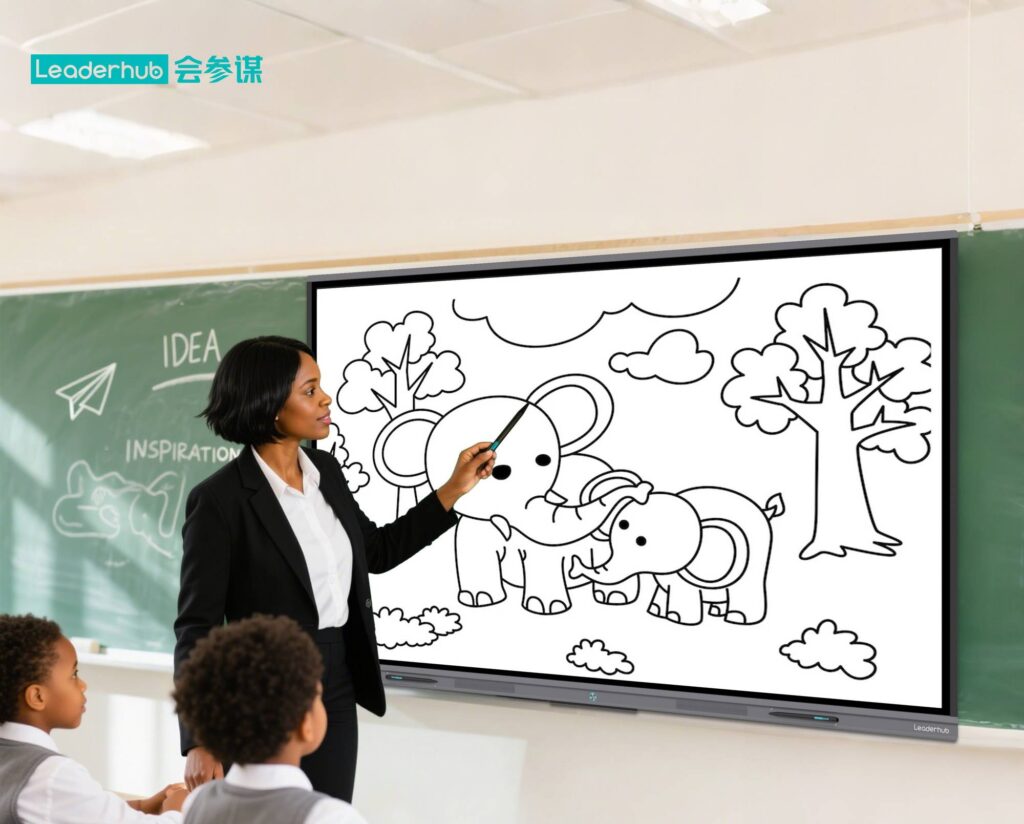
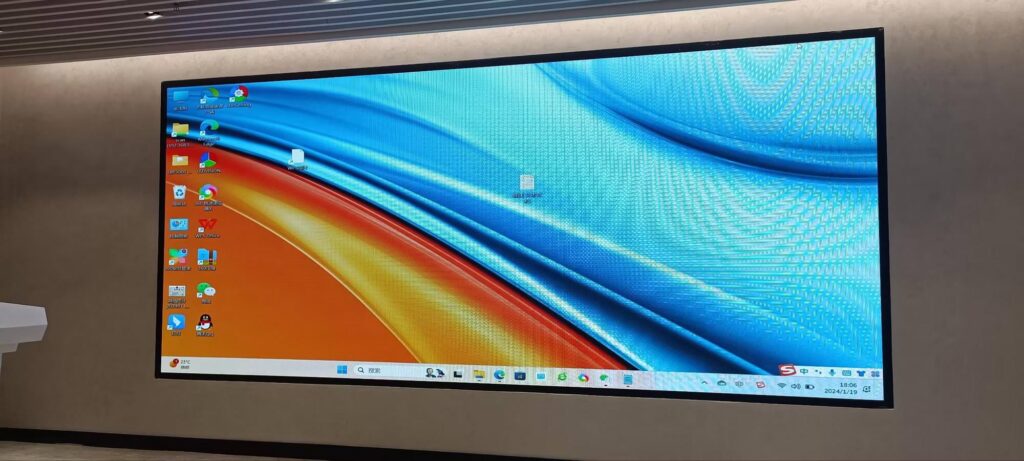
Walk into a classroom in 2026 and the chalkboard is gone, the projector bulb is gone, and in their place sits a bright 4K touchscreen that listens, responds and connects every student in the room. Smart board classroom technology trends in 2026 are no longer about replacing a whiteboard with a screen — they are about turning the front of the classroom into an intelligent hub that supports teachers, personalises learning and bridges the gap between in-person and remote students.
This guide breaks down the most important interactive display trends shaping education this year, explains what they mean for teachers, IT managers and school leaders, and offers practical advice on how to choose an interactive smart whiteboard that will still feel modern five years from now.
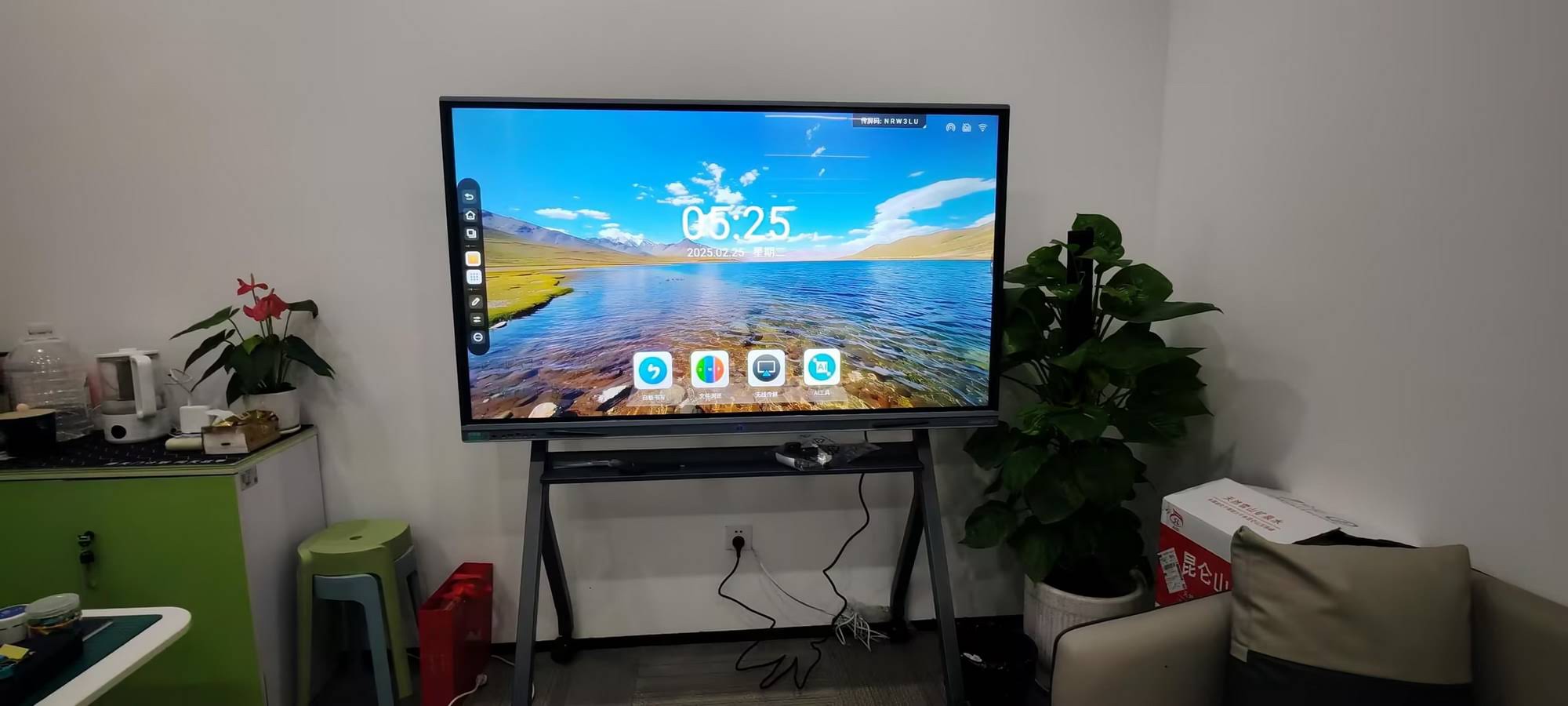
Why 2026 Is a Turning Point for Classroom Displays
Three forces are converging at once. First, the generation of interactive whiteboards installed between 2015 and 2019 is reaching end of life, so schools worldwide are planning large refresh cycles. Second, generative AI has matured enough to live directly inside the display rather than in a separate app. Third, education policy has caught up: reports such as the OECD Digital Education Outlook 2026 and the UNESCO Technology in Education Report now give schools clear frameworks for evaluating whether a technology genuinely improves learning — not just whether it looks impressive.
The result is a buying environment in which schools are more informed, budgets are more scrutinised, and expectations for what a smart board should do are far higher than they were even two years ago.
Trend 1: AI Teaching Assistants Built Into the Board
The headline shift of 2026 is that artificial intelligence has moved onto the panel itself. Instead of switching to a laptop and opening a browser, teachers can speak or write directly on the display and receive instant support.
What AI on a smart board actually does
- Handwriting and shape recognition – messy notes become clean, searchable text; rough sketches turn into perfect geometry.
- Real-time translation and captions – spoken lessons are subtitled for multilingual classrooms or hearing-impaired learners.
- Lesson summarisation – at the end of a session the board generates a recap, key vocabulary and a short quiz that can be shared with students in one tap.
- Content generation – teachers describe a concept and the board produces a diagram, example problem set or discussion prompt.
- Voice control – switching apps, opening files or launching a timer without walking back to the desk.
The goal is not to replace the teacher but to remove the friction between having an idea and showing it to the class. A well-designed AI layer gives educators back minutes in every lesson — minutes that add up to hours each term.
Trend 2: Hybrid Learning Becomes Permanent, Not Emergency
Hybrid teaching began as a crisis response, but by 2026 it has become a normal operating mode for schools, colleges and training centres. Students who are ill, travelling, or enrolled from another campus expect to join in real time and see exactly what the room sees.
Modern interactive flat panels respond with integrated 4K cameras, far-field microphone arrays and native support for Zoom, Microsoft Teams and Google Meet. The whiteboard canvas itself streams to remote participants so they can annotate alongside their classmates. The European Commission’s EU Blended Learning Guidance explicitly encourages this kind of seamless, equipment-backed flexibility.
Trend 3: Bigger, Sharper and More Mobile Screens
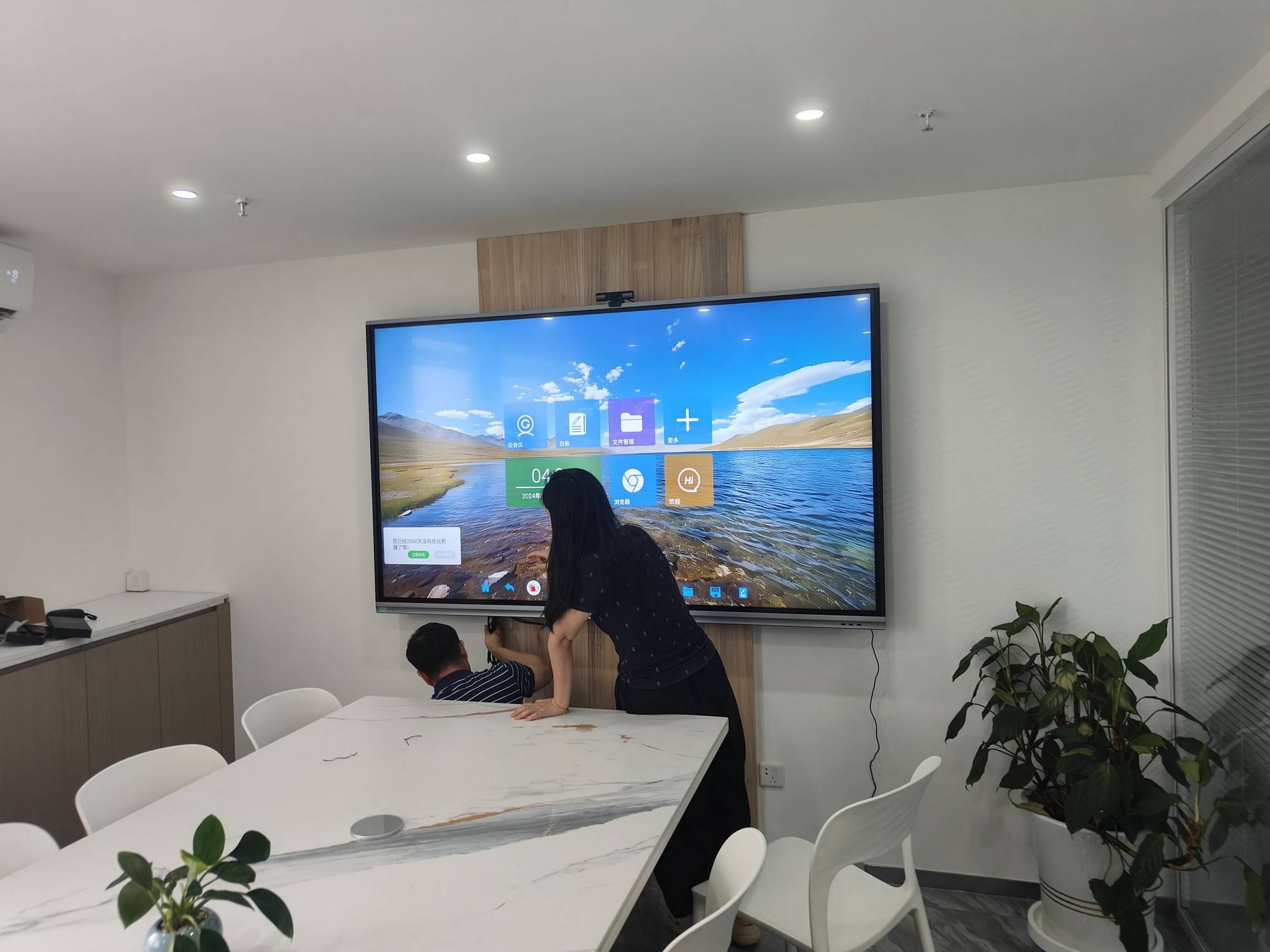
Screen size and resolution continue to climb. 4K UHD is now the baseline rather than a premium option, and 86-inch panels have become the standard recommendation for typical 30-student classrooms. At the same time, mobile stands and battery-powered screens let schools move interactive technology between rooms, libraries and outdoor learning spaces.
| Classroom Scenario | Recommended Size | Why It Works |
|---|---|---|
| Small group / tutoring room (up to 12 students) | 55″ – 65″ | Compact footprint, easy to mount or move; ideal for breakout spaces |
| Standard classroom (20–30 students) | 75″ | Readable from the back row; balanced cost per seat |
| Large classroom / science lab (30–40 students) | 86″ | Room for split-screen content plus annotation at the same time |
| Lecture theatre / auditorium | 98″ – 110″ | Replaces projector entirely with no ambient-light washout |
| Shared / flexible learning space | Mobile 55″ or rotating 24″–27″ | Battery operation and wheels allow teaching anywhere |
Products like the 110-inch interactive flat panel show how far the top of the range has moved, while the U55Pro mobile 4K smart display demonstrates the demand for screens that follow the lesson rather than anchor it to one wall.
Trend 4: Student-Centred, Multi-User Interaction
The old model — one teacher writing while thirty students watch — is giving way to collaborative interaction. Panels with 20-, 40- or even 50-point touch let several learners work at the board simultaneously, each with a different pen colour. Wireless screen sharing allows students to cast from Chromebooks, iPads or Android phones, and split-screen modes compare two solutions side by side.
Classroom practices this enables
- Peer-review sessions where two groups annotate the same text from opposite sides of the board.
- Maths “gallery walks” with student work cast from tablets and discussed as a class.
- Live polling and exit tickets displayed instantly as charts.
- Gamified review where teams race to complete tasks on a shared canvas.
Guidance from the ISTE Standards for Educators places exactly this kind of learner agency at the heart of effective technology use.
Trend 5: Cloud-Native Lessons and Device Freedom
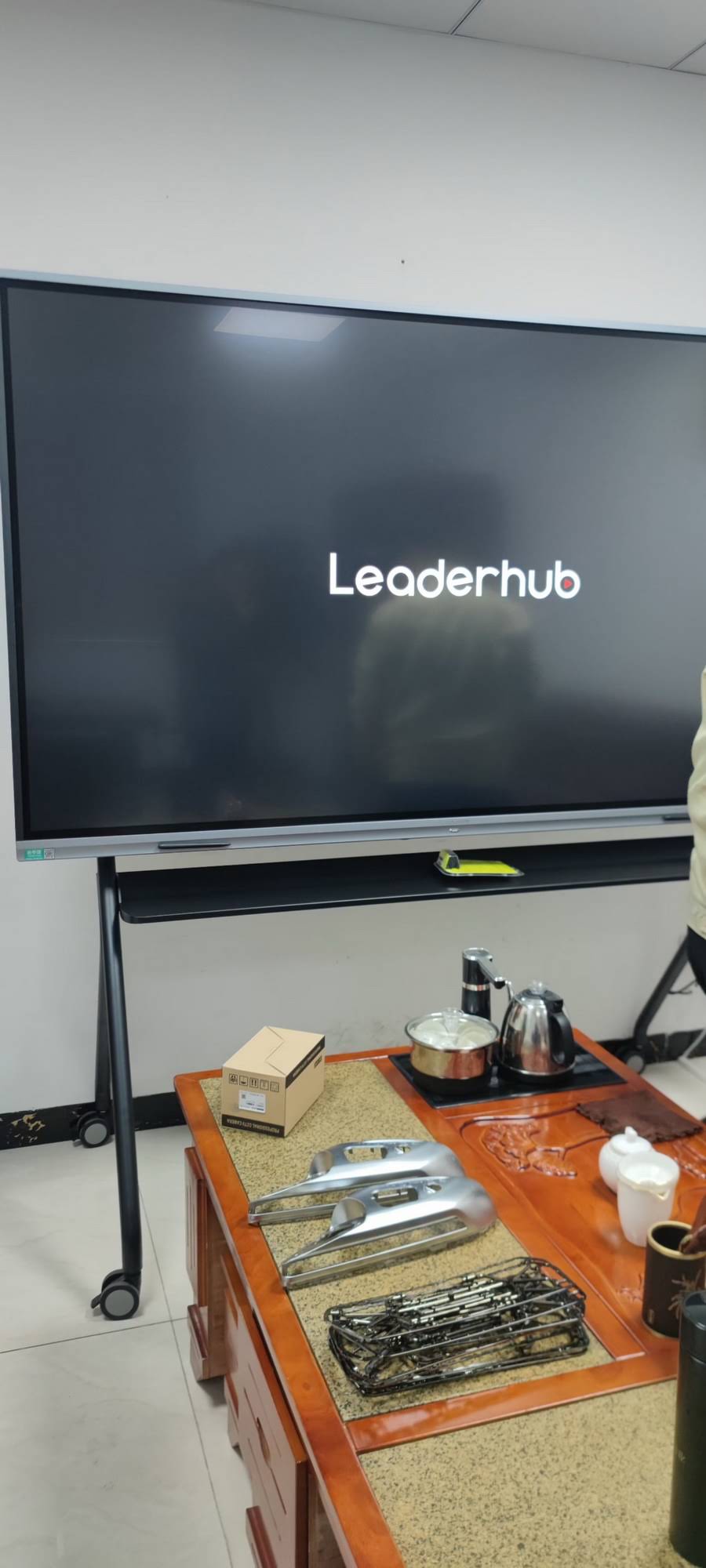
Teachers in 2026 expect to prepare a lesson at home, open it on any board in any room, and have student contributions saved automatically to the cloud. That means Android-based panels with full Google Play access, native Microsoft 365 and Google Workspace integration, and QR-code sign-in that pulls personal files onto the display and wipes them when the session ends.
Many schools also pair the panel with a dedicated compute module or classroom mini PC so Windows-only software — exam platforms, CAD tools, legacy curricula — runs natively without a teacher’s laptop. This “OPS or mini PC plus Android” dual-system approach has become one of the defining architecture trends of the year.
Trend 6: Data, Analytics and Formative Assessment
When every interaction happens on a connected display, learning data becomes available in ways that were impossible with a dry-erase board. Smart boards now capture quiz results, participation frequency and time-on-task, then surface the insights to teachers in simple dashboards.
Used responsibly, this helps educators spot which students need support before a formal test reveals the gap. The EEF Digital Technology Guidance is clear that technology improves outcomes most when it strengthens feedback loops — and formative-assessment features on the board are a direct expression of that principle.
Trend 7: Total Cost of Ownership Drives Procurement
Budget pressure has pushed schools to look past the sticker price. In 2026, procurement teams compare interactive flat panels on a five-to-seven-year total cost of ownership basis, factoring in energy consumption, consumables, training time and software subscriptions.
| Cost Factor | Projector + Whiteboard | Interactive Flat Panel (2026) |
|---|---|---|
| Lamp / consumable replacement | Every 2–3 years, plus markers and erasers | None — LED backlight rated 50,000+ hours |
| Image quality in daylight | Washed out; blinds required | Anti-glare 4K panel, 350–450 nits |
| Audio | Separate speaker system | Built-in front-facing speakers and microphones |
| Calibration and maintenance | Frequent realignment, filter cleaning | Minimal; remote firmware updates |
| Typical useful life | 4–5 years | 7–10 years |
Energy-saving modes, motion sensors that power the screen down when the room is empty, and recyclable packaging have also become standard tender requirements as schools pursue sustainability targets.
Trend 8: Accessibility and Inclusive Design
Inclusion is now a core design brief rather than an afterthought. Height-adjustable mounts let younger children and wheelchair users reach the canvas. High-contrast modes, screen readers, dyslexia-friendly fonts and adjustable blue-light filters are built into the operating system. Live captioning and translation — once premium add-ons — ship as standard on most 2026 panels.
This aligns with the UNICEF Digital Education Strategy, which positions equitable access as the measure by which classroom technology should ultimately be judged.
How to Choose a Smart Board for Your Classroom in 2026
With so many features available, it helps to have a short, practical checklist. Use the points below when comparing suppliers or writing a tender specification.
Essential checklist
- 4K resolution and anti-glare glass – non-negotiable for readability in bright rooms.
- Dual operating system – Android for everyday teaching plus an optional Windows mini PC slot.
- At least 20-point touch with palm rejection and a passive, battery-free stylus.
- Built-in camera and microphone array rated for hybrid lessons.
- Wireless casting for Windows, macOS, iOS, Android and Chrome OS without dongles.
- Cloud whiteboard with QR sign-in and automatic lesson saving.
- Device management that allows IT staff to update and monitor every panel remotely.
- Warranty of at least three years with on-site or advance-replacement support.
Matching the panel to the room
| Model | Size | Best For |
|---|---|---|
| L65ZM Interactive Whiteboard | 65″ 4K | Tutoring rooms, early-years classrooms, budget-conscious upgrades |
| L75HM Smart Whiteboard | 75″ 4K | Standard K-12 and secondary classrooms |
| L86ZM Interactive Whiteboard | 86″ 4K | Large classrooms, labs and training centres |
| U55Pro Mobile Smart Display | 55″ 4K, mobile | Shared spaces, libraries, flexible learning zones |
| L277M Smart Rotating Screen | 27″ touch, battery | Small-group instruction, special education, teacher desks |
For a deeper, district-level perspective on specifying displays, the article Choosing an Interactive Display for K-12 from EdTech Magazine remains a useful reference.
A Manufacturer Perspective on the 2026 Classroom
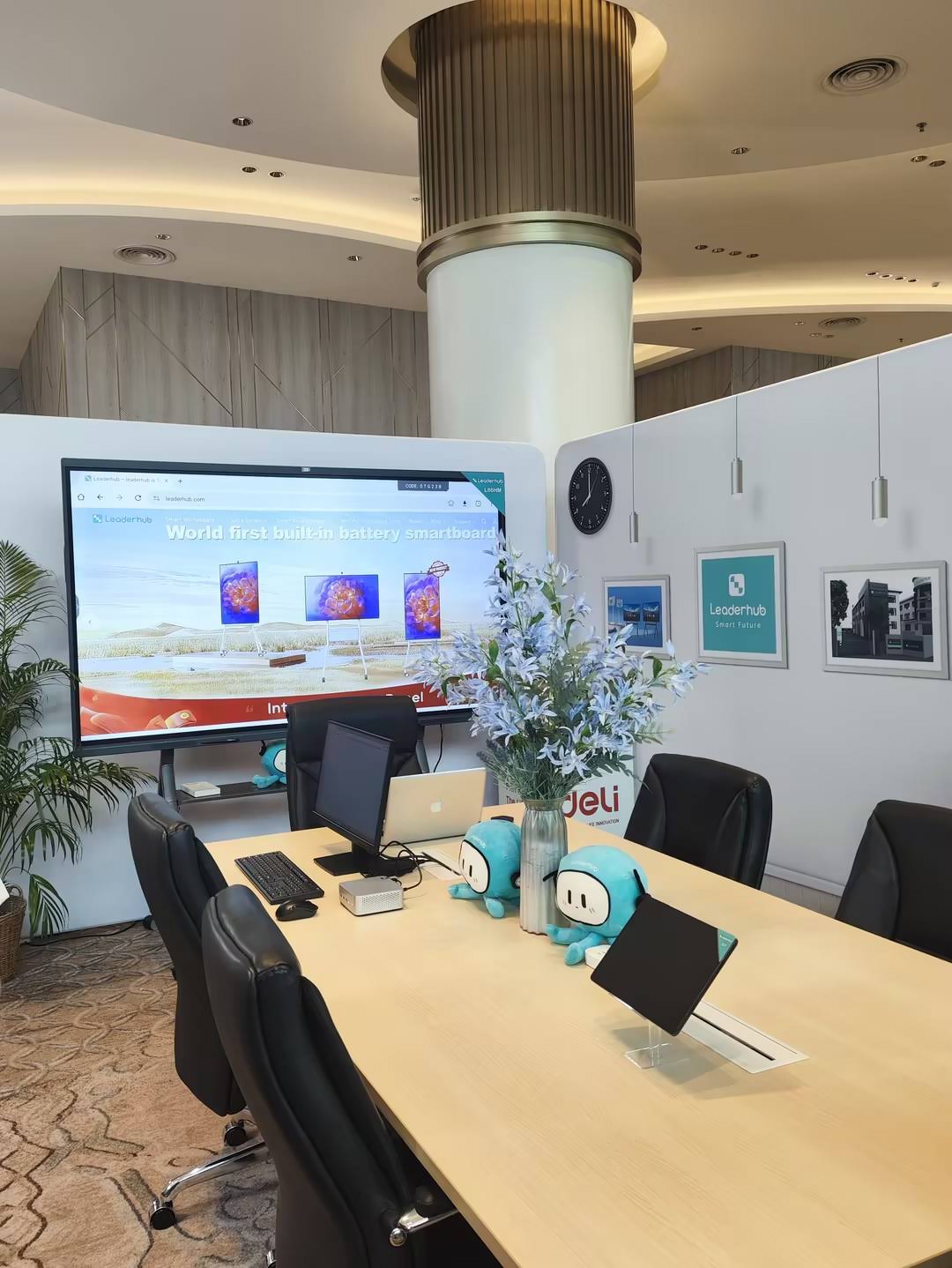
LeaderHub is a Shenzhen-based interactive display company with 16 years of experience, serving education, enterprise and creative professionals in more than 82 countries with smart whiteboards, interactive flat panels, mini PCs and portable smart screens. Ranked NO.1 in its JD.com subcategory and guided by the mission “AI Changes Life”, the company focuses on making AI-enhanced interactive technology accessible and affordable for schools and small-to-medium institutions that cannot justify premium-brand pricing but refuse to compromise on classroom experience.
Implementation Tips: Getting Value From Day One
Even the best hardware fails to transform teaching if it is installed and forgotten. Schools that report the strongest results in 2026 share a few habits.
- Start with pedagogy, not features. Define the three teaching routines you want to improve, then choose features that serve them.
- Run a pilot classroom. One term with two or three enthusiastic teachers surfaces practical issues before a whole-school rollout.
- Invest in training. Short, recurring micro-sessions outperform a single installation-day workshop.
- Standardise. The same panel model and software in every room means any teacher can walk into any classroom and start teaching.
- Plan the network. Hybrid lessons and 4K casting need reliable Wi-Fi 6 or wired connections at every board.
- Review data ethically. Agree in advance how learning analytics will be stored, who sees them and how long they are kept.
Frequently Asked Questions
Are smart boards still worth it when every student has a tablet?
Yes. One-to-one devices personalise learning, but a shared display is what brings the class back together for modelling, discussion and collective problem-solving. In 2026 the two work as a system: students build on tablets and share to the board.
How long should a classroom interactive panel last?
Quality panels are rated for 50,000 hours of backlight life, which translates to roughly 8–10 years of school use. Software and security updates typically continue for 5–7 years, so plan refresh budgets on that cycle.
Do we need a Windows PC inside the board?
Not always. Many schools run entirely on the built-in Android system. However, if your curriculum depends on Windows-only software or secure exam platforms, pairing the panel with a compact mini PC gives teachers the best of both worlds.
What is the biggest mistake schools make when buying smart boards?
Choosing a screen that is too small for the room. A 65-inch panel in a 30-student classroom leaves students at the back squinting. Follow the size guidance above and, when in doubt, go one size up.
The Classroom of 2026 Is Already Here
The smart board classroom technology trends of 2026 point in one direction: toward displays that are intelligent, inclusive, connected and economical over their whole lifespan. AI assistance reduces teacher workload, hybrid features keep every learner in the lesson, larger 4K panels make content readable for all, and cloud-native workflows remove the friction between preparation and delivery.
Schools that embrace these trends thoughtfully — with a clear pedagogical purpose, a realistic budget and a commitment to training — will find that the interactive display becomes far more than a screen. It becomes the place where teaching and learning meet. To explore options for your own classrooms, browse the full range of interactive displays and smart classroom solutions or contact the team for a tailored recommendation.