
Smart Board for PC: The Ultimate Interactive Display for Work and Learning
Seamlessly connect your computing power with LeaderHub’s advanced 4K touchscreen displays. Elevate business meetings, streamline hybrid classrooms, and unlock real-time collaboration with high-performance interactive flat panels.

Why Choose a Smart Board for PC Integration?
In today’s fast-paced digital ecosystem, standalone screens are no longer sufficient. Whether you are leading a high-stakes corporate meeting or conducting an interactive classroom lecture, you need the full computing power of a PC combined with the intuitive touch controls of a large-format display. A smart board for PC acts as a seamless extension of your desktop or laptop, enabling you to touch, write, annotate, and run complex software directly on a giant 4K screen.
LeaderHub’s interactive displays are engineered to bridge this gap. Offering both plug-and-play compatibility with external PCs and dedicated built-in OPS Mini PC options, our smart boards turn standard operating systems like Windows and macOS into collaborative touch-based environments.
From displaying complex data models to real-time digital whiteboarding, connecting a PC to a LeaderHub smart board ensures you have zero software limitations. Run native Windows tools, Microsoft Office 365, Zoom, Teams, and specialized educational software with instantaneous response times and crystal-clear clarity.
Industry Expertise
Developing high-quality interactive flat panels and mini PCs since 2010.
Countries Served
Global distribution delivering reliable smart board systems worldwide.
Market Leader
Ranked as the top interactive display brand in competitive subcategories.
Key Technologies of LeaderHub PC-Compatible Smart Boards
Stunning 4K UHD Clarity
Experience ultra-high-definition presentation output. With 4K resolution, every spreadsheet cell, CAD design, and high-resolution video is presented with flawless precision and vibrant color depth.
OPS Slot-in PC Support
Transform your display into an all-in-one powerhouse. LeaderHub Smart Boards feature standard OPS slots, allowing you to slide in a dedicated Windows PC module without messy cables or external setups.
20-Point Touch Precision
Collaborate simultaneously. Our high-precision infrared touch technology allows multiple users to write, draw, or navigate at the same time, perfect for brainstorming sessions and classroom interactions.
Dual Operating Systems
Switch between Android and Windows in one click. Maintain flexibility by using the lightweight Android interface for quick whiteboarding and switching to the PC module for heavy computing tasks.
Zero-Lag Screen Casting
Cast your laptop, tablet, or smartphone directly to the smart board. Supports multi-screen display configurations, enabling split-screen comparisons during meetings and group projects.
Anti-Glare & Safety Glass
Designed for long hours of look-in comfort. The high-durability tempered glass reduces ambient reflections and filters blue light, protecting eyes in classrooms and corporate boardrooms alike.
Transforming Work & Learning Ecosystems
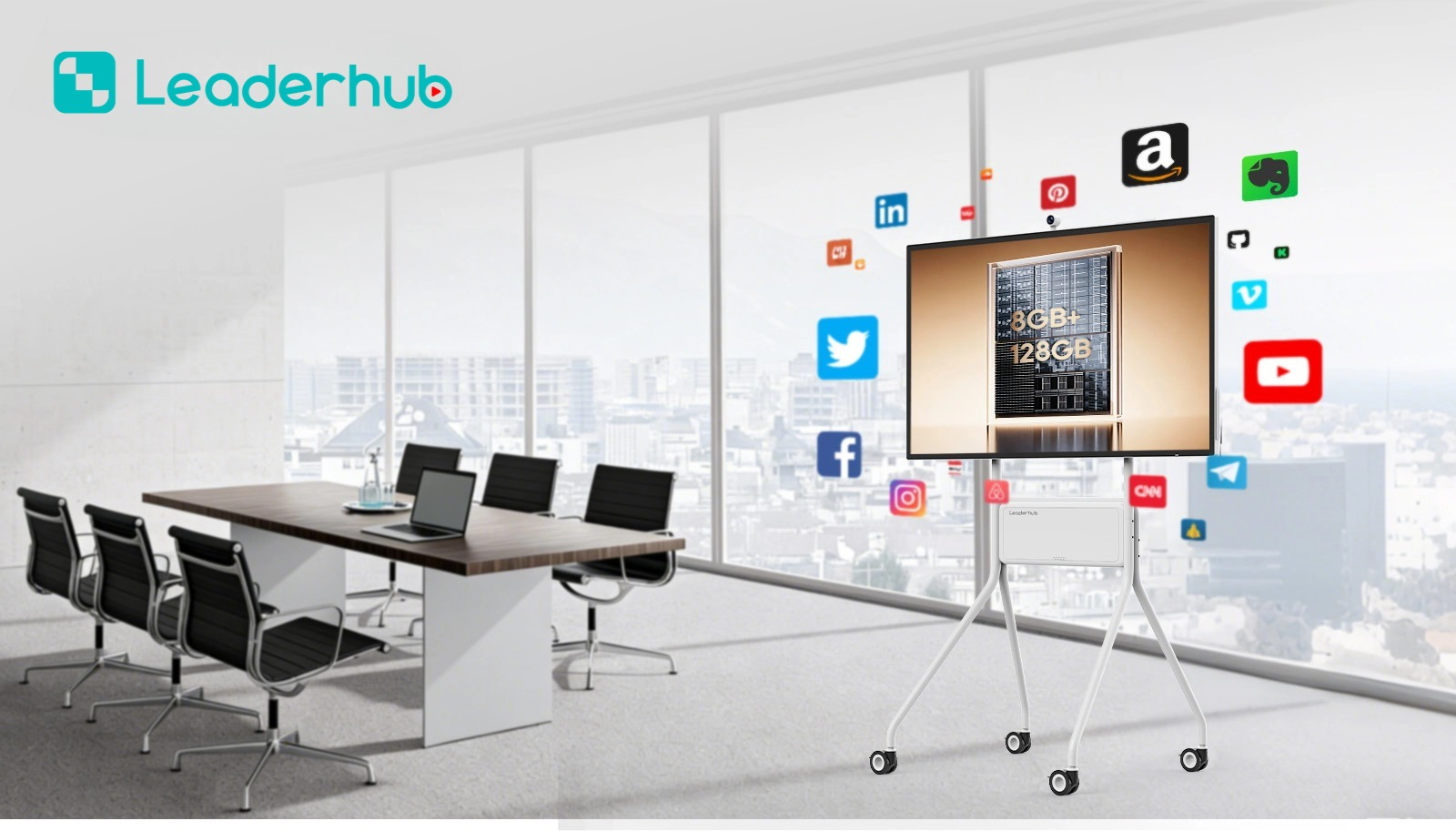
Smart Boards for Corporate Workspaces
Modern enterprises demand dynamic, hybrid-ready meeting environments. A PC-connected interactive flat panel replaces outdated projectors and static whiteboards, streamlining presentations and strategic planning sessions.
- Run Native Windows Apps: Excel, PowerPoint, PowerBI, and custom ERPs.
- Seamless Video Conferencing: Fully compatible with Zoom, Teams, and Webex.
- Interactive Brainstorming: Annotate over active screens and save notes instantly.
- BYOD (Bring Your Own Device): Cast laptops and mobile screens with ease.

Smart Boards for Interactive Education
Engage students like never before. Combining a high-definition touch screen with PC capabilities allows educators to access rich multimedia resources, specialized learning applications, and cloud-based teaching tools.
- Gamified Learning: Run interactive educational games directly on the display.
- Hybrid Classroom Ready: Stream lectures to remote students with clear audio/video integration.
- Intuitive Writing Tools: Multi-touch stylus support mimics real writing with zero lag.
- Robust Resource Libraries: Direct access to online educational portals and tools.
Featured LeaderHub Smart Boards

LeaderHub L65HM Smart Whiteboard — 65″ 4K
Perfect for small to medium meeting rooms and classrooms. Features high-accuracy touch response and seamless dual-OS support.
View Product Details
LeaderHub L75HM Smart Whiteboard — 75″ 4K
A balanced size for standard boardrooms. High-brightness 4K panel ensures clear visibility from all corners of the room.
View Product Details
LeaderHub L86HM Smart Whiteboard — 86″ 4K
Designed for large conference spaces and lecture halls. Experience massive screen estate for complex multi-window workflows.
View Product Details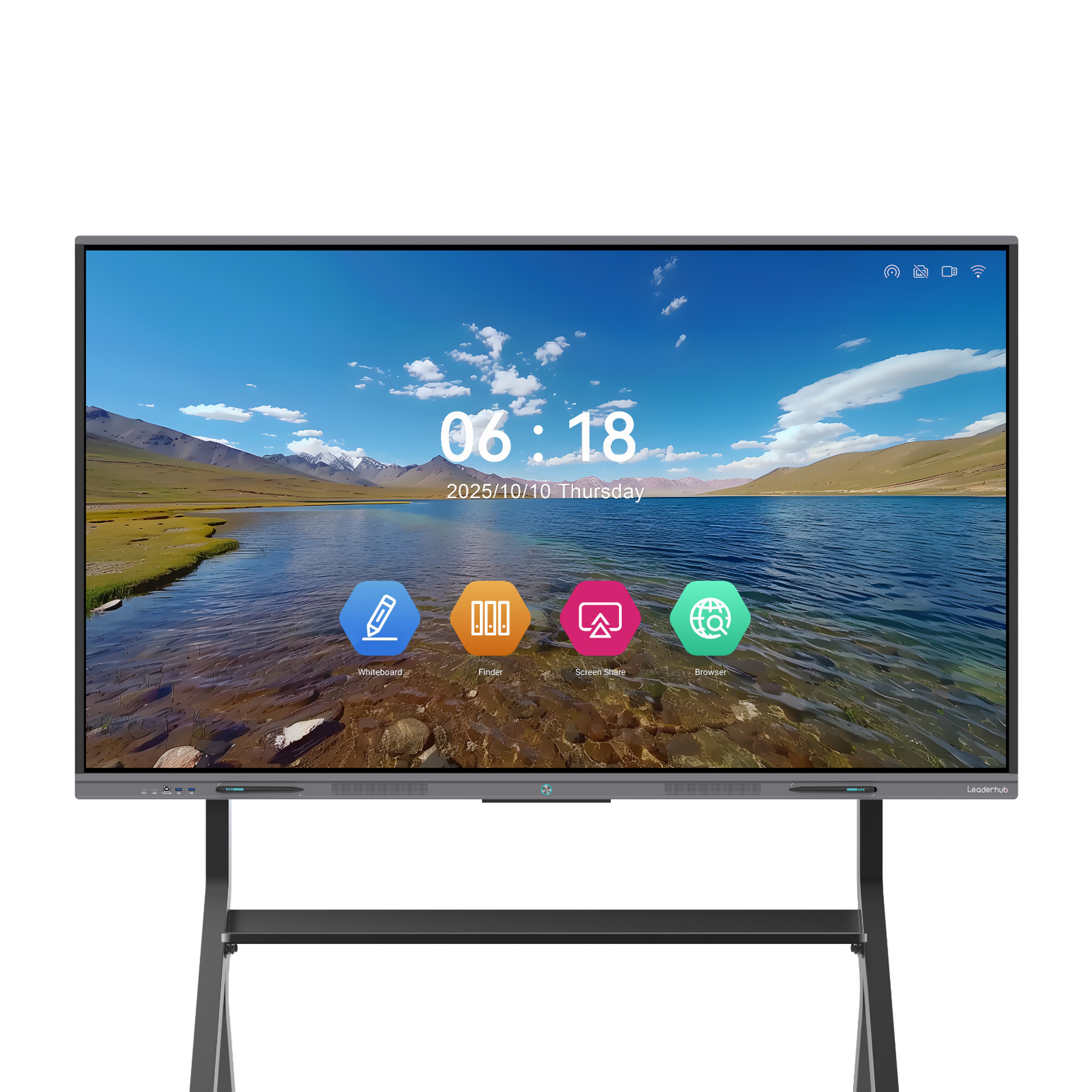
LeaderHub L65ZM Interactive Whiteboard — 65″ 4K
Cost-efficient, high-performance interactive display panel. Ideal for budget-conscious schools and growing businesses.
View Product Details
LeaderHub L75ZM Interactive Whiteboard — 75″ 4K
Offers incredible touch fidelity and rich connectivity ports, making it easy to link with laptops or built-in OPS modules.
View Product Details
LeaderHub L86ZM Interactive Whiteboard — 86″ 4K
The ultimate budget-friendly large format screen. Provides massive screen space without compromising on resolution or response.
View Product DetailsLeaderHub Mini PCs for Interactive Displays
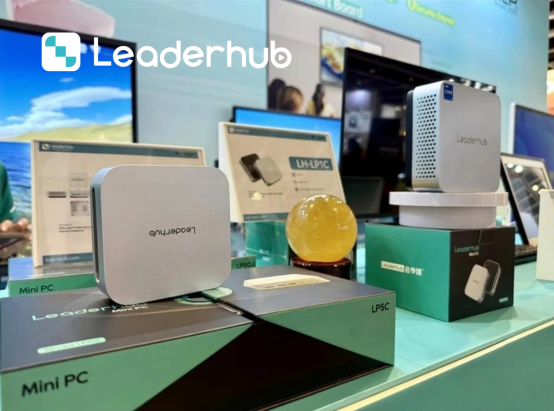
To truly unlock the power of a “Smart Board for PC,” you need robust, reliable computing. Our dedicated Mini PCs are designed to fit perfectly into the OPS slots of our displays or sit compactly alongside them, delivering desktop-class performance under Windows OS.
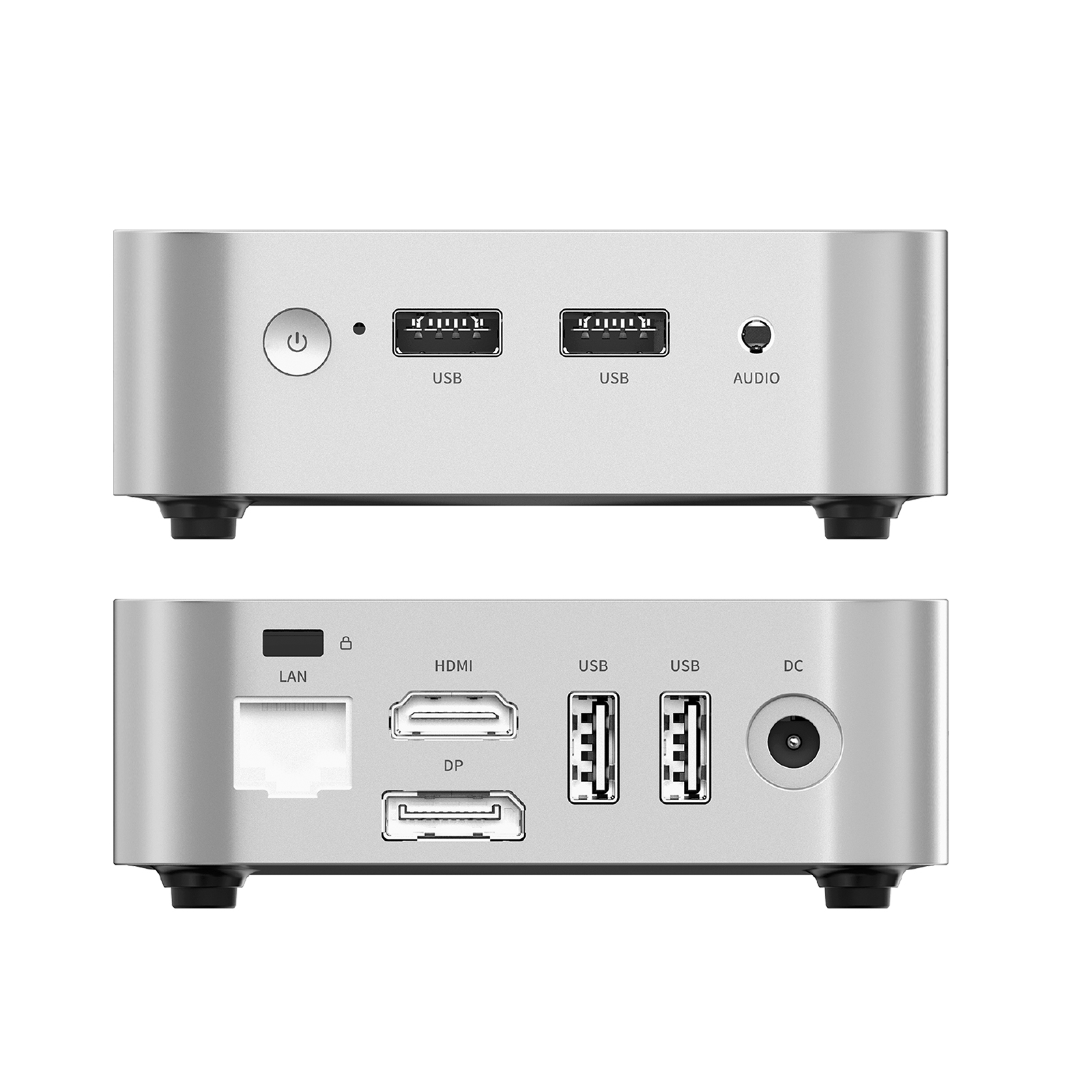
LeaderHub LP1C Mini PC
- Intel N100 Processor
- 8GB RAM / 512GB SSD
- Ideal for basic office tasks and classrooms
- Ultra-low power consumption
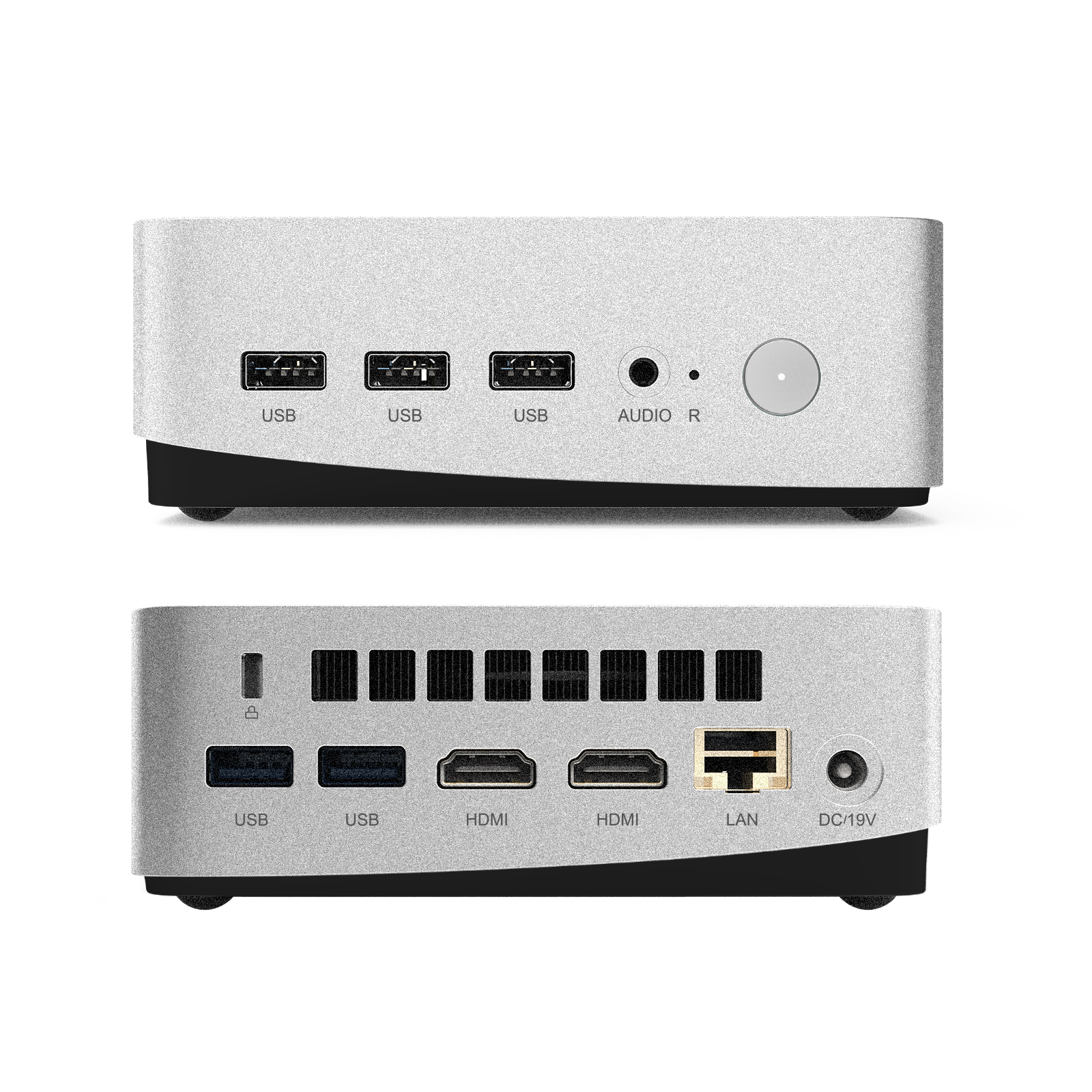
LeaderHub LP5C Mini PC
- Intel i5-12450HX Processor
- 16GB RAM / 512GB SSD
- Engineered for heavy multitasking
- Supports complex collaborative software
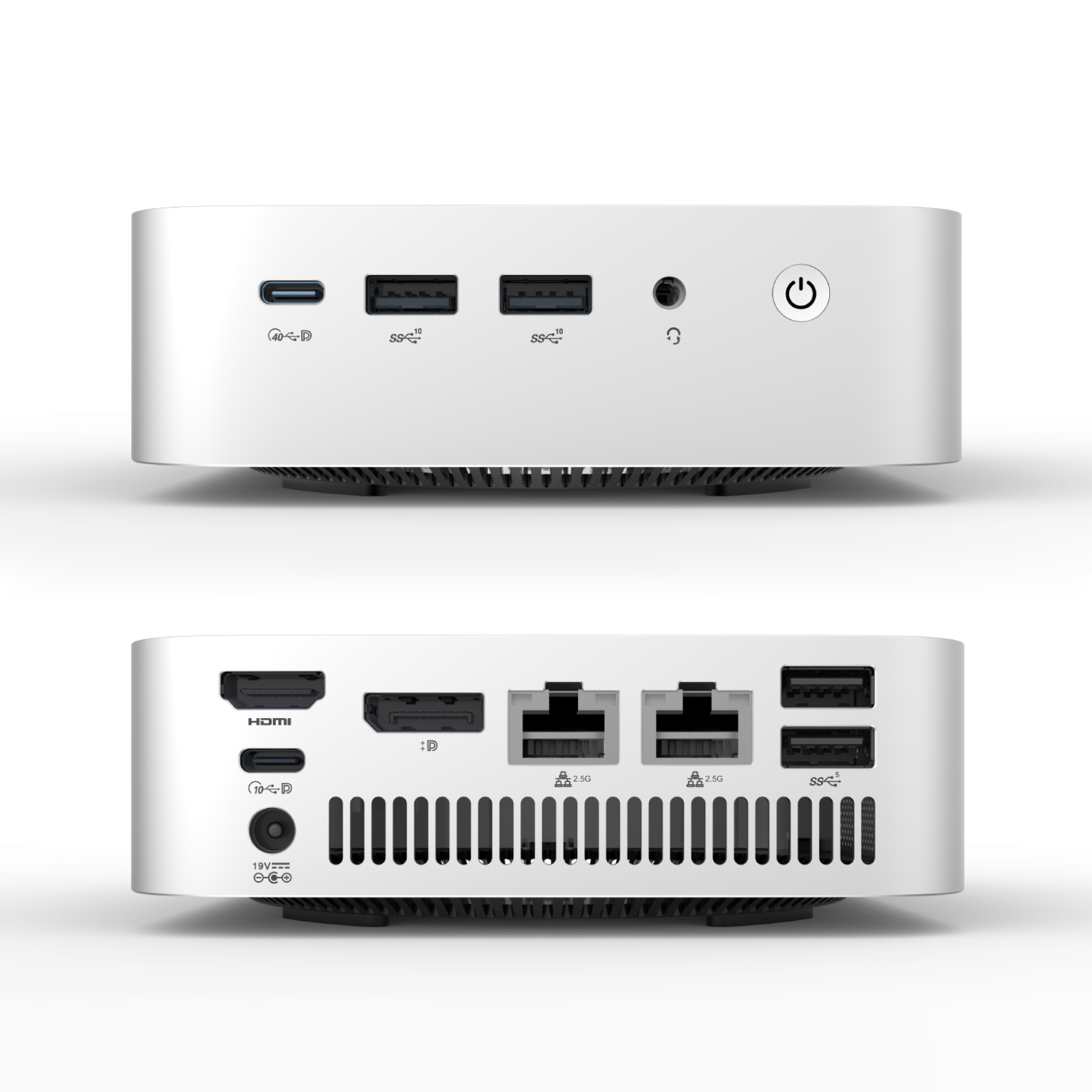
LeaderHub AD8 Mini PC
- Top-tier performance processor
- Advanced thermal cooling system
- Designed for enterprise-level deployment
- Flawless 4K screen streaming
Smart Board & Interactive Display Series Comparison
| Model Series | Sizes Available | Resolution & Touch | Primary Features | Starting Price | Action |
|---|---|---|---|---|---|
| LeaderHub HM Series | 65″, 75″, 86″ | 4K UHD, 20-Point Touch | Premium build, high-accuracy writing, dual OS support, zero-bonding technology. | $1,299.00 | Explore Series |
| LeaderHub ZM Series | 65″, 75″, 86″ | 4K UHD, 20-Point Touch | Cost-effective interactive display, perfect for budget classrooms and standard office spaces. | $1,099.00 | Explore Series |
| LeaderHub U55Pro | 55″ | 4K UHD, 20-Point Touch | Mobile interactive flat panel, built-in battery options, rotating stand compatible. | $2,499.00 | View Model |
| LeaderHub L110H | 110″ | 4K UHD, Multi-Touch | Ultra-large format display for auditoriums, large lecture halls, and executive boardrooms. | $7,999.00 | View Model |
LeaderHub: Shaping the Future of Interactive Display
LeaderHub is a Shenzhen-based technology pioneer with 16 years of expertise in the interactive flat panel industry. We design, manufacture, and distribute leading smart whiteboards, mini PCs, and rotating screens to over 82 countries worldwide.
Our commitment is simple: empowering small, medium, and large enterprises with high-efficiency collaboration technologies. By combining cutting-edge hardware with AI integration, we optimize workflow efficiency in offices, classrooms, and creative spaces globally.
- No.1 JD.com Subcategory Interactive Panels
- Annual Most Invested-Value Brand
- Annual Conference Tablet — Most Innovative Product
- Shenzhen Famous Brand Recognition



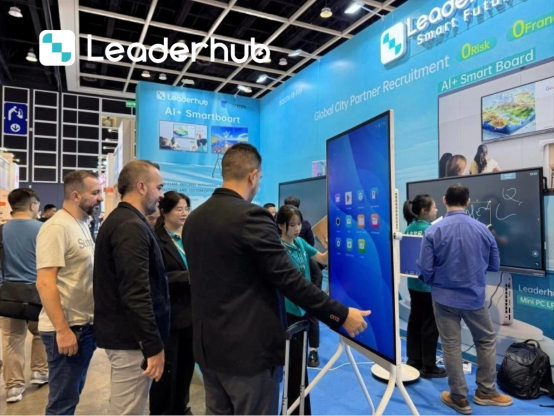
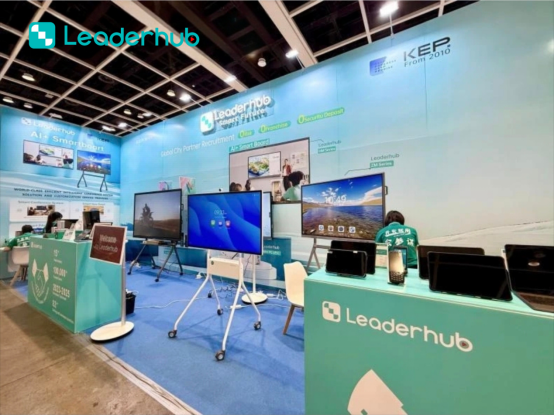
Understanding the Architecture of a Smart Board for PC
The Importance of a High-Performance OPS PC
When selecting a smart board for PC tasks, many users overlook the hardware driving the operating system. An interactive flat panel is, at its core, a high-fidelity display monitor paired with an advanced touch-digitizer grid. To run resource-intensive apps like CAD software, high-definition video editing, or real-time 3D models during presentations, you need a robust PC backing it up.
By opting for a built-in Open Pluggable Specification (OPS) PC module, you eliminate the need to run long HDMI and USB cables from a laptop to the screen. LeaderHub’s OPS modules, such as the LP5C featuring Intel Core i5 processors, slide directly into the chassis of the display. This setup draws power internally and connects directly to the screen’s touch interface, providing a neat, cable-free installation that starts up instantly with the display itself.
Enhancing Remote Collaboration with Hybrid Classrooms
The post-pandemic world has made hybrid environments standard. For schools and universities, a smart board for PC acts as the central hub of the classroom. Teachers can launch Zoom or Microsoft Teams on the display, utilize a high-definition webcam to broadcast the classroom, and use the smart board’s whiteboarding software to write out math formulas or annotate historical maps.
Students sitting at home see the digital whiteboard feed in real-time, while students in the classroom can walk up to the board and interact with it directly. This level of versatility ensures that no student is left behind, regardless of their physical location.
Optimizing Your Office Workflow and Eliminating Paper
In the corporate sphere, transition to digital workspaces is key to modern efficiency. Using a smart board for PC allows teams to save thousands of sheets of paper annually. Instead of printing out handouts for weekly meetings, managers can display documents on the screen, make edits on the fly using touch input, and distribute the annotated files digitally via email or cloud storage immediately after the meeting concludes.
Frequently Asked Questions About Smart Boards for PC
Can I connect any PC/Laptop to a LeaderHub Smart Board?
Yes, absolutely. LeaderHub smart boards are designed with multiple input ports, including HDMI, DisplayPort, and USB Type-C. You can easily connect your Windows laptop, MacBook, or desktop PC. The touch function works plug-and-play via USB connection.
Do I need a separate PC to run the smart board?
No. LeaderHub smart boards come with a built-in Android operating system that handles basic tasks like whiteboarding, web browsing, and document viewing. However, for running full Windows applications, we recommend adding an OPS Mini PC module or connecting an external laptop.
What is an OPS PC and how does it work?
OPS stands for Open Pluggable Specification. It is a standard slot on the side of the interactive flat panel. A compatible OPS PC module slides directly into this slot, turning your smart board into a massive, integrated Windows 10/11 computer without any external cabling.
Does the touch screen support macOS?
Yes. LeaderHub interactive screens support macOS. Simply connect your MacBook via HDMI/USB-C and a touch USB cable to enjoy responsive touch capabilities directly on the display.
How many touch points do the screens support?
Our displays feature advanced infrared touch technology supporting up to 20 simultaneous touch points. This means multiple users can write, erase, and move objects on the screen at the same time without interference.
Is special software required to write on the screen?
No. While we provide powerful built-in annotation and whiteboard software, you can also write directly within Microsoft Office apps (like PowerPoint, Word, and OneNote) using native Windows Ink features.
Ready to Upgrade the Way You Meet, Teach, and Create?
Join thousands of businesses and schools in 82 countries that rely on LeaderHub for their interactive display solutions. Get in touch with our product experts today to find the perfect smart board setup for your workspace.
