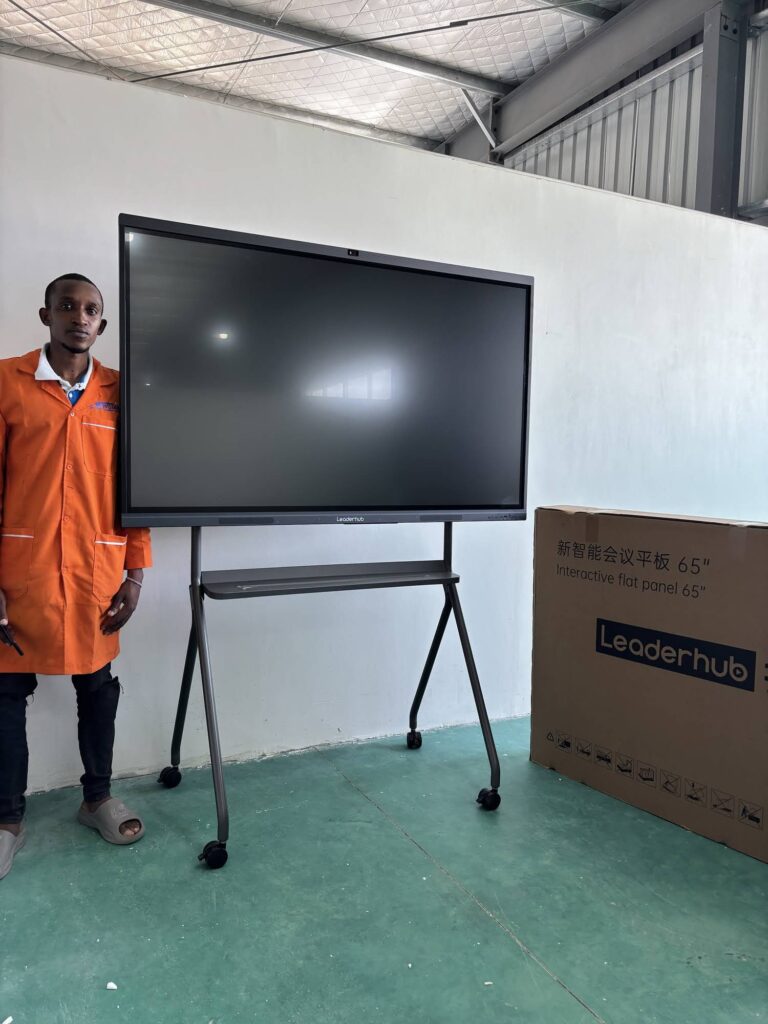
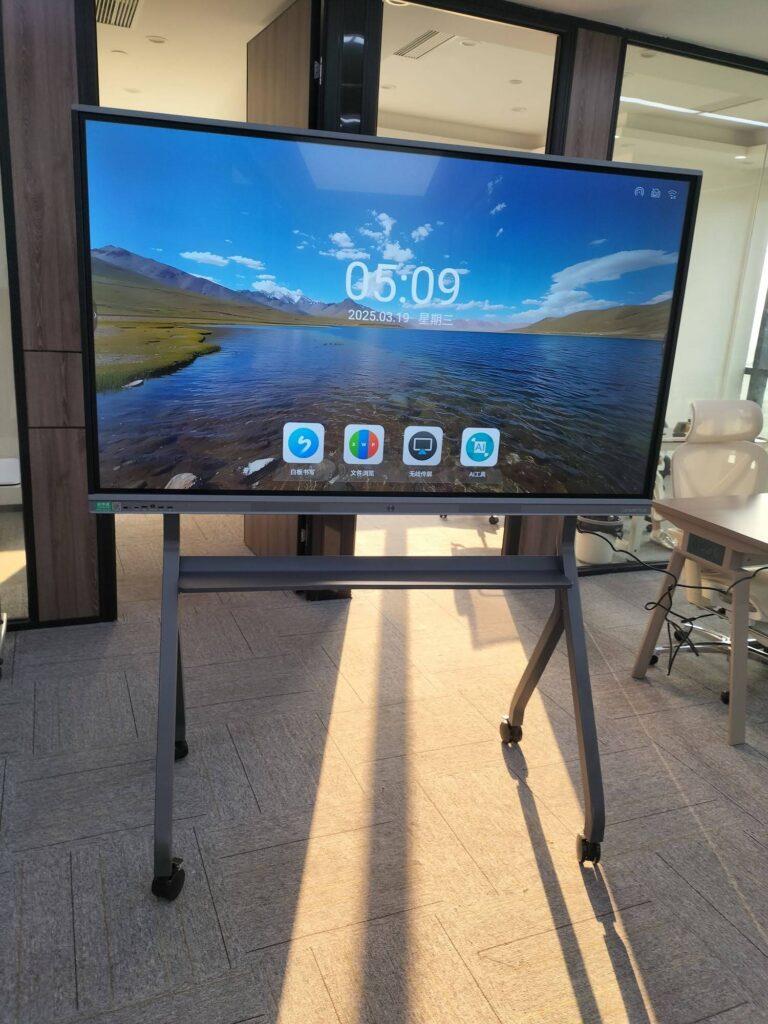
If your organization already owns an interactive display, you are in a stronger position than a first-time buyer. Many manufacturers and distributors now offer a smart board upgrade credit for existing customers — a trade-in or loyalty allowance that lowers the cost of moving from an aging whiteboard to a modern 4K interactive flat panel. This guide explains how these programs typically work, who qualifies, how to claim the credit step by step, and how to make sure the savings actually land in your budget rather than disappearing into hidden fees.

What Is a Smart Board Upgrade Credit?
A smart board upgrade credit is a financial incentive offered to customers who already own an interactive whiteboard, interactive flat panel, or projector-based board and want to replace it with a newer model. Instead of paying the full list price, the existing customer receives a credit applied directly to the new purchase. The credit can be structured in several ways:
- Trade-in credit — the old display is collected or recycled, and its residual value is deducted from the new order.
- Loyalty credit — a fixed percentage or flat amount awarded simply because you are a registered customer, with no return required.
- Fleet refresh credit — tiered discounts for schools or enterprises replacing multiple units at once.
- Accessory and service credit — the allowance is applied toward wall mounts, mobile stands, OPS modules, or extended warranties instead of the panel itself.
For buyers comparing options, it helps to understand the baseline cost of modern panels. You can browse current pricing across the LeaderHub smart whiteboard collection before calculating how much an upgrade credit would reduce your total spend.
Why Upgrade Programs Exist — and Why Now Is the Right Time
Interactive displays installed between 2014 and 2019 are now reaching the end of their practical life. Many are 1080p, have slow embedded Android systems, lack USB-C, and cannot run current collaboration or AI software. Meanwhile, education authorities and research bodies continue to highlight the need for well-planned, up-to-date classroom technology. The UNESCO Technology in Education Report stresses that technology should be chosen on the learner’s terms, with clear evidence of benefit — which is exactly the question an upgrade decision should answer.
Upgrade credits exist because manufacturers want to keep installed customers inside their ecosystem rather than lose them to a competitor at renewal time. That dynamic works in your favor: existing customers typically save 10%–30% compared with new buyers paying list price, and they often receive priority on installation scheduling and extended warranty terms.
Signs Your Current Display Is Due for Replacement
- Touch latency, ghosting, or dead zones on the glass
- Resolution below 4K, making text in spreadsheets or documents hard to read from the back of the room
- No wireless screen sharing or outdated casting protocols
- Operating system no longer receiving security updates
- Projector lamps or bulbs that are expensive or discontinued
- Inability to run video conferencing apps smoothly for hybrid meetings or classes
How to Qualify for a Smart Board Upgrade Credit
Qualification rules vary by vendor, but most programs share a common set of requirements. Review this checklist before you apply so you can gather documentation in advance.
| Requirement | What It Usually Means | How to Prove It |
|---|---|---|
| Existing ownership | You currently own an interactive display, from any brand or from the same brand | Original invoice, serial number, or warranty registration |
| Minimum age of unit | Typically 3+ years old to be eligible for trade-in value | Purchase date on invoice or manufacture date on label |
| Organization type | Schools, universities, businesses, and government bodies — some programs exclude individual consumers | Business registration or institutional email domain |
| Minimum order | Often one unit for loyalty credit; fleet credits may start at 5 or 10 units | Quote or purchase order |
| Claim window | Credit must be claimed within a promotional period or within 30–90 days of quote | Dated confirmation email from the vendor |
Tip: Even if you bought your original board from a different manufacturer, ask. Competitive trade-in programs frequently accept any brand because the vendor’s goal is to win your next ten years of business, not to recover the old hardware.
Step-by-Step: How to Claim Your Upgrade Credit
Step 1 — Audit Your Current Installation
Record the brand, model, screen size, serial number, purchase date, and condition of each display you plan to replace. Note the mounting type (wall mount or mobile stand) and whether an OPS computer or external PC is attached. This audit determines your eligibility and helps the vendor estimate trade-in value.
Step 2 — Define the Replacement Specification
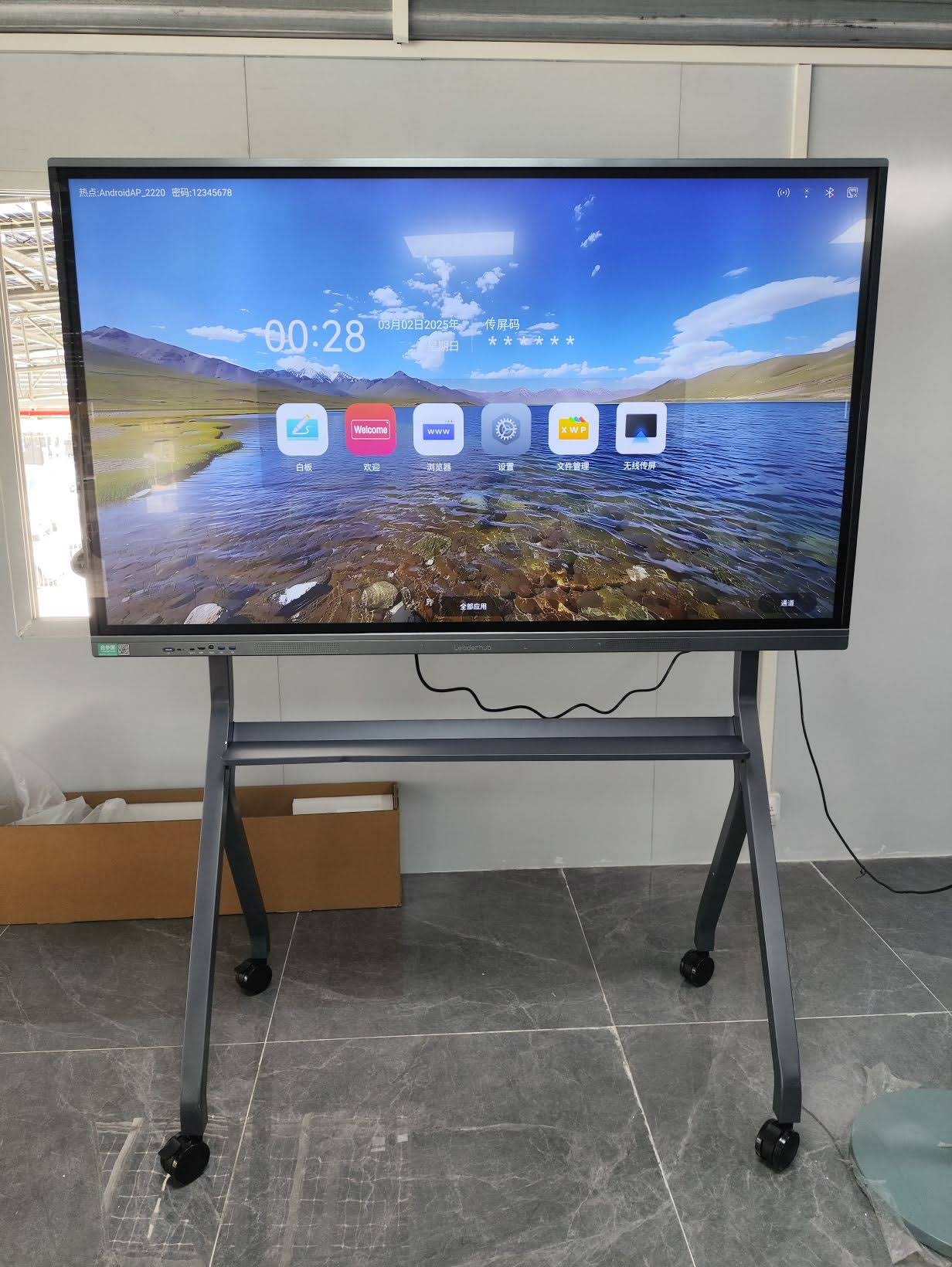
Decide what the new panel needs to do. For most rooms in 2026, the baseline is a 4K touchscreen with 20-point touch, wireless casting, USB-C, and an upgradable OPS slot. Match the size to the room: 65″ for small meeting rooms and breakout spaces, 75″ for standard classrooms, 86″ for large lecture rooms, and 110″ for auditoriums or boardrooms. Guidance such as the Choosing an Interactive Display for K-12 Q&A is useful for districts that need to justify specifications to a procurement committee.
Step 3 — Request a Quote That States the Credit Separately
Ask the vendor to itemize the quote: list price, upgrade credit, net price, shipping, installation, and warranty. A transparent quote lets you compare offers and prevents the credit from being quietly offset by inflated accessory charges.
Step 4 — Submit Proof of Existing Ownership
Send the documents gathered in Step 1. Most vendors confirm eligibility within a few business days. If you are replacing a fleet, provide a spreadsheet of serial numbers to speed up approval.
Step 5 — Arrange Return, Recycling, or Redeployment of Old Units
Trade-in programs may collect the old display, or they may let you keep it. Many schools redeploy older boards to libraries or staff rooms and still receive a loyalty credit. Confirm which model applies to your agreement before the new panels ship.
Step 6 — Confirm the Credit on the Final Invoice
Before paying, verify that the net amount matches the approved quote and that the credit appears as a line item. Keep this invoice — it will become your proof of ownership for the next upgrade cycle.
How Much Can You Save? Worked Examples
The table below shows illustrative savings when an upgrade credit is applied to current 4K interactive whiteboards. Credit values are examples only — your actual allowance depends on the program, the age of your existing unit, and order volume.
| Replacement Model | List Price | Example Upgrade Credit (15%) | Estimated Net Price |
|---|---|---|---|
| L65ZM 65″ 4K Smart Panel | $1,099 | $165 | $934 |
| L75ZM 75″ 4K Smart Panel | $1,399 | $210 | $1,189 |
| L75HM 75″ 4K Touchscreen | $1,599 | $240 | $1,359 |
| L86ZM 86″ 4K Smart Panel | $1,699 | $255 | $1,444 |
| L110H 110″ Interactive Flat Panel | $7,999 | $1,200 | $6,799 |
For a school replacing 20 classroom boards with 75″ panels, a 15% credit represents roughly $4,000–$5,000 in direct savings — before counting reduced energy use, eliminated projector lamp costs, and fewer support tickets.

Maximizing the Value of Your Upgrade Credit
Pair the Credit With a Mini PC Instead of an Expensive OPS
Some vendors apply the upgrade credit to accessories as well as panels. A compact mini PC connected via HDMI and USB touch-back often delivers more performance per dollar than a proprietary OPS module. Options such as the LeaderHub mini PC range start at a fraction of the cost of a full panel and can be upgraded independently later.
Negotiate Warranty Extensions as Part of the Deal
If a vendor cannot increase the cash credit, ask for a longer warranty or on-site service instead. For an institution, a 5-year warranty on a 4K panel often has more total value than a few hundred dollars off the purchase price.
Time Your Claim to Budget Cycles and Trade Shows
Upgrade promotions cluster around fiscal year-ends and major industry events. Manufacturers that exhibit at international electronics shows frequently launch refreshed trade-in offers at the same time, so align your procurement calendar accordingly.
Consider Mobile and Rotating Displays for Flexible Spaces
Not every replacement needs to be a wall-mounted panel. Breakout areas, training rooms, and hybrid-learning spaces benefit from battery-powered rotating screens that move between rooms. Reviewing the rotating smart screen lineup alongside standard panels helps you allocate the credit where it creates the most daily impact.
Common Mistakes That Reduce Your Savings
- Accepting a bundled price without itemization. You cannot verify a credit you cannot see.
- Missing the claim window. Many credits expire 30–90 days after the quote date.
- Over-specifying size. An 86″ panel in a small room wastes credit that could fund a second display elsewhere.
- Ignoring installation compatibility. Confirm the new panel’s VESA pattern matches existing mounts, or budget for new ones.
- Forgetting to register the new unit. Registration today is what qualifies you for the next upgrade credit in five years.
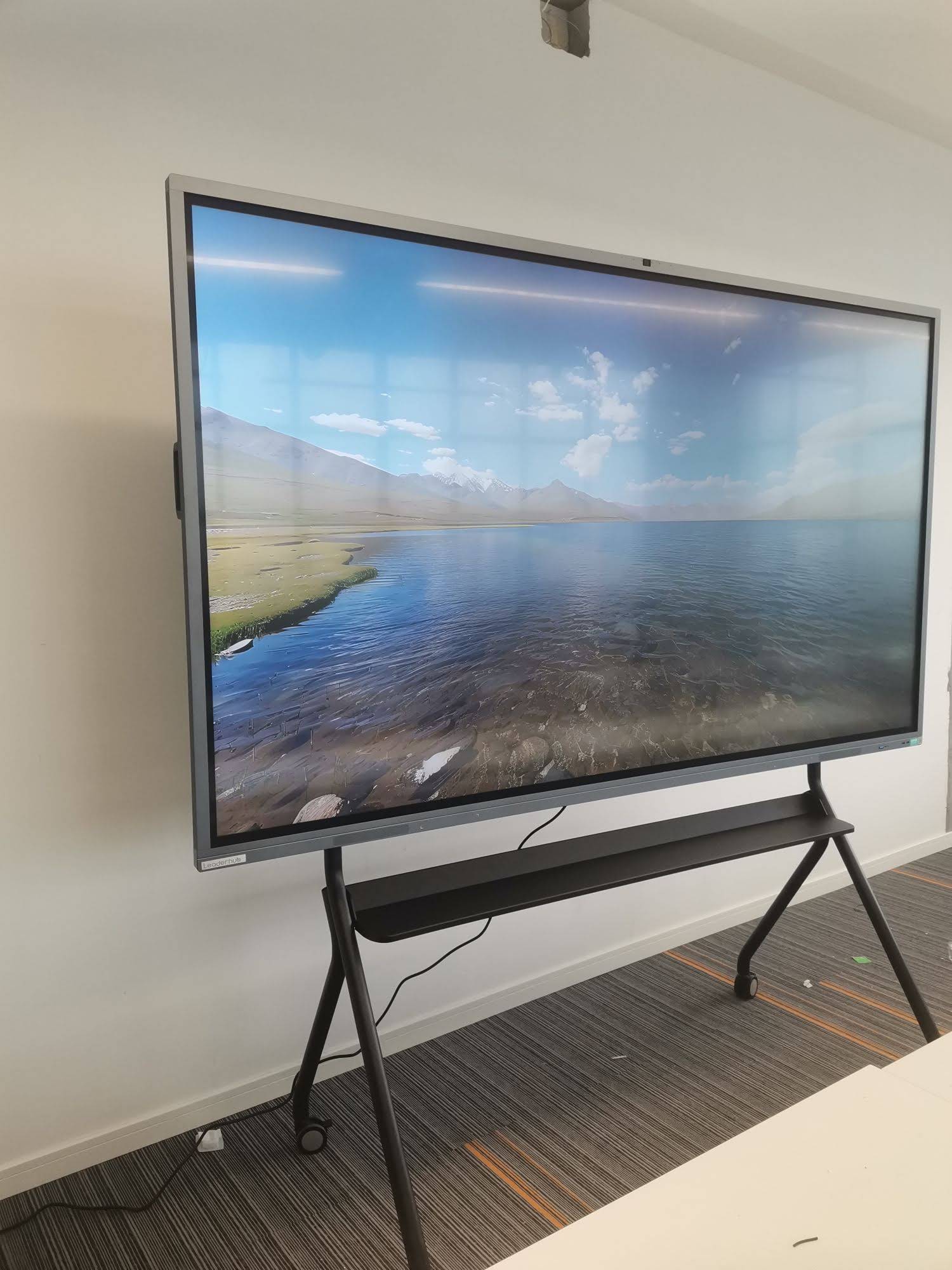
Who Offers Upgrade Credits for Interactive Displays?
Upgrade and trade-in credits are available from several channels, each with different strengths:
- Manufacturers — usually the most generous credits, since they are protecting long-term customer relationships and can absorb margin.
- Authorized distributors and AV integrators — may add installation and training to the package, which is valuable for multi-site rollouts.
- Education purchasing consortia — negotiate volume-based refresh pricing that functions like an upgrade credit for member schools.
LeaderHub, a Shenzhen-based manufacturer with 16 years in the interactive-display industry and customers in 82 countries, works directly with schools, enterprises, and integrators on replacement projects, and its team can confirm eligibility and structure a refresh quote through the contact page. Whichever channel you choose, the rules in this guide apply: document your existing hardware, demand an itemized quote, and claim within the window.
Frequently Asked Questions
Do I need to return my old smart board to receive the credit?
Not always. Trade-in credits usually require return or recycling; loyalty credits typically do not. Ask which type you are being offered.
Can the credit be combined with education or volume discounts?
Often yes, but some programs cap the total discount. Request the combined net price in writing.
Does an upgrade credit apply to projector-based interactive whiteboards?
Many programs accept projector-based systems as qualifying hardware, since replacing them with flat panels is the most common upgrade path.
What size should I choose when upgrading from a 65″ 1080p board?
Moving to a 75″ 4K panel is the most popular choice, because 4K resolution keeps text sharp at the larger size while the physical footprint still fits standard classroom walls.
How long does the claim process take?
Eligibility is usually confirmed within 2–5 business days once ownership documents are submitted; delivery timelines depend on stock and order volume.
Final Thoughts
A smart board upgrade credit for existing customers turns an unavoidable replacement cost into a planned, discounted refresh. By auditing your current displays, defining the right specification, insisting on an itemized quote, and claiming within the program window, you can move an entire building to 4K interactive technology for significantly less than list price — while setting yourself up for the next credit cycle. Start by reviewing current models in the LeaderHub shop, then request a refresh quote with your existing serial numbers in hand.