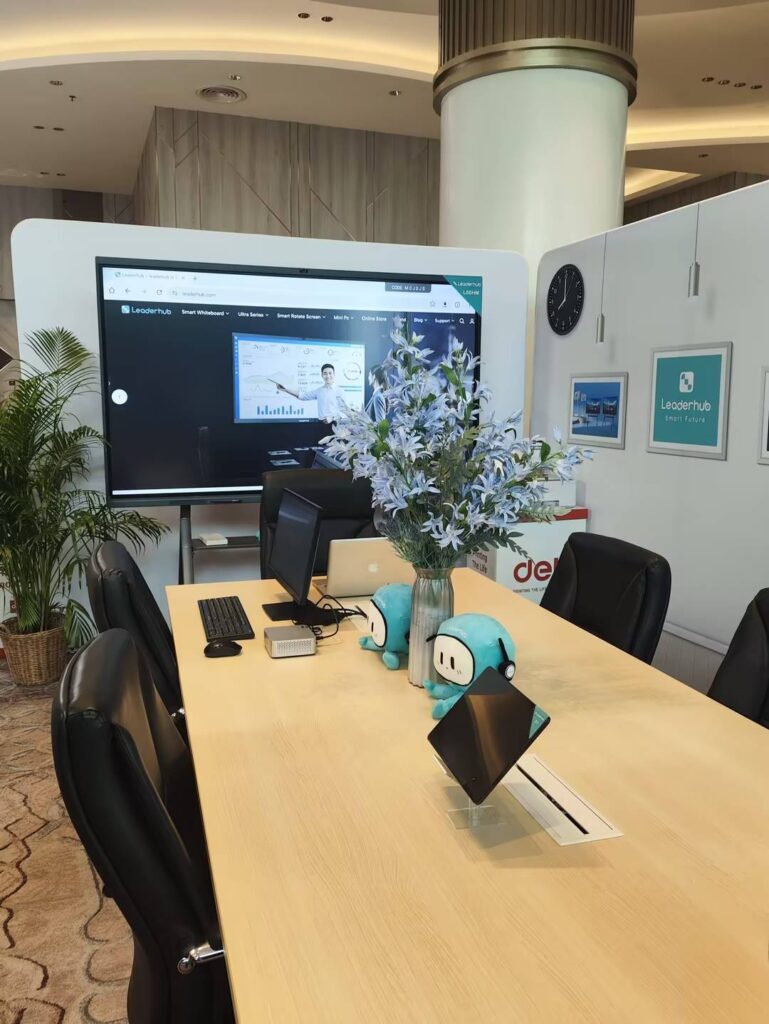
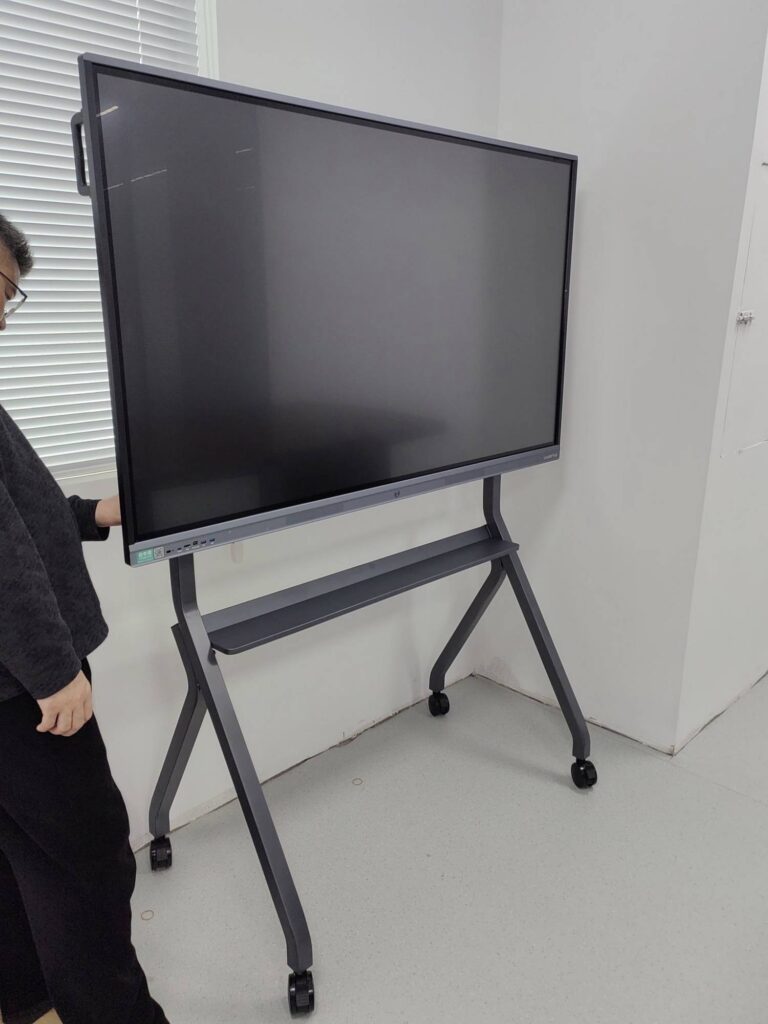
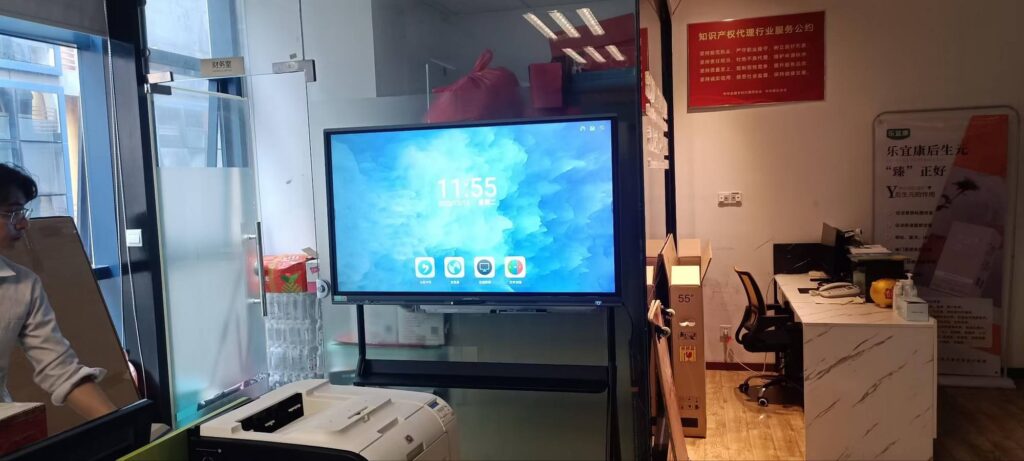
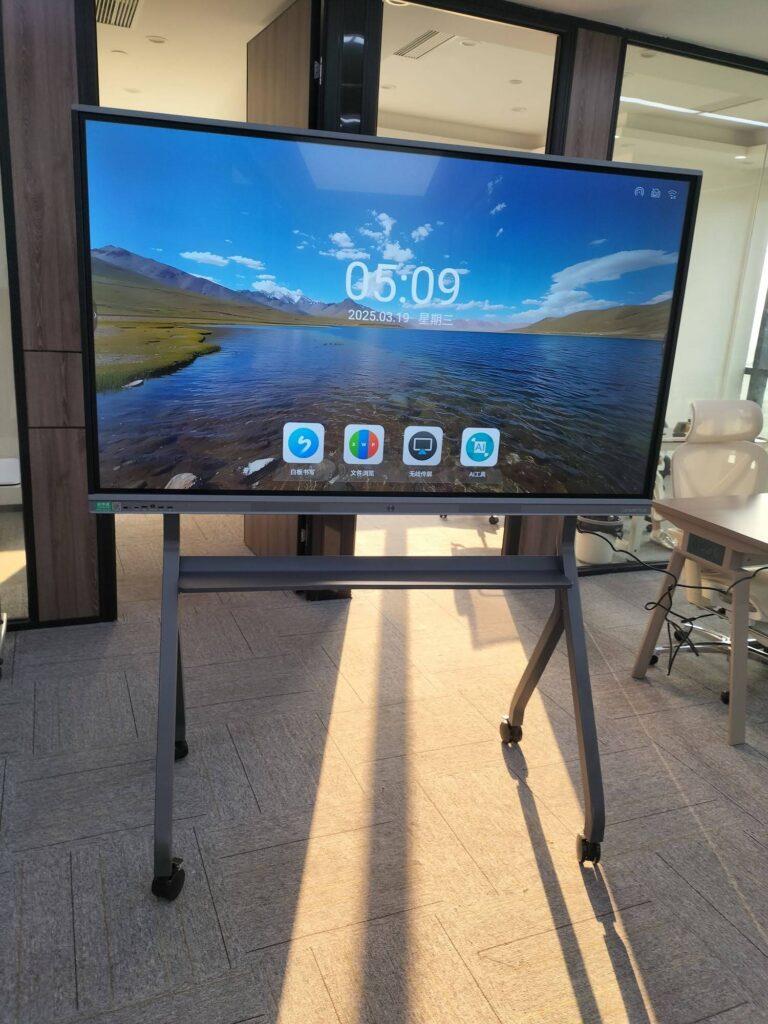
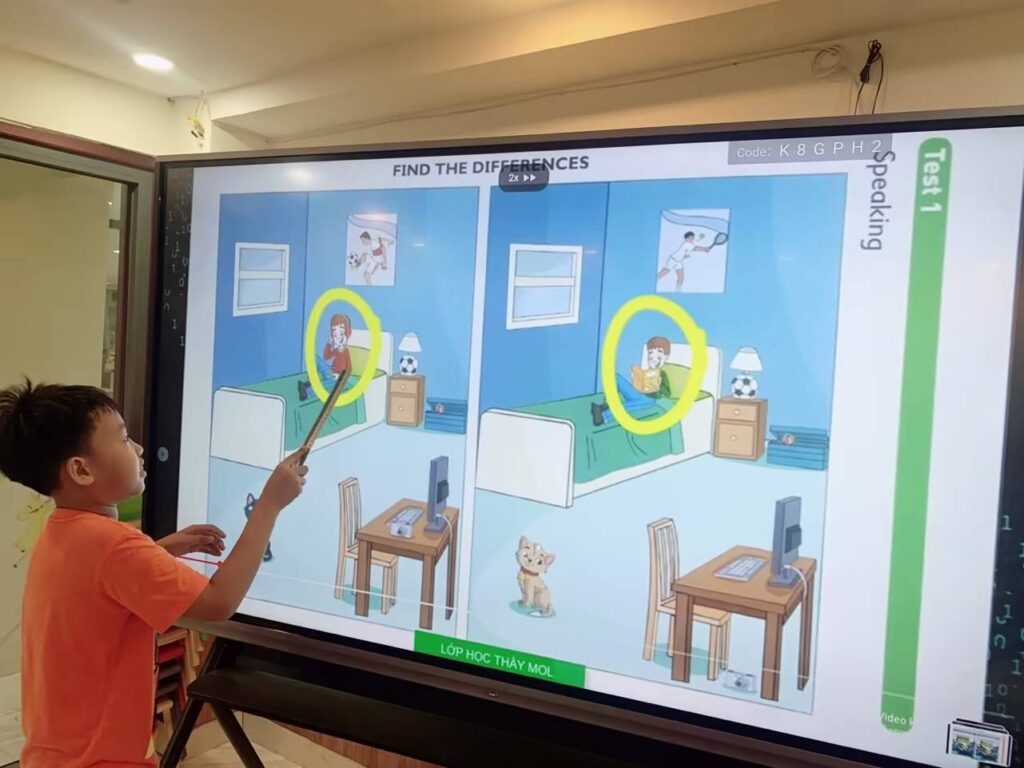
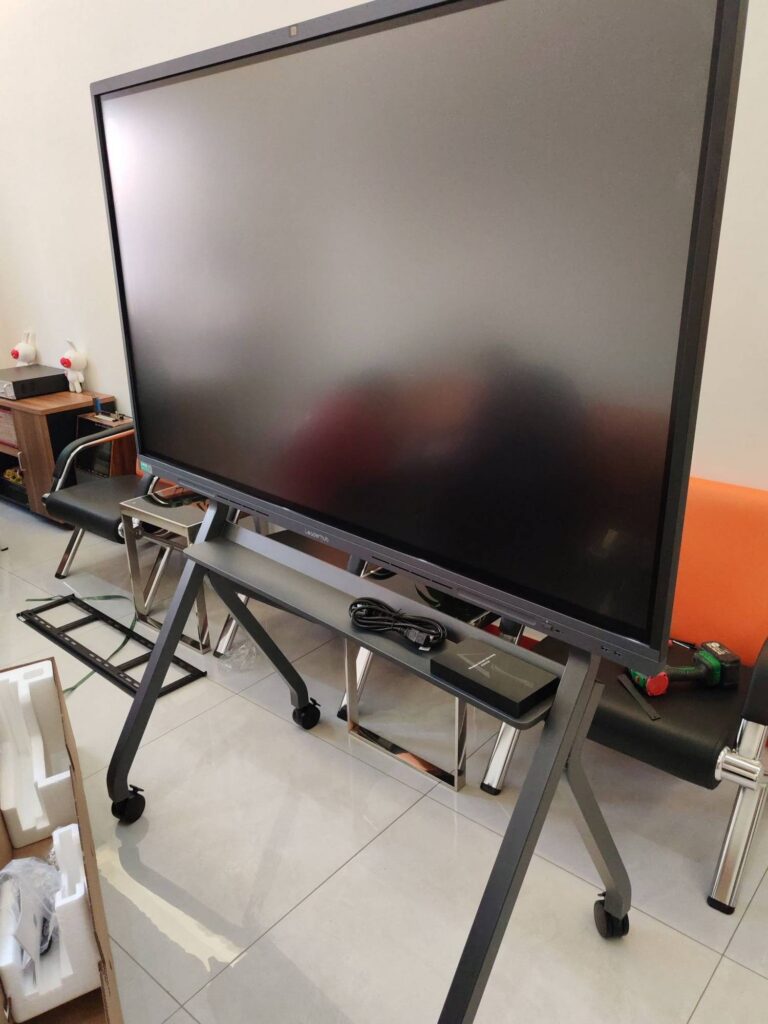
Most change initiatives do not fail because the strategy is wrong. They fail because people never fully understand it, never feel part of it, and quietly return to old habits once the launch excitement fades. A smart board for organizational change management tackles exactly this gap: it turns abstract transformation plans into a shared, visible, touchable workspace where leaders and teams can see the change, shape it, and track it together.
This guide explains how interactive displays support every phase of a change program, which features matter most, how to roll them out so people actually use them, and how to measure results that last well beyond the first quarter.
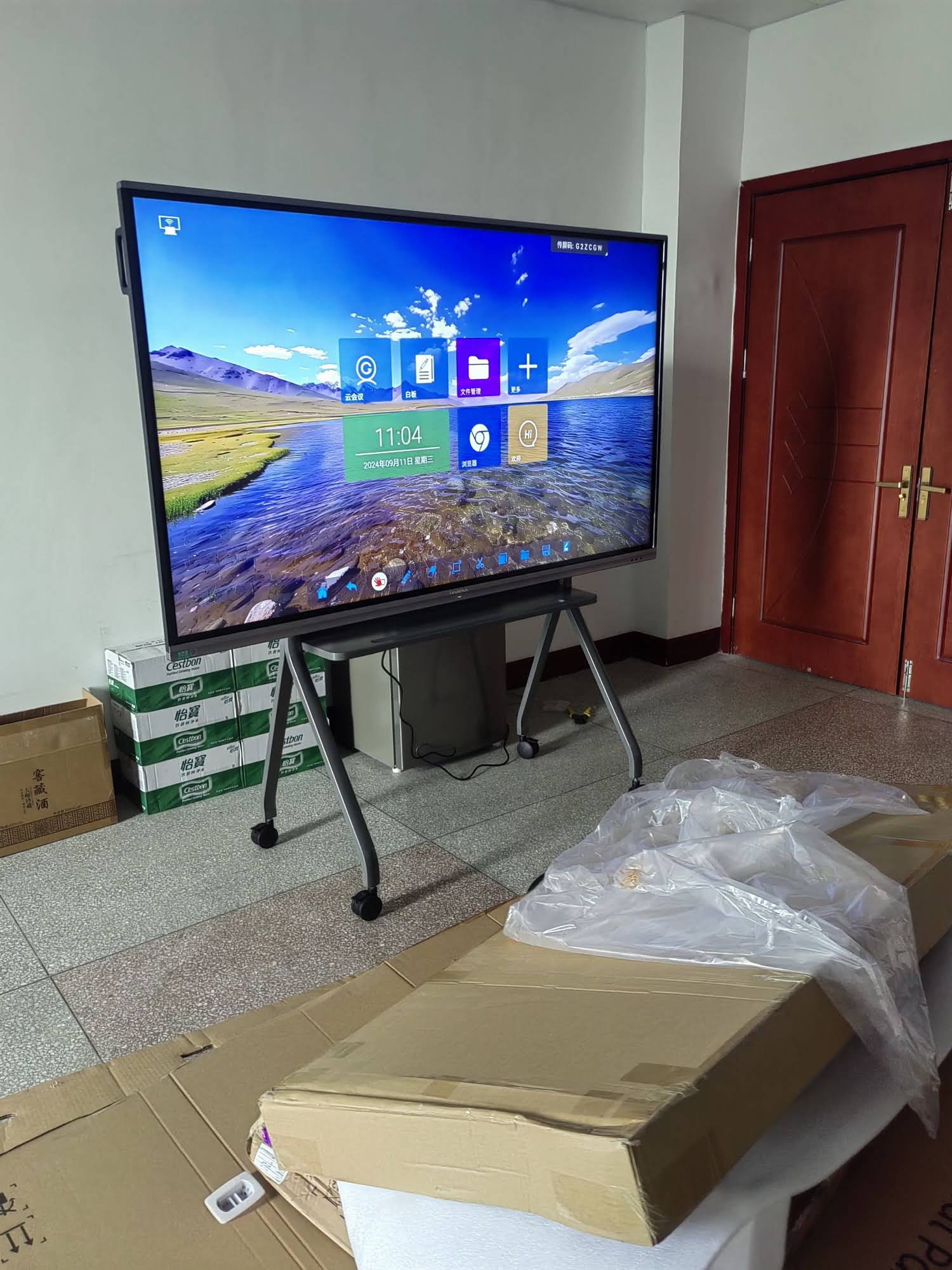
Why Organizational Change Needs a Shared Visual Workspace
Change management frameworks such as ADKAR, Kotter’s eight steps, and Lewin’s unfreeze-change-refreeze model all depend on one thing: clear, repeated, two-way communication. Yet in most companies that communication happens through slide decks emailed after meetings, whiteboard photos nobody can read, and chat threads that disappear within days.
An interactive flat panel changes the dynamics of the room. Instead of one person presenting and everyone else listening, the board becomes a common canvas. Stakeholders can annotate the roadmap, move milestones, vote on priorities, and watch the plan evolve in real time. For distributed teams, the same canvas is shared to remote participants, so a regional office does not feel like a spectator in headquarters’ decisions.
Three communication problems a smart board solves
- Fragmented information – strategy, timelines, risks, and feedback live in one persistent digital workspace rather than across dozens of files.
- Passive audiences – touch interaction, polls, and live annotation invite participation from people who would never speak up in a traditional briefing.
- Lost context – every session is saved, exported, and reopened at the next meeting, so progress is cumulative instead of starting from zero.
What Makes a Smart Board Suitable for Change Management?
Not every large touchscreen is a change-management tool. The displays that work best in transformation programs share a specific set of capabilities. When evaluating options from a smart whiteboard range, look for the following.
| Capability | Why It Matters for Change Programs |
|---|---|
| Infinite digital canvas | Map the full change journey – current state, future state, dependencies – without running out of space. |
| Multi-touch (20+ points) | Several stakeholders can brainstorm, sort cards, or vote at the same time during workshops. |
| Wireless screen sharing | Department heads bring their own data, dashboards, and concerns into the discussion instantly. |
| Built-in video conferencing | Remote and hybrid employees participate as equals, which is critical for cross-site change adoption. |
| Cloud save and QR export | Decisions and action items leave the room with everyone, reducing the “what did we agree?” problem. |
| Dual OS / open platform | Run project tools, HR systems, and survey apps directly on the board without workarounds. |
| Mobility (stand or battery) | Take the change conversation to the shop floor, the warehouse, or the branch office rather than only the boardroom. |
Matching Smart Board Functions to the Change Curve
People move through predictable emotional stages during change: awareness, resistance, exploration, and commitment. The board’s role shifts at each stage.
Stage 1 – Awareness: make the case visible
Use the display to present the “why” with data, customer feedback, and market pressures. Invite participants to annotate directly on the screen: Where do you see this problem in your own team? The act of writing on a shared board converts an announcement into a conversation.
Stage 2 – Resistance: surface concerns openly
Run anonymous polling or sticky-note exercises on the panel. Group concerns into themes, rank them with the team, and assign owners. When objections are visible and acknowledged on screen, they lose much of their power to derail the program behind closed doors.
Stage 3 – Exploration: co-design the new way of working
Process mapping is where multi-touch displays shine. Teams drag workflow blocks, redraw handoffs, and test alternative scenarios live. Because the canvas is saved, the version everyone agreed on becomes the official reference rather than someone’s interpretation written up days later.
Stage 4 – Commitment: keep momentum in plain sight
Dedicate a wall-mounted board in a high-traffic area as a living change dashboard: adoption metrics, training completion, wins, and open blockers. Visible progress sustains commitment far better than a monthly email.
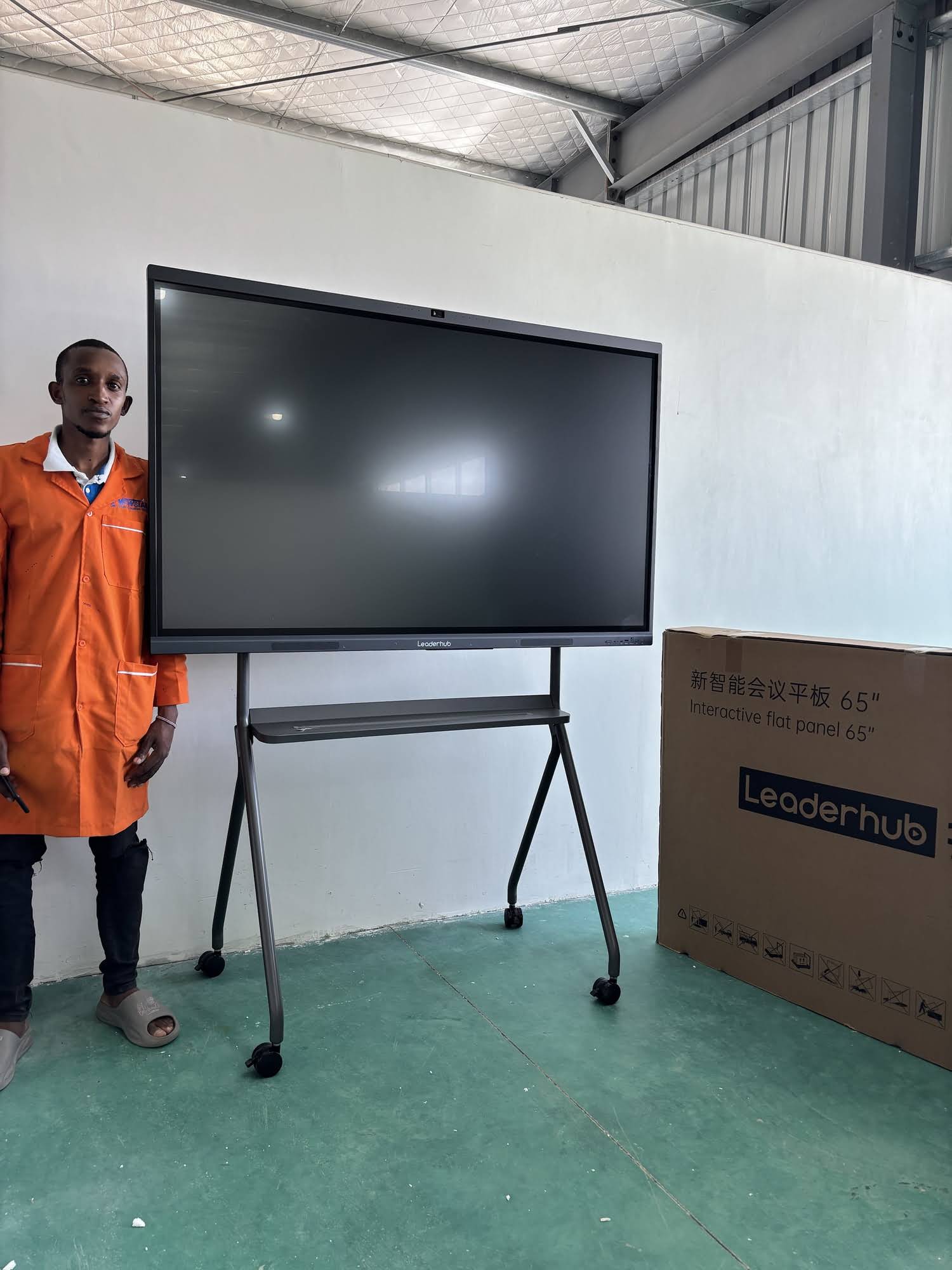
How to Drive Adoption of the Smart Board Itself
There is an irony in change management: introducing a new collaboration tool is itself a change, and it can meet the same resistance. The principles below are drawn from implementation research such as the Effective Technology Use framework, adapted for the workplace.
- Start with one high-visibility use case. Choose a recurring meeting – a weekly transformation stand-up, for example – and commit to running it entirely on the board for six weeks.
- Appoint board champions, not administrators. One enthusiastic person per department who can show colleagues a two-minute trick is worth more than a formal training manual.
- Remove friction at the first touch. One-tap wireless casting, a pre-loaded template library, and a visible QR code for saving notes mean nobody has to ask how to begin.
- Reward participation publicly. Highlight ideas captured on the board in leadership updates so contributors see their input shaping decisions.
- Make it the single source of truth. If decisions are only official once they appear on the shared canvas, people will come to the canvas.
- Review usage data monthly. Track meeting counts, saved sessions, and remote joins, and adjust placement or training where adoption lags.
Boosting Engagement in Hybrid and Multi-Site Organizations
Change programs increasingly span offices, time zones, and home workers. Engagement collapses when remote staff can only watch a camera pointed at a wall. Interactive displays with integrated conferencing and cloud whiteboarding let a colleague in another city add a sticky note to the same canvas the headquarters team is working on.
Practical engagement formats
- Rotating facilitation – each week a different team member leads the board session, building ownership across levels.
- Silent brainstorming – everyone adds ideas simultaneously from their own device before discussion, so dominant voices do not crowd out quieter ones.
- Dot-voting on screen – quick, visible prioritization that replaces long debates with clear consensus.
- Portable sessions – a battery-powered rotating smart screen can be carried into a break room or production area for informal pulse checks with frontline staff.
Measuring Lasting Results
Sustained change is proven by behavior, not by launch-day attendance. The table below outlines indicators that leadership teams can track on the board itself, turning measurement into a visible, shared ritual.
| Result Area | Example Metric | How the Smart Board Supports It |
|---|---|---|
| Adoption | % of teams using the new process after 90 days | Live dashboard reviewed in every stand-up |
| Engagement | Ideas submitted per workshop, poll participation rate | Automatic capture of contributions on the canvas |
| Speed | Days from issue raised to decision logged | Timestamped saved sessions make cycle time visible |
| Alignment | Pulse-survey score on “I understand why we are changing” | Quarterly survey results displayed and discussed openly |
| Sustainability | Reduction in rework or reverted processes | Process maps remain the single reference, limiting drift |
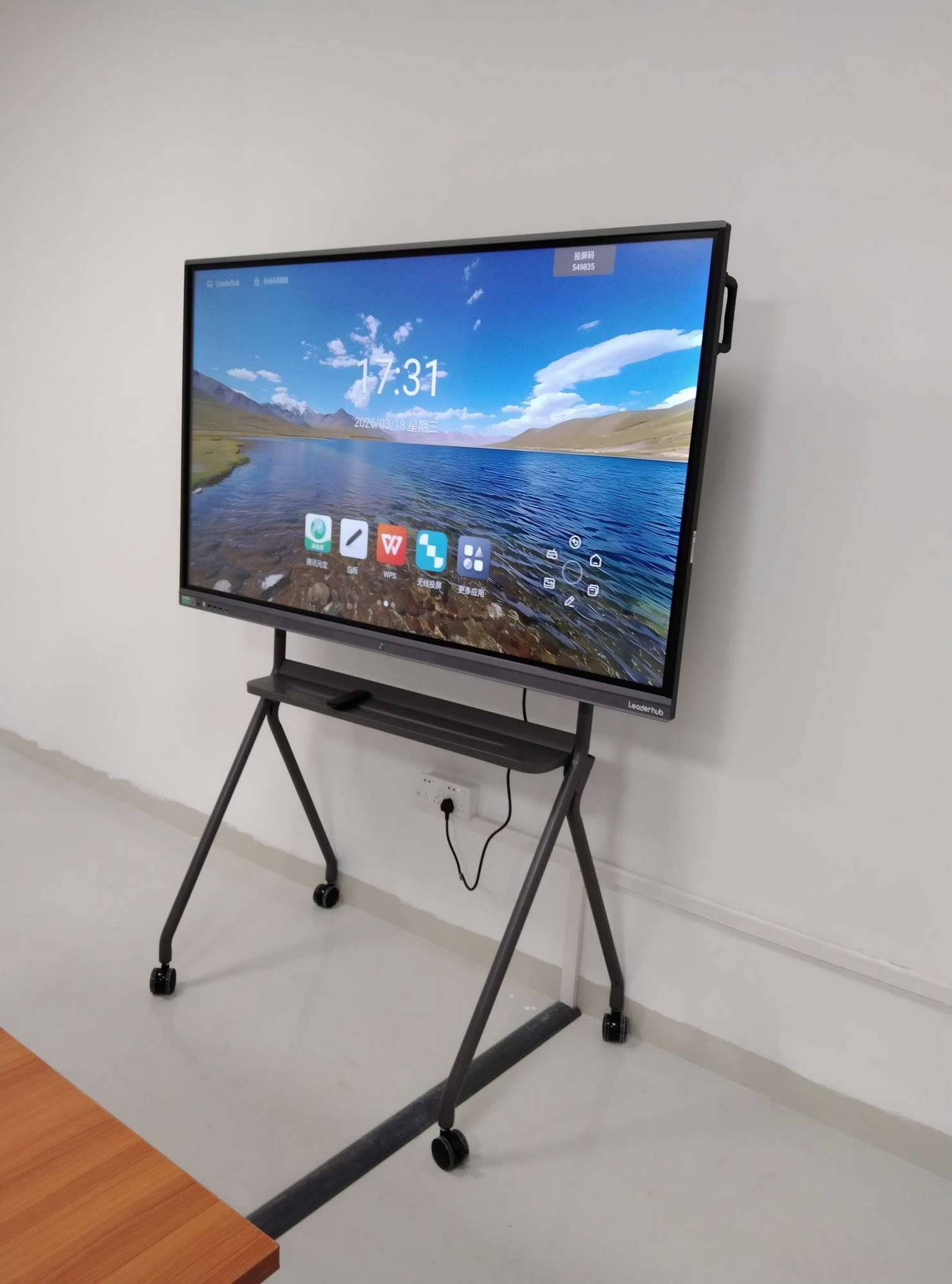
Choosing the Right Display for Your Change Program
Room size, mobility needs, and budget determine the ideal configuration. LeaderHub, a Shenzhen-based interactive display manufacturer with 16 years of experience serving customers in 82 countries, offers models that cover each common scenario, from executive boardrooms to mobile frontline sessions.
| Scenario | Recommended Model | Key Advantage | Price |
|---|---|---|---|
| Small project rooms, 4–8 people | L65ZM 65″ 4K Smart Panel | Entry-level cost, full touch collaboration | $1,099 |
| Transformation office, 8–15 people | L75HM 75″ 4K Smart Whiteboard | Rotatable design for portrait process maps | $1,599 |
| Executive boardroom, town halls | L86HM 86″ 4K Smart Whiteboard | Large canvas visible across big rooms | $3,199 |
| Mobile workshops across departments | U55Pro 55″ Mobile 4K Display | Moves between floors and sites | $2,499 |
| Frontline pulse checks, huddles | L277M 27″ Rotating Screen | Battery powered, carry anywhere | $899 |
Buying checklist for change leaders
- Does the board run your existing project and HR software natively, or will people need a laptop every time?
- Can a non-technical manager start a session and share to remote colleagues within 30 seconds?
- Are saved sessions searchable and exportable to your document system?
- Is there a lower-cost model for satellite offices so no site is excluded? Pairing a panel with a compact mini PC is often a budget-friendly way to standardize software across locations.
- Does the supplier follow recognized AV integration practices? Resources from AVIXA are a useful benchmark when briefing installers.
A 90-Day Implementation Roadmap
Days 1–30: Foundation
Install, configure, and define rituals
Mount the boards in rooms where change meetings already happen. Pre-load templates for stakeholder mapping, impact assessment, and action logs. Agree that the weekly change stand-up will run exclusively on the board.
Days 31–60: Expansion
Bring in departments and remote sites
Champions run short demos within their own teams. Begin using the board for resistance workshops and process co-design. Connect remote offices through the built-in conferencing so they contribute to the same canvas.
Days 61–90: Embedding
Measure, celebrate, and standardize
Publish the first adoption dashboard on the board. Recognize teams whose contributions shaped decisions. Document the new meeting standards so the practice outlives the initial program.
Common Pitfalls to Avoid
- Treating the board as a bigger projector. If only one person ever touches the screen, the engagement benefit disappears.
- Hiding it in the executive suite. Change is adopted at the team level; place boards where teams actually gather.
- Skipping the save step. Unsaved sessions recreate the old problem of lost whiteboard photos.
- Overloading with features at launch. Master three workflows – annotate, share, save – before introducing advanced tools.
Frequently Asked Questions
Can a smart board replace change management software?
No. It complements it. The board is the collaborative front end where people discuss, decide, and commit; your software remains the system of record. Most panels run those platforms directly on screen.
How large should the display be for a change workshop?
For groups of up to eight, a 65-inch panel is sufficient. For cross-functional sessions of ten or more, 75 to 86 inches ensures everyone can read details from across the room.
What about employees who are not comfortable with technology?
Modern panels use the same gestures as a smartphone. Pair less confident colleagues with a champion for the first two sessions, and keep a printed one-page quick start beside the board.
How quickly do organizations see results?
Engagement improvements – more voices in meetings, clearer action lists – are typically noticeable within the first month. Measurable adoption gains in the underlying change program usually appear at the 60–90 day mark.
Conclusion
Organizational change succeeds when people can see the destination, contribute to the route, and watch progress unfold together. A well-chosen, well-placed smart board for organizational change management gives leaders exactly that: a living, shared surface for awareness, dialogue, co-design, and accountability. Start with one meeting, one board, and one visible win, and let adoption grow from there.
Ready to see which configuration fits your transformation program? Browse the full interactive display catalog or contact a solutions specialist for a tailored recommendation.