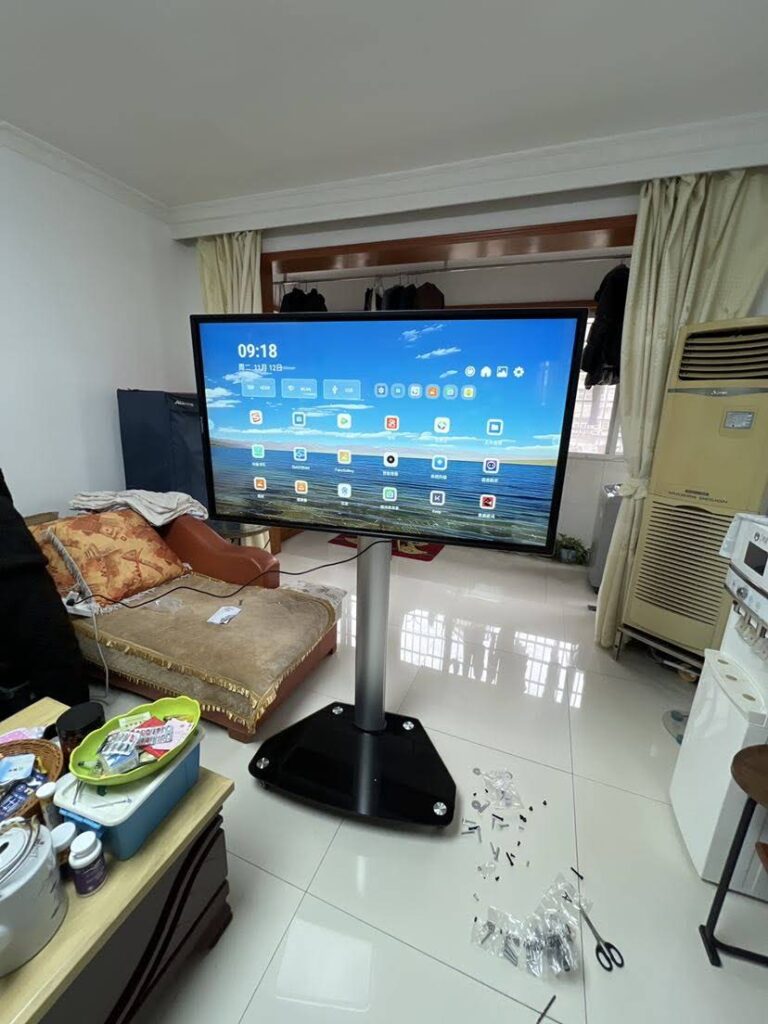
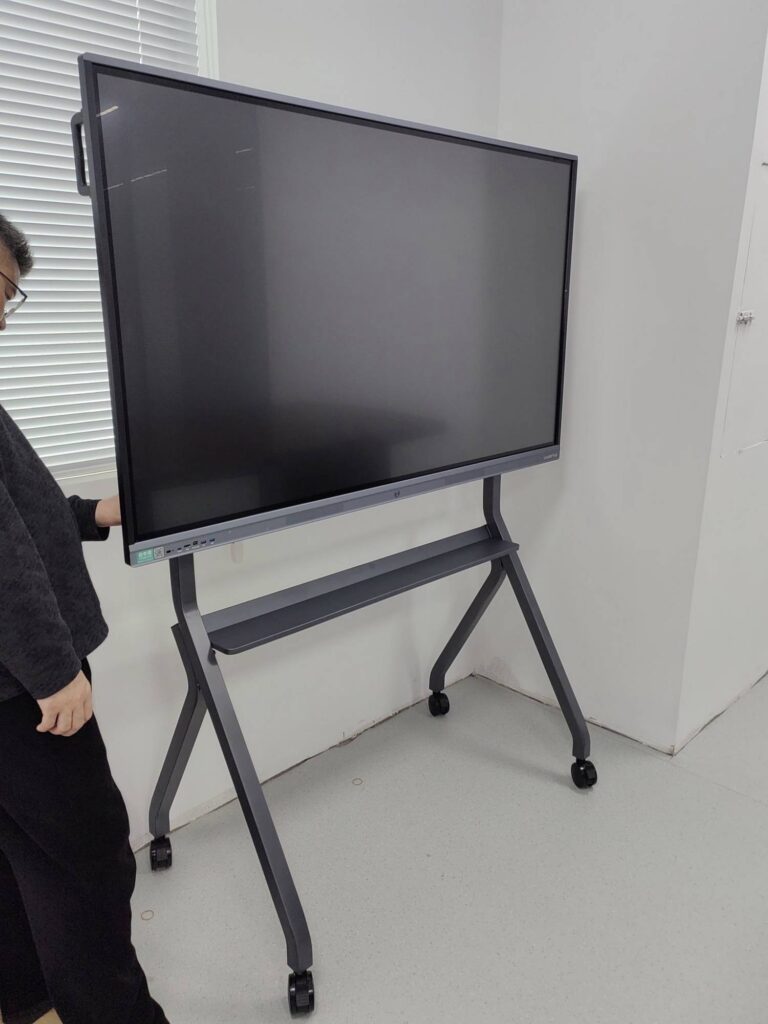
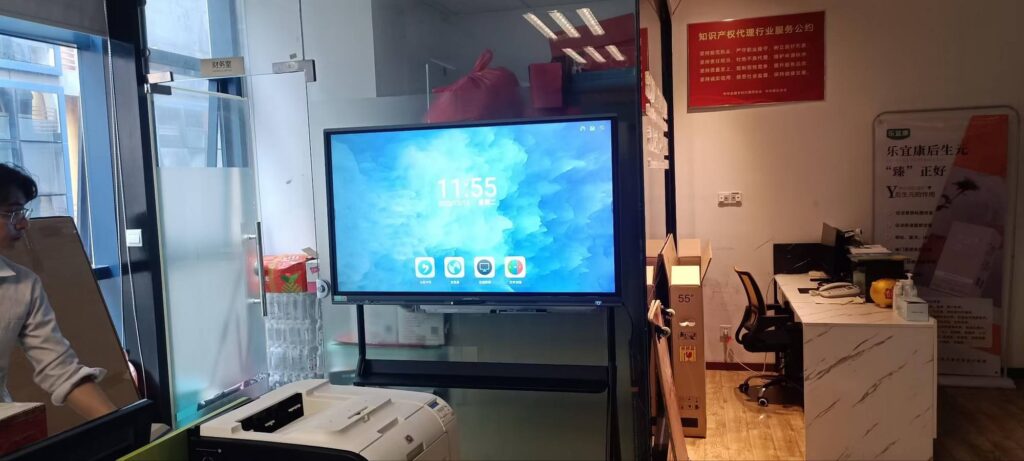
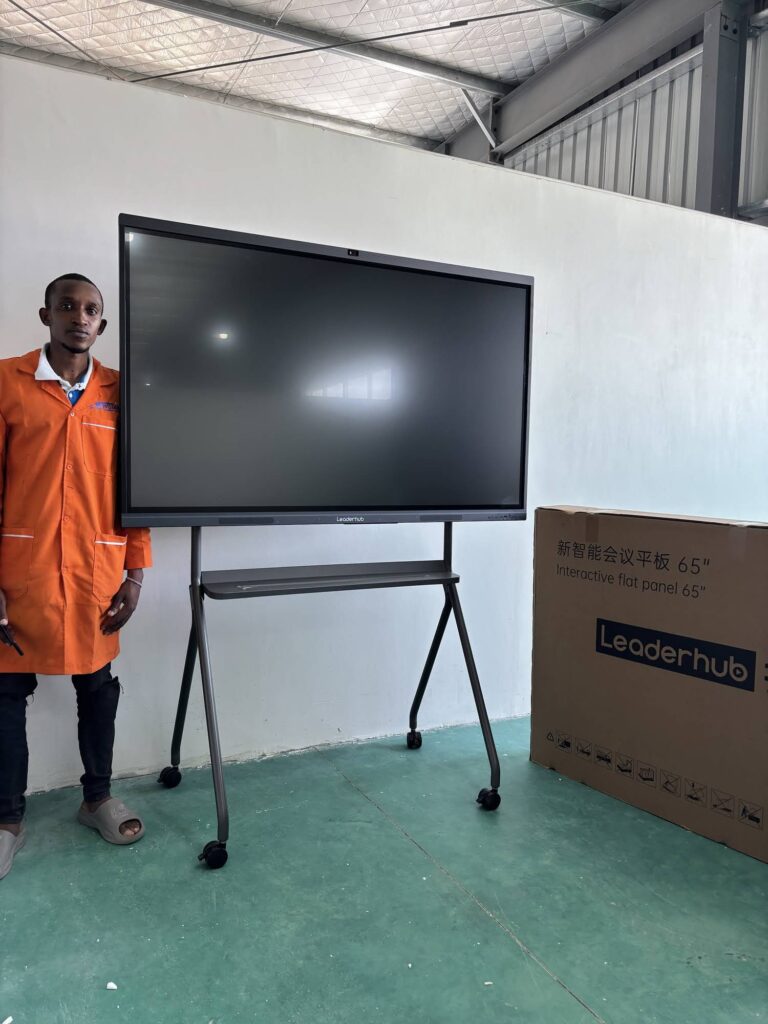
Freelance consultants sell one thing above everything else: clarity. Whether you are mapping a client’s sales funnel, walking a founder through a financial model, or running a remote strategy workshop across three time zones, the way you present ideas shapes how your expertise is perceived. A smart board for freelance consultants turns a cramped laptop screen into a shared, touch-driven canvas where ideas can be sketched, annotated, saved and sent to the client before the call even ends. This guide explains what actually matters when choosing an interactive whiteboard for client meetings and remote work, how to match screen size to your workflow, and what a realistic budget looks like for a one-person consultancy.
Why Freelance Consultants Are Switching From Laptops to Smart Boards
A laptop and a slide deck work until the conversation becomes interactive. The moment a client asks “what if we moved this step earlier?” you are either scrolling through PowerPoint or scribbling on paper nobody on the video call can see. An interactive whiteboard solves this in three ways:
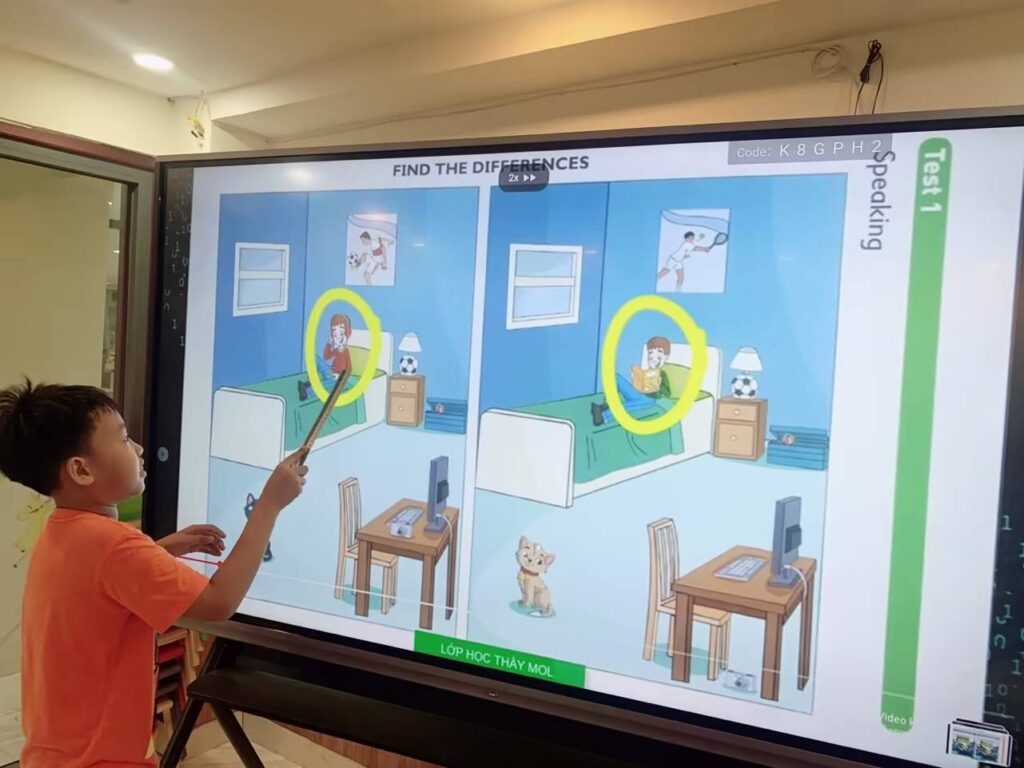
- You think visually in real time. Draw a process flow, drag boxes around, and let the client watch the solution take shape. This is far more persuasive than describing it.
- Remote clients see exactly what in-room clients see. With a camera, microphone and video-conferencing app built into the board, hybrid meetings stop feeling second-class for remote participants.
- Every session becomes a deliverable. Annotated screens can be saved as PDF or image files and emailed or shared by QR code the second the meeting ends, which reinforces your professionalism and reduces follow-up work.
For consultants who bill by the hour, the time saved on recreating whiteboard sketches alone can justify the investment within a few months.
The 7 Buying Criteria That Matter Most for Consultants
1. Screen Size vs. Your Workspace
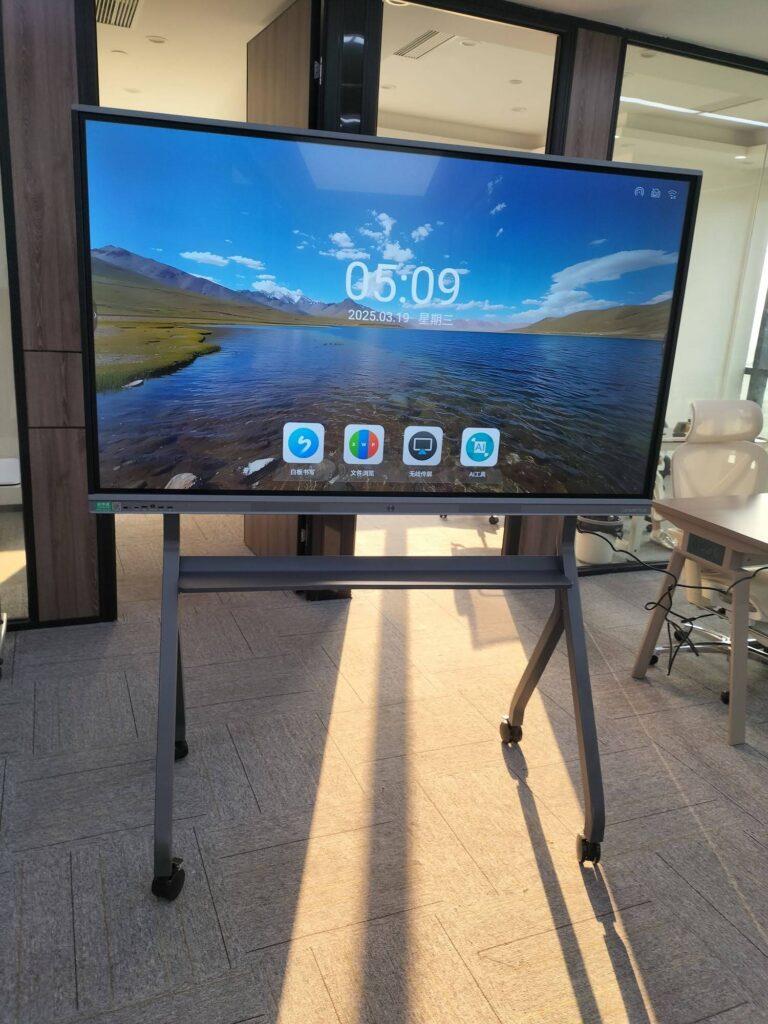
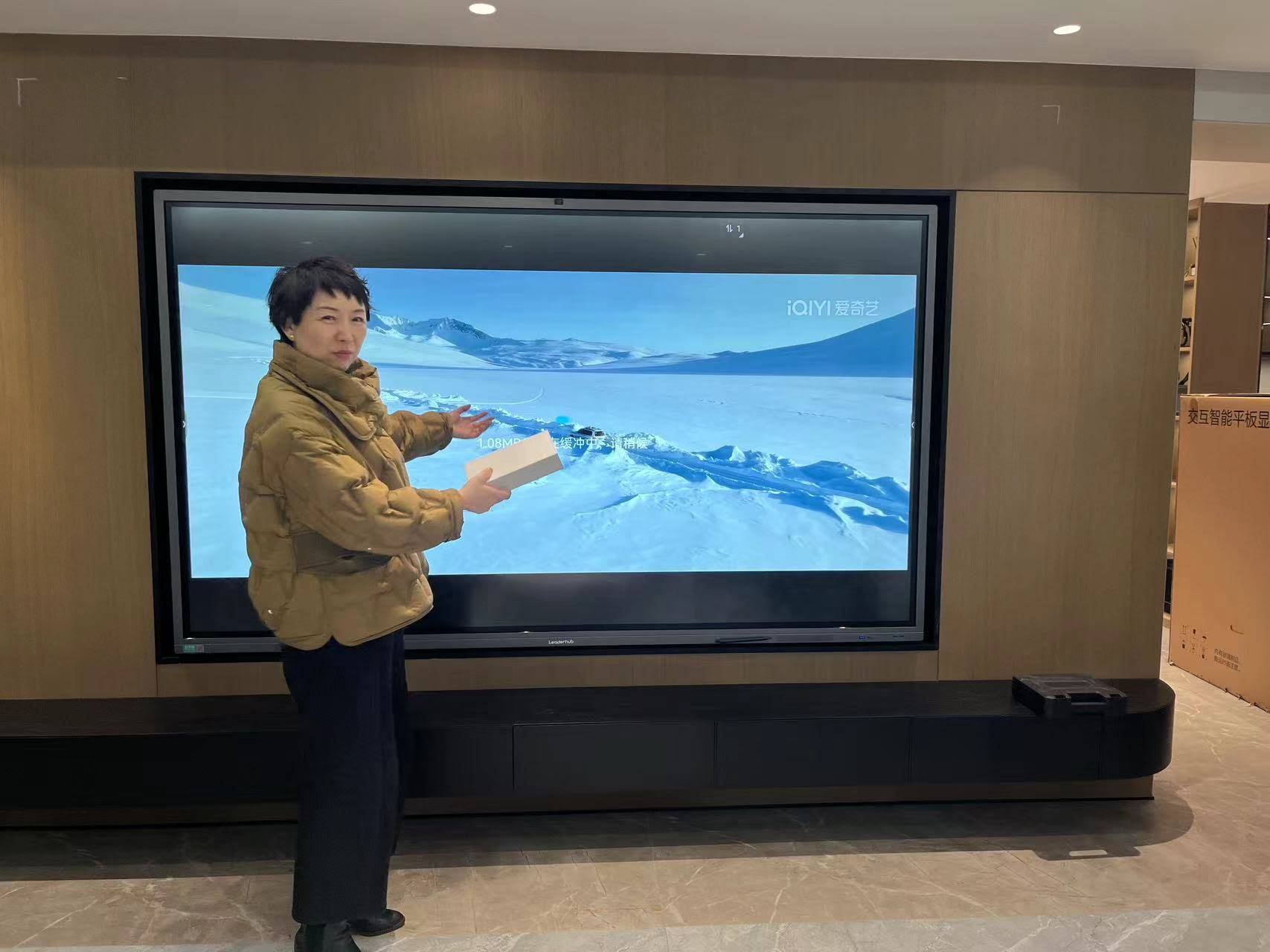
Most freelance consultants work from a home office, a co-working space, or occasionally a client site. That means a 110-inch boardroom panel is overkill. The sweet spot is 55 to 75 inches: large enough to be legible on camera and from across a small meeting room, small enough to fit a home studio wall or a mobile stand.
| Screen Size | Ideal Room | Best For |
|---|---|---|
| 24–27 inch | Desk, café, client site | Travelling consultants, 1-on-1 remote sessions |
| 55 inch | Home office, small studio | Hybrid calls, coaching, design reviews |
| 65 inch | Co-working meeting room (4–8 people) | Workshops, strategy sessions, pitch meetings |
| 75 inch | Dedicated client room (8–12 people) | Training delivery, multi-stakeholder facilitation |
2. Touch Accuracy and Writing Feel
Look for 20-point or higher multi-touch, low writing latency, and an anti-glare glass surface. If your consulting involves frameworks, diagrams or math, test how the board handles fast handwriting and palm rejection. A board that lags by even a fraction of a second breaks your flow in front of a client.
3. Built-in Camera, Microphone and Conferencing Apps
For remote work, the board should run Zoom, Microsoft Teams and Google Meet natively, with an integrated 4K camera and far-field microphone array. This lets you stand at the board, write naturally, and still be seen and heard clearly without juggling a laptop webcam. Auto-framing and noise reduction are worth paying for if you run group sessions.
4. Wireless Screen Sharing
Clients will bring MacBooks, Windows laptops, iPads and Android phones. Your board needs AirPlay, Miracast and Google Cast support, plus a USB-C port that handles video, data and charging in one cable. Being able to say “just cast your screen” in the first thirty seconds of a meeting sets a confident tone.
5. Portability: Fixed Wall, Mobile Stand or Battery-Powered
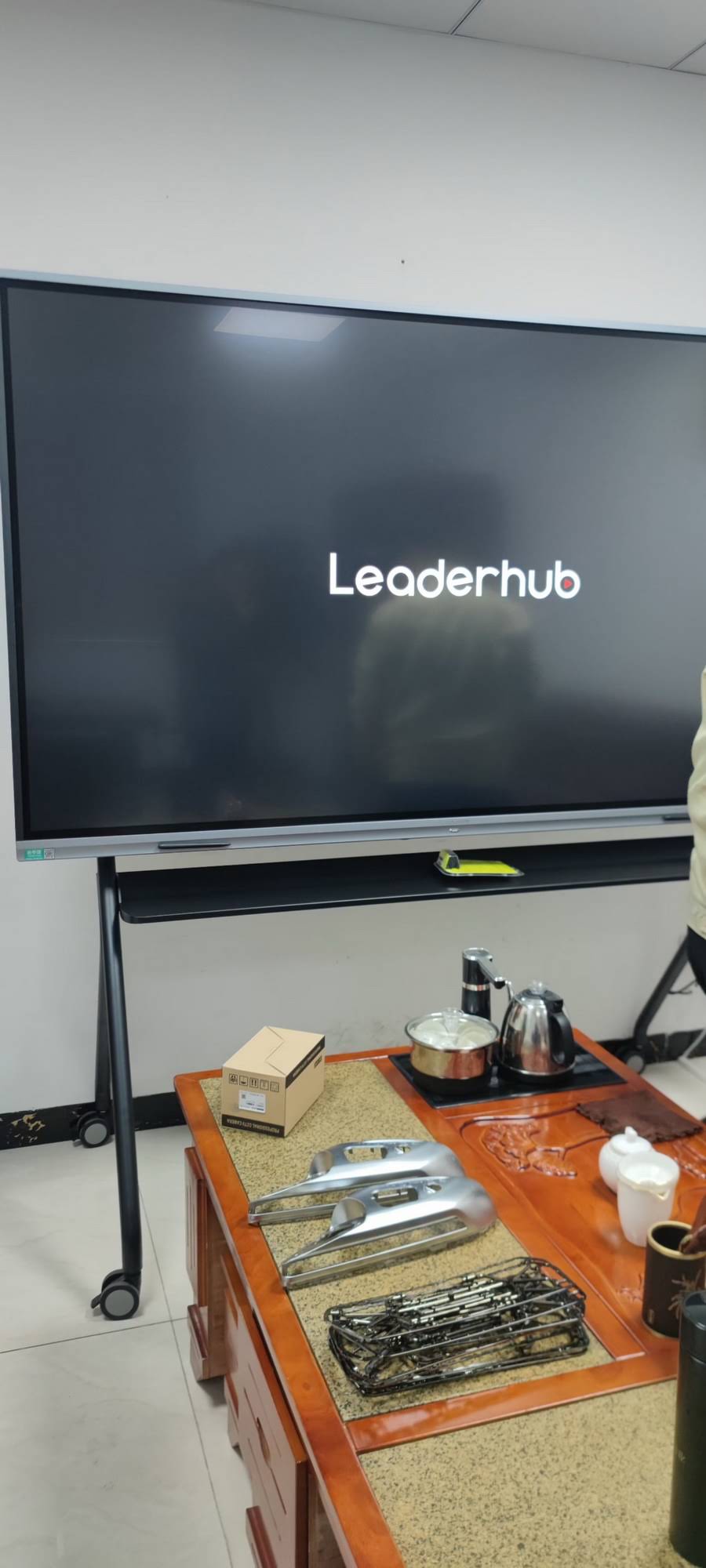
Ask yourself where you will be presenting twelve months from now. If you move between a home studio and a co-working space, a mobile stand with wheels is essential. If you present at client offices, a battery-powered screen like the LeaderHub U24M 24.5″ Handheld Smart Screen or the rotating L277M 27″ touchscreen with battery can go in a car boot and set up in minutes. Explore the full rotating screens range if portrait-mode documents and contracts are a regular part of your sessions.
6. Operating System and Compute Power
Most interactive whiteboards ship with Android for lightweight whiteboarding, browsing and conferencing. If you rely on Excel macros, Figma, Miro, or specialist consulting software, add a Windows module or a compact external PC. A mini PC such as the LeaderHub LP1C (Intel N100, 8GB RAM, 512GB SSD) can be mounted behind the panel to give you a full desktop experience on the big screen for under $400.
7. Cloud Sync, Security and Privacy
Consultants handle confidential client data. Check for user accounts with log-out on exit, the ability to wipe session data automatically, and cloud whiteboard sync (Google Drive, OneDrive, Dropbox) so your notes are never trapped on one device. If you serve regulated industries, confirm that no screenshots are stored locally after you end the session.
Matching the Board to Your Consulting Niche
| Consultant Type | Typical Use | Recommended Setup |
|---|---|---|
| Management / Strategy | Frameworks, roadmaps, stakeholder workshops | 65″ panel on mobile stand, split-screen whiteboard + video call |
| Financial / Accounting | Spreadsheets, forecasts, live scenario modelling | 65″–75″ 4K panel + Windows mini PC for native Excel |
| Marketing / Brand | Creative reviews, campaign boards, mood boards | 55″ mobile 4K display with accurate colour and quick casting |
| IT / Digital Transformation | Architecture diagrams, sprint planning, demos | 75″ panel, dual-OS, multiple USB-C inputs |
| Coaching / HR / Training | 1-on-1 sessions, small group training, travel | Portable battery-powered 24″–27″ touchscreen |
Realistic Budget Guide for a One-Person Consultancy
You do not need enterprise pricing to get enterprise features. Because manufacturers now sell directly to professionals, a fully featured 4K interactive whiteboard costs about the same as a high-end laptop. Here is how the options compare:
| Budget Tier | Example Model | Price | Who It Suits |
|---|---|---|---|
| Portable entry | U24M 24.5″ Handheld Smart Screen | $699 | Consultants who travel to clients weekly |
| Best value 65″ | L65ZM 65″ 4K Smart Panel | $1,099 | Home-office consultants starting with hybrid meetings |
| Conference-ready 65″ | L65HM 65″ 4K Touchscreen | $1,299 | Consultants running regular client workshops |
| Mobile premium 55″ | U55Pro 55″ Mobile 4K Smart Display | $2,499 | Creative and brand consultants who move between rooms |
| Dedicated client room | L75HM 75″ 4K Touchscreen | $1,599 | Consultants with a fixed meeting space for 8+ people |
In many countries, a smart board used primarily for client work qualifies as a deductible business equipment expense, which further lowers the real cost. Check with your accountant for the rules in your jurisdiction.
How to Set Up Your Smart Board for Remote Client Meetings
Buying the right hardware is half the job. The way you configure it determines whether remote clients feel engaged or ignored. Follow this sequence:
- Position the board at eye level on a stand or wall mount, with your main light source in front of you, not behind.
- Install your conferencing apps and sign in with a dedicated business account so personal notifications never appear on screen.
- Create a branded whiteboard template with your logo and a consistent colour palette, and save it as the default canvas.
- Test wireless casting from an iPhone, an Android phone, a Mac and a Windows laptop before your first client session.
- Set up one-tap export to your cloud drive so every session is archived automatically under the client’s folder.
- Run a 10-minute rehearsal call with a colleague to check camera framing, audio pickup and screen legibility on a mobile device.
Common Mistakes Freelancers Make When Buying an Interactive Whiteboard
- Buying too big. An 86-inch board in a 3-metre home office overwhelms the camera frame and forces you to stand awkwardly close.
- Ignoring the stand. A quality mobile stand often costs 10–15% of the panel price but doubles the number of places you can use it.
- Forgetting Windows software. If your deliverables live in Excel, Power BI or Adobe tools, Android alone will frustrate you. Budget for a mini PC from the start.
- Skipping the warranty check. As a solo operator you cannot afford a week of downtime. Confirm response times and whether on-site or advance-replacement service is available in your country.
- Choosing a consumer TV with a touch overlay. These lack palm rejection, proper writing latency and conferencing integration, and they look it in front of clients.
Why Consultants Choose LeaderHub
LeaderHub is a Shenzhen-based technology company with 16 years of interactive-display expertise, delivering smart whiteboards, mini PCs and portable smart screens to professionals in 82 countries. The brand was ranked NO.1 in its JD.com interactive-panel subcategory and its HM Series was recognised with a design award as a rotatable conference hub, which matters for consultants who switch between landscape dashboards and portrait documents. Because the company focuses on making professional-grade technology accessible to small businesses and independent professionals, pricing is transparent and the product range scales from a $699 portable screen up to a 110-inch flagship. Browse the complete smart whiteboard collection or contact the team for a recommendation based on your room size and workflow.
If you want to go deeper on the technical standards behind professional AV equipment, the AV Industry Standards and Resources from AVIXA are a useful independent reference when comparing specifications across brands.
Frequently Asked Questions
Is a smart board worth it for a freelance consultant working mostly remotely?
Yes, if more than a quarter of your client interactions involve explaining processes, frameworks or numbers. The ability to write, annotate and share live on video calls shortens meetings and makes your thinking more visible, which directly supports higher rates and faster client approvals.
What size smart board is best for a home office?
A 55-inch or 65-inch panel is ideal for most home offices. It is readable on camera, fits a standard wall, and can be moved on a stand if you relocate your workspace.
Can I use a smart board without a separate computer?
Yes. Modern boards run Android with built-in whiteboarding, browsers and conferencing apps. Add a mini PC only if you need full Windows software during sessions.
Do interactive whiteboards work with Zoom, Teams and Google Meet?
Quality boards support all three natively, with integrated cameras and microphones. Always confirm the exact apps are available on the board’s operating system before purchasing.
How do I present on a smart board at a client’s office?
Choose a battery-powered portable touchscreen or a lightweight 55-inch panel on a mobile stand. Both set up in minutes and connect wirelessly to the client’s devices without touching their IT network.
The right smart board for freelance consultants is not the biggest or most expensive one. It is the board that fits your room, speaks to every client device, runs the software you actually use, and makes remote participants feel like they are in the room with you. Get those four things right and the investment pays for itself in sharper meetings, faster decisions and a more premium client experience.