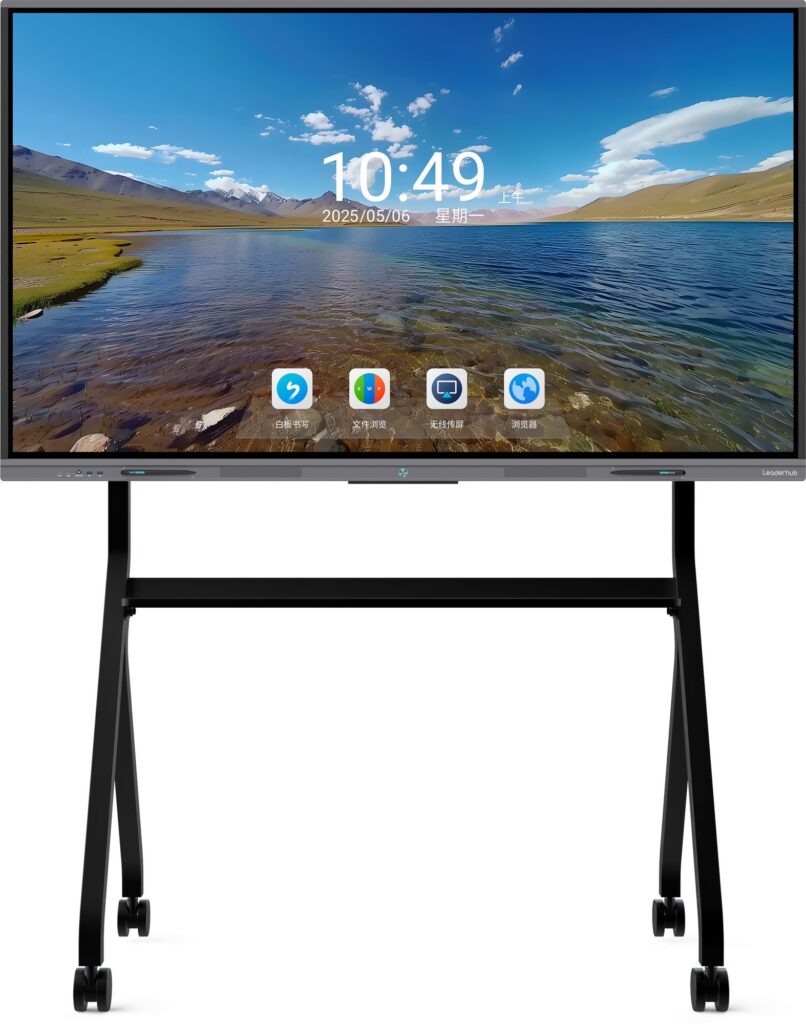
If you’ve been wondering what happened to smart boards, the answer is simpler than it looks: schools did not abandon interactive teaching, they upgraded it. Early smart boards opened the door to digital lessons, but many classrooms eventually moved to easier, faster, and more reliable tools.
The short answer
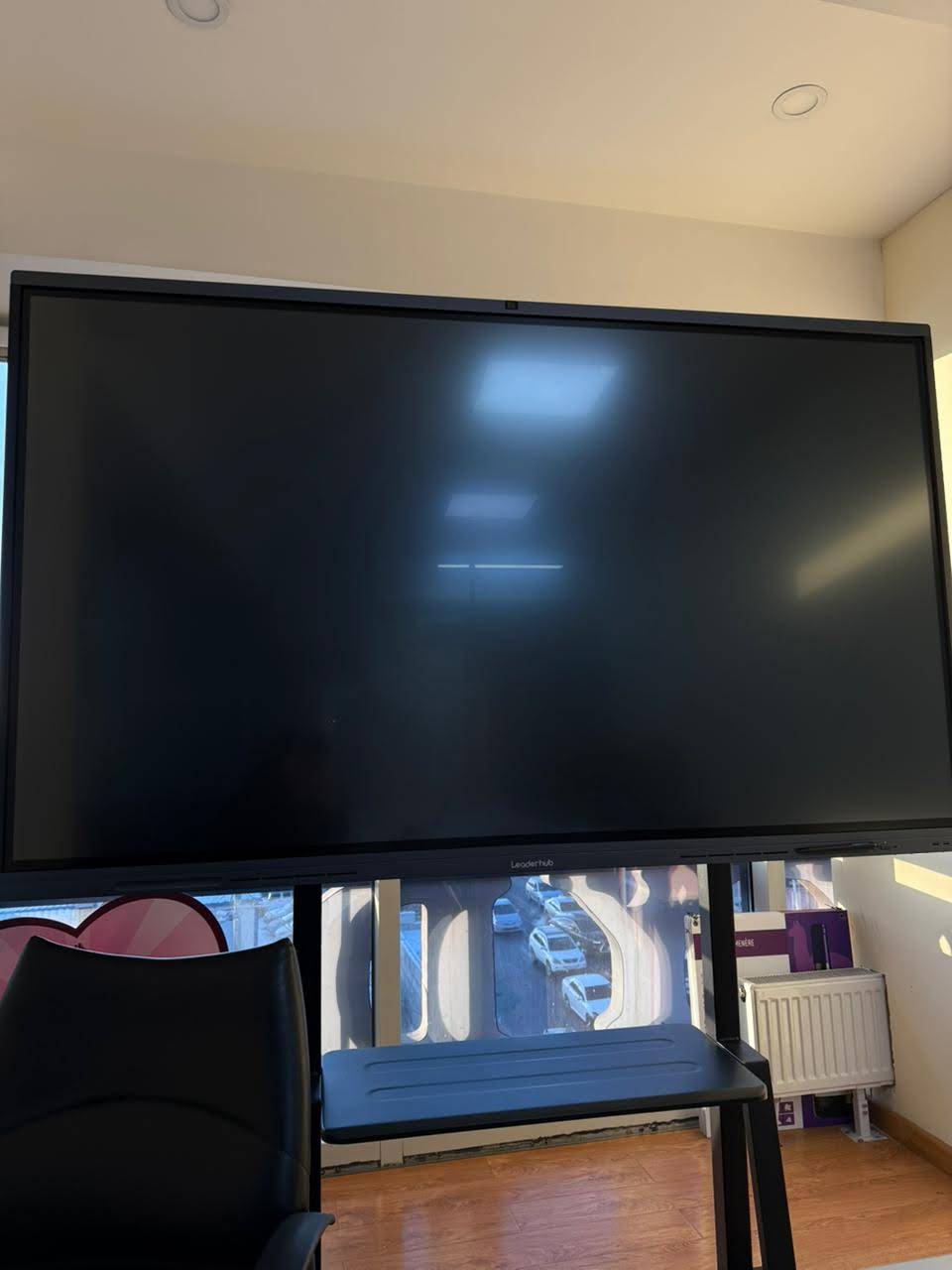
Smart boards became less common in schools because the technology around them changed. In many districts, the old projector-based setup was replaced by interactive flat panels, cloud collaboration tools, and better classroom devices. So the real story is not that smart boards failed — it is that they were outpaced by newer formats.
What happened to smart boards is a classic technology cycle:
- They solved a real problem at first.
- They became expensive to maintain at scale.
- Newer displays delivered the same benefits with fewer headaches.
Why many schools stopped using smart boards
- Projector maintenance became annoying. Bulbs, alignment, calibration, and shadow problems added work for teachers and IT teams.
- Touch accuracy was inconsistent. Older boards could drift or require frequent recalibration.
- They were not always truly interactive. In some classrooms, only one student could use the board at a time.
- Software felt outdated. Teachers increasingly wanted browser-based tools, LMS integration, and file syncing.
- Budgets shifted. Schools preferred devices that could support multiple teaching styles instead of a single-purpose wallboard.
What replaced smart boards in classrooms?
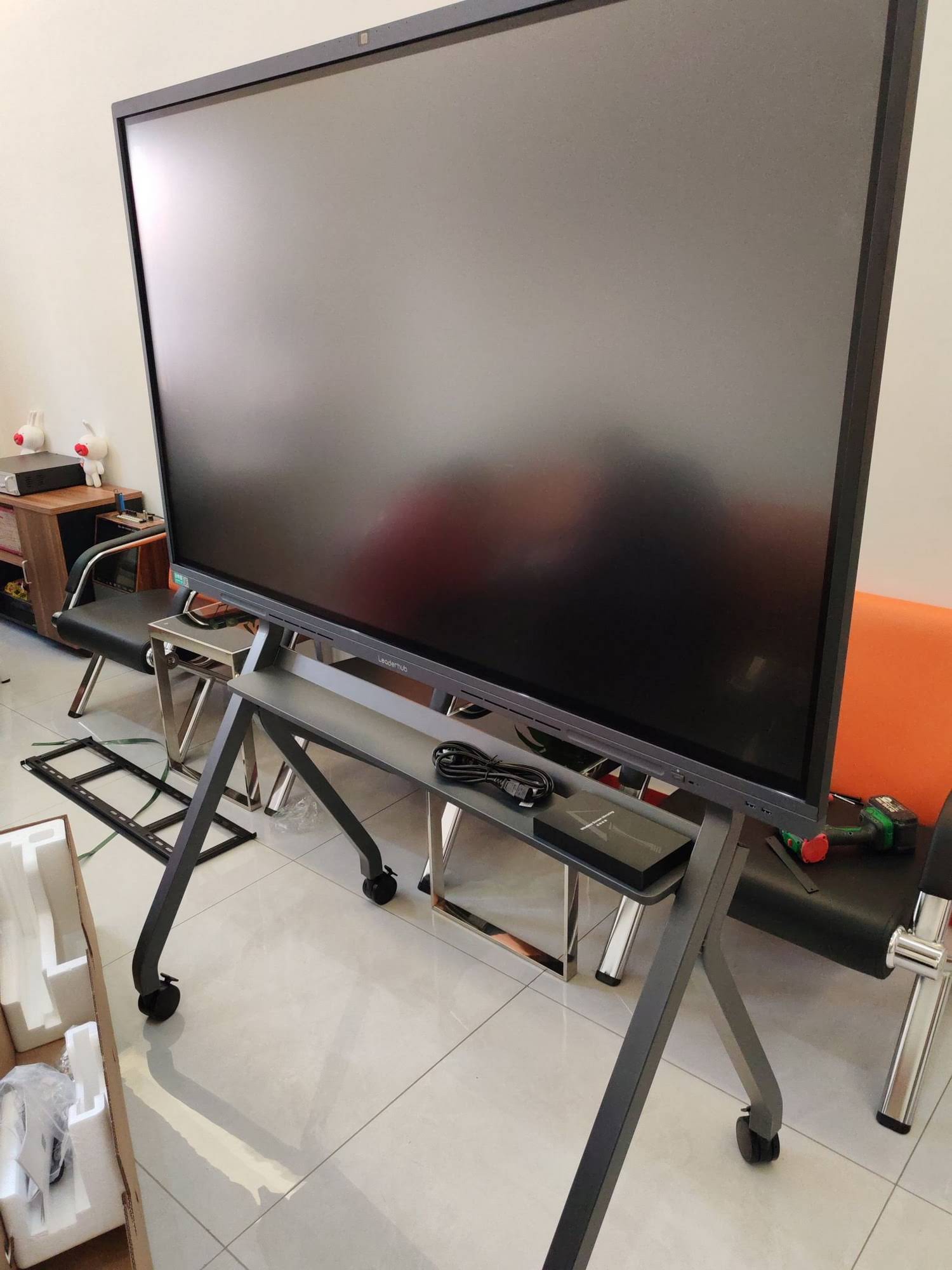
Most schools did not move back to chalkboards. They moved forward to more flexible classroom technology. The most common replacements are:
| Old Smart Board Setup | Modern Replacement | Why Schools Prefer It |
|---|---|---|
| Projector + interactive whiteboard | Interactive flat panel | Brighter image, less maintenance, better touch response |
| Single-user board software | Cloud apps and shared documents | Works across devices and supports hybrid learning |
| Bulky classroom PC | Mini PC | Compact, affordable, and easy to deploy |
| Fixed board only | Portable smart screen / rotating screen | Supports flexible rooms and mobile teaching |
The biggest reason: ease of use
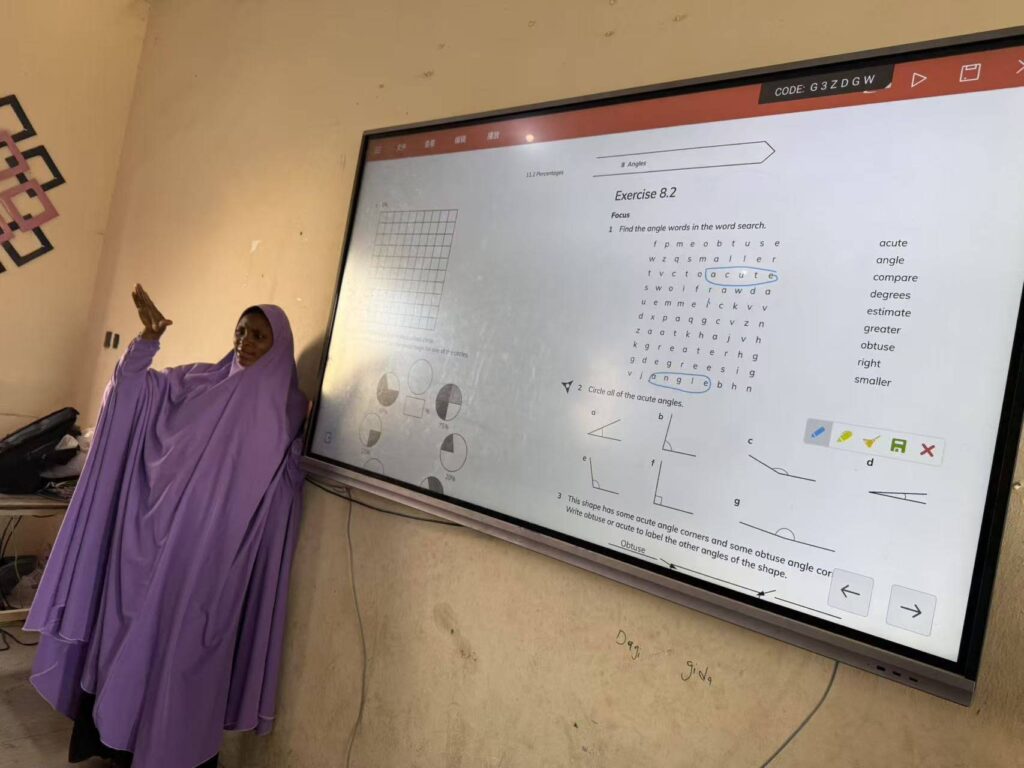
In schools, the best technology is the one teachers actually use every day. Many older smart boards required too many steps before a lesson could begin. Newer displays boot faster, connect more easily, and support touch, screen sharing, and annotation with fewer clicks.
That matters because teachers need to spend time teaching, not troubleshooting.
- Instant wireless casting from laptops and tablets
- Multi-touch collaboration for group activities
- Better visibility in bright classrooms
- Less downtime for IT staff
Did smart boards disappear completely?
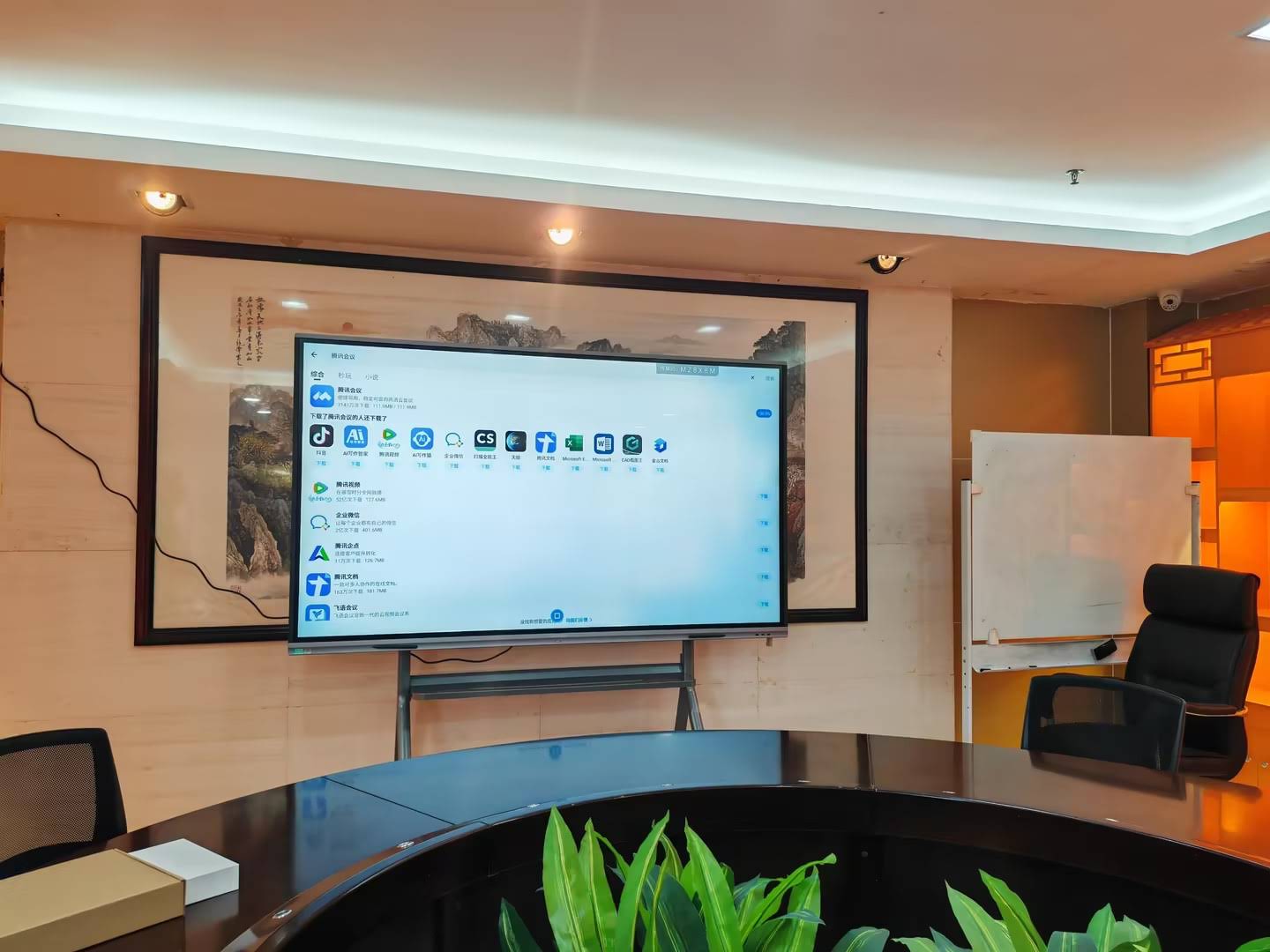
No. They evolved. In some schools, especially where budgets are tight, interactive whiteboards still make sense. In others, the classroom has moved to an all-in-one display model. The shift depends on:
- school budget and procurement cycle
- teacher training and adoption
- existing AV infrastructure
- whether the school prioritizes mobility or fixed installation
That is why the search for what happened to smart boards often leads to a broader answer: schools now want technology that blends teaching, sharing, and collaboration into one system.
How schools choose the right display now
If you are comparing classroom options, focus on outcomes rather than brand names or old product categories.
Look for these features
- 4K clarity for readability from the back of the room
- Reliable touch accuracy for handwriting and student interaction
- Easy installation and simple device management
- Compatibility with Windows, Android, and browser-based tools
- Durability for daily classroom use
For schools planning a refresh, the best starting points are smart whiteboards, mini PCs, and rotating screens. If you want to compare models directly, browse the shop or contact us for guidance.
What the research says
Global education groups have consistently said that technology works best when it supports teaching goals instead of distracting from them. For context, see the UNESCO Technology Recommendations and the OECD Digital Education Outlook.
These reports reinforce a simple idea: classroom technology should be reliable, inclusive, and easy to integrate into daily instruction.
A practical example of the shift
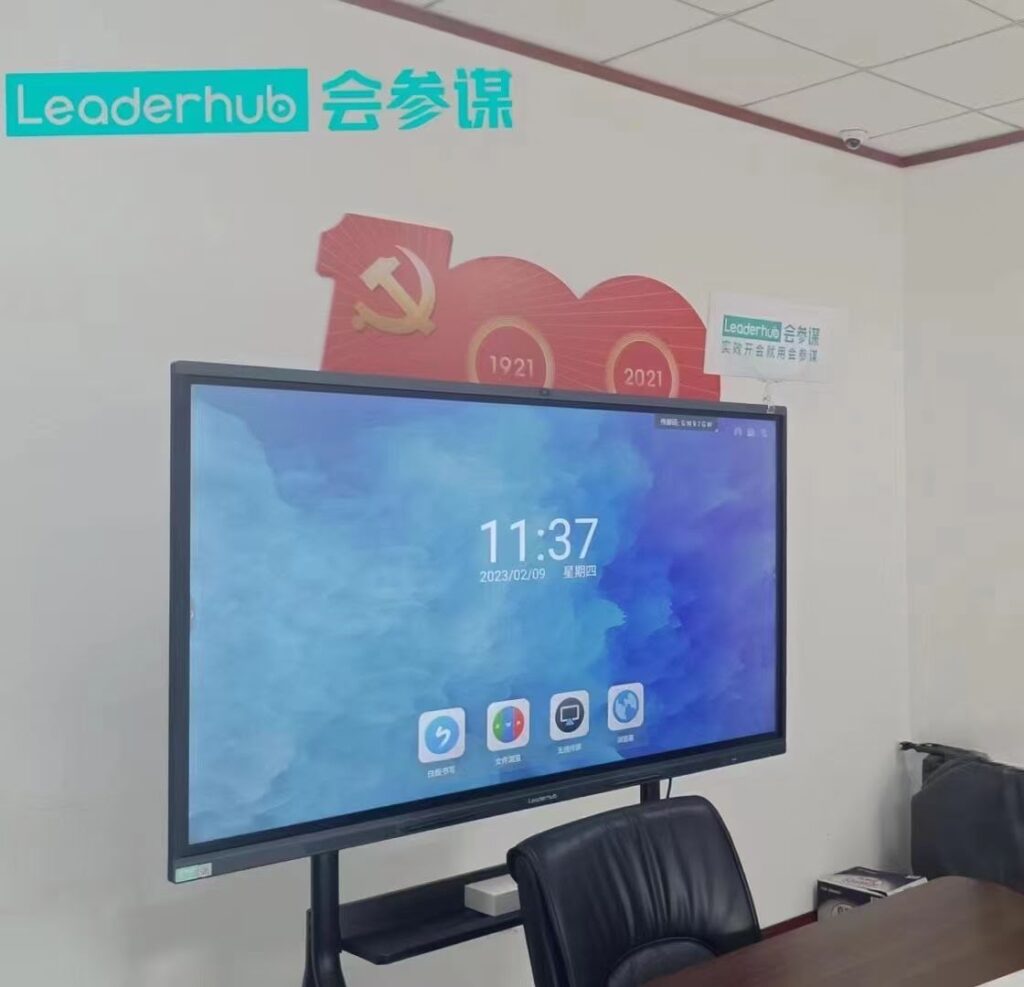
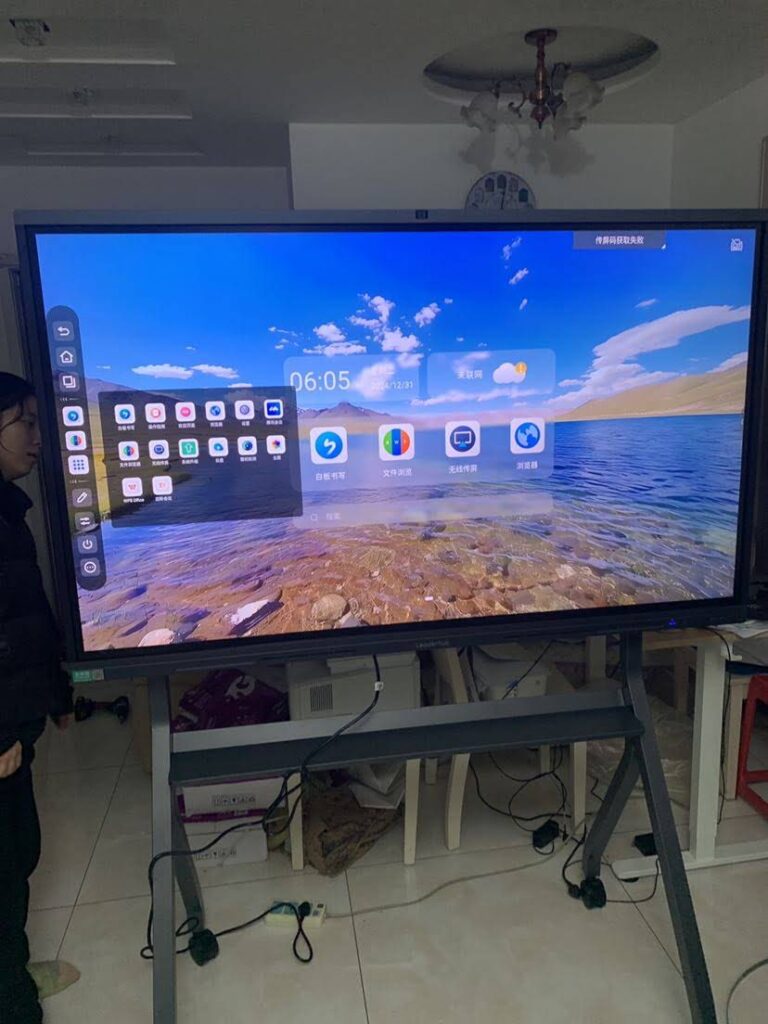
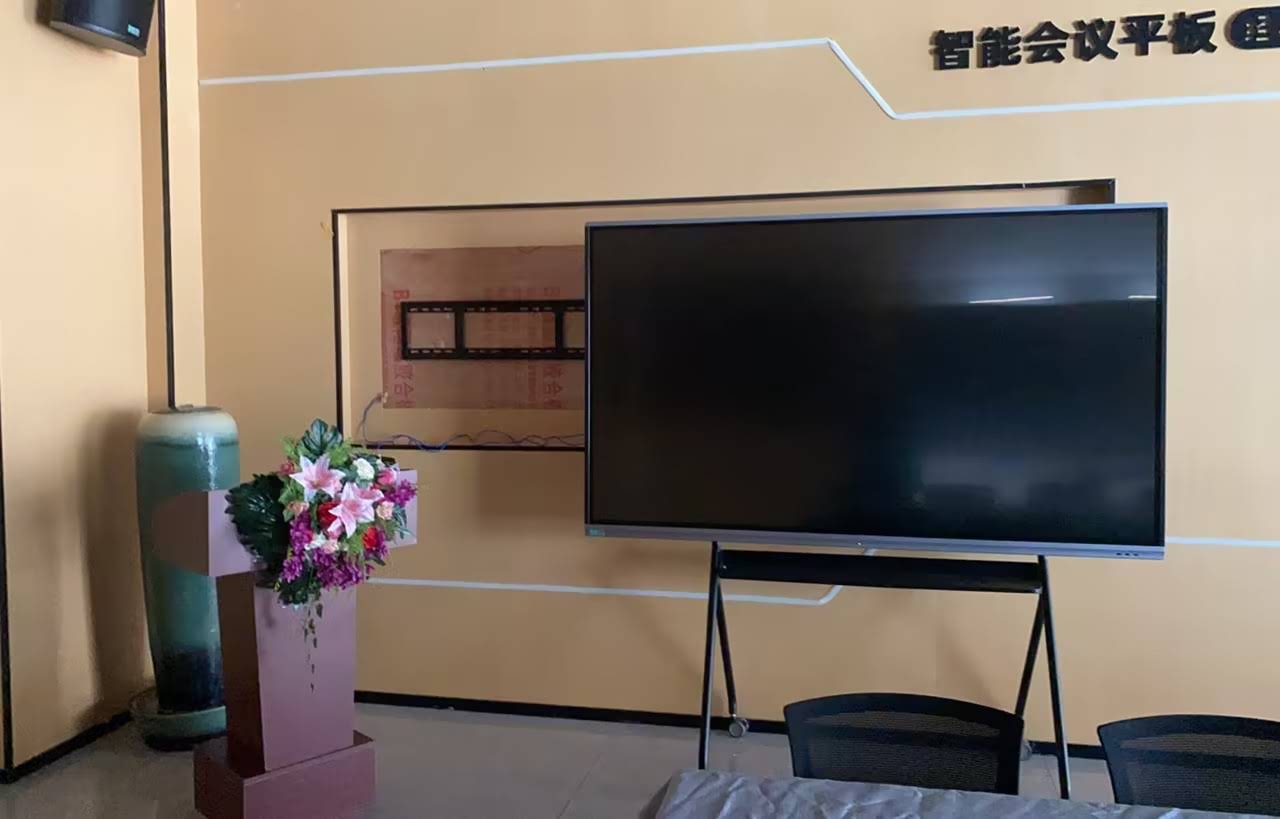
Many schools now pair a large interactive display with a compact computer, giving teachers a cleaner setup than the old projector-and-board model. This reduces cable clutter, improves startup time, and makes it easier to move between presentation, annotation, and video content.
That is one reason Leaderhub — a Shenzhen-based technology company with 16 years of interactive-display experience — continues to see strong demand for modern classroom solutions rather than legacy projector-based boards.
Frequently asked questions
Why did smart boards lose popularity?
They lost popularity mainly because newer interactive displays were cheaper to maintain, easier to use, and better suited to modern digital teaching.
Are smart boards still useful?
Yes. They are still useful in some classrooms, but many schools now prefer interactive flat panels because they offer a smoother experience.
What is the best replacement for a smart board?
For most schools, an interactive flat panel paired with a mini PC is the most practical replacement.
What is the biggest lesson from this shift?
The biggest lesson is that schools do not just need more technology — they need the right technology for actual teaching workflows.
In short: smart boards did not vanish because classrooms stopped needing interaction. They faded because better tools arrived, and schools chose simpler, more dependable ways to teach.