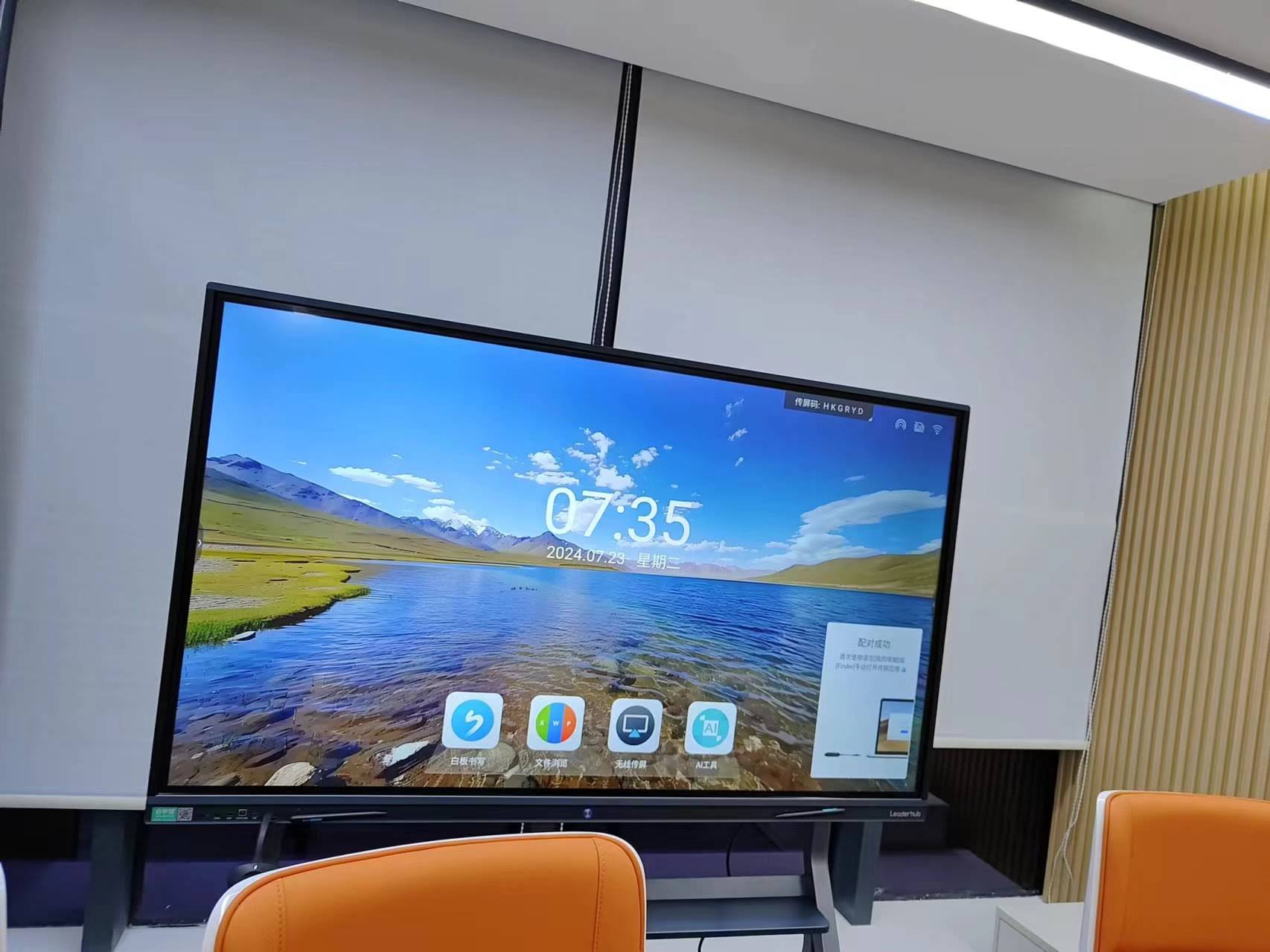
Choosing a smart board is rarely just about the screen. For schools, training centers and growing businesses, the real decision is about the supplier behind the product — their manufacturing depth, warranty terms, software roadmap and ability to support you years after the invoice is paid. This smart board supplier comparison checklist breaks the decision into 12 measurable factors so procurement teams, IT managers and school leaders can compare vendors side by side instead of relying on glossy brochures and sales promises.
Why a Supplier Comparison Checklist Matters Before You Buy
Interactive flat panels are a long-term investment. A typical deployment runs 5 to 8 years, and the total cost of ownership includes installation, software subscriptions, training, replacement parts and downtime. According to the UNESCO Technology in Education Report, many institutions adopt classroom technology without clear evidence of fit, leading to under-used devices and wasted budgets. A structured checklist helps you avoid three common traps:
- Buying on price alone and discovering hidden costs in software licensing or spare parts.
- Buying on brand alone and overpaying for features your users will never touch.
- Buying without a service plan and facing weeks of downtime when a panel fails mid-semester.
The 12 factors below are grouped into four categories: product quality, software and integration, supplier capability, and commercial terms. Score each supplier from 1 to 5 on every factor, and the comparison becomes objective.
Part 1: Product Quality Factors
1. Display Panel Quality and Resolution
Start with the glass. A 4K UHD (3840 × 2160) panel is now the baseline for any serious supplier; anything lower will look dated within two years. Beyond resolution, ask about brightness (350–450 nits for classrooms), contrast ratio, viewing angle (178°) and anti-glare treatment. Also confirm whether the supplier uses A-grade panels from recognized manufacturers or lower-tier recycled glass — a difference that affects uniformity, dead pixels and long-term color stability.
- Request the panel grade and backlight lifespan rating (50,000 hours is a healthy benchmark).
- Ask for eye-care certifications such as low blue light and flicker-free, which matter in schools where students face the screen for hours.
- Check whether the glass is tempered and rated at 4 mm or thicker for impact resistance.
2. Touch Technology and Writing Experience
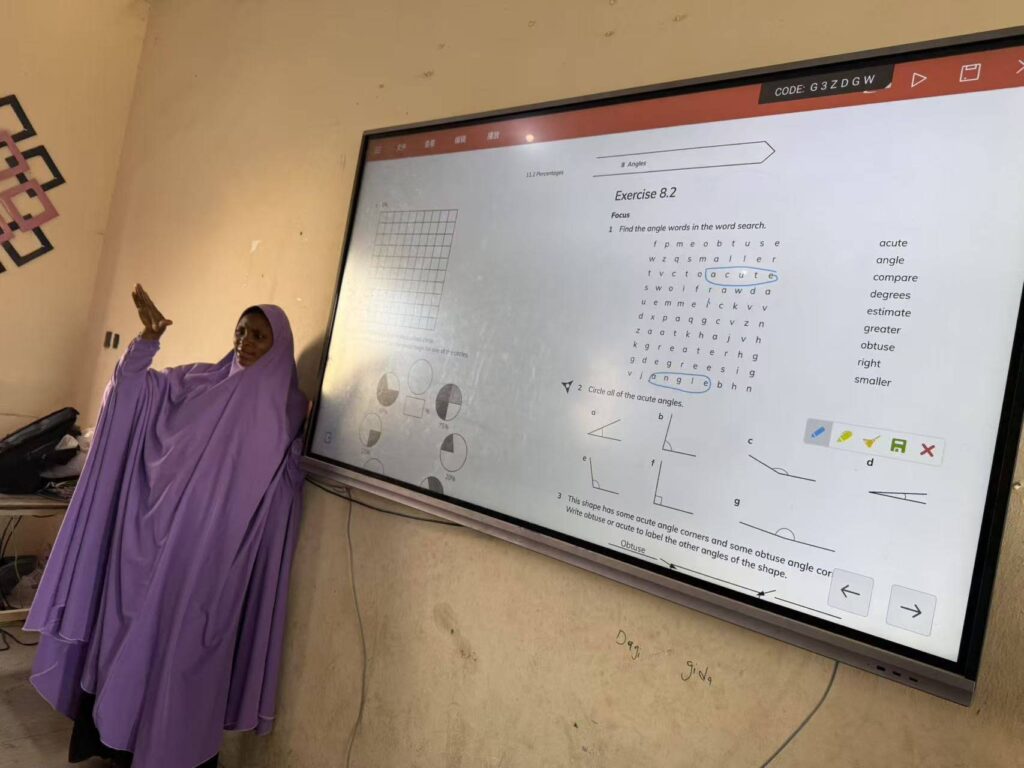
Touch accuracy separates a genuinely interactive display from a large TV with a touch frame. Infrared touch with 20-point or 40-point multi-touch is the industry norm, but the writing experience depends on latency, palm rejection and pen-to-finger differentiation. A supplier confident in its product will let you test writing speed in person or on a live video call.
| Touch Feature | Minimum Acceptable | Best-in-Class |
|---|---|---|
| Touch Points | 20 | 40+ |
| Writing Latency | Under 15 ms | Under 8 ms |
| Palm Rejection | Basic | Intelligent, pen + palm + eraser |
| Pen Differentiation | Single pen | Dual-pen, dual-color simultaneous |
| Touch Accuracy | ±2 mm | ±1 mm |
3. Hardware Performance and Built-In Computing
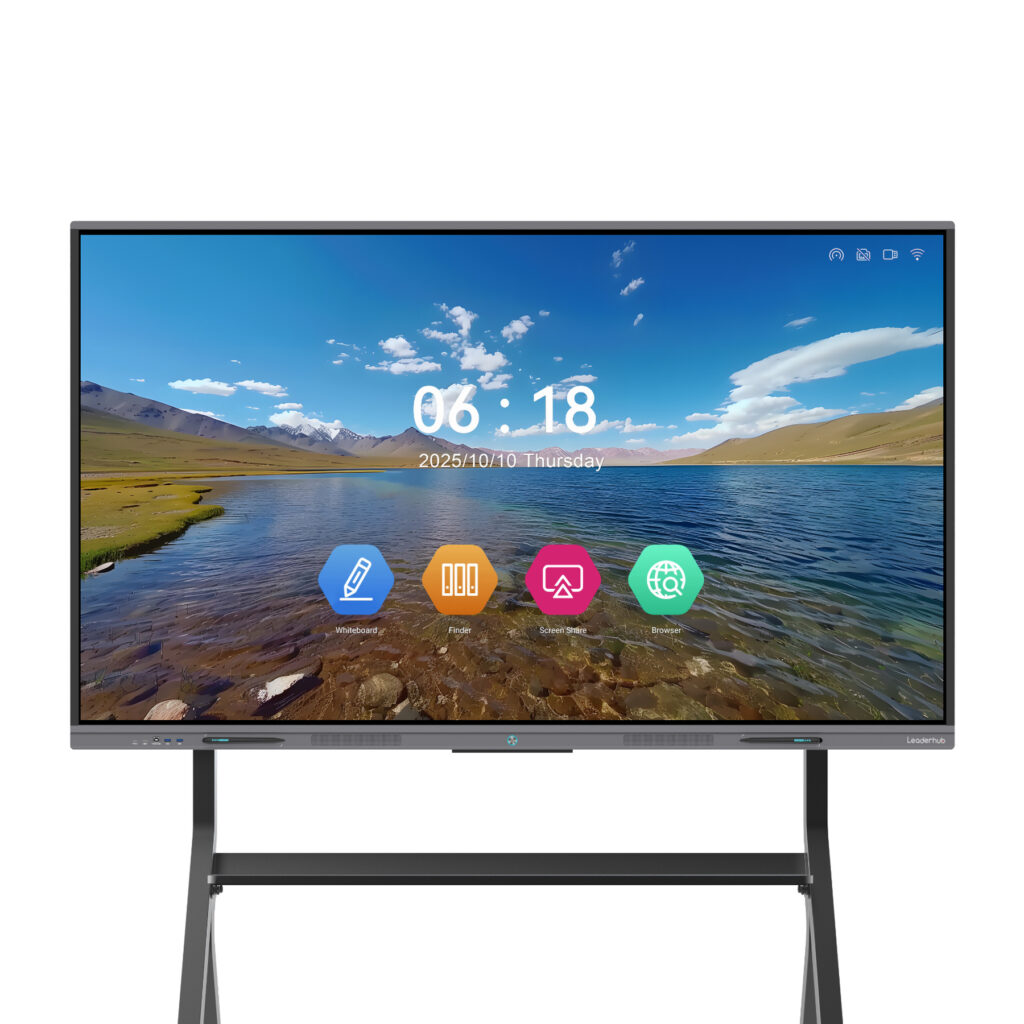
The Android system inside the board handles whiteboarding, wireless casting and apps, while an optional OPS slot allows a Windows PC module. Weak hardware leads to lag during screen sharing and crashes during long sessions. Compare the processor, RAM (4 GB minimum, 8 GB recommended), storage, Android version and OPS compatibility. Suppliers who also manufacture their own computing modules — such as the mini PC range designed to pair with interactive panels — typically offer tighter integration and simpler support.

Part 2: Software and Integration Factors
4. Whiteboarding Software and Ongoing Updates
Hardware is only half the experience. Evaluate the native whiteboard app for handwriting recognition, shape recognition, cloud saving, QR code export and multi-user collaboration. More importantly, ask how often firmware and software are updated and whether updates are free for the life of the device. The OECD Digital Education Outlook highlights that sustained software support is one of the strongest predictors of long-term classroom technology use.
5. Wireless Casting and Cross-Platform Compatibility
Modern users bring Windows laptops, MacBooks, iPads, Android tablets and Chromebooks into the same room. A supplier’s casting solution must support Miracast, AirPlay, Google Cast and a dedicated app with multi-screen split view. Verify whether casting works without installing software, whether it functions on guest Wi-Fi, and whether reverse touch control from the board back to the laptop is supported.
- Test casting with at least four devices simultaneously.
- Confirm 4K casting and audio transmission over wireless.
- Ask whether dongle-based casting is included or sold separately.
6. Video Conferencing and Camera Integration
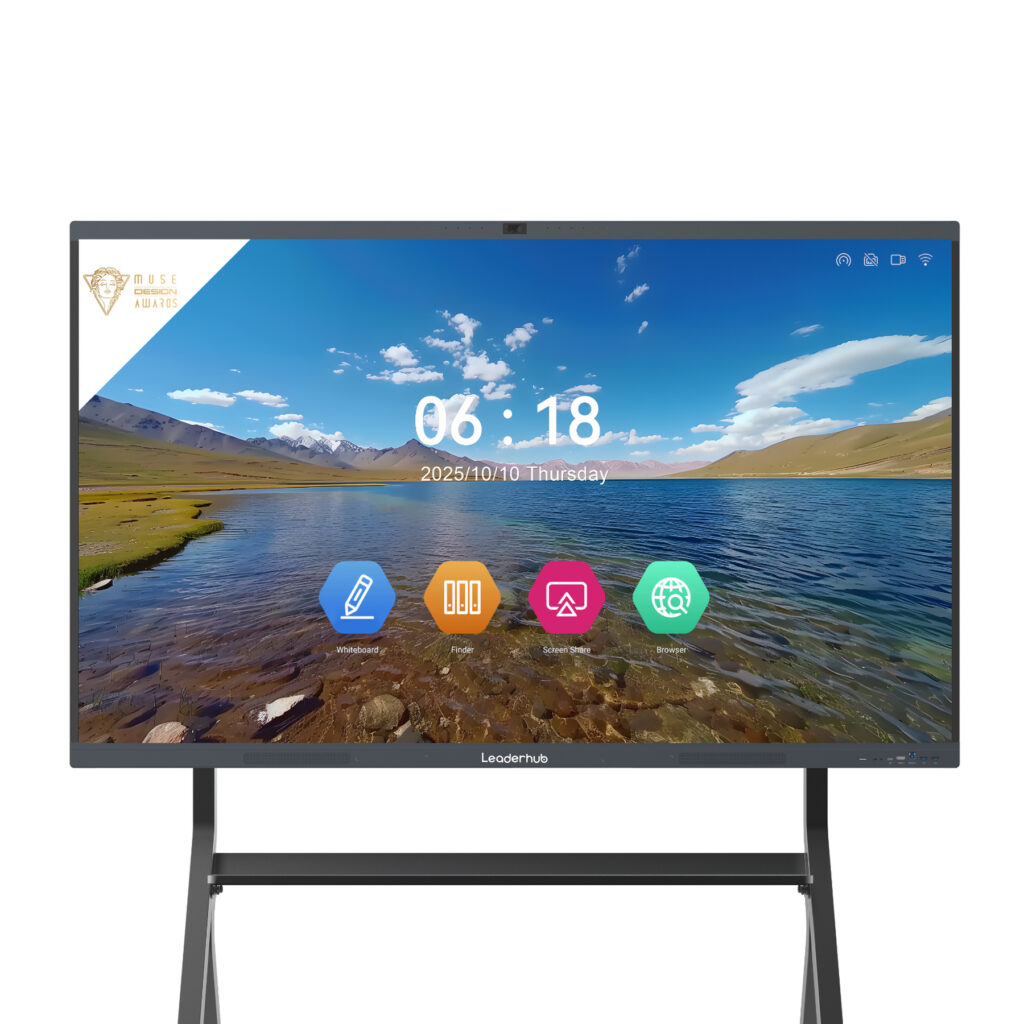
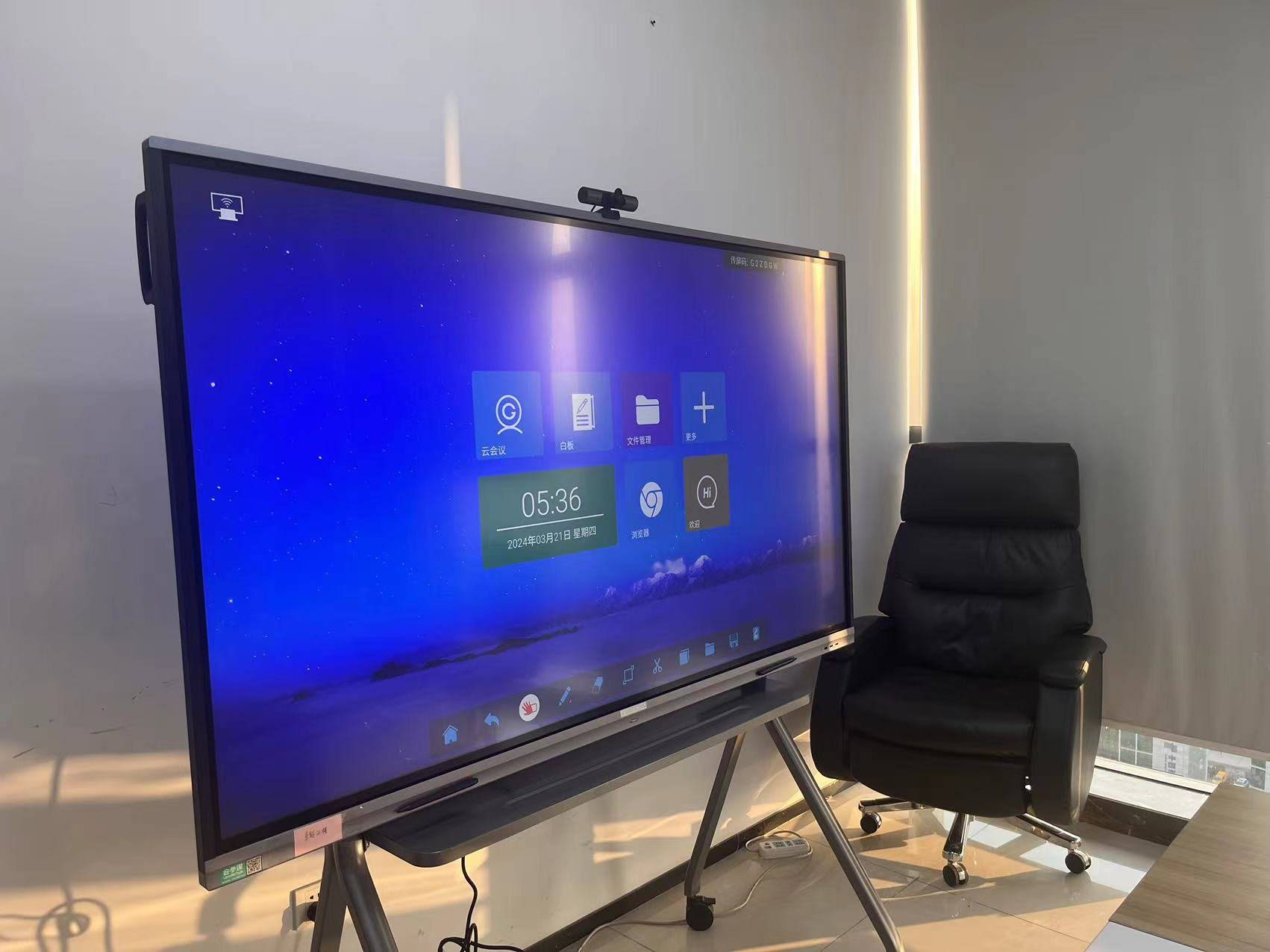
For hybrid classrooms and distributed teams, the board becomes the meeting hub. Check for a built-in or bundled camera with auto-framing, a microphone array with echo cancellation, and certified compatibility with Zoom, Microsoft Teams and Google Meet. A rotating screen capability — allowing portrait mode for one-to-one video calls and document review — is a growing differentiator highlighted in award-winning designs such as the Leaderhub HM Series.
7. Security, Device Management and Data Privacy
Schools and enterprises increasingly require remote device management (MDM), user authentication, encrypted storage and the ability to wipe data after each session. Ask the supplier about their data handling policy, where cloud data is hosted, and whether the device supports LDAP or single sign-on. Guidance from the Child Protection in Digital Education framework is a useful reference when deploying in K-12 environments.
Part 3: Supplier Capability Factors
8. Manufacturing Experience and Quality Control
Is the supplier a genuine manufacturer or a trading company rebranding generic panels? Ask directly. Manufacturers with their own production lines control component sourcing, firmware development and quality testing. Look for ISO 9001 certification, in-house R&D, aging tests (24–72 hours per unit) and a documented defect rate. Years in the interactive display industry matter: a company that has shipped panels through multiple technology generations understands failure modes that newcomers have yet to encounter.
9. Certifications and Regulatory Compliance
Products shipped internationally must carry the right marks for your market. Non-compliant goods can be held at customs or rejected by public tenders.
| Market | Required Certifications | Recommended Extras |
|---|---|---|
| European Union / UK | CE, RoHS, UKCA | ErP energy label, WEEE registration |
| United States / Canada | FCC, UL or ETL | Energy Star, TAA compliance for government |
| Middle East / Asia-Pacific | SASO, KC, PSE, RCM (varies) | Local language firmware, Arabic RTL support |
| Education (Global) | Low blue light, flicker-free | TÜV eye-comfort, Google EDLA |
10. Customization, OEM/ODM and Scalability
If you are a distributor, system integrator or large institution, confirm whether the supplier offers OEM/ODM services: custom logos, boot screens, pre-installed apps, localized firmware and bespoke packaging. Equally important is production capacity — can they deliver 500 units in 30 days for a district-wide rollout? Suppliers that offer a complete ecosystem, from smart whiteboards to portable rotating screens, allow you to standardize on one vendor across classrooms, meeting rooms and huddle spaces.
Part 4: Commercial and Service Factors
11. Warranty, Spare Parts and After-Sales Support
This is where many suppliers fall short. A 3-year warranty should be standard, with options to extend to 5 years. Dig into the details:
- Is the warranty on-site, advance replacement, or return-to-base? Shipping an 86-inch panel back to the factory is impractical.
- How long are spare parts (touch frames, mainboards, power supplies) guaranteed to be available after the model is discontinued?
- What is the response time for technical support, and in which time zones and languages?
- Does the supplier offer remote diagnostics and firmware repair?
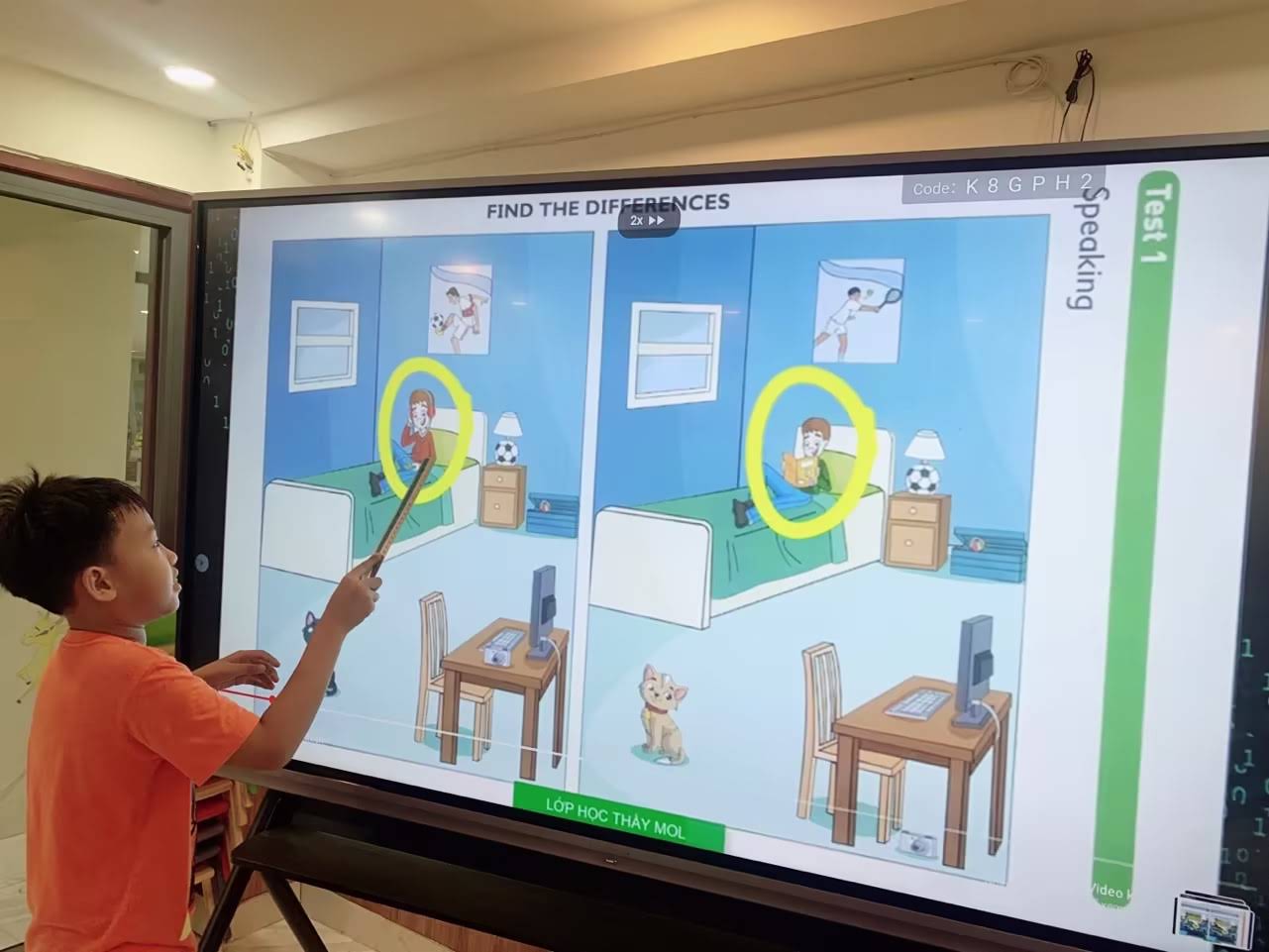
- Are training sessions for teachers or staff included in the purchase?
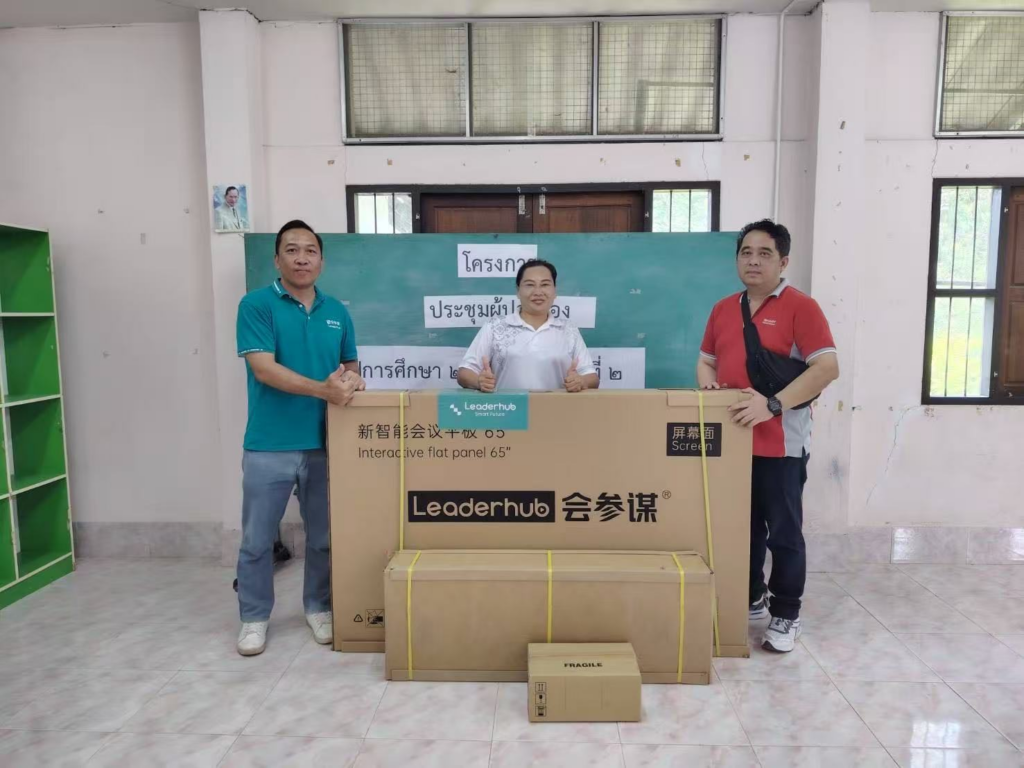
As a reference point, Leaderhub — a Shenzhen-based manufacturer with 16 years in the interactive display industry and customers in 82 countries — builds its service model around the principle of being a “lifelong partner,” pairing hardware warranties with remote support and distributor training so that institutions are not left alone after deployment.
12. Total Cost of Ownership and Pricing Transparency
Finally, compare the full five-year cost rather than the sticker price. Add together the panel, mounting or mobile stand, OPS module, camera, software subscriptions, extended warranty, installation and shipping. A panel priced $300 lower may cost $1,000 more over its lifetime if software is subscription-based or spare parts are expensive. The China Smart Board Selection Guide offers a useful benchmark on how cost-effective manufacturers balance price and specification.
| Cost Component | Questions to Ask the Supplier |
|---|---|
| Hardware | Is the stand, pen, cable kit and camera included? What is the volume discount tier? |
| Software | Is the whiteboard and casting software perpetual or subscription? Any per-seat fees? |
| Logistics | Incoterms (FOB, CIF, DDP)? Lead time? Packaging drop-test certified? |
| Service | Cost of extended warranty? Price list for common spare parts? |
| Energy | Typical and standby power consumption? Auto sleep and scheduled power-off? |
Quick Reference: The 12-Point Smart Board Supplier Scorecard
Print this scorecard and rate each shortlisted supplier from 1 (poor) to 5 (excellent). A total above 48 out of 60 indicates a supplier ready for long-term partnership.
| # | Factor | Category | Weight |
|---|---|---|---|
| 1 | Display panel quality | Product | High |
| 2 | Touch technology | Product | High |
| 3 | Hardware performance | Product | Medium |
| 4 | Whiteboard software & updates | Software | High |
| 5 | Wireless casting | Software | Medium |
| 6 | Video conferencing | Software | Medium |
| 7 | Security & device management | Software | Medium |
| 8 | Manufacturing experience | Supplier | High |
| 9 | Certifications | Supplier | High |
| 10 | OEM/ODM & scalability | Supplier | Medium |
| 11 | Warranty & after-sales | Commercial | High |
| 12 | Total cost of ownership | Commercial | High |
How to Run a Supplier Evaluation in Practice
Step 1: Define Your Use Case First
A primary school classroom, a university lecture theatre and a corporate boardroom have different priorities. Write down the room size, audience count, devices in use and the three tasks the board must perform daily. The guide to choosing an interactive display for K-12 provides a practical framework for education buyers.
Step 2: Shortlist Three to Five Suppliers
Request a specification sheet, certification copies, warranty document and a reference customer in your region from each. Suppliers that hesitate on any of these should be flagged immediately.
Step 3: Request Samples or Live Demos
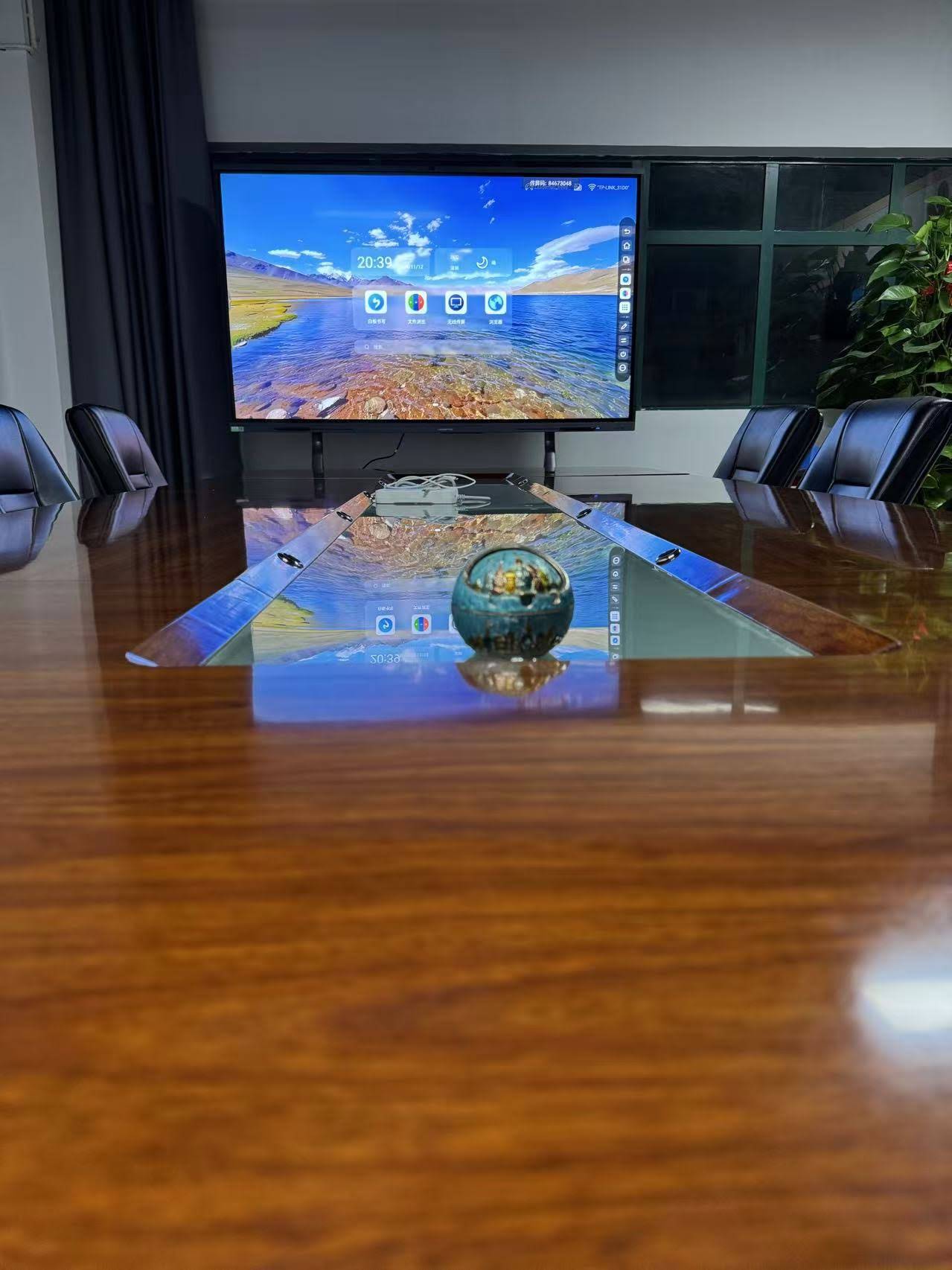
Never purchase at volume without testing. Reputable manufacturers will send a sample unit or arrange a detailed video demonstration. Test writing latency, casting from multiple devices, a 30-minute Teams or Zoom call and the responsiveness of the Android interface after an hour of continuous use.
Step 4: Negotiate Terms, Not Just Price
Use the scorecard to negotiate. If a supplier scores lower on warranty, ask for an extended term at no cost. If software is subscription-based, ask for perpetual licensing on volume orders. The strongest supplier relationships are built on transparent terms rather than the lowest quote.
Final Thoughts
A smart board supplier comparison checklist turns an emotional, brochure-driven decision into a structured evaluation your finance team, IT department and end users can all trust. Focus on the factors with the highest long-term impact — panel quality, touch experience, software longevity, manufacturing credibility and after-sales support — and the right supplier becomes clear. If you would like to see how a 16-year manufacturer measures up against this checklist, you can contact the Leaderhub team for specification sheets, certification documents and a live product demonstration.