
Best Smart Board for Teaching: Interactive Classroom Solutions
Empower educators and inspire students with LeaderHub’s next-generation 4K interactive flat panels. Discover how AI-driven hardware elevates collaboration, engagement, and learning outcomes in modern schools.
Why the Right Smart Board for Teaching Changes Everything
Traditional teaching methods are rapidly evolving. The days of dusty chalkboards and passive projector screens are giving way to dynamic, multi-touch, and cloud-connected environments. A premium smart board for teaching is no longer just an optional accessory—it is the central hub of the modern classroom.
At LeaderHub, we understand that educational technology must be both powerful and intuitive. Our interactive flat panels combine 4K Ultra-HD visuals, ultra-responsive touch technology, and seamless software integration to create an immersive learning atmosphere. By bridging the gap between digital resources and physical collaboration, we help teachers deliver lessons that resonate deeply with today’s tech-savvy students.
Whether you are managing a local elementary classroom, a high school science lab, or a university lecture hall, our tailored interactive classroom solutions adapt to your curriculum, making complex concepts easier to visualize, discuss, and retain.

Transforming Classrooms with Interactive Technology
Boost Student Engagement
Interactive smart boards turn passive listeners into active participants. With support for multi-touch writing, gamified quizzes, and direct screen sharing, students stay focused and excited to contribute.
Seamless Multimedia Integration
Easily pull up high-definition videos, 3D science models, digital maps, and web browsers side-by-side. The 4K resolution ensures every detail is crisp and visible from the back row.
Hybrid & Remote Learning Ready
Equipped with dual operating systems (Android/Windows) and compatible with leading video conferencing tools, LeaderHub boards make remote guest lectures and hybrid classes simple to execute.
Explore LeaderHub Interactive Classroom Solutions

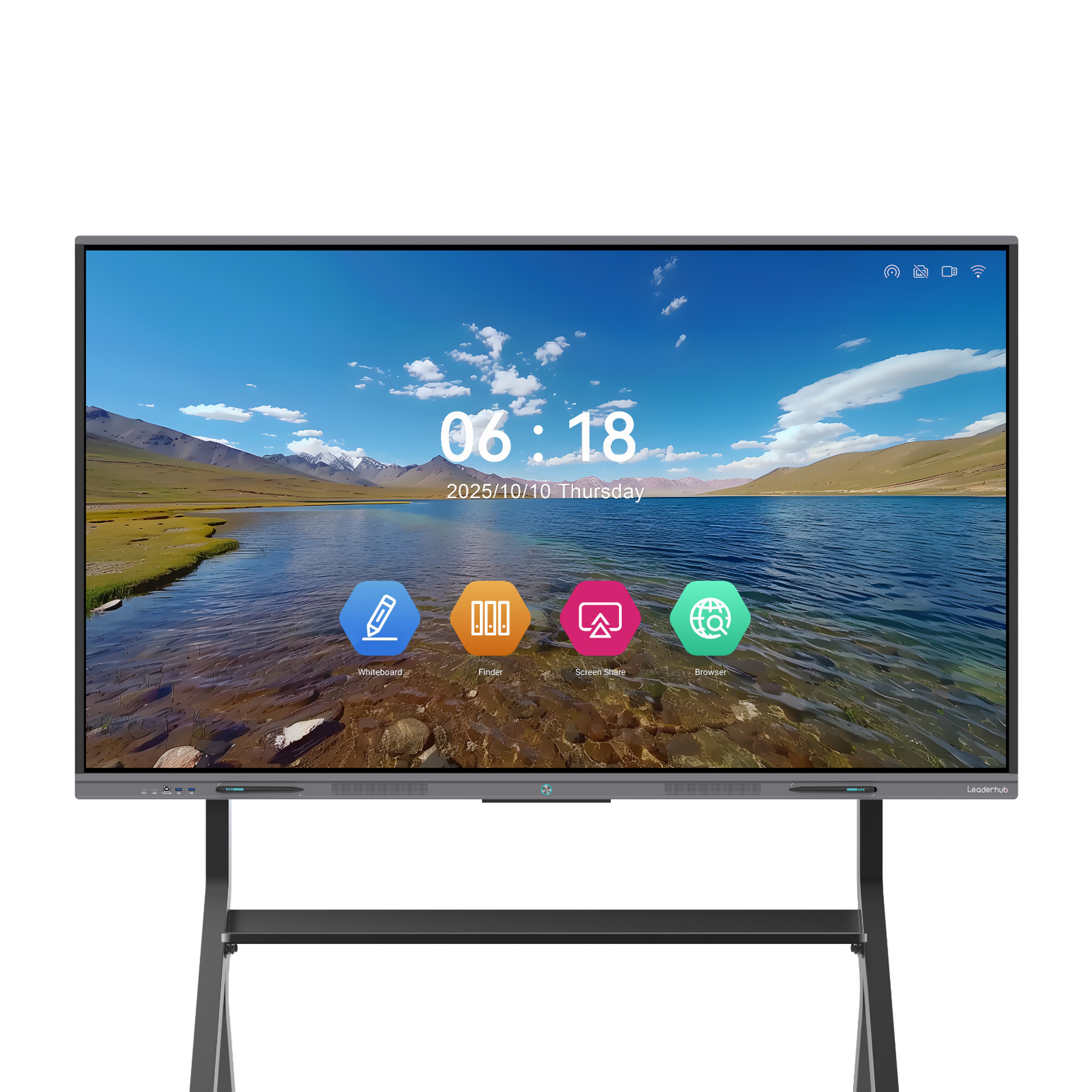
How to Choose the Best Smart Board for Your School
1. Determine the Optimal Screen Size
Choosing the right screen size is essential for ensuring readability and visual comfort. A display that is too small forces students in the back rows to strain their eyes, while an oversized display in a cramped room can feel overwhelming. We generally recommend:
- 65-Inch Smart Boards: Perfect for small breakout rooms, special education classrooms, or early childhood learning areas where students sit close to the display.
- 75-Inch Smart Boards: The gold standard for standard-sized classrooms accommodating 20 to 30 students. It offers the best balance between screen real estate and cost-efficiency.
- 86-Inch to 110-Inch Smart Boards: Ideal for large lecture halls, science labs, and shared multi-purpose rooms where wide viewing angles and large-scale visualizations are required.
SEO Pro Tip: When evaluating a “smart board for teaching,” always verify the touch resolution. A native 4K display combined with optical or infrared touch technology ensures that handwritten text is clear and readable from any angle in the classroom.
2. Operating System Flexibility: Android vs. Windows
Modern classrooms use a variety of software ecosystems. To accommodate this diversity, LeaderHub interactive displays support dual operating systems. The built-in Android OS offers a lightweight, instant-on whiteboard experience perfect for daily lessons and quick annotations. For more complex software—such as chemistry modeling, CAD design, or specialized educational games—integrating an OPS Mini PC running Windows 11 Pro turns the smart board into a fully functional computer.
3. Collaborative Features & Multi-Touch Capabilities
Active learning relies on student participation. Look for displays that support at least 20 points of touch, allowing multiple students to work on the board simultaneously. Whether they are solving a math puzzle together or labeling a diagram, zero-latency touch response ensures the writing experience feels as natural as writing on paper.
Compare LeaderHub Smart Boards
| Model Series | Sizes Available | Resolution | Primary Use Case | Price Range | Action |
|---|---|---|---|---|---|
| LeaderHub HM Series | 65″, 75″, 86″ | 4K Ultra-HD | Premium classrooms, high-intensity collaborative labs | $1,299.00 – $3,199.00 | Shop HM |
| LeaderHub ZM Series | 65″, 75″, 86″ | 4K Ultra-HD | Value-driven school budgets, standard classrooms | $1,099.00 – $1,699.00 | Shop ZM |
| LeaderHub U55Pro | 55″ Mobile Display | 4K Ultra-HD | Flexible learning spaces, mobile teaching stations | $2,499.00 | Shop U55Pro |
| LeaderHub L110H | 110″ Giant Display | 4K Ultra-HD | Auditoriums, lecture halls, conference centers | $7,999.00 | Shop L110H |
Smart Board Applications in Action
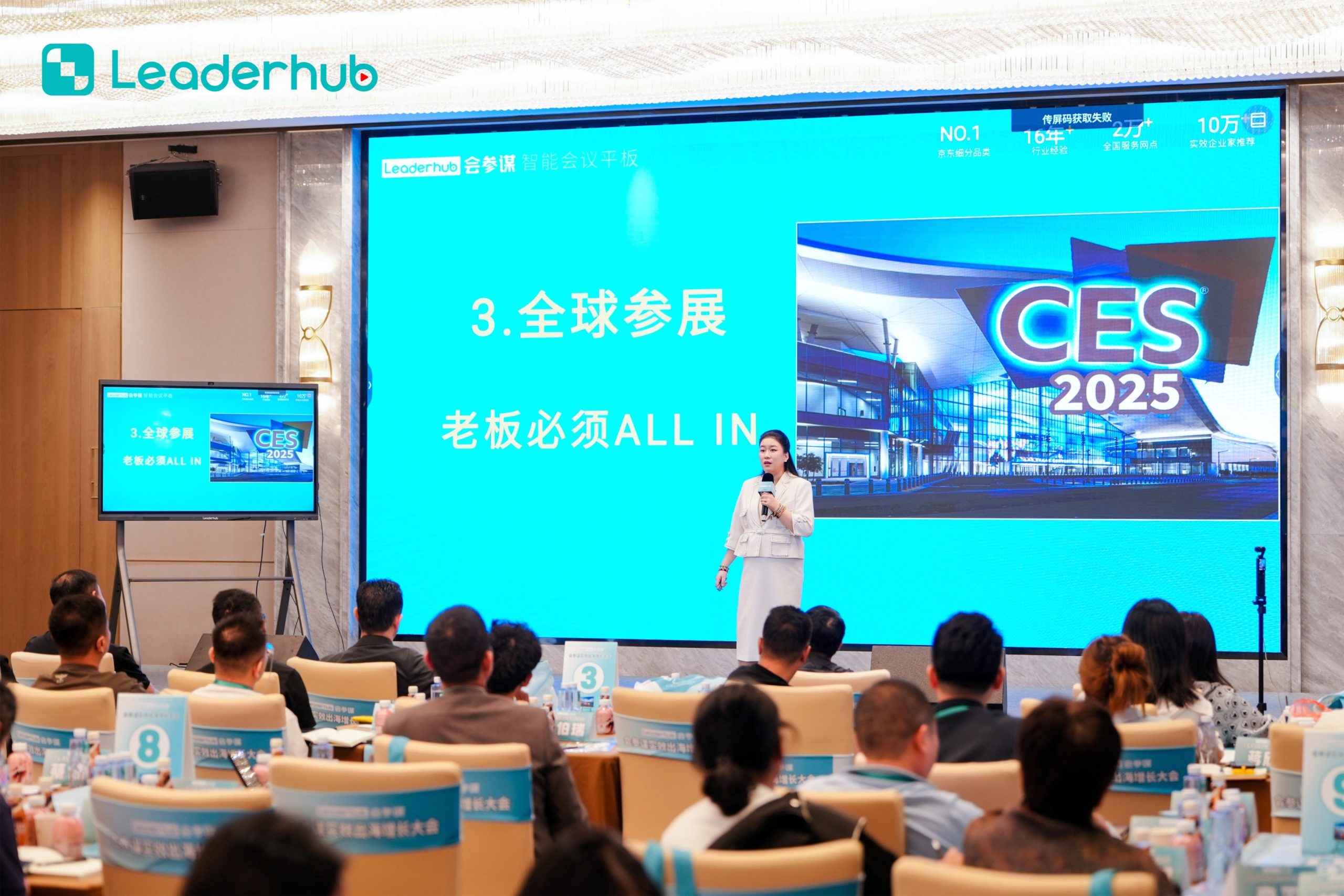
Smart Board in Action
Experience interactive technology designed for modern education and business environments.

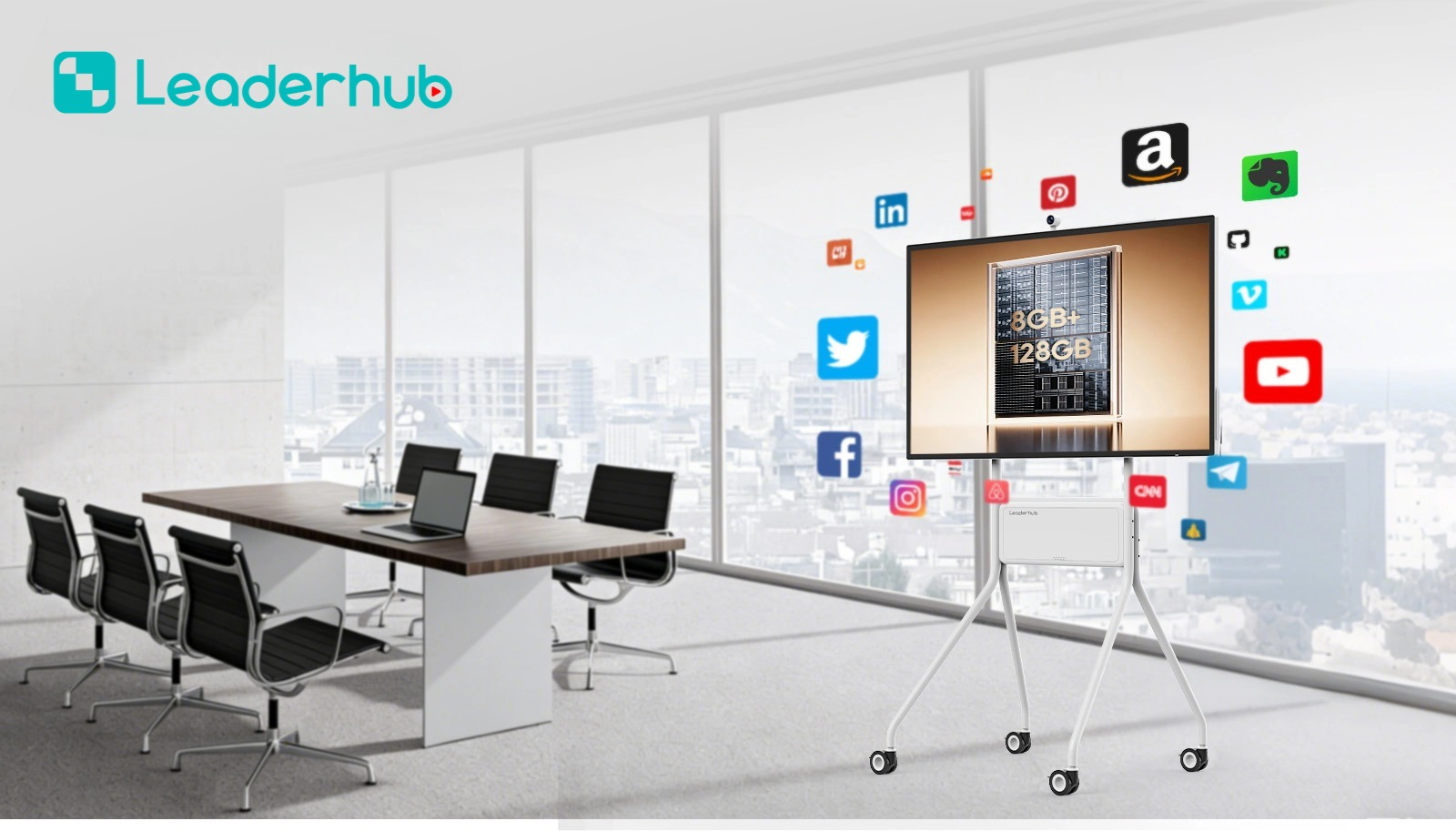
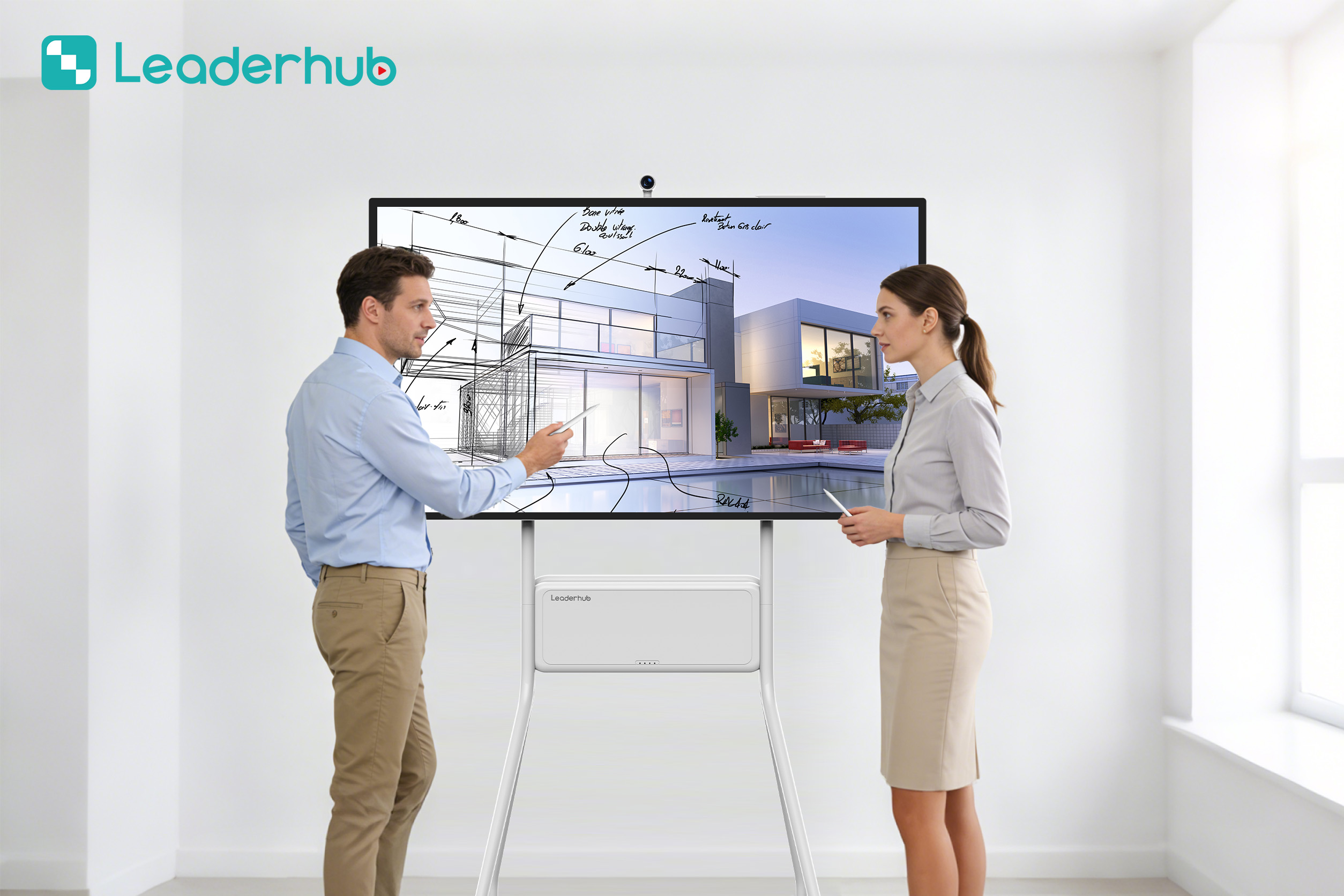
Interactive Display Demonstration
Explore intuitive touch interaction and smart collaboration features.


About LeaderHub: AI Changes Life
Who We Are
LeaderHub is a Shenzhen-based technology pioneer with over 16 years of expertise in the interactive flat panel industry. We design, manufacture, and distribute world-class smart whiteboards, portable smart screens, and mini PCs to educational institutions and corporate clients globally.
We are dedicated to making advanced AI-driven technology accessible and affordable. By combining hardware innovation with smart AI capabilities, we continuously optimize the classroom and meeting experience. Today, LeaderHub is a trusted partner for school districts, private training centers, and universities worldwide.
Recognition & Achievements
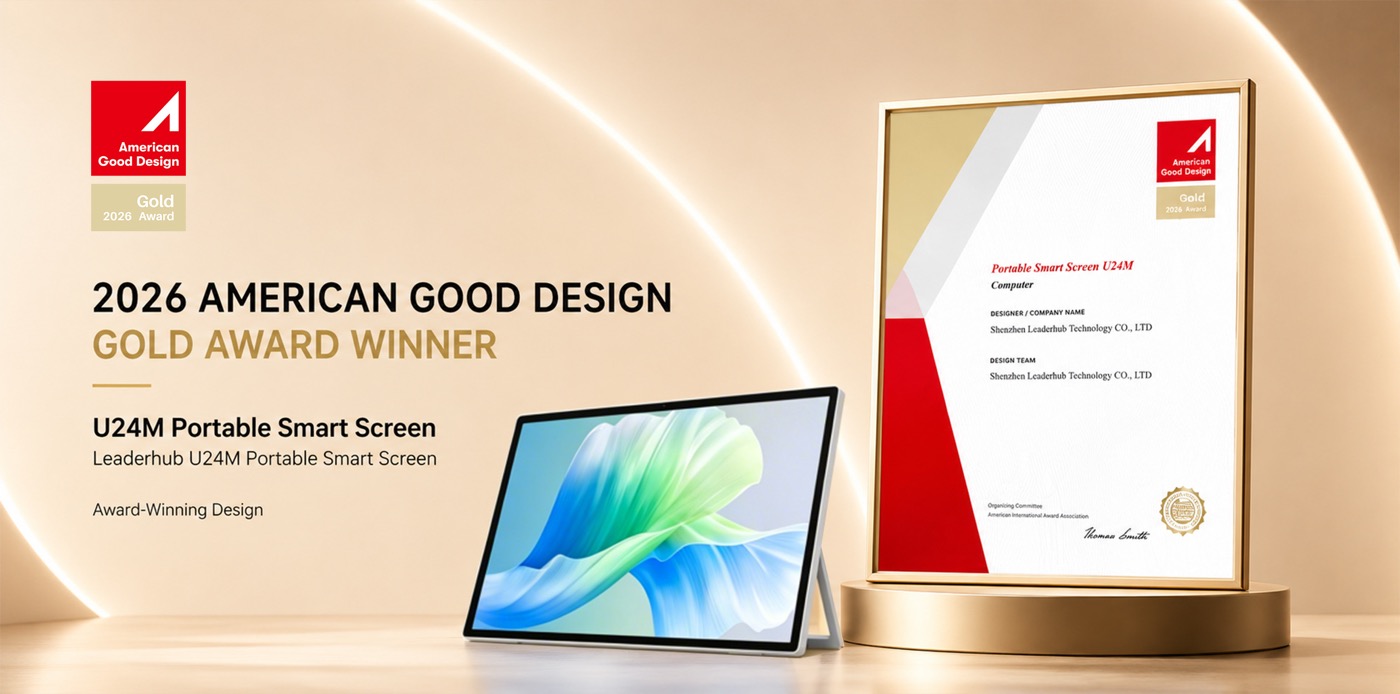
- Annual Conference Tablet — Most Innovative Product Award
- Shenzhen Famous Brand Recognition
- Annual Consumer Trustworthy Brand
- Top-ranked Interactive Panel Provider on JD.com
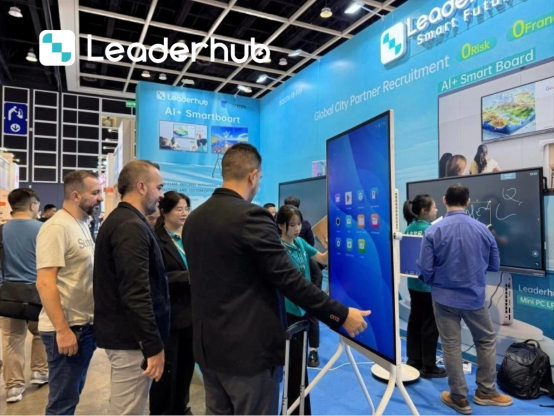
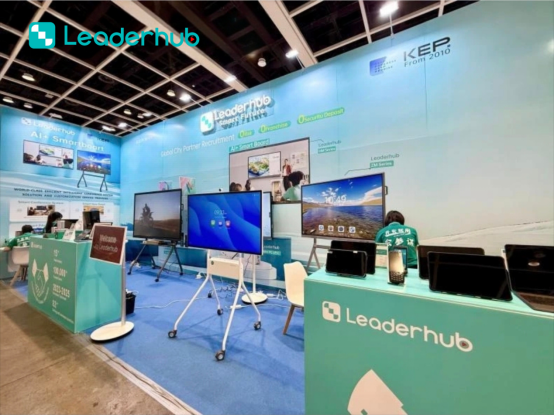
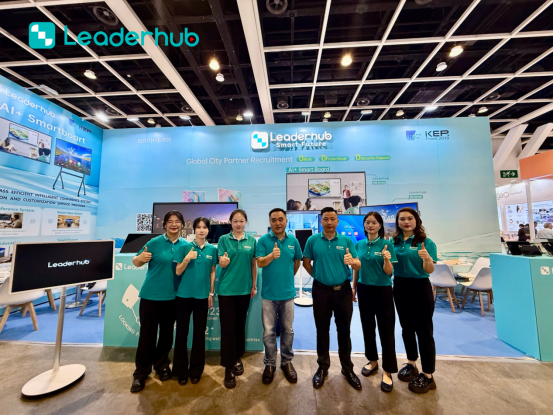
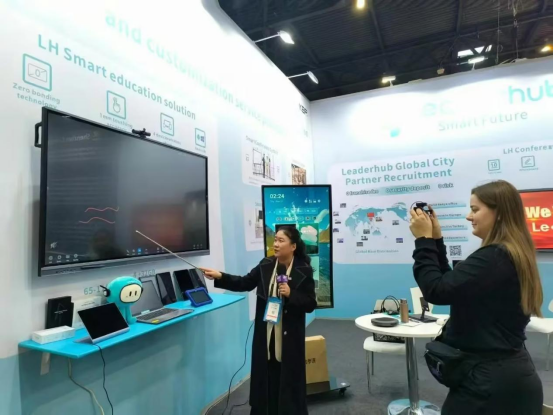
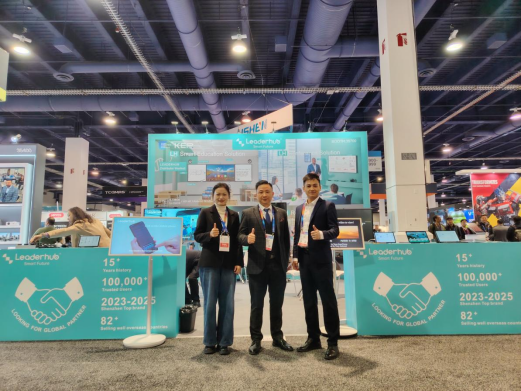
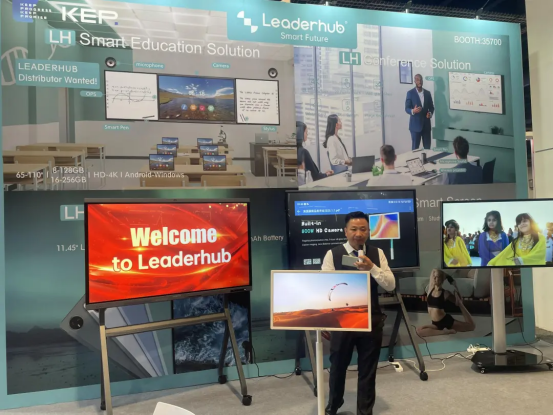
Meet LeaderHub at Global Technology Exhibitions
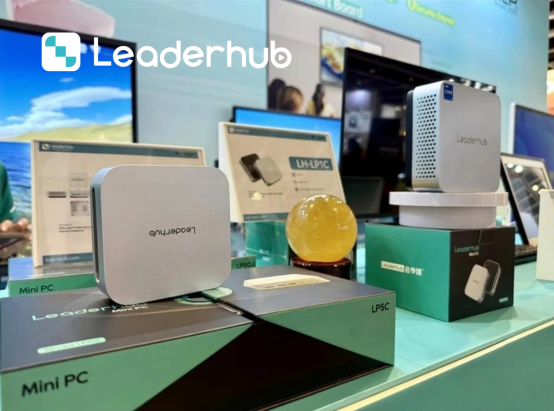
LeaderHub actively participates in major international electronics and education technology exhibitions. We connect directly with schools, distributors, and system integrators to demonstrate the power of our smart board for teaching solutions.



Smart Board for Teaching: FAQs
What makes LeaderHub the best smart board for teaching?
LeaderHub integrates high-performance 4K displays, 20-point multi-touch technology, dual OS compatibility (Android & Windows), and specialized software designed specifically for educators. This seamless combination ensures high engagement and easy lesson delivery.
Can I use my existing teaching software on LeaderHub displays?
Yes. Because our displays support Windows via optional OPS Mini PCs (like the LP1C or LP5C) and standard Android platforms, you can run any web-based or desktop educational application, including Google Workspace for Education, Microsoft Office 365, and specialized STEM software.
How does the installation process work?
LeaderHub smart boards can be mounted directly onto standard classroom walls or integrated with mobile heavy-duty rolling stands. The mobile option is ideal for schools that need to share interactive panels across multiple classrooms.
What size display is recommended for a standard classroom?
For a standard classroom of 20-30 students, a 75-inch or 86-inch display is highly recommended to ensure all visual details and written text are readable from the back of the room.
Ready to Upgrade Your Classroom Experience?
Get in touch with our educational technology experts today to request a demo, receive a customized volume quote, or discuss becoming an authorized global distributor.
