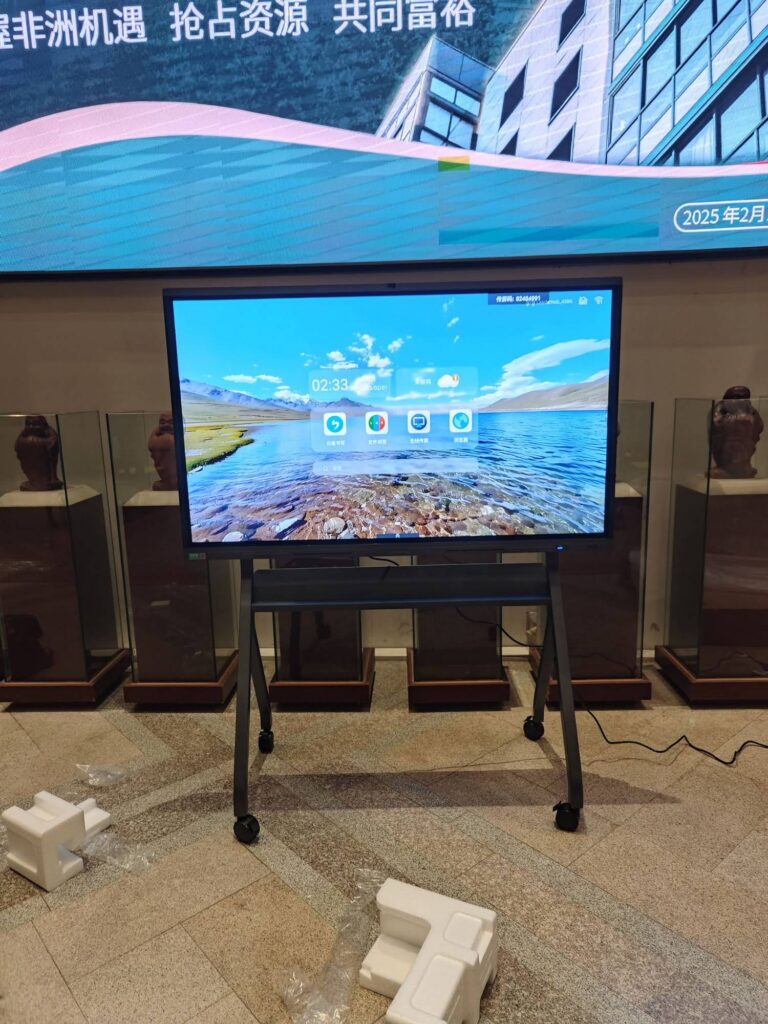
Smart boards are used in classrooms to make lessons more interactive, visual, and collaborative. When teachers ask what are smart boards used for in the classroom, the short answer is: they help educators present content, involve students, assess understanding, and save teaching time in one connected device.
Modern classrooms are moving beyond chalkboards and static projectors. A smart board combines touch interaction, digital content, handwriting tools, media playback, and internet access, so teachers can teach in more flexible ways while students participate more actively.

What Is a Smart Board in a Classroom?
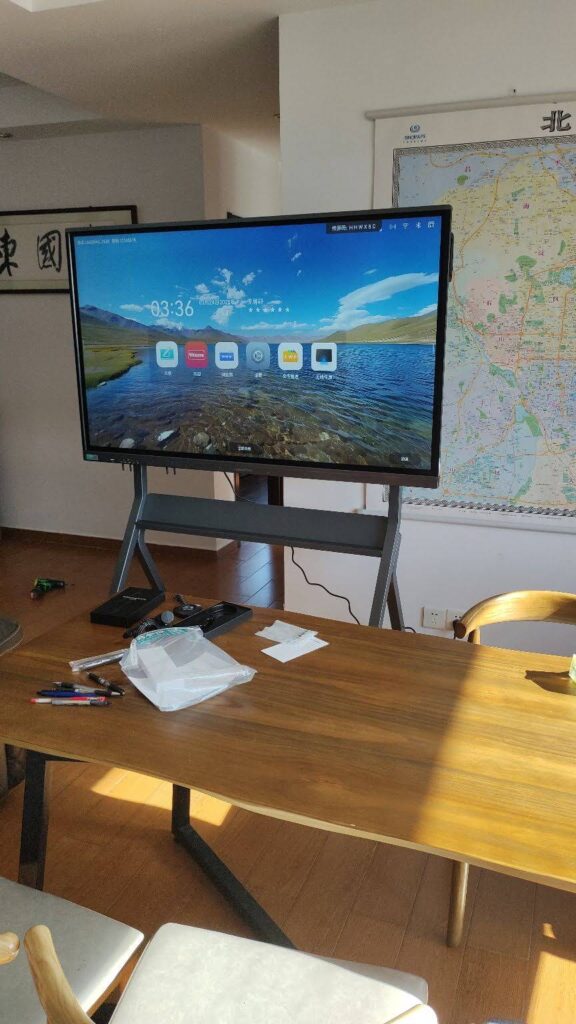
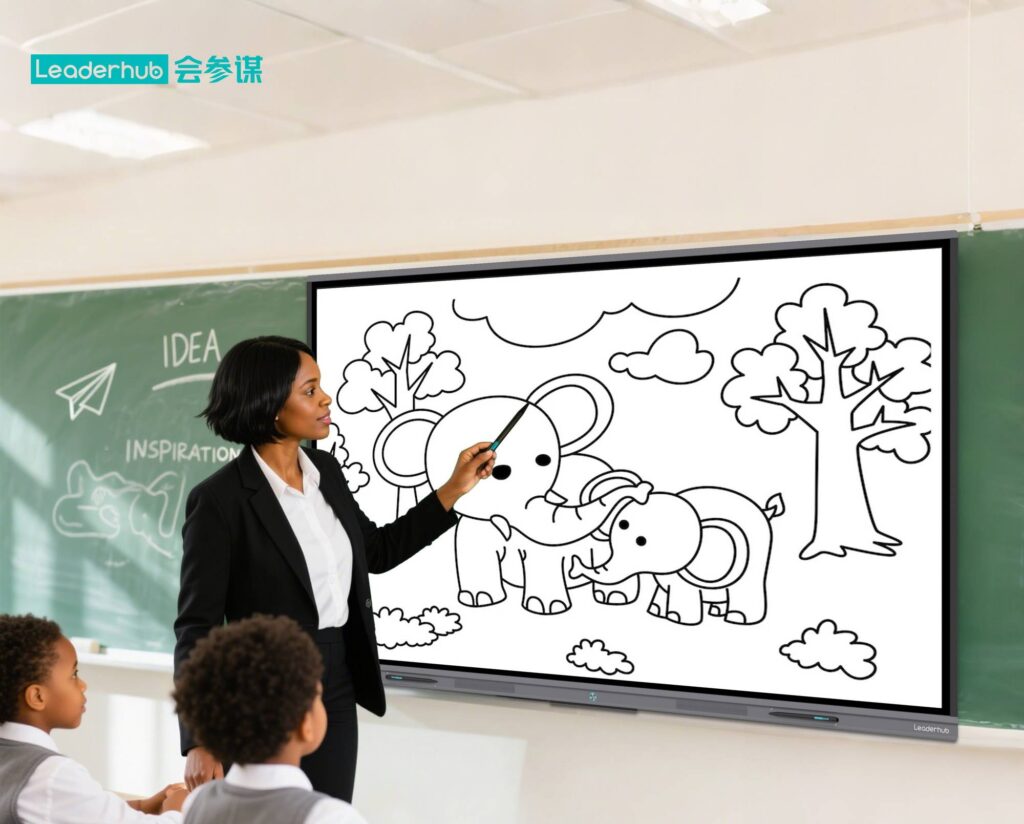
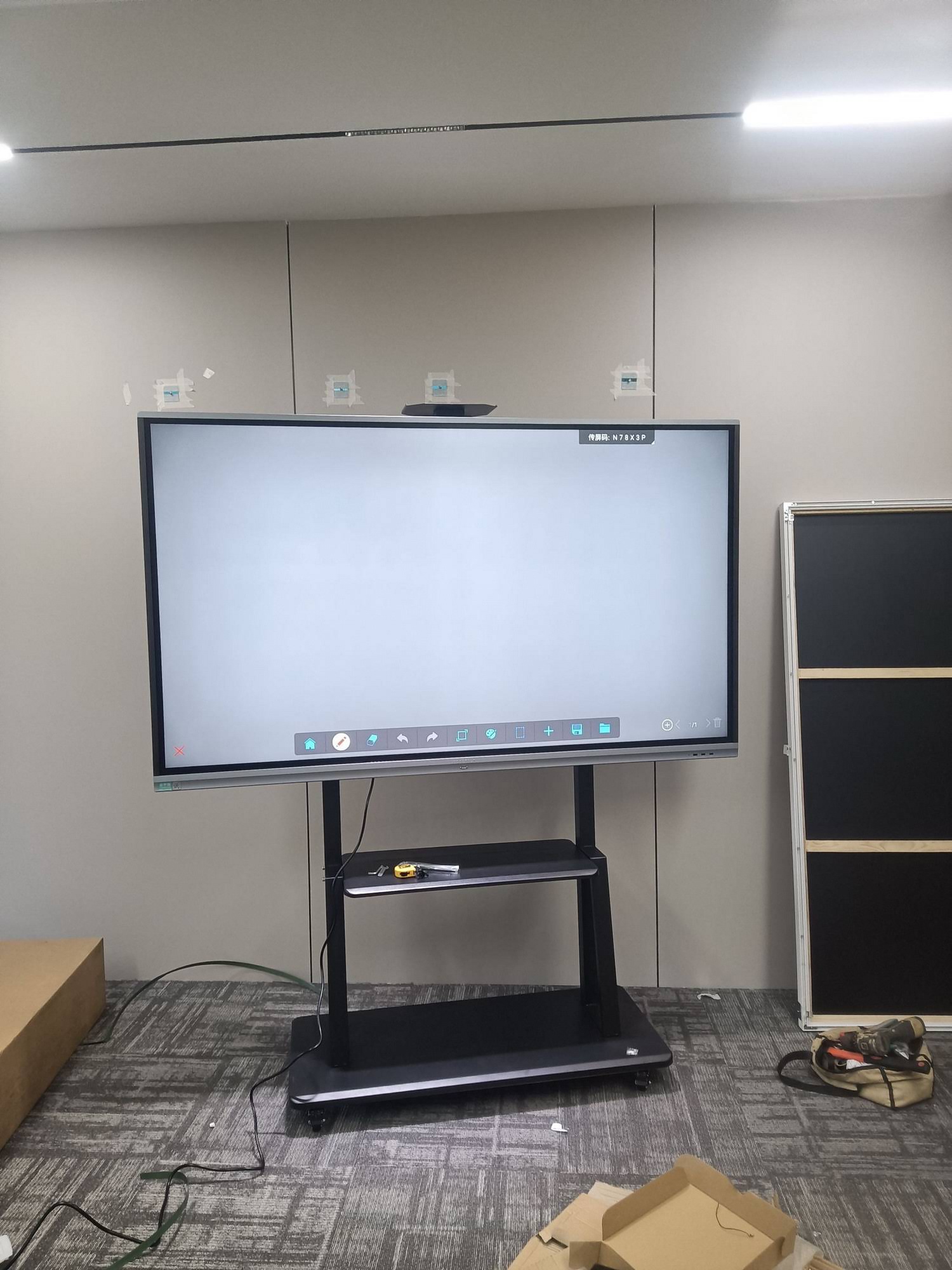
A smart board is an interactive display that functions like a digital whiteboard. Teachers can write on it, tap it, drag objects, show videos, open websites, annotate documents, and save lesson notes instantly. Instead of switching between a projector, laptop, and whiteboard, everything happens in one screen.
This makes it especially useful for whole-class instruction, group activities, and visual teaching. For schools exploring upgrade options, a smart whiteboards category can be a practical place to compare models.
Main Uses of Smart Boards in the Classroom
- Presenting lessons visually: Teachers can display slides, diagrams, photos, and videos in one place.
- Writing and annotating in real time: Notes can be added directly on top of lesson content.
- Supporting class discussion: Students can come to the board and interact with the material.
- Running quizzes and polls: Teachers can check understanding quickly during the lesson.
- Saving and sharing notes: Lesson content can be stored for later review.
- Blending online and offline resources: Websites, apps, and local files can all be used in one lesson.
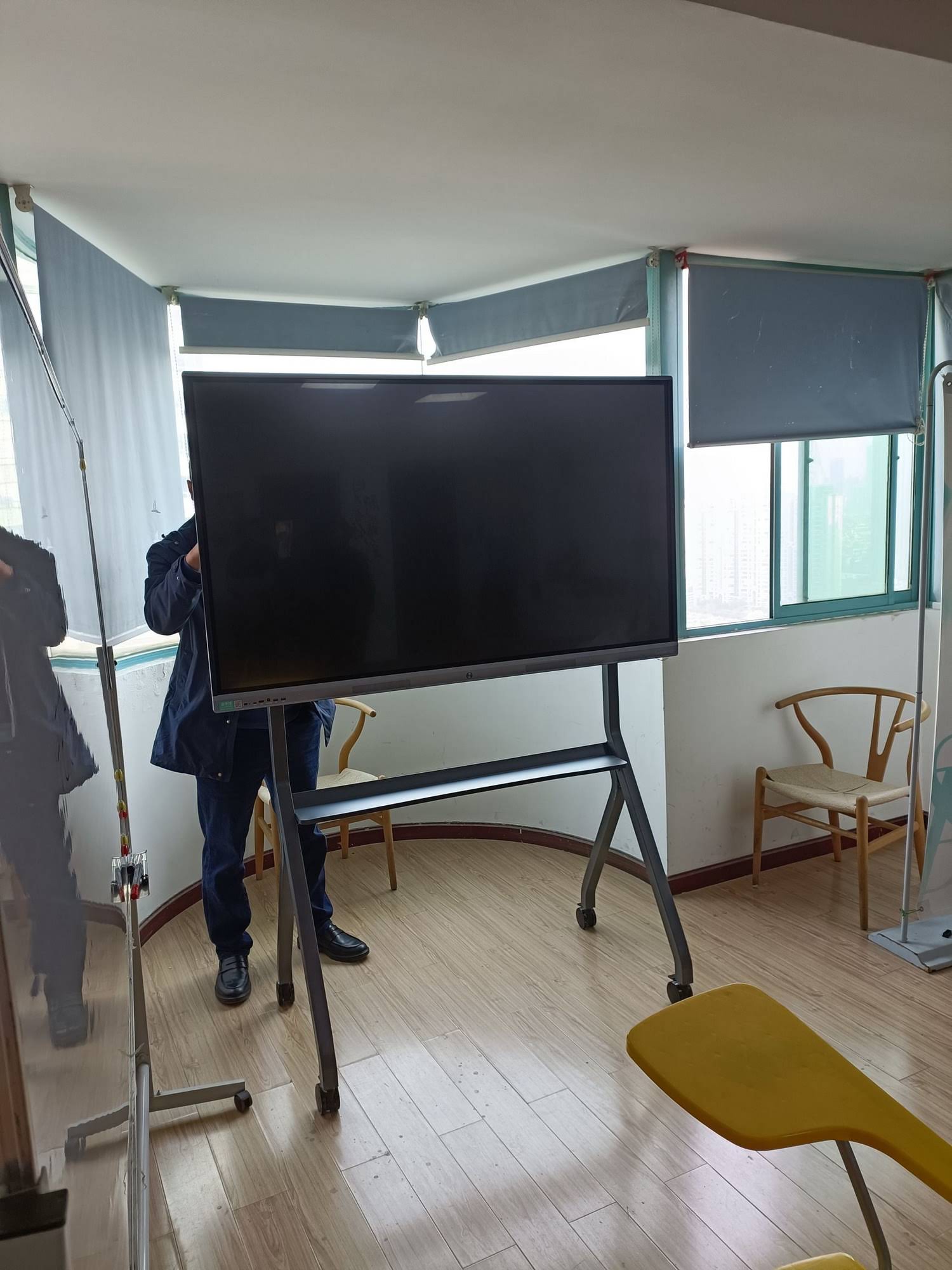
Key Classroom Uses by Teaching Stage
| Teaching Stage | How Smart Boards Help | Classroom Benefit |
|---|---|---|
| Warm-up | Display a question, image, or short video | Captures attention quickly |
| Direct teaching | Write, draw, and highlight key ideas | Makes complex topics easier to understand |
| Guided practice | Let students solve problems on the board | Encourages participation and confidence |
| Assessment | Use quick-response activities and checks | Helps teachers spot learning gaps early |
| Review | Save notes and revisit the lesson | Improves retention and revision |
Top Benefits of Smart Boards for Students and Teachers
1. Higher student engagement
Interactive lessons are easier to follow than long lectures. Students stay focused when they can touch, move, write, and respond.
2. Better collaboration
Group activities become more dynamic when multiple students can work together on the same screen.
3. Faster lesson delivery
Teachers can open files, show examples, and mark up content without changing devices.
4. More inclusive learning
Visual, auditory, and hands-on learners can all benefit from the same lesson format.
5. Easier lesson saving
Boards can store notes digitally, which is useful for revision, absent students, and homework follow-up.
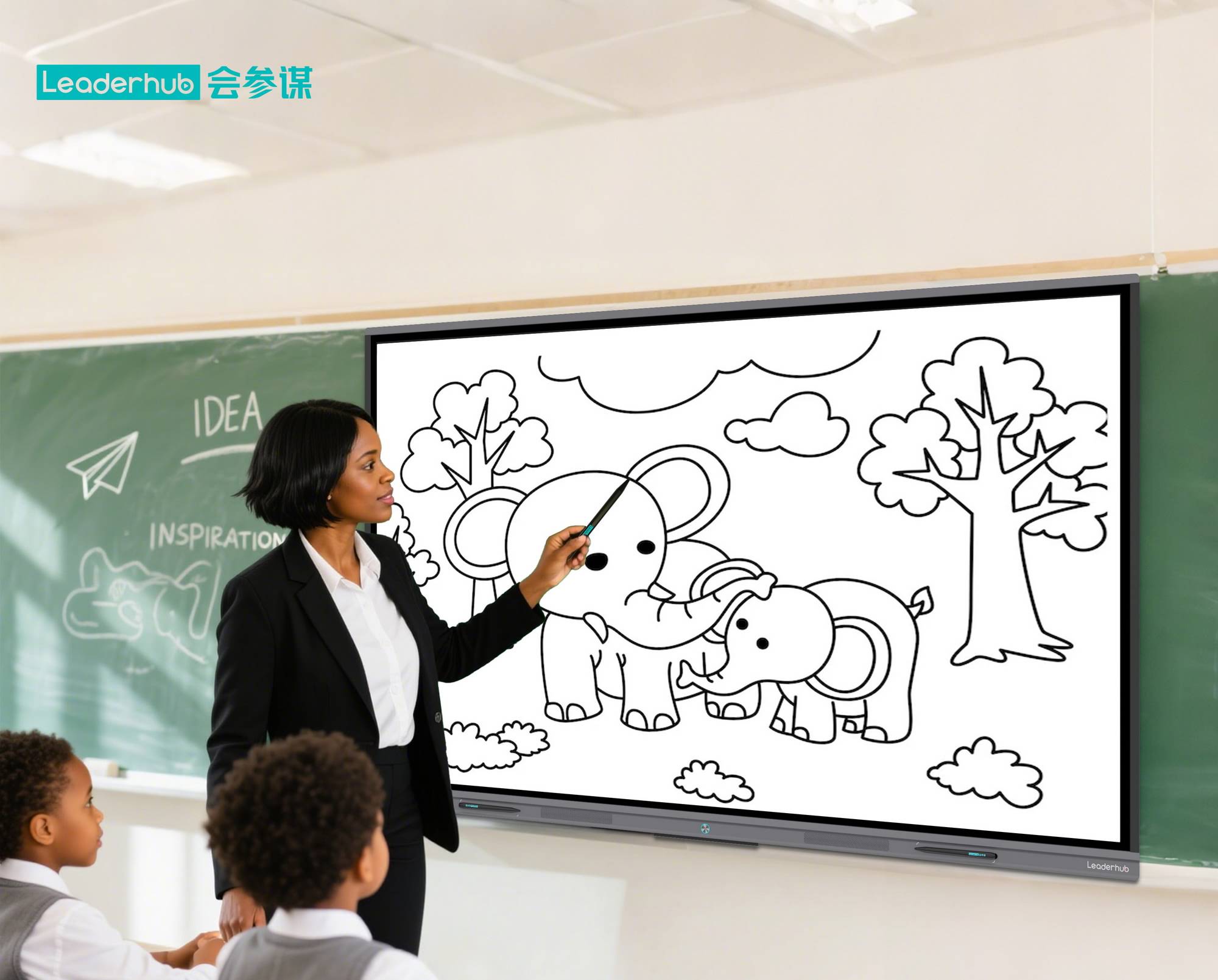
How Smart Boards Improve Lesson Engagement
One of the biggest reasons schools adopt smart boards is engagement. A lesson becomes more memorable when students can interact with it instead of only watching it. Teachers can reveal answers step by step, highlight important details, and use touch-based activities to keep the class involved.
Research from organizations such as the UNESCO Technology in Education Report highlights that technology is most effective when it supports meaningful teaching rather than replacing it. That is exactly where smart boards fit best: they enhance the lesson while keeping the teacher in control.
Examples of engagement activities
- Drag-and-drop vocabulary matching
- Label-the-diagram science tasks
- Interactive map exploration
- Math problem-solving in front of the class
- Quick review games and exit tickets
Smart Board Use Cases Across Subjects
- Math: Solve equations, show geometry steps, and annotate worked examples.
- Science: Display experiments, diagrams, lab instructions, and simulations.
- English: Mark up reading passages, build vocabulary lists, and edit writing together.
- Social studies: Explore timelines, maps, and historical images.
- Art and design: Sketch ideas, compare examples, and present creative work.
Why Teachers Like Smart Boards
Teachers often value smart boards because they reduce friction in the classroom. Instead of moving between different tools, they can teach, explain, annotate, and save everything from one interface.
- Less time wasted on setup
- More flexible lesson flow
- Easier to respond to student questions
- Simple access to digital resources
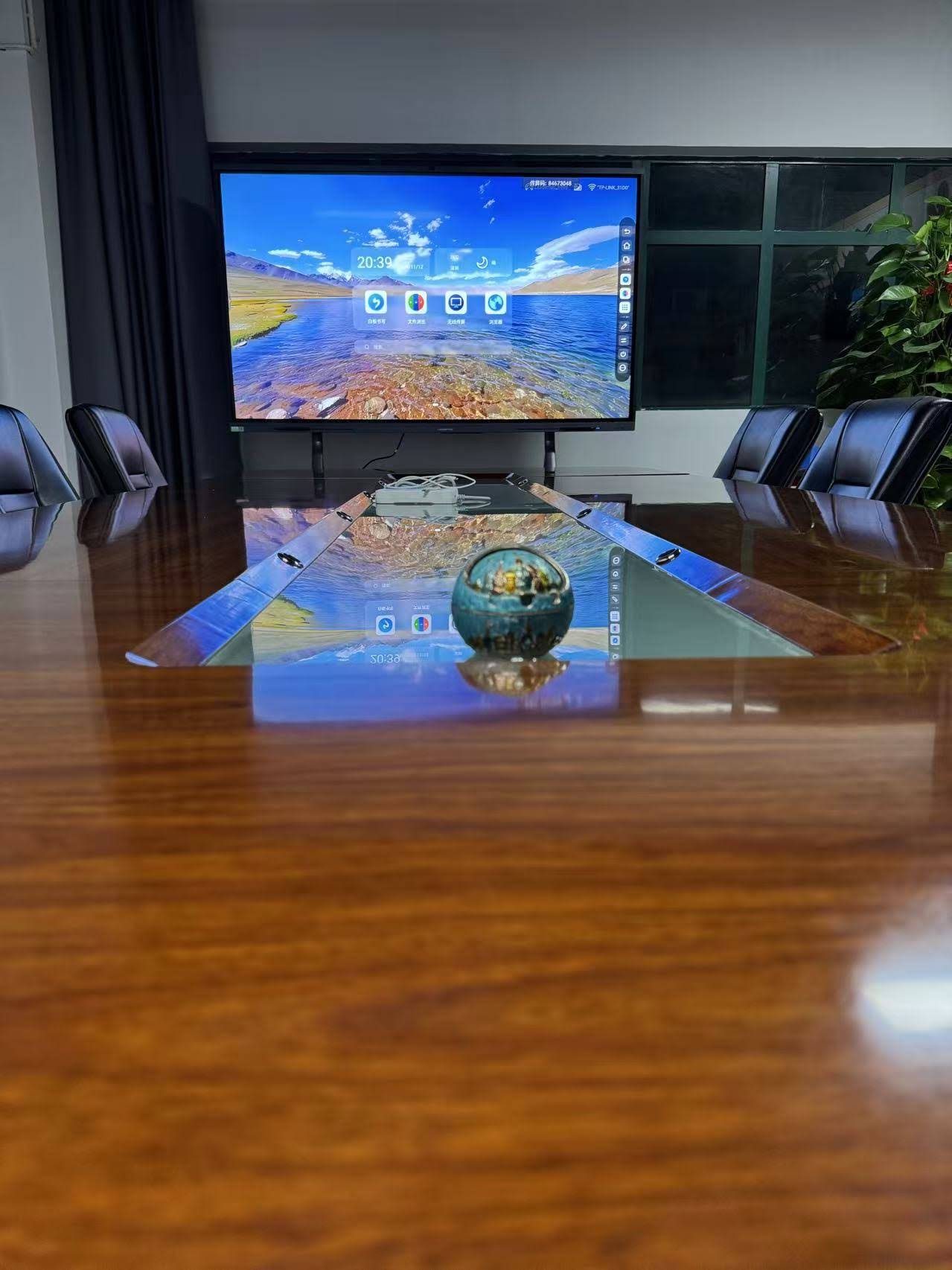
Smart Boards vs Traditional Whiteboards
| Feature | Traditional Whiteboard | Smart Board |
|---|---|---|
| Content type | Handwritten only | Text, images, video, web pages, and apps |
| Interaction | Teacher-led | Teacher and student interaction |
| Saving notes | Must be copied manually | Digital saving and sharing |
| Lesson pace | Slower switching between tools | Faster, smoother transitions |
| Learning style support | Limited | Visual, auditory, and hands-on learning |
What to Look for When Choosing a Classroom Smart Board
Not every smart board is the same. Schools should compare display size, touch responsiveness, resolution, software compatibility, and installation needs before making a decision.
- Screen size: Choose a size that fits the classroom layout.
- Touch accuracy: Smooth writing and response matter for daily teaching.
- 4K clarity: Helpful for showing text, charts, and detailed visuals.
- Lesson sharing: Saving, exporting, and sending notes can save time.
- Connectivity: HDMI, USB, wireless casting, and app support are important.
For schools comparing options, browse the product shop or contact us for classroom recommendations.
Smart Board Applications in Real Classrooms
Smart boards are now used in primary schools, secondary schools, tutoring centers, universities, and training rooms. In everyday teaching, they are commonly used for:
- Introducing new topics with visuals and guided explanations
- Running class discussions and student presentations
- Marking up worksheets and shared documents
- Supporting hybrid and recorded lessons
- Reviewing previous material before tests
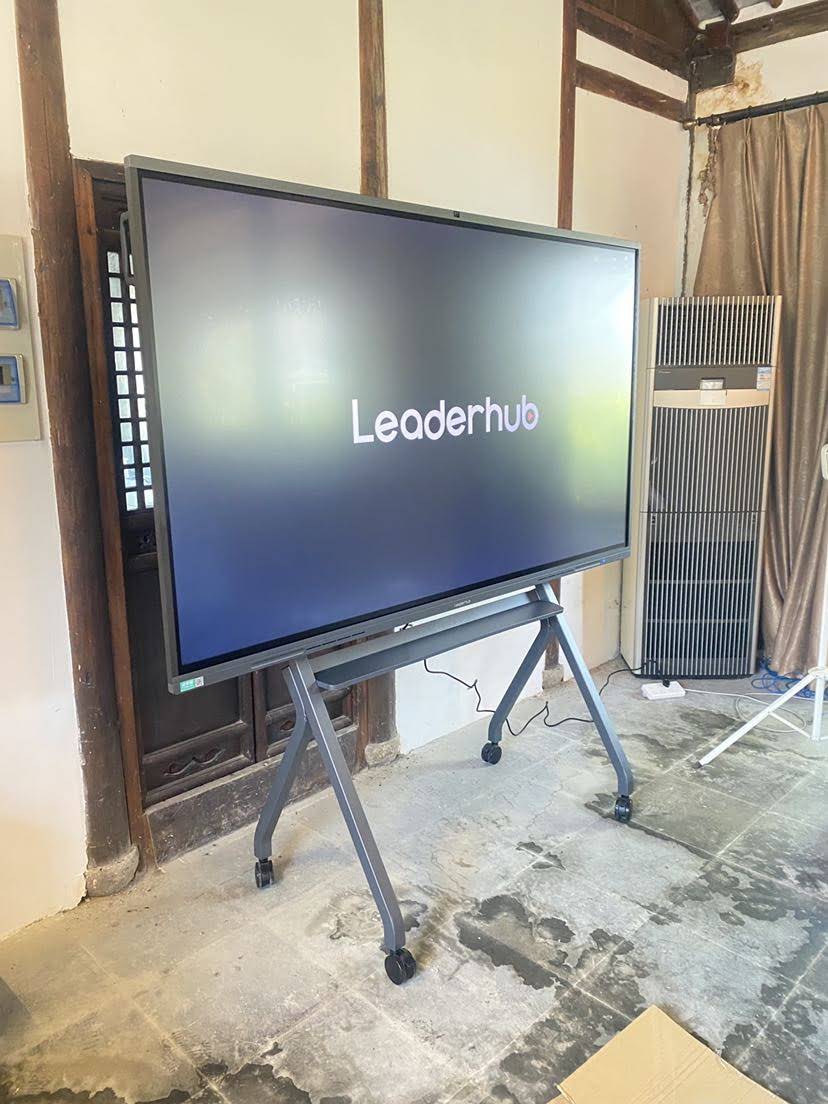
If you want a practical example, LeaderHub develops interactive display solutions that support lesson delivery, classroom discussion, and collaborative learning.
FAQ: Smart Boards in the Classroom
Are smart boards only for online classes?
No. Smart boards are useful in traditional classrooms, blended learning setups, and hybrid lessons.
Can students use a smart board too?
Yes. Many teachers use smart boards for student presentations, problem solving, and group activities.
Do smart boards replace teachers?
No. They are tools that support teaching. The teacher still guides the lesson, manages classroom pace, and chooses how to use the board.
Are smart boards worth it for schools?
For schools that want stronger engagement, better digital lesson delivery, and easier content sharing, smart boards can be a valuable investment.
Final Takeaway
So, what are smart boards used for in the classroom? They are used to teach more dynamically, engage students, support collaboration, and make lesson content easier to save and revisit. In simple terms, a smart board turns a lesson into an interactive experience that is easier to understand and more enjoyable to follow.
To learn more about the role of digital tools in education, you can also explore the OECD Digital Education resources or review the UNESCO Digital Education overview.