how to make a smart board game is easier than many beginners think. The best projects usually combine a clear game loop, simple physical pieces, and one or two smart features such as touch interaction, QR codes, digital scoring, or automated feedback. If you plan it well, your game can work for classrooms, workshops, family play, or team-building events.
Before you start, remember one rule: the smart part should make the game more fun or easier to play, not more complicated. That is also consistent with modern education technology guidance from the UNESCO Technology Recommendations and the ISTE Standards for Students, which both emphasize purposeful, meaningful use of technology.
What Is a Smart Board Game?
A smart board game is a board game that uses technology to improve gameplay. It may include digital scoring, screen-based instructions, motion or touch input, app-based timers, automated question cards, or interactive visuals. You can make it simple or advanced depending on your goal.
- Physical + digital: a normal board with an app, tablet, or smart display.
- Classroom-friendly: lesson-based challenges and instant feedback.
- Team-based: multiple players share a screen and compete in rounds.
- Prototype-first: paper board, test rules, then add tech later.
Materials and Tools You May Need
The right materials depend on your game style, but beginners should keep the first version simple. Start with paper, cards, markers, and one digital device.
| Item | Why It Matters | Beginner Tip |
|---|---|---|
| Board or play surface | Defines the main game path | Use paper or cardboard first |
| Tokens, cards, dice | Creates physical interaction | Keep components easy to replace |
| Smart display or tablet | Shows instructions, timers, and score | One screen is enough for the first version |
| QR codes or NFC tags | Adds smart actions without heavy coding | Use free QR tools and simple links |
Step-by-Step: How to Make a Smart Board Game
-
Choose one clear goal.
Your game should teach, entertain, or solve a problem. For example, a classroom version can teach vocabulary, math, or history, while a party game can focus on speed and trivia.
-
Design the core gameplay loop.
Ask: What does a player do every turn? Move, answer, collect points, unlock a clue, or complete a challenge. A strong loop keeps the game easy to learn.
-
Map the board visually.
Sketch spaces, paths, reward zones, and challenge zones. Make sure the board is readable on both a small table and a larger smart screen.
-
Add one smart feature.
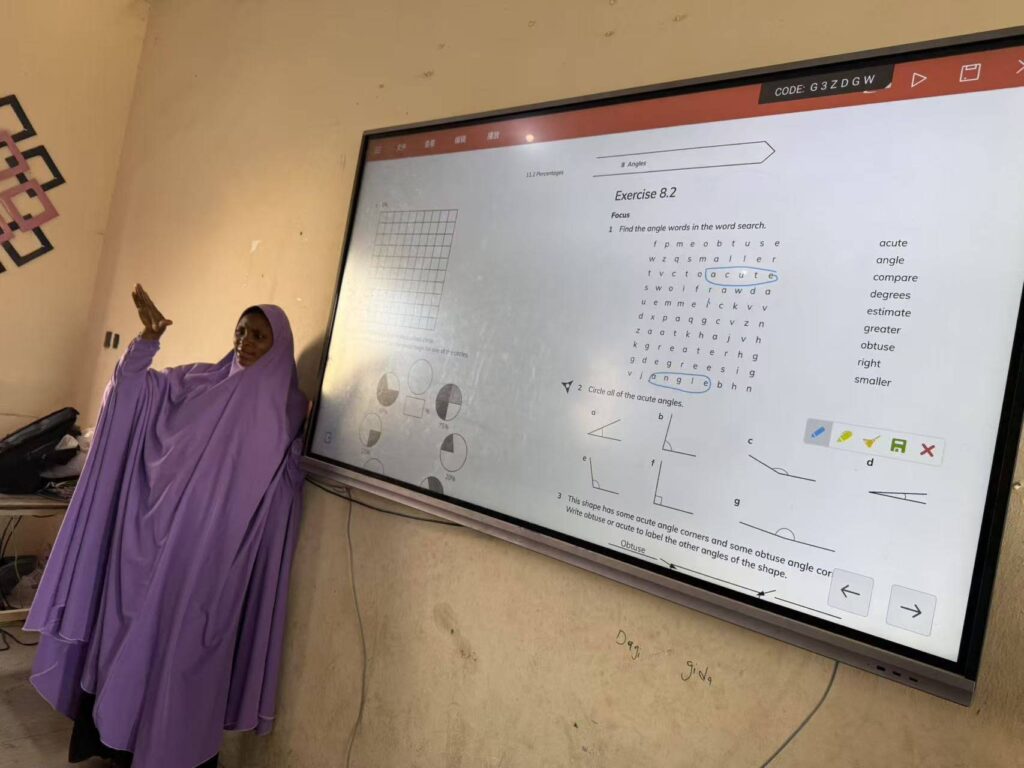
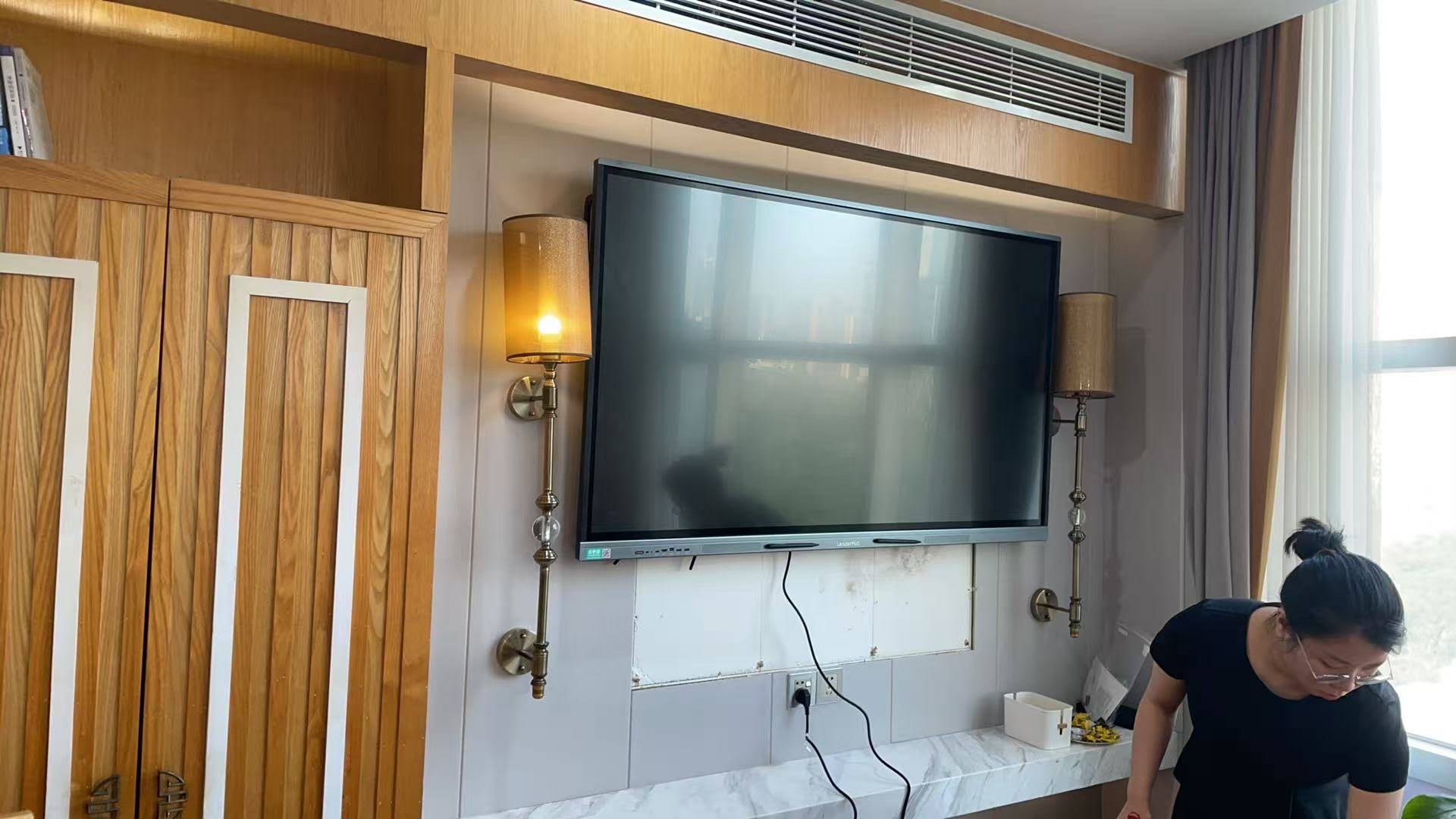
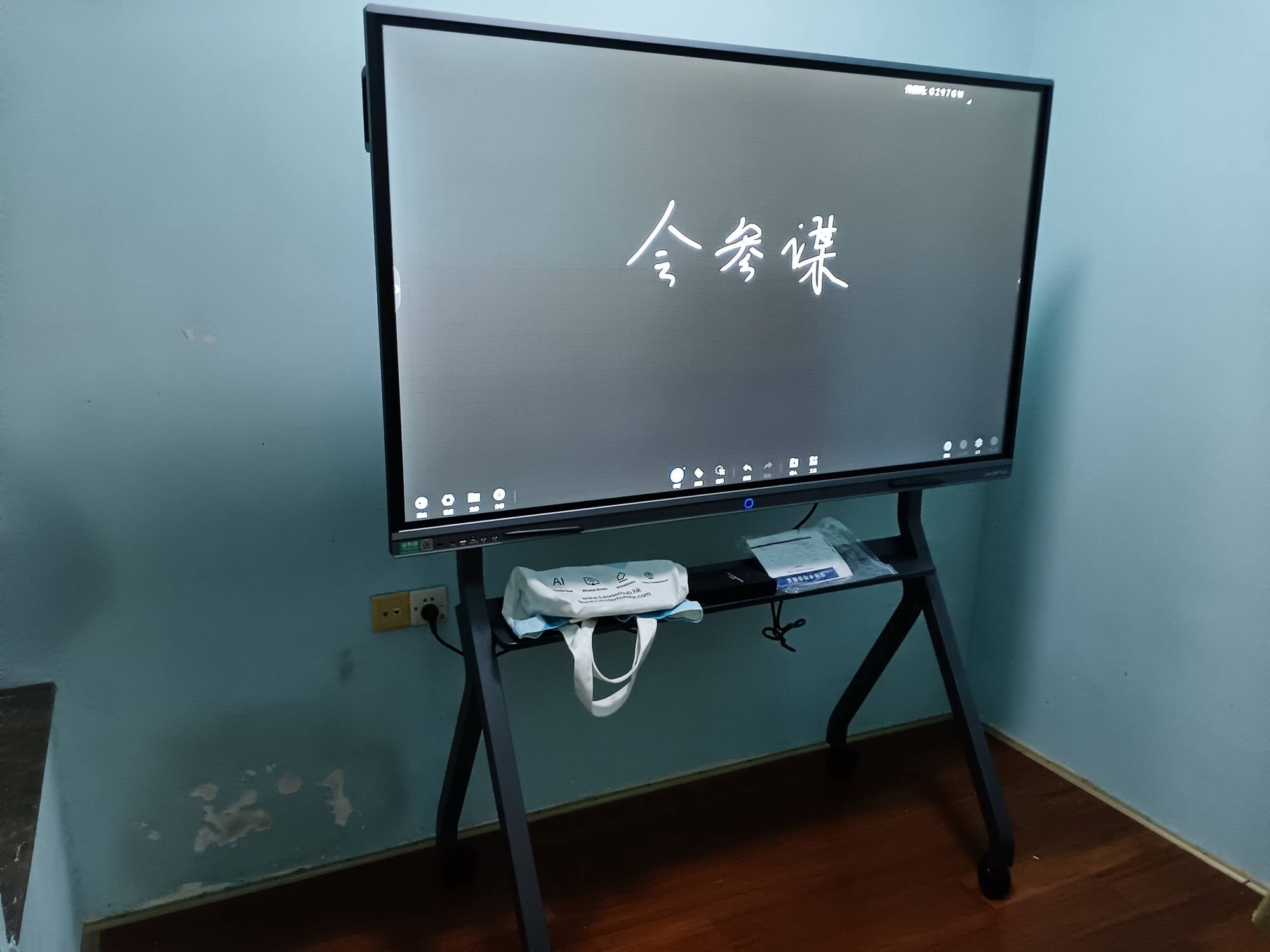
Start with a single feature such as a digital timer, a score counter, a random challenge generator, or QR-linked bonus content. If you want a stronger visual centerpiece, an interactive smart whiteboard can act as the game hub.
-
Create your first prototype.
Use paper, sticky notes, and simple digital slides. Do not spend too much time on design before testing the rules.
-
Playtest with real users.
Watch where players hesitate, get bored, or misunderstand the rules. These moments show you what to fix first.
-
Refine the balance.
Adjust difficulty, scoring, and game length. A smart board game feels best when every player has a fair chance to win.
A Simple Smart Board Game Structure
If you are making your first version, follow this easy structure:
- Start: explain the theme and win condition in one minute.
- Turn: players move or answer one challenge.
- Smart action: the screen reveals a clue, timer, or score update.
- Reward: players earn points, cards, or special abilities.
- Finish: the first player or team to reach the goal wins.
Good Smart Features for Beginners
- QR codes for bonus questions or hidden hints.
- Auto-scoring on a tablet or smart display.
- Random challenge cards generated from slides or a spreadsheet.
- Touch-to-reveal prompts on an interactive screen.
Recommended Hardware Setup for a Smart Game Station
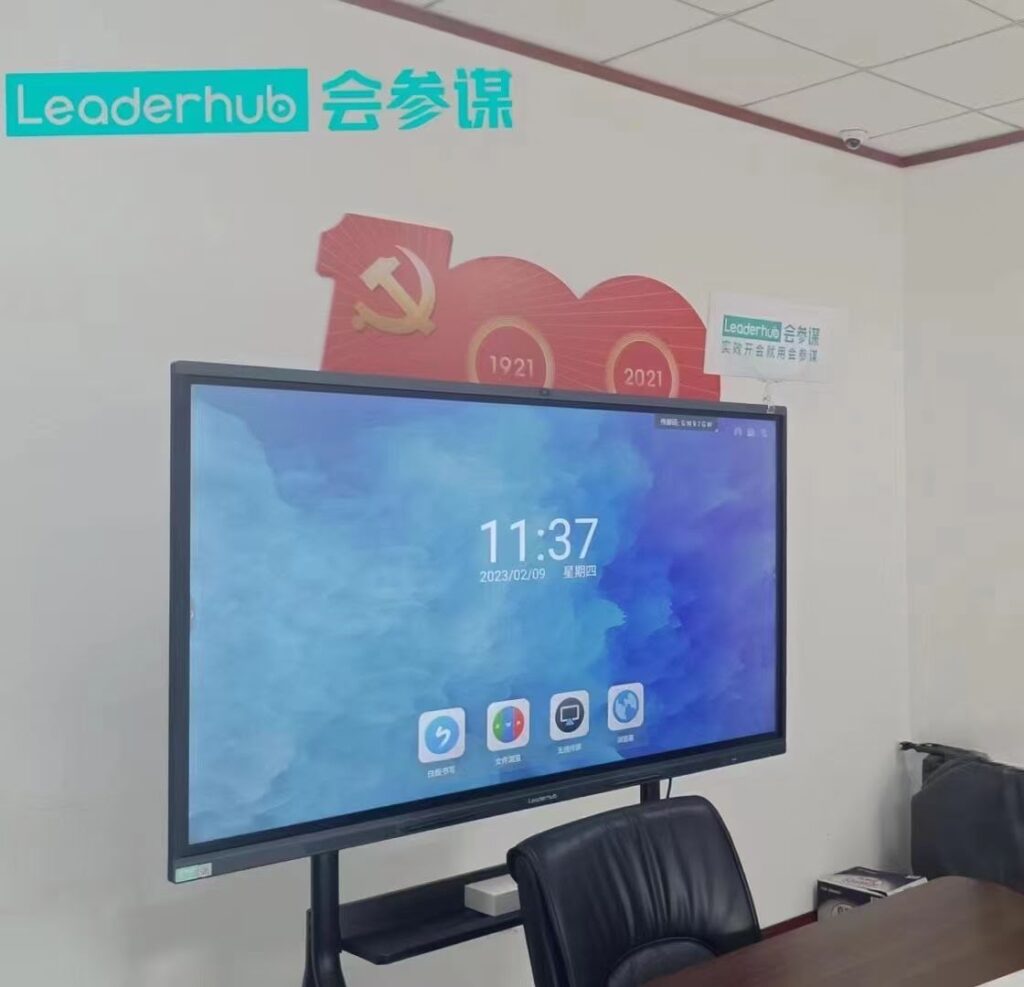
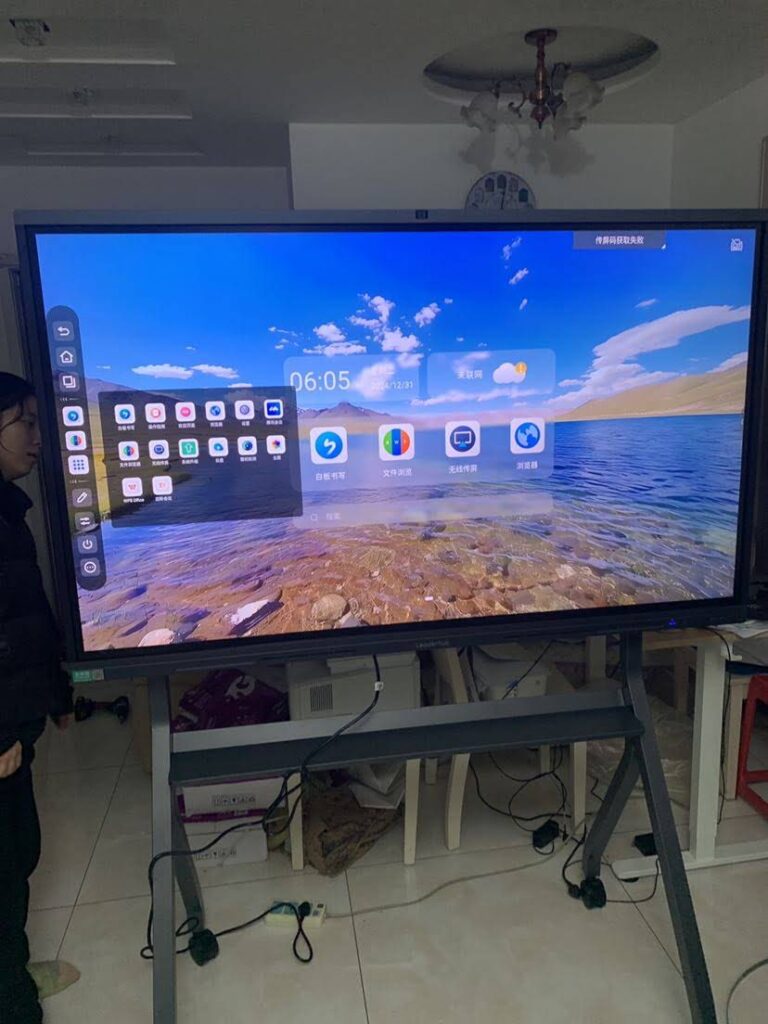
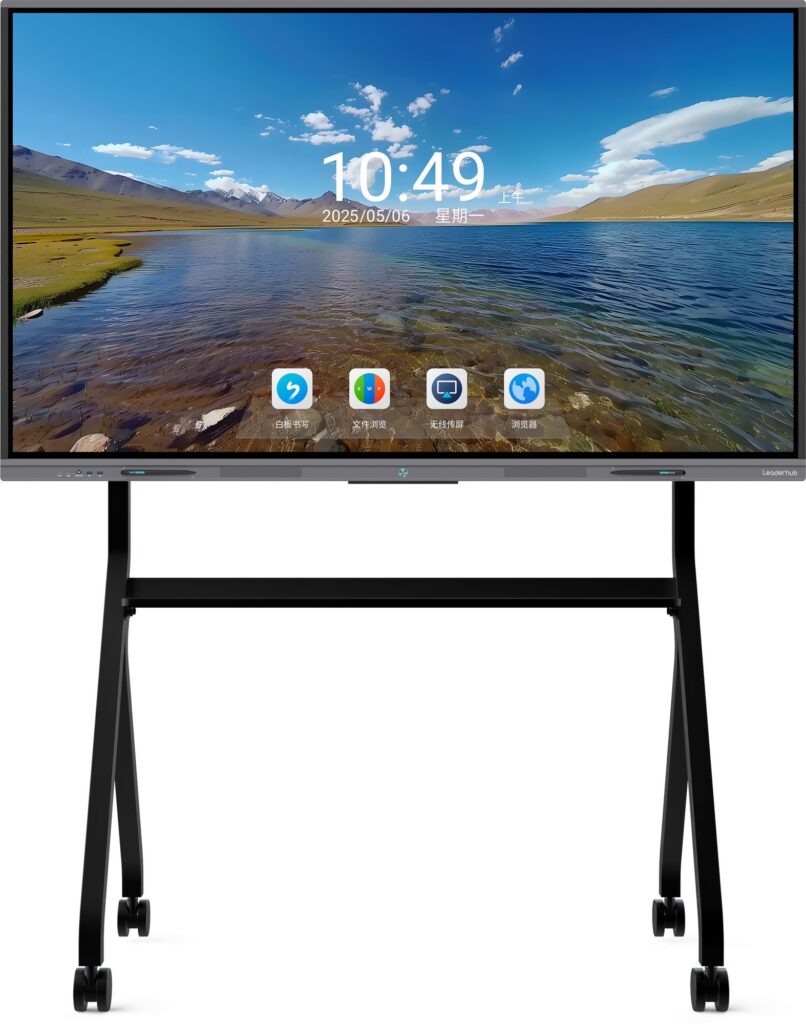
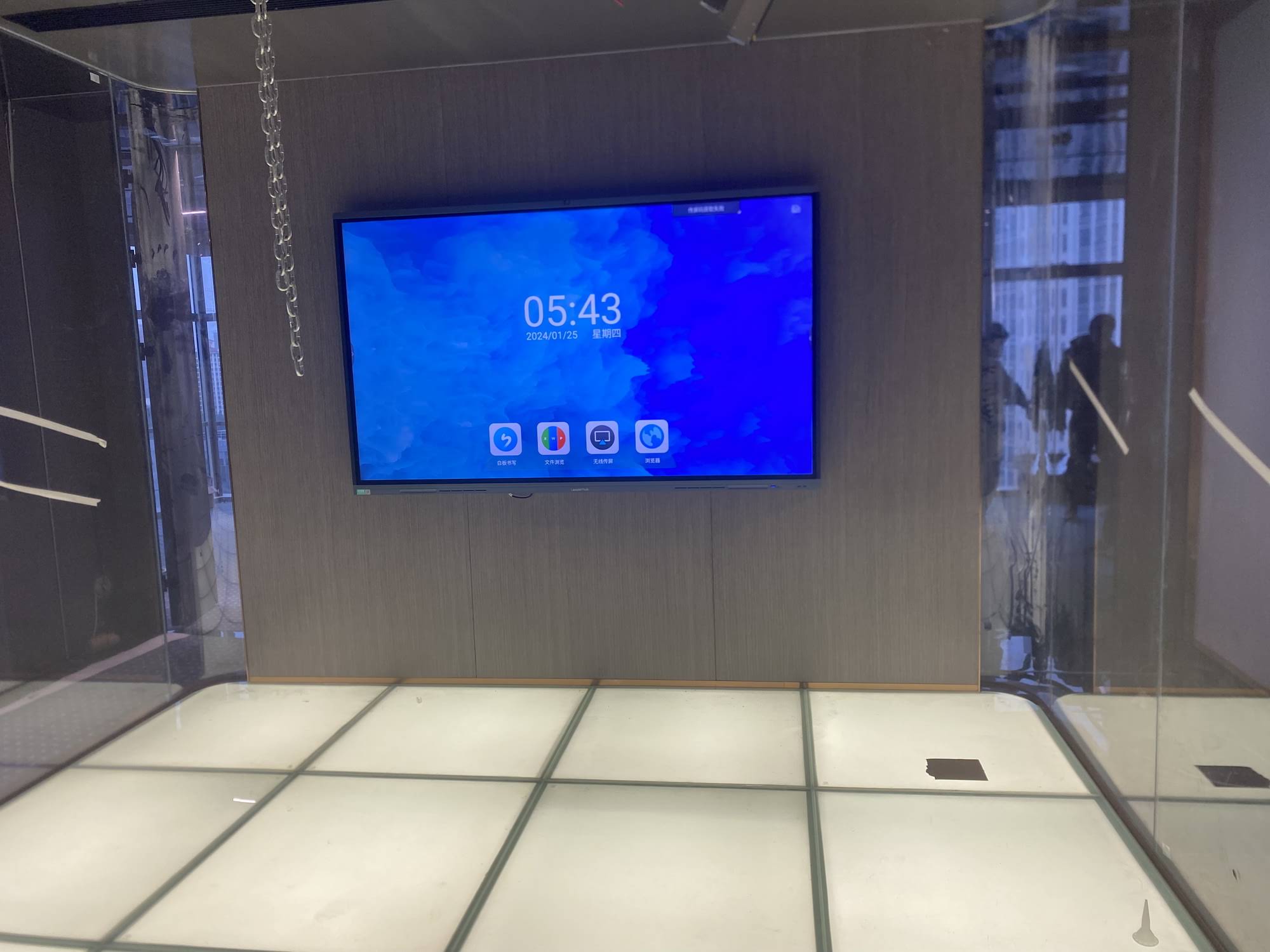
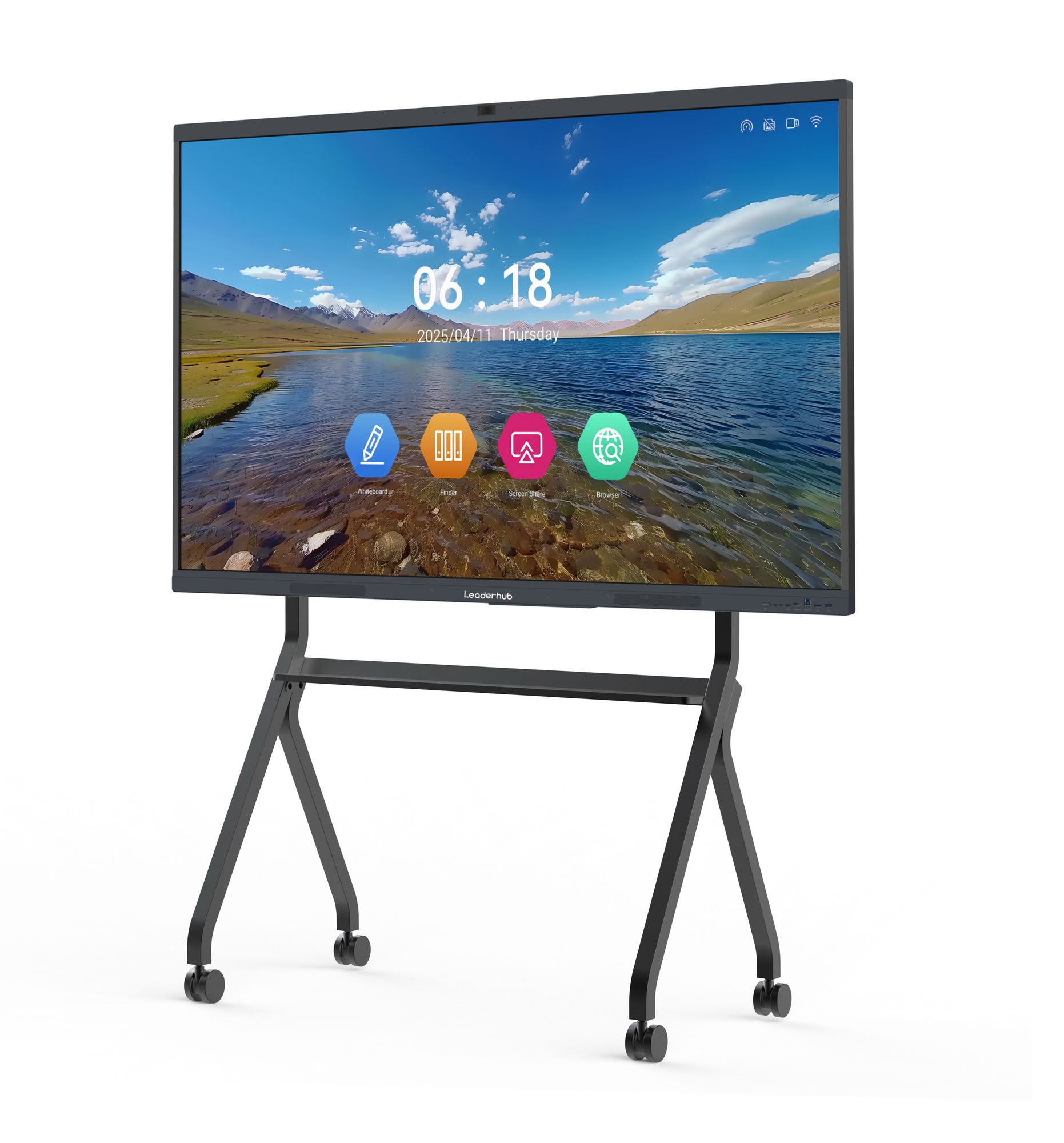
If you want your game to feel professional, pair the board with a reliable display and a small computing device. A touchscreen display, one of the mini PCs, and a stable internet connection can support timers, slides, and scoreboards. For a larger, more collaborative setup, a 4K interactive flat panel can make gameplay easier to see in classrooms or meeting rooms. If you need a ready-made solution, Leaderhub offers display options that can help simplify the setup process.
Beginner-Friendly Design Tips
- Keep rules short. If players need a long explanation, the game is too complicated.
- Use large visuals. Big icons and clear labels work better on screens and tablets.
- Make turns fast. Short turns keep energy high and reduce waiting.
- Limit the tech. One smart feature is often better than five unfinished ones.
- Test on mobile. If players scan QR codes or open links, make sure pages load well on phones.
Testing Checklist
| Test Area | What to Check | Success Signal |
|---|---|---|
| Rules | Can new players understand them quickly? | Most players start without help |
| Gameplay speed | Are turns moving at a good pace? | No long pauses or confusion |
| Smart feature | Does the tech work every time? | Reliable and easy to repeat |
| Player enjoyment | Do people want to play again? | They ask for another round |
Common Mistakes to Avoid
- Adding too many rules at once.
- Using technology that slows the game down.
- Making the board too small or text too dense.
- Forgetting a backup plan if the screen or internet fails.
- Skipping playtests with actual users.
Helpful Links for Smarter Game Design
For content planning, classroom use, and interactive learning ideas, these resources are useful:
- UNESCO Digital Education
- ISTE Standards for Educators
- OECD Digital Education
- Explore Smart Board Products
- Contact the Team
When you follow these steps, how to make a smart board game becomes a practical project instead of a difficult one. Start small, test early, and add smart features only when they improve the player experience.