Short answer: in most cases, a smart board is not inherently bad for your eyes. What matters more is how it is used—brightness, glare, viewing distance, room lighting, and how long people stare at the screen without breaks.
For schools, offices, and training rooms, the right setup can make a smart board comfortable to use. In fact, when people compare it with laptops or small handheld devices, a larger display can sometimes be easier on the eyes because text and images are easier to see from a distance.
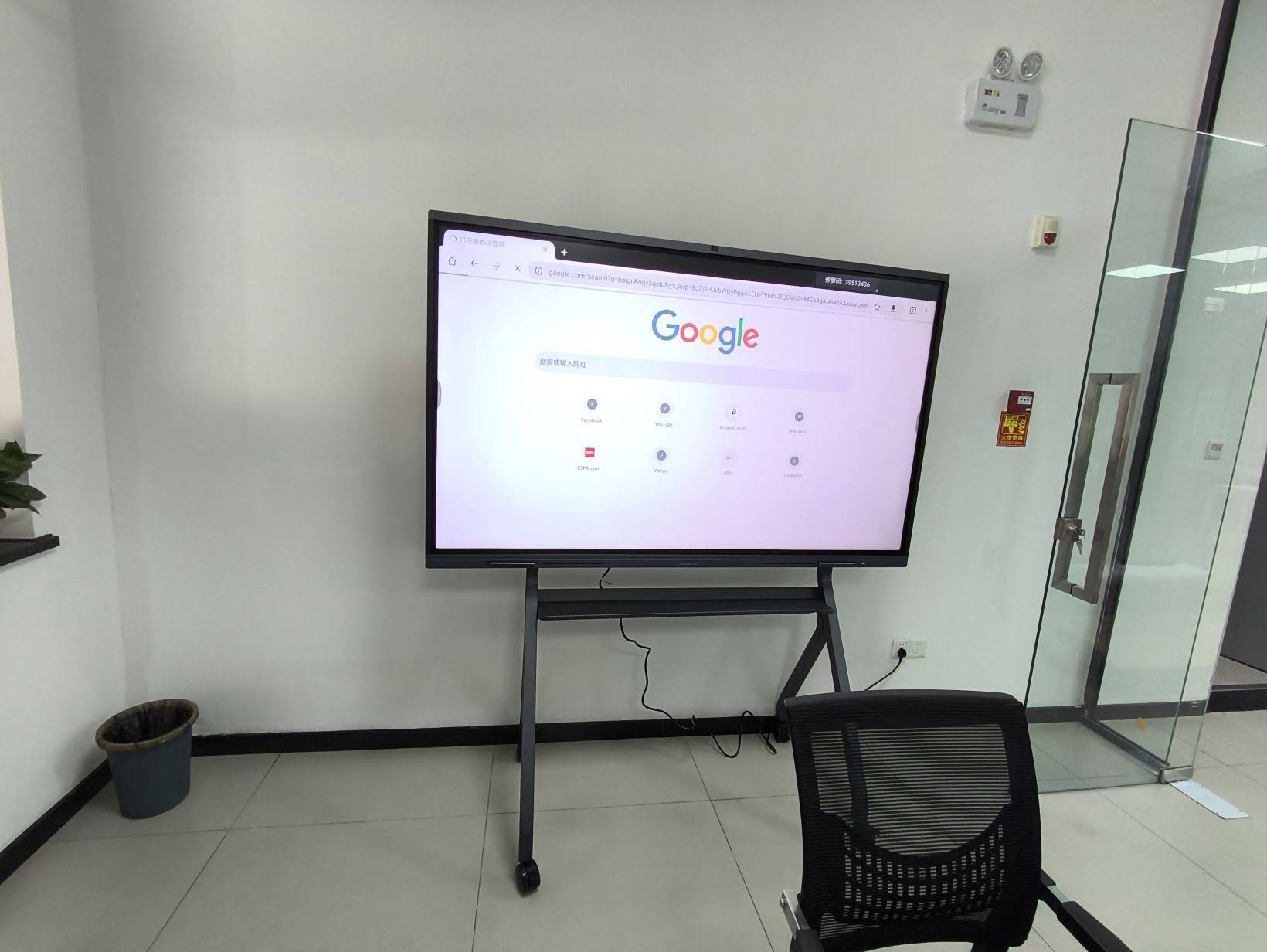
When a Smart Board Can Cause Eye Strain
Eye discomfort usually comes from screen habits, not the smart board itself. Common triggers include:
- High brightness in a dark room
- Glare from windows or overhead lights
- Long viewing sessions without breaks
- Small text or crowded layouts
- Poor seating distance for students or participants
- Dry eyes from reduced blinking during focused use
What the Research Suggests
Education technology guidance from organizations such as UNESCO Global Education Monitoring Report and OECD Managing Screen Time emphasizes a balanced approach: use digital tools intentionally, avoid overuse, and design environments that support attention and comfort.
That advice fits smart boards well. A smart board is best treated as a collaboration tool, not a device everyone should stare at for hours continuously.
Smart Board vs. Other Screens: Eye Comfort Comparison
| Display Type | Eye Comfort Pros | Possible Issues |
|---|---|---|
| Smart board / interactive panel | Large display, easy to view from a distance, good for group learning | Glare, excessive brightness, long use without breaks |
| Laptop | Personal control over angle and distance | Smaller screen can lead to leaning in and eye fatigue |
| Tablet / phone | Portable and flexible | Closest viewing distance, highest risk of prolonged eye strain |
7 Practical Ways to Protect Your Eyes
- Match brightness to the room. In a dim room, reduce brightness; in daylight, increase it only as needed.
- Avoid glare. Place the smart board away from direct sunlight and reflective light sources.
- Keep a healthy viewing distance. People should be far enough away to read comfortably without leaning forward.
- Use larger fonts and clean layouts. Simple slides are easier to read than dense walls of text.
- Apply the 20-20-20 rule. Every 20 minutes, look at something 20 feet away for 20 seconds.
- Encourage blinking and hydration. This helps reduce dry-eye symptoms during long sessions.
- Take breaks between activities. A smart board is most effective when it is used in short, focused segments.
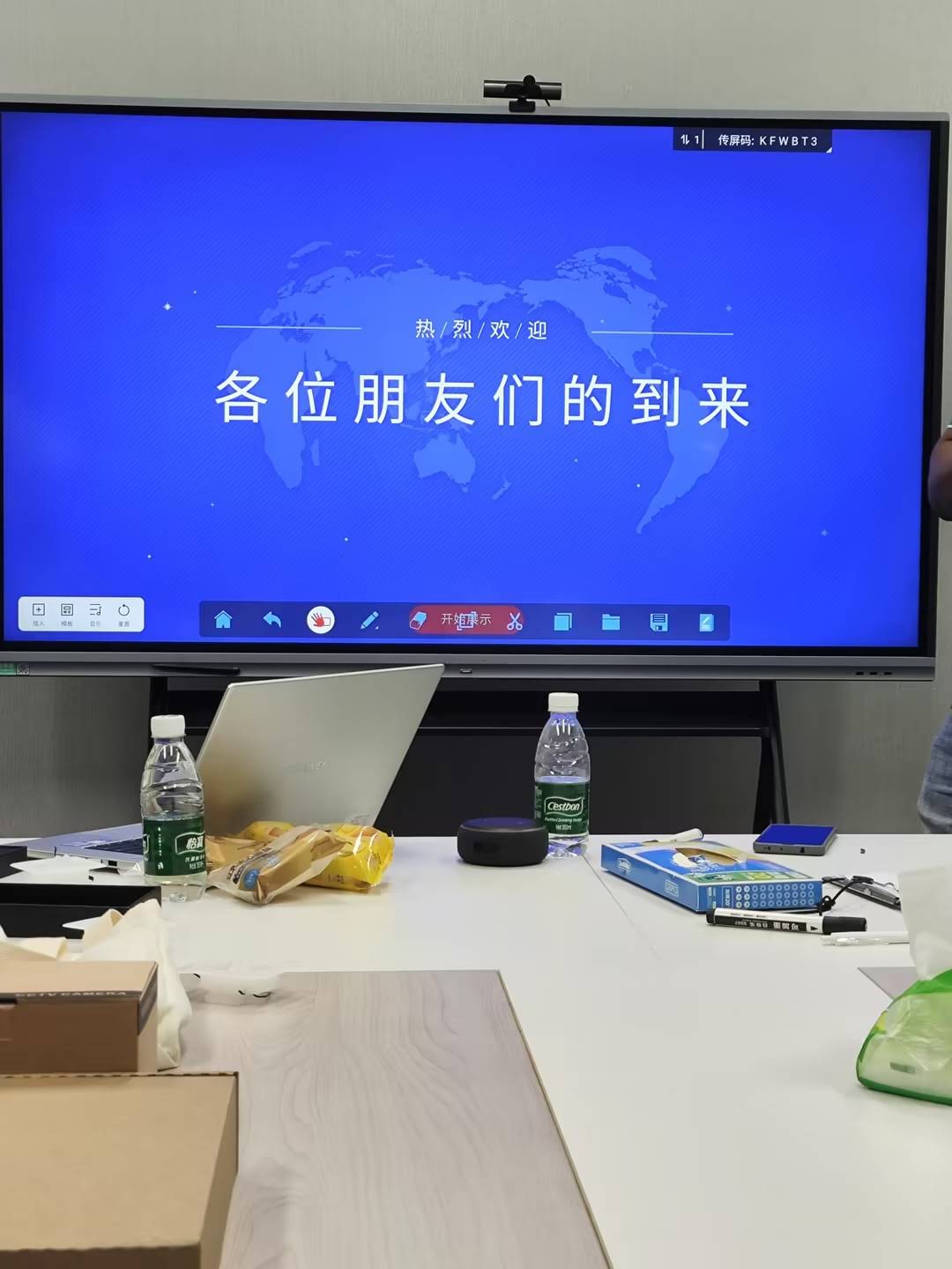
Recommended Smart Board Settings for Comfortable Viewing
| Setting | Recommended Choice | Why It Helps |
|---|---|---|
| Brightness | Balanced to the room light | Reduces harsh contrast and eye fatigue |
| Text size | Large and readable | Prevents squinting and leaning forward |
| Background | Light, simple, low-clutter | Improves readability |
| Lighting | Even room lighting | Helps reduce glare and pupil stress |
Signs the Screen Setup Is Too Harsh
If users frequently report any of the following, the setup may need adjustment:
- Burning or itchy eyes
- Headaches after meetings or lessons
- Blurred vision that improves after a break
- Neck pain from leaning toward the screen
- Difficulty focusing on text or objects in the distance
Tip: If the problem happens often, start with room lighting and brightness before changing anything else.
Best Use Cases for Schools and Offices
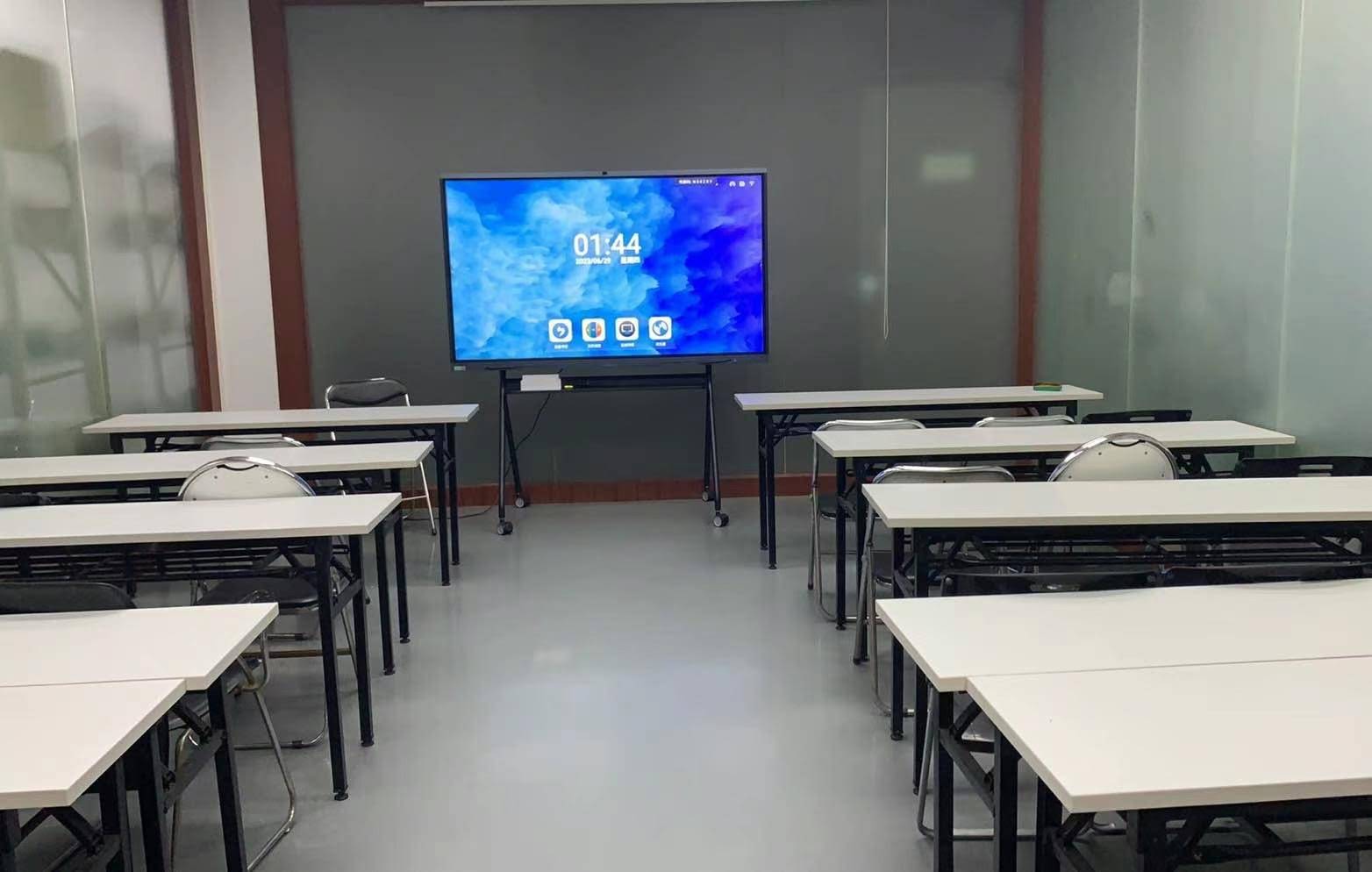
For classrooms, training rooms, and boardrooms, a smart board can support healthy viewing when content is kept clear and sessions are interactive. This is one reason many teams prefer smart whiteboards or interactive displays over smaller personal devices for group work.
For organizations building a full collaboration setup, pairing a display with stable computing from mini PCs can also help create a cleaner and more comfortable workspace. Leaderhub, a Shenzhen-based interactive display company with 16 years of experience, focuses on smart collaboration solutions for education and business users worldwide.
Frequently Asked Questions
Can a smart board damage your eyes?
In normal use, a smart board does not usually damage the eyes. Most discomfort is temporary and related to poor setup, long sessions, or too much glare.
Is a smart board better for eyes than a laptop?
Often, yes for group viewing. Because the screen is larger, people can sit farther away and read more easily. But the setup still needs proper lighting and brightness.
Do teachers and students need special eye protection?
Usually no special eyewear is required. A better classroom setup, regular breaks, and readable content are more important than glasses designed for screens.
What is the easiest way to reduce eye strain fast?
Lower the brightness, reduce glare, and take a short break. If the screen still feels harsh, increase ambient lighting slightly and make text larger.
Final Takeaway for Buyers
If you are asking “is smart board bad for eyes”, the most accurate answer is: not by default. A smart board becomes uncomfortable only when the viewing environment is poorly designed or users spend too long staring at it without breaks.
Choose a display with good image clarity, use sensible room lighting, and keep content simple. If you are planning a classroom, conference room, or hybrid workspace, start with a setup that supports comfort first, then productivity.
Explore more:
Shop smart display solutions
|
Contact us
Helpful reading:
UNESCO Digital Education
|
OECD Managing Screen Time