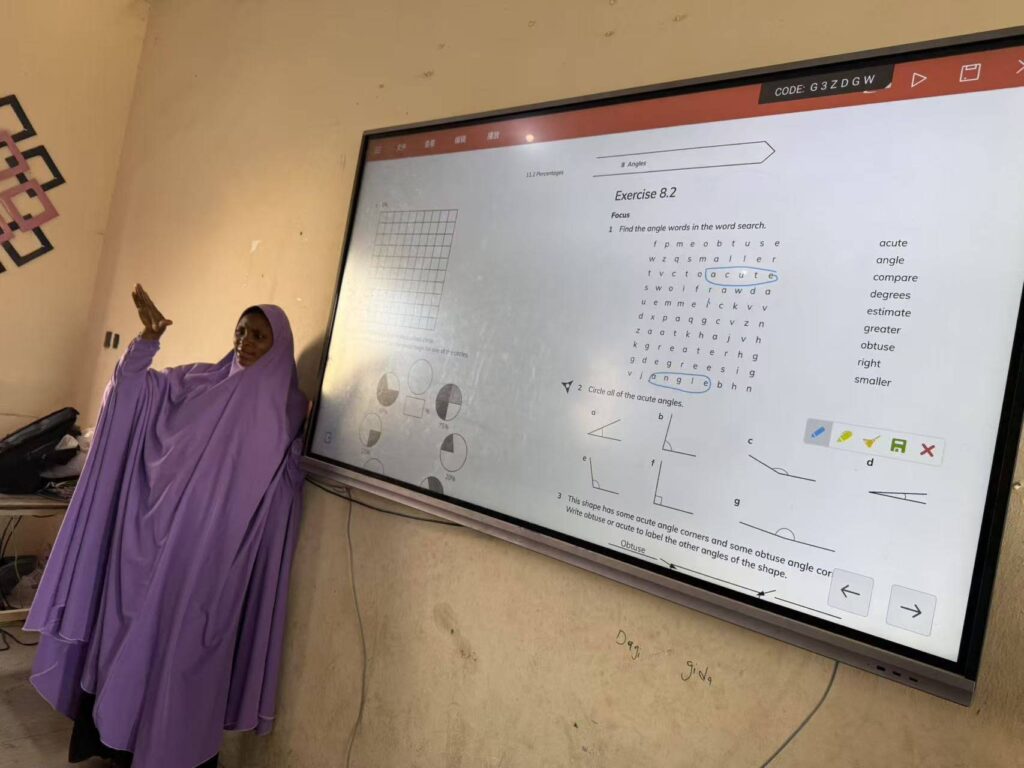
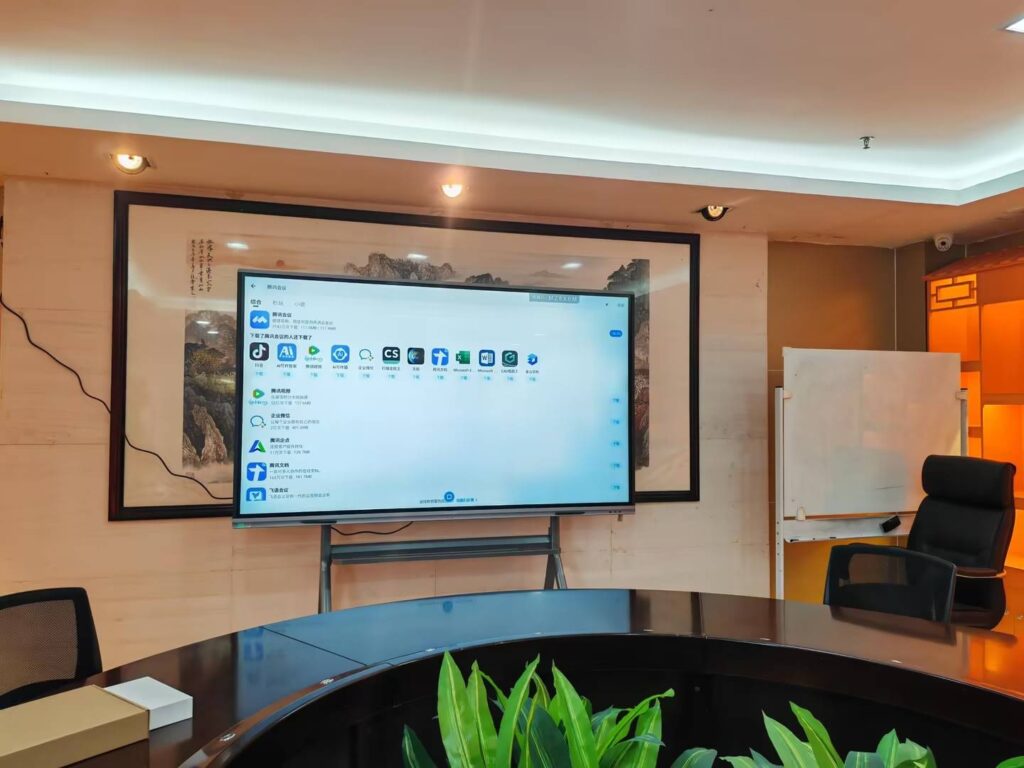
Interactive smart board lessons work best when the board is not treated like a big screen, but like a shared learning space where students can touch, move, sort, draw, vote, and explain ideas together. If you are wondering how to make interactive smart board lessons that truly engage students, the answer is simple: plan for participation first, and visuals second.
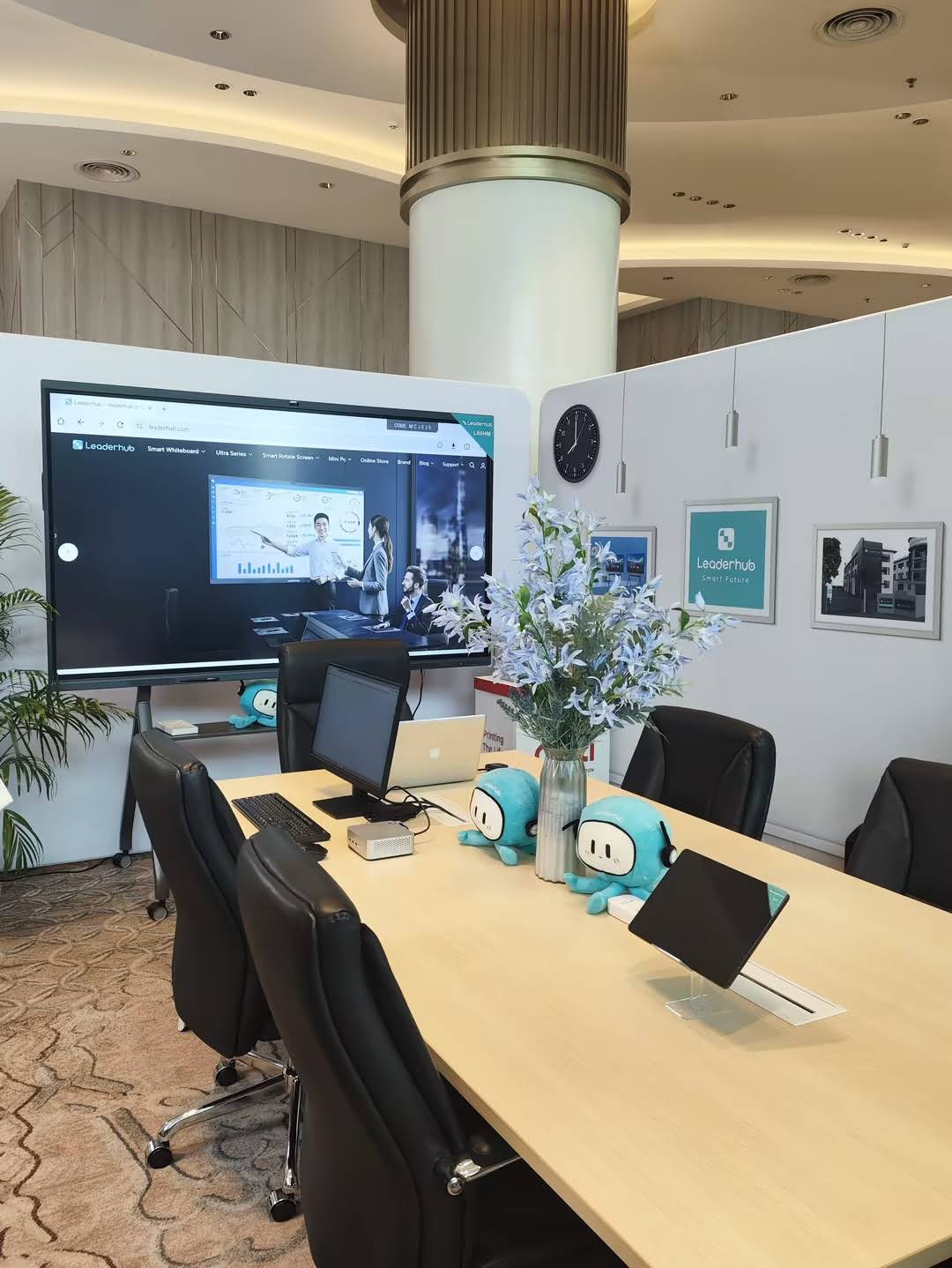
The most effective lessons use the smart board to support active learning, not passive watching. That means students should interact with content in short bursts, receive instant feedback, and work toward a clear learning goal. Research from UNESCO Technology in Education Report and the ISTE Standards for Students both support learner-centered digital instruction.
1. Start with one clear learning outcome
Before adding animations, games, or touch activities, decide what students must learn by the end of the lesson. A strong smart board lesson focuses on one measurable outcome, such as identifying vocabulary, solving equations, comparing ideas, or explaining a process.
- Good outcome: Students can label the parts of a plant and explain each function.
- Good outcome: Students can sort examples into cause and effect.
- Weak outcome: Students will “have fun with the board.”
2. Build the lesson around interaction points
A smart board lesson should include multiple moments where students actively respond. Instead of one long teacher demonstration, break the lesson into short segments of input and action.
| Lesson Stage | Smart Board Interaction | Student Benefit |
|---|---|---|
| Warm-up | Drag-and-drop question, quick vote, picture reveal | Activates prior knowledge |
| Teach | Annotate diagrams, highlight key points, reveal steps | Improves focus and comprehension |
| Practice | Sort, match, label, solve, or reorder | Reinforces learning through action |
| Check | Quick quiz, exit ticket, self-check | Provides immediate feedback |
3. Use board activities that invite movement and thinking
The best interactive smart board lessons keep students mentally and physically involved. Use activities that require a decision, not just a click.
- Drag and drop: Great for sorting vocabulary, steps, or categories.
- Annotation: Let students circle evidence, underline key words, or label diagrams.
- Tap-to-reveal: Useful for predictions, vocabulary, and quiz-style instruction.
- Collaborative writing: Students add ideas to a shared brainstorm board.
- Timed challenges: Works well for math facts, sentence building, and review games.
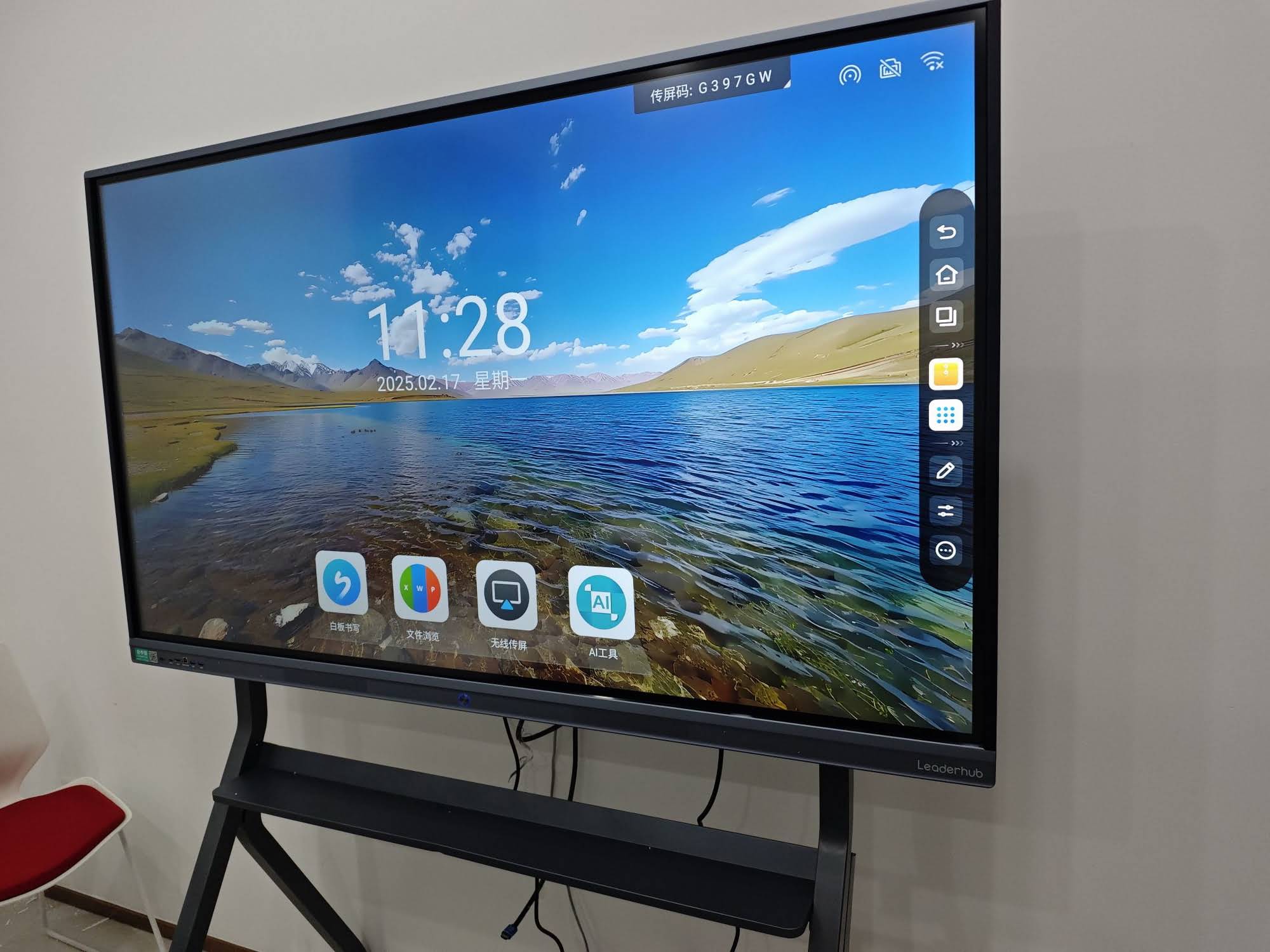
4. Keep the lesson student-centered
A smart board should not become a teacher-only control panel. Rotate roles so students can lead the interaction, explain answers, and collaborate at the board. Even in large classes, you can make participation visible by assigning different student tasks:
- One student reads the prompt.
- One student moves items on the board.
- One student explains the choice.
- One student checks the answer with the class.
This approach works especially well in K-12 classrooms, blended learning spaces, and group-based instruction. For practical planning, the UNESCO Digital Education resources and EU Blended Learning Guidance both highlight the importance of meaningful digital use.
5. Design for pace, not overload
One common mistake is putting too much on one slide. A crowded board slows students down and reduces engagement. Keep each screen focused on a single action or idea. Use large visuals, short instructions, and simple navigation.
- Limit each slide to one task.
- Use clear buttons and obvious touch targets.
- Leave space for student handwriting and drawing.
- Reveal information step by step.
- Save deeper explanation for discussion, not the slide itself.
A simple 45-minute smart board lesson structure
| Time | What to Do | Interactive Element |
|---|---|---|
| 5 min | Warm-up question | Vote or drag answer |
| 10 min | Teacher modeling | Annotation and highlighting |
| 15 min | Guided practice | Student matching or sorting |
| 10 min | Independent or pair task | Board-based challenge |
| 5 min | Exit ticket | Quick response or self-check |
6. Match the lesson to your subject
Interactive smart board lessons can work in every subject if the activity matches the learning goal. Here are some easy examples:
- Math: Solve problems step by step, drag numbers into place, or mark errors in a worked example.
- Science: Label diagrams, sequence experiments, or reveal parts of a process.
- Language arts: Sort sentences, annotate texts, or build vocabulary webs.
- Social studies: Map activities, timeline sorting, and compare-and-contrast charts.
- ESL / EFL: Picture-word matching, sentence building, and pronunciation prompts.
7. Use assessment to keep engagement high
Students stay more focused when they know their response matters. Add frequent low-stakes checks for understanding so learners can see progress during the lesson.
- Mini quizzes: Great for retrieval practice.
- Exit tickets: Helpful for measuring lesson success.
- Peer review: Encourages explanation and discussion.
- Self-correction: Builds confidence and independence.
8. Make the technology disappear into the learning
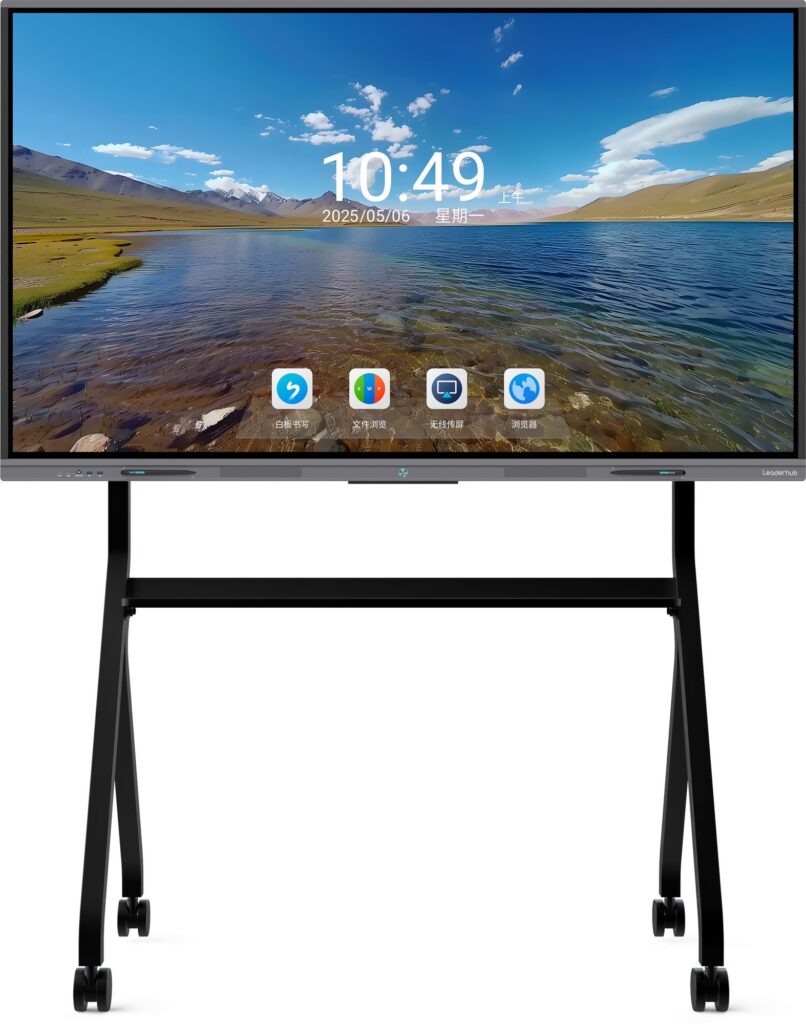
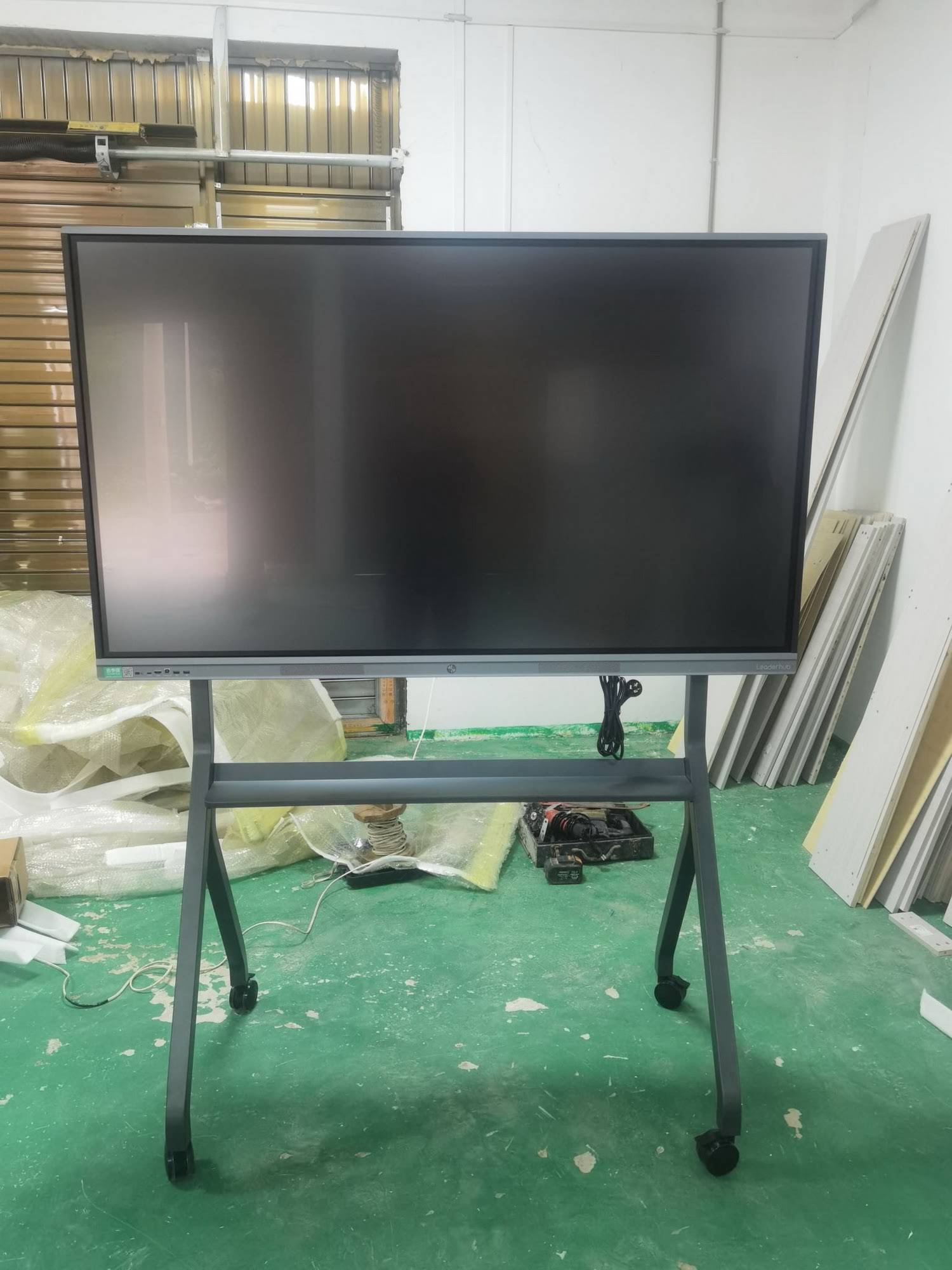
The board should feel natural, not complicated. When students spend too much time figuring out the tool, engagement drops. Choose a setup with smooth touch response, reliable software, and easy content sharing. If you want a ready-to-use option, explore smart whiteboards, a 75-inch interactive smart whiteboard, or the full product catalog for classroom and training needs.
Best practices checklist
- Do: Keep instructions short and visible.
- Do: Let students touch and manipulate content.
- Do: Use color to guide attention, not overwhelm it.
- Do: Plan for collaboration, not just presentation.
- Don’t: Put too much text on one slide.
- Don’t: Turn every lesson into a game.
- Don’t: Let the board replace discussion and thinking.
For schools and training centers comparing implementation quality, the OECD Digital Teaching Guidance and EEF Digital Technology Guidance both emphasize teacher preparation and purposeful classroom use.
9. Keep improving with quick reflection
After each lesson, ask three simple questions:
- Which interaction produced the most student participation?
- Where did students slow down or lose focus?
- What would make the next lesson easier to follow?
Small improvements matter. A lesson that is clear, touch-friendly, and student-led will usually outperform a flashy lesson that is difficult to navigate.
Final takeaway
To make interactive smart board lessons that engage students, focus on clear goals, frequent interaction, and student ownership. When the board supports thinking, discussion, and hands-on participation, it becomes far more than a display — it becomes a powerful learning tool.
If you are ready to upgrade classroom interaction, browse interactive smart boards or contact us for a tailored solution.