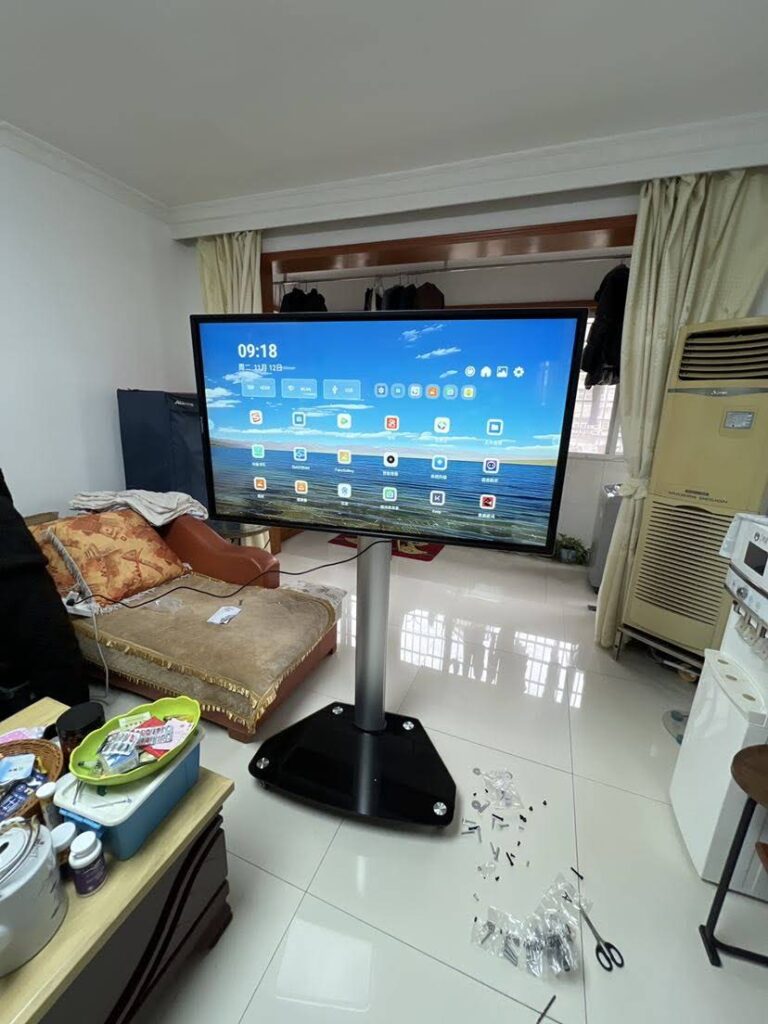
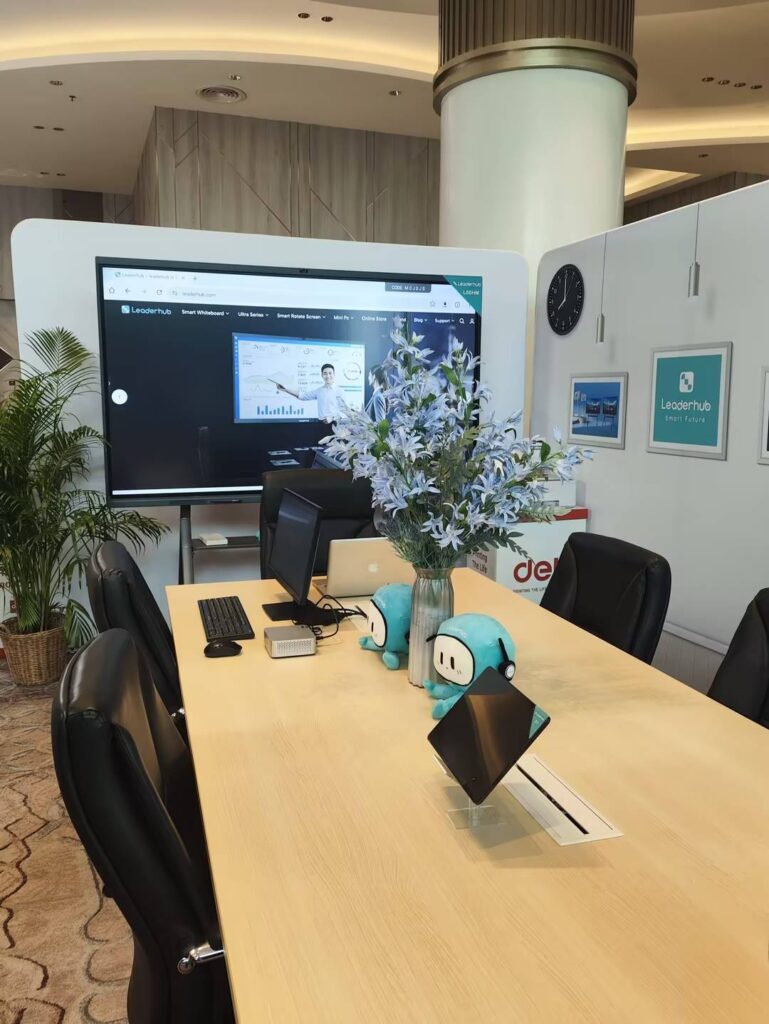
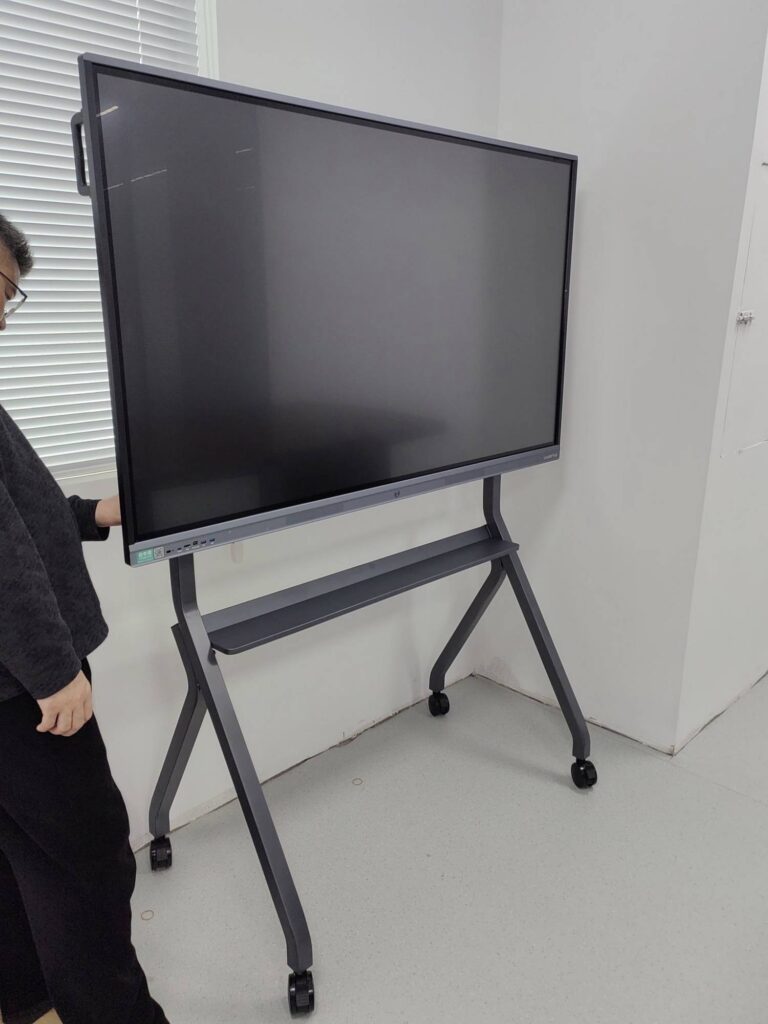
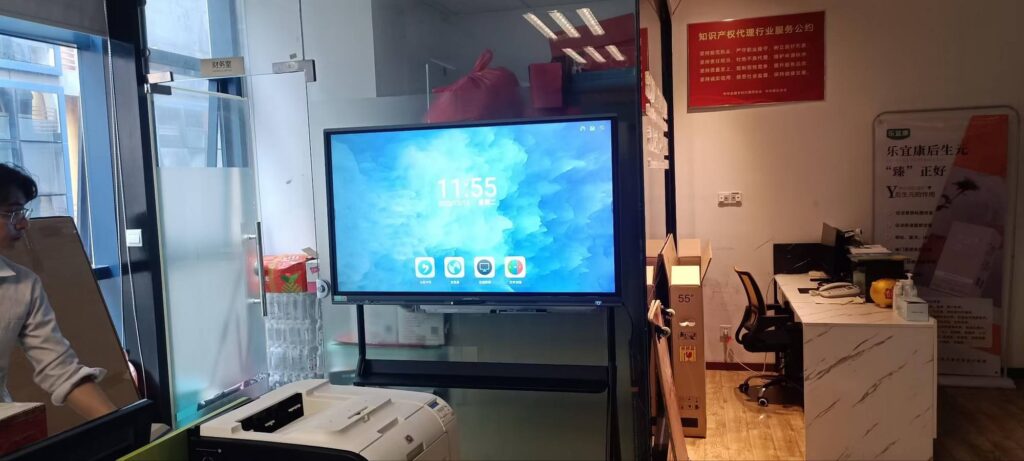
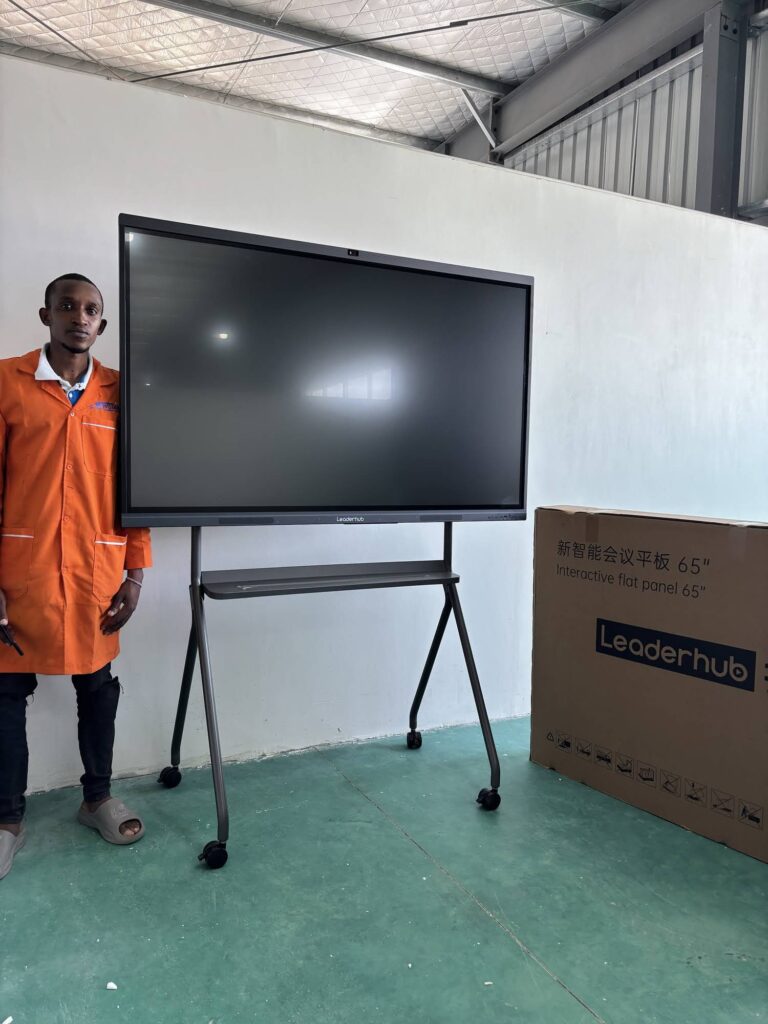
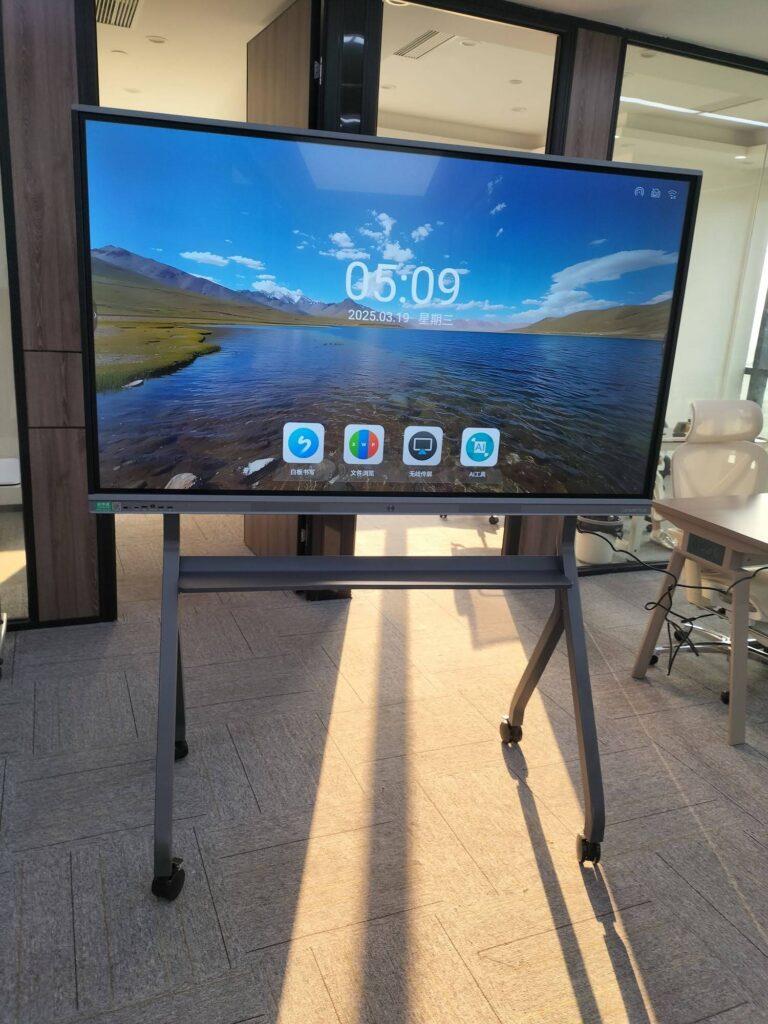
Walk into almost any modern classroom and you will notice one thing has changed: the dusty chalkboard has been replaced by a bright, touch-enabled display. Teachers are no longer tied to the front of the room, students are swiping, dragging and annotating directly on the screen, and lessons move between videos, documents and live quizzes in seconds. So, why use smart boards in the classroom, and are they really worth the investment? This guide breaks down the ten most important benefits for teachers, students and school administrators, backed by global education research and practical buying advice.
What Is a Classroom Smart Board?
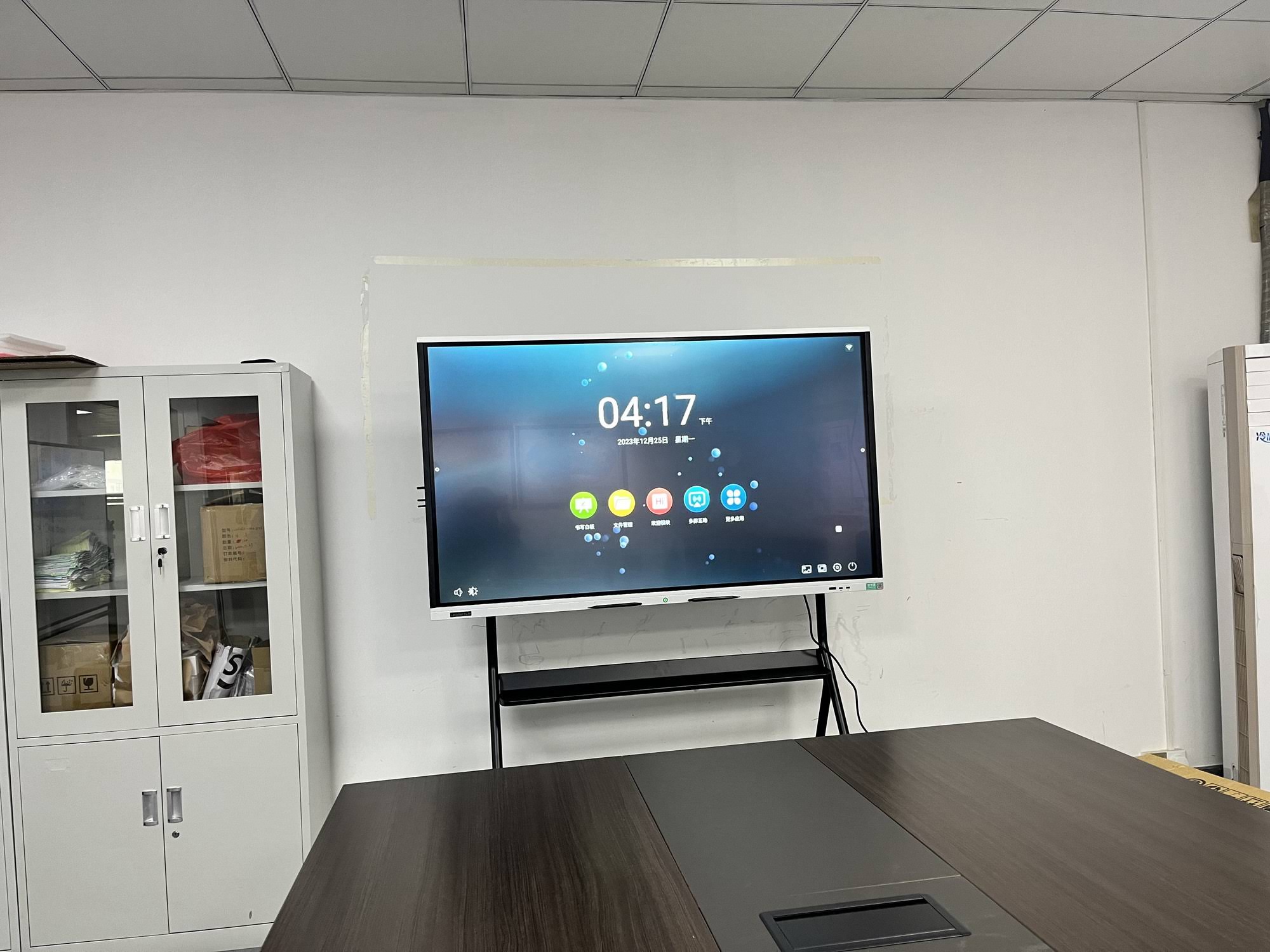
A classroom smart board (also called an interactive flat panel, interactive whiteboard or smart whiteboard) is a large touchscreen display that combines a 4K screen, a built-in computer, multi-touch input and teaching software in a single device. Unlike older projector-based interactive whiteboards, today’s interactive smart whiteboards need no bulbs, no calibration and no darkened room. Teachers simply turn them on, write with a stylus or finger, open lesson files from the cloud, and share the screen wirelessly with student devices.
Typical classroom sizes range from 65 inches for small rooms to 86 or even 110 inches for lecture halls. Before we look at the benefits in depth, here is a quick overview of what a smart board brings to a classroom.
| # | Key Benefit | Who Gains the Most |
|---|---|---|
| 1 | Higher student engagement | Students |
| 2 | Support for every learning style | Students |
| 3 | Less preparation and transition time | Teachers |
| 4 | Instant access to digital resources | Teachers & Students |
| 5 | Real-time collaboration | Students |
| 6 | Hybrid and remote learning | Schools |
| 7 | Accessibility and inclusion | Students with diverse needs |
| 8 | Immediate feedback and assessment | Teachers |
| 9 | Digital skills for the future | Students |
| 10 | Lower long-term cost and less waste | Schools & Administrators |
1. Smart Boards Dramatically Increase Student Engagement
The most frequently cited reason schools adopt smart boards is engagement. A static lecture asks students to sit and listen; an interactive display invites them to come to the front, move objects, solve problems and see the result instantly. Research summarised in the EEF Digital Technology Guidance shows that technology has the strongest impact on learning when it increases the quality of interaction between teachers and students, which is exactly what a smart board is designed to do.
How engagement improves in practice
- Students physically interact with content instead of passively watching.
- Gamified activities such as drag-and-drop sorting, timed challenges and spin-the-wheel keep attention high.
- Bright 4K visuals and embedded video make abstract topics concrete.
- Anonymous polling lets shy students participate without fear of being wrong in front of peers.
2. One Screen Supports Visual, Auditory and Kinesthetic Learners
Every class contains students who learn best by seeing, by hearing or by doing. A traditional whiteboard serves only the first group well. A smart board lets a teacher present the same concept three ways within one lesson: a labelled diagram for visual learners, a narrated clip or text-to-speech for auditory learners, and a hands-on manipulation task for kinesthetic learners. This flexibility is one of the practical answers to the question of why use smart boards in the classroom rather than a plain projector.
3. Teachers Save Preparation and Transition Time
Teachers lose minutes every lesson switching between devices, searching for cables, erasing boards and redrawing diagrams. An all-in-one interactive panel removes most of that friction.
- Save and reuse lessons: everything written on the board can be stored as PDF or image and reopened next year.
- Built-in templates: grids, music staves, graph paper, timelines and maps are a tap away.
- Screen recording: record the lesson for absent students or revision.
- Wireless casting: no more HDMI cable hunts; laptops, tablets and phones connect in seconds.
4. Instant Access to the World’s Digital Resources
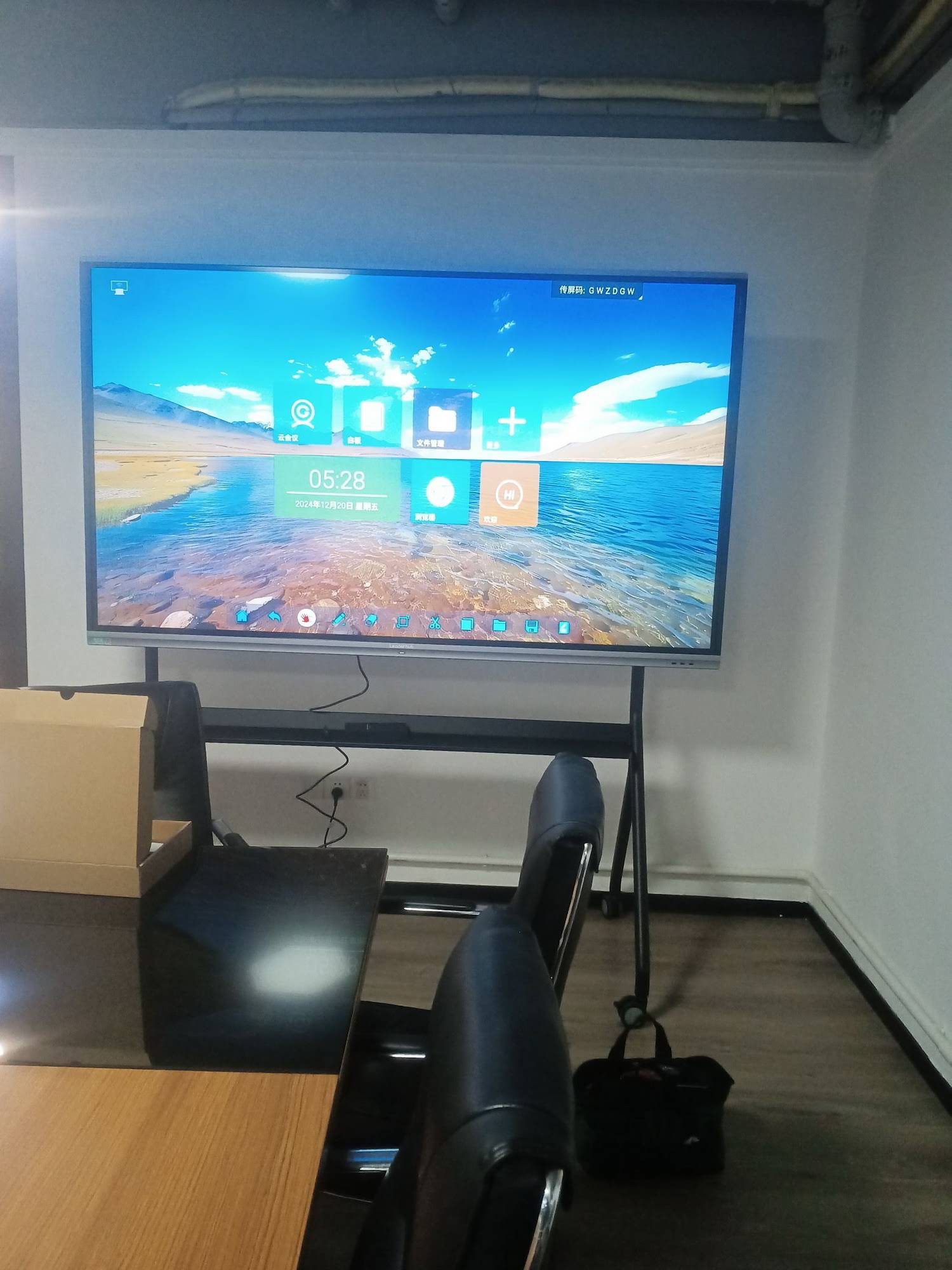
With an integrated Android or Windows system, the board itself becomes a classroom computer. Teachers can open a virtual science lab, a Google Earth tour, a museum archive or a live news article without leaving the front of the room. For schools that want to pair the panel with a dedicated Windows environment for exam software or specialised apps, a compact classroom mini PC can be mounted behind the display, giving the board full desktop capability.
The UNESCO Technology in Education Report reminds schools that digital tools should be chosen on the terms of learners and teachers, not vendors. In practice, that means prioritising displays that run open formats, support common classroom software and do not lock schools into a single ecosystem.
5. Real-Time Collaboration With Multi-Touch
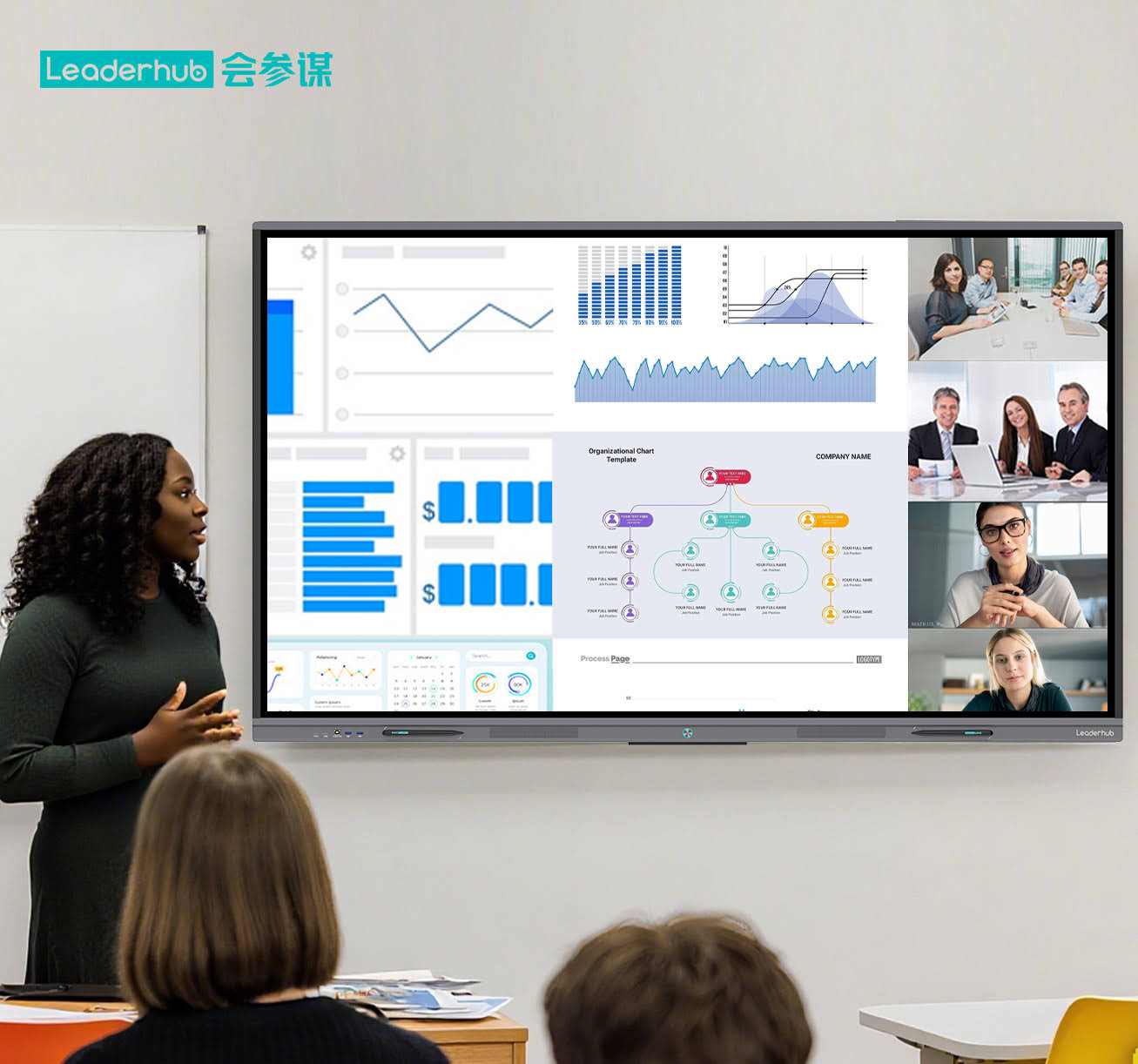
Modern interactive panels support 20 or more simultaneous touch points. That means several students can work on the board at once, splitting the screen to solve different parts of an equation, co-writing a story, or racing to label a map. Collaboration also extends to student devices: pupils can push their tablet screen to the board, and the teacher can send the board’s content back to every seat.
Collaboration ideas for different subjects
- Mathematics: two teams solve the same problem side-by-side and compare methods.
- Languages: students rearrange sentence fragments together to build correct grammar.
- Science: groups annotate a shared diagram of a cell or circuit.
- Art & Design: collaborative sketching with pressure-sensitive stylus input.
6. Smart Boards Make Hybrid and Remote Learning Practical
Since 2020, schools worldwide have needed a reliable way to teach students in the room and students at home at the same time. A smart board with a built-in camera, microphone array and video-conferencing apps turns the whole classroom into a broadcast studio. Remote learners see the board exactly as it appears in class, annotations included, and can even write on it from their own device. The OECD Digital Education Outlook highlights this kind of blended infrastructure as a foundation for resilient school systems.
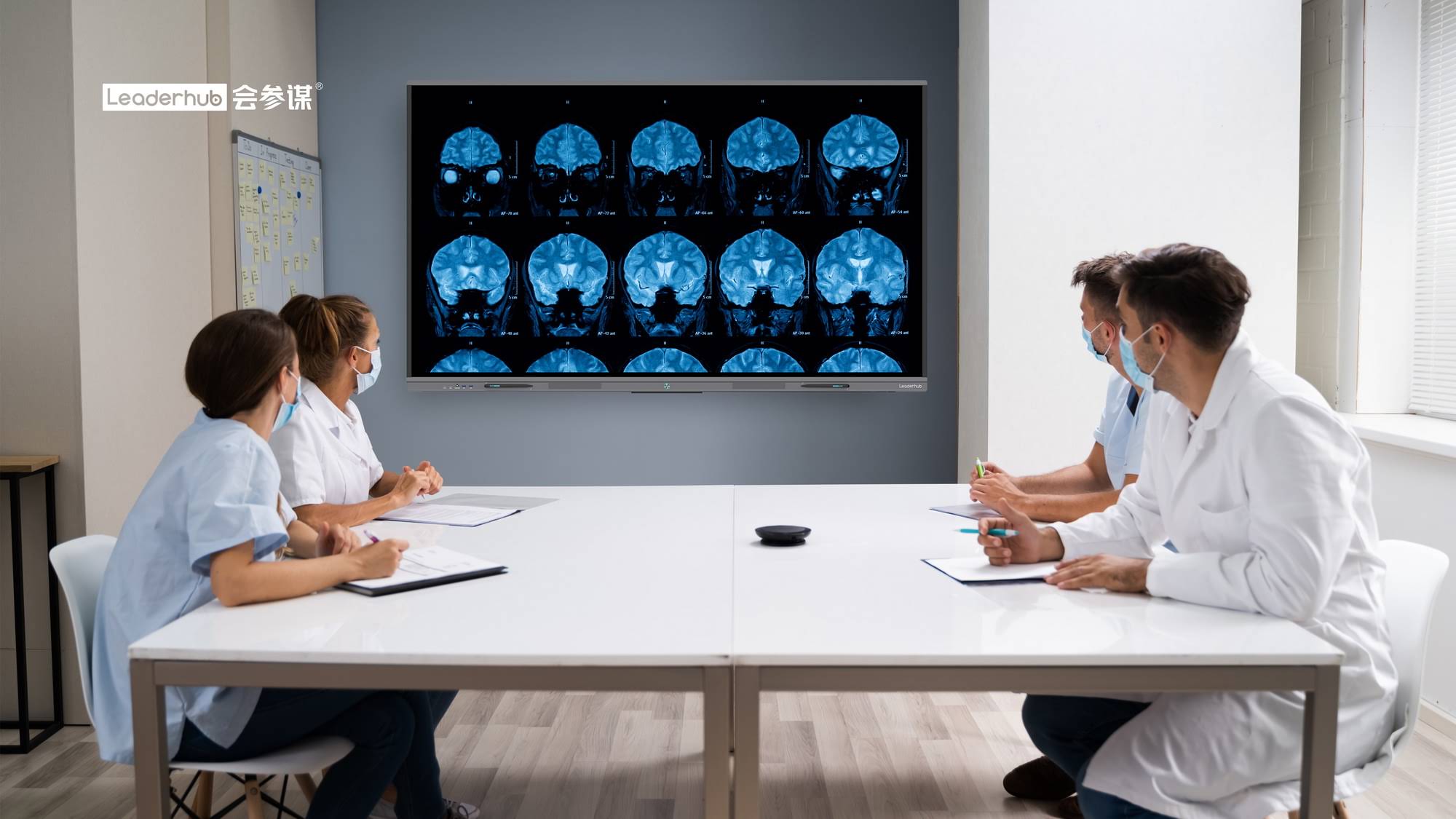
7. Better Accessibility and Inclusion for Every Student
Inclusion is a powerful but often overlooked reason to use smart boards in the classroom. Features that benefit students with additional needs include:
- Pinch-to-zoom for students with low vision.
- High-contrast backgrounds and adjustable pen thickness.
- Text-to-speech and instant translation for multilingual classrooms.
- Screen sharing to individual devices for students who cannot see the front clearly.
- Recording and replay for students with processing differences or frequent absences.
8. Immediate Feedback and Formative Assessment
Instead of waiting until a test to discover that half the class misunderstood a concept, teachers can run a quick poll or quiz on the board and see results in real time. Student responses appear as charts, allowing the teacher to adjust the lesson on the spot. Over a term, this data helps identify learners who need extra support early, long before grades are affected.
9. Students Build Digital Skills They Will Need for Life
The ISTE Standards for Students describe learners who are empowered, creative communicators and global collaborators. Daily interaction with a smart board normalises digital presentation, file management, online research and collaborative tools, skills that students will carry into university and the workplace. Importantly, the teacher remains in control of the device, so screen time is purposeful and supervised rather than solitary.
10. Lower Long-Term Costs and a Smaller Environmental Footprint
A smart board is a larger upfront purchase than a whiteboard, but over a typical eight-to-ten-year lifespan the economics usually favour the interactive panel. The table below compares the three most common front-of-class options.
| Factor | Traditional Whiteboard | Projector + Screen | Interactive Smart Board |
|---|---|---|---|
| Consumables | Markers, erasers, cleaning spray | Replacement lamps, filters | None |
| Room lighting | Any | Must be dimmed | Any, anti-glare glass |
| Interactivity | Writing only | Limited, needs calibration | 20-point touch, stylus, gestures |
| Lesson saving | No | Partial | Yes, cloud and local |
| Typical lifespan | 5 years (surface wears) | 4–6 years | 8–10 years |
| Hybrid teaching | No | Requires extra hardware | Built-in camera and conferencing |
Add the reduction in printed worksheets and photocopying, and many schools find the smart board pays for itself within a few years while cutting paper and plastic waste.
Choosing the Right Smart Board for Your Classroom
Once a school decides to adopt interactive displays, the next question is which size and specification fits each room. As a general rule, students in the back row should be no further than roughly six times the screen height from the board.
| Classroom Type | Recommended Size | Suggested Model | Price |
|---|---|---|---|
| Small group / early years (up to 20 students) | 65 inch | L65ZM 65″ 4K Smart Panel | $1,099 |
| Standard classroom (20–35 students) | 75 inch | L75HM 75″ 4K Touchscreen | $1,599 |
| Large classroom / science lab (35+ students) | 86 inch | L86ZM 86″ 4K Smart Panel | $1,699 |
| Shared between rooms / flexible spaces | 55 inch mobile | U55Pro Mobile 4K Smart Display | $2,499 |
| Lecture hall / auditorium | 110 inch | L110H 110-Inch Interactive Flat Panel | $7,999 |
Specifications worth checking before you buy
- 4K resolution and anti-glare toughened glass for bright classrooms.
- At least 20-point touch with palm rejection so students can rest a hand while writing.
- Built-in whiteboard software, wireless screen sharing and cloud storage.
- Optional OPS or mini PC slot for a full Windows environment.
- A warranty of three years or more, with local or remote technical support.
These models are manufactured by LeaderHub, a Shenzhen-based interactive-display specialist with 16 years of industry experience and products delivered to more than 82 countries, which means schools can source classroom-ready panels with consistent quality and after-sales support.
Tips for Getting the Most Out of a Classroom Smart Board
Hardware alone does not improve outcomes; how teachers use it does. The OECD Digital Teaching Guidance stresses that professional development is the single biggest predictor of successful technology adoption. Schools should:
- Run a short pilot in two or three classrooms and collect teacher feedback.
- Provide hands-on training sessions, not just manuals.
- Create a shared library of lesson templates that teachers can adapt.
- Pair the board with clear classroom routines so interactivity does not become distraction.
- Review usage data each term and celebrate creative examples across the staff.
Frequently Asked Questions
Do smart boards actually improve test scores?
Evidence shows that technology improves outcomes when it changes teaching practice, for example through more feedback, more collaboration and more varied explanation. A smart board makes those practices easier, but results depend on how it is used.
Are smart boards difficult for older teachers to learn?
Most modern panels work like a giant tablet. Teachers who can use a smartphone can usually write, open files and cast a laptop within a single training session.
Can a smart board replace the projector entirely?
Yes. An interactive flat panel delivers higher brightness, sharper 4K images and touch control, with no lamp replacements or darkened rooms.
How long does a classroom smart board last?
Commercial-grade LED panels are typically rated for 30,000 to 50,000 hours, which equals roughly eight to ten years of school use.
What size smart board do I need for a standard classroom?
For 20 to 35 students, a 75-inch panel is the most common choice. Larger rooms benefit from 86 inches, while small-group spaces work well with 65 inches.
Final Thoughts
So, why use smart boards in the classroom? Because they turn passive lessons into active ones, give every learner a way in, save teachers precious time, connect the classroom to the wider world and ultimately cost less to run than the technology they replace. Whether you are equipping a single room or planning a district-wide rollout, start by matching screen size to your spaces, invest in teacher training, and choose a manufacturer that offers dependable support. Browse the full range of classroom interactive displays or contact our education team for a tailored quotation and volume pricing for schools.