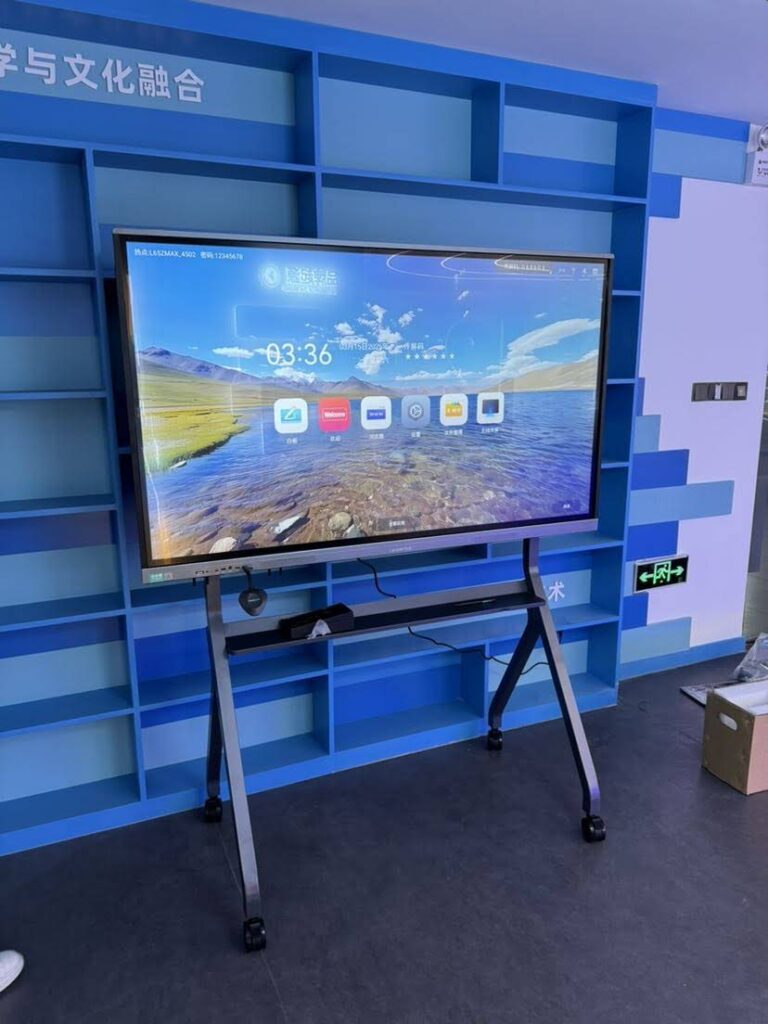
A smart board is much more than a digital screen. It can turn a lesson, meeting, or presentation into a live interactive experience where people can write, draw, move content, share files, and collaborate in real time.
If you are asking what can a smart board do, the short answer is: it can replace multiple tools at once — whiteboard, projector, TV, annotation pad, file-sharing hub, and collaboration station.
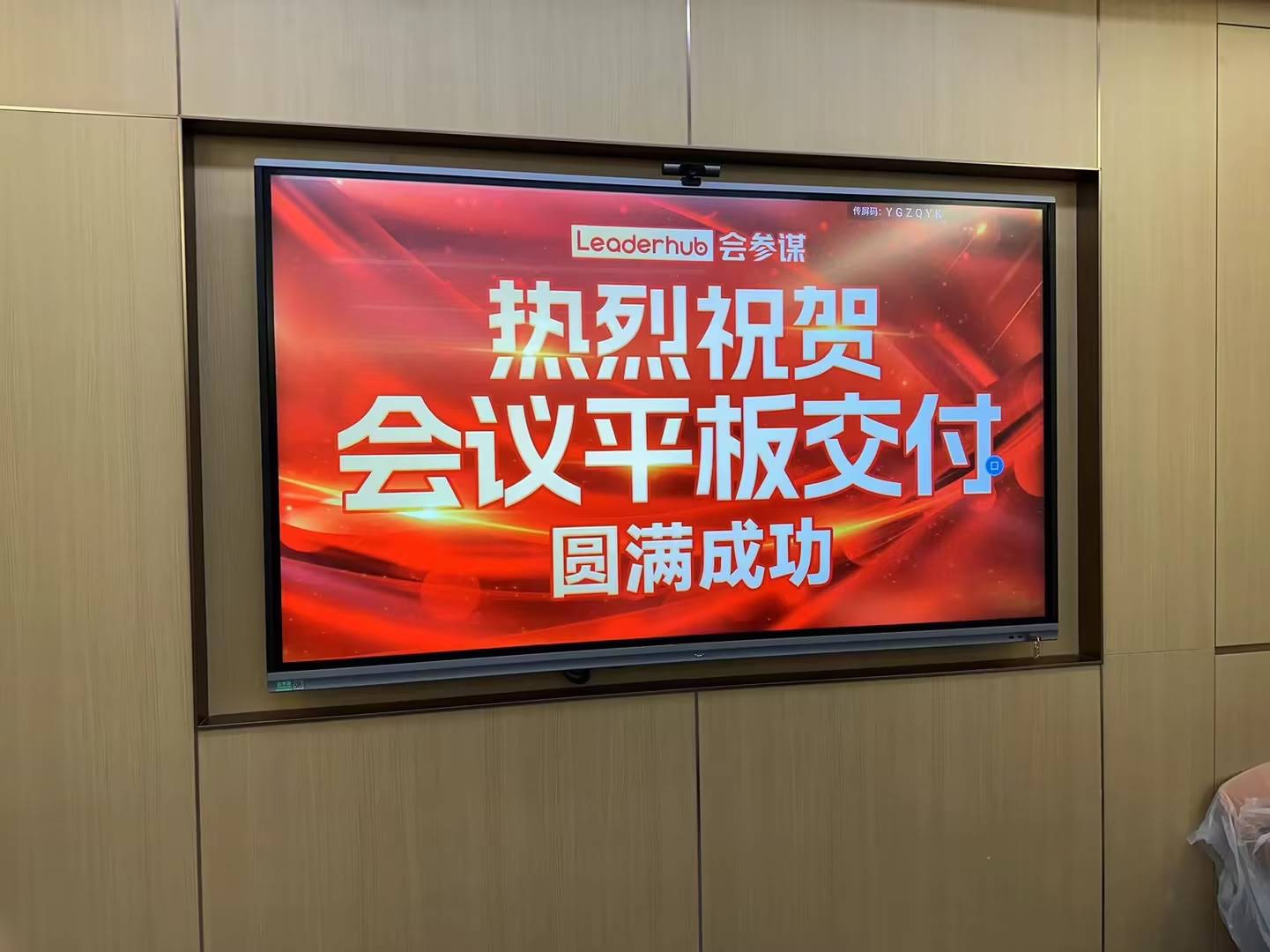
What Can a Smart Board Do in Daily Use?
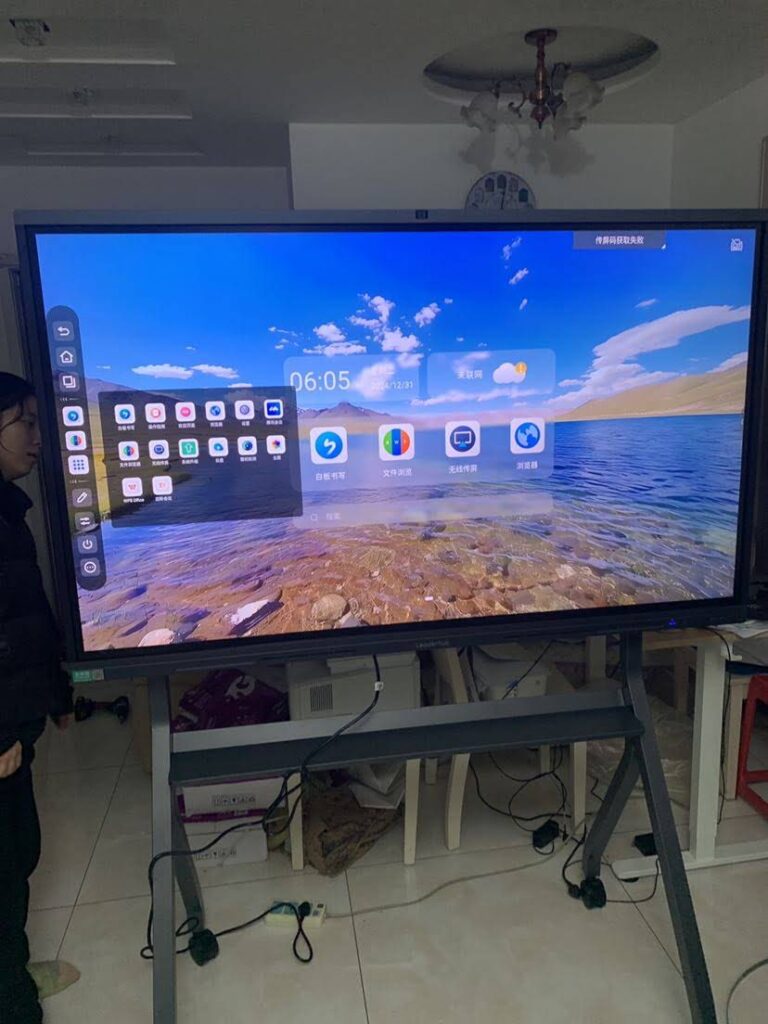
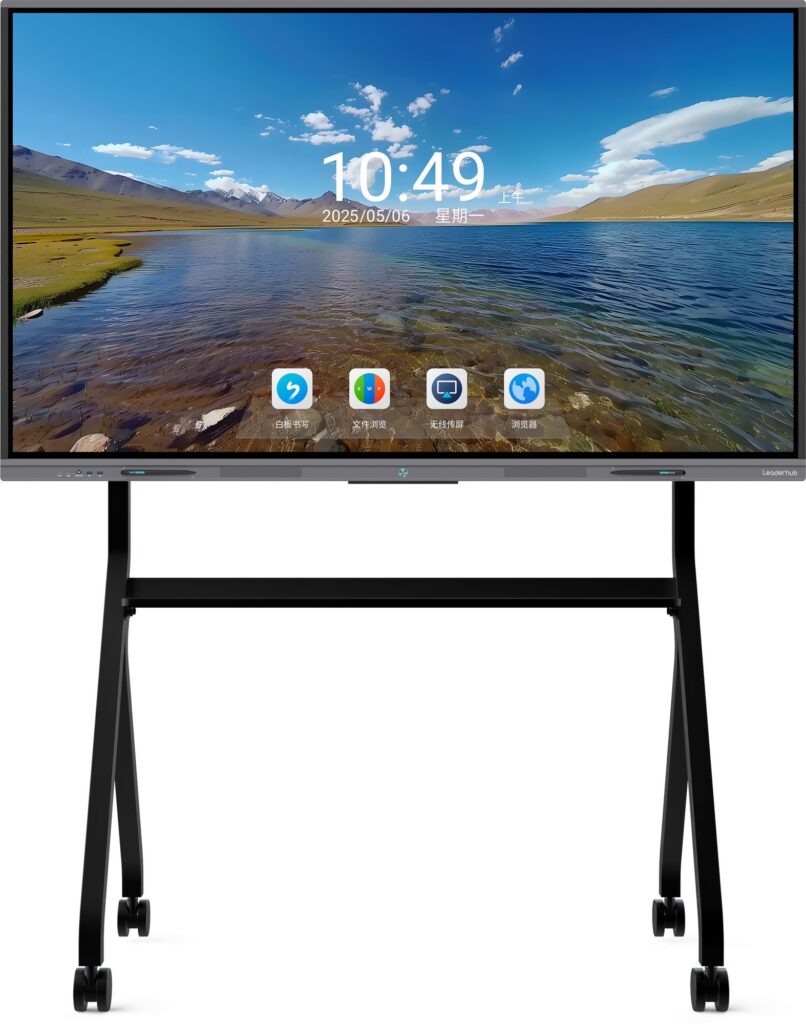
A smart board combines a large display with touch interaction and software tools. That means users can interact directly with content using a finger or stylus instead of relying on a mouse and keyboard.
- Write and annotate over slides, documents, and web pages.
- Display multimedia such as videos, images, charts, and websites.
- Support touch collaboration for group brainstorming and shared problem-solving.
- Connect devices like laptops, tablets, and phones for easier screen sharing.
- Save and export notes for later review, follow-up, or student study materials.
- Integrate teaching and meeting apps for a smoother workflow.
In many schools and offices, one smart board can do the work of several separate devices, making communication simpler and faster.
Main Benefits of Smart Boards
| Benefit | Why It Matters | Best For |
|---|---|---|
| Interactive learning | Students and teachers can participate actively instead of passively watching. | Classrooms, training rooms |
| Better engagement | Touch, color, and motion make content easier to notice and remember. | K-12, higher education, workshops |
| Time saving | Files can be opened instantly, annotated, and shared without extra setup. | Meetings, hybrid work |
| Flexible collaboration | Multiple users can contribute ideas on the same surface. | Brainstorming, project planning |
Key Features That Make Smart Boards Powerful
1. Touch and Multi-Touch Control
Most smart boards allow users to tap, swipe, zoom, drag, and write directly on the screen. Multi-touch support is especially useful when two or more people need to work together.
2. Real-Time Annotation
Teachers can highlight key points during a lesson, and presenters can mark up charts or slides during a meeting. This helps keep attention focused on the most important information.
3. Screen Sharing and Device Connectivity
Smart boards usually support wireless or wired casting from laptops and mobile devices. This makes it easy to show lesson materials, spreadsheets, presentations, or videos with minimal delay.
4. Built-In Software Tools
Many smart boards come with whiteboard apps, split-screen tools, timers, shape recognition, handwriting conversion, and file export options. These tools reduce the need to switch between different programs.
5. Cloud and File Support
Notes, worksheets, and meeting plans can often be saved to local storage or cloud systems, making it easier to continue work across sessions.
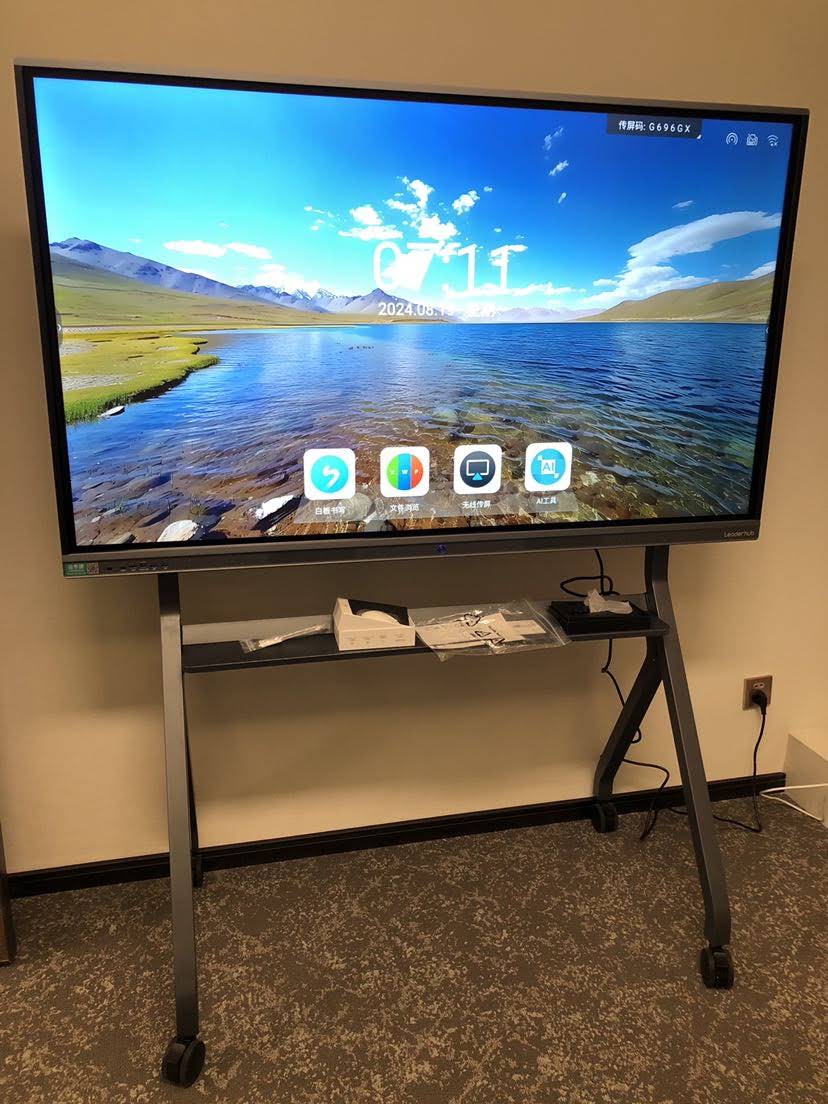
Classroom Uses: How Teachers Use a Smart Board
In education, smart boards help teachers present content in a way that is visual, flexible, and interactive. According to the UNESCO Global Education Monitoring Report, technology should support better learning design, not simply replace traditional teaching. A smart board fits well when it is used to improve participation and clarity.
- Warm-up activities: Start class with a quick quiz or matching game.
- Lesson presentation: Show slides, images, and videos in one place.
- Live annotation: Explain grammar, math steps, or diagrams directly on the screen.
- Group work: Let students come forward and solve problems together.
- Review and recap: Save board notes and share them after class.
- Hybrid teaching: Combine in-room teaching with remote participation.
Teachers who want a more modern setup can explore our smart whiteboards, see rotating screens, or pair them with compact mini PCs for a complete classroom solution.
Business Meeting Uses: What a Smart Board Can Do in the Office
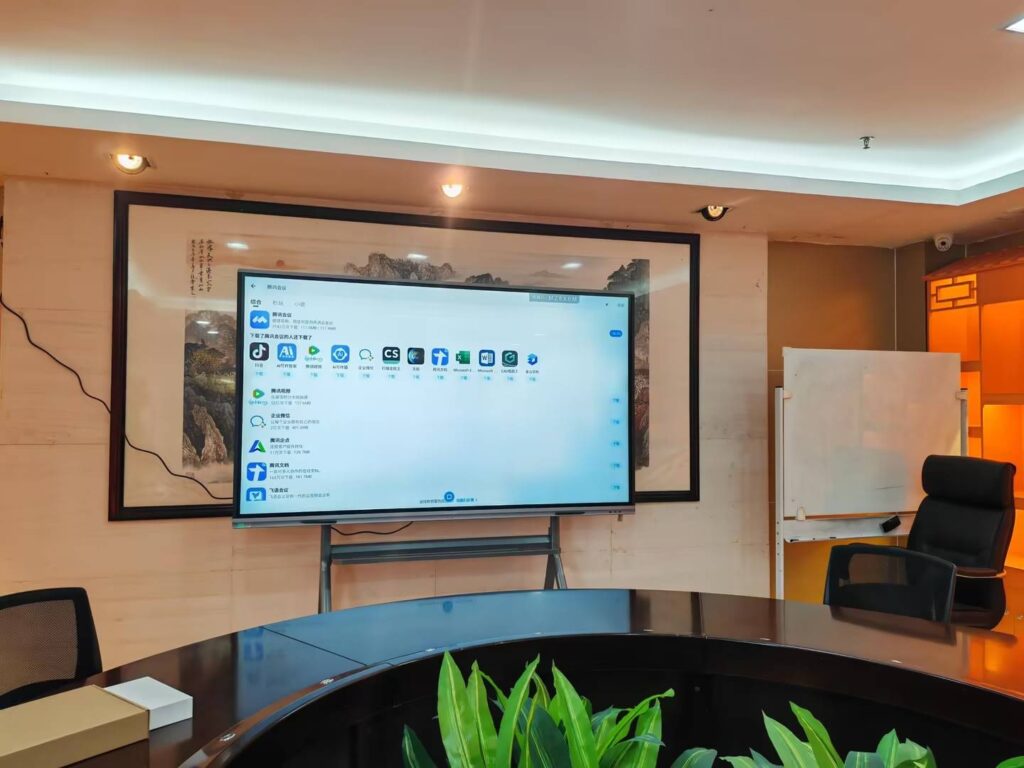
In offices and conference rooms, smart boards help teams communicate more efficiently. They make it easier to present data, compare ideas, and capture decisions in real time.
- Sales presentations: Present products with interactive visuals.
- Team brainstorming: Capture ideas quickly and organize them on the fly.
- Remote meetings: Share screens and annotate documents during calls.
- Training sessions: Explain processes step by step with diagrams.
- Project planning: Map tasks, timelines, and responsibilities visually.
For companies that need a reliable conferencing setup, a smart board can improve meeting flow and reduce wasted time switching between laptops, TVs, and paper notes.
How Smart Boards Improve Engagement
One of the biggest advantages of a smart board is that it encourages active participation. Instead of only watching, people can touch, move, write, and contribute.
- Visual learning: People understand information faster when it is shown clearly.
- Hands-on interaction: Touch-based learning keeps users involved.
- Instant feedback: Teachers and presenters can correct or adjust content immediately.
- Shared attention: Everyone focuses on the same screen and the same task.
Smart Board Features vs. Traditional Tools
| Tool | Smart Board Advantage | Limitation of Traditional Tool |
|---|---|---|
| Whiteboard | Can save, share, and edit notes digitally. | Notes can be erased or lost. |
| Projector | Brighter touch display with direct interaction. | No native touch or writing support. |
| Paper flip chart | Reusable, cleaner, and easier to distribute. | Limited space and no digital sharing. |
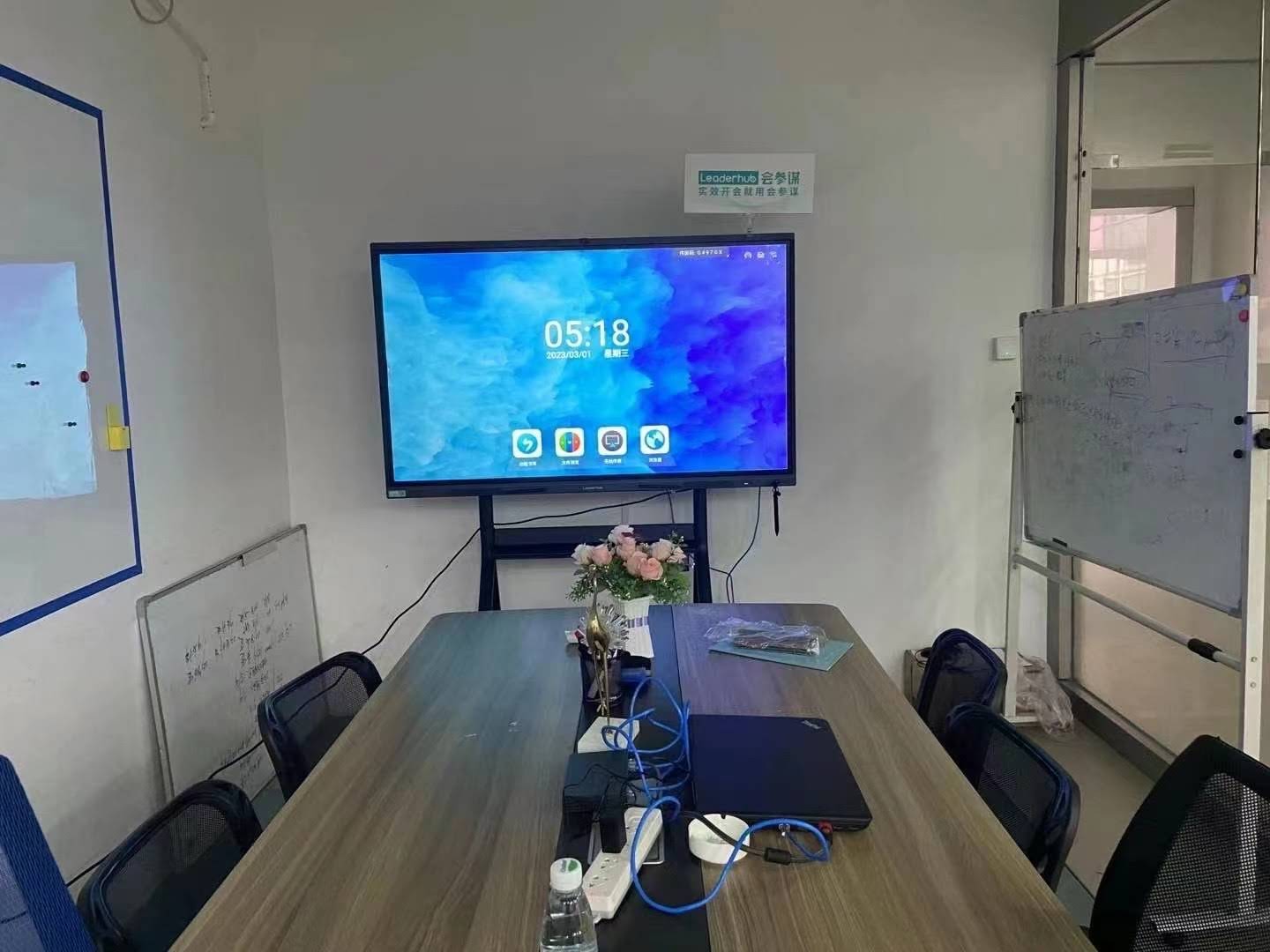
What to Look for When Choosing a Smart Board
Before buying, think about how the board will be used every day. The best choice depends on room size, user type, software needs, and connectivity requirements.
- Screen size: Choose a size that fits the room and viewing distance.
- Touch accuracy: Important for handwriting and drawing.
- Display quality: 4K resolution improves readability and detail.
- Software ecosystem: Make sure the tools match your workflow.
- Connectivity: Check ports, wireless casting, and device compatibility.
- Durability: A commercial-grade design is better for frequent use.
If you are comparing options for classrooms or boardrooms, it helps to review trusted guidance such as the UNESCO Digital Education resources and the OECD Digital Education research pages.
Popular Smart Board Use Cases by Setting
| Setting | Typical Use | Key Outcome |
|---|---|---|
| K-12 classroom | Interactive lessons, quizzes, annotation | Higher student participation |
| University lecture hall | Presentation, note-taking, live discussion | Clearer teaching and better recall |
| Meeting room | Screen sharing, brainstorming, planning | Faster decisions |
| Training center | Live demos and guided exercises | Better knowledge transfer |
Why Smart Boards Are Becoming a Standard Tool
Smart boards are growing in popularity because they simplify collaboration. They help people teach, present, and work together with fewer barriers. They also support modern digital workflows in a way that feels natural and intuitive.
For organizations looking to upgrade their setup, a smart board can be part of a complete ecosystem that includes a display, software, and computing device. That is why many buyers also look at Explore Products and use the right accessories or devices together.
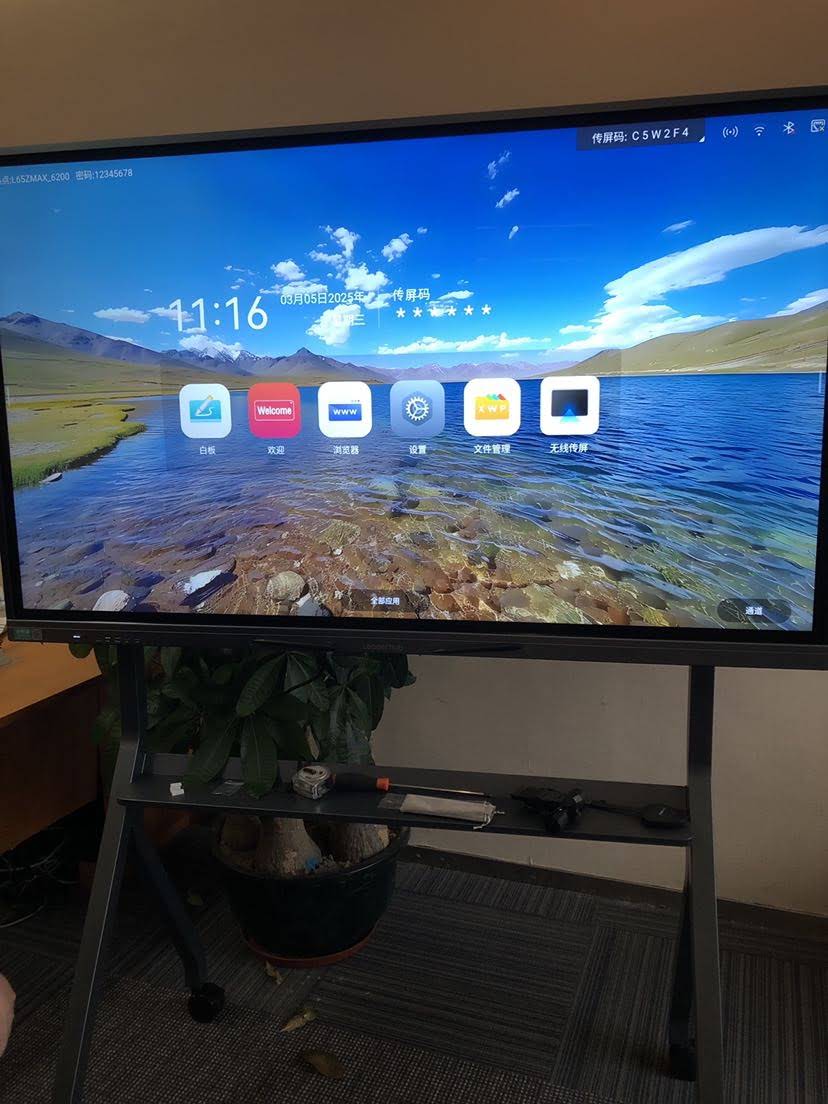
FAQ: What Can a Smart Board Do?
Can a smart board replace a projector?
In many rooms, yes. A smart board can display content clearly without the need for a separate projector, and it also adds touch interaction and annotation.
Can multiple people use a smart board at the same time?
Yes. Multi-touch smart boards allow several users to interact at once, which is helpful for group activities and team discussions.
Can a smart board save notes?
Most smart boards can save handwritten notes, screenshots, and annotated files so they can be reviewed later or shared with others.
Is a smart board useful for remote learning?
Absolutely. It can support screen sharing, live annotation, and hybrid teaching, making online and in-person learning easier to connect.
If you want to build a classroom, meeting room, or training space with smart display technology, you can also Contact Us to discuss the right configuration.
Final Takeaway
A smart board can do far more than show slides. It can support teaching, collaboration, brainstorming, annotation, file sharing, and real-time interaction. For schools and businesses, that makes it a practical tool for improving engagement and productivity.