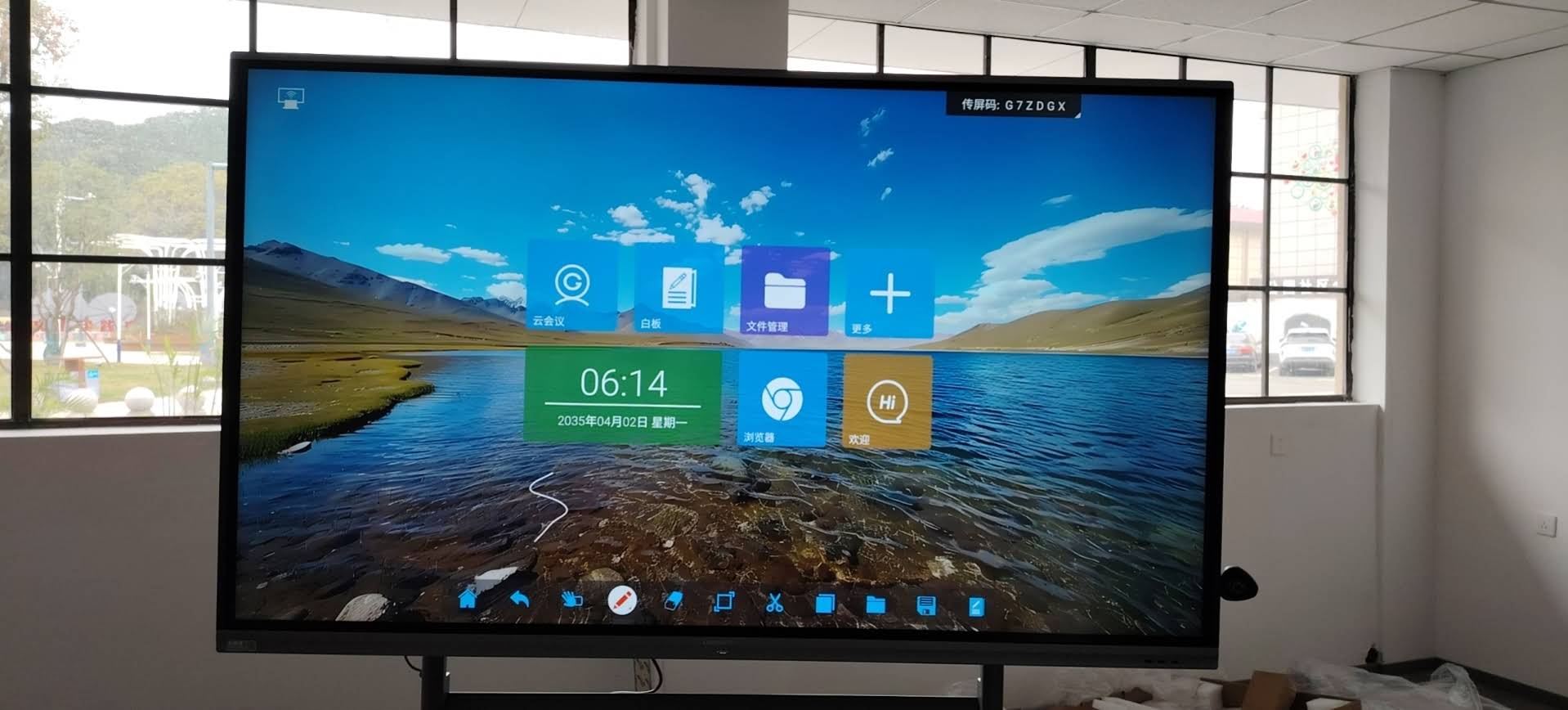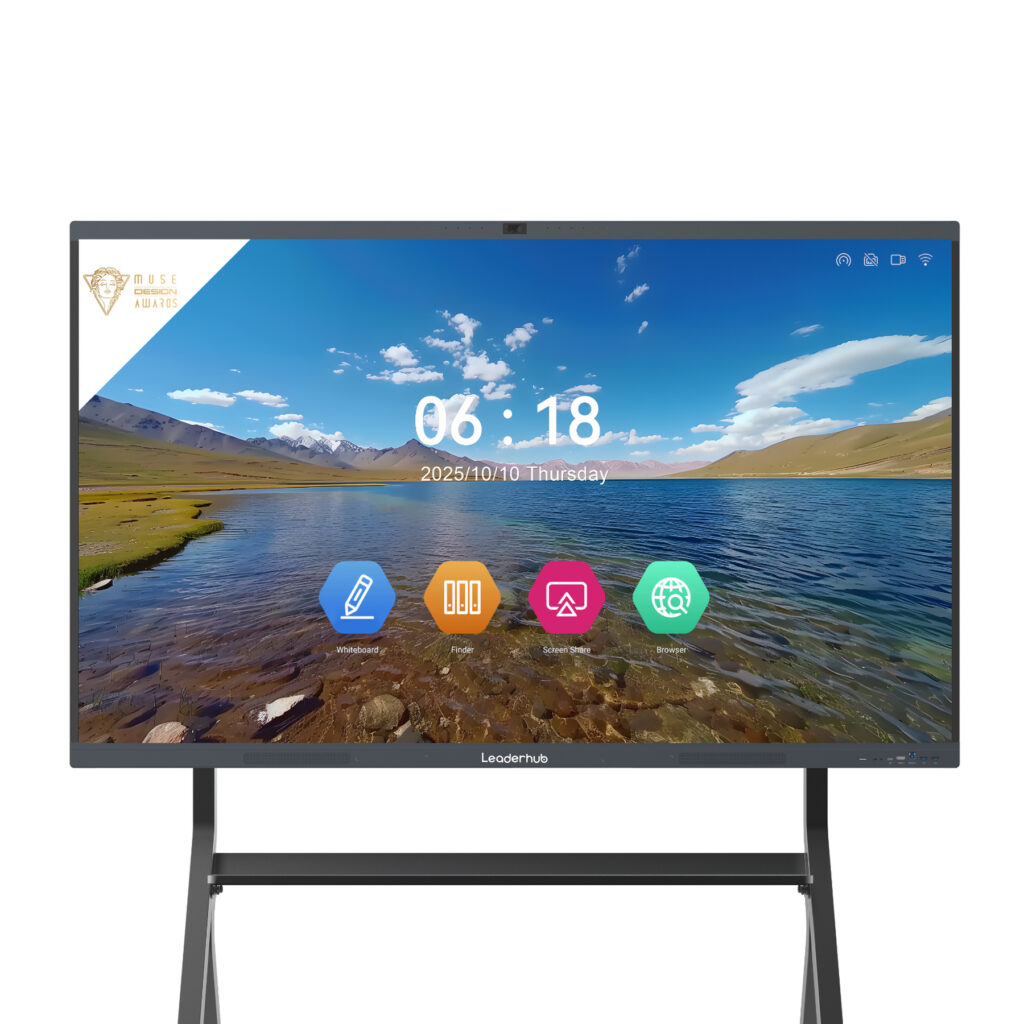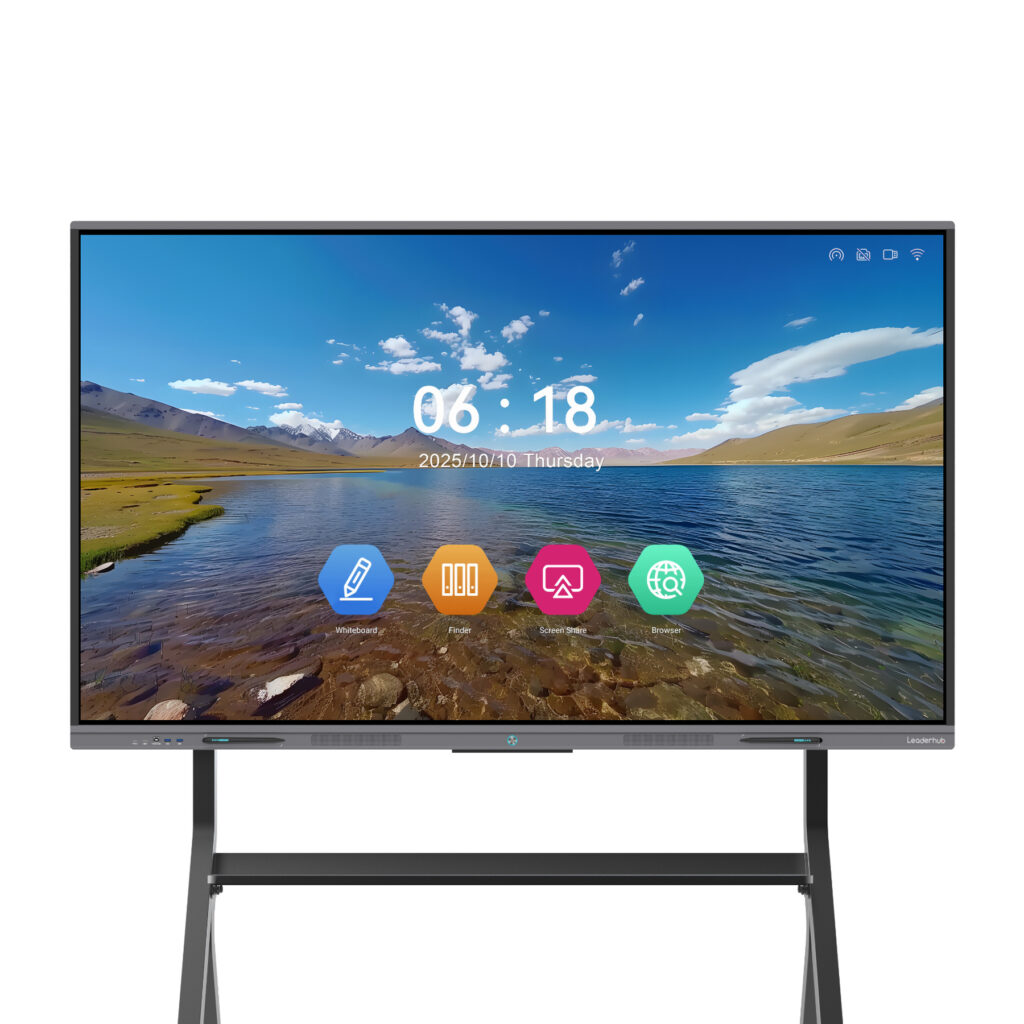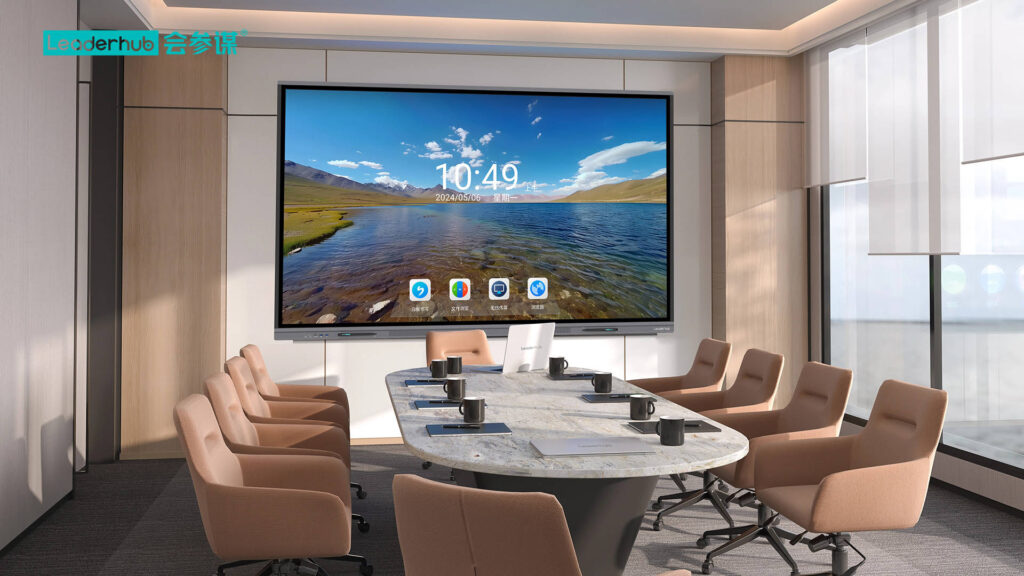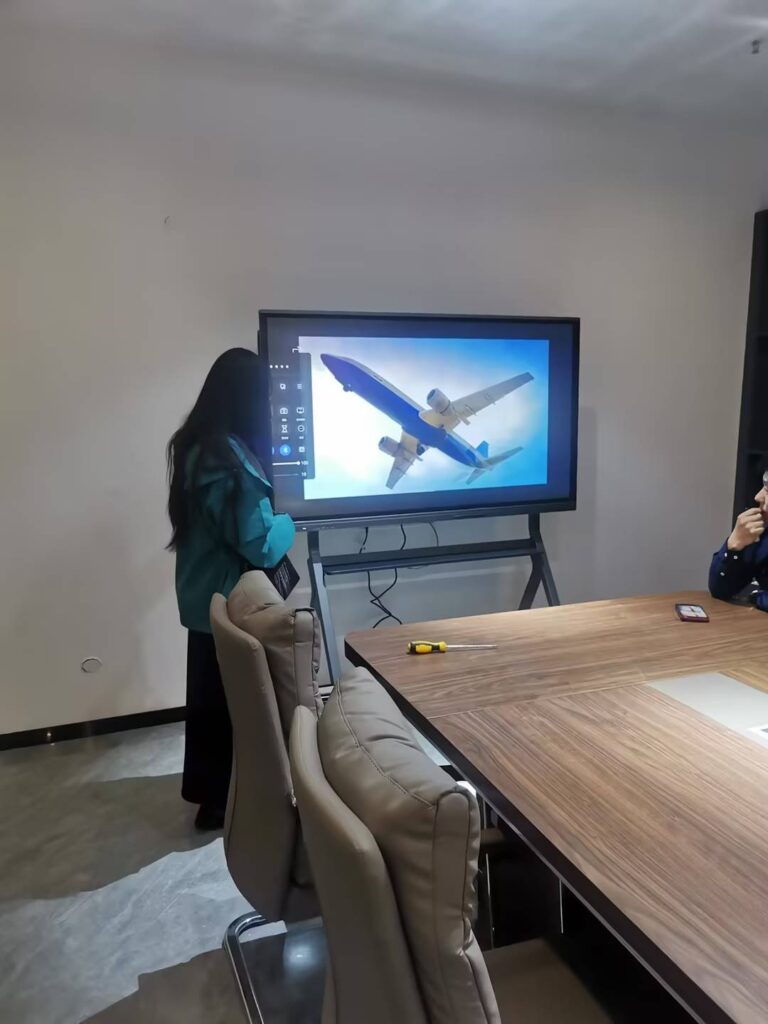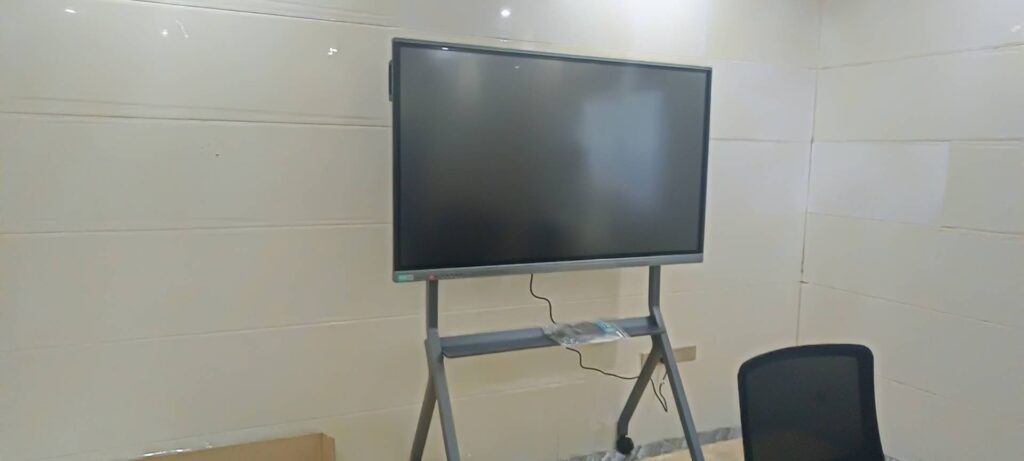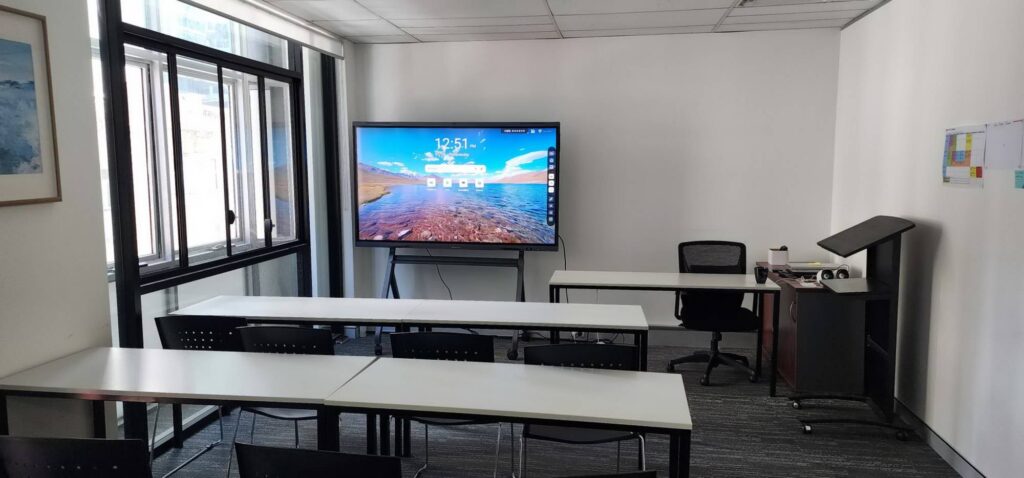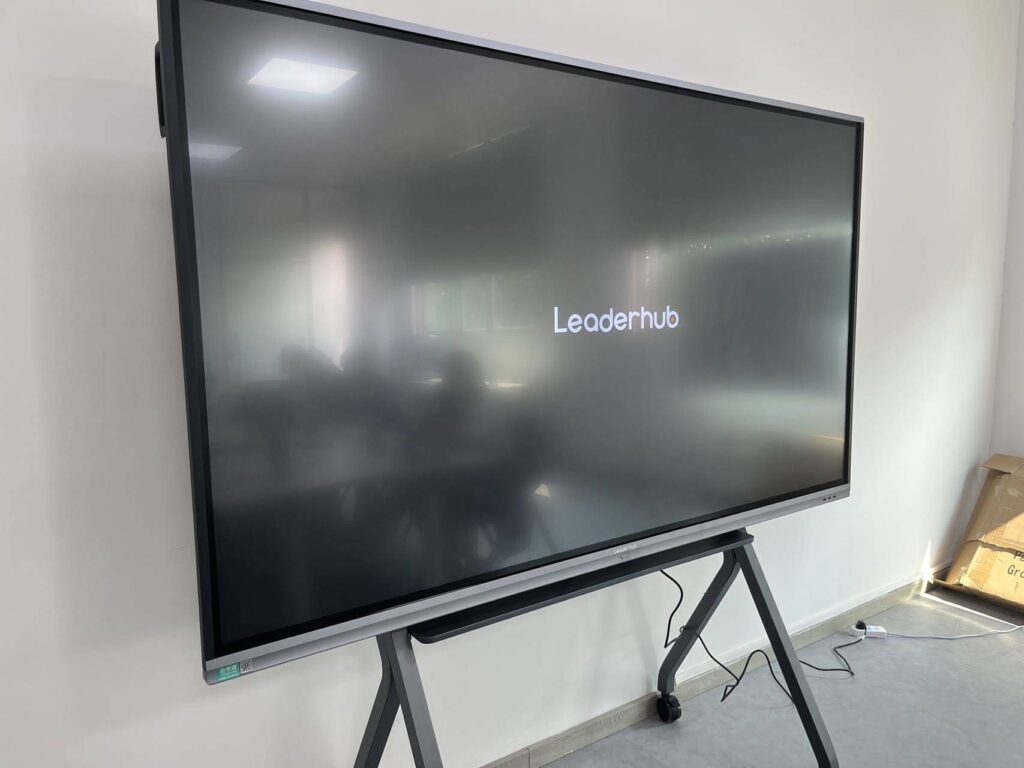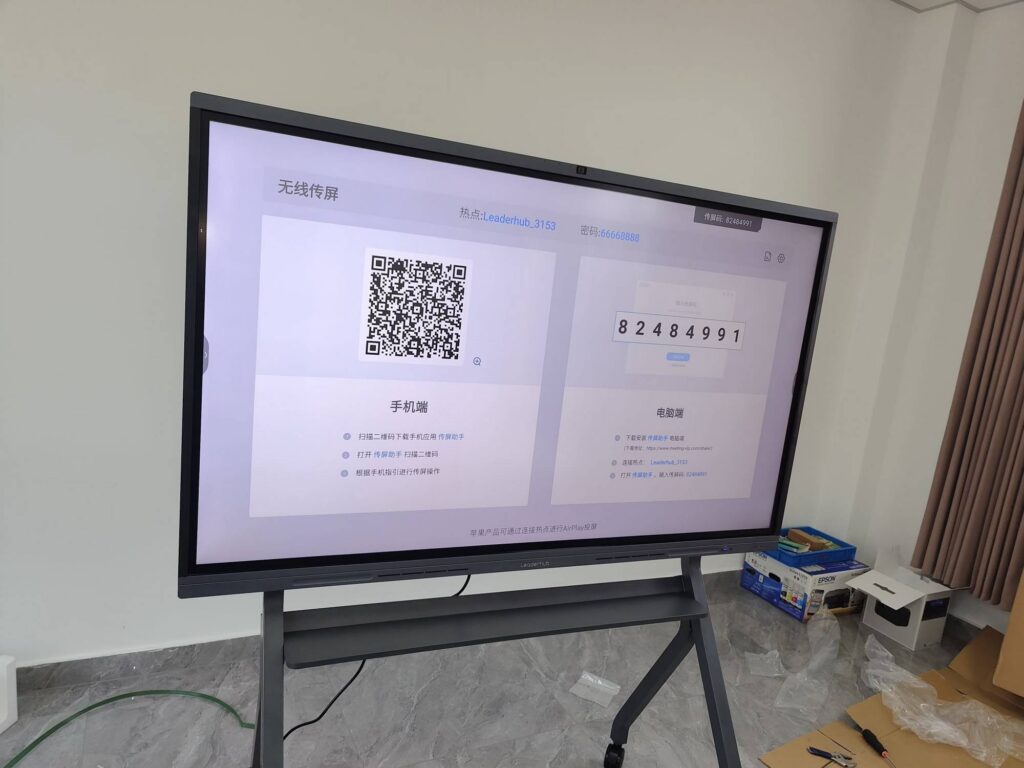
Procurement teams run some of the most data-heavy meetings in any organization. Supplier scorecards, RFQ comparisons, landed-cost spreadsheets, contract redlines and category strategy decks all need to be visible, editable and shareable at the same time — often with suppliers dialing in from three different time zones. A well-chosen smart board for procurement team meetings turns those sessions from slide-reading exercises into genuine working sessions where decisions get made on the screen. This guide explains what sourcing and supplier-management teams should look for in an interactive display, how to size it for your meeting rooms, and which models deliver the best value.
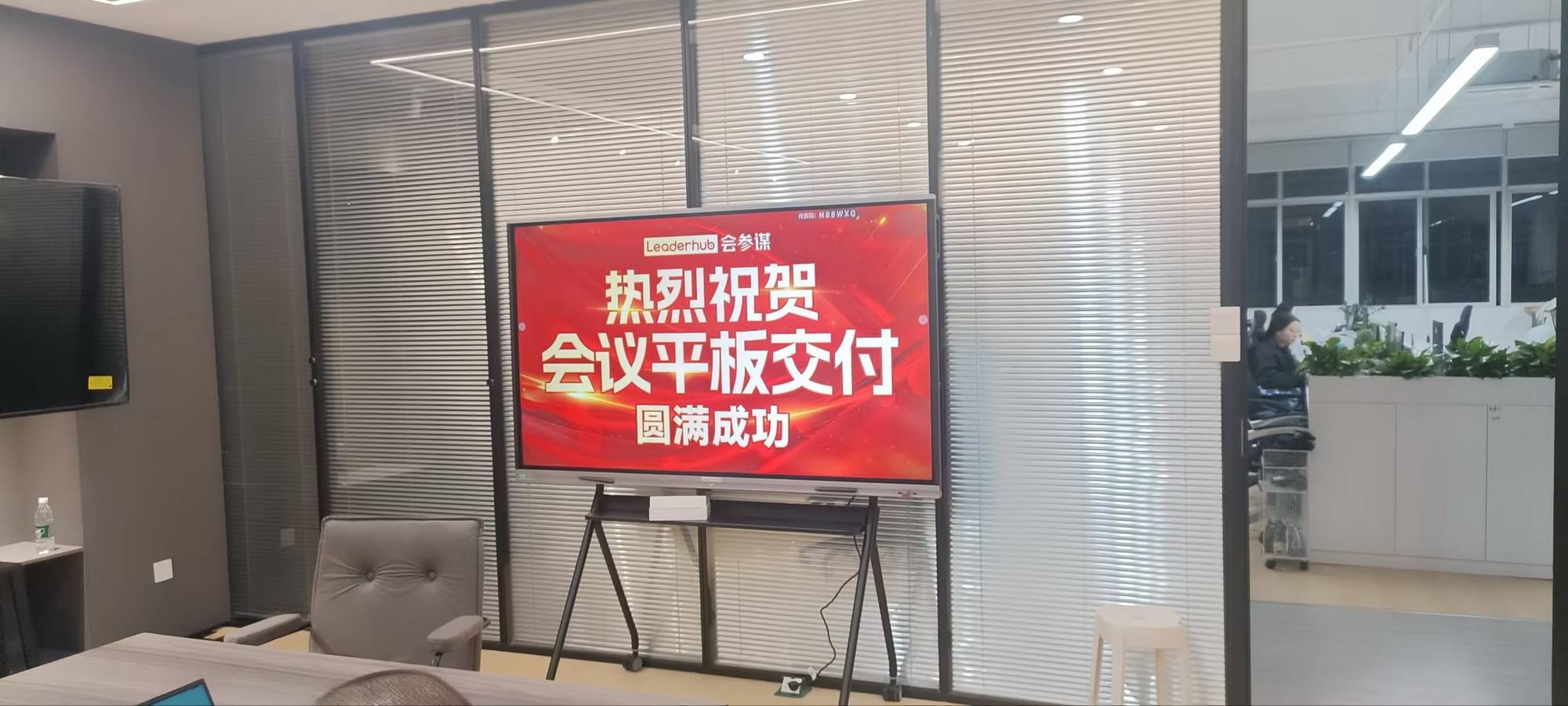
Why Procurement Meetings Need More Than a Standard Conference TV
A regular display can show a spreadsheet. An interactive smart board lets the whole team work inside it. That difference matters because procurement meetings are rarely one-way presentations. Typical sessions include:
- Supplier negotiations — live adjustment of pricing tiers, MOQs, payment terms and Incoterms while both parties watch.
- RFQ / RFP evaluations — side-by-side bid comparison across cost, lead time, quality and compliance criteria.
- Quarterly business reviews (QBRs) — reviewing OTIF, defect rates and cost-savings dashboards with strategic suppliers.
- Contract redlining — annotating clauses, highlighting risk language and capturing agreed changes instantly.
- Category strategy workshops — brainstorming spend cubes, Kraljic matrices and sourcing roadmaps on an infinite canvas.
- Hybrid supplier onboarding — walking remote vendors through specifications, drawings and quality documentation.
Each of these scenarios demands high legibility for small numbers, accurate touch annotation, reliable video conferencing and a secure way to share confidential pricing. Those four requirements form the backbone of any smart board evaluation for sourcing teams.
Key Selection Criteria for a Smart Board for Procurement Team Meetings
1. Screen Size That Matches Your Meeting Room
Procurement rooms vary from two-person huddle spaces for quick supplier calls to full boardrooms for annual tender reviews. Undersizing the panel is the most common mistake, because spreadsheet cells become unreadable beyond the second row of seats.
| Room Type | Typical Attendees | Recommended Size | Procurement Use Case |
|---|---|---|---|
| Huddle room / buyer desk area | 2–4 | 55″ (mobile) | Quick supplier calls, PO reviews |
| Small meeting room | 4–8 | 65″ | Category team stand-ups, bid scoring |
| Medium conference room | 8–12 | 75″ | Supplier negotiations, QBRs |
| Large boardroom | 12–20 | 86″ | Tender committee reviews, cross-functional sourcing |
| Sourcing war room / training hall | 20+ | 110″ | Annual supplier conferences, spend-cube workshops |
2. 4K Resolution for Spreadsheet Legibility
Cost breakdowns and bid tabulations are dense. A 4K UHD panel displays four times the pixels of Full HD, which means a 40-column Excel sheet remains sharp when the sourcing manager zooms out to show the full comparison. Look for anti-glare glass as well — many procurement rooms have large windows, and reflections make small figures impossible to read from the far end of the table.
3. Precise Touch and Annotation for Contract Redlining
When a legal clause or a pricing escalation formula is being debated, the buyer should be able to circle it, strike it out and write the agreed alternative directly on the screen. Evaluate:
- Multi-point touch (20 points or more) so two negotiators can mark up simultaneously.
- Low writing latency for natural handwriting during fast-paced discussion.
- Palm rejection and passive stylus support, so resting a hand on the glass does not leave stray marks.
- Export to PDF or image with one tap, creating an instant record of what was agreed with the supplier.
4. Built-In Video Conferencing for Remote Suppliers
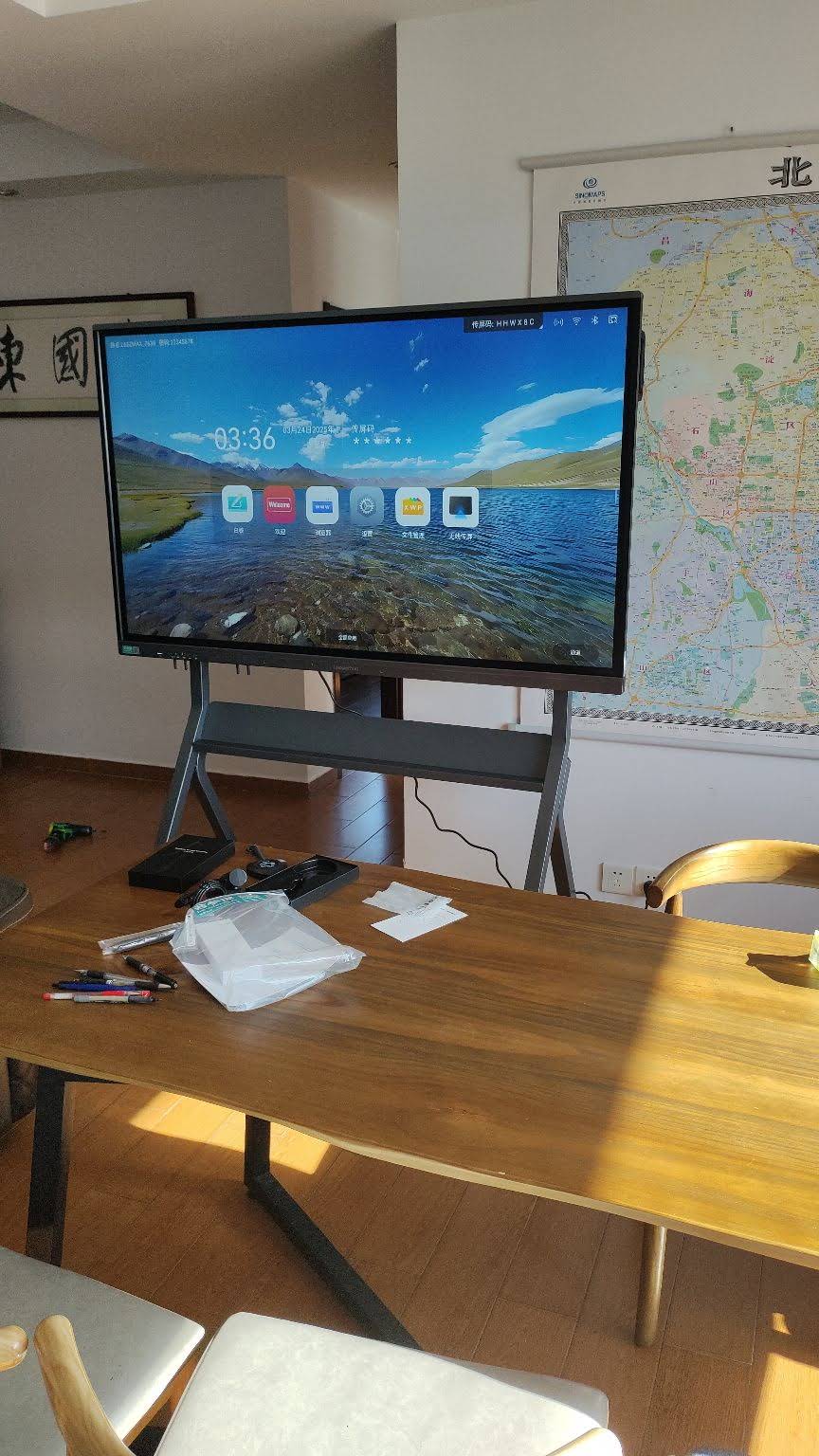
Global sourcing means your supplier base is distributed. A smart board with an integrated 4K camera, far-field microphone array and native support for Zoom, Microsoft Teams and Google Meet eliminates the cable mess of external webcams and speakerphones. Features worth prioritizing include auto-framing for the people in the room, echo cancellation for clear negotiation audio, and the ability to share the annotated whiteboard directly into the video call so remote vendors see every mark-up in real time.
5. Wireless Screen Sharing and Multi-Source Split Screen
In a bid review, the category manager has the scoring matrix, the engineer has the technical drawing and finance has the should-cost model. A procurement smart board should let multiple laptops cast wirelessly and display two to four sources side by side without anyone leaving their seat. Cross-platform casting (Windows, macOS, iOS, Android) is essential because suppliers will arrive with every kind of device.
6. Security and Confidentiality Controls
Supplier pricing, cost structures and tender documents are commercially sensitive. Procurement leaders should insist on:
- Automatic wiping of whiteboard sessions and cast files after each meeting.
- Guest-mode casting that keeps suppliers off the corporate Wi-Fi.
- Admin lock, USB port control and password-protected settings.
- Encrypted cloud or on-premise saving of meeting notes, compatible with your document-management system.
7. Rotation and Portrait Mode for Long Documents
Contracts, supplier audit reports and SOPs are vertical documents. A rotatable panel that switches to portrait orientation shows an entire A4 page at readable size, making clause-by-clause review faster. Rotatable conference hubs such as the HM series — recognized with a Leaderhub HM Series design award — were built for exactly this type of document-centric collaboration.
8. Mobility Between Rooms and Supplier Visits
Sourcing teams move constantly between the office, the warehouse and the supplier’s factory floor. Mobile stands with lockable casters, and battery-powered portable screens, extend collaboration beyond the fixed conference room. A handheld smart screen is especially useful during on-site supplier audits for capturing photos, filling checklists and reviewing specs on the spot.
Comparing Leaderhub Displays for Sourcing and Supplier Collaboration
Leaderhub is a Shenzhen-based technology company with 16 years of interactive-display expertise, delivering smart whiteboards, interactive flat panels, mini PCs and portable smart screens to enterprises in 82 countries, with a focus on making professional collaboration technology affordable for small and medium-sized businesses. The table below maps its current line-up to common procurement meeting scenarios.
| Model | Size / Type | Best For | Price |
|---|---|---|---|
| L65ZM Interactive Whiteboard | 65″ 4K smart panel | Entry-level buyer team rooms, PO and bid scoring sessions | $1,099 |
| L75HM Smart Whiteboard | 75″ 4K rotatable | Supplier negotiations and contract redlining in portrait mode | $1,599 |
| L86ZM Interactive Whiteboard | 86″ 4K smart panel | Tender committees and cross-functional sourcing boardrooms | $1,699 |
| L75H Pro Interactive Flat Panel | 75″ 4K premium | Strategic supplier QBRs with heavy video conferencing | $2,399.40 |
| U55Pro Mobile Smart Display | 55″ 4K mobile | Huddle spaces, warehouse offices, roaming between rooms | $2,499 |
| L110H Interactive Flat Panel | 110″ 4K | Annual supplier conferences and large sourcing war rooms | $7,999 |
| U24M Handheld Smart Screen | 24.5″ portable with battery | On-site supplier audits and factory floor walk-throughs | $699 |
Teams that already standardize on Windows-based procurement software can pair any panel with a compact mini PC such as the LP5C, which runs ERP clients, e-sourcing portals and spend analytics tools natively on the big screen. Browse the full range of smart whiteboards and rotating screens to compare specifications in detail.
How Sourcing Teams Actually Use an Interactive Display
Live Bid Tabulation
Instead of emailing a scoring sheet after the meeting, the category manager opens the RFQ comparison on the smart board, and each evaluator scores suppliers in real time. Weighted totals update instantly, discrepancies are discussed on the spot, and the final ranking is saved with timestamps — a clean audit trail for compliance.
Visual Should-Cost Modeling
Cost engineers sketch the bill of materials on the whiteboard canvas, drop in material indices from a cast browser window, and build a should-cost estimate collaboratively. When the supplier joins the call, the model becomes the shared reference point for a fact-based negotiation rather than a positional one.
Supplier Performance Reviews
A QBR dashboard showing on-time delivery, PPM defect rates and cost-savings progress is displayed on one half of the screen, while the corrective-action plan is annotated on the other. The supplier leaves the meeting with a PDF of exactly what was agreed, signed off with a stylus.
Category Strategy Workshops
Using the infinite canvas, teams build spend cubes, map supply-risk heat maps and sequence sourcing waves on a timeline. Sticky-note style objects can be dragged between quadrants of a Kraljic matrix as the discussion evolves, and the entire board is archived to the shared drive afterward.
Procurement tip: Before the purchase, run one real supplier negotiation on a demo unit. The features that feel most valuable under live pressure — usually annotation speed and audio clarity — are the ones worth paying for.
Total Cost of Ownership: Evaluate the Smart Board the Way You Evaluate a Supplier
Procurement professionals already know that purchase price is only one line in the cost equation. Apply the same discipline to your own collaboration hardware.
| TCO Factor | What to Check | Why It Matters |
|---|---|---|
| Software licensing | Is whiteboarding, casting and video conferencing included, or subscription-based? | Recurring fees can exceed hardware cost over five years |
| Integrated peripherals | Built-in camera, microphones, speakers and OPS/PC slot | Avoids separate AV purchases and installer labor |
| Energy consumption | Auto standby, motion sensing, LED backlight efficiency | Supports sustainability KPIs and lowers running cost |
| Warranty and support | Coverage length, response time, global service availability | Downtime during tender season is costly |
| Scalability | Volume pricing, OEM/ODM options, consistent UI across sizes | Simplifies rollout across regional procurement offices |
| Training time | Intuitive Android interface, one-touch meeting start | Adoption fails when buyers avoid the device |
For a broader view of AV procurement standards and installation best practices, the AV Industry Standards and Resources published by AVIXA are a useful benchmark when writing your own specification. An independent China Smart Board Selection Guide also offers a helpful comparison framework for enterprise buyers sourcing directly from manufacturers.
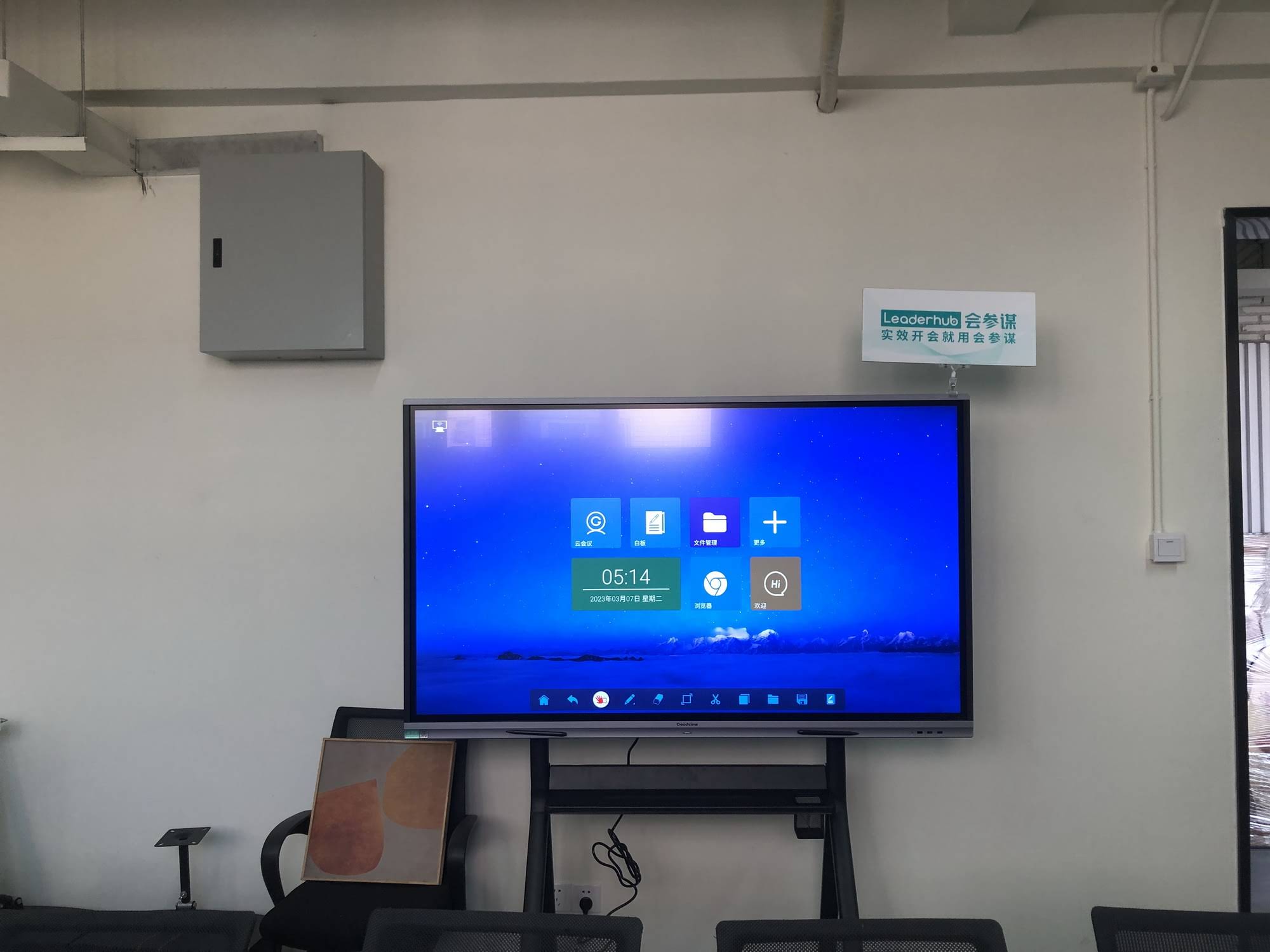
Procurement Buyer’s Checklist for Interactive Displays
Use this list when drafting your internal requisition or supplier RFQ for meeting-room technology:
- ✔ 4K UHD resolution with anti-glare, low-blue-light glass
- ✔ 20-point or higher touch with palm rejection and low latency
- ✔ Integrated camera and microphone array certified for Teams / Zoom / Meet
- ✔ Wireless casting from Windows, macOS, iOS and Android with guest mode
- ✔ Split-screen display of at least two sources
- ✔ One-tap export of annotated sessions to PDF, email or cloud storage
- ✔ Session auto-clear and admin lock for confidential supplier data
- ✔ Optional portrait rotation for contracts and audit reports
- ✔ Mobile stand or battery option for flexible deployment
- ✔ Transparent warranty terms and volume pricing for multi-site rollout
Frequently Asked Questions
What size smart board is best for a procurement meeting room?
For most sourcing teams of 6 to 12 people, a 75-inch 4K panel offers the best balance of spreadsheet legibility and price. Move to 86 inches for boardrooms where tender committees sit more than five meters from the screen.
Can suppliers share their screen without joining our corporate network?
Yes. Look for displays with guest casting or a dedicated Wi-Fi hotspot mode, which lets visiting vendors present from their own laptops while remaining isolated from internal systems.
Do I need a separate PC to run our e-sourcing platform on the board?
Most interactive panels run Android with a built-in browser, which handles web-based sourcing portals. For full Windows ERP clients or spend-analytics tools, add an OPS module or a compact mini PC connected via HDMI and USB touch.
How does a smart board help with procurement compliance and audit trails?
Every annotated bid comparison, negotiation outcome and supplier review can be saved with a timestamp and distributed immediately, giving auditors a clear record of how sourcing decisions were made and who was present.
Is a rotatable display worth the extra cost for procurement?
If your team spends significant time reviewing contracts, supplier audit reports or technical specifications, portrait mode displays a full page at readable size and noticeably speeds up clause-by-clause review.
Final Thoughts
The right smart board for procurement team meetings is not the one with the longest feature list — it is the one that makes bid comparison faster, negotiations clearer and supplier relationships more transparent. Prioritize 4K legibility, responsive annotation, integrated conferencing and solid confidentiality controls, then size the panel to the room where your most important sourcing decisions happen. Procurement leaders who apply their own TCO discipline to this purchase typically find that a well-specified interactive display pays for itself within a single tender cycle through shorter meetings and fewer follow-up emails.
Ready to equip your sourcing team? Explore the full product range or contact the Leaderhub team for volume pricing, OEM/ODM options and a tailored recommendation for your meeting rooms.