
Smart Board Purchase Guide for First Time Buyers
Navigate display hardware architectures, touch precision, dual-system computing, and total ownership costs. Master interactive display deployment for classrooms, corporate environments, and dynamic collaborative workspaces.
What is a Smart Board in Today’s Digital Ecosystem?
Understanding the structural transition from legacy front-projection dry-erase boards to standalone, AI-integrated 4K Interactive Flat Panels (IFPDs).
For enterprise administrators, IT directors, and academic leaders embarking on digital modernization, selecting interactive presentation hardware can often feel overwhelming. In earlier technological cycles, a “smart whiteboard” required an intricate matrix of separate components: an overhead projector, a dedicated host laptop, tactile marker trays, and an external digitalizer surface prone to calibration drift. Modern interactive collaboration is spearheaded by self-contained Interactive Flat Panel Displays (IFPDs). These instruments combine commercial-grade 4K Ultra-High-Definition (UHD) optical panels, multi-point infrared or capacitive sensing arrays, embedded microcomputing systems, integrated acoustic arrays, and cloud-synchronized canvas applications into a single unified chassis.
International research highlighted in the UNESCO Technology in Education Report and the OECD Digital Education directory emphasizes that interactive technologies yield substantial gains in engagement and content retention only when the hardware is friction-free, ergonomically sound, and straightforward to implement. For a first-time purchaser, evaluating these solutions involves analyzing hardware metrics, operational ergonomics, operating system agility, and long-term lifecycle durability.
All-in-One Architecture
Zero requirement for external lamp replacements or focal calibration. Modern panels house CPU, GPU, speakers, microphones, and touch surfaces within a factory-sealed, hardened metal housing.
High-Precision Interaction
Advanced zero-bonding engineering and sub-millimeter IR recognition simulate natural pen-on-paper latency, conforming to international standards such as ISO 9241-971 tactile/haptic requirements.
Multi-OS Agility
Seamlessly transition between Android onboard interfaces and Windows 11 enterprise ecosystems via modular Open Pluggable Specification (OPS) slots, eliminating external cabling clutter.
Legacy Projectors vs. Modern Interactive Flat Panels
A comparative evaluation between conventional optical projection hardware and modern smart flat-panel touch displays.
| Functional Metric | Conventional Projector Whiteboard | Modern Smart Flat Panel (IFPD) |
|---|---|---|
| Visual Clarity & Glare | Low contrast ratio (approx. 1,000:1); washes out under ambient window light; requires dimmed lighting. | 4K UHD Commercial Anti-Glare; high contrast (4,000:1+); crystal clear visibility in direct daylight conditions. |
| Shadows & Eye Strain | Presenter creates shadows over projected data; light beams shine into presenter eyes. | Zero shadows; 7H hardened anti-shatter glass with integrated low blue-light eye protection certifications. |
| Maintenance & TCO | Bulb burnouts (every 2,000-4,000 hours), filter dust cleaning, thermal degradation, periodic optical re-alignment. | Zero Consumables; 50,000+ hour continuous lifespan (~15+ years of operational utility); minimal ongoing upkeep. |
| Input Precision & Speed | Noticeable pen parallax; requires frequent four-corner recalibration software routines. | Zero-gap bonding touch glass; ultra-low latency (<8ms); 20 to 40 simultaneous multi-touch and dual-pen recognition points. |
| Installation Complexity | High; requires precision ceiling mounting, cable routing through drywalls, and specialized alignment expertise. | Streamlined; standard VESA wall brackets or mobile heavy-duty wheeled caster stands for dynamic room mobility. |
Key Technical Factors for First-Time Buyers
A breakdown of the physical and computing specifications that determine performance, software compatibility, and operational longevity.
1. Screen Sizing, Room Dimensions & Sightlines
Avoid undersizing the panel. Follow established audiovisual standards such as those articulated by InfoComm / AVIXA: viewers should clearly resolve content without leaning forward. For compact breakout rooms and home offices (2–5 people), a 55-inch to 65-inch panel operates comfortably. Standard executive conference facilities and 30-person classrooms require 75-inch to 86-inch models to preserve legibility for the furthest seats. For large seminar hubs or university halls, examine large-format panels such as the 110-inch display.
2. Touch Layer Precision & Optical Zero-Bonding
Earlier interactive touchscreens contained an air gap between the tempered protective glass and the underlying LCD panel, generating visual parallax errors and acoustic hollow resonance. High-end modern options incorporate zero-bonding or optical bonding. This architecture eliminates reflections, increases writing precision, and makes the digital ink appear directly beneath your stylus point, mirroring standard paper notebooks.
3. Dual Operating Architecture (Android + Windows OPS)
An interactive panel should remain versatile across varied work environments. Onboard Android engines deliver instant-on whiteboarding, wireless screen projection, and basic cloud file retrieval. For native Windows enterprise suites, robust security parameters, and desktop-level programs (AutoCAD, Microsoft Teams Room, Zoom Rooms), an OPS (Open Pluggable Specification) module slot powered by Intel processing guarantees dual-OS flexibility without messy external cabling.
4. Enterprise Data Privacy and Administrative Security
With digital smart boards acting as network nodes, institutional network administrators must prioritize security frameworks. Organizations must align deployment with standards like U.S. Education Technology guidelines and FERPA Education Technology Guides. Essential baseline functions include role-based permissions, remote Mobile Device Management (MDM) fleet control, encrypted local session clearing, and local USB port lock-downs.
Featured Leaderhub Interactive Hardware
Engineered with 16 years of manufacturing precision and deployed across 82 countries. Explore our industry-certified interactive panels and auxiliary computing systems.
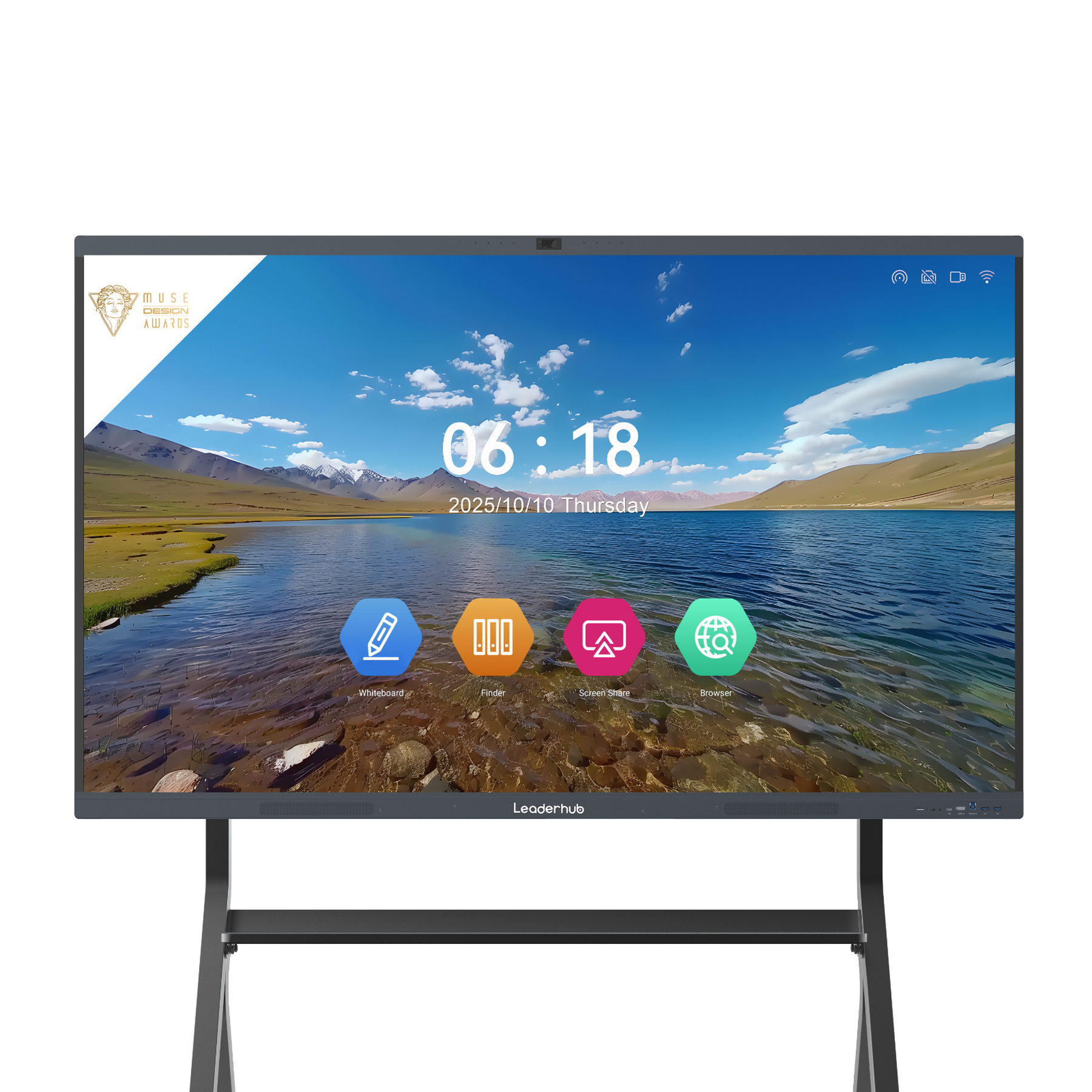
Leaderhub L65HM Interactive Smart Whiteboard (65″ 4K)
A versatile 65-inch collaboration panel designed for huddle rooms and medium teaching spaces. Features responsive zero-gap touch and native wireless casting.
Inspect SpecificationsLeaderhub L75HM Interactive Smart Whiteboard (75″ 4K)
The balanced enterprise standard. 75-inch diagonal display area engineered for corporate boardrooms and hybrid standard classrooms requiring optimal legibility.
Inspect SpecificationsLeaderhub L86HM Interactive Smart Whiteboard (86″ 4K)
Flagship large-format touch panel. 86-inch anti-glare screen with multi-touch precision, designed for major training rooms and corporate suites.
Inspect Specifications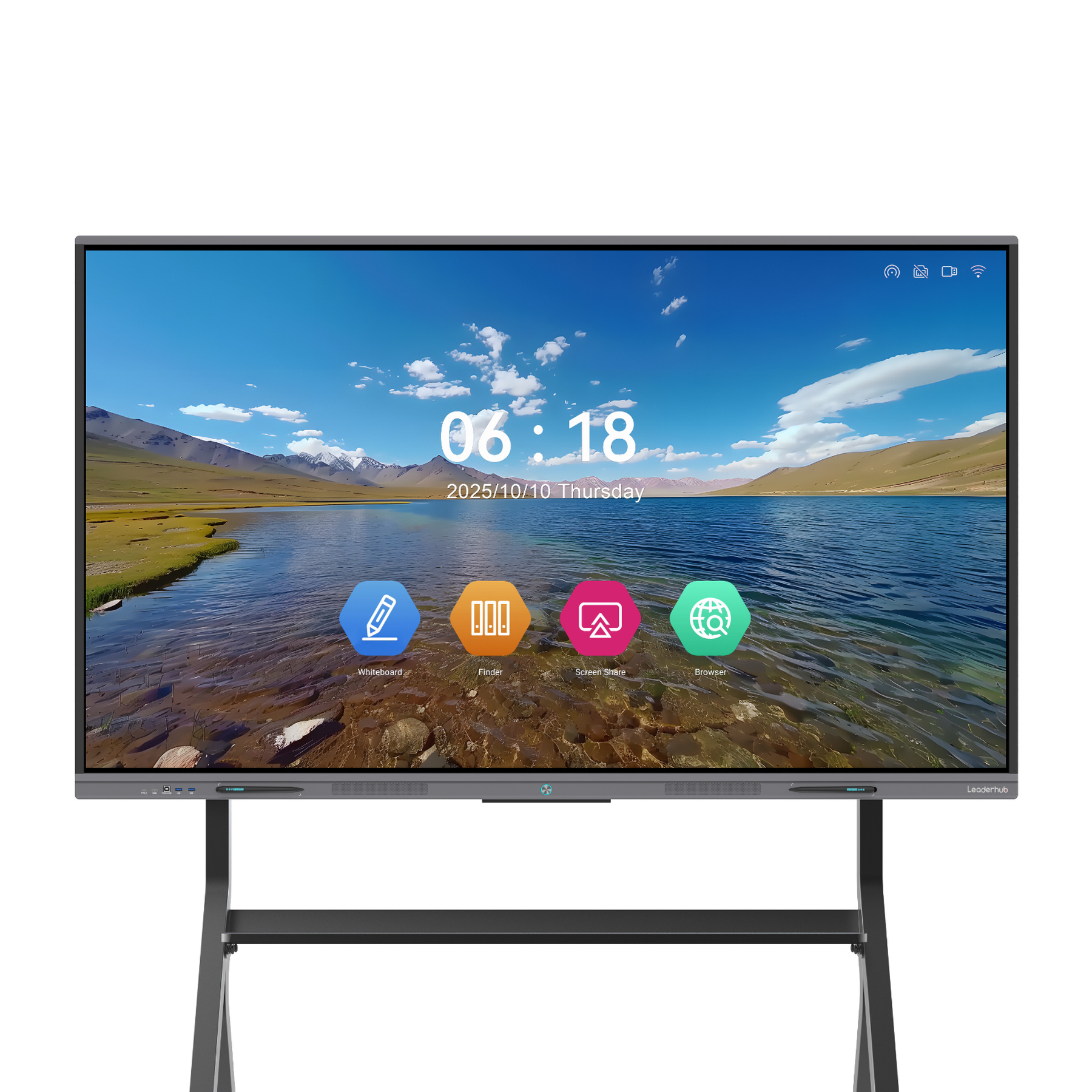
Leaderhub L65ZM Interactive Whiteboard (65″ 4K)
High-efficiency smart panel offering exceptional responsiveness, durable 7H glass surface, and quick annotation toolkits for education spaces.
Inspect Specifications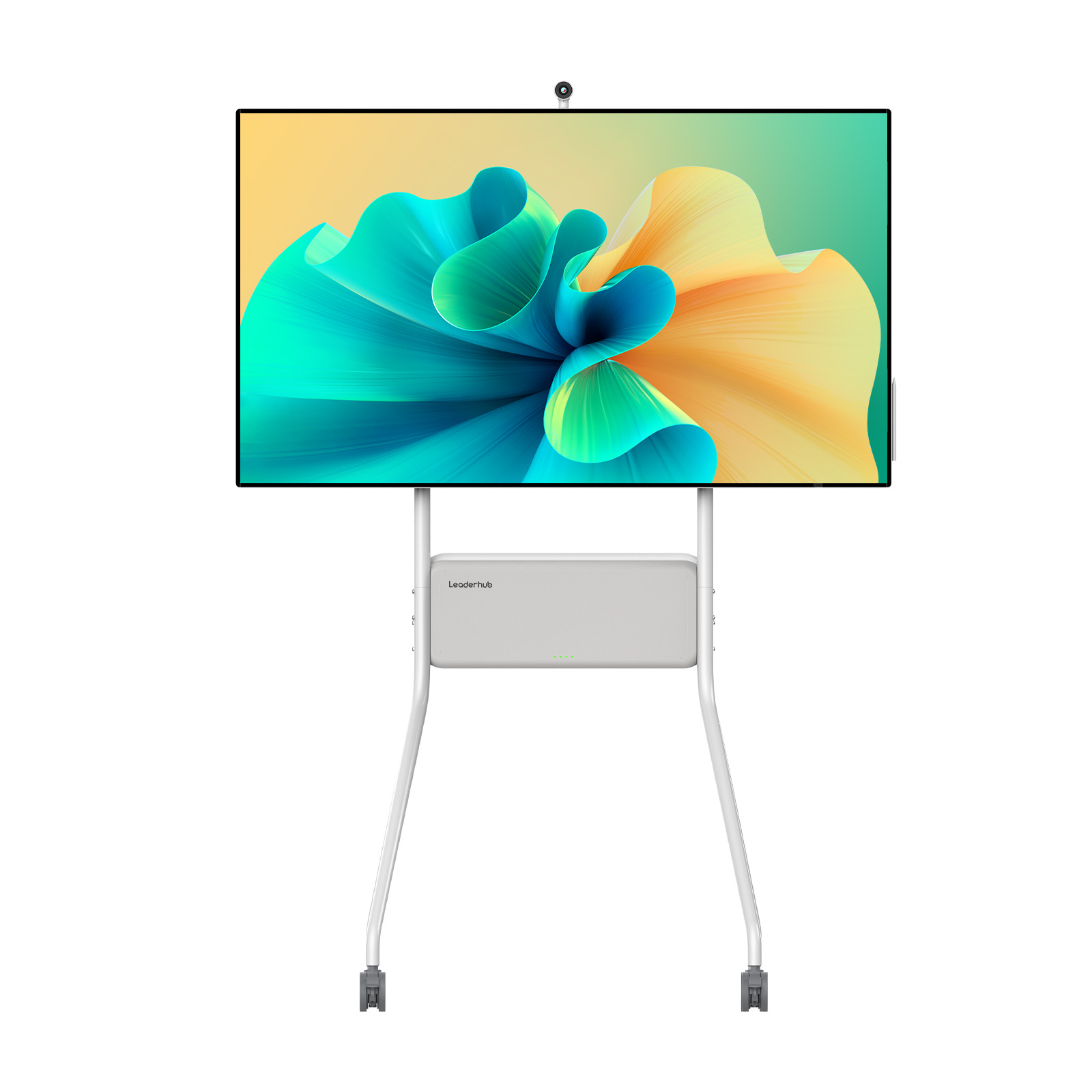
Leaderhub U55Pro 55″ Mobile 4K Smart Display
Integrated stand and battery-ready mobility. Quickly roll high-tier interactive computing between collaborative team spaces and executive offices.
Inspect Specifications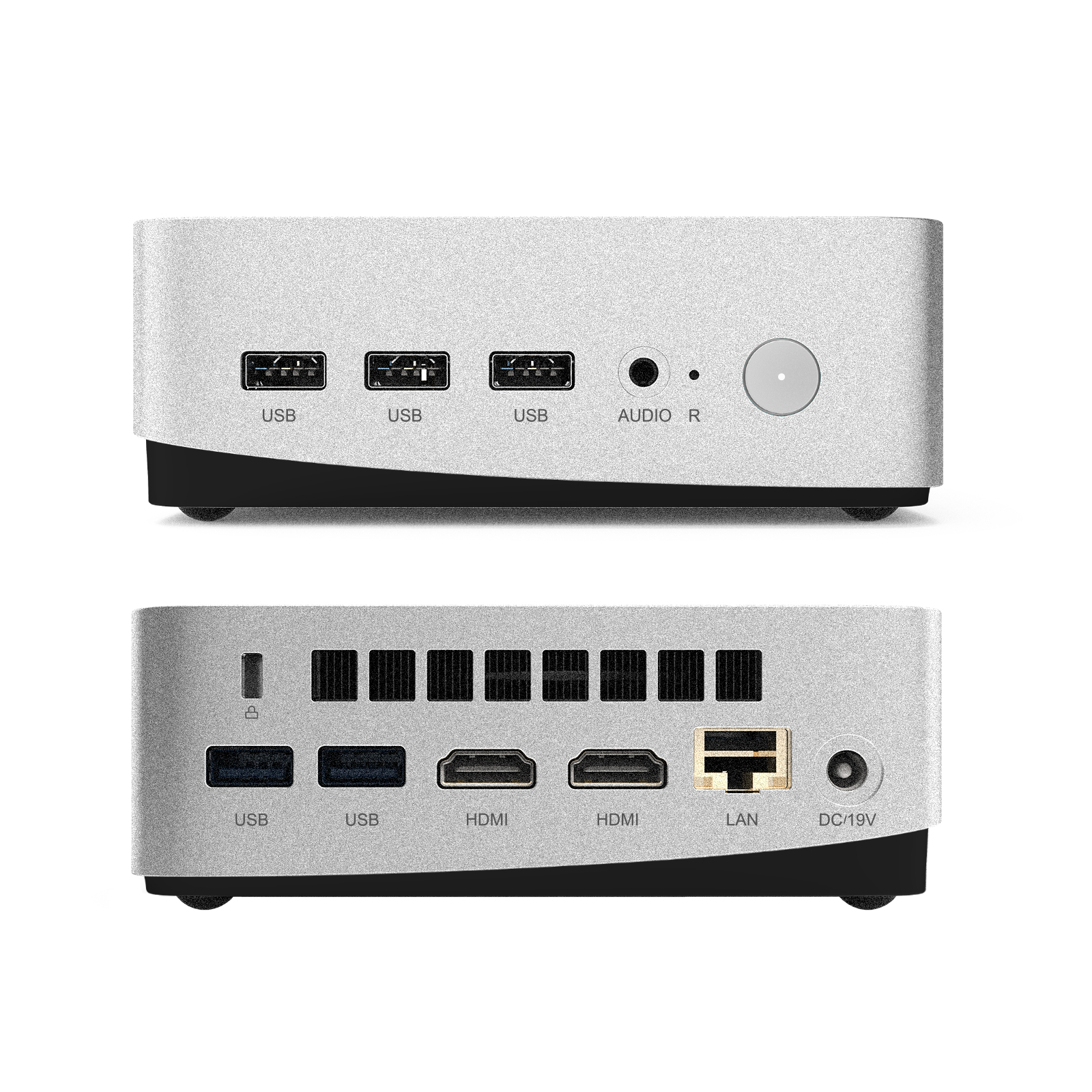
Leaderhub LP5C Mini PC (Intel i5-12450HX)
Turn your interactive panel into a full-scale Windows workstation. Features 16GB RAM, 512GB SSD, and enterprise-grade performance.
Inspect SpecificationsSmart Board Applications in Education and Business
Real-world scenarios showing how institutions integrate interactive hardware to streamline workflows and improve outcomes.
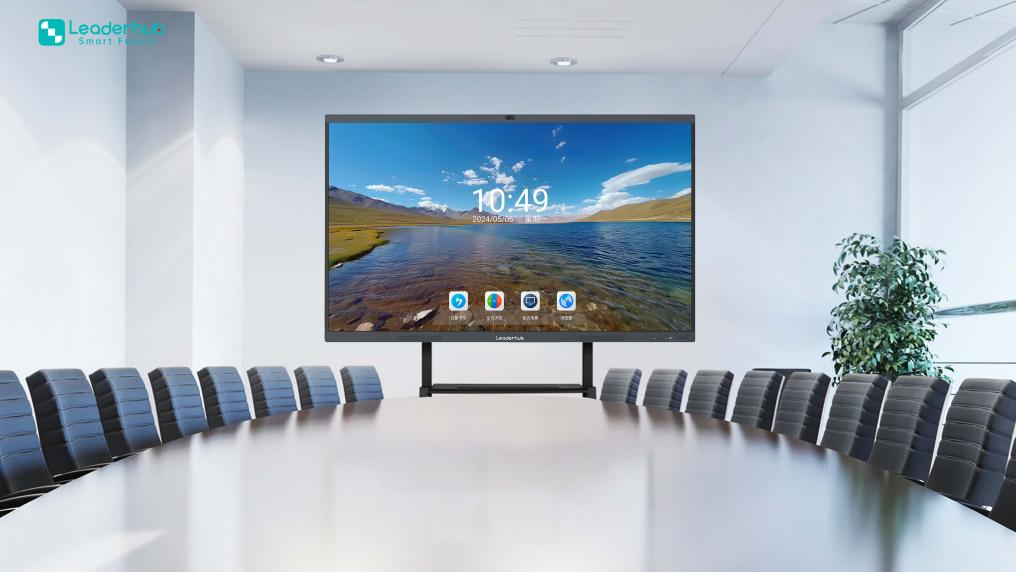
Classrooms & Academic Learning Spaces
Contemporary pedagogy relies on dynamic group involvement. Independent research published via ERIC Smart Classroom Learning Outcomes indicates that technology-enhanced interactive teaching environments improve comprehension speeds and student motivation across STEM subjects.
By adopting tools aligned with ISTE Education Technology Standards, educators can transition from passive lectures to active, student-led problem solving with instant cloud saving and split-screen multitasking.
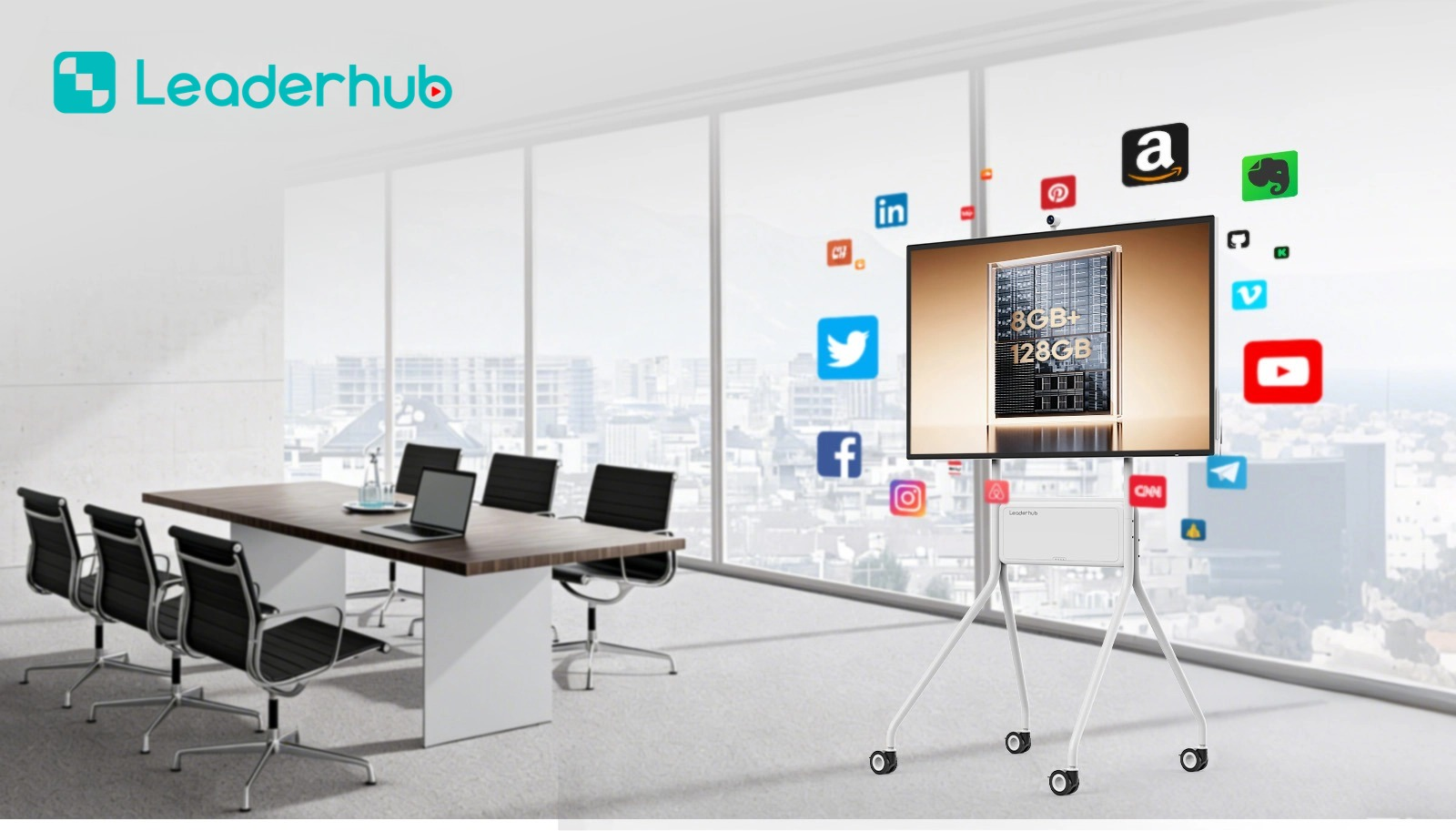
Corporate Boardrooms & Hybrid Workspaces
Hybrid workflows require hardware that closes the gap between in-office participants and distributed team members. Leaderhub smart boards integrate dual cameras, multi-microphone arrays, and native screen casting from macOS, Windows, iOS, and Android devices without cable re-plugging.
Teams can sketch diagrams, evaluate CAD drafts, mark up financial spreadsheets, and export the entire workspace via dynamic QR codes directly to smartphone devices in seconds.
Step-by-Step Smart Board Buying Checklist
Follow these steps to ensure you choose the right display, mounting setup, and software integrations for your team.
Room Audit
Calculate the distance to the farthest viewer. Ensure adequate ambient illumination levels and verify reinforced drywall or concrete wall capacity for wall mounting.
Mobility vs. Fixed
Decide whether fixed wall installation fits your spatial architecture or if heavy-duty rolling floor stands allow flexible room sharing across departments.
OS Ecosystem
Determine whether your team relies on Android whiteboard applications or if adding a Windows OPS module is necessary for corporate-grade security and legacy software.
Manufacturer Support
Confirm your hardware comes from an established manufacturer offering robust warranties, accessible replacement components, and responsive enterprise support channels.
Engineered by Leaderhub: 16 Years of Display Innovation
Founded in Shenzhen with state-of-the-art automated manufacturing facilities in Heshan, Guangdong, Leaderhub has built 16 years of expertise in the interactive flat panel industry. We engineer interactive smart whiteboards, modular Mini PCs, and smart rotating displays exported to over 82 countries.
Recognized as a leading brand in e-commerce categories and awarded the prestigious Shenzhen Famous Brand and Annual Most Innovative Product awards, Leaderhub bridges commercial hardware manufacturing with AI-driven interactive capabilities.
Frequently Asked Questions for First-Time Buyers
Key details regarding installation, stylus requirements, connectivity, and ongoing software upkeep.
Do I need to purchase specialized pens or styluses for the smart board?
No. Leaderhub smart boards include dual passive fine-point styluses that do not require internal batteries or Bluetooth synchronization. In addition, zero-bonding touch surfaces accept direct finger gestures, palm-rejection resting, and fist-swiping erasing actions without scratching the protective glass.
How complex is the installation process for an office or school?
Standard installations utilize universal heavy-duty VESA mounting brackets, similar to commercial flat-screen televisions. For flexible rooms, rolling floor caster stands allow easy movement between offices or classrooms, requiring only a single power connection.
Can multiple participants share their screens simultaneously?
Yes. With integrated multi-screen wireless transmission protocols, modern panels accommodate up to 4 to 9 split-screen windows simultaneously from Windows, Mac, iPad, iPhone, and Android devices, complete with two-way touch feedback controls.
Are there recurring software subscription fees or hidden licenses?
The native Android whiteboarding ecosystem, screen transmission tools, basic annotation widgets, and system updates are completely free of recurring subscription fees. Buyers can utilize standard operating software out-of-the-box with zero licensing overhead.
Transform Your Collaboration Experience
Whether configuring a single boardroom, modernizing an entire school campus, or seeking an OEM/ODM manufacturing partner, Leaderhub provides end-to-end interactive display solutions tailored to your operational goals.