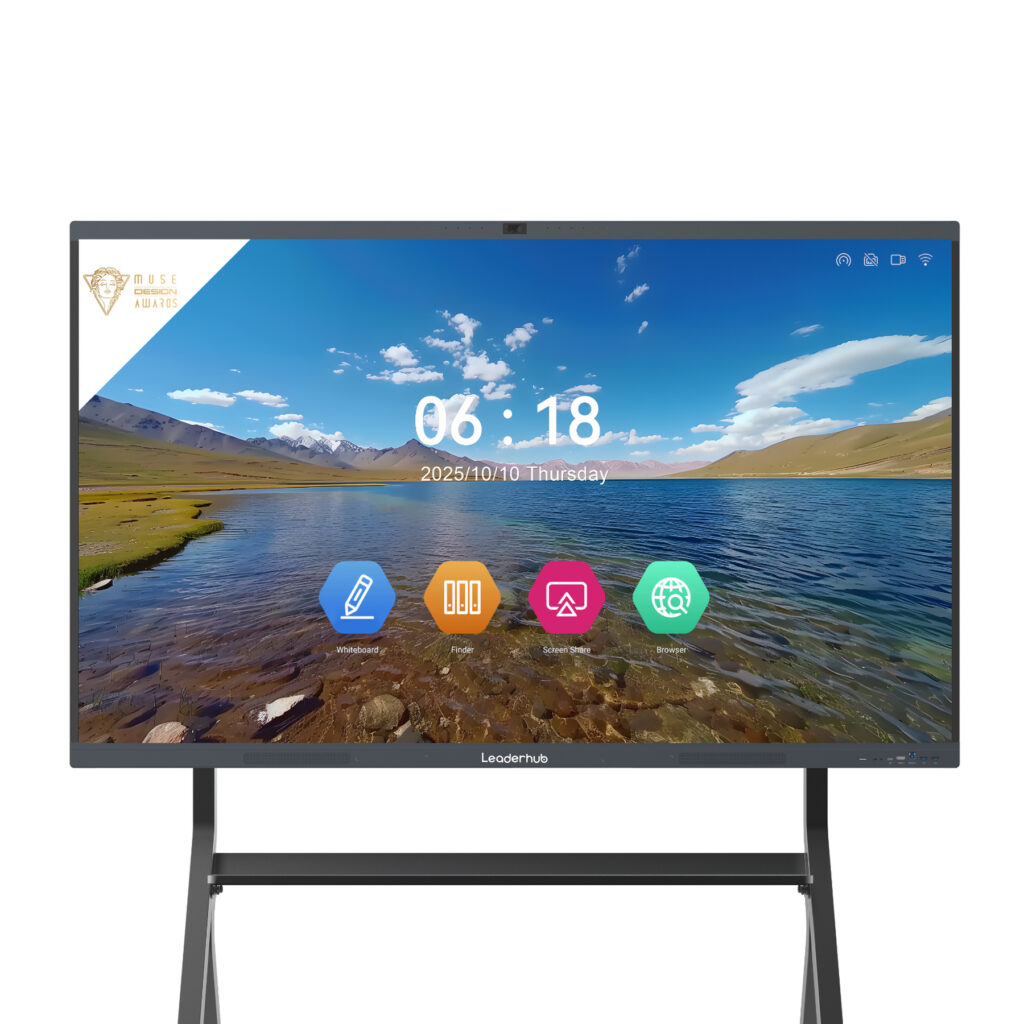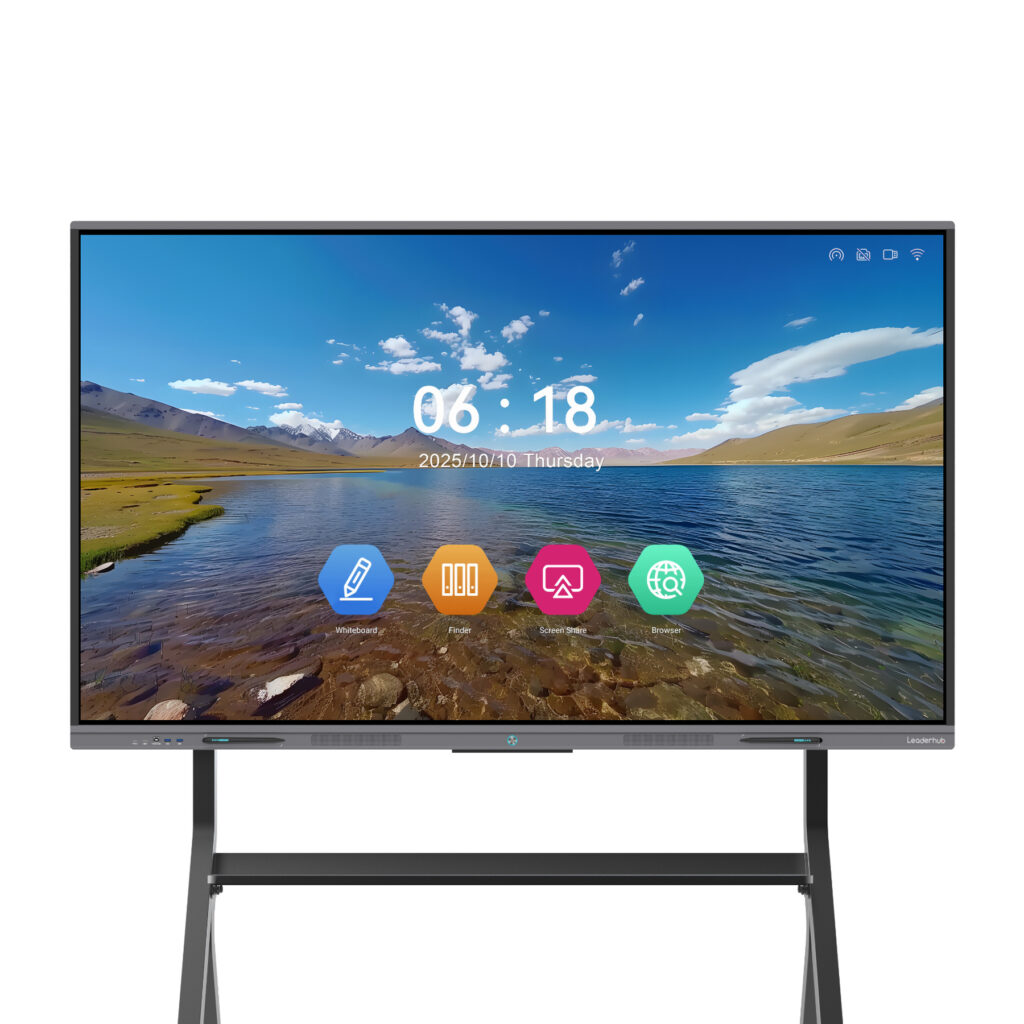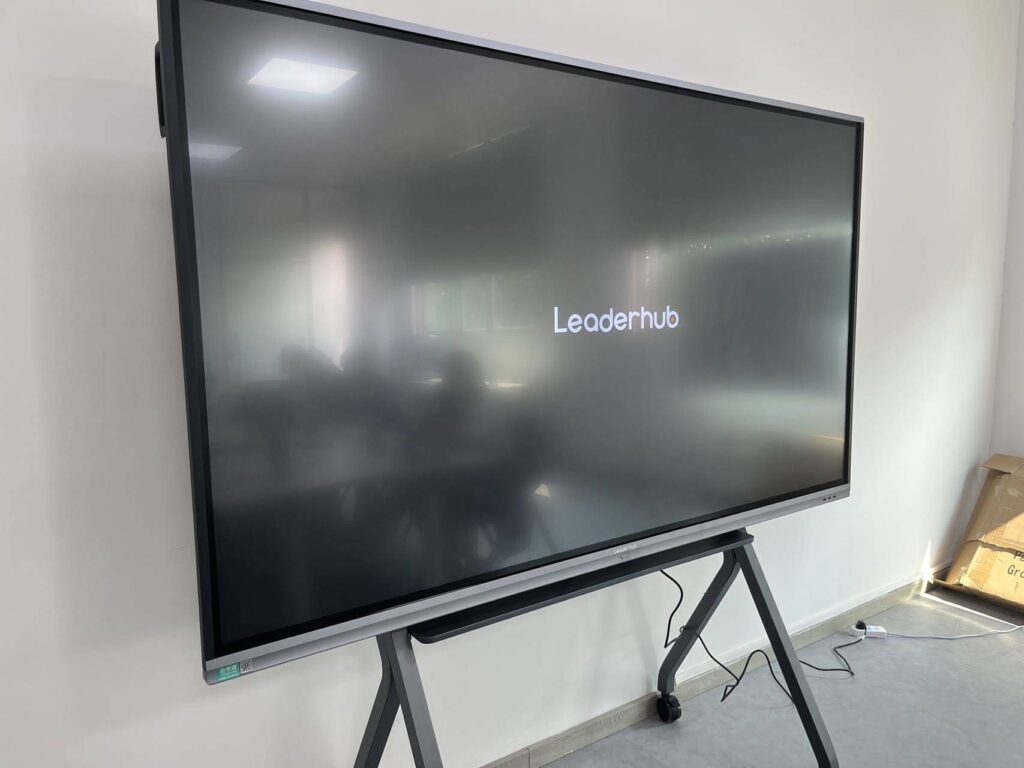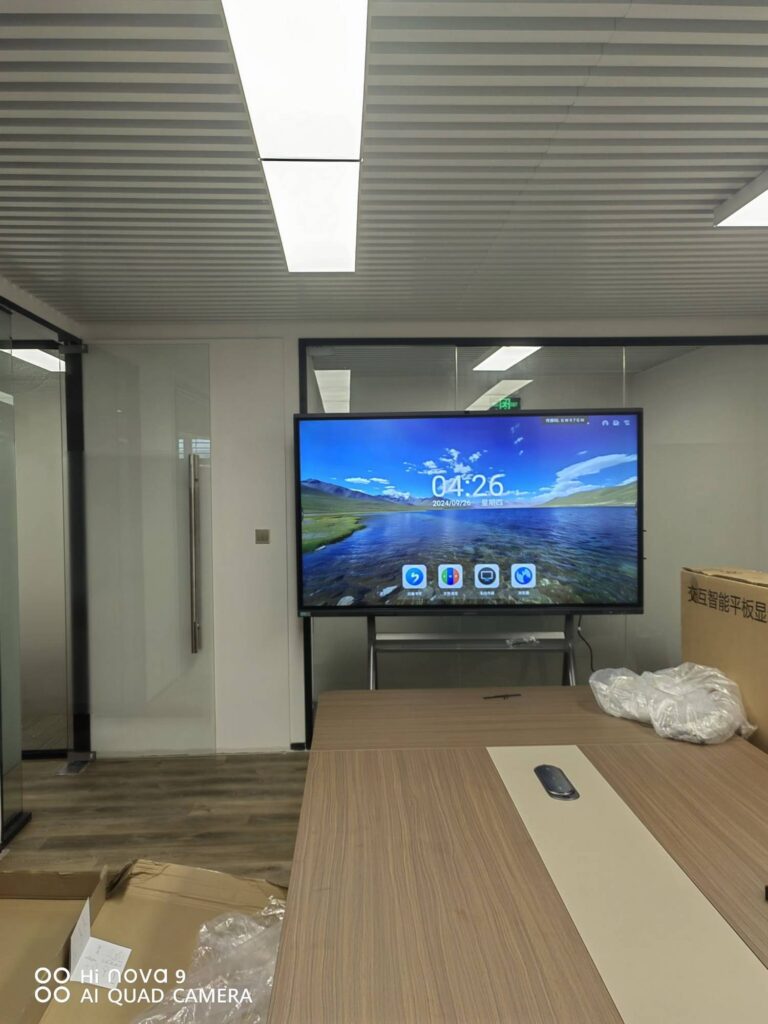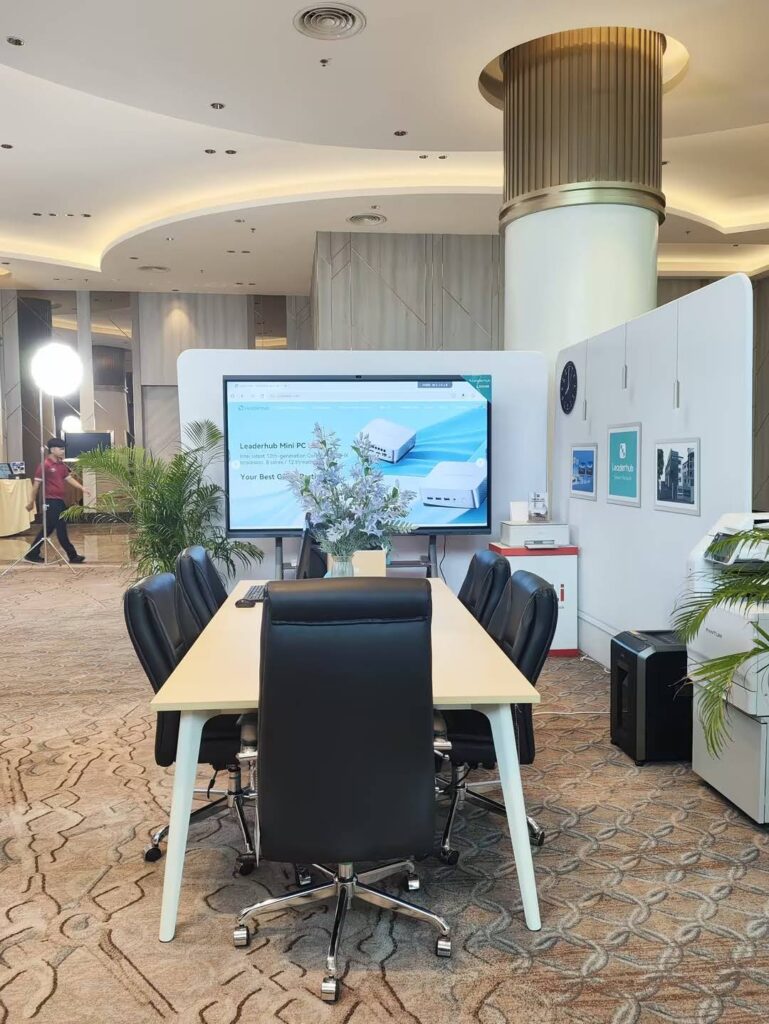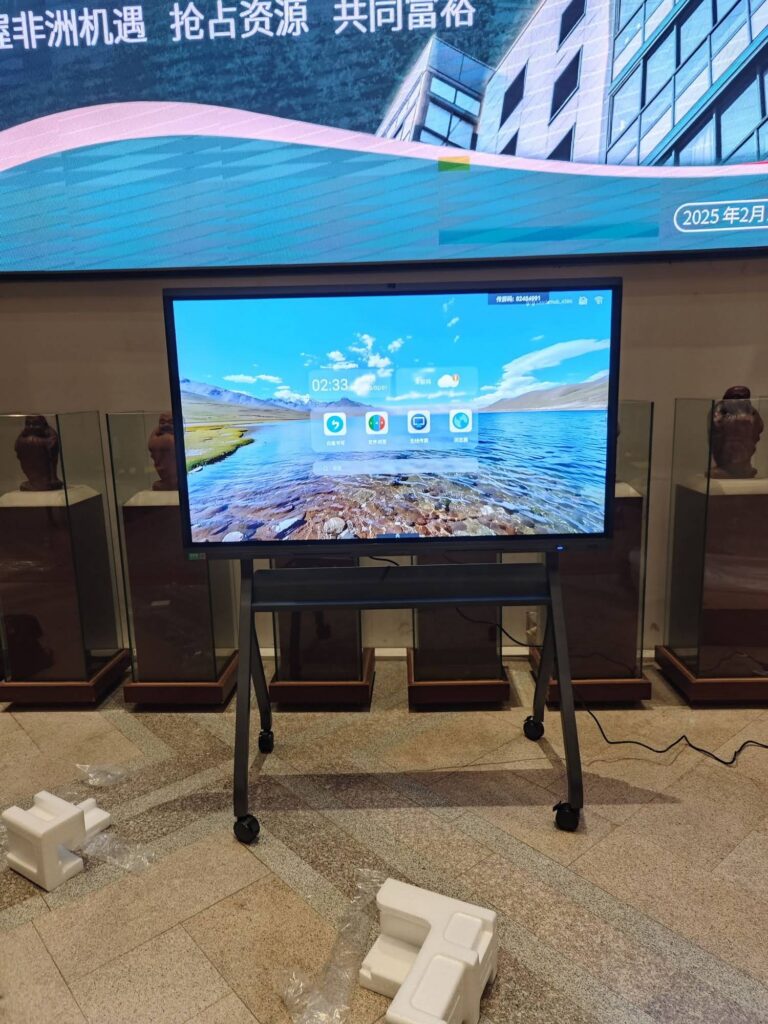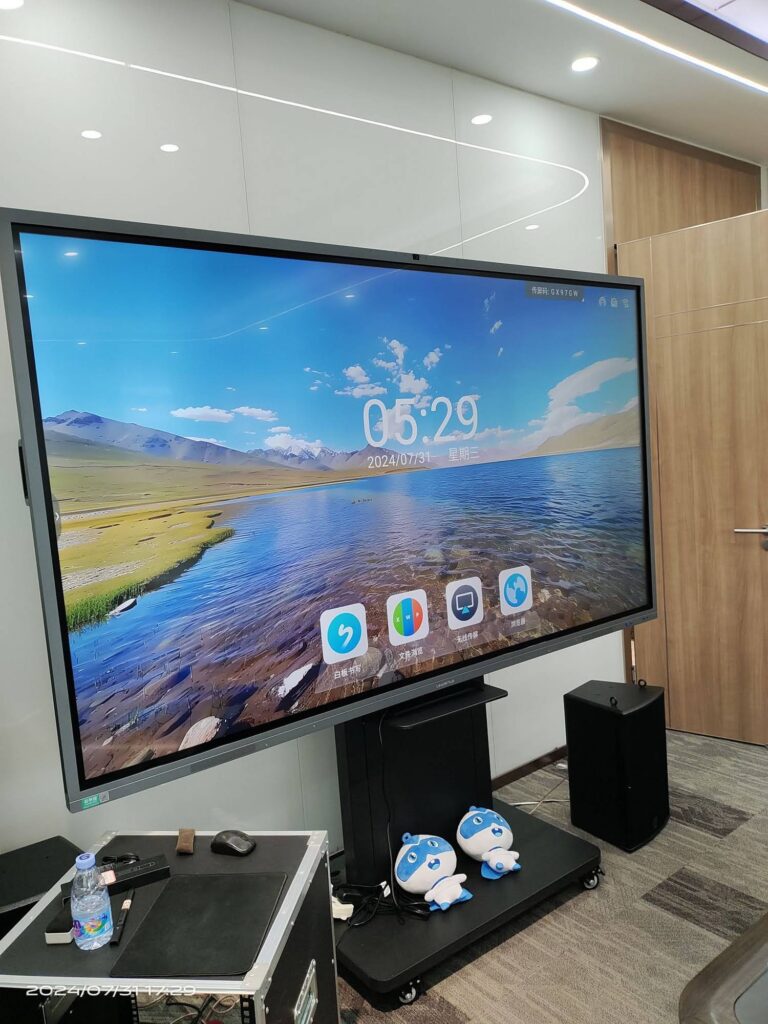
Handwriting is one of the few skills that still benefits enormously from doing it by hand — yet the tools we use to practice are changing fast. A smart board for handwriting practice lets children trace letters with instant feedback, helps adults refine cursive or calligraphy, and gives teachers a shared surface where every stroke can be demonstrated, replayed and corrected. The challenge is that not every touchscreen writes well. Latency, pen accuracy, palm rejection and screen size all decide whether the experience feels like paper or like dragging a finger across glass.
This guide walks through what actually matters when choosing a smart board for handwriting, how the needs of kids differ from those of adults, and which models deliver the most natural writing feel for the price.
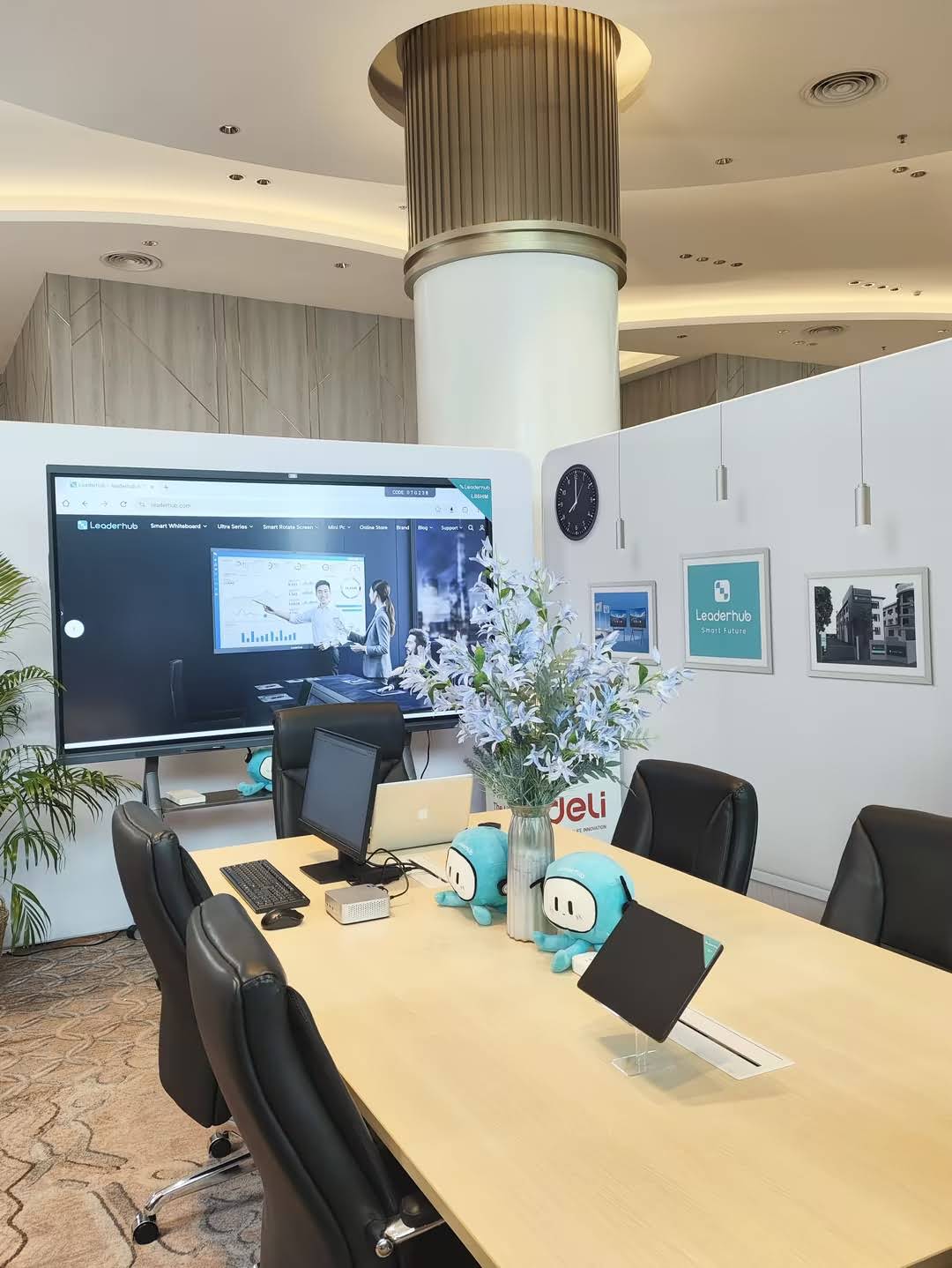
Why Practice Handwriting on a Smart Board?
Research summarized in the UNESCO Technology in Education Report is clear that technology helps most when it supports — rather than replaces — core skills. Handwriting is a perfect example. A large interactive surface keeps the physical motion of writing intact while adding tools that paper simply cannot offer:
- Instant correction — undo, erase and rewrite a stroke in a second, so learners experiment without fear of “ruining the page”.
- Stroke replay — record a letter being written and play it back slowly so children see the correct order and direction.
- Unlimited guides — switch between dotted lines, four-line paper, grid paper or blank canvas with one tap.
- Scalable size — oversized letters for early learners, then shrink the guide lines as fine-motor control improves.
- Shareable work — save a practice sheet as PDF or image and send it to parents or students for review.
- Multi-user writing — 20- or 40-point touch lets several kids write side by side on the same board.
Key Features That Make or Break Handwriting Performance
Spec sheets for interactive displays are long, but for handwriting only a handful of features truly matter. Here is what to check before buying.
1. Writing Latency
Latency is the delay between pen movement and ink appearing on screen. Anything above roughly 30 ms feels laggy and encourages learners to slow down unnaturally. Look for boards that advertise low-latency writing (under 20 ms) with a dedicated writing engine, not just a general-purpose Android launcher.
2. Touch Technology: Infrared vs Capacitive
Most large smart boards use infrared (IR) touch, which is durable, affordable and works with any passive stylus or even a finger. Premium panels may use capacitive or electromagnetic (EMR) layers for finer precision. For handwriting practice, a high-quality IR panel with a fine-tip pen (around 2–3 mm) is more than adequate for kids; adults practicing calligraphy may prefer a pen that supports pressure or thickness variation.
3. Palm Rejection and Pen/Finger Differentiation
Children rest their hands on the surface while writing — this is normal and should not create stray marks. Good boards distinguish pen, finger and palm automatically, so the palm erases or is ignored while the pen writes.
4. Screen Size and Mounting Height
A 65-inch board suits a home study room or a small tutoring space. Classrooms with 20+ students benefit from 75 inches or more so letters remain legible from the back row. Equally important: a height-adjustable or mobile stand lets young children reach the writing area comfortably.
5. Anti-Glare Glass and 4K Resolution
Handwriting practice involves staring at the screen at close range for extended periods. Anti-glare tempered glass and a 4K panel with blue-light reduction reduce eye strain and make thin stroke lines crisp instead of pixelated.
6. Built-in Whiteboard Software
The best hardware is wasted without good software. Check for built-in handwriting templates, handwriting-to-text recognition, multiple pen types (pencil, marker, brush), layer support and cloud saving.
| Feature | Why It Matters for Kids | Why It Matters for Adults |
|---|---|---|
| Low latency | Keeps natural writing rhythm while learning stroke order | Essential for cursive flow and calligraphy speed |
| Palm rejection | Children naturally rest their whole hand on the board | Prevents smudges during long writing sessions |
| Fine-tip stylus | Builds pencil-grip habits that transfer to paper | Allows precise letterforms and signature practice |
| Guide-line templates | Dotted and four-line paper for letter proportion | Slant guides and grid paper for calligraphy styles |
| Anti-glare 4K screen | Protects developing eyes during close-range practice | Shows fine stroke detail without pixelation |
| Mobile / adjustable stand | Lowers the writing zone to child height | Moves between study, office and living space |
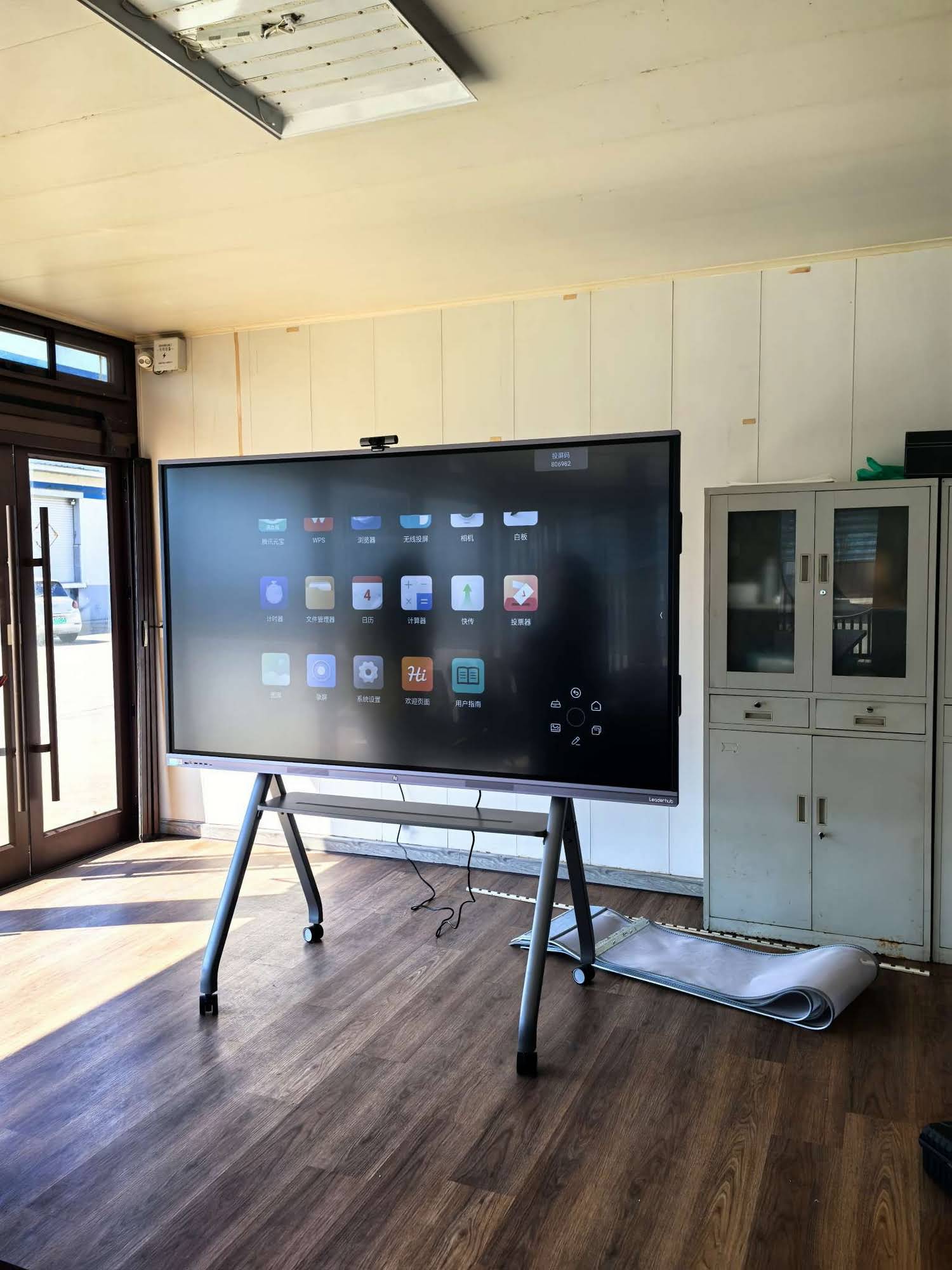
Kids vs Adults: Different Goals, Different Boards
Choosing a Smart Board for Children
For young learners, the priorities are safety, durability and simplicity. The glass should be tempered and rounded at the edges, the stand should be stable enough to handle a leaning child, and the software should launch straight into a writing canvas without menus to navigate. Features worth prioritizing:
- Oversized letter templates and tracing modes with stroke-order animation.
- Multi-touch so two or three children can practice simultaneously.
- Eye-care mode (low blue light, flicker-free) for extended use.
- A child-safe interface or kiosk mode that locks out unrelated apps.
- Easy saving so parents and teachers can track progress over weeks.
Guidance from the OECD Screen Time Research also suggests pairing digital practice with offline writing, so a board that exports practice sheets for printing is a genuine advantage.
Choosing a Smart Board for Adults
Adults use handwriting boards for very different reasons — relearning cursive, practicing calligraphy, learning a new script such as Chinese characters or Arabic, annotating documents or simply note-taking during meetings. Here the priorities shift to precision and versatility:
- Brush and pressure-style pen effects for calligraphy.
- Handwriting-to-text conversion for notes you want to keep digitally.
- Screen mirroring and PC connectivity so the board doubles as a work display.
- A rotating or portrait-capable screen for long vertical scripts or document layouts.
- A compact size (24–27 inch) for a desk, or 65 inch+ for a studio wall.
Recommended Smart Boards for Handwriting Practice
The models below are chosen for their writing responsiveness, 4K anti-glare panels and built-in whiteboard software. Prices are indicative and may vary by region.
| Model | Size | Best For | Price |
|---|---|---|---|
| L65ZM Interactive Whiteboard | 65″ 4K | Home study rooms, tutoring centers, budget-conscious families | $1,099 |
| L65HM Smart Whiteboard | 65″ 4K | Small classrooms and adult calligraphy studios | $1,299 |
| L75ZM Interactive Whiteboard | 75″ 4K | Primary school classrooms with 20–30 students | $1,399 |
| L86ZM Interactive Whiteboard | 86″ 4K | Large classrooms and group handwriting workshops | $1,699 |
| U55Pro Mobile Interactive Flat Panel | 55″ 4K mobile | Shared spaces where the board moves between rooms | $2,499 |
| L277M Smart Rotating Screen | 27″ touchscreen with battery | Adults practicing at a desk; portrait mode for vertical scripts | $899 |
| U24M Handheld Smart Screen | 24.5″ Android 14 with battery | Kids practicing on the sofa, kitchen table or in a tutoring van | $699 |
Best Value for Families: 65-Inch Boards
A 65-inch panel hits the sweet spot for home use. It is large enough for two children to write side by side, yet fits on a standard wall mount or a mobile cart in a spare room. The ZM series keeps the price accessible while still offering a 4K anti-glare display, while the HM series adds a more polished finish and richer collaboration features for adults who also want to use the board for work. Browse the full smart whiteboard range to compare specifications.
Best for Classrooms: 75- and 86-Inch Boards
Teachers demonstrating letter formation to a full class need letters visible from the back row. At 75 or 86 inches, a single lowercase letter can be drawn 30 cm tall while leaving room for the model word beside it. Many schools pair a large board with a mini PC to run handwriting curriculum software and classroom management tools.
Best Portable Option: Rotating and Handheld Screens
Not everyone has wall space for a 65-inch display. The rotating screens range offers battery-powered 24.5- and 27-inch touchscreens that sit on a desk, rotate to portrait for vertical scripts, and move wherever practice happens — a particularly good fit for adults learning Chinese, Japanese or Arabic writing systems.
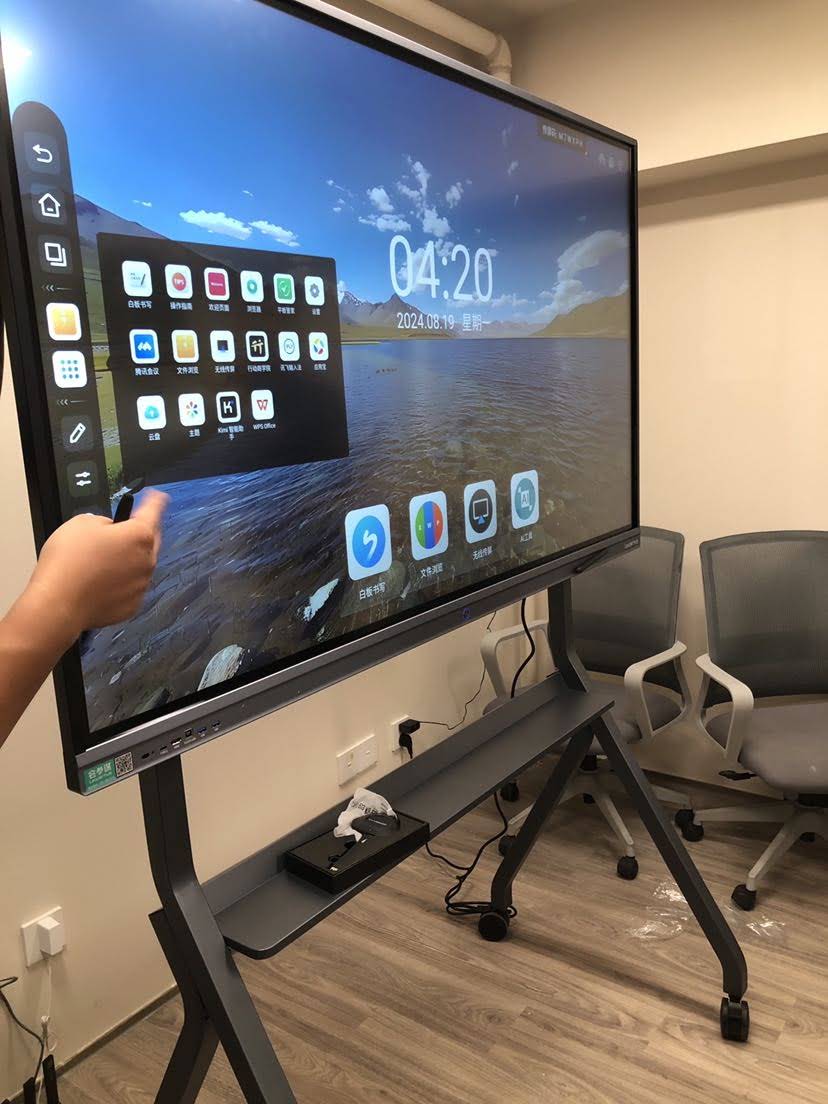
How to Set Up Effective Handwriting Practice on a Smart Board
Owning the right hardware is half the job. These steps turn a smart board into a structured handwriting routine:
- Mount at the right height. The center of the writing zone should sit at the learner’s shoulder level. For mixed-age use, a height-adjustable mobile stand is worth the small extra cost.
- Calibrate the pen. Run the touch calibration tool after installation so ink lands exactly under the pen tip.
- Load guide templates. Start with large four-line paper for children, then reduce line spacing every few weeks as control improves.
- Demonstrate with stroke replay. Write the model letter, then replay it at half speed while describing the movement.
- Trace, copy, then write freely. Overlay a faded letter for tracing, remove it for copying, then clear the board for independent writing.
- Save and compare. Export each session so progress is visible week over week — a strong motivator for learners of any age.
- Transfer to paper. Finish each session with a few minutes of pencil-and-paper writing so the skill generalizes.
Balancing Screen Time and Handwriting Benefits
Parents reasonably ask whether a screen-based writing tool adds to screen fatigue. The distinction lies in active versus passive use. Writing on a large board is physically active, upright and creative — closer to drawing on a classroom whiteboard than to scrolling a tablet. The EEF Digital Technology Guidance emphasizes that technology improves outcomes when it is tied to a clear pedagogical purpose, and handwriting practice with immediate feedback is exactly that kind of purpose.
Practical habits that keep smart board practice healthy:
- Keep sessions to 15–25 minutes for children, with a stretch break between.
- Enable eye-care mode and keep room lighting even to avoid glare.
- Alternate board writing with paper writing in the same session.
- Use the board for demonstration and correction, not for every repetition.
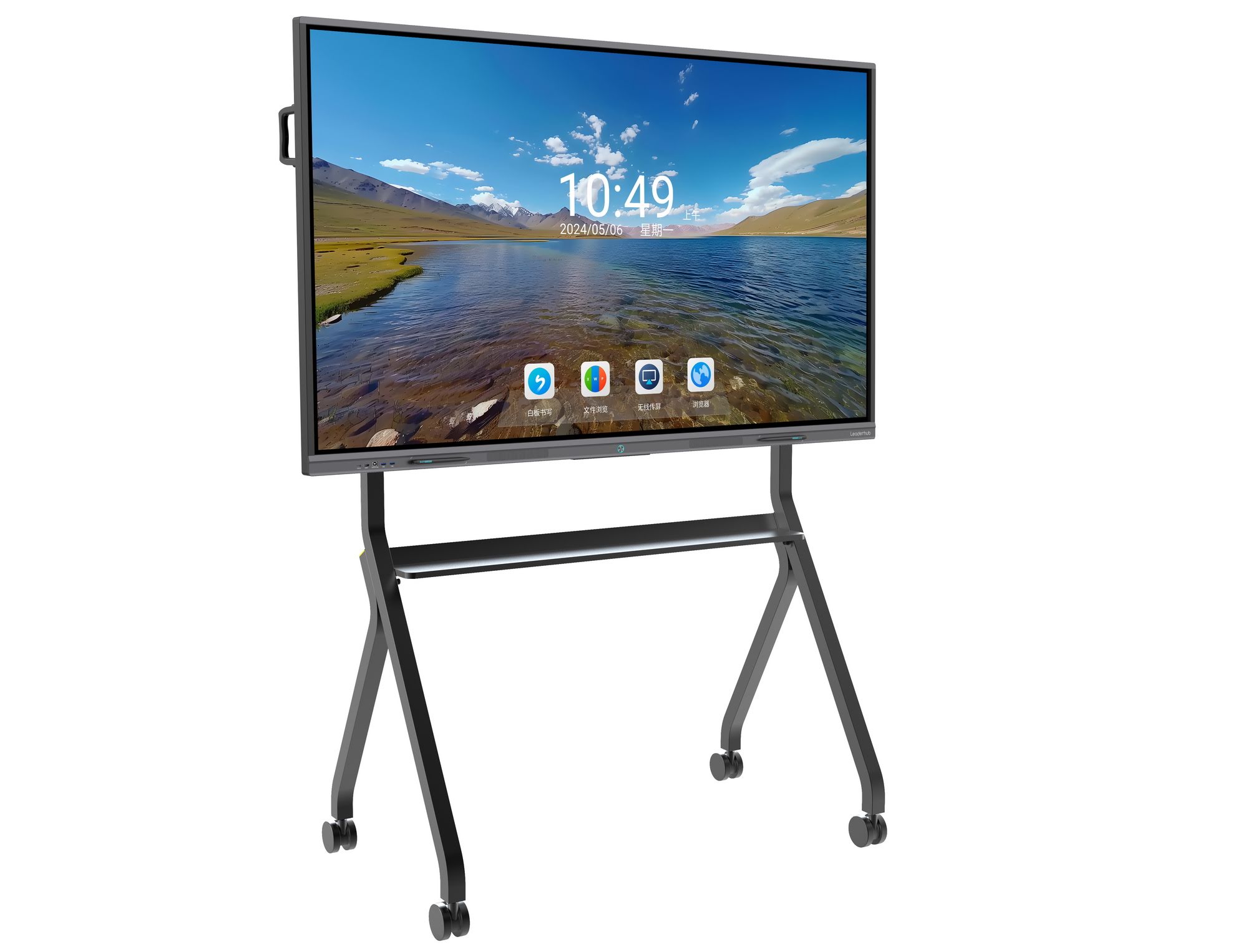
Frequently Asked Questions
Can a smart board really replace paper for learning handwriting?
It should complement paper rather than replace it. The board excels at demonstration, tracing and correction; paper remains important for pencil grip and pressure control. Most educators use a 70/30 split in favor of whichever medium suits the lesson stage.
Do I need a special stylus?
Infrared boards work with any passive stylus or a finger. A fine-tip pen (2–3 mm) gives the most pencil-like feel for children, while adults may prefer a slightly thicker pen for brush-style calligraphy effects.
Which size is best for a home?
For a dedicated study room, 65 inches is ideal. If space is limited or the board needs to move between rooms, a 24–27-inch battery-powered touchscreen is a practical alternative.
Does the board need a PC?
No. Most interactive whiteboards run built-in Android whiteboard software out of the box. A mini PC is optional for schools that want to run Windows-based curriculum software or classroom management tools.
Is 4K necessary for handwriting?
At 65 inches and above, yes. Thin stroke lines on a 1080p panel at that size appear jagged and make it harder to judge letter quality. 4K keeps lines smooth even when zoomed in.
Final Thoughts
The best smart board for handwriting practice is the one that disappears into the task: ink appears the instant the pen moves, a resting palm leaves no marks, and the letters look as clean as they would on paper. For children, prioritize durability, eye-care features and simple tracing templates. For adults, look for precision, portrait orientation and pen effects that support calligraphy and multilingual scripts.
The models in this guide come from Leaderhub, a Shenzhen-based interactive-display specialist with 16 years of experience and products delivered to more than 82 countries, serving education, enterprise and creative professionals. If you are unsure which size or series fits your classroom or home, the team can recommend a configuration — contact us or explore the full product catalogue to get started.