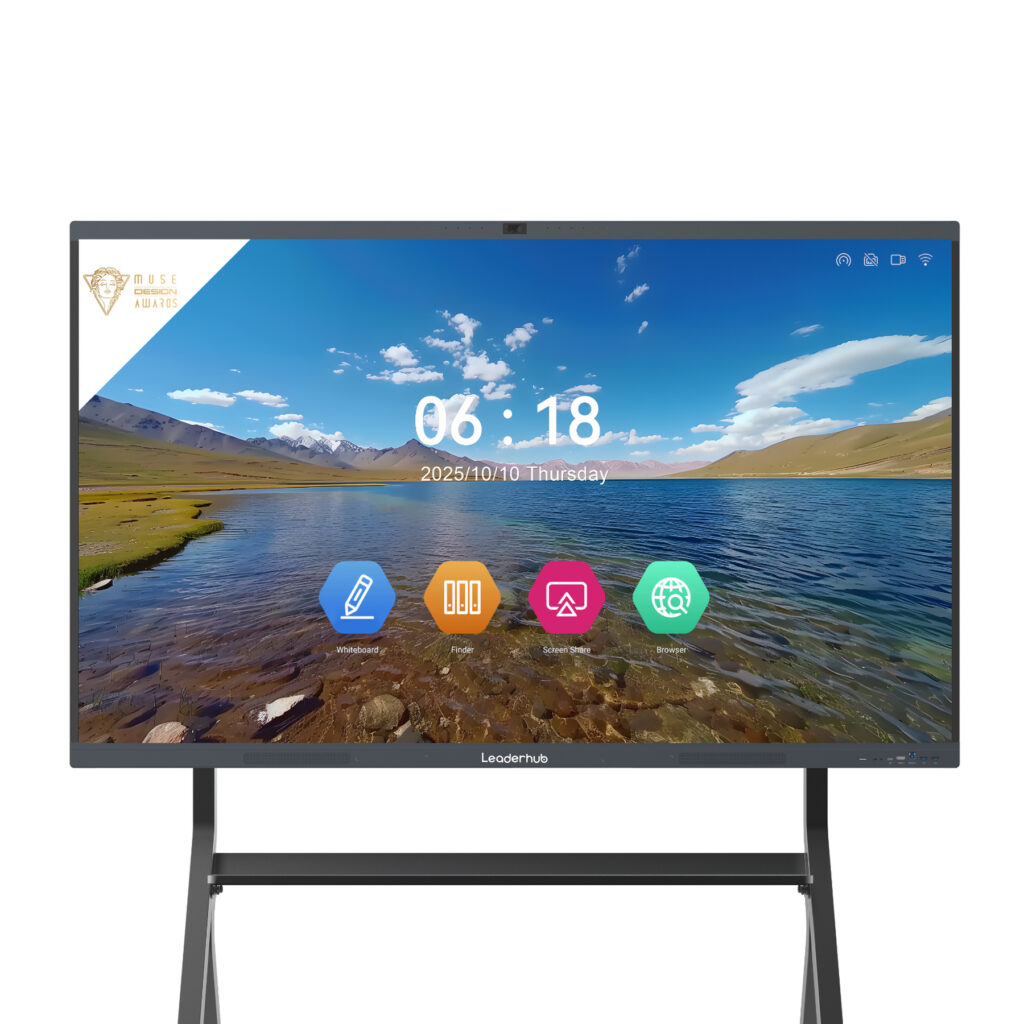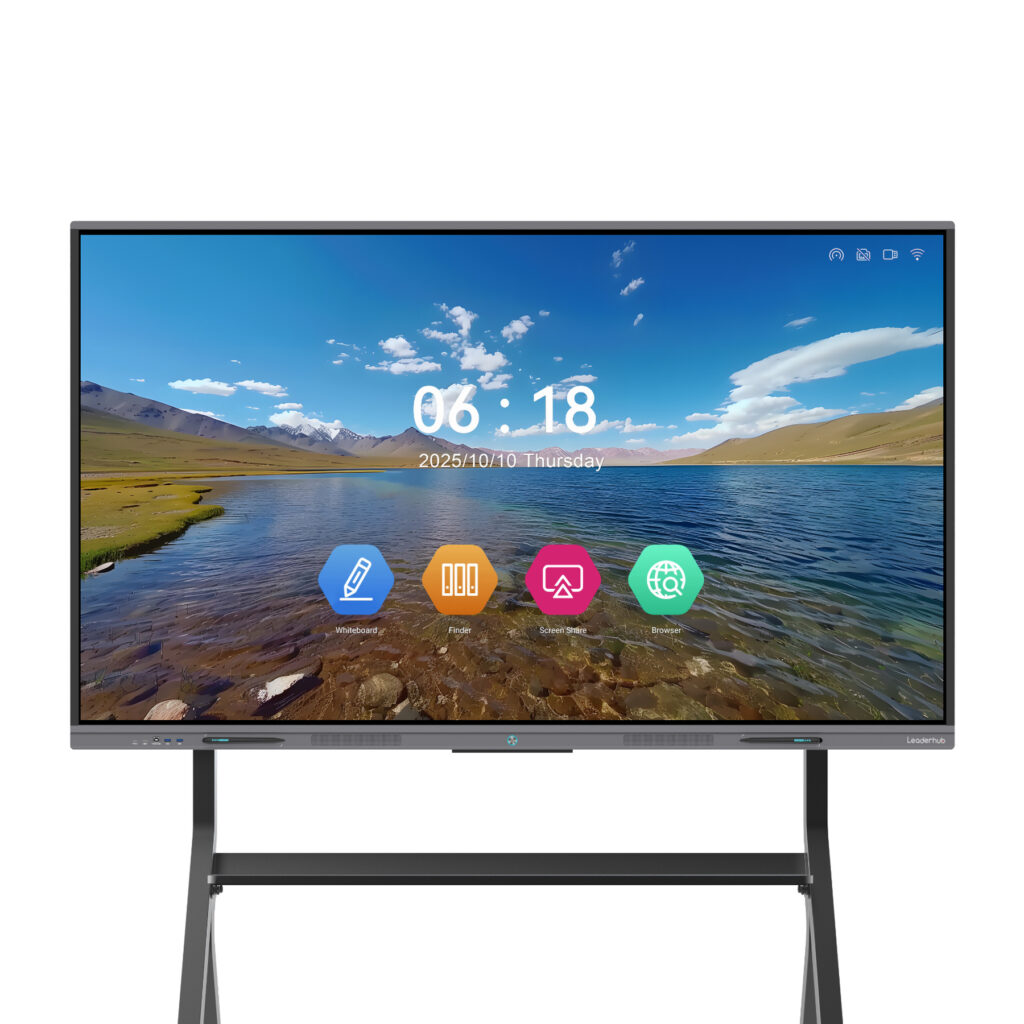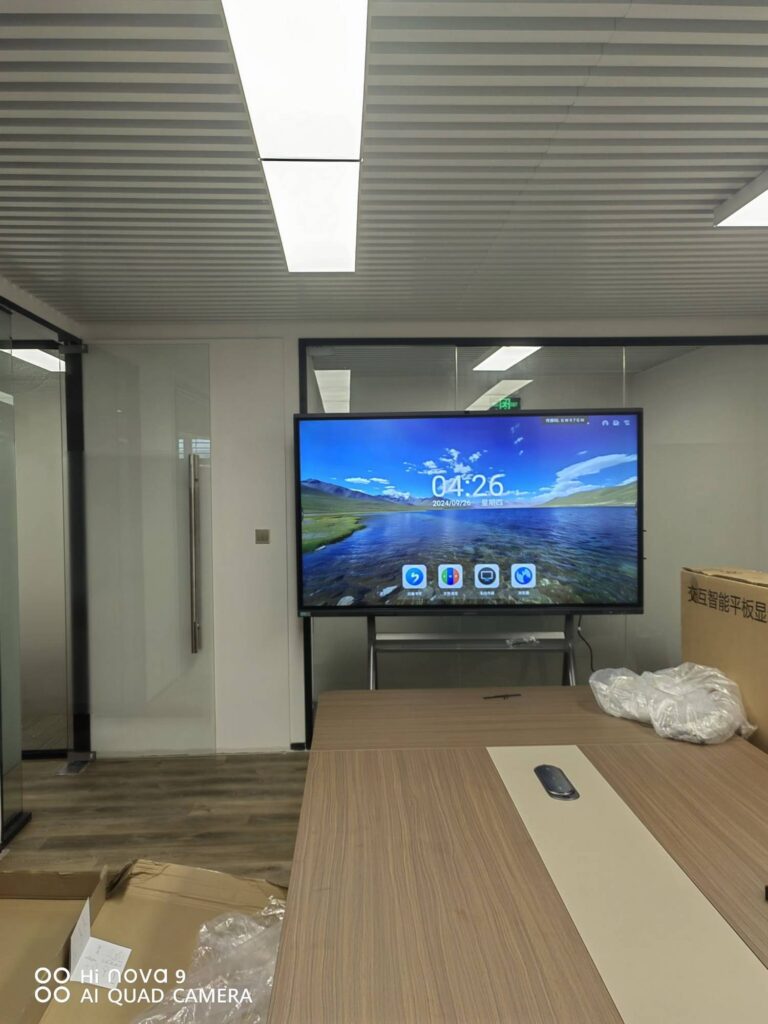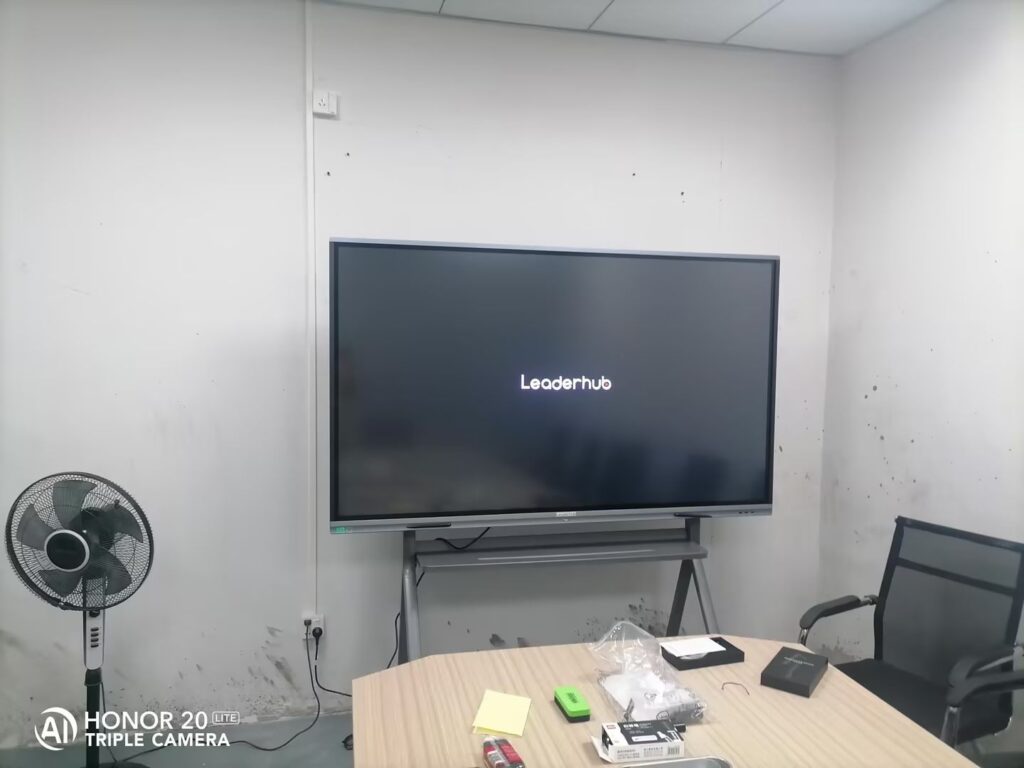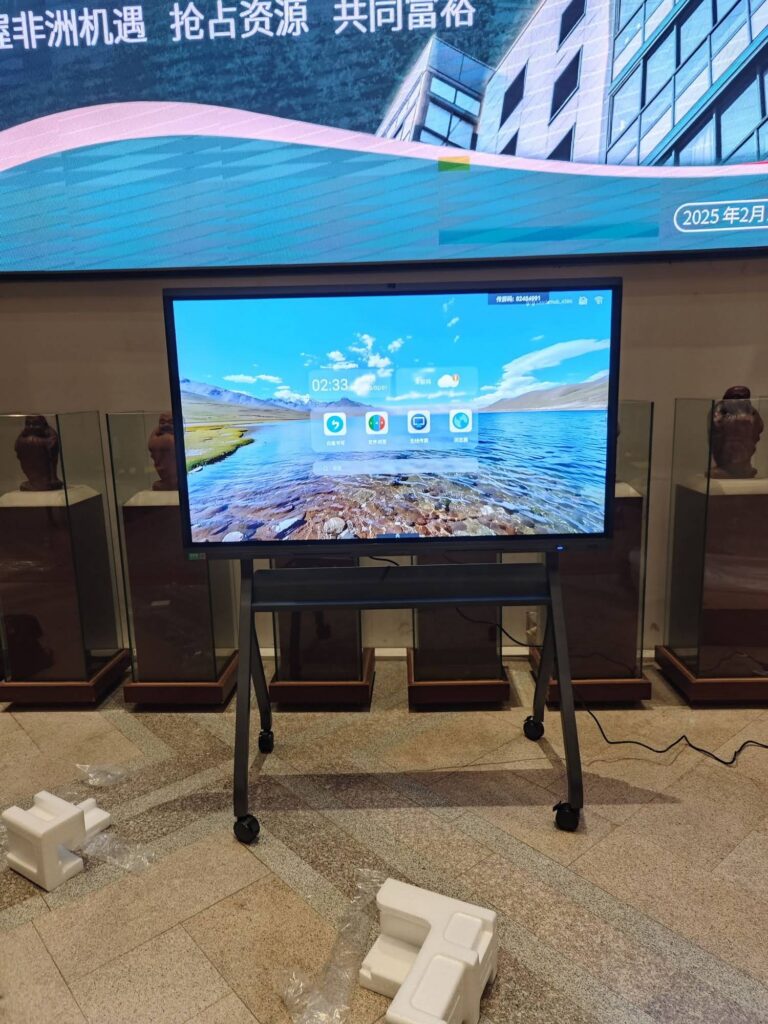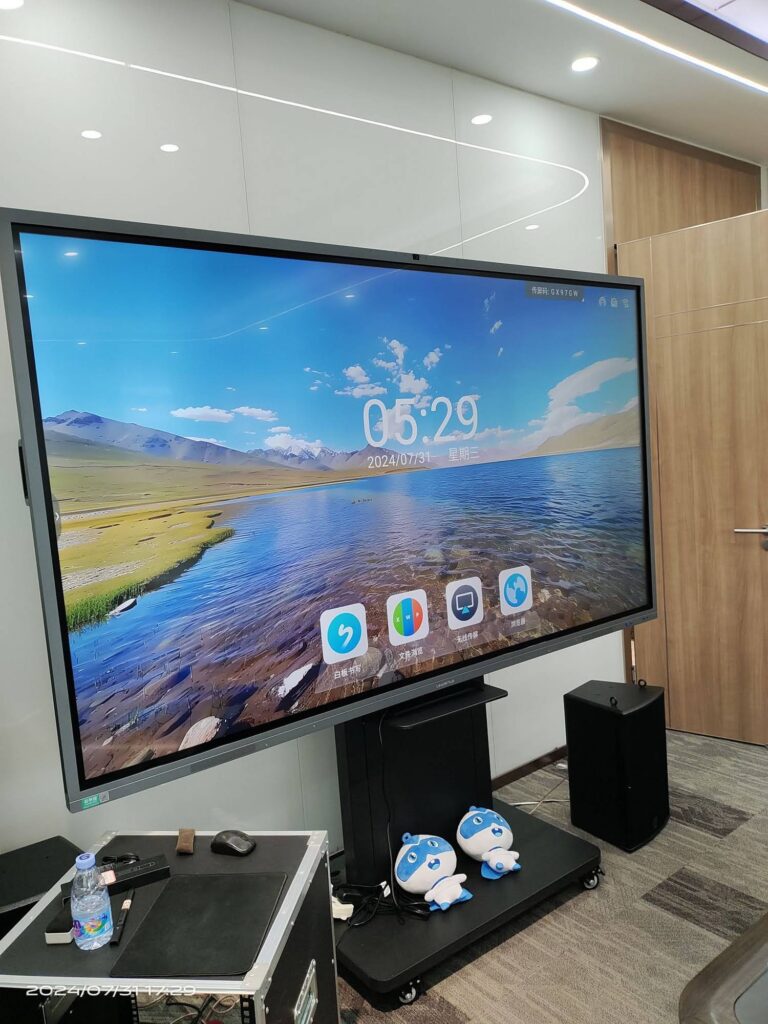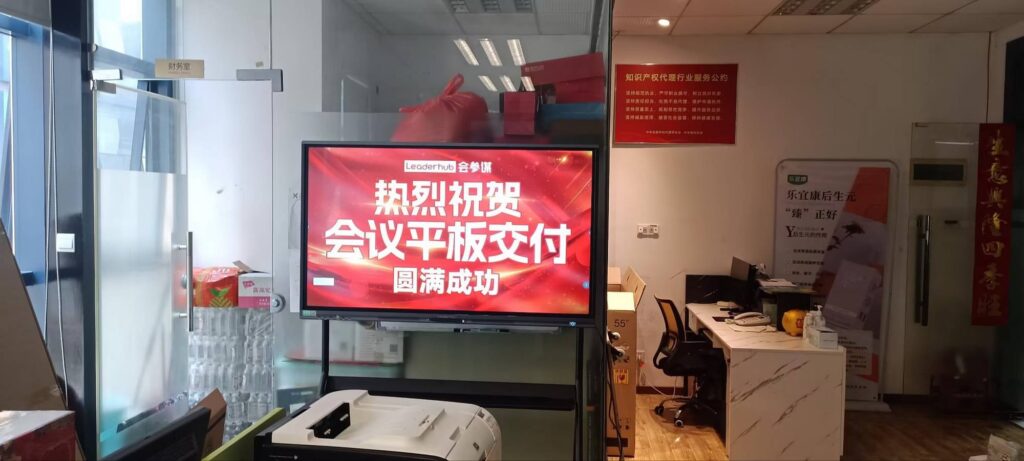
Meetings are supposed to move work forward, yet most teams still spend the first five minutes fighting with cables and the last ten minutes arguing about who is taking notes. A smart board with AI meeting assistant changes that equation. It merges a 4K interactive touchscreen with on-device intelligence that can transcribe discussions, summarize decisions, convert handwriting into clean text, and send action items to everyone before they leave the room. This guide explains what the technology actually does, where the benefits come from, and how to pick the right model for your conference room, training space, or hybrid team.
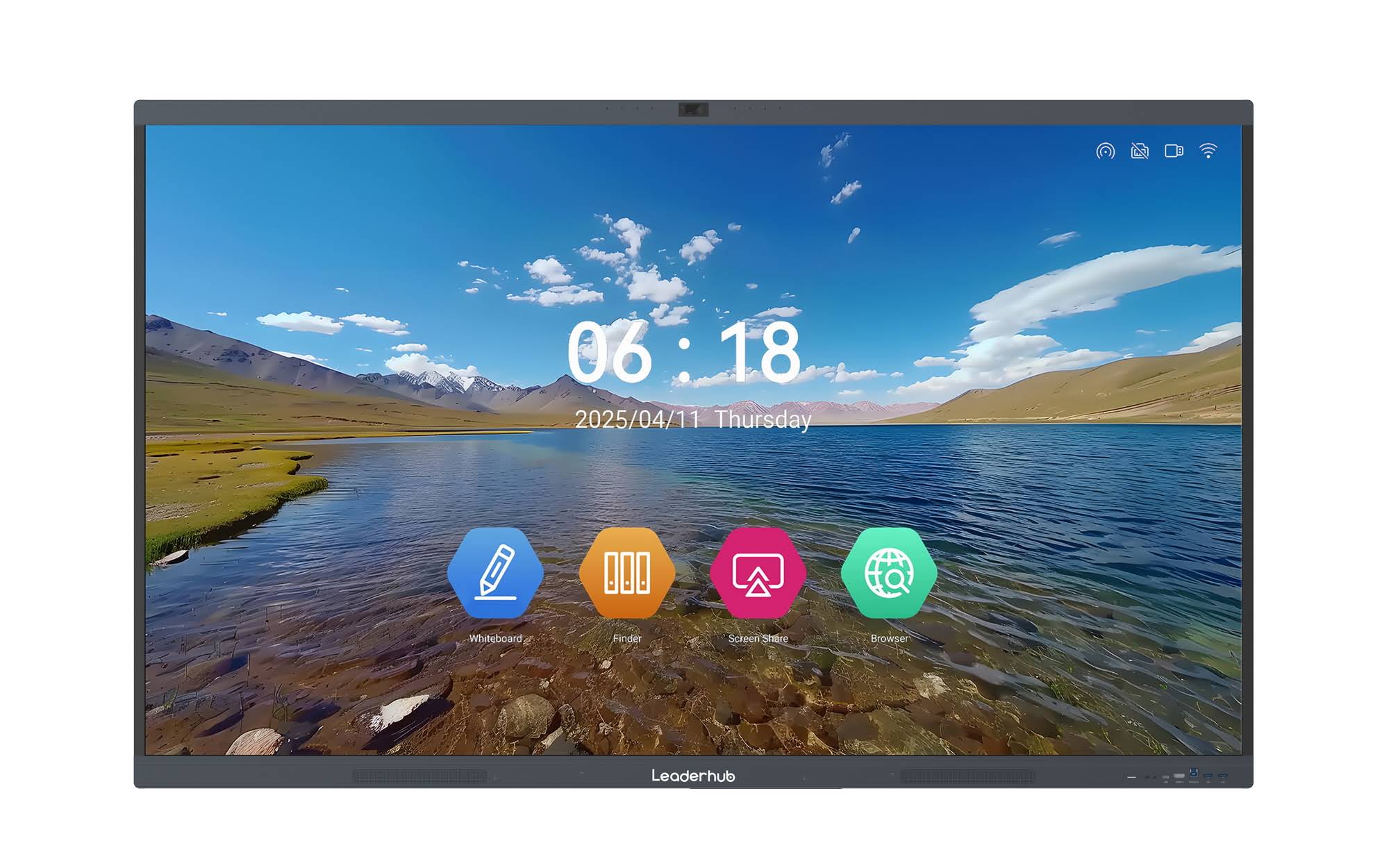
What Is a Smart Board with AI Meeting Assistant?
A traditional interactive whiteboard lets you write, annotate, and share a screen. A smart board with an AI meeting assistant adds a software layer that listens, understands, and organizes. Instead of acting as a passive display, the board becomes an active participant that captures what is said and drawn, then turns it into structured, searchable output.
How the AI Meeting Assistant Works
- Audio capture: far-field microphone arrays pick up voices across the room while noise cancellation filters out HVAC hum and keyboard clicks.
- Real-time transcription: speech is converted to text live, often with speaker identification and support for multiple languages.
- Handwriting and sketch recognition: scribbled notes, arrows, and rough shapes are tidied into legible text and geometric objects.
- Summarization: at the end of the session the assistant generates a summary, lists decisions, and extracts action items with owners and deadlines.
- Distribution: notes, whiteboard snapshots, and recordings are exported to email, cloud drives, or team chat tools with one tap or a QR scan.
The result is a meeting record that nobody had to manually produce, which is exactly where the time savings come from.
Key Features to Look For
Marketing pages tend to list dozens of specifications, but a handful of capabilities determine whether the board actually improves your meetings. The table below groups them by priority.
| Feature Category | What to Check | Why It Matters |
|---|---|---|
| AI Transcription & Summaries | Live captions, speaker labels, multilingual support, automatic action-item extraction | Eliminates manual note-taking and makes meetings searchable |
| Display Quality | 4K UHD resolution, anti-glare glass, 350+ nits brightness, wide viewing angle | Keeps spreadsheets and small text readable from the back of the room |
| Touch & Writing | 20-point multi-touch, low-latency pen, palm rejection, handwriting-to-text | Several people can brainstorm at once without lag or ghost touches |
| Camera & Audio | 4K camera with auto-framing, 8-mic array, echo cancellation, front-facing speakers | Remote participants see and hear the room clearly; AI accuracy depends on clean audio |
| Wireless Sharing | Miracast, AirPlay, Chromecast, split-screen for 4+ devices, reverse touch control | Anyone can present from a laptop or phone in seconds, no dongles required |
| Platform Compatibility | Android OS plus optional Windows OPS slot; native Zoom, Teams, Google Meet apps | Fits your existing software stack rather than forcing a new one |
| Security | Local processing options, encrypted storage, guest mode that wipes data after each session | Protects confidential discussions in finance, legal, and HR meetings |
Hardware Still Matters
AI software is only as good as the signals it receives. A board with a weak microphone array will produce transcripts full of gaps, and a dim panel will make the summary unreadable under office lighting. When comparing models, treat the processor, RAM, and audio hardware as part of the AI feature set rather than separate line items. Industry bodies such as AVIXA publish AV design standards that are useful benchmarks for display brightness, viewing distance, and room acoustics.
Benefits for Your Team
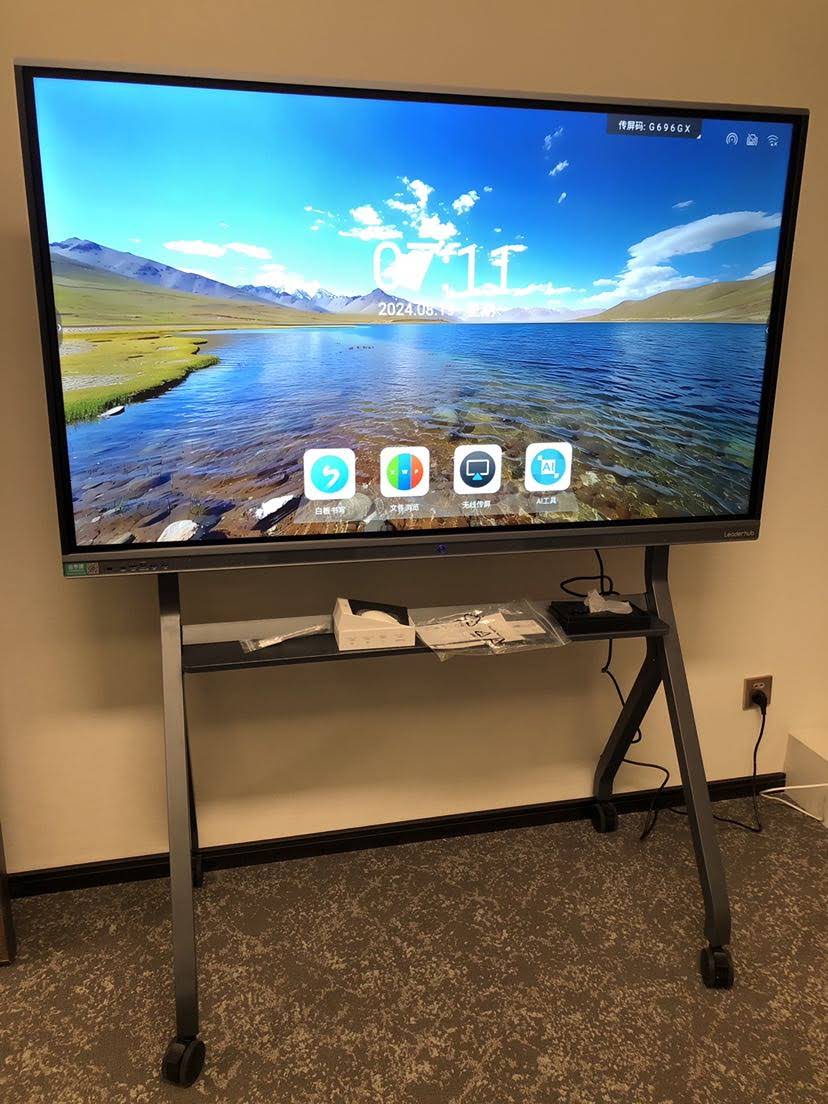
Organizations that deploy AI-enabled smart boards usually report gains in three areas: time, clarity, and inclusion. Here is how a conventional whiteboard setup compares with an AI-assisted one across a typical weekly meeting.
| Meeting Task | Traditional Whiteboard + Laptop | Smart Board with AI Meeting Assistant |
|---|---|---|
| Setup and connection | 3–8 minutes finding cables and adapters | Under 30 seconds via wireless casting |
| Note-taking | One person types while partially disengaged | Automatic transcript; everyone participates fully |
| Saving whiteboard content | Phone photo of a glare-covered board | Vector file with recognized text, shared via QR code |
| Follow-up | Notes emailed hours or days later, if at all | Summary and action items delivered as the meeting ends |
| Remote participants | Hear muffled audio, cannot see the board | Auto-framed video, live captions, shared digital canvas |
Measurable Advantages
- Shorter meetings. When the setup friction and the note-taking burden disappear, teams routinely trim 10–15 minutes from each session.
- Better decisions. A searchable record means fewer “what did we agree on?” follow-up threads and fewer repeated debates.
- Inclusive collaboration. Live captions help non-native speakers and colleagues with hearing impairments; remote staff see exactly what in-room staff see.
- Lower total cost. One panel replaces a projector, screen, speakerphone, webcam, and dry-erase board, reducing both purchase and maintenance costs.
- Knowledge retention. Transcripts and whiteboard archives become onboarding material for new hires and reference documents for compliance.
Who Benefits Most from an AI-Powered Smart Board?
Small and Medium-Sized Businesses
SMEs rarely have a dedicated AV team. An all-in-one panel with built-in AI removes the need for integration work and gives a ten-person company the same meeting experience as a multinational.
Hybrid and Distributed Teams
When half the team is in the office and half is at home, the board acts as the shared space. Auto-framing cameras and digital whiteboarding ensure remote staff are not second-class participants.
Training Departments and Education Providers
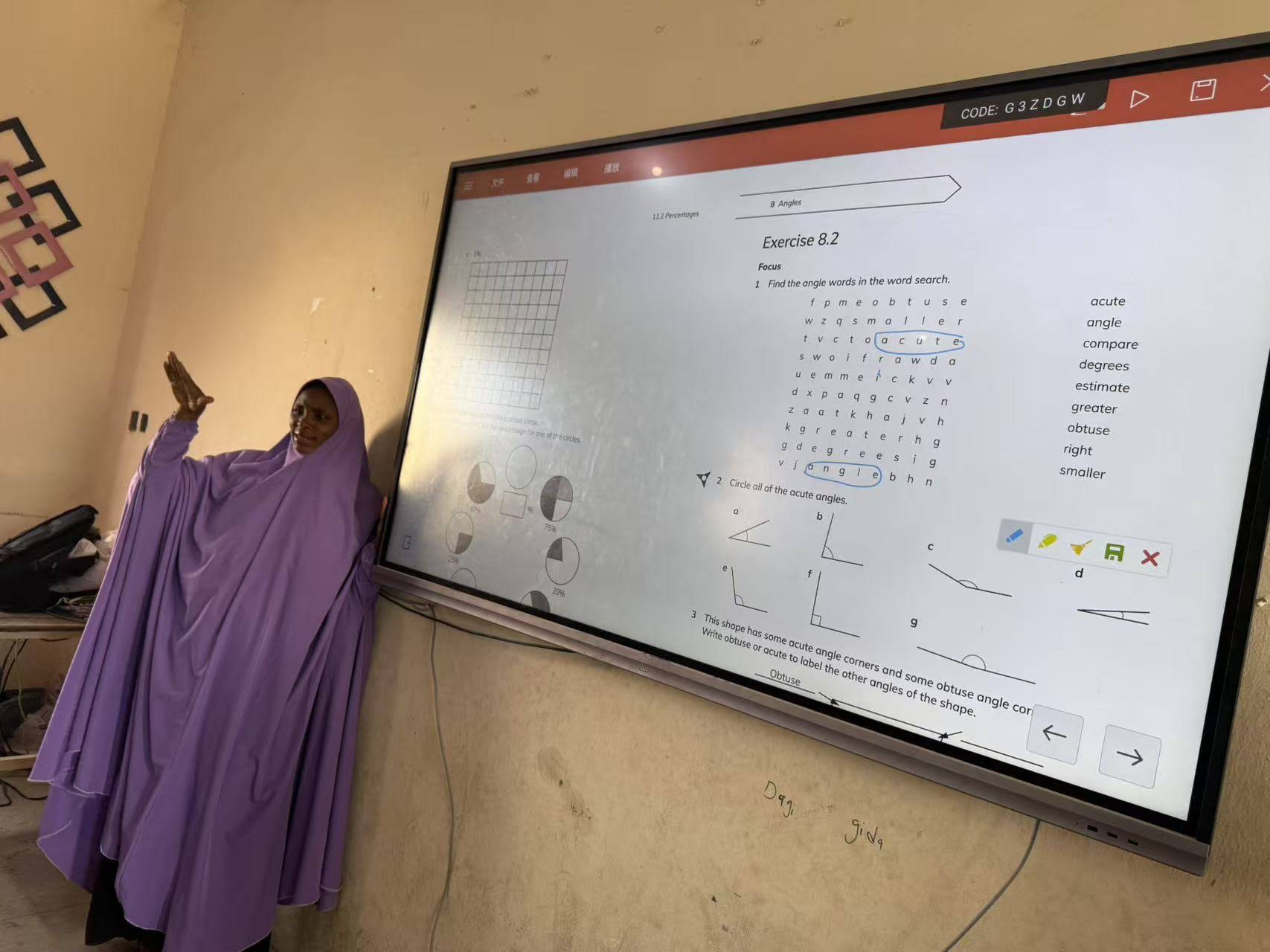
Trainers can record sessions automatically, generate summaries for learners, and reuse annotated slides. The OECD Digital Education Outlook highlights how interactive and AI-assisted tools are reshaping instruction, and the same principles apply to corporate learning.
Creative and Engineering Teams
Designers and engineers who sketch constantly gain the most from shape recognition and infinite canvas tools, especially on larger 86-inch panels where multiple people can work side by side.
How to Choose the Best Smart Board with AI Meeting Assistant
Choosing well comes down to matching the panel to your room, your workflows, and your budget. Work through the following steps in order.
Step 1: Match Screen Size to Room Size
A common rule is that the farthest viewer should sit no more than roughly four to six times the screen height away for detailed content. The table below translates that into practical recommendations.
| Room Type | Typical Capacity | Recommended Size | Example Model |
|---|---|---|---|
| Huddle room / flexible space | 2–6 people | 55″ (mobile) | U55Pro Mobile Interactive Flat Panel |
| Small meeting room | 4–8 people | 65″ | L65HM Smart Whiteboard |
| Standard conference room | 8–14 people | 75″ | L75HM Smart Whiteboard |
| Boardroom / training room | 14–25 people | 86″ | L86ZM Interactive Whiteboard |
| Auditorium / large hall | 25+ people | 110″ | L110H 110-Inch Interactive Flat Panel |
Step 2: Audit Your Software Stack
List the tools your team uses every day: video platform, cloud storage, calendar, chat, and project management. The board should either run those apps natively or integrate with them through a Windows OPS module. If you rely heavily on Windows-only applications, pairing the panel with a compact mini PC gives you full desktop flexibility without cluttering the room.
Step 3: Test the AI in Realistic Conditions
- Run a transcription test with several people speaking at normal volume from different seats.
- Try accented speech and industry jargon to see how the engine copes.
- Write quickly in cursive and check how accurately handwriting converts to text.
- Ask the assistant to summarize a 20-minute discussion and compare the output with your own notes.
- Confirm where data is processed and stored, and whether local-only processing is available for sensitive meetings.
Step 4: Consider Mobility and Mounting
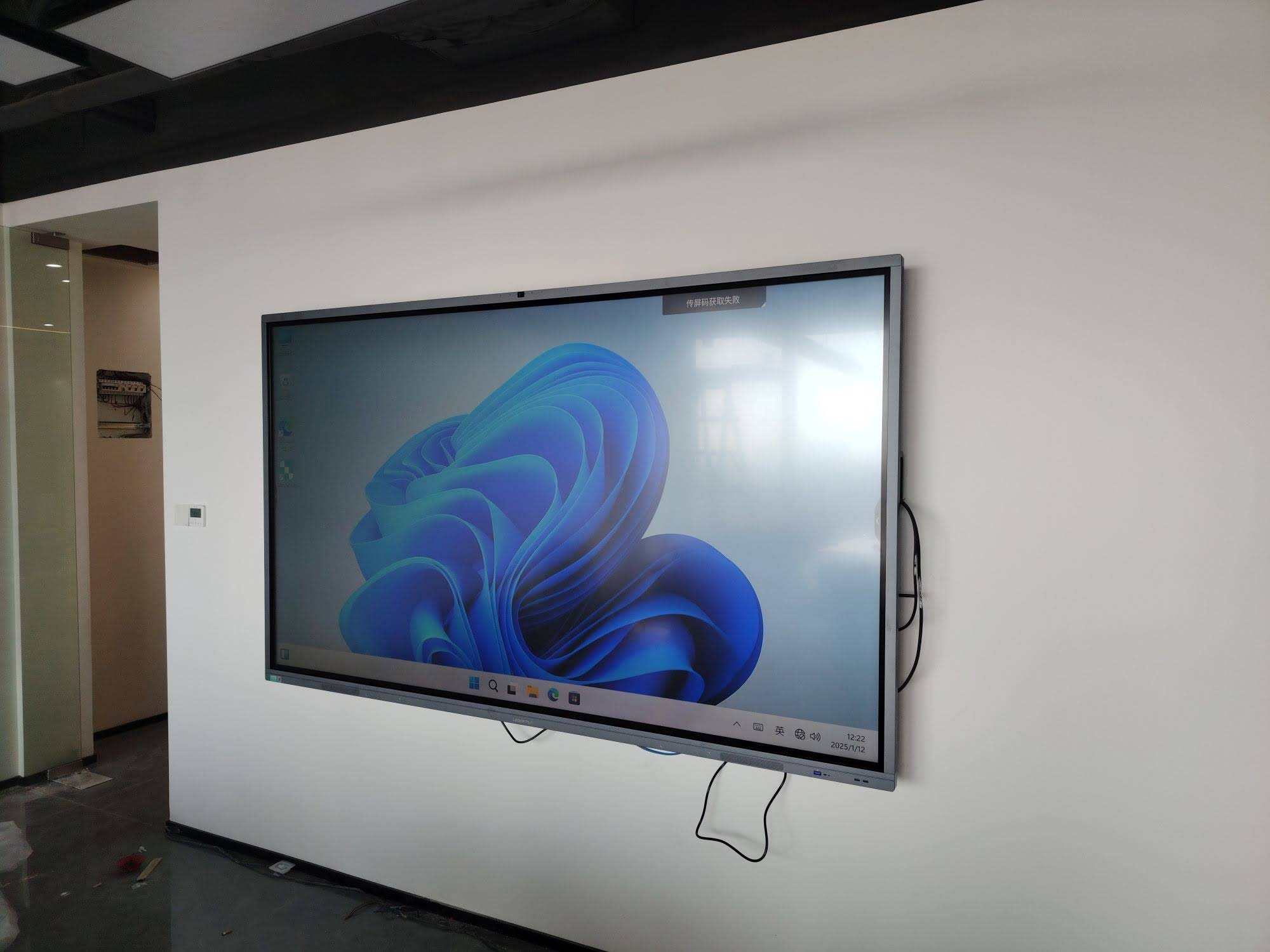
Fixed wall mounts suit dedicated conference rooms. Mobile stands with casters make sense for shared offices, co-working spaces, and training providers that move between rooms. Rotatable designs that switch between landscape and portrait, such as the award-winning Leaderhub HM Series, add value for teams that review documents, mobile app layouts, or vertical dashboards.
Step 5: Evaluate Total Cost of Ownership
Look beyond the sticker price. Factor in subscription fees for AI features, warranty length, availability of spare parts, and whether the vendor offers firmware updates for several years. A panel priced a few hundred dollars higher but bundled with lifetime software updates is often the cheaper choice over five years.
Buyer’s Checklist at a Glance
| Question | Ideal Answer |
|---|---|
| Does it transcribe and summarize automatically? | Yes, with speaker labels and action-item extraction |
| Is the display 4K with anti-glare glass? | Yes, 3840 × 2160 with tempered, low-reflection glass |
| How many simultaneous touch points? | 20 or more, with palm rejection |
| Can it run Zoom, Teams, and Google Meet? | Yes, natively or via OPS/mini PC |
| Does wireless casting support all major platforms? | Miracast, AirPlay, and Chromecast with multi-screen split |
| What is the warranty and update policy? | Minimum 2–3 years hardware, ongoing firmware updates |
| Is there a mobile or rotating option? | Available for flexible and shared spaces |
Leaderhub Smart Boards: Built for Smarter Meetings
Leaderhub is a Shenzhen-based interactive display manufacturer with 16 years of experience, serving customers in more than 82 countries and ranked NO.1 in its JD.com subcategory for interactive panels. Its mission, “AI Changes Life,” reflects a focus on combining hardware innovation with AI to help small and medium-sized enterprises run more effective meetings at an accessible price point. The company’s range of smart whiteboards spans 65″ to 110″, with the HM series offering a rotatable conference hub design and the ZM series delivering 4K touch collaboration at a budget-friendly entry point.
| Model | Size | Best For | Price |
|---|---|---|---|
| L65ZM Interactive Whiteboard | 65″ 4K | Startups and small meeting rooms | $1,099 |
| L75HM Smart Whiteboard | 75″ 4K | Standard conference rooms, rotatable design | $1,599 |
| L75H Pro Interactive Flat Panel | 75″ 4K | Teams needing higher performance | $2,399 |
| L86HM Smart Whiteboard | 86″ 4K | Boardrooms and training rooms | $3,199 |
| U55Pro Mobile Interactive Flat Panel | 55″ 4K | Shared offices and huddle spaces | $2,499 |
Implementation Tips for a Smooth Rollout
- Start with one room. Pilot the board with a team that meets often, gather feedback for two weeks, then scale.
- Set a recording policy. Decide which meetings are transcribed, who can access the archives, and how long data is kept. Transparency builds trust with staff.
- Train for five minutes, not fifty. Most teams only need to learn three actions: cast a screen, start the assistant, and share the summary.
- Fix the room acoustics. A rug and a few acoustic panels improve transcription accuracy more than any software setting.
- Keep firmware current. AI models improve quickly; schedule quarterly updates so the board gets smarter over time.
For broader guidance on evaluating digital tools responsibly, the UNESCO Digital Education resources offer a useful framework that applies as well to workplaces as to classrooms.
Frequently Asked Questions
Does the AI meeting assistant need an internet connection?
Many features such as handwriting recognition and basic transcription can run on the device. Advanced summarization and multilingual translation often use cloud processing, so check which functions are available offline if your meeting rooms have restricted connectivity.
Can I use my existing video conferencing account?
Yes. Most smart boards run Zoom, Microsoft Teams, and Google Meet as native Android apps or through a connected Windows module, so your existing licenses carry over.
How accurate is AI transcription?
In a quiet room with a good microphone array, accuracy typically exceeds 90 percent for clear speech. Background noise, overlapping voices, and heavy jargon reduce accuracy, which is why audio hardware and room acoustics matter so much.
Is a 65-inch board big enough for a conference room?
A 65″ panel works well for rooms seating up to eight people. For ten or more participants, or for spreadsheets and detailed diagrams, a 75″ or 86″ screen keeps content legible from every seat.
What is the difference between a smart board and an interactive flat panel?
The terms are largely interchangeable. “Interactive flat panel” usually emphasizes the hardware, while “smart board” or “smart whiteboard” emphasizes the built-in software, including the AI meeting assistant.
Final Thoughts
A smart board with AI meeting assistant is no longer a luxury reserved for enterprise boardrooms. With 65-inch 4K models now available for close to a thousand dollars, even small teams can replace fragmented projector-and-speakerphone setups with a single device that captures, organizes, and distributes everything that happens in the room. Focus on screen size for your space, verify the AI in real conditions, confirm software compatibility, and weigh the total cost of ownership. Do that, and the board will pay for itself in reclaimed meeting time within months.
Ready to see the options side by side? Browse the full Leaderhub product range or contact the team for a tailored recommendation based on your room size, headcount, and workflow.