
Best Smart Board for Conference Room Collaboration and Presentations
Elevate your corporate meetings, brain-storming sessions, and executive presentations with Leaderhub’s state-of-the-art 4K interactive flat panels engineered for modern hybrid workspaces.
Why Your Meeting Space Needs a Dedicated Smart Board for Conference Room Collaboration
In today’s fast-paced corporate environment, the traditional conference room setup—composed of a static projector, messy VGA/HDMI cables, and a dusty physical whiteboard—is no longer sufficient. As hybrid work models become the standard, teams require dynamic tools that seamlessly bridge the gap between in-office and remote participants.
A high-quality smart board for conference room setups serves as the central hub of modern corporate communication. It combines the functionalities of a commercial-grade 4K display, an intuitive digital writing surface, a video conferencing terminal, and an advanced wireless sharing system. This integration eliminates setup delays, encourages interactive brainstorming, and ensures that every participant, whether sitting in the room or dialing in from across the globe, remains fully engaged.
“Effective collaboration is not just about sharing information; it is about co-creating in real-time. Leaderhub’s interactive panels are engineered to remove technological friction, letting your team’s ideas flow naturally.”
Whether you are presenting financial quarterly forecasts to the board of directors, conducting a design sprint with creative leads, or hosting global training seminars, interactive flat panels provide the clarity, responsiveness, and connectivity needed to make every meeting highly productive.

Essential Features of a Premium Smart Board for Conference Room
4K UHD Display Clarity
Deliver presentations with high-fidelity visuals. Leaderhub panels feature anti-glare, tempered 4K screens that guarantee readability from any angle in the conference room, even under bright overhead lighting.
Zero-Lag Touch Writing
Experience natural, pen-on-paper writing. Utilizing advanced infrared touch technology, users can write, erase, and manipulate objects on the smart board with virtually zero latency, supporting multi-user collaboration.
Seamless Wireless Casting
Eliminate cable clutter completely. Cast up to 4 devices simultaneously—including laptops, tablets, and smartphones running Windows, macOS, iOS, or Android—directly to the screen with a single touch.
Dual OS & Mini PC Integration
Run complex enterprise software directly on the smart board. With optional OPS slots and external Mini PCs (Intel i5/i7), seamlessly switch between Android and Windows systems to run native applications.
Eco-Friendly & Durable
Designed for longevity and heavy commercial use. Leaderhub smart boards feature energy-efficient backlighting, durable structural frames, and solid-state internal components built to withstand years of daily meetings.
Enterprise-Grade Security
Protect your corporate intellectual property. Secure meeting data with encrypted wireless transmissions, local user access controls, and instant session clearing options to prevent data leakage.
Featured Leaderhub Smart Boards for Conference Rooms
Select from our premium ranges of interactive flat panels optimized to suit small huddle rooms, mid-sized conference rooms, and large executive boardrooms.

Leaderhub L65HM Interactive Smart Whiteboard
An ideal 65″ 4K touchscreen display designed for small to medium meeting rooms. Offers ultra-fine writing precision, high brightness, and seamless screen casting.
View Details
Leaderhub L75HM Interactive Smart Whiteboard
Our most popular 75″ 4K panel for standard conference rooms. Provides the perfect balance of screen size and collaborative capabilities for hybrid corporate teams.
View Details
Leaderhub L86HM Interactive Smart Whiteboard
A massive 86″ 4K touchscreen display optimized for spacious boardrooms and conference centers. Built for high-impact presentations and remote collaboration.
View Details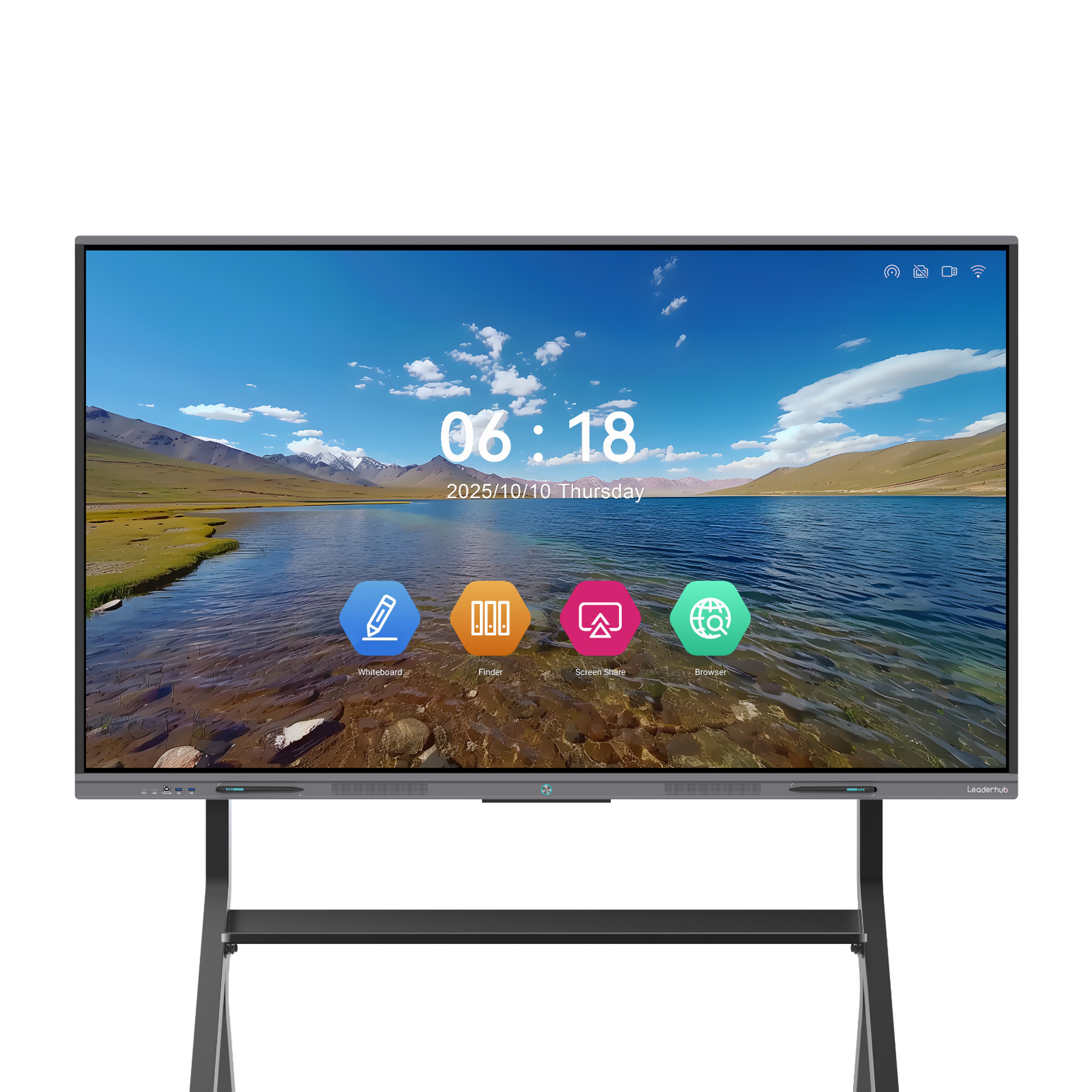
Leaderhub L65ZM Interactive Whiteboard
Affordable 65″ 4K smart panel featuring highly responsive infrared touch, digital whiteboard tools, and dynamic software integration to boost team output.
View Details
Leaderhub L75ZM Interactive Whiteboard
A highly functional 75″ 4K Smart Panel. Streamlines remote meetings, business reviews, and active educational lectures with rich connectivity options.
View Details
Leaderhub L86ZM Interactive Whiteboard
A budget-friendly 86″ 4K smart panel for larger corporate settings, packing premium whiteboard software features and extensive screen mirroring abilities.
View DetailsComparing Smart Board Models for Conference Rooms
Review the technical specifications of our key interactive panel series to determine the best fit for your workplace requirements.
| Feature / Series | Leaderhub HM Series | Leaderhub ZM Series | Leaderhub H Pro Series |
|---|---|---|---|
| Available Sizes | 65″, 75″, 86″ | 65″, 75″, 86″ | 75″, 110″ |
| Display Resolution | 4K UHD (3840 x 2160) | 4K UHD (3840 x 2160) | 4K UHD (3840 x 2160) |
| Touch Technology | High-Precision Infrared (20 Points) | Infrared Touch (20 Points) | Advanced IR Touch (20+ Points) |
| OS Support | Android (Windows via OPS) | Android (Windows via OPS) | Dual OS (Android & Windows built-in) |
| Key Applications | Corporate Collaboration, Presentations | Agile Teams, Training Rooms | Executive Boardrooms, Large Audits |
| Price Range | $1,299.00 – $3,199.00 | $1,099.00 – $1,699.00 | $2,399.40 – $7,999.00 |
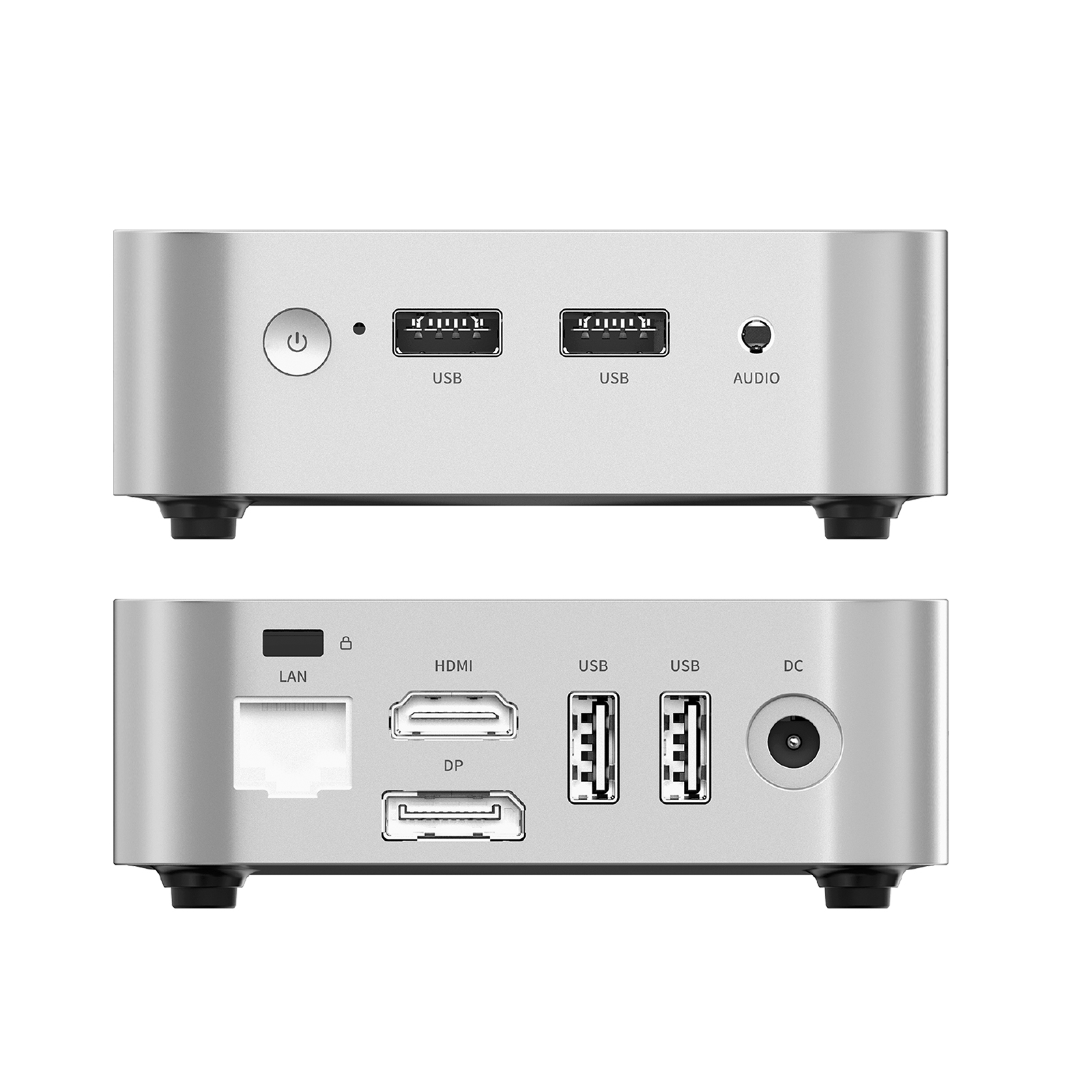
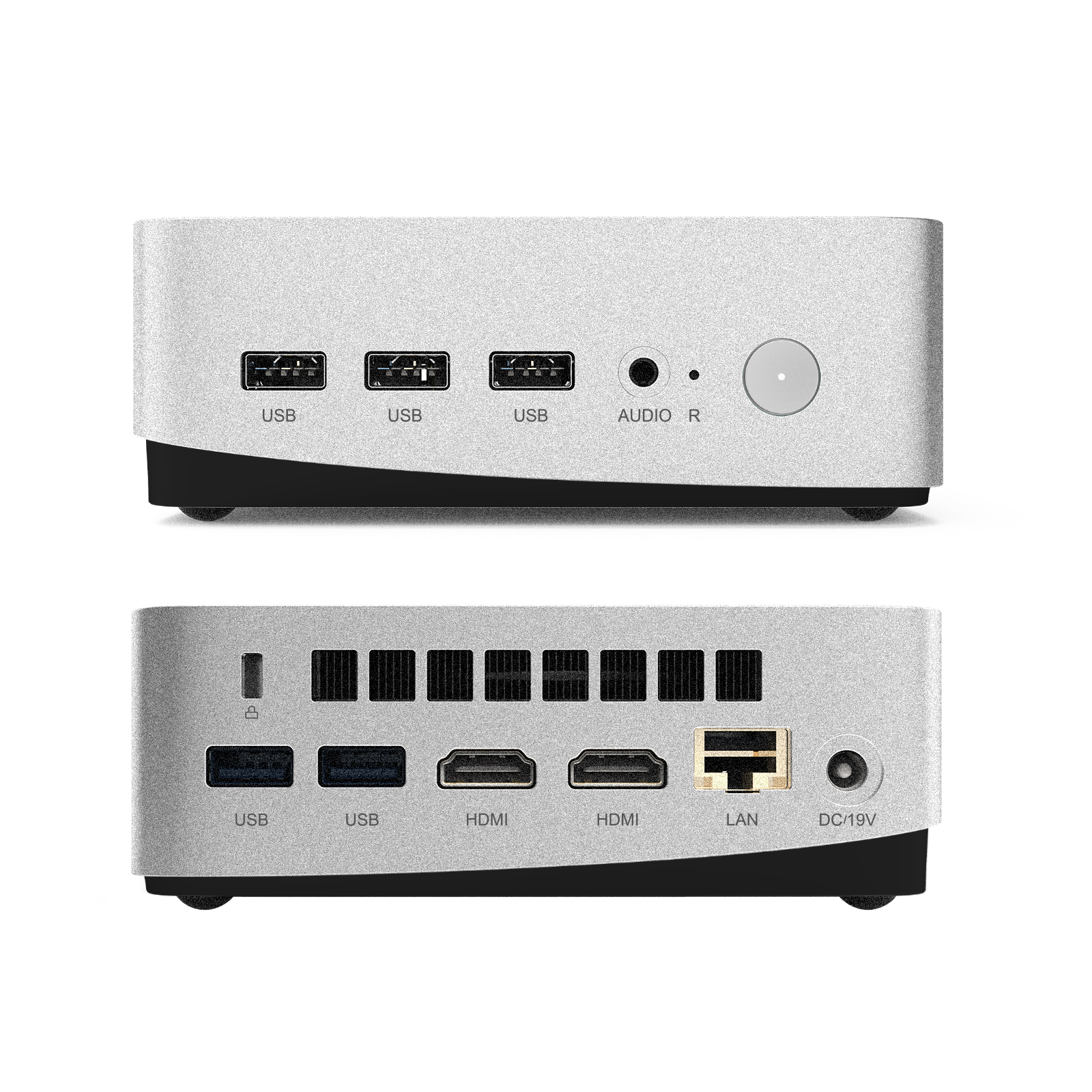
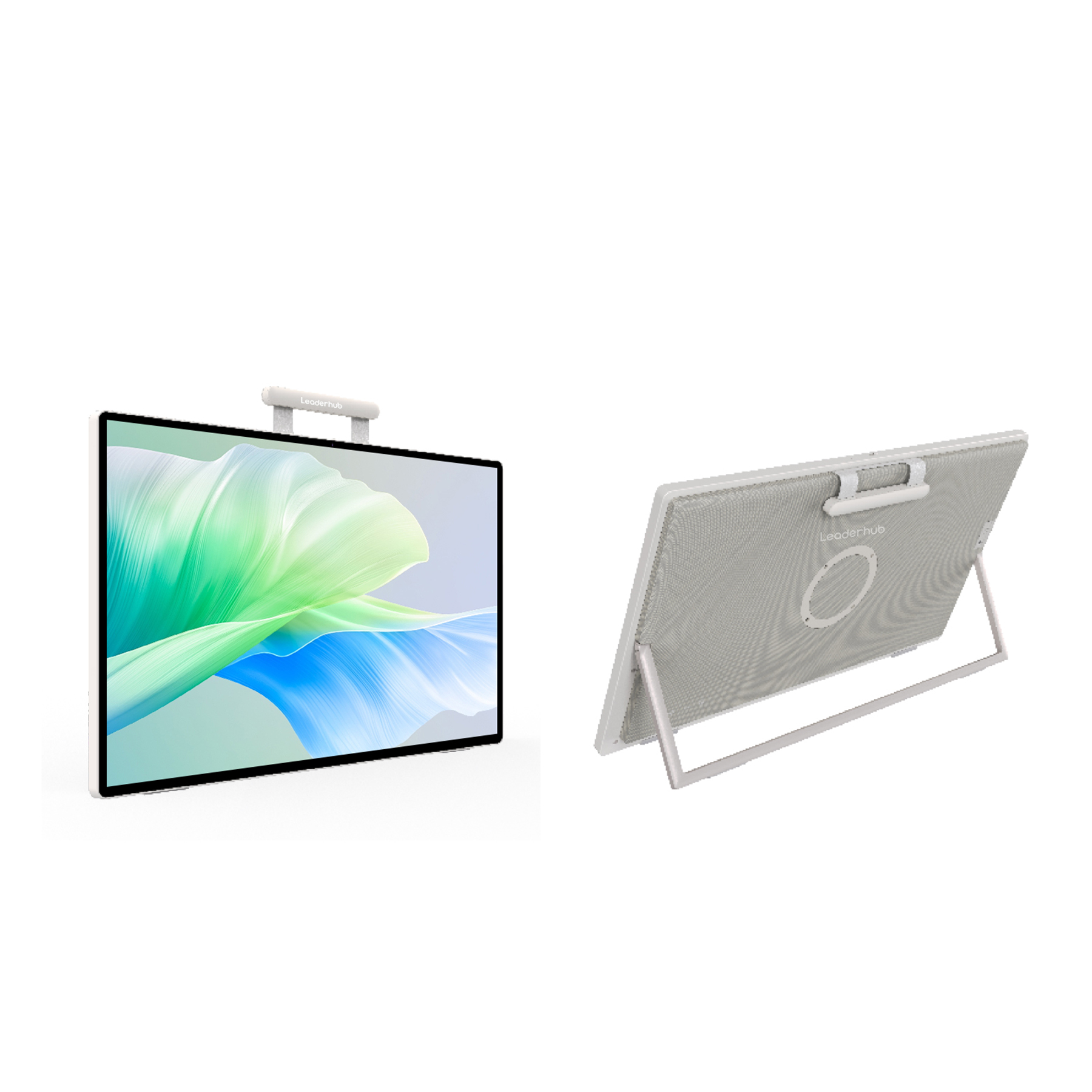
Optimize Your Smart Board Setup with Mini PCs & Mobile Displays
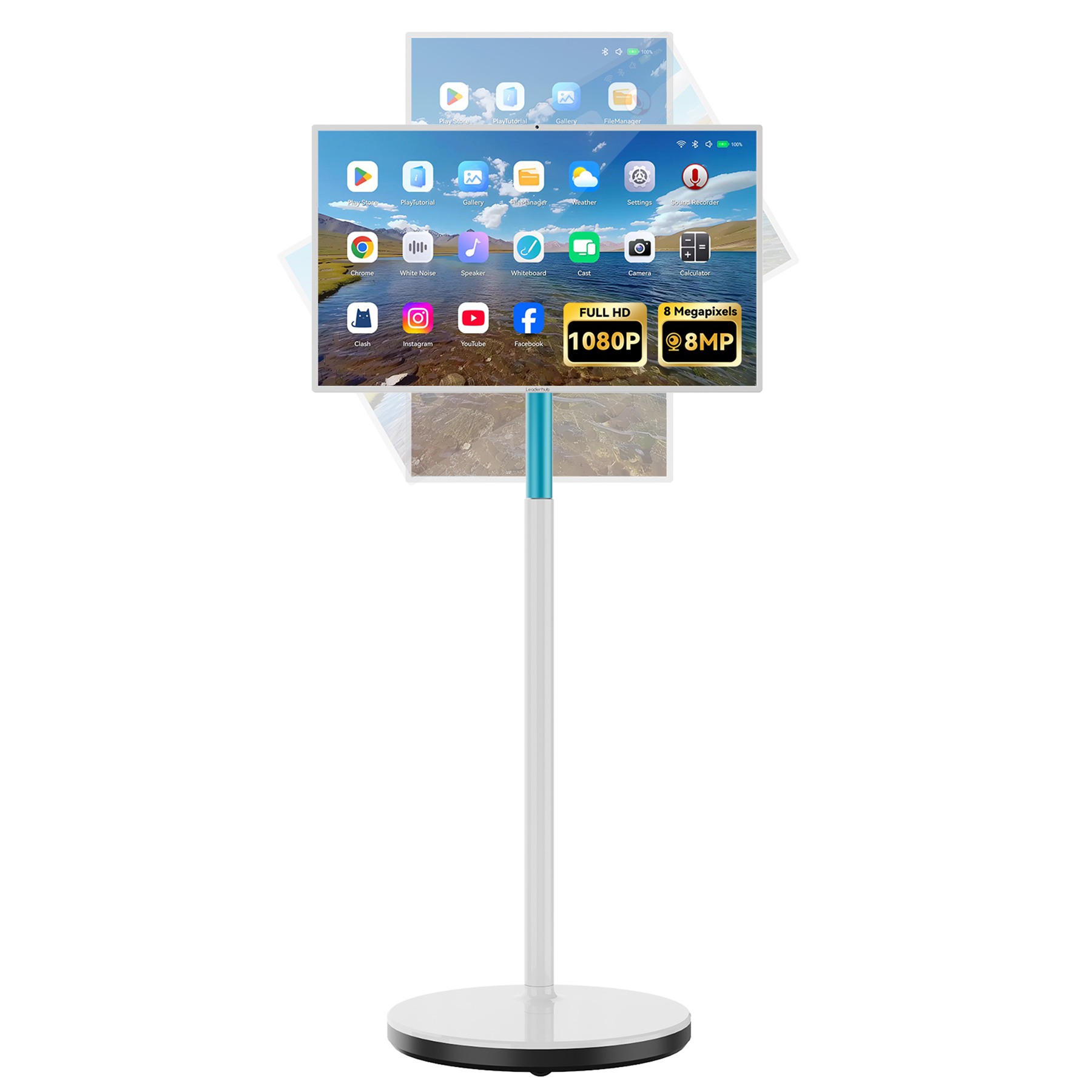
Power up your smart boards with integrated Windows computing modules or expand your collaborative workspace with mobile smart screens.
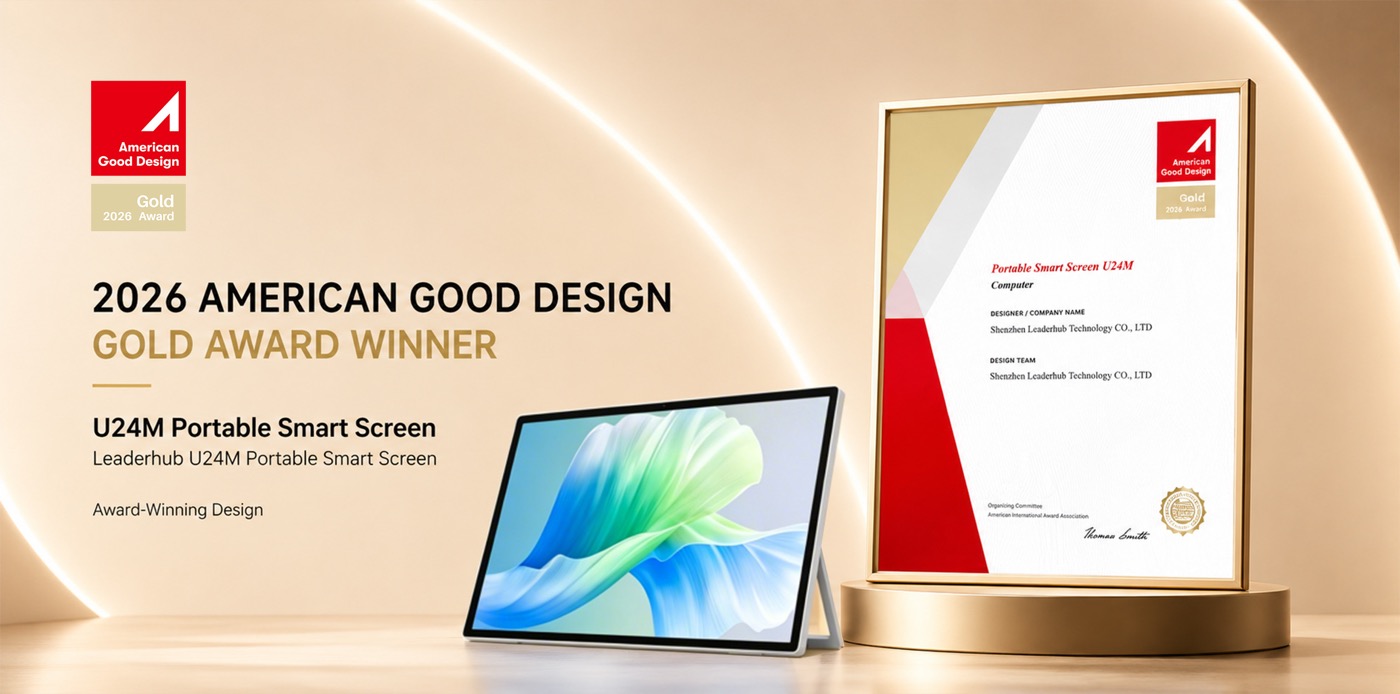
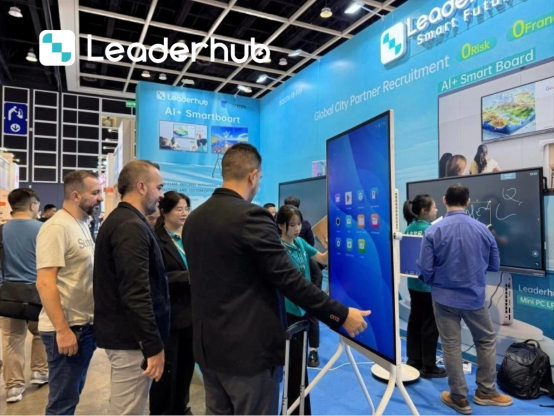
Leaderhub at Global Electronics Exhibitions
As a global leader in collaborative technology, Leaderhub actively showcases its innovative smart boards, interactive flat panel displays, and portable smart screens at major electronics and technology exhibitions worldwide.
We connect with global distributors, system integrators, corporate clients, and educational institutions to deliver reliable, OEM/ODM-customized interactive display ecosystems. Explore some of our global highlights below.



How to Choose the Ideal Smart Board for Your Conference Room
Investing in a smart board for conference room optimization is a strategic decision that directly influences your company’s collaborative productivity. To ensure you make the right choice, consider the following critical factors during your evaluation:
1. Room Size and Screen Dimensions
Selecting the correct screen size is crucial for ensuring that all meeting participants can read the text and view detailed charts clearly, regardless of their seat placement in the room:
- Small Huddle Rooms (2-5 people): A 55-inch to 65-inch interactive display, such as the Leaderhub L65HM, offers ample workspace without overwhelming compact meeting areas.
- Medium Conference Rooms (6-12 people): A 75-inch smart board, like the Leaderhub L75ZM, serves as the industry standard, providing high visibility and comfortable writing space.
- Large Boardrooms and Executive Suites (12+ people): An 86-inch to 110-inch display, such as the Leaderhub L86HM or the massive L110H, ensures that presentations remain impactful across long boardroom tables.
2. Operating System and Software Ecosystem
Your team’s software requirements should dictate the smart board’s operating system configuration. Most smart boards come with a user-friendly Android operating system preloaded with essential whiteboard, annotation, and web browsing applications. However, if your team relies heavily on native Windows applications, legacy database systems, or enterprise video conferencing software (such as Zoom Rooms or Microsoft Teams Rooms), integrating an Intel-powered OPS Mini PC is highly recommended. Leaderhub’s LP5C and AD8 Mini PCs slide directly into the display’s OPS slot, creating a robust dual-OS workspace.
3. Input Latency and Writing Precision
The core utility of any digital whiteboard lies in its writing experience. High-latency displays cause frustrating delays between the pen tip touching the glass and the digital ink appearing on the screen. Look for displays utilizing advanced infrared (IR) touch sensors with a response time of under 8 milliseconds and support for 20+ simultaneous touch points. This allows multiple team members to annotate simultaneously, fostering active brainstorming.
Always verify if the smart board supports Object Recognition. Advanced panels can automatically distinguish between a stylus pen (for writing), a finger (for dragging and zooming), and the palm of your hand (for erasing). This intuitive control mimics traditional whiteboard habits and eliminates the need to manually toggle tools.
4. Connectivity and Integration Options
A smart board should act as an open portal, not a closed island. Ensure the panel features a wide array of physical inputs (HDMI, DisplayPort, USB-C) alongside dual-band Wi-Fi and Bluetooth capabilities. USB-C connectivity is particularly valuable: a single USB-C cable can simultaneously transmit 4K video signals, handle touch control feedback, connect the board’s camera/microphone array to your laptop, and charge your computer.
Frequently Asked Questions
What is the difference between a smart board and a standard TV?
A standard TV is a one-way display device designed purely for viewing. A smart board is an interactive system incorporating a high-precision touchscreen, built-in operating systems, collaboration software, digital whiteboarding tools, and extensive screen-mirroring inputs, making it a complete hub for active collaboration.
Do Leaderhub smart boards support Zoom and Microsoft Teams?
Yes. Leaderhub smart boards support all major video conferencing applications. By running Android apps directly on the panel or using an integrated Windows OPS Mini PC, you can easily install Zoom, Teams, Webex, and Google Meet, utilizing external or built-in cameras and microphones.
How do I share my laptop screen to the smart board?
You can cast your screen wirelessly using Leaderhub’s screen-sharing application or connect via a physical HDMI/USB-C cable. Wireless casting supports multiple operating systems (Windows, macOS, iOS, Android) and allows up to four screens to share simultaneously for side-by-side comparisons.
Is an internet connection required to use the smart board?
An active internet connection is not strictly required for local whiteboarding, offline annotations, or cable-based presentations. However, an internet connection is necessary for remote video conferencing, cloud storage saving, web browsing, and downloading software updates.
Ready to Upgrade Your Conference Room Collaboration?
Transform your business meetings, enhance hybrid collaboration, and deliver professional presentations with Leaderhub’s industry-leading interactive flat panels.
