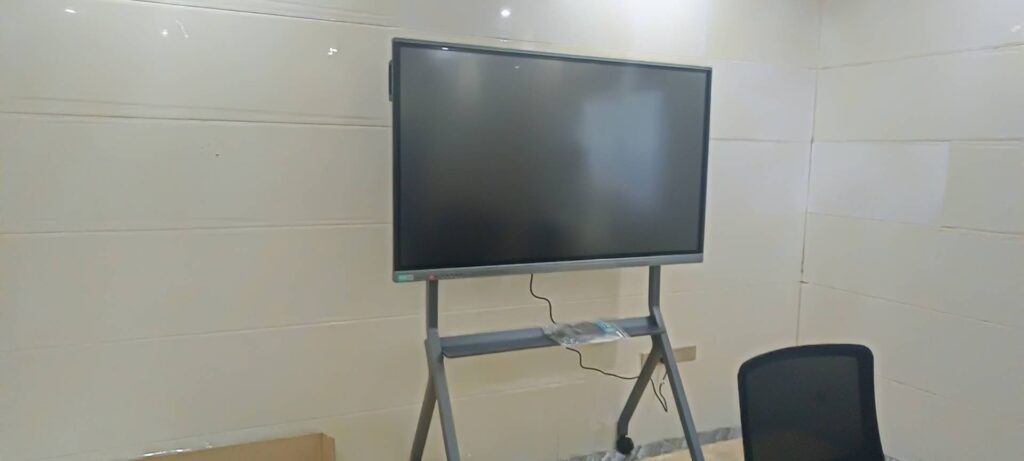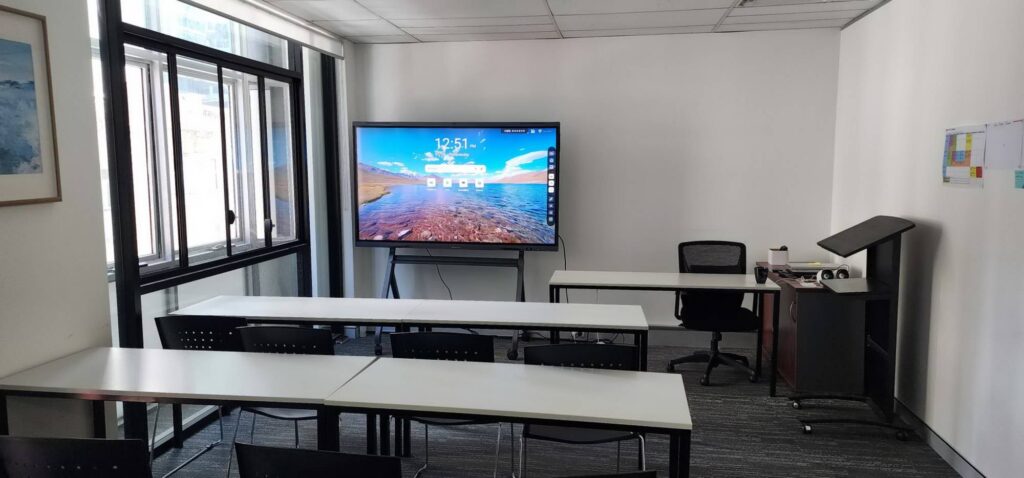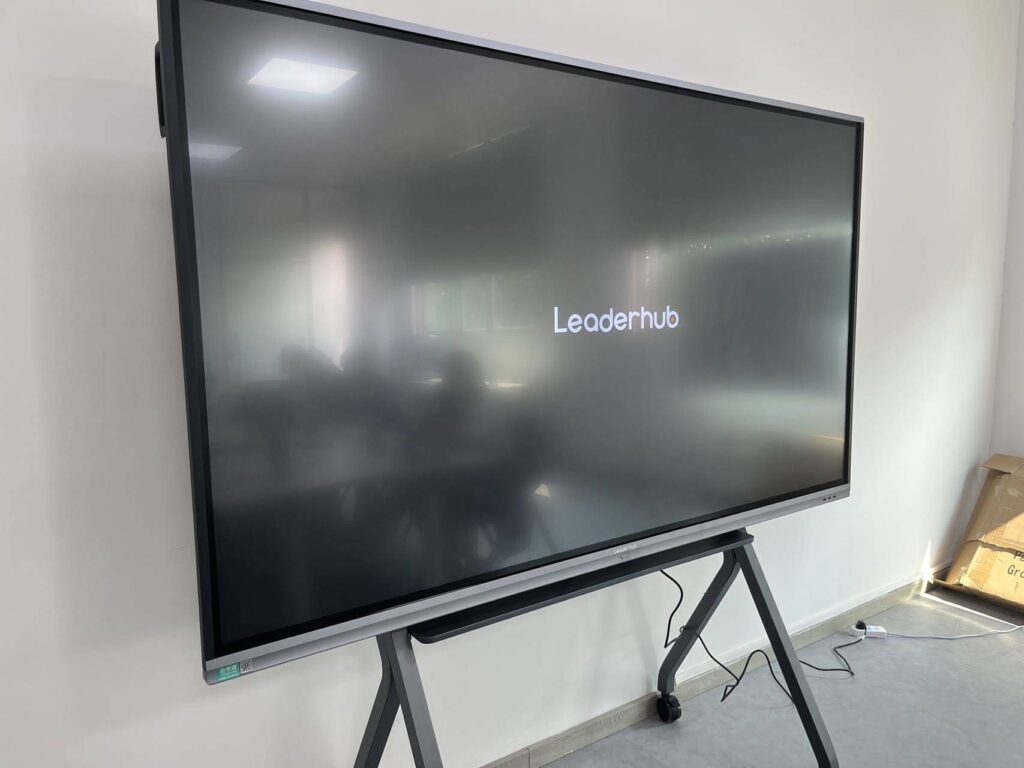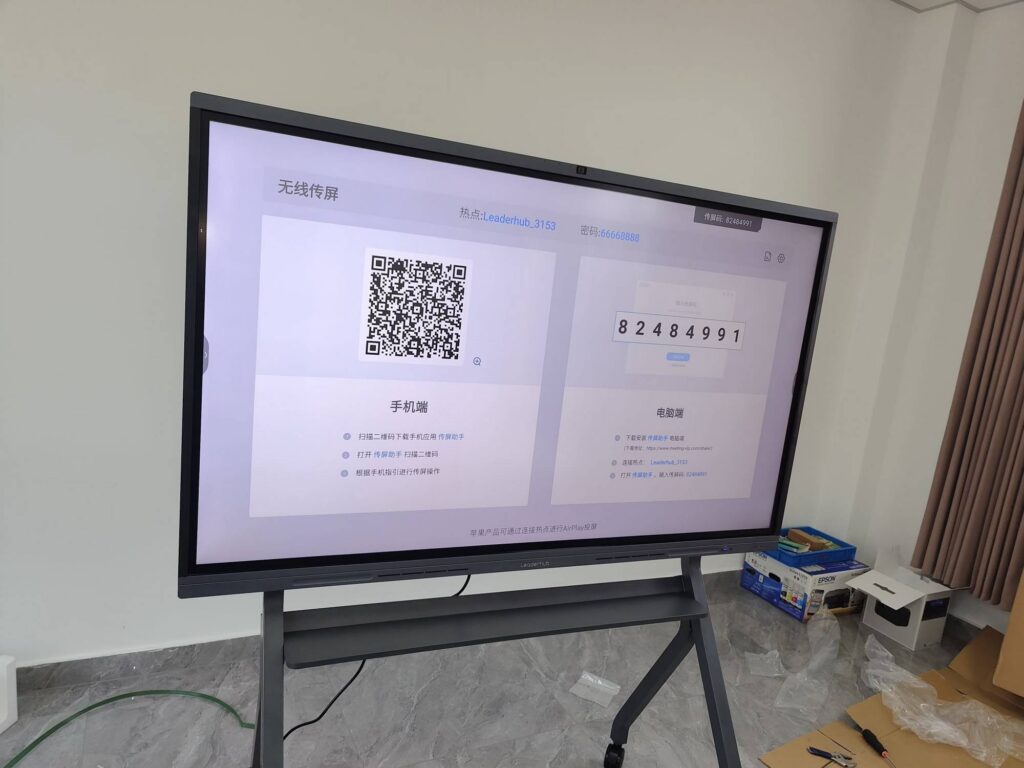
Choosing a smart board for a school district, corporate campus, or training center is no longer a simple AV purchase. For IT managers, an interactive display is a networked endpoint that must be secured, managed, patched, and supported for five to seven years. The wrong decision creates helpdesk tickets, compatibility headaches, and hidden costs; the right one becomes a quiet, reliable part of your infrastructure.
This guide breaks down the smart board purchasing considerations for IT managers into ten practical factors — from panel hardware and touch accuracy to device management, security, total cost of ownership, and vendor support. Whether you are equipping three meeting rooms or three hundred classrooms, these criteria will help you build a specification, compare vendors fairly, and justify the budget to stakeholders.
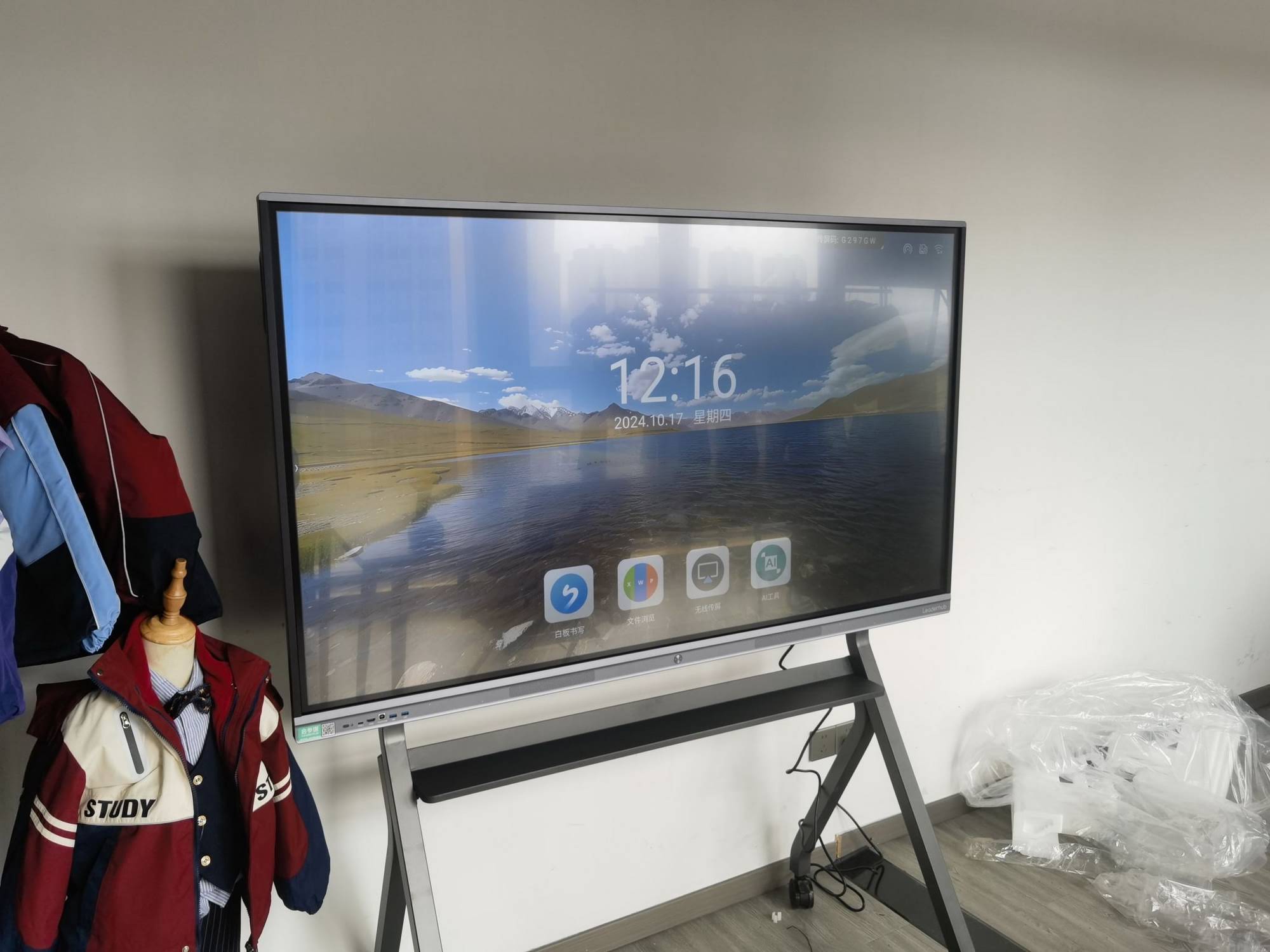
Why Smart Board Procurement Is Different for IT Teams
End users judge a smart board by how smoothly it writes and how quickly it connects. IT managers have to think several layers deeper. A modern interactive flat panel runs its own operating system, joins your Wi-Fi or wired network, stores user data, hosts third-party apps, and often connects to a Windows or Linux compute module. That makes it a device with an attack surface, a firmware lifecycle, and an asset tag.
Organizations such as ISTE’s Essential Conditions for Effective Tech Use in Schools stress that hardware alone does not deliver outcomes — infrastructure, support, and policy must be planned together. The ten factors below follow exactly that logic.
The 10 Factors at a Glance
| # | Factor | Why It Matters to IT |
|---|---|---|
| 1 | Screen Size & Resolution | Room fit, legibility, standardization across sites |
| 2 | Touch Technology | Accuracy, multi-user support, durability |
| 3 | OS & Compute Options | Android version, OPS/mini PC flexibility, upgrade path |
| 4 | Connectivity & Ports | Network integration, legacy device support |
| 5 | Device Management | Remote updates, monitoring, fleet control |
| 6 | Security & Compliance | Data protection, user privacy, policy enforcement |
| 7 | Software Ecosystem | Compatibility with Teams, Zoom, Google, LMS |
| 8 | Collaboration Features | Wireless casting, cameras, microphones, hybrid meetings |
| 9 | Total Cost of Ownership | Lifecycle cost, energy, accessories, licensing |
| 10 | Vendor Support & Warranty | SLA, spare parts, firmware roadmap, scalability |
1. Screen Size, Resolution and Room Fit
Start with the physical space, not the spec sheet. A general rule used by AV integrators is that the farthest viewer should sit no more than roughly six times the screen height away for detailed content such as spreadsheets or code. In practice this means:
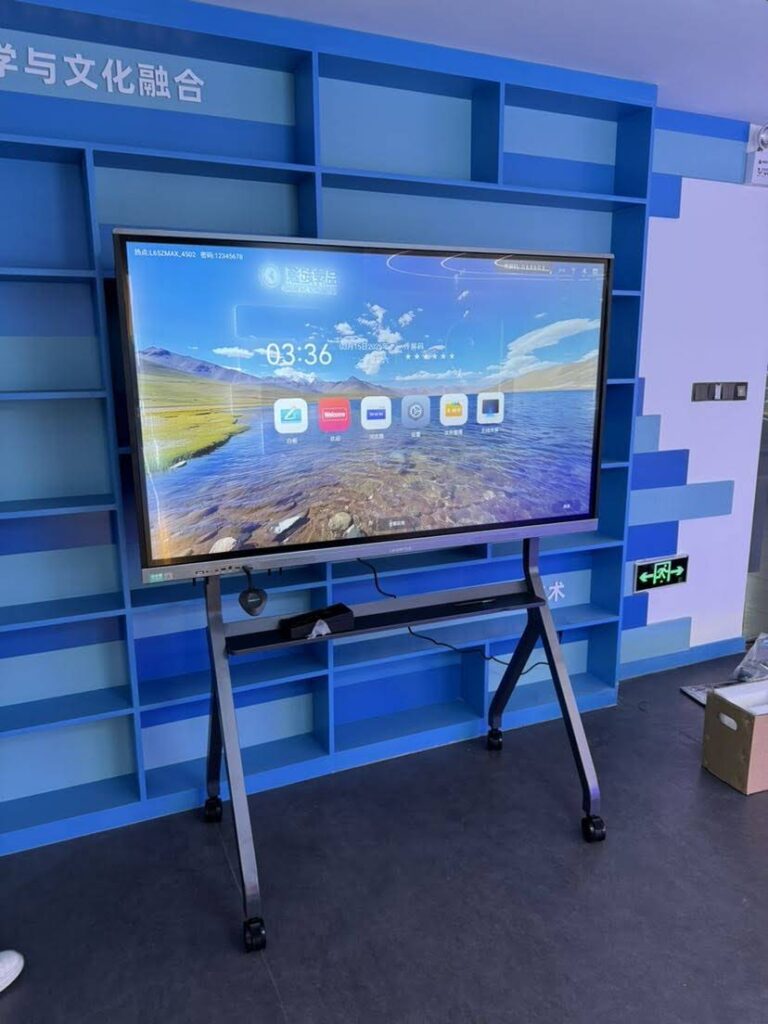
- 55″–65″ — huddle rooms, small offices, mobile carts, and breakout spaces for up to 8 people.
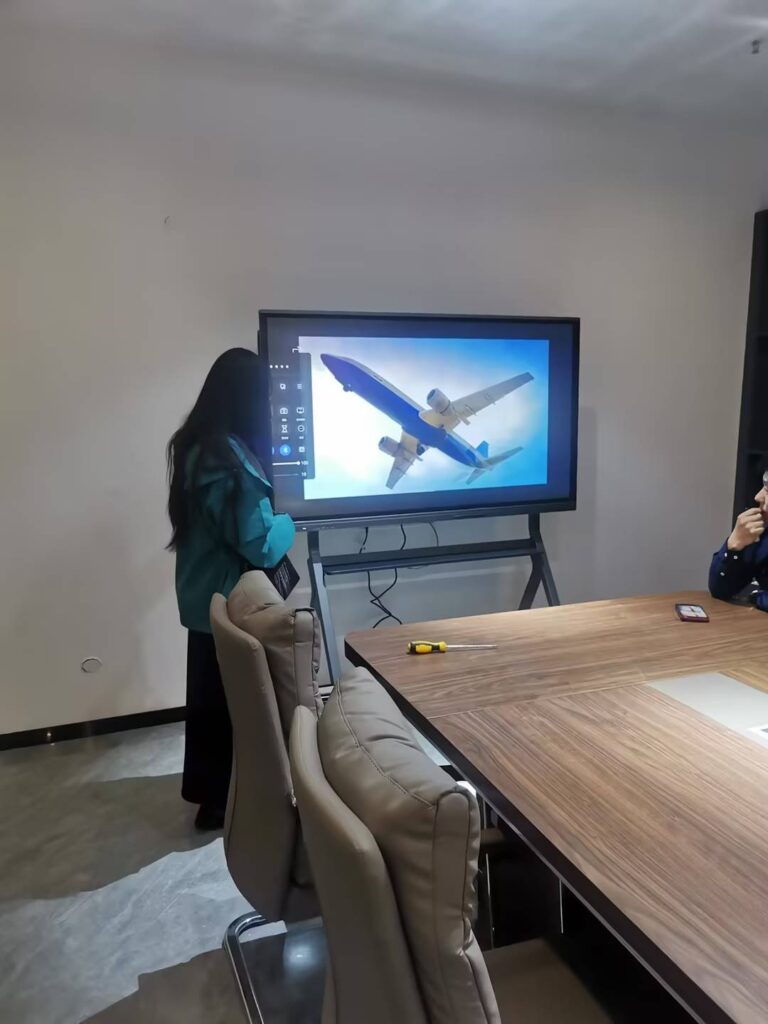
- 75″ — the sweet spot for standard classrooms and mid-size meeting rooms of 10–20 people.
- 86″ — large classrooms, lecture spaces, and boardrooms where the back row is 8+ meters away.
- 100″+ — auditoriums, training halls, and executive briefing centers.
4K UHD (3840 × 2160) should be considered the baseline in 2026. It keeps text crisp when a presenter splits the screen between a video call and a shared document, and it future-proofs the display against higher-resolution source content. Also check panel brightness (350–450 nits is adequate for most indoor spaces) and anti-glare glass if rooms have large windows.
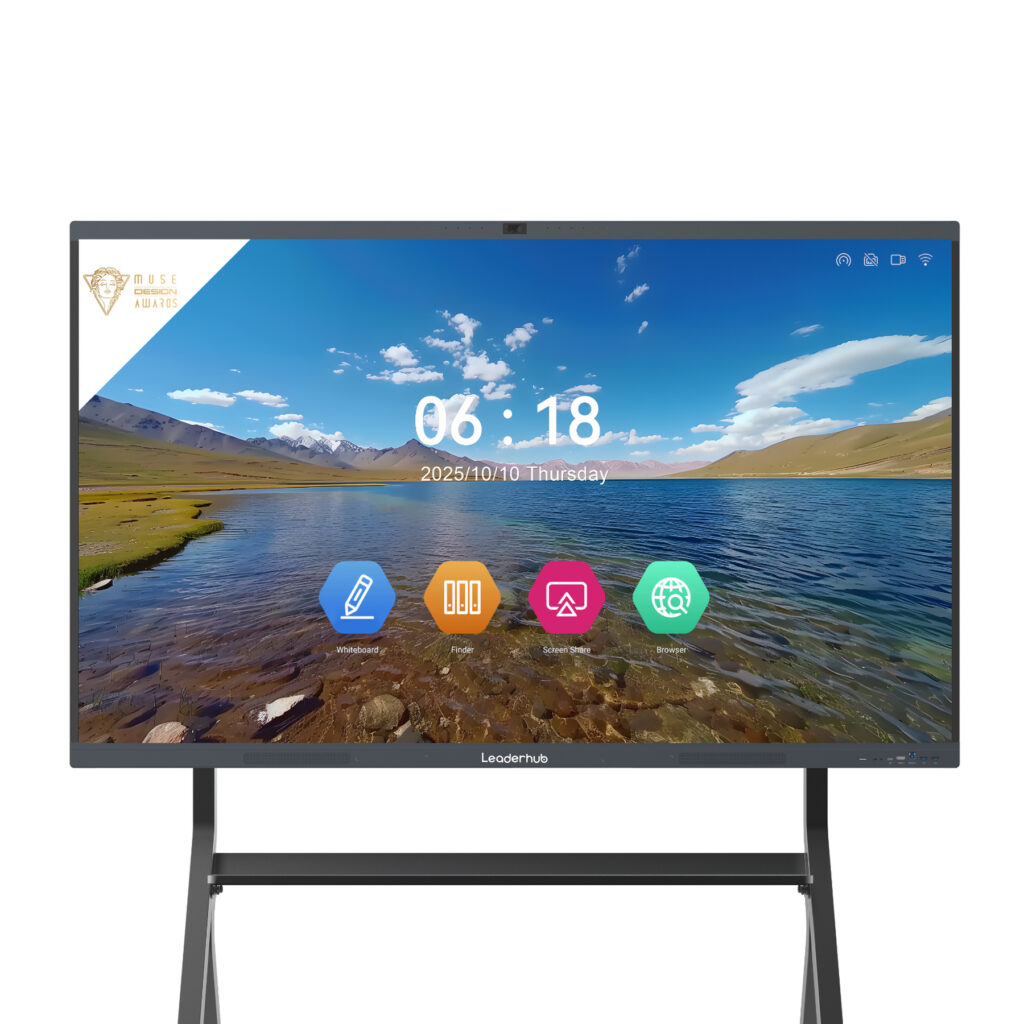
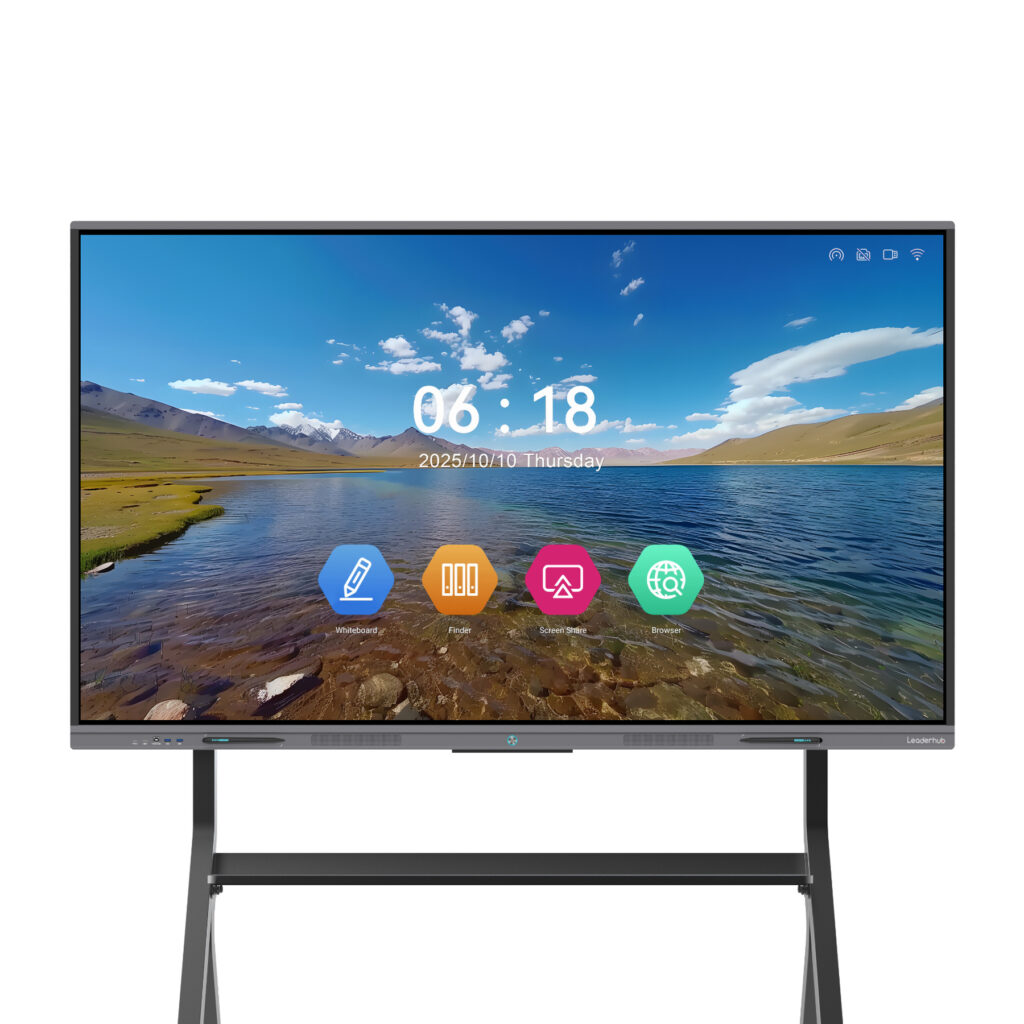
For IT managers running multi-site deployments, standardizing on two or three sizes simplifies spare-part inventories, mounting hardware, and training. Many organizations pair a 75″ panel like the Leaderhub L75ZM interactive whiteboard for classrooms with a 65″ model for smaller meeting rooms.
2. Touch Technology and Writing Experience
Touch quality is where users form their first impression, and poor touch performance is the single most common reason a smart board ends up as an expensive TV. Evaluate these aspects during a hands-on demo:
| Specification | What to Look For |
|---|---|
| Touch points | 20+ simultaneous points for multi-user classroom activities |
| Response latency | Under 8 ms so ink keeps pace with fast handwriting |
| Technology | Infrared is cost-effective and glove-friendly; capacitive offers finer precision |
| Palm rejection | Essential for natural writing without stray marks |
| Glass hardness | Mohs 7 or higher tempered glass for high-traffic environments |
| Pen and eraser | Passive pens with no batteries reduce replacement overhead |
Ask vendors whether touch firmware can be updated remotely — calibration drift over several years is a real support issue, and remote correction saves truck rolls.
3. Operating System, Processing Power and Compute Flexibility
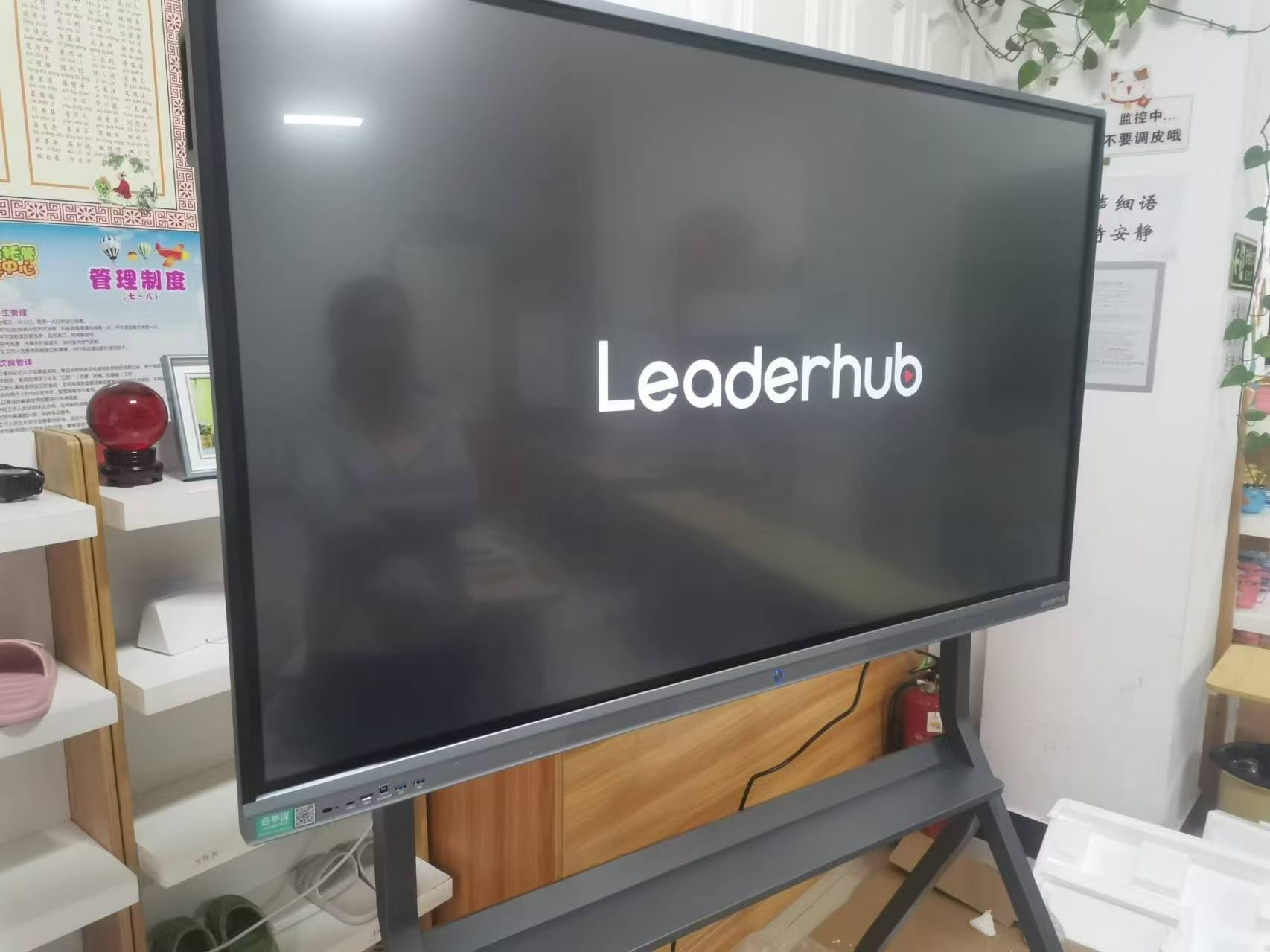
Most interactive flat panels run an embedded Android system. From an IT perspective, the version number is not a trivial detail: it determines security patch availability, app compatibility, and how long the device stays supported. Look for Android 13 or newer, at least 8 GB RAM and 64–128 GB storage, and a clear statement of how long the vendor commits to OS updates.
Equally important is the ability to add a full Windows environment. There are two common approaches:
- OPS slot — a standardized internal bay for a pluggable PC module that shares the panel’s power and display connection.
- External mini PC — a compact desktop mounted behind the panel via VESA bracket, connected over HDMI and USB-C.
The external approach is often preferred by IT teams because the compute unit can be replaced or upgraded independently of the display and managed with existing Windows tooling (Intune, SCCM, Group Policy). Pairing a panel with a dedicated unit such as the Leaderhub LP5C Mini PC with an Intel i5 processor gives presenters a familiar Windows desktop while keeping the panel’s Android layer available for quick whiteboarding.
4. Connectivity and Network Integration
A smart board that cannot join your network cleanly will never be fully adopted. Create a port and protocol checklist before issuing a request for quotation:
- Gigabit Ethernet (RJ45) with support for 802.1X authentication if your network requires it.
- Dual-band Wi-Fi 6 with enterprise WPA2/WPA3 support, not just personal PSK modes.
- Multiple HDMI 2.0 inputs plus at least one HDMI output for overflow displays or recording.
- Full-function USB-C (video, data, and 65 W+ power delivery) so a laptop connects with one cable.
- Front-facing USB ports for quick access, plus USB touch-back ports paired with each HDMI input.
- RS232 and LAN control for integration with room control systems.
- Bluetooth 5.x for peripherals and audio.
Verify how the panel behaves on a segmented network. Wireless screen sharing frequently relies on mDNS or multicast discovery, which many enterprise networks block across VLANs. Vendors who offer a hotspot mode or dongle-based casting give IT a workaround that does not weaken network policy.
5. Centralized Device Management
Once you deploy more than a handful of panels, manual maintenance stops scaling. A mobile device management (MDM) capability — whether the vendor’s own cloud console or compatibility with a third-party platform — becomes essential. Key functions to confirm:
| Management Capability | Operational Benefit |
|---|---|
| Remote firmware and OTA updates | Patch the entire fleet overnight without site visits |
| App whitelisting / kiosk mode | Prevent unauthorized installs and keep the launcher consistent |
| Scheduled power on/off | Cut energy costs and extend panel life |
| Remote screen view and troubleshooting | Resolve helpdesk tickets in minutes |
| Asset inventory and usage analytics | Prove ROI and plan future purchases with data |
| Group policies by location or department | Different settings for classrooms vs. boardrooms |
Ask whether the management console is included for the product’s lifetime or billed as an annual subscription per device. This single question can change the five-year cost comparison between two vendors by thousands of dollars.
6. Security, Privacy and Compliance
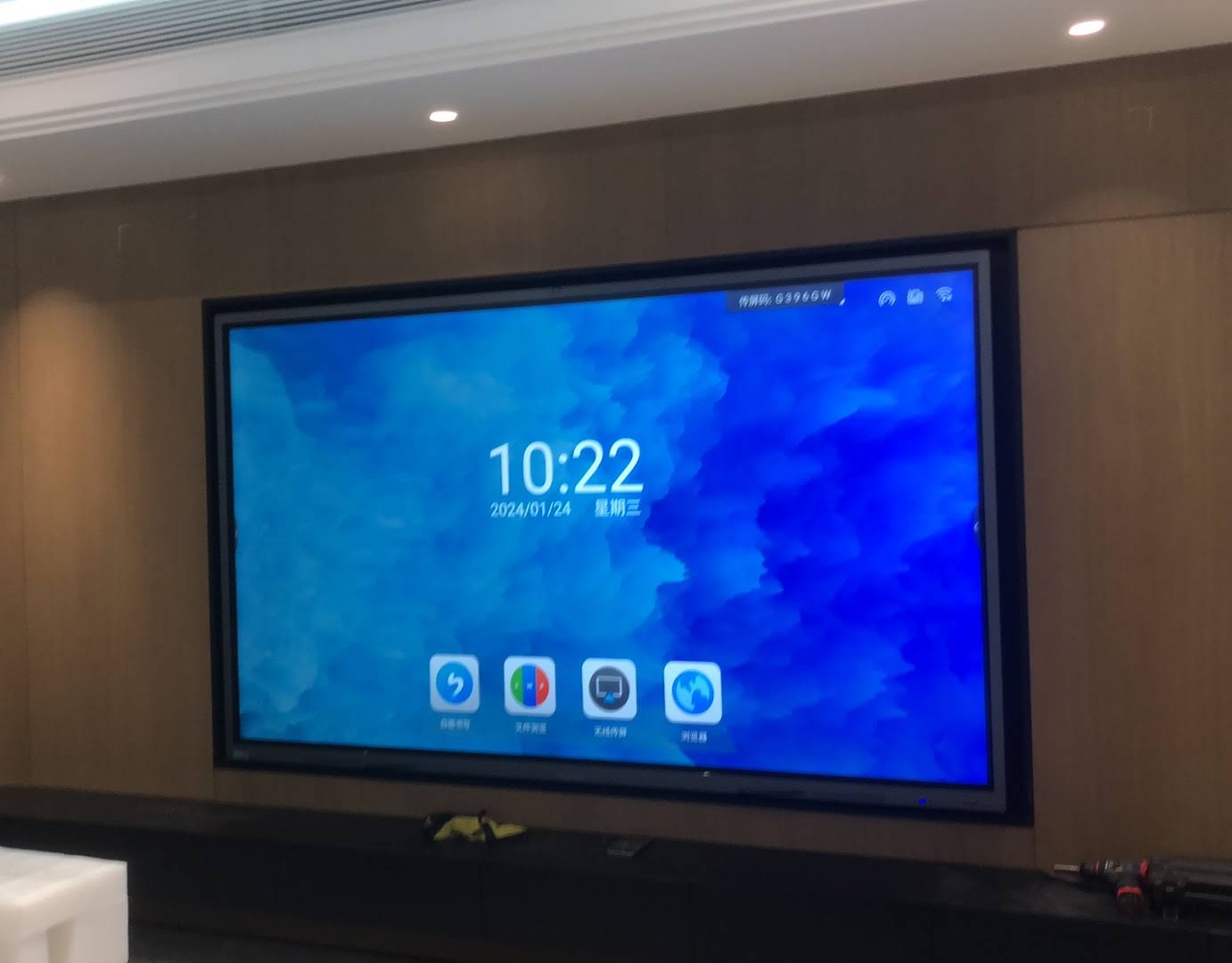
Interactive displays store whiteboard sessions, cached credentials, meeting recordings, and browsing history. In education, student data protection rules apply; in finance, healthcare, and government, panels fall under the same security review as laptops. Build these requirements into your evaluation:
- Automatic session clean-up that wipes notes, downloads, and logged-in accounts when a meeting ends.
- Encrypted local storage and encrypted wireless casting streams.
- Admin PIN or password protection for settings menus, with the option to lock USB ports.
- Guest-mode browsing that does not retain history or cookies.
- Camera and microphone physical shutters or hardware mute indicators.
- Transparent documentation of what telemetry the vendor collects and where it is stored.
Guidance such as the UNICEF framework on child protection in digital education is a useful reference for school IT leaders drafting acceptable-use and data-handling policies around shared classroom devices.
7. Software Ecosystem and Platform Compatibility
A smart board must fit the software your organization already uses rather than forcing a parallel toolset. Evaluate compatibility at three levels:
Collaboration Platforms
Confirm native or certified support for Microsoft Teams, Zoom, Google Meet, and Webex. If you plan to run these apps on the Android layer, test them on the actual panel — performance and camera integration vary widely between hardware.
Identity and Cloud Storage
Single sign-on with Microsoft 365 or Google Workspace lets users open OneDrive or Google Drive files directly on the board and save whiteboard sessions back to their own accounts, eliminating USB sticks and shared email inboxes.
Education and Productivity Tools
For schools, check integration with the learning management system and popular whiteboard apps. For businesses, confirm that the built-in whiteboard exports to PDF, image, and common collaboration canvases. Reviews like the EdTech Magazine guide to choosing an interactive display for K-12 emphasize that software fit, not screen size, is what determines daily usage rates.
8. Collaboration and Hybrid Meeting Features
Hybrid work and blended learning have made the camera, microphone array, and speaker system as important as the display itself. Features worth prioritizing include:
- Wireless screen sharing from Windows, macOS, iOS, Android, and Chrome OS without installing drivers, with support for 4+ simultaneous split-screen sources.
- Integrated 4K camera with auto-framing so remote participants see the whole room, or a standardized USB camera mount if you prefer a separate device.
- Far-field microphone array with echo cancellation rated for the room size.
- Front-firing speakers of at least 2 × 15 W for medium rooms.
- Touch-back so presenters can control a connected laptop from the panel.
- Screen recording and QR-code sharing so meeting notes reach every participant instantly.
Rotating and mobile panels add another layer of flexibility. A portrait-capable display is ideal for document review, vertical video, and digital signage between meetings, while a battery-powered unit such as the Leaderhub U55Pro mobile interactive flat panel can move between spaces without re-cabling. For an overview of these form factors, browse the rotating screen collection.
9. Total Cost of Ownership Over the Full Lifecycle
The purchase price of the panel is typically only 55–70% of its five-year cost. A realistic TCO model should include the following line items:
| Cost Category | Typical Items | Questions to Ask Vendors |
|---|---|---|
| Hardware | Panel, compute module, camera, pens | What is bundled vs. optional? |
| Installation | Wall mounts, mobile stands, cabling, labor | Is the mount included? Is the panel VESA standard? |
| Software | Management console, whiteboard app, casting licenses | Perpetual or subscription? Per device or per site? |
| Energy | Power consumption × operating hours | Does it support scheduled shutdown and eco mode? |
| Support | Extended warranty, on-site service, spare parts | What is the standard warranty term and response time? |
| Training | Staff onboarding, documentation | Are training resources provided free of charge? |
Panels with a straightforward feature set and no mandatory software subscriptions frequently deliver the lowest TCO. The Leaderhub ZM series, for example, starts at $1,099 for a 65″ 4K model and scales to 86″ at $1,699, making it practical to equip an entire floor or school building within a single budget cycle. The OECD’s analysis of digital transformation in school education notes that sustainable funding and maintenance planning are among the strongest predictors of long-term EdTech success.
10. Vendor Reliability, Warranty and Scalability
Finally, evaluate the company behind the product. A smart board is a five-to-seven-year relationship, and the vendor’s stability matters as much as the current spec sheet. Useful due-diligence questions include:
- How many years has the manufacturer been producing interactive displays, and in how many markets?
- What is the standard warranty, and can it be extended to match your refresh cycle?
- Is there a published firmware roadmap and end-of-support policy?
- Are spare parts (glass, power boards, pens) available for at least five years after purchase?
- Does the vendor offer OEM/ODM customization for large-volume deployments?
- Can they provide reference customers in your sector — education, enterprise, or government?
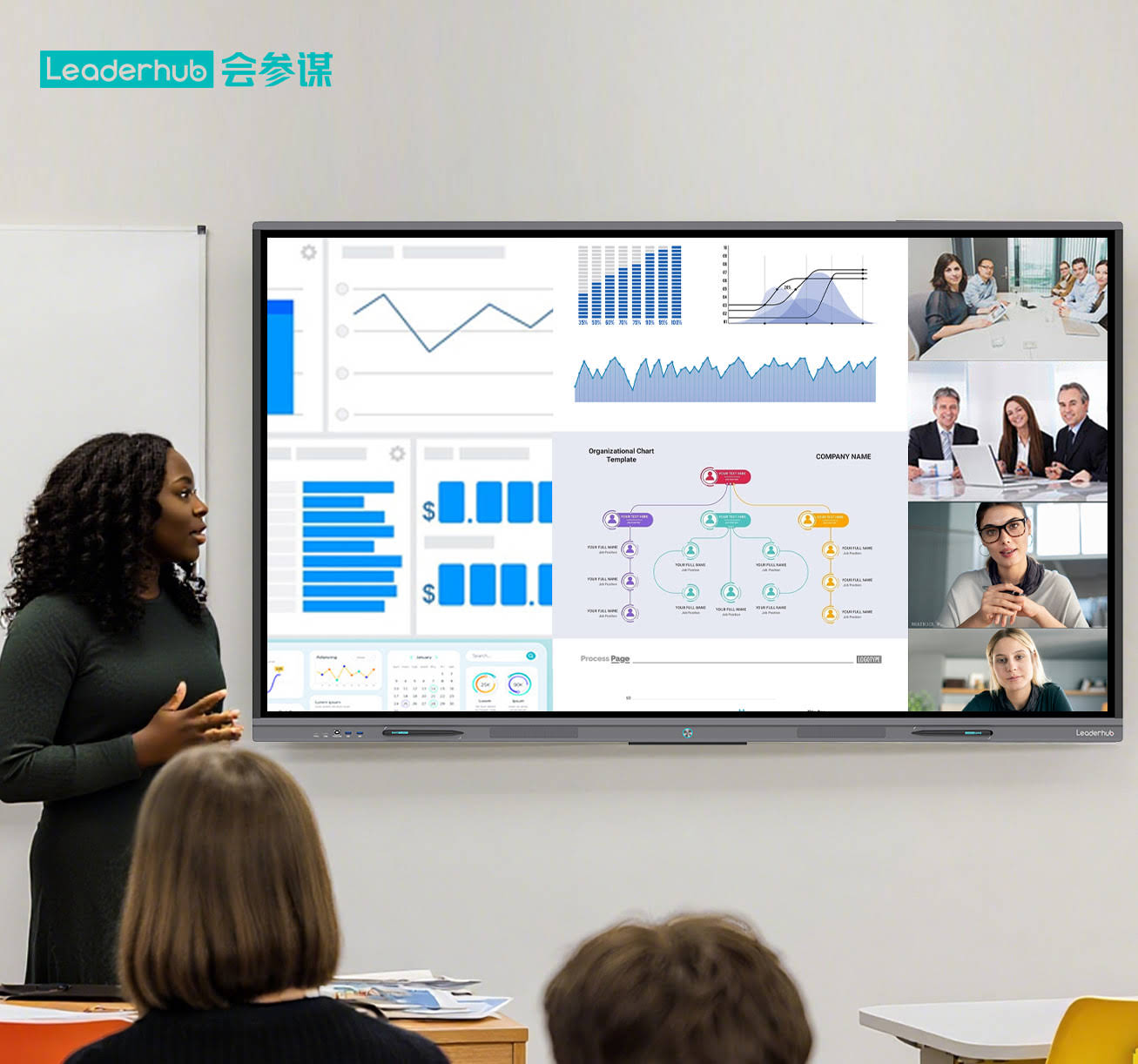
Leaderhub is a Shenzhen-based interactive display manufacturer with 16 years of industry experience, delivering smart whiteboards, interactive flat panels, mini PCs, and portable smart screens to customers in 82 countries, and holding strategic partnerships across finance, internet, education, training, and government sectors. That kind of track record is a reasonable baseline to expect from any shortlisted supplier.
Matching the Right Smart Board to Each Environment
Once the ten factors are scored, the final step is mapping models to rooms. The table below shows how a typical mixed deployment might be structured using the Leaderhub smart whiteboard range:
| Environment | Recommended Size | Suggested Model | Price |
|---|---|---|---|
| Huddle room / small office | 65″ | L65ZM Interactive Whiteboard | $1,099 |
| Standard classroom | 75″ | L75HM Smart Whiteboard | $1,599 |
| Boardroom / executive suite | 75″ | L75H Pro Interactive Flat Panel | $2,399 |
| Lecture hall / large training room | 86″ | L86ZM Interactive Whiteboard | $1,699 |
| Auditorium / briefing center | 110″ | L110H Interactive Flat Panel | $7,999 |
| Flexible / shared spaces | 55″ mobile | U55Pro Mobile 4K Smart Display | $2,499 |
For rooms that require a full Windows environment, add a compact compute unit from the mini PC range — the entry-level LP1C with Intel N100 is sufficient for presentations and browsing, while the AD8 handles heavier workloads such as CAD review or multi-stream video.
IT Manager’s Pre-Purchase Checklist
Use this condensed checklist in vendor meetings and pilot evaluations:
- Room survey completed with viewing distances and ambient light measured.
- 4K resolution, 20+ touch points, and sub-8 ms latency confirmed in a live demo.
- Android version and update commitment documented in writing.
- Network requirements (802.1X, VLAN behavior, casting protocols) tested on your infrastructure.
- MDM capabilities verified, including licensing model and cost.
- Security review passed: session wipe, encryption, admin lock, camera shutter.
- Teams / Zoom / Google Meet and SSO tested on the actual panel.
- Five-year TCO model built, including mounts, software, energy, and support.
- Warranty terms, spare-parts availability, and reference customers obtained.
- Pilot deployment of 2–5 units scheduled before the full rollout.
Frequently Asked Questions
How long should a smart board last in a commercial or school environment?
A quality interactive flat panel is typically rated for 50,000 hours of backlight life, which translates to roughly 7–10 years at normal office or classroom usage. Most organizations plan a 5–7 year refresh cycle to stay aligned with software support windows.
Should I choose a built-in OPS PC or an external mini PC?
External mini PCs give IT teams more flexibility: they can be upgraded independently, swapped in minutes if they fail, and managed with the same tools used for laptops. OPS modules offer a cleaner single-cable installation. If your organization already standardizes on Windows device management, an external unit is usually the easier choice.
Do smart boards work on a segmented enterprise network?
Yes, but wireless casting features often rely on discovery protocols that do not cross VLANs. Panels that support a built-in hotspot, dongle-based casting, or manual IP/PIN connection handle segmented networks far better. Always test on your production network during the pilot.
What is the most overlooked cost in smart board procurement?
Recurring software licenses for management consoles and collaboration apps. Some vendors bundle these for life; others charge annually per device. Over five years and 100 panels, the difference can exceed the cost of the hardware itself.
Is 4K really necessary for a 65″ panel?
For whiteboarding alone, 1080p is acceptable, but as soon as users split the screen between a video call and shared documents, 4K becomes noticeably sharper. Given the minimal price difference in 2026, 4K is the sensible default.
Final Thoughts
The best smart board for your organization is the one that disappears into daily work — teachers and presenters simply walk up and use it, while IT monitors and maintains it from a single console. Reaching that outcome requires weighing display quality, touch performance, compute flexibility, network integration, security, management, software fit, collaboration tools, lifecycle cost, and vendor reliability together rather than in isolation.
Run a structured pilot, score each factor, and document the results before committing to a fleet-wide rollout. If you would like a specification review or volume pricing for an education or enterprise deployment, contact the Leaderhub team or explore the full product lineup to start building your shortlist.