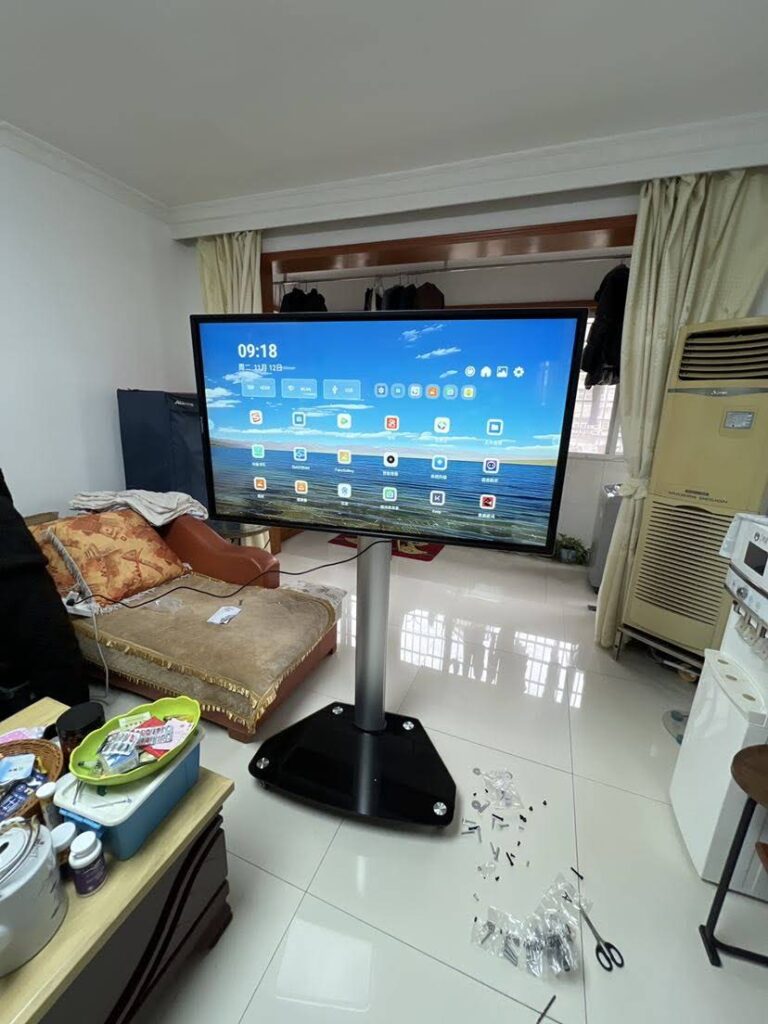
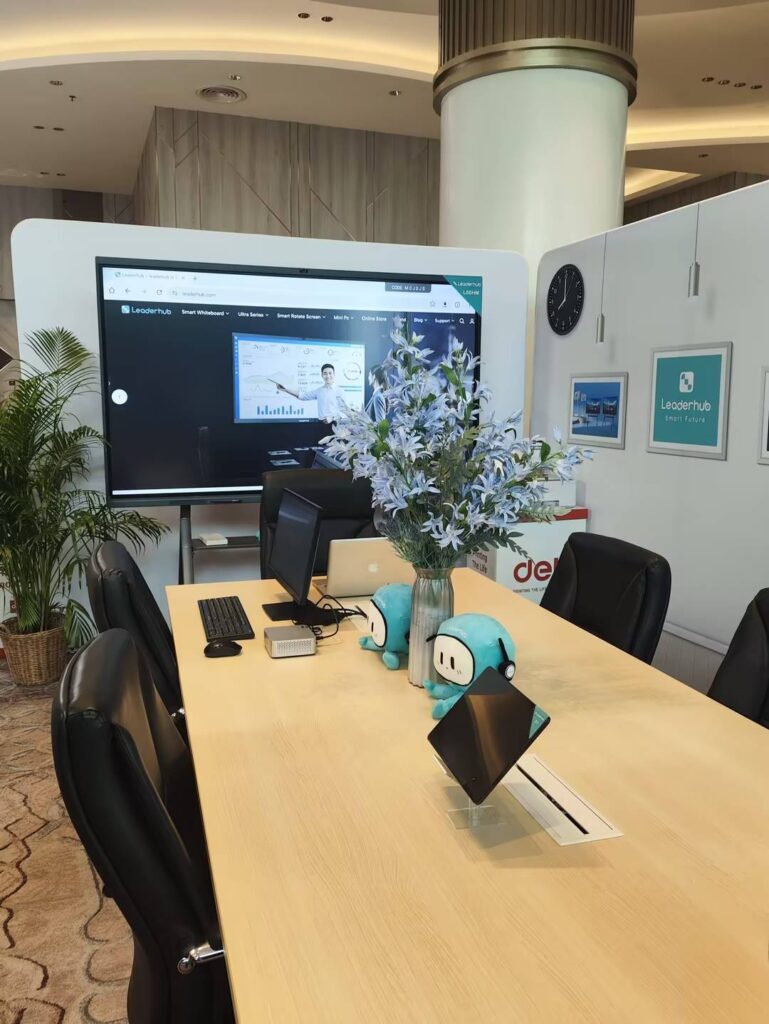
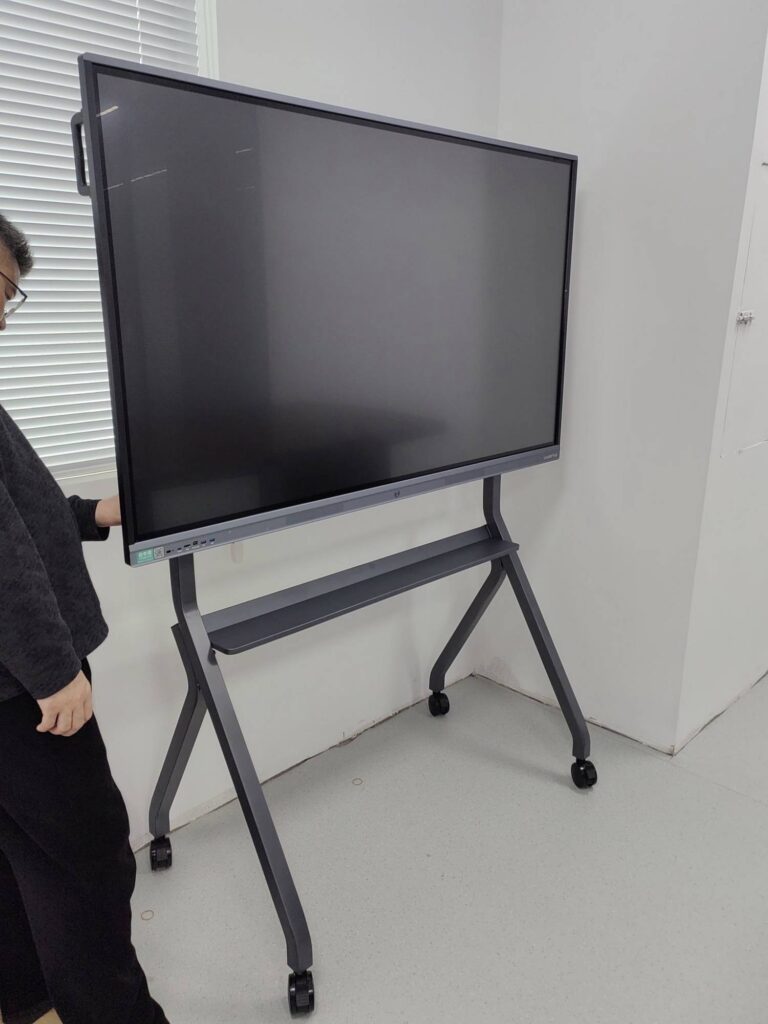
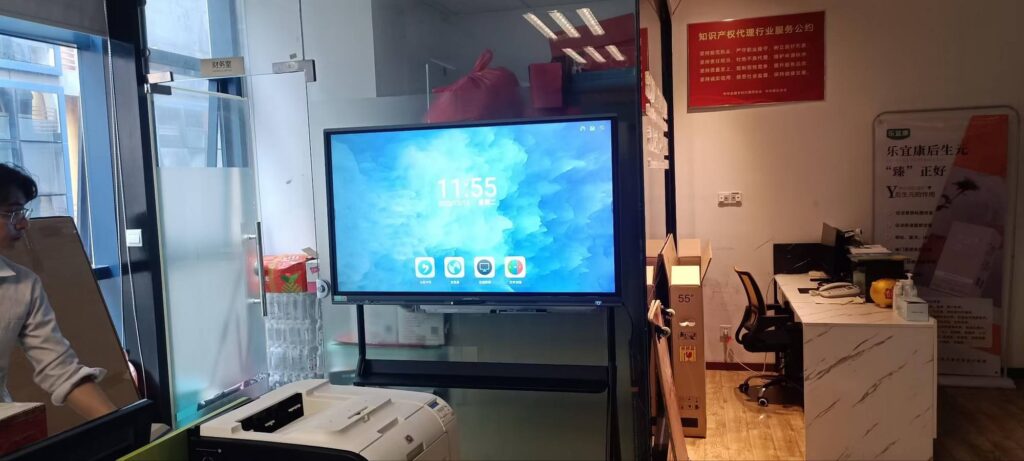
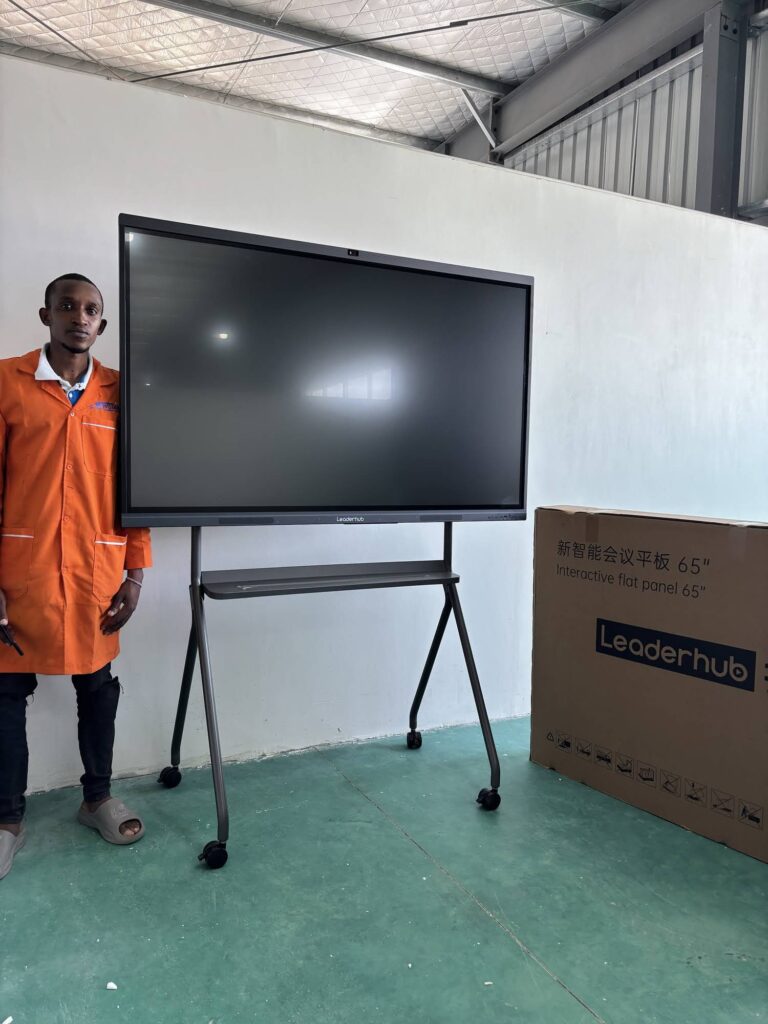
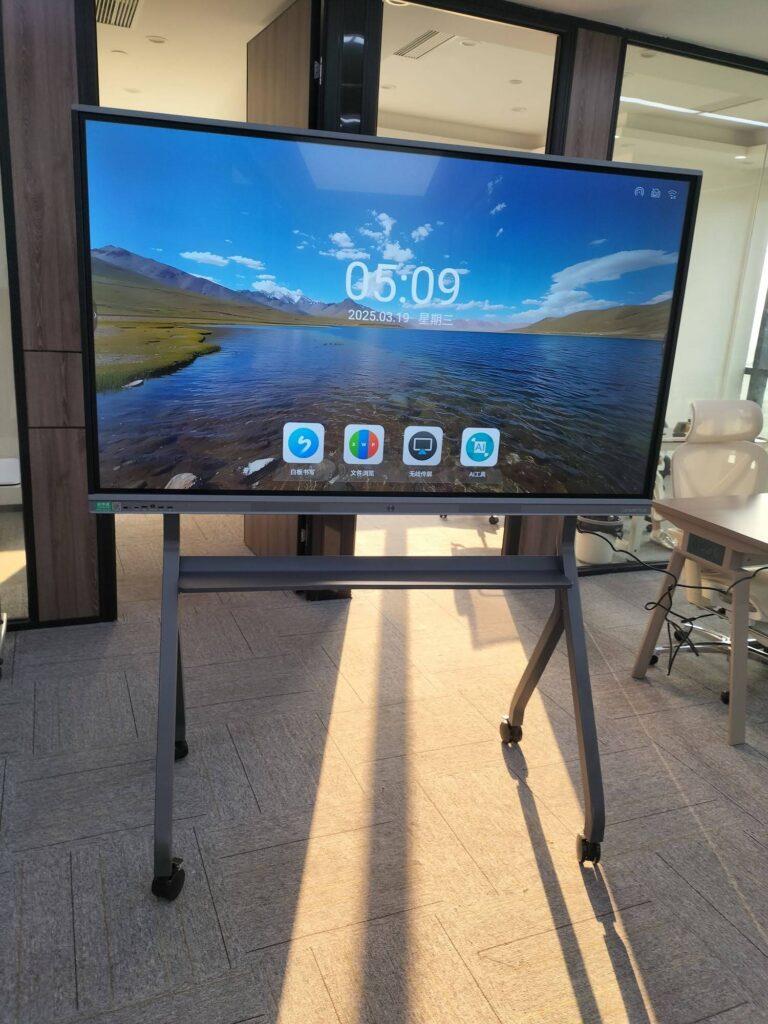
Your thesis defense is the moment years of research get compressed into a 20- to 40-minute presentation followed by tough committee questions. The display you present on quietly shapes how clearly your data reads, how smoothly you move between slides and supplementary material, and how confidently you handle on-the-spot explanations. A smart board for graduate thesis presentations is no longer a luxury reserved for corporate boardrooms. Interactive displays are now common in seminar rooms, research labs, and even home offices of doctoral candidates who rehearse before the big day. This guide walks you through what actually matters when choosing one, so you can focus on your argument rather than your equipment.
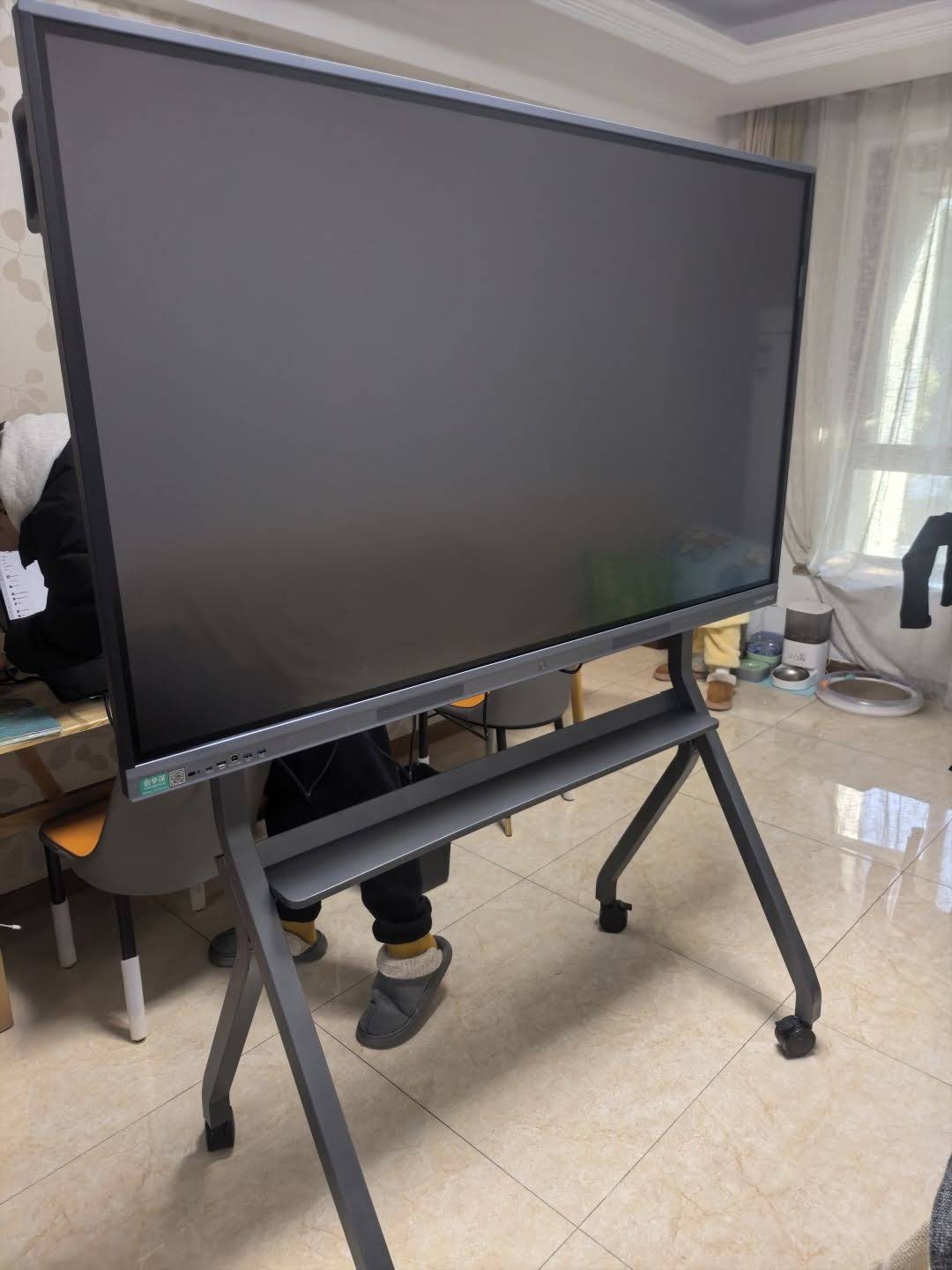
Why a Smart Board Changes the Dynamics of a Thesis Defense
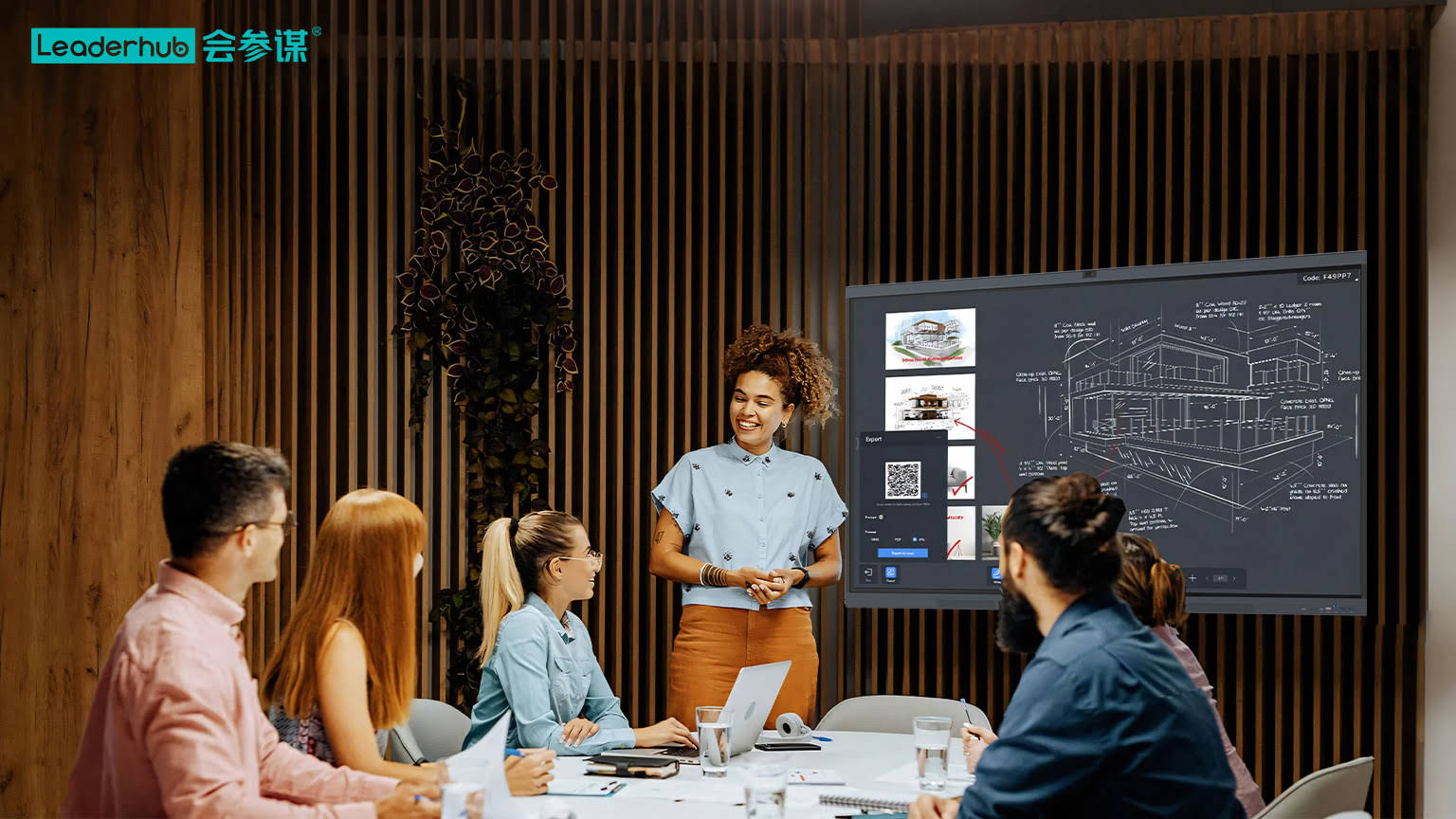
A traditional projector-and-laptop setup locks you into a linear slide deck. When a committee member asks you to revisit Figure 3 and compare it against your supplementary regression table, you end up fumbling through windows while everyone waits. An interactive display turns that awkward pause into a natural part of the discussion. You tap, zoom, annotate directly on your chart, and sketch a quick diagram to clarify a methodological choice.
Research summarized in the Interactive Displays in Education literature shows that touch-enabled large screens increase audience engagement and comprehension in academic settings, particularly when complex visual material is involved. For a defense, this translates into three practical benefits:
- Clarity of data visualization — 4K resolution and anti-glare glass make small-font tables, dense plots, and microscopy images legible from the back of the room.
- Flexibility during Q&A — switch between your slides, a PDF of your dissertation, raw datasets, and a blank whiteboard canvas within seconds.
- Hybrid-ready committees — external examiners joining remotely see the same annotated content in real time through built-in cameras and conferencing software.
Key Features to Evaluate Before You Buy
Screen Size and Viewing Distance
Most defense rooms seat 5 to 25 people. A 65-inch panel works well for small committee rooms where viewers sit within four meters. A 75-inch display is the sweet spot for standard seminar rooms, while 86-inch and larger panels suit lecture halls or public defenses that draw a department-wide audience. Oversizing is rarely a problem; undersizing forces you to shrink content and strains readability.
Resolution and Panel Quality
Insist on 4K UHD (3840 × 2160). Dissertation figures often contain fine gridlines, confidence intervals, and multi-panel layouts. A 1080p panel at 75 inches shows visible pixelation up close, which undermines the professional impression you want to make. Look also for high brightness (350 nits or more) and wide viewing angles so committee members seated at the side of the table see accurate color.
Touch Precision and Pen Latency
Annotation is where smart boards earn their keep during a defense. Infrared or capacitive touch with 20 or more simultaneous points lets you gesture and write naturally. Low pen latency (under 10 ms) means your handwriting appears exactly where and when you expect it. Palm rejection prevents stray marks when you rest your hand on the glass.
Connectivity and Wireless Screen Sharing
You may bring a Windows laptop, a MacBook, or an iPad loaded with your presentation. The display should support HDMI, USB-C with power delivery, and wireless casting from all major platforms. Dual-system designs that combine an Android interface with a built-in or slot-in Windows module are especially convenient, since you can run native statistical software directly on the board without any cables at all. Many candidates pair their panel with a compact mini PC so the full desktop environment is always available on the screen.
Camera, Microphone, and Hybrid Support
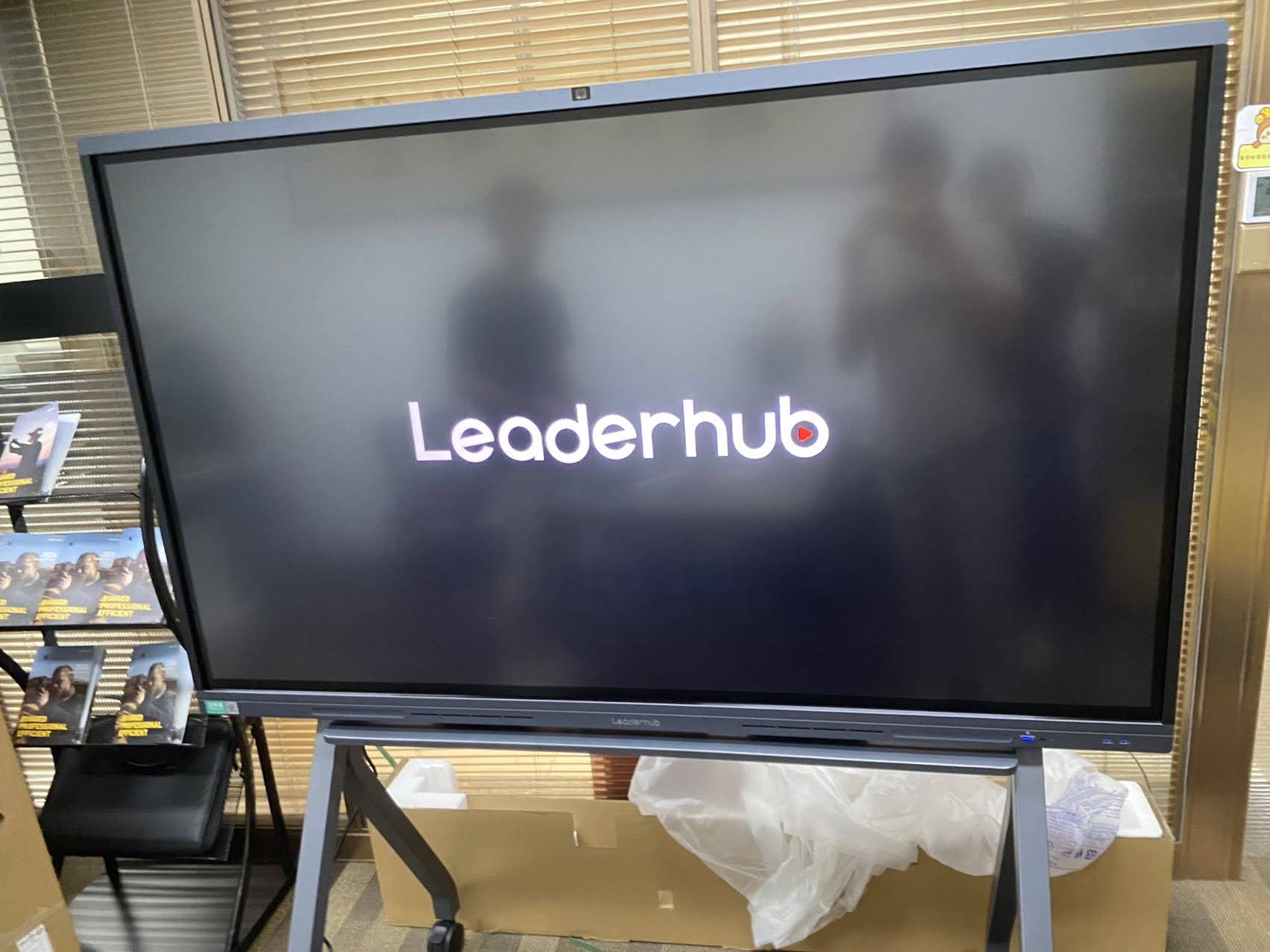
External examiners increasingly attend remotely. A smart board with an integrated 4K camera, far-field microphone array, and native support for Zoom, Teams, or Google Meet removes the need for a separate webcam rig. The remote participant sees you, the board, and your annotations in a single view.
Matching Display Size to Your Defense Room
| Room Type | Typical Audience | Recommended Size | Ideal Viewing Distance |
|---|---|---|---|
| Committee office / small meeting room | 3–8 people | 55″–65″ | 2–4 m |
| Department seminar room | 8–20 people | 75″ | 3–6 m |
| Lecture hall / public defense | 20–60 people | 86″–110″ | 5–10 m |
| Home rehearsal / mobile practice | 1–3 people | 24″–27″ portable screen | 0.5–2 m |
Interactive Display Options for Graduate Candidates and Departments
Budget realities differ enormously between a doctoral candidate buying a personal rehearsal screen and a graduate school equipping ten defense rooms. The table below highlights representative models across those scenarios.
| Model | Size | Best Use in a Defense Context | Price |
|---|---|---|---|
| L65ZM Interactive Whiteboard | 65″ 4K | Entry-level committee room; strong value for departments on tight budgets | $1,099 |
| L75HM Smart Whiteboard | 75″ 4K | Standard seminar room; rotatable design handles portrait-format posters and long tables | $1,599 |
| L86ZM Interactive Whiteboard | 86″ 4K | Large seminar rooms and public defenses with 20+ attendees | $1,699 |
| U55Pro Mobile Interactive Flat Panel | 55″ 4K | Shared across multiple rooms on a mobile stand; ideal for departments without a fixed defense venue | $2,499 |
| L277M Smart Rotating Screen | 27″ touch, battery-powered | Personal rehearsal, supervisor meetings, and annotating drafts at home | $899 |
| U24M Handheld Smart Screen | 24.5″ Android 14, battery | Carry-anywhere practice display for timing run-throughs and reviewing figures | $699 |
If you are comparing several panels at once, the complete smart whiteboard collection lists specifications side by side, and the rotating screen range covers the portable options for individual researchers.
How to Prepare Your Defense on an Interactive Display
Owning the right hardware is only half the equation. The following workflow helps you exploit the board’s strengths without introducing new risks on defense day.
- Load everything locally. Save your slides, dissertation PDF, datasets, and backup videos on the board’s internal storage or a connected mini PC. Do not rely on campus Wi-Fi during the defense.
- Build a “jump menu” slide with hyperlinks to each chapter’s key figure so you can navigate instantly when questioned.
- Pre-open a blank whiteboard canvas in a second tab for impromptu derivations or conceptual diagrams.
- Test wireless casting from the exact laptop or tablet you will use, and keep an HDMI or USB-C cable as a fallback.
- Rehearse with the annotation pen at least three times so your handwriting on glass looks controlled rather than hurried.
- If examiners join remotely, run a full hybrid rehearsal to confirm camera framing, audio pickup, and screen-share quality.
- Save and export annotated screenshots after the defense; they become a useful record when you address committee revisions.
Smart Board vs. Projector for a Thesis Defense
| Criterion | Interactive Smart Board | Projector + Laptop |
|---|---|---|
| Image quality in a lit room | Bright 4K, no washout | Requires dimmed lights; colors fade |
| Live annotation | Direct on-screen writing and markup | Not possible without extra devices |
| Setup time | Under 2 minutes, wireless | 5–15 minutes, cable and focus adjustment |
| Hybrid committee support | Built-in camera and microphones | Separate webcam and speaker needed |
| Maintenance | No bulbs or filters | Lamp replacement and dust cleaning |
Common Mistakes Candidates Make with Presentation Technology
- Choosing a screen too small for the room, then shrinking fonts until tables become unreadable.
- Over-annotating during Q&A, which can look nervous; use the pen for targeted clarification, not constant doodling.
- Skipping the compatibility test between a MacBook and the board’s casting protocol.
- Ignoring the OECD Digital Education Outlook principle that technology should serve pedagogy — the board supports your argument; it does not replace it.
- Forgetting that UNESCO’s Technology in Education Report emphasizes appropriate, well-integrated use — a defense that leans on gimmicks distracts from the research.
Frequently Asked Questions
Do I need a smart board if my university already provides one?
Many graduate schools provide interactive panels in official defense rooms, but availability for rehearsal is often limited. A personal portable touch screen lets you practice annotation workflows and timing at home, so the official board feels familiar on the day.
Which operating system is best for academic presentations?
Dual-system panels give you the most flexibility. The Android side handles quick whiteboarding and wireless casting, while a Windows module or connected mini PC runs LaTeX viewers, R, Python notebooks, SPSS, or MATLAB natively on the large screen.
Can I present a portrait-format poster or long dataset on a smart board?
Yes, if you choose a rotating model. A panel that pivots to portrait orientation displays posters, long spreadsheets, and vertical timelines without wasted space on the sides.
How should a department budget for defense-room displays?
Prioritize one 75-inch panel in the most-used seminar room, then add a mobile 55-inch unit that can travel between smaller offices. This covers the majority of defense formats without purchasing a fixed panel for every room.
Final Recommendation
The best smart board for graduate thesis presentations is the one that disappears into the background: bright enough to show every data point, responsive enough that annotation feels like writing on paper, and connected enough that any device in the room can share instantly. For most seminar rooms, a 75-inch 4K rotatable panel with wireless casting and an integrated camera is the balanced choice; individual candidates benefit from a battery-powered 24- to 27-inch touch screen for rehearsal and supervisor meetings.
LeaderHub, a Shenzhen-based manufacturer with 16 years of interactive-display expertise serving education and enterprise customers in 82 countries, designs its smart whiteboards, rotating screens, and mini PCs around exactly these academic and professional presentation needs. If you would like help matching a display to your defense room layout, audience size, or hybrid committee requirements, contact the team or browse the full product range to compare specifications before you decide.