Ask a group of teachers, IT managers, or small-business owners whether smart board software is free and you will get three different answers: “yes, it came with the board,” “no, we pay every year,” and “it depends on what you want to do.” All three are correct. The honest answer is that most interactive displays ship with free core software, but the premium, brand-specific suites that many schools rely on are now subscription-based. This guide breaks down exactly what is free, what costs money, which free tools are worth your time, and how to decide what your classroom or meeting room truly needs before you spend a cent on licenses.
The Short Answer: Is Smart Board Software Free?
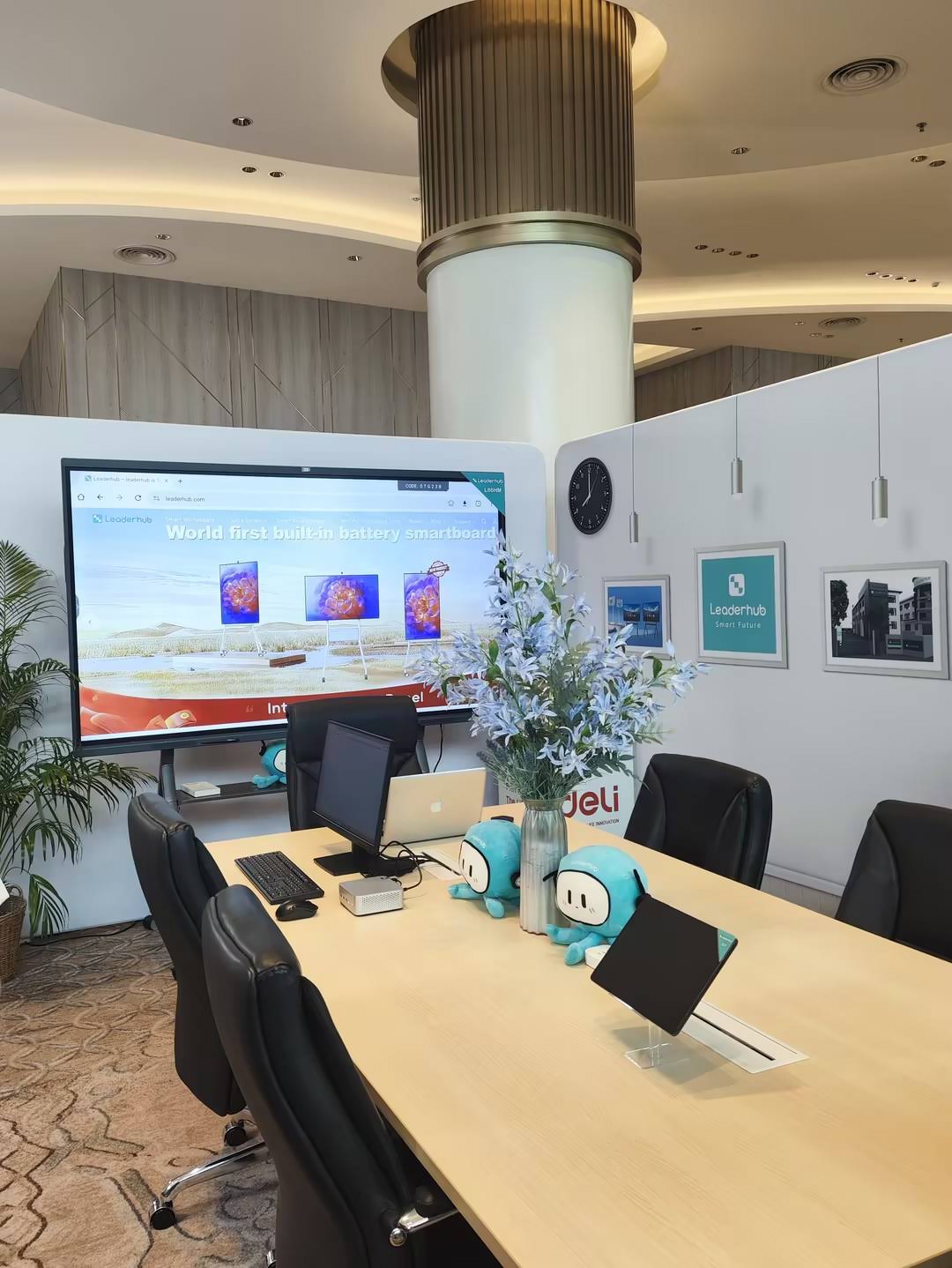
Partly. Every modern smart board runs some software layer that is included in the hardware price, and you will never be charged for it. Where confusion starts is with optional ecosystems: cloud lesson libraries, advanced annotation suites, device-management dashboards, and classroom-response tools. These are typically sold as annual plans, and some brands have moved features that used to be free behind a paywall.
- Always free: the operating system, the built-in whiteboard app, screen mirroring, and basic file viewers that come preloaded on the panel.
- Free with limits: cloud whiteboards and lesson tools that offer a no-cost tier with caps on boards, storage, or collaborators.
- Paid: full-featured branded learning suites, enterprise device management, and advanced video-conferencing room licenses.
What “Smart Board Software” Actually Means
The phrase covers several very different layers, and the pricing model changes at each one. Understanding the stack helps you see where the money really goes.
| Software Layer | What It Does | Typically Free? |
|---|---|---|
| Operating system | Android or Windows that powers the panel itself | Yes, included with hardware |
| Built-in whiteboard app | Writing, erasing, shapes, saving and sharing notes | Yes, preloaded |
| Screen sharing / casting | Wireless mirroring from laptops, tablets and phones | Usually free; some brands charge for multi-user versions |
| Branded lesson suites | Interactive lesson creation, quizzes, cloud libraries | Free trial or basic tier; full version is a subscription |
| Device management | Remote updates, app control and monitoring across many panels | Free for small fleets; paid at scale |
| Third-party apps | Zoom, Teams, Miro, Canva and other apps installed from a store | Depends on the app’s own plan |
Best Free Smart Board Software Options
If your budget stops at the hardware, you still have excellent choices. The tools below run on most Android or Windows-based interactive panels and cost nothing for the core experience.
1. The Whiteboard App Built Into Your Panel
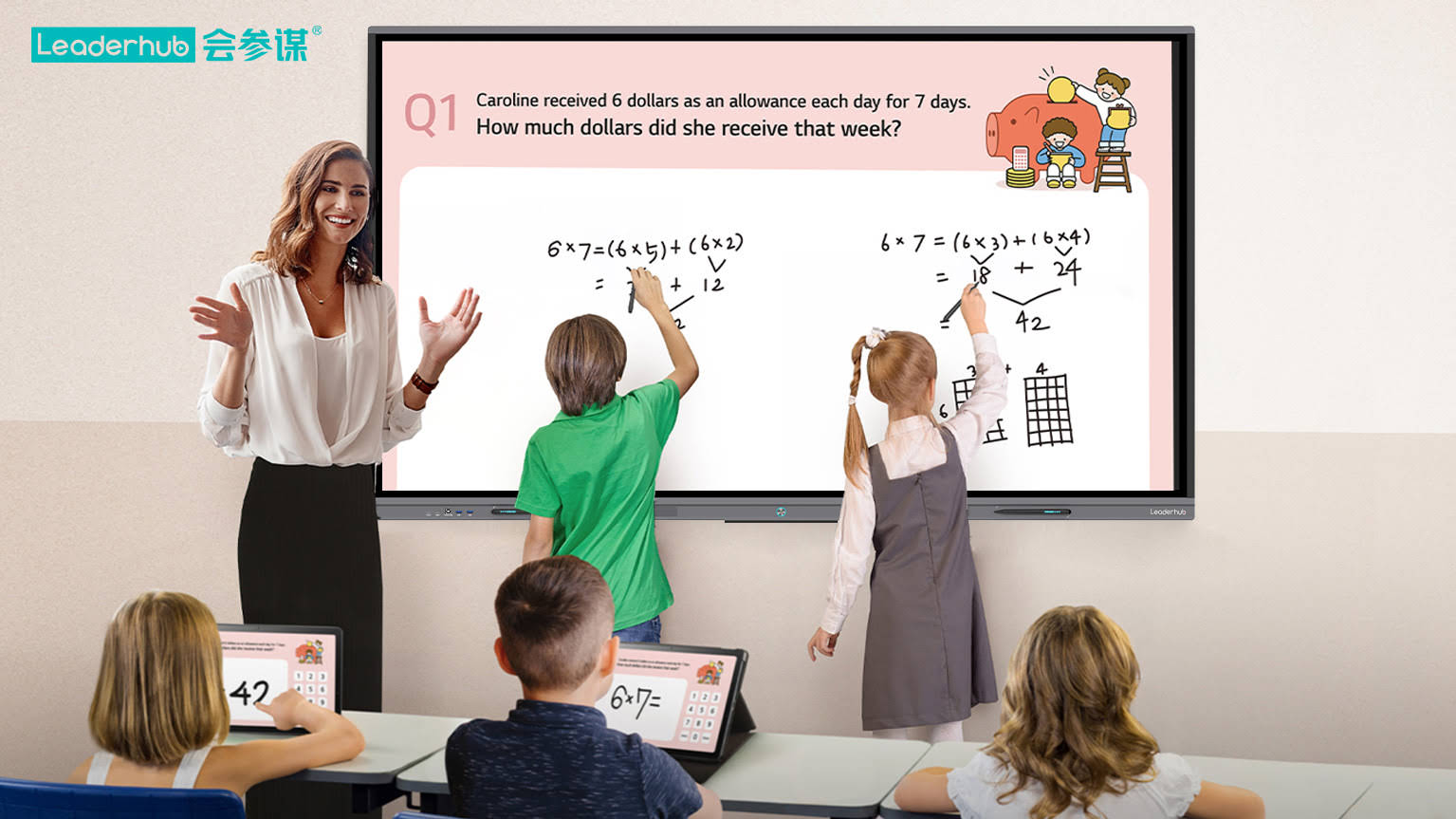
This is the option most buyers overlook. Android-based interactive flat panels ship with a native whiteboard that supports multi-touch writing, infinite canvas, shape recognition, image import, and QR-code sharing of your notes. For daily teaching and meeting-room brainstorming, the built-in app covers roughly 80% of real-world use with zero licensing.
2. Microsoft Whiteboard
Free with any Microsoft account, it syncs across the panel, laptops and phones, and integrates with Teams meetings. A strong pick for organizations already living in Microsoft 365.
3. OpenBoard
An open-source teaching whiteboard for Windows, macOS and Linux. It is lightweight, ad-free, and purpose-built for classrooms. If you connect a mini PC to your panel, OpenBoard turns it into a fully featured lesson board for free.
4. Canva Whiteboards and FigJam
Both offer generous free tiers with templates, sticky notes, and real-time collaboration. Canva is popular with educators thanks to its free-for-education program, while FigJam suits design and product teams.
5. Miro Free Plan
Three editable boards, unlimited team members, and hundreds of templates. The limit on boards is the main constraint, but for a single meeting room it is often enough.
6. Free Tiers of Branded Suites
SMART, Promethean and others usually provide a basic or trial version of their lesson software. These are good for evaluating whether the premium features justify a recurring cost, but expect restrictions on cloud storage, student devices, or export formats.
| Free Option | Best For | Main Limitation | Works Offline? |
|---|---|---|---|
| Built-in panel whiteboard | Everyday teaching and meetings | Fewer lesson templates | Yes |
| Microsoft Whiteboard | Microsoft 365 users | Needs an account and internet | Partially |
| OpenBoard | Schools on Windows or Linux PCs | No native cloud sync | Yes |
| Canva Whiteboards | Visual lessons and presentations | Premium assets locked | No |
| FigJam | Design and product teams | Limited files on free plan | No |
| Miro Free | Agile and project workshops | Three editable boards | No |
When a Paid Plan Makes Sense
Subscriptions are not a scam; they simply solve problems that free tools do not. You are likely to benefit from a paid plan if any of the following apply.
- You manage a fleet. Once a district or company has more than a dozen panels, remote device management saves more in IT hours than the license costs.
- You need curriculum-aligned content. Branded suites bundle thousands of ready-made interactive lessons and assessment tools that would take teachers hundreds of hours to recreate.
- Students respond from their own devices. Live polling, quizzes and hand-raising across 30 student devices is almost always a premium feature.
- Compliance and data residency matter. Enterprise tiers add single sign-on, audit logs and regional cloud storage.
- Your meeting rooms run certified video platforms. Teams Rooms or Zoom Rooms licenses are separate from the panel and from the whiteboard app.
Research from the OECD Digital Education Outlook consistently finds that the value of classroom technology depends far more on how teachers integrate it than on the price tag of the tools. In other words, pay for software only when it removes a real bottleneck in your workflow.
Typical Paid Software Categories
| Category | Pricing Model | Who Really Needs It |
|---|---|---|
| Branded learning suites | Per teacher or per panel, billed yearly | K-12 schools standardizing lessons across classrooms |
| Device management platforms | Per device, yearly; often free under a small device count | IT teams with 15+ panels |
| Collaboration cloud tools | Per user, monthly or yearly | Hybrid teams working across locations |
| Video-conferencing room licenses | Per room, yearly | Companies running dedicated meeting rooms |
Hidden Costs That Catch Buyers Off Guard
A smart board that looks inexpensive on day one can become costly over a five-year lifecycle. Watch for these patterns.
- Software tied to hardware generations. Some brands stop updating lesson software for older panels, pushing schools toward new hardware to keep features.
- Per-seat creep. A plan priced per teacher scales quickly when every staff member wants access.
- Proprietary file formats. Years of lessons locked in a format only one vendor can open make switching painful.
- Training time. Complex suites demand professional development hours, which the EEF Digital Technology Guidance identifies as the most frequently underestimated cost of classroom technology.
- Casting dongles and modules. Wireless presentation hardware is sometimes sold separately from the panel.
How Android-Based Panels Change the Software Question
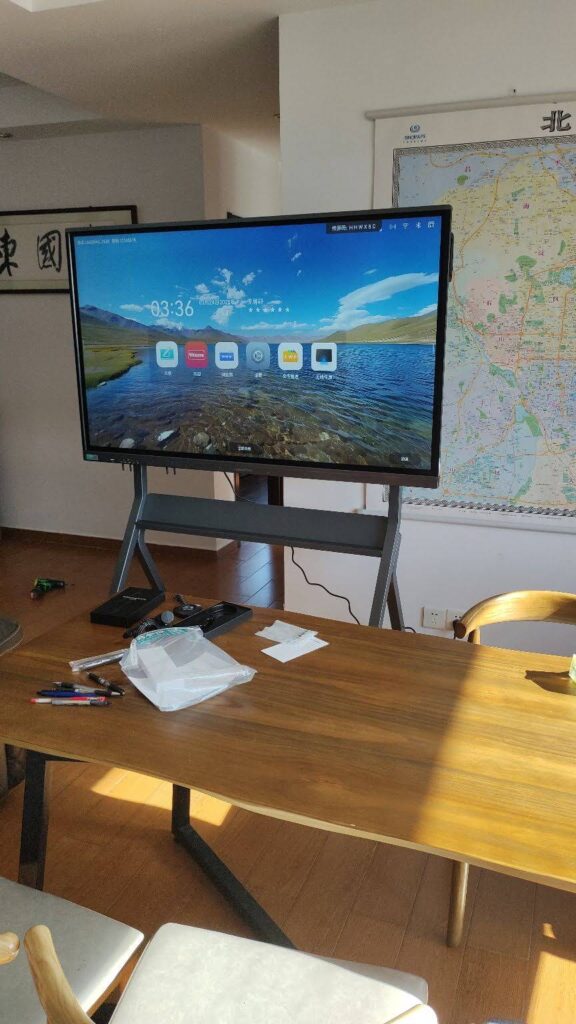
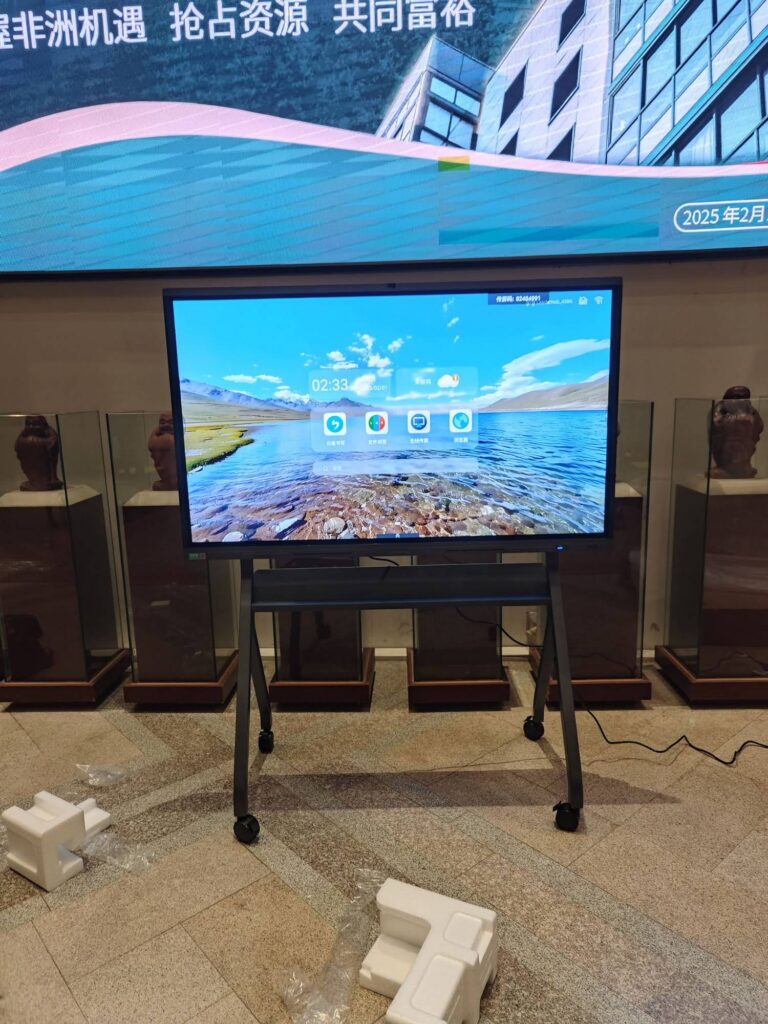
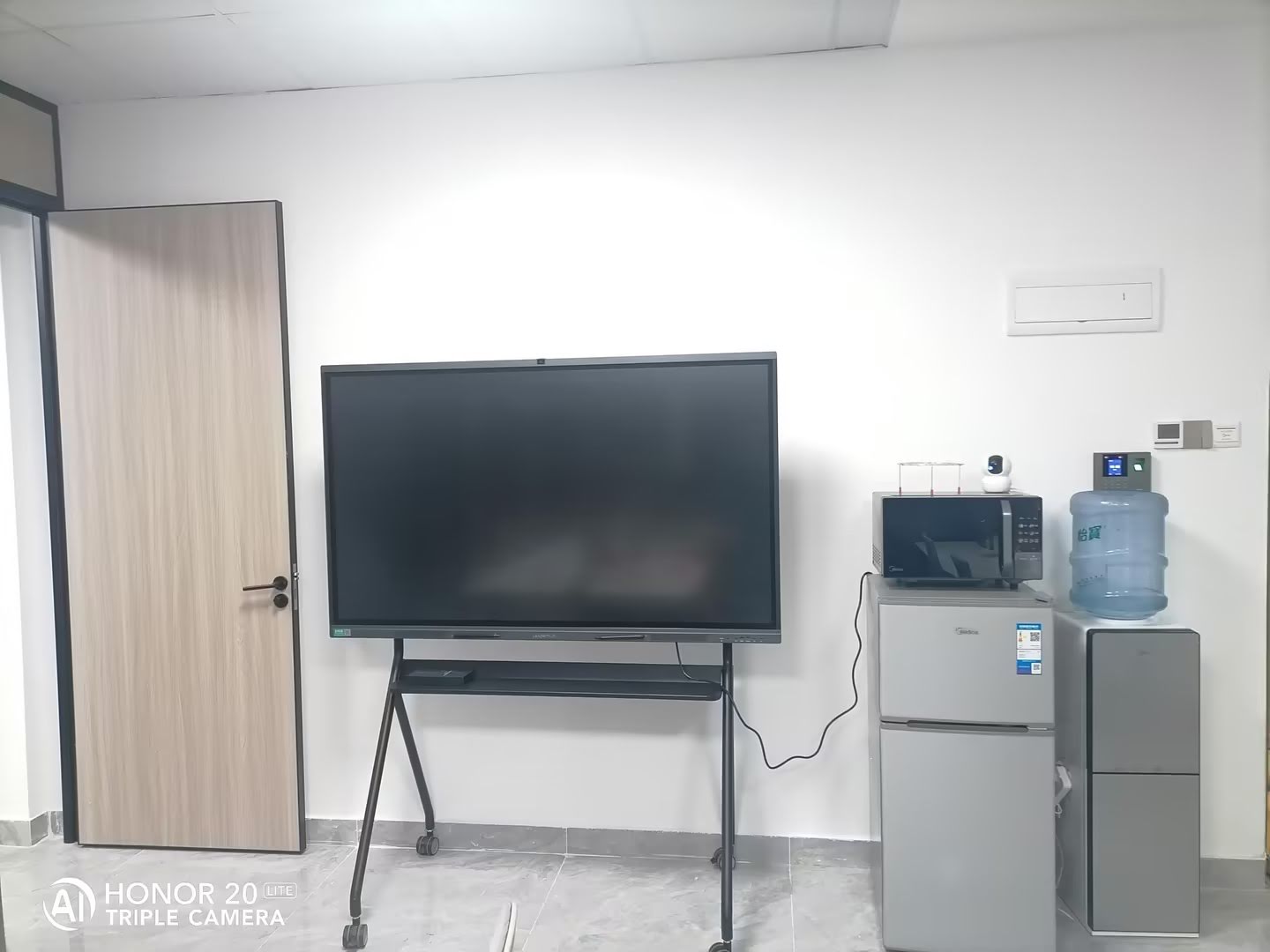
The biggest shift in the last few years is that the smart board itself has become the computer. Interactive flat panels running Android with an open app store let you install the free tools above directly, without a dedicated PC or a mandatory vendor suite. Features that used to require licenses are now standard in the hardware:
- Native whiteboard with infinite canvas, handwriting recognition and cloud or QR sharing
- Wireless screen casting from Windows, macOS, iOS, Android and Chrome
- Split-screen multitasking and annotation over any app or video call
- Built-in cameras and microphone arrays for Zoom, Teams and Google Meet
- Optional Windows mini PC slot for organizations that need legacy software
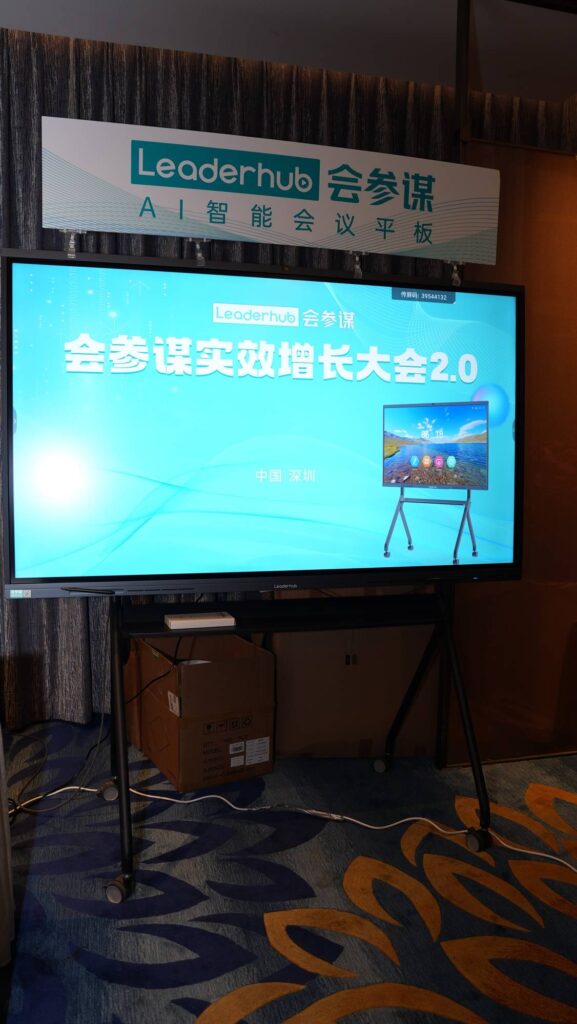
This is the approach behind the Leaderhub smart whiteboard range. Leaderhub is a Shenzhen-based manufacturer with 16 years of interactive-display experience, shipping to 82 countries and ranked NO.1 in its JD.com subcategory, and its panels are designed so that the software you need on day one is already on the board. The L65ZM 65-inch 4K smart panel at $1,099 and the L75HM 75-inch rotatable conference hub at $1,599 both include the whiteboard, casting and conferencing stack with no recurring software fee, and they accept third-party apps so you can add free or paid tools as your needs grow.
| Model | Size | Included Software | Price |
|---|---|---|---|
| L65ZM Interactive Whiteboard | 65″ 4K | Android whiteboard, casting, app store | $1,099 |
| L75ZM Interactive Whiteboard | 75″ 4K | Android whiteboard, casting, app store | $1,399 |
| L75HM Smart Whiteboard | 75″ 4K rotatable | Whiteboard, conferencing, casting | $1,599 |
| L86ZM Interactive Whiteboard | 86″ 4K | Android whiteboard, casting, app store | $1,699 |
| LP1C Mini PC | Add-on for Windows software | Runs OpenBoard, Office, legacy suites | $399 |
What You Really Need: A Decision Guide by Use Case
Rather than asking “is it free,” ask “what will I actually do on this screen every week.” The UNESCO Technology in Education Report urges institutions to start from learning goals and work backward to tools, and the same logic applies to meeting rooms.
Primary and Secondary Classrooms
- Free is enough if: teachers mainly annotate, display slides, play videos and save board notes.
- Consider paying if: you want a shared library of interactive lessons across grades, or students answer from Chromebooks and tablets during class.
- Tip: run the free tier for one full term before committing; usage data will tell you which premium features are actually missed. For panel selection advice, see this guide on choosing an interactive display for K-12.
Small and Medium Businesses
- Free is enough if: you need video calls, screen sharing from laptops, and a whiteboard for brainstorming.
- Consider paying if: you operate multiple offices and need boards to sync in real time, or you run Teams Rooms or Zoom Rooms as a certified setup.
- Tip: a mobile or rotating panel such as the U55Pro mobile 55-inch display lets one screen serve several rooms, cutting both hardware and license counts.
Training Centers and Tutors
- Free is enough if: sessions are instructor-led and recordings are shared afterward.
- Consider paying if: you sell courses and need branded, exportable lesson packages or LMS integration.
Creative Professionals and Home Studios
- Free is enough if: you sketch, review designs and present to clients.
- Consider paying if: you need pressure-sensitive pro drawing apps with layer support, which are priced separately from any panel software.
- Tip: a battery-powered touch screen like the U24M 24.5-inch handheld smart screen gives you Android apps and portability without any subscription.
A Simple Checklist Before You Buy
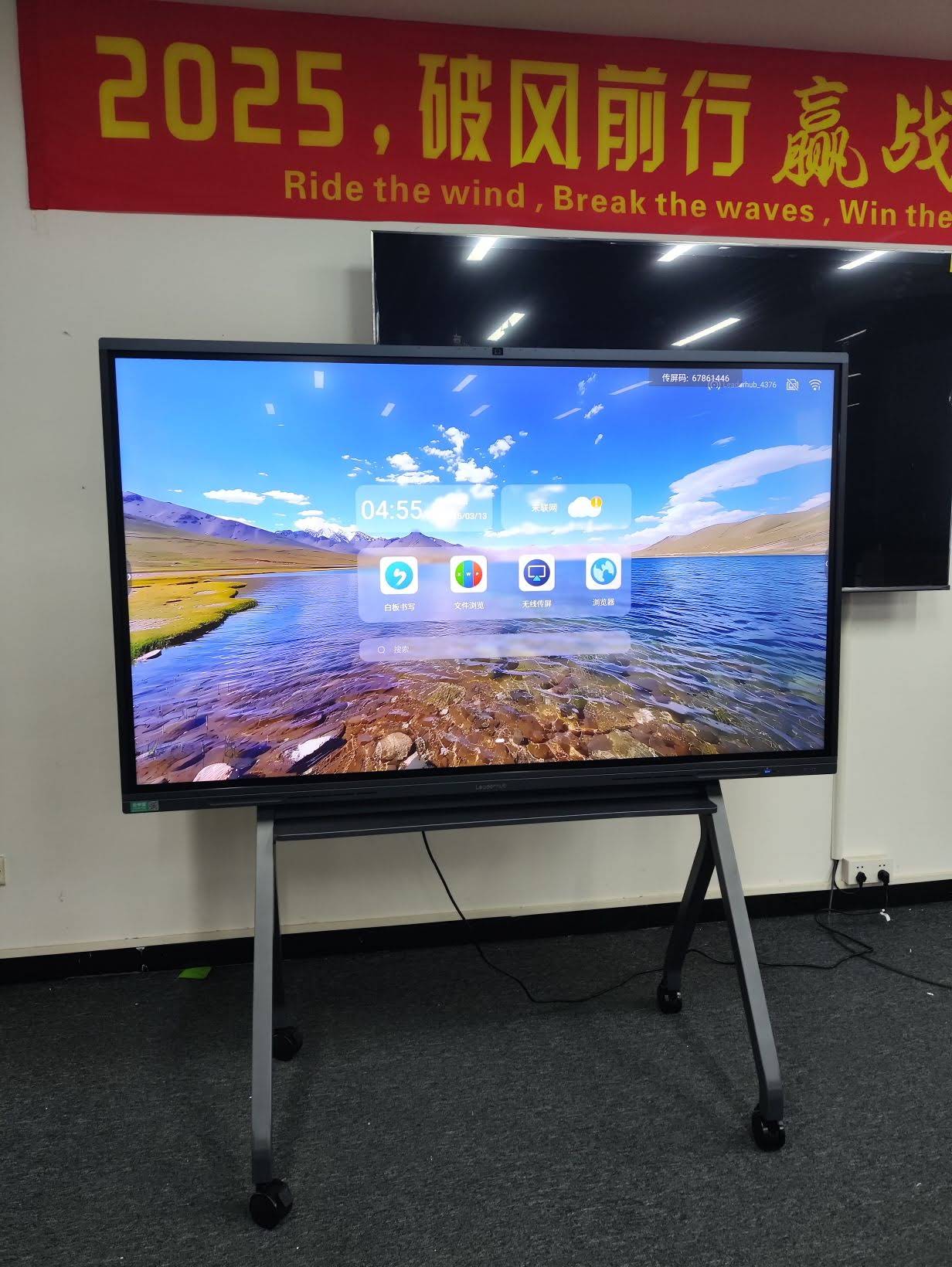
- Confirm the panel runs an open Android version with a working app store, not a locked launcher.
- Ask the vendor in writing which features are included for the life of the hardware and which require a plan.
- Check that board notes export to open formats such as PDF, PNG or PPT.
- Test wireless casting from every device type your team actually uses.
- Decide whether you need a Windows mini PC slot for legacy software; it is far cheaper to plan for it than to retrofit.
- Count your panels. Under ten devices, free management tools are usually fine; above that, budget for a platform.
- Request a trial period for any paid suite and measure real teacher or staff adoption, not demo enthusiasm.
Frequently Asked Questions
Is SMART Notebook free?
A basic version has historically been available at no cost, but the full feature set is part of a paid annual learning suite. Check the current terms with the vendor, as entitlements have changed over time.
Can I use a smart board without any software subscription?
Yes. Any Android-based interactive panel works out of the box with its built-in whiteboard, casting and conferencing apps, and you can add free third-party tools at any time.
Do free whiteboard apps work offline?
Built-in panel whiteboards and OpenBoard work fully offline. Cloud tools such as Miro, FigJam and Canva require an internet connection for most functions.
Is open-source smart board software safe for schools?
Reputable open-source projects like OpenBoard are widely used in European schools and have no advertising or data collection, which can be an advantage for student privacy compared with some commercial cloud tools.
What is the cheapest way to get a complete smart board setup?
Choose an Android panel with preloaded software and no mandatory suite, use free cloud tools for collaboration, and add a mini PC only if you need Windows-specific programs. This keeps the total cost close to the hardware price alone.
Final Thoughts
So, is smart board software free? The core experience almost always is, and for many classrooms and meeting rooms it is all that is ever needed. Paid plans earn their keep when you scale to many devices, need curriculum content, or run certified conferencing rooms. The smartest purchase is a panel that gives you full functionality on day one and leaves the door open to add software later, on your terms rather than the vendor’s. Browse the full lineup in the Leaderhub shop, or contact the team for help matching a panel to your software requirements.