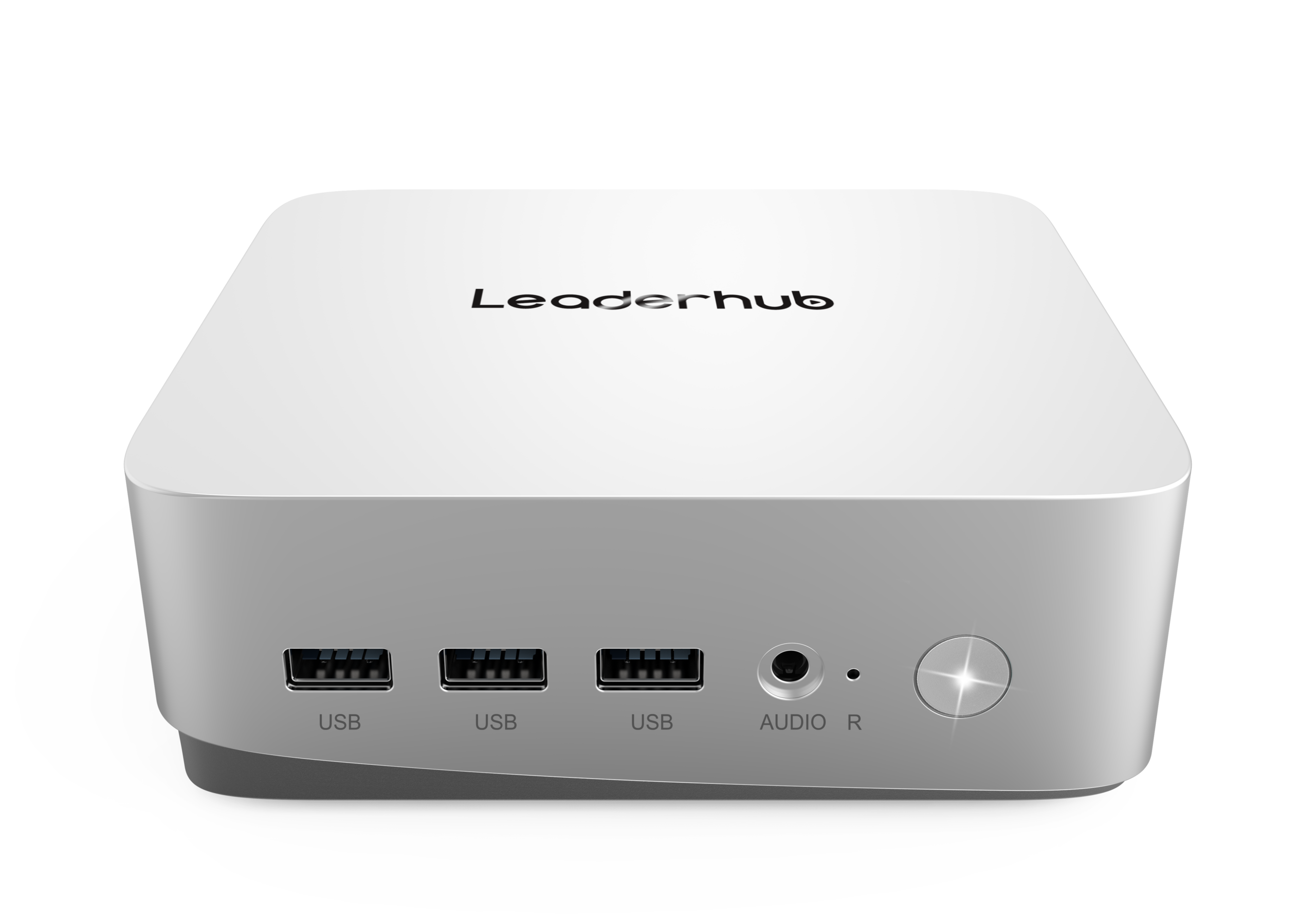
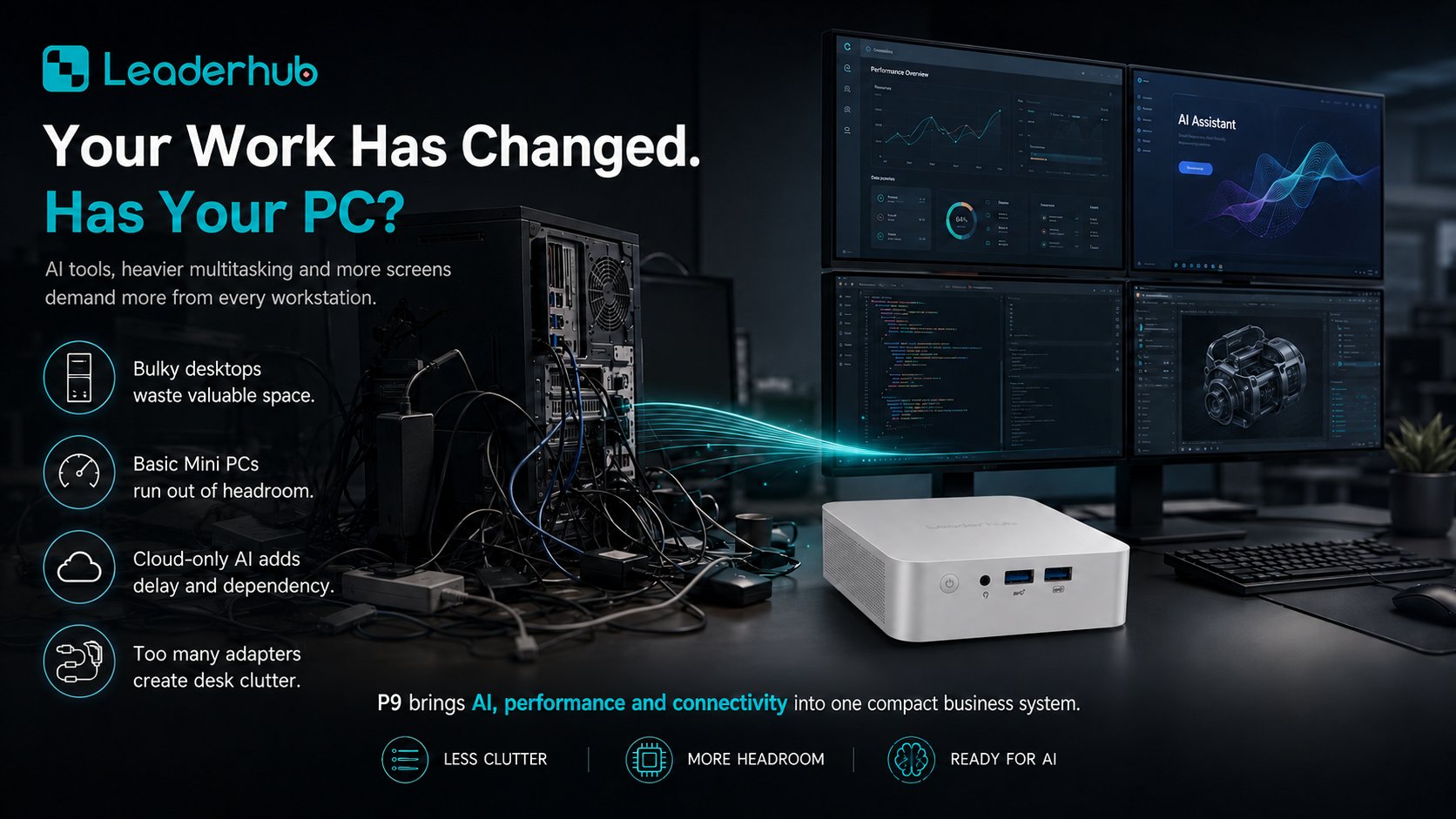
Government agencies, municipal councils, public libraries, courts, and civil-service departments all share the same IT challenge: delivering reliable, secure computing to thousands of desks while keeping budgets, energy use, and maintenance under tight control. A mini PC for government deployments answers that challenge with a footprint smaller than a paperback book, enterprise-grade security features, and a total cost of ownership that traditional tower desktops simply cannot match.
This guide explains why public-sector IT teams are moving to compact computing, which specifications matter most for agencies and public offices, and how to build a procurement checklist that satisfies both auditors and end users.
Why Government Agencies Are Switching to Mini PCs
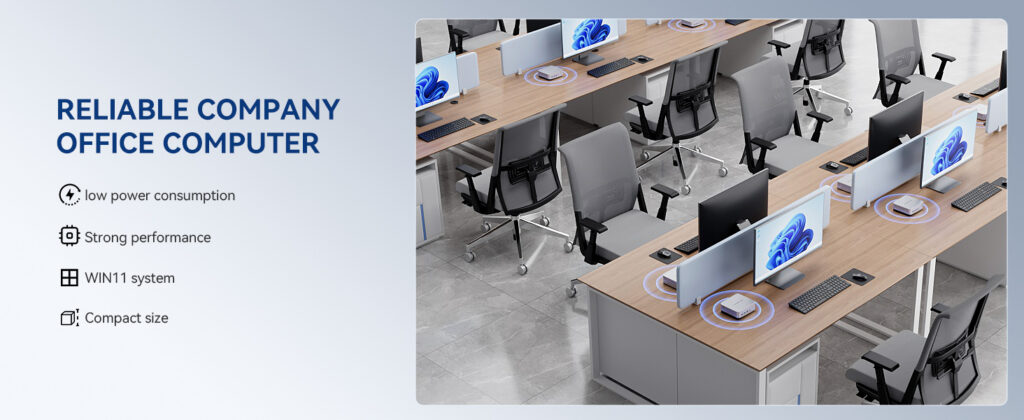
Public offices are typically dense environments: shared service counters, open-plan administrative floors, records rooms, reception desks, and training centers. Every square meter of desk space and every watt of electricity is paid for with taxpayer funds. Mini PCs reduce both.
- Space efficiency – A mini PC can be mounted behind a monitor with a VESA bracket, freeing the entire desk surface for citizen-facing work.
- Lower energy consumption – Modern mini PCs draw 10–35 W under typical office loads, versus 150–300 W for a conventional tower, directly supporting public-sector sustainability targets.
- Simplified fleet management – Standardized hardware images, remote management, and fewer moving parts mean fewer service tickets for internal IT.
- Quieter workspaces – Fanless or low-noise designs are ideal for courtrooms, libraries, and council chambers.
- Budget predictability – Lower upfront cost and longer refresh cycles help agencies plan multi-year capital expenditure with confidence.
Key Requirements for a Government Mini PC
Not every small-form-factor computer is suitable for public administration. When evaluating a mini PC for government use, IT procurement teams should focus on the following criteria.
1. Security and Data Protection
Public offices process personally identifiable information, tax records, health data, and legal documents. Look for hardware that supports TPM 2.0, Secure Boot, BIOS-level passwords, and full-disk encryption such as BitLocker. A Kensington lock slot and the ability to disable unused USB ports in firmware add a physical layer of protection at open service counters.
2. Reliability and Long Service Life
Government refresh cycles often run five to seven years. Choose devices with solid-state storage, quality thermal design, and consistent component availability so that spare units and replacement parts remain accessible throughout the contract period.
3. Connectivity for Legacy and Modern Peripherals
Agencies still rely on receipt printers, barcode scanners, signature pads, smart-card readers, and dual-monitor setups. Multiple USB-A and USB-C ports, HDMI/DisplayPort outputs, Gigabit Ethernet, and Wi-Fi 6 ensure one device fits every desk profile.
4. Performance Matched to the Role
A front-desk clerk, a GIS analyst, and a council-chamber presentation system each need different compute power. Tiered procurement — entry-level, mainstream, and high-performance mini PCs — prevents overspending on desks that only run a browser and office suite.
5. Total Cost of Ownership
Factor in energy bills, cooling load, warranty terms, deployment labor, and e-waste disposal, not just the purchase price. Over a five-year horizon, mini PCs typically deliver 30–50% lower TCO than traditional desktops.
| Criteria | Traditional Tower Desktop | Mini PC |
|---|---|---|
| Desk footprint | Large; occupies floor or desk space | Palm-sized; VESA-mountable behind monitor |
| Typical power draw | 150–300 W | 10–35 W |
| Noise level | Audible fans | Near-silent operation |
| Deployment time per desk | 20–30 minutes | 5–10 minutes |
| Physical security | Easier to tamper with or remove drives | Lockable, hidden behind display |
| 5-year TCO | Baseline | 30–50% lower |
Common Public-Sector Use Cases
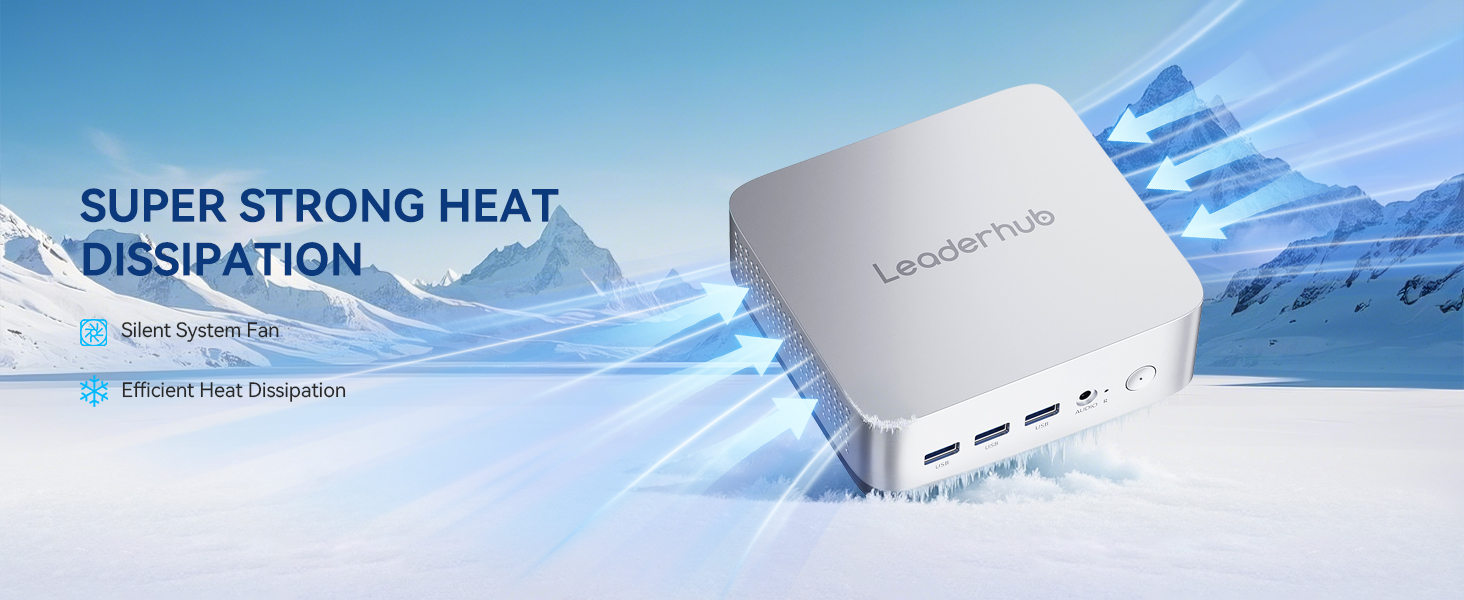
Mini PCs are versatile enough to cover almost every role found in a government building:
- Citizen service counters – Fast boot, dual-monitor support, and peripheral connectivity for licensing, permits, and registration desks.
- Administrative back offices – Document processing, email, ERP and case-management systems for clerks and officers.
- Public libraries and kiosks – Lockable, low-power terminals for catalog access, e-government portals, and digital literacy programs.
- Council chambers and meeting rooms – Driving interactive displays, video conferencing, and hybrid public hearings.
- Digital signage and lobby information screens – Running wayfinding, queue management, and public announcements 24/7.
- Training centers and civil-service academies – Standardized lab workstations that are easy to re-image between courses.
- Field and satellite offices – Compact units that ship cheaply and install without a dedicated IT technician on site.
Recommended LeaderHub Mini PCs for Government Deployments
A tiered approach lets agencies match hardware to workload. The three models below cover entry-level desks, mainstream knowledge workers, and high-performance presentation or analysis roles. Explore the full range on the LeaderHub mini PC collection.
| Model | Key Specifications | Best For | Price |
|---|---|---|---|
| LeaderHub LP1C | Intel N100, 8GB RAM, 512GB SSD | Service counters, libraries, kiosks, signage | $399.00 |
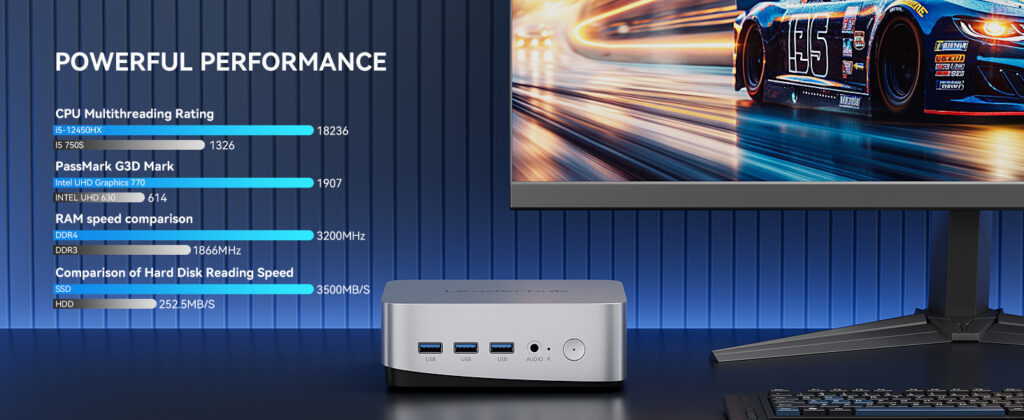
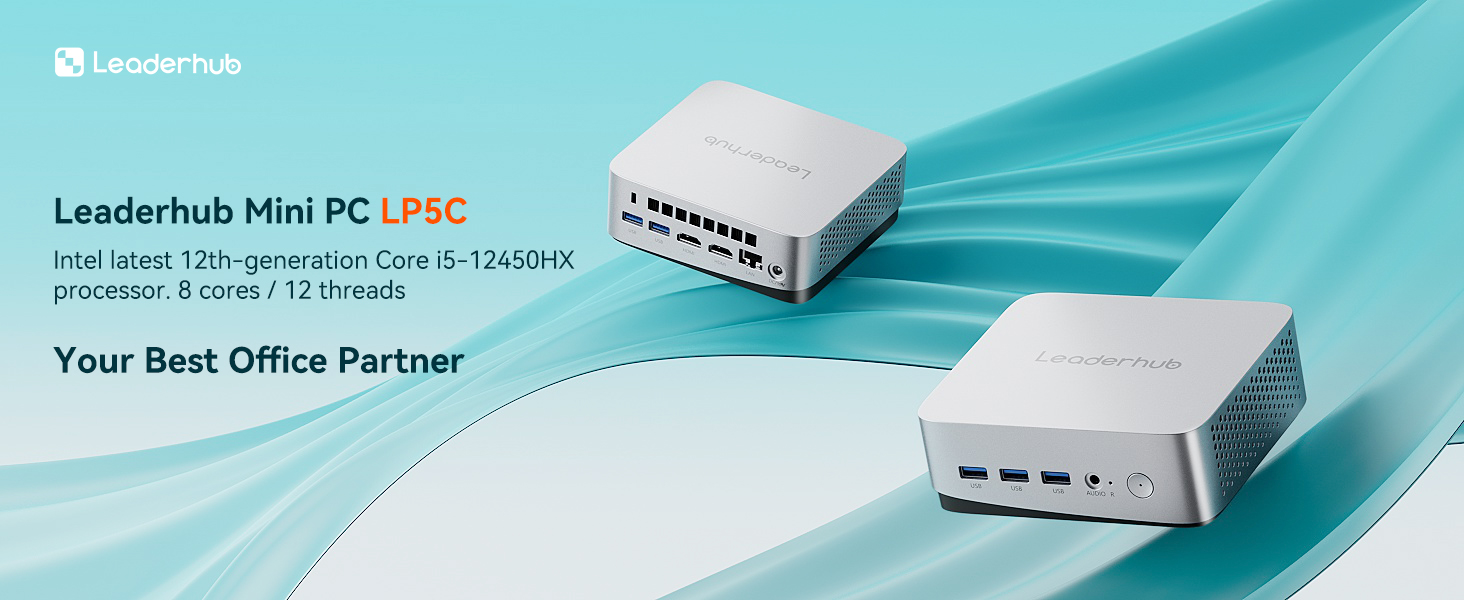
| LeaderHub LP5C | Intel i5-12450HX, 16GB RAM, 512GB SSD | Administrative staff, case management, multitasking | $799.00 |
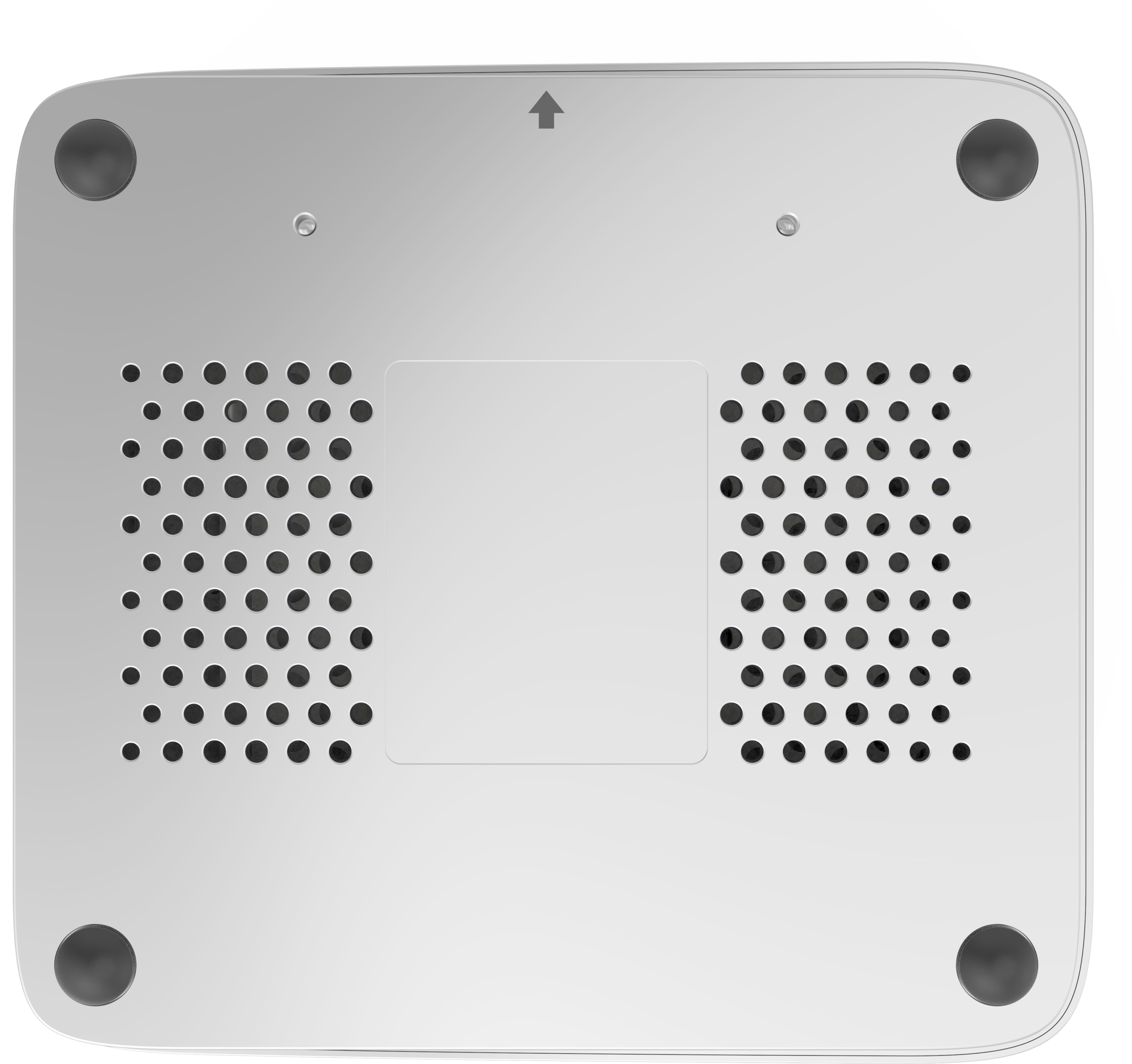
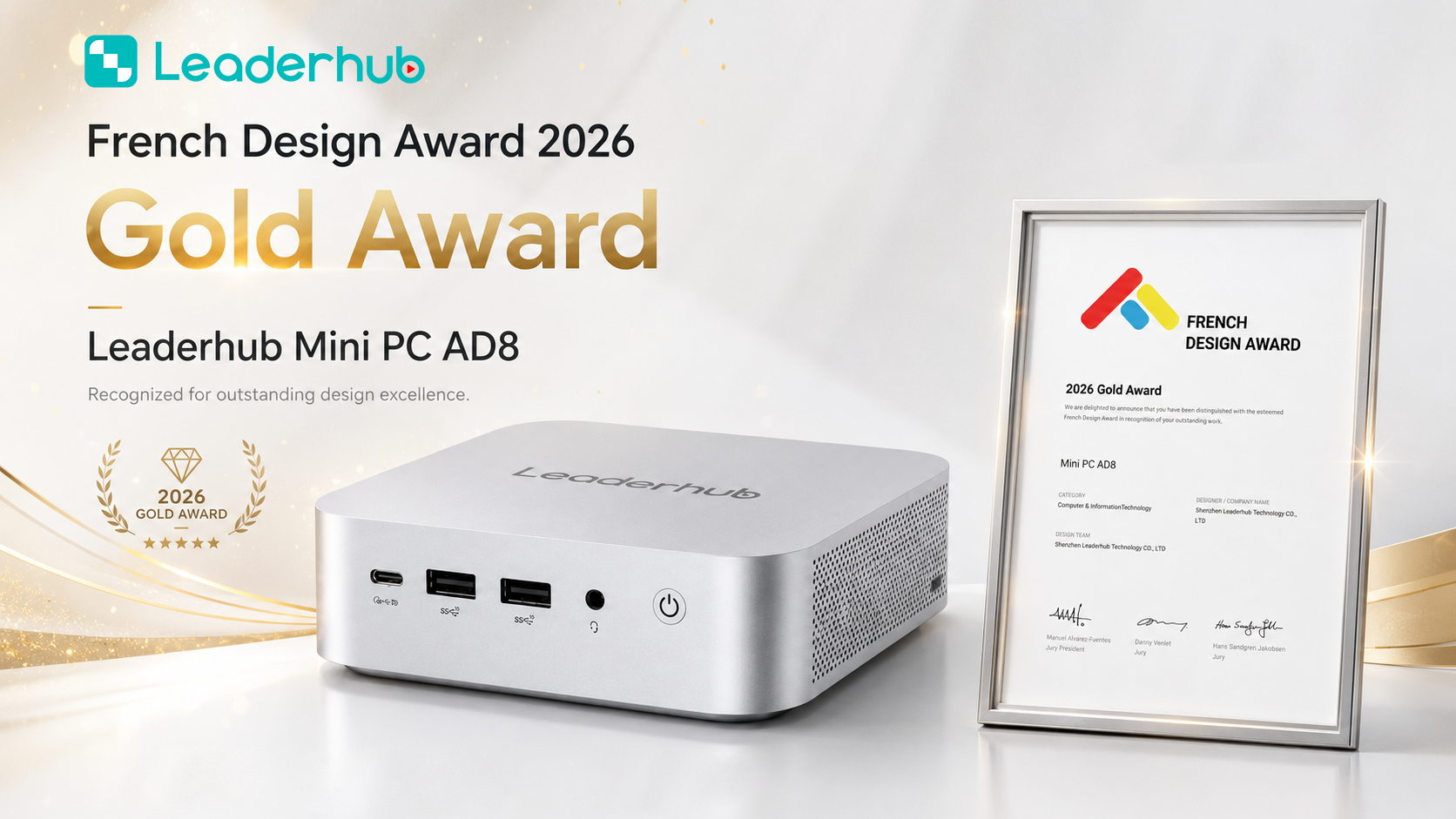
| LeaderHub AD8 | High-performance platform for demanding workloads | GIS, data analysis, council chambers, AV control | $999.00 |
LeaderHub LP1C – Entry-Level Efficiency
Built around the energy-efficient Intel N100 processor, the LP1C handles web-based e-government portals, office productivity suites, and single-purpose terminals with a very low power draw. Its 512GB SSD provides ample space for local caching and encrypted storage, making it an ideal choice for high-volume rollouts where cost per seat matters most.
LeaderHub LP5C – Mainstream Knowledge Work
The LP5C pairs an Intel Core i5-12450HX with 16GB of memory, delivering comfortable performance for officers running multiple browser tabs, document-management systems, video calls, and spreadsheets simultaneously. It is the recommended standard-issue device for the majority of administrative desks.
LeaderHub AD8 – High-Performance Public Sector Computing
For planning departments working with GIS layers, statistics offices processing large datasets, or council chambers that need to drive multiple 4K displays and conferencing systems, the AD8 provides headroom that lasts across the full refresh cycle without compromising on its compact chassis.
Pairing Mini PCs with Interactive Displays in Council Chambers
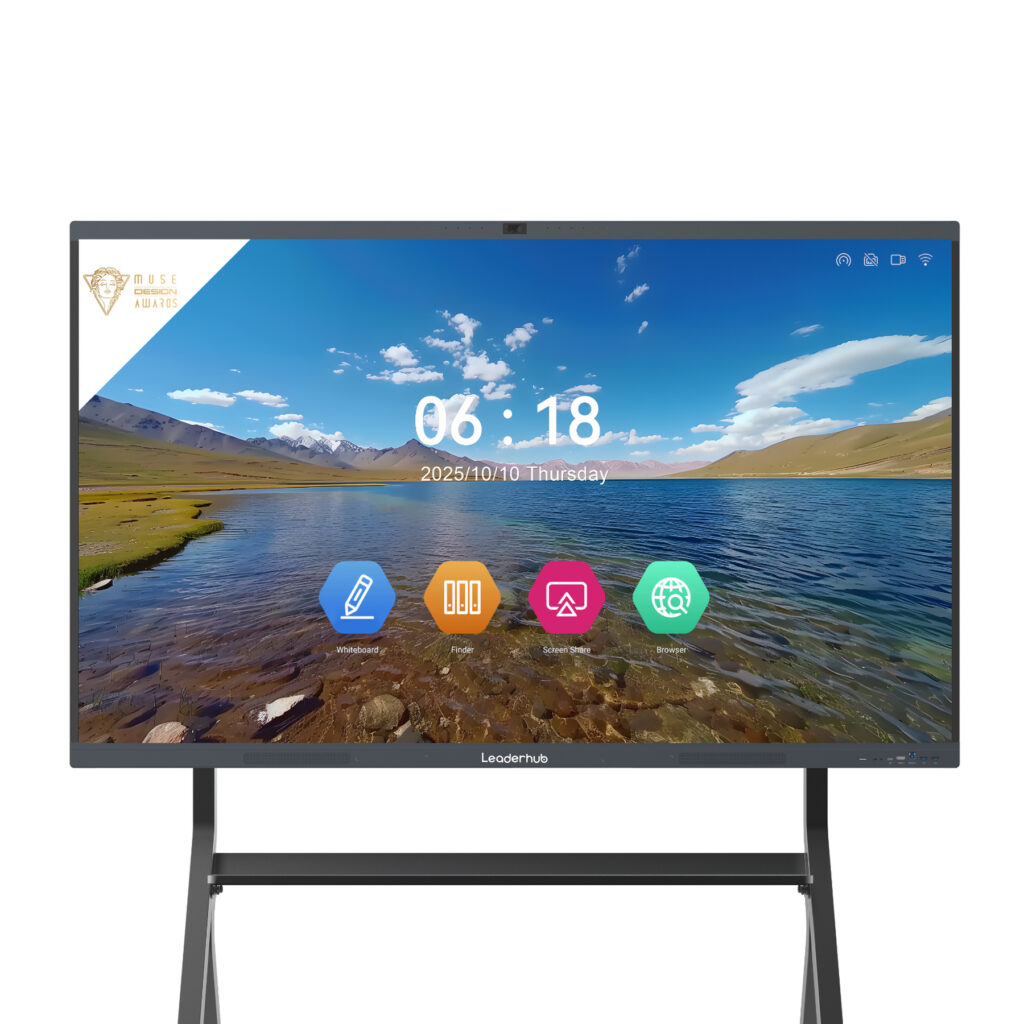
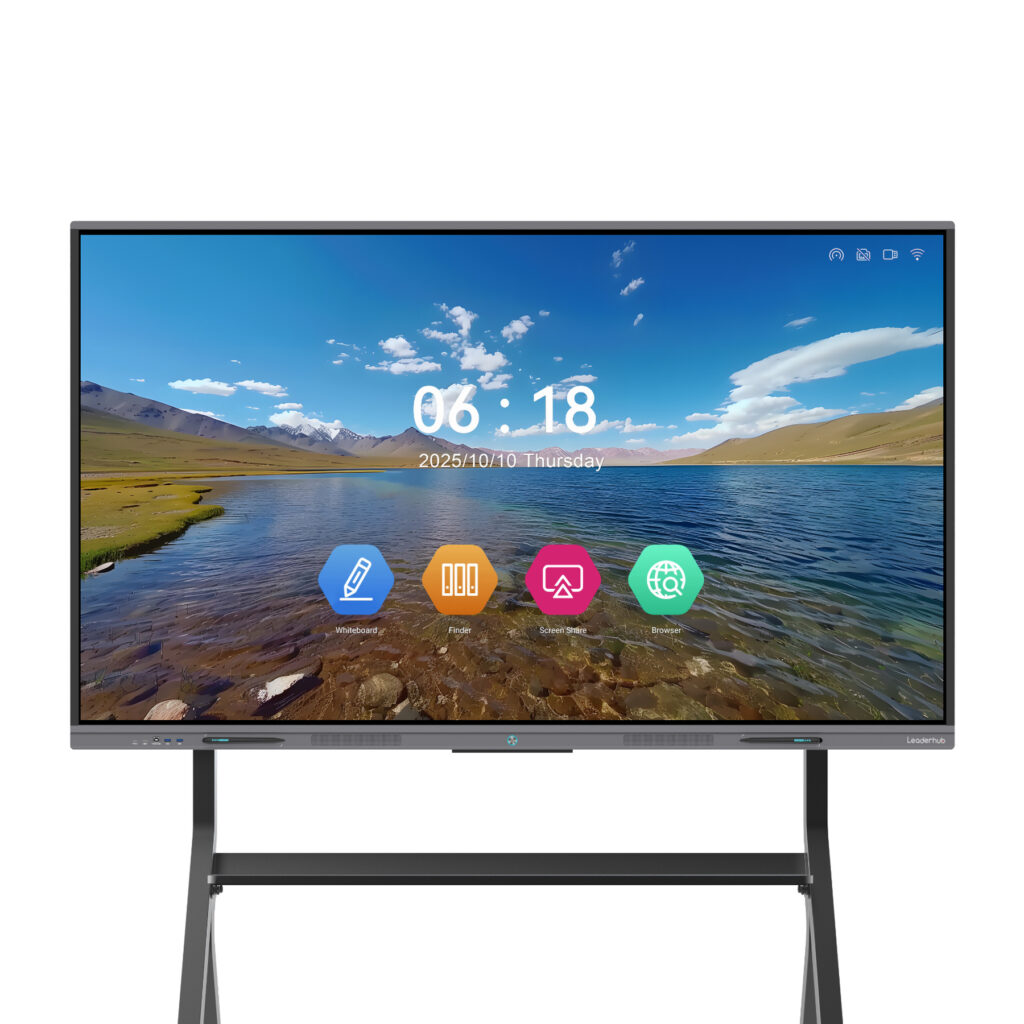
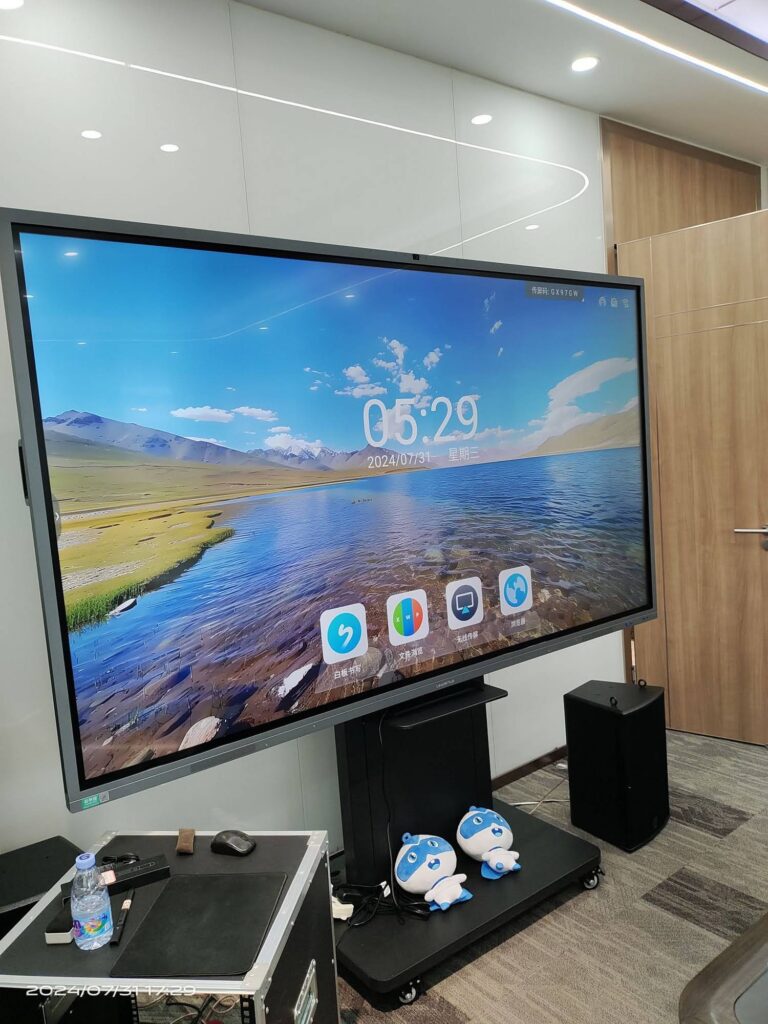
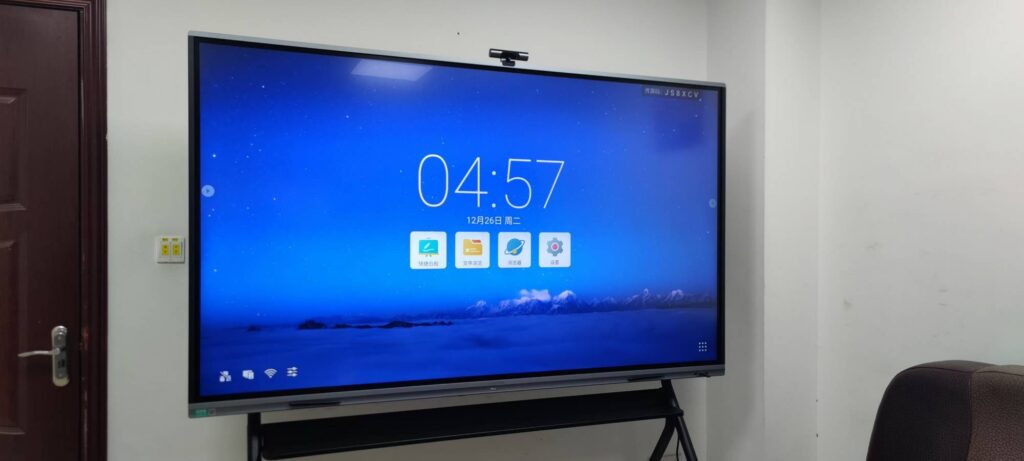
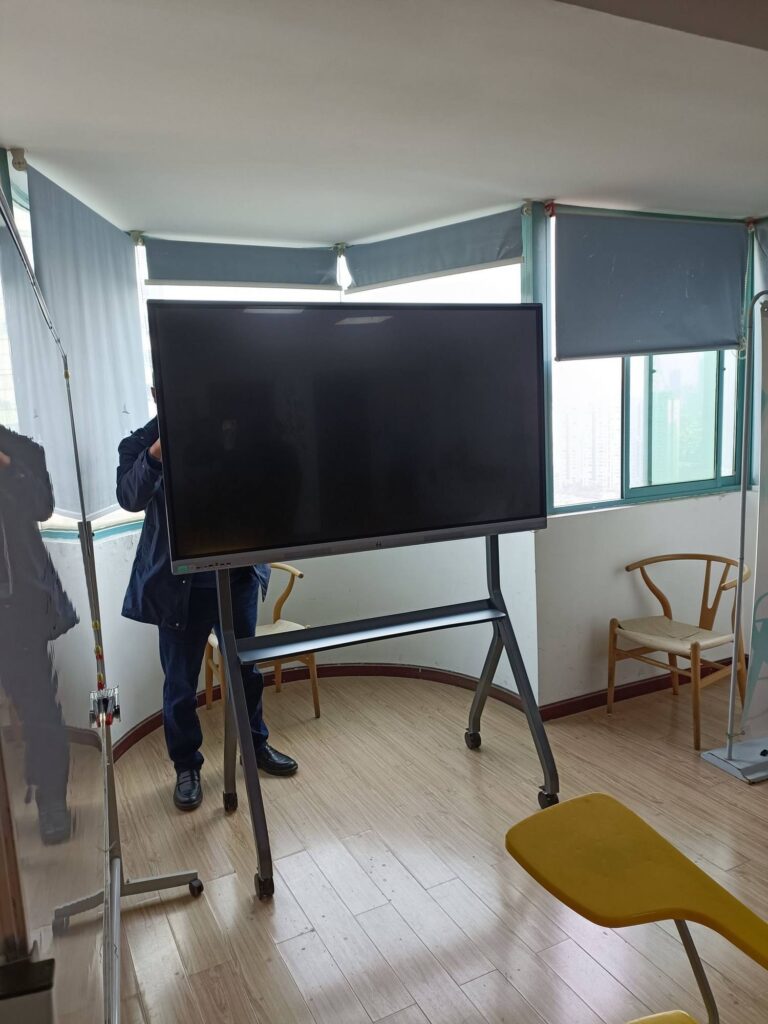
Modern public hearings, committee sessions, and inter-departmental briefings increasingly rely on large touch displays. A mini PC mounted directly behind an interactive panel creates a clean, cable-free meeting setup that staff can power on and present from within seconds. Agencies that already use the LeaderHub L75HM 75-inch 4K interactive whiteboard or other models from the smart whiteboard range can add Windows-based applications, secure network access, and video conferencing simply by connecting a compact PC.
Professional AV integration practices — such as those published by AV Industry Standards and Resources — recommend standardizing on a single compute platform for meeting spaces to simplify support and ensure consistent user experience across every room in the building.
Government Procurement Checklist for Mini PCs
Use the following checklist when drafting tenders or evaluating supplier bids:
- Security features: TPM 2.0, Secure Boot, BIOS password, drive encryption support, lock slot
- Operating system compatibility: Windows 11 Pro licensing or supported Linux distributions for agency images
- Display outputs: At least two independent 4K outputs for dual-monitor desks
- Network: Gigabit or 2.5G Ethernet, Wi-Fi 6, optional Bluetooth lockdown
- Mounting: VESA bracket included for behind-monitor installation
- Warranty and support: Multi-year warranty, advance replacement, documented spare-parts availability
- Energy certification: Low idle power consumption aligned with green procurement guidelines
- Supplier track record: Export experience, volume capacity, and references from public institutions
Energy, Sustainability and Public Accountability
Many national and regional governments now require agencies to report on ICT energy consumption and e-waste. Replacing a fleet of 500 tower desktops with mini PCs can reduce annual electricity consumption by tens of thousands of kilowatt-hours, lower cooling requirements in server-adjacent offices, and shrink the volume of hardware sent to recycling at end of life. International bodies such as the World Economic Forum consistently highlight digital infrastructure efficiency as a cornerstone of responsible public-sector modernization.
Frequently Asked Questions
Are mini PCs secure enough for handling sensitive government data?
Yes. Business-class mini PCs offer the same security foundations as full-size desktops — TPM 2.0, Secure Boot, and encrypted storage — while their compact, lockable design makes them harder to physically tamper with at public-facing counters.
Can a mini PC run dual monitors and legacy peripherals?
Models such as the LP5C and AD8 support multiple 4K displays and provide a full set of USB-A, USB-C, HDMI, and Ethernet ports for printers, scanners, card readers, and signature pads.
How long do mini PCs last in a government environment?
With solid-state storage and no mechanical hard drives, a quality mini PC comfortably serves a five-to-seven-year refresh cycle under normal office conditions.
Is bulk procurement and customization available?
Volume pricing, pre-configured RAM and storage options, and OEM/ODM branding are available for public-sector tenders. Contact the sales team through the LeaderHub contact page to discuss agency requirements.
About LeaderHub
LeaderHub is a Shenzhen-based technology company with 16 years of experience in interactive displays, smart whiteboards, mini PCs, and portable smart screens, serving customers in more than 82 countries. Ranked NO.1 in its JD.com subcategory and recognized as a Shenzhen Famous Brand, LeaderHub maintains strategic partnerships with organizations across government, finance, education, and enterprise sectors — delivering secure, compact, and cost-effective computing solutions built for the demands of public service.