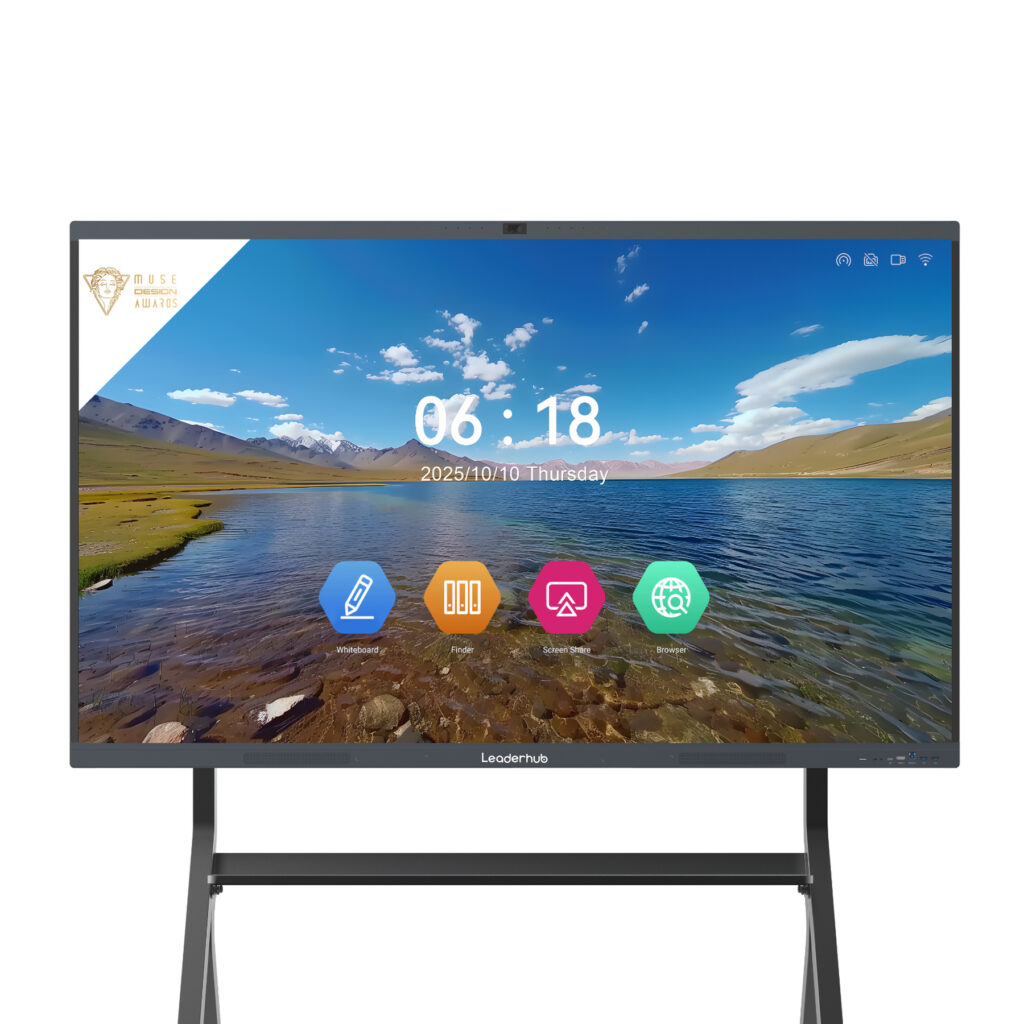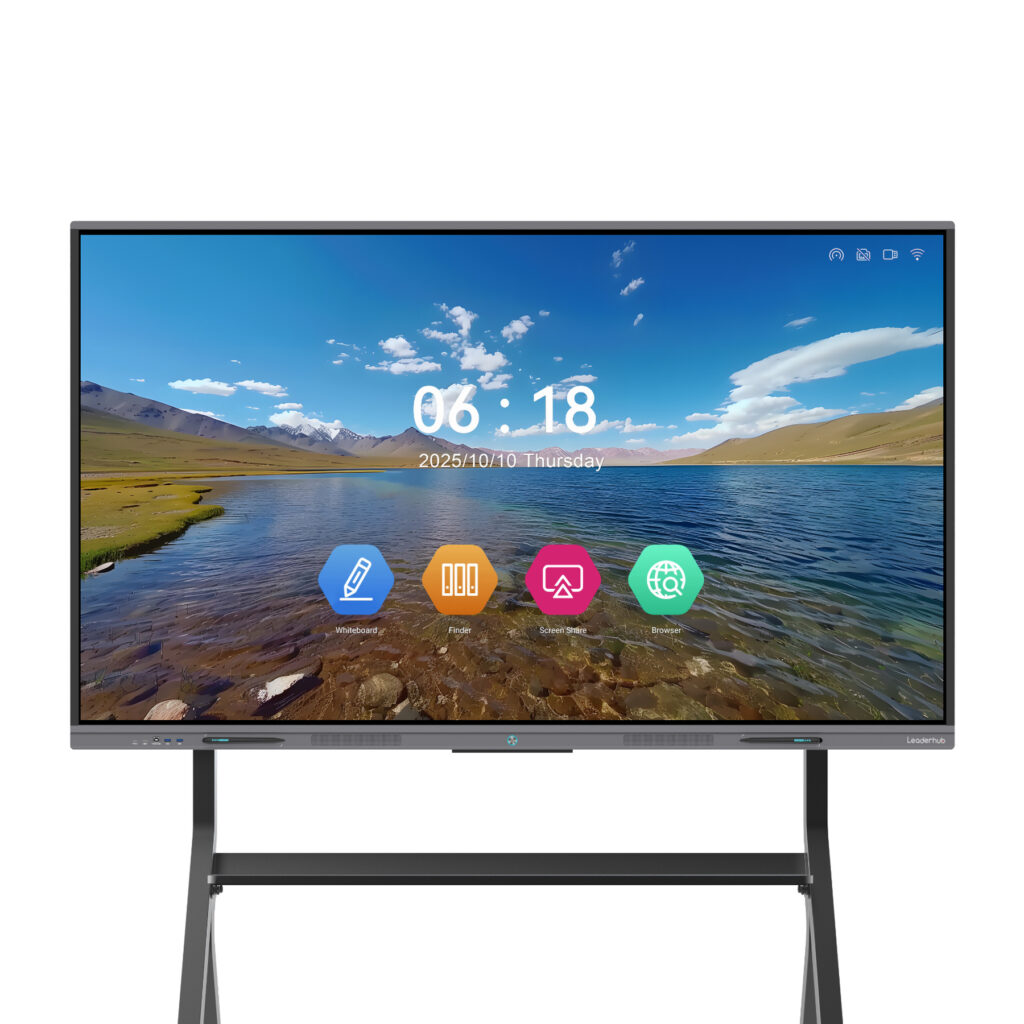
Insurance is one of the few products a client buys without ever seeing, touching, or testing it. Everything depends on how clearly the agent explains coverage, exclusions, premiums, and long-term value. A smart board for insurance product presentations changes that dynamic completely: instead of flipping through printed brochures or squinting at a laptop screen, clients see large, interactive visuals they can touch, question, and understand in real time. The result is a conversation, not a lecture — and conversations close policies.
This guide walks through why interactive displays work so well for insurance sales, how to structure a presentation on a smart board step by step, which features matter most for agencies and brokers, and how to choose the right hardware for a branch office or a mobile sales team.
Why Traditional Insurance Presentations Lose Clients
Most insurance consultations still rely on paper quotes, PDF illustrations, and a lot of verbal explanation. Clients nod politely, take the brochure home, and the deal quietly stalls. The problems are predictable:
- Information overload — policy documents are dense, and clients cannot see how the pieces connect.
- Passive listening — when the client has nothing to interact with, attention drops within minutes.
- No personalization — a generic illustration does not reflect the client’s family, income, or risk profile.
- Weak follow-up — handwritten notes and annotated printouts rarely survive the drive home.
- Trust gaps — clients who cannot visualize the numbers often suspect something is hidden in the fine print.
An interactive display addresses every one of these friction points. It turns abstract coverage limits into visible charts, lets the client adjust scenarios with a fingertip, and produces a clean digital summary that can be emailed before the client leaves the room.
What a Smart Board Adds to the Insurance Sales Conversation
Visualizing Coverage Instead of Describing It
On a 65-inch or 75-inch 4K panel, a life insurance illustration becomes a timeline. A health plan becomes a layered diagram of deductibles, co-payments, and out-of-pocket maximums. Auto and property coverage can be mapped onto a real image of the client’s vehicle or home. When clients see what is covered, objections about price become discussions about value.
Real-Time Annotation and Scenario Modelling
Clients ask “what if” questions constantly: What if I raise the deductible? What if I add my spouse? What if I retire at 60 instead of 65? With a touch display, the agent writes directly on the quote, drags sliders in a premium calculator, or opens a spreadsheet and changes a single cell — and the whole illustration updates in front of the client.
Side-by-Side Plan Comparison
Split-screen mode is one of the most persuasive tools in insurance sales. Place a basic plan on the left and a comprehensive plan on the right, highlight the differences in the theme color, and let the client circle the benefits that matter most to them. This simple interaction shifts the client from “should I buy?” to “which one should I buy?”
Instant Recording and Sharing
Every annotated screen can be saved as a PDF or image and sent to the client’s email or phone via QR code. The client leaves with a personalized, visual summary of exactly what was discussed — a far stronger follow-up asset than a generic brochure.
| Presentation Element | Paper / Laptop Approach | Smart Board Approach |
|---|---|---|
| Policy explanation | Verbal walkthrough of a printed illustration | Interactive diagrams annotated live on a 4K touchscreen |
| “What if” scenarios | Requires a new quote and a second meeting | Adjusted on screen in seconds while the client watches |
| Plan comparison | Multiple sheets laid out on the desk | Split-screen view with highlighted differences |
| Client participation | Listening and signing | Touching, circling, dragging, and choosing |
| Follow-up material | Generic brochure | Personalized annotated PDF delivered instantly |
| Remote beneficiaries or co-decision makers | Not included | Joined via built-in camera and video conferencing |
Step-by-Step: Running an Insurance Presentation on a Smart Board
Step 1 — Prepare a Visual Template Library
Before the first client meeting, build a set of reusable templates in the whiteboard software: a needs-analysis canvas, a coverage pyramid, a premium-versus-benefit chart, a claims-process flow, and a comparison grid. Store them locally on the panel or in cloud storage so any agent can open them in seconds.
Step 2 — Open with a Needs-Discovery Canvas
Instead of starting with a product, start with the client. Draw a simple canvas with four quadrants — family, income, assets, and concerns — and fill it in together on the touchscreen. Clients who write their own goals on the board take psychological ownership of the solution that follows.
Step 3 — Build the Recommendation Live
Drag the relevant coverage blocks onto the canvas as you explain them. Use the pen to connect each product to the specific concern it solves. This “building in front of the client” technique is far more convincing than revealing a pre-made proposal.
Step 4 — Run the Numbers Interactively
Wireless screen sharing from a laptop or tablet lets you bring up the carrier’s quoting tool directly on the big screen. Adjust the deductible, term length, or sum insured while the client watches the premium change. Transparency here is a trust multiplier.
Step 5 — Compare, Highlight, Decide
Switch to split-screen, place two or three plan options side by side, and invite the client to circle what they like. Most clients talk themselves into the right plan at this stage without any pressure from the agent.
Step 6 — Save, Share, and Schedule
Export the annotated session as a PDF, send it by QR code or email, and book the follow-up or e-signature appointment on screen. The client walks out with a visual record of the entire conversation.
- Template library prepared in advance
- Needs-discovery canvas completed with the client
- Recommendation built live on screen
- Premiums calculated transparently
- Options compared side by side
- Summary saved and shared instantly
Presentation Ideas by Insurance Line
| Insurance Line | Interactive Visual That Works Best | Smart Board Feature Used |
|---|---|---|
| Life & Term Life | Family timeline showing income replacement across milestones | Infinite canvas, pen annotation, timeline template |
| Health & Medical | Layered diagram of deductible, co-pay, and out-of-pocket limits | Shape tools, color highlighting, screen recording |
| Auto | Vehicle image with coverage zones for liability, collision, and comprehensive | Image import, annotation over photos |
| Home & Property | Floor plan or satellite view marked with structure, contents, and liability coverage | Web browser, map screenshot, multi-touch zoom |
| Commercial & SME | Risk matrix mapping business exposures to policy modules | Split screen, spreadsheet casting, video conferencing with stakeholders |
| Retirement & Annuities | Growth curve with adjustable contribution and payout sliders | Interactive calculator, wireless casting from tablet |
Choosing the Right Smart Board for an Insurance Agency
Insurance sales happen in very different environments: a branch office meeting room, a small broker’s consultation corner, a client’s living room, or a corporate boardroom. The hardware should match the setting.
Key Features to Look For
- 4K resolution — policy tables and fine print must stay legible from across the table.
- Low-latency touch and pen input — annotation should feel like writing on paper.
- Split-screen and multi-window support — essential for plan comparison.
- Wireless casting from Windows, macOS, iOS, and Android for quoting tools and CRM dashboards.
- Built-in camera and microphone array — to bring remote spouses, business partners, or underwriters into the meeting.
- One-tap save and QR sharing — for instant, personalized follow-up documents.
- Portability or rotation — for agents who present in client homes or need portrait mode for long policy documents.
Recommended Configurations by Scenario
| Scenario | Recommended Display | Why It Fits | Price |
|---|---|---|---|
| Small broker office / consultation desk | Leaderhub L65ZM 65″ 4K Smart Panel | Compact, affordable entry point for one-on-one client meetings | $1,099 |
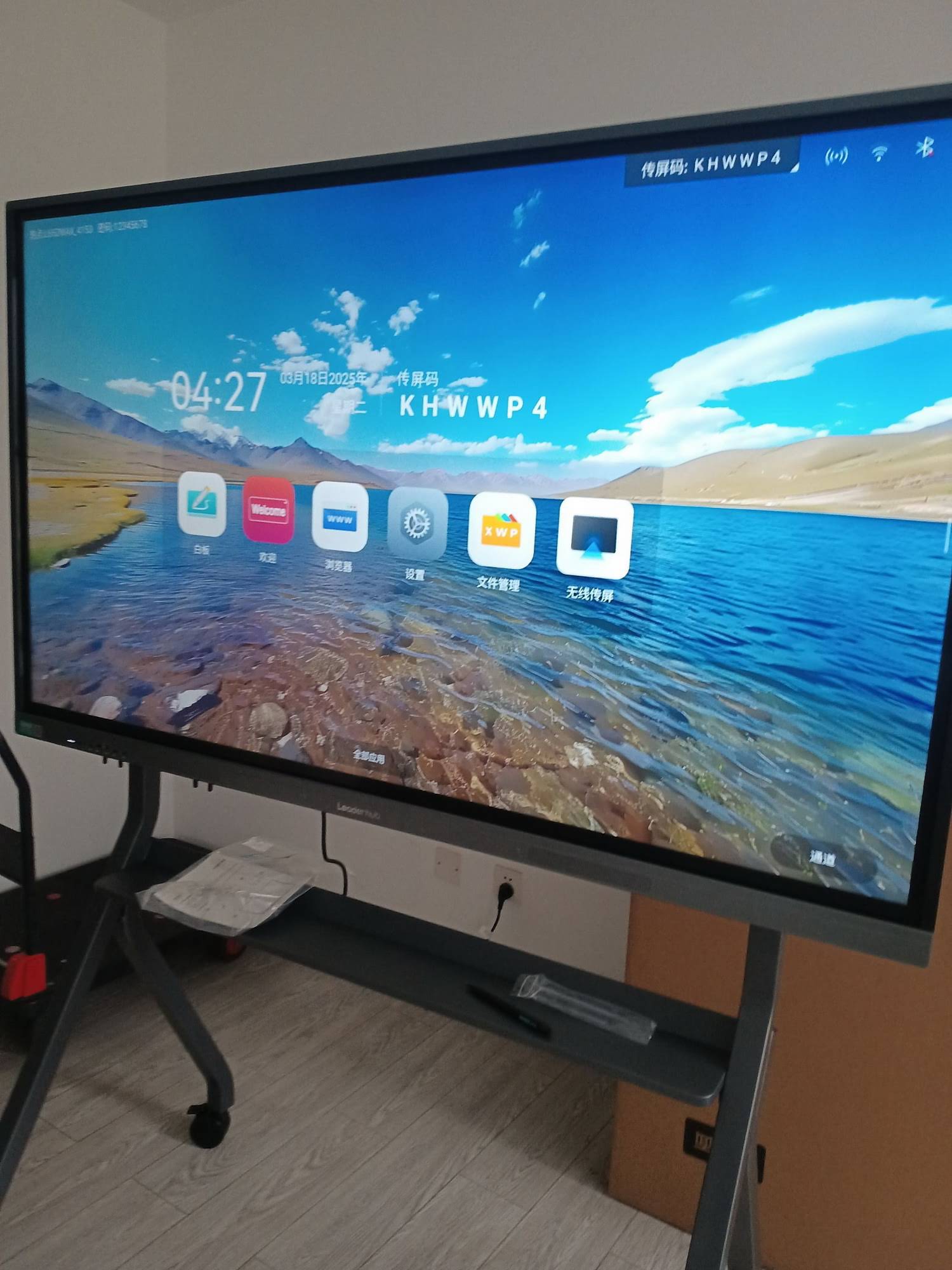
| Branch meeting room | Leaderhub L75HM 75″ 4K Touchscreen | Large canvas for family or group presentations, rotatable HM design | $1,599 |
| Agents visiting client homes | Leaderhub U24M 24.5″ Handheld Smart Screen | Battery-powered, Android 14, carries like a tablet but presents like a board | $699 |
| Shared floor space / multiple meeting rooms | Leaderhub U55Pro 55″ Mobile 4K Display | Rolls between rooms, one unit serves several agents | $2,499 |
| Portrait-mode policy document review | Leaderhub L277M 27″ Smart Rotating Screen | Rotates to portrait for long contracts, battery for desk-to-desk use | $899 |
| Corporate / commercial insurance boardroom | Leaderhub L86HM 86″ 4K Touchscreen | Boardroom scale for risk-management presentations to executive teams | $3,199 |
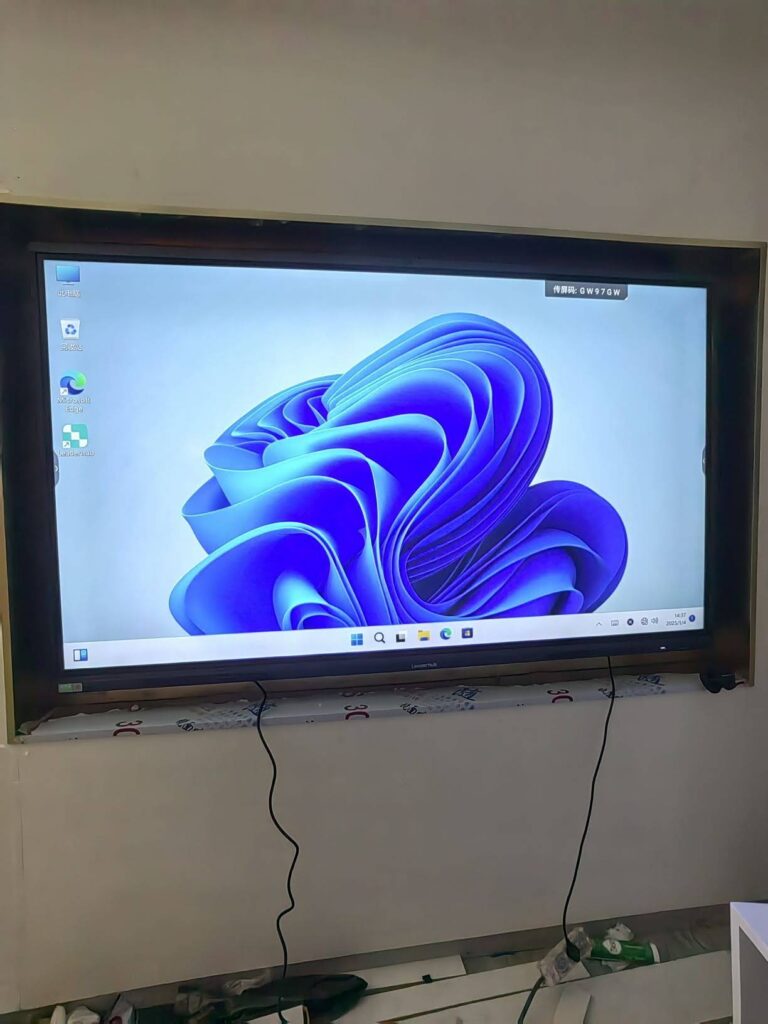
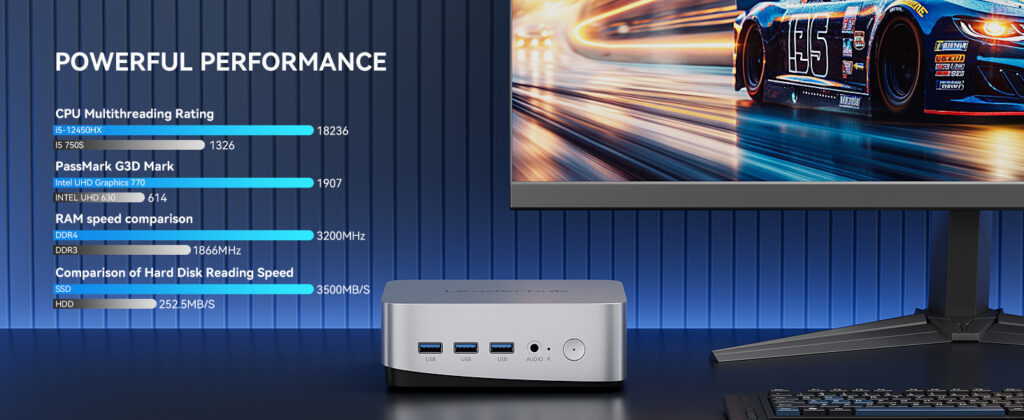
Agencies that already run Windows-based quoting software or CRM systems can pair any panel with a compact mini PC such as the LP5C, so the full desktop environment lives directly on the smart board without a separate laptop. Browse the complete range of smart whiteboards and interactive flat panels to compare sizes and specifications.
Compliance, Privacy, and Professionalism on a Shared Screen
Insurance presentations involve sensitive personal and financial data, so a few operating habits protect both the client and the agency:
- Enable auto-clear on session end so the next client never sees the previous client’s data.
- Use a dedicated agency account on the panel rather than personal cloud logins.
- Keep disclosures, exclusions, and regulatory wording in a locked template layer that cannot be accidentally erased during annotation.
- Save session exports to the agency’s secure document system, not to the local panel storage.
- Angle the screen away from reception areas or use the panel’s screen-lock when stepping out.
For agencies designing a dedicated consultation room, the professional AV guidance published by AV industry standards and resources from AVIXA offers useful benchmarks on viewing distance, mounting height, and lighting for interactive displays.
Measuring the Impact on Policy Sales
Introducing a smart board is an investment, so track it like one. Agencies typically monitor the following indicators before and after deployment:
| Metric | What It Tells You | How the Smart Board Influences It |
|---|---|---|
| First-meeting close rate | Share of clients who commit during the initial consultation | Live scenario modelling removes the “I need to think about it” delay |
| Average policy value | Premium or sum insured per closed policy | Side-by-side comparison naturally lifts clients toward comprehensive plans |
| Meeting duration | Time from greeting to decision | Visual explanations shorten the clarification loop |
| Follow-up response rate | Clients who reply to post-meeting materials | Personalized annotated PDFs outperform generic brochures |
| Referral rate | New clients introduced by existing clients | A memorable, modern experience is easier to talk about |
Practical Tips from High-Performing Agencies
- Let the client hold the pen. Handing over the stylus for even one task — circling a benefit, choosing a deductible — dramatically increases engagement.
- Keep the first screen simple: one question, one canvas. Complexity should grow with the conversation, not precede it.
- Use the theme color consistently for “recommended” items so clients learn to scan for it.
- Record a 60-second screen video summary at the end of the meeting; many clients forward it to a spouse the same evening.
- Rehearse the wireless casting handoff between the panel and your quoting tool until it takes under ten seconds.
- Rotate the HM-series panel to portrait when reviewing long policy wordings — the full page becomes readable without scrolling.
Frequently Asked Questions
Do I need special insurance software to use a smart board?
No. Most agencies simply cast their existing quoting tools, CRM, or carrier portals to the display and use the built-in whiteboard app for annotation and templates. A mini PC or the panel’s own Android system can run browser-based tools directly.
What size is best for one-on-one client meetings?
A 55-inch to 65-inch panel is comfortable for two to four people seated at a consultation table. Choose 75 inches or larger for family presentations, group seminars, or commercial insurance boardrooms.
Can agents use a smart board outside the office?
Yes. Battery-powered portable screens such as the 24.5-inch U24M or the 27-inch L277M rotating screen give field agents the same interactive presentation capability in a client’s home or workplace.
How do I share the presentation with a client afterwards?
Save the annotated canvas as a PDF or image and share via QR code, email, or cloud link directly from the panel. The client receives the exact visuals discussed, including their own notes.
Is a smart board worth it for a small independent broker?
Entry-level 65-inch 4K panels start around $1,099. For most brokers, a single additional comprehensive policy or a modest lift in first-meeting close rate covers the investment within the first few months.
Bringing Interactive Presentations to Your Agency
The insurance products themselves have not changed — but the way clients expect to understand them has. A smart board turns a dense, one-directional explanation into a shared, visual, hands-on decision process. Agents spend less time clarifying and more time advising; clients leave with confidence instead of homework; and the agency closes more policies with fewer follow-up calls.
Leaderhub is a Shenzhen-based technology company with 16 years of experience in the interactive display industry, delivering smart whiteboards, interactive flat panels, mini PCs, and portable smart screens to businesses and institutions in 82 countries, including partners across the finance and insurance sectors. Whether you are equipping a single consultation room or standardizing presentation technology across a national network of branches, you can explore the full product range or contact the Leaderhub team for a configuration tailored to your agency’s sales process.