
Choosing the right interactive display for your classroom or office is no longer just about screen size or resolution. With teachers, students, and office workers spending 6-8 hours daily looking at digital screens, eye strain and long-term visual health have become critical purchasing factors. An eye-care smart whiteboard uses specialized display technology to reduce blue light emission, minimize flicker, and optimize brightness—protecting users during extended daily use.
In this guide, we break down exactly what eye-care technology means, which certifications matter, and how to evaluate smart whiteboards for both educational and corporate environments. Whether you’re outfitting a K-12 classroom or a corporate boardroom, this article will help you make an informed, health-conscious decision.
Why Eye-Care Technology Matters in Interactive Displays
Traditional LED/LCD panels emit high-frequency blue light and use PWM (Pulse Width Modulation) dimming, which can cause invisible flicker at low brightness levels. According to research published by the American Academy of Ophthalmology, prolonged exposure to flickering screens and excessive blue light is linked to digital eye strain, headaches, and disrupted sleep patterns—especially concerning for children whose eyes are still developing.
Modern interactive flat panels address this through:
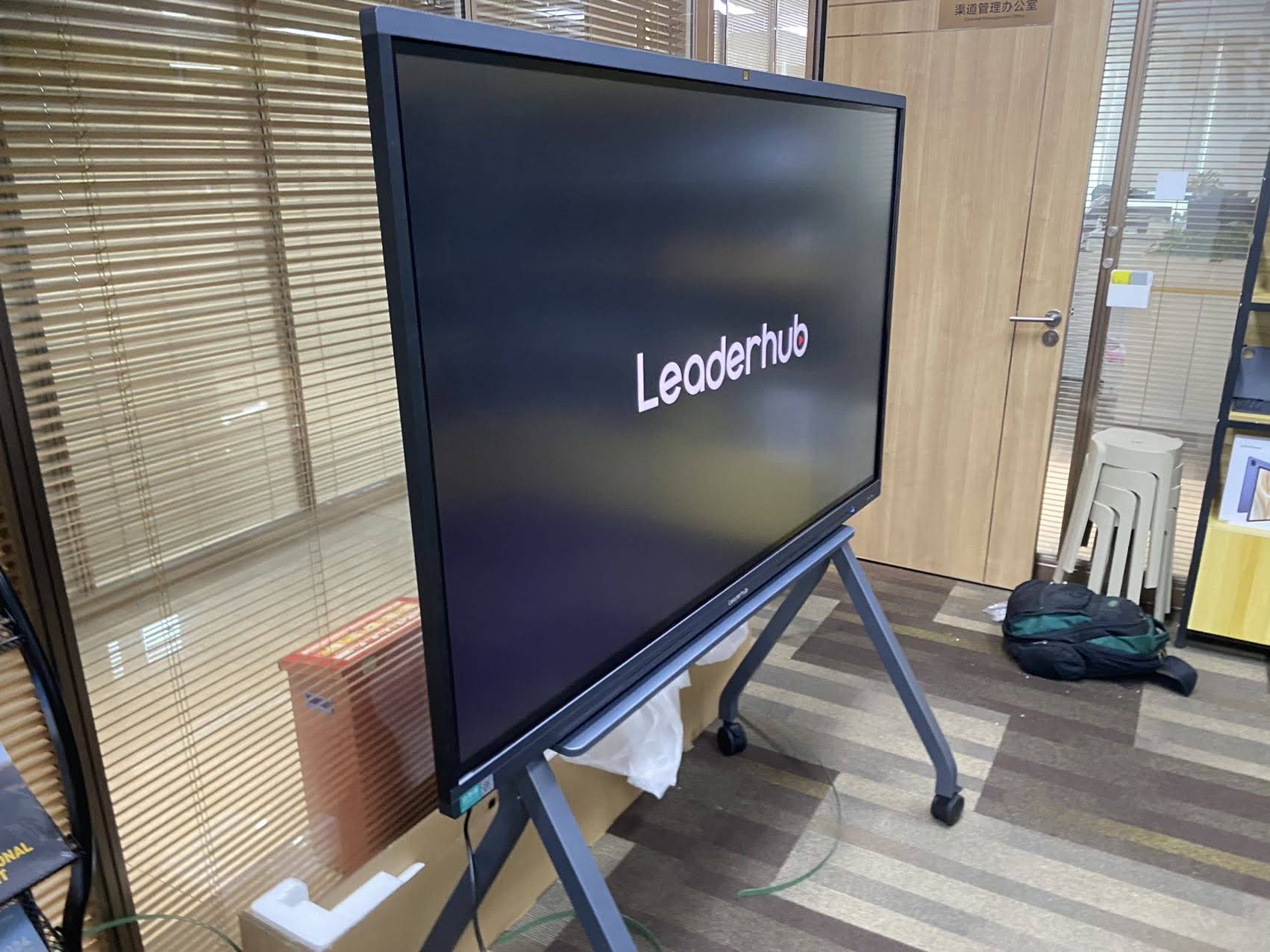
- DC dimming technology — eliminates flicker at all brightness levels
- Low blue light filtering — reduces harmful wavelengths without yellowing the display
- Anti-glare glass — minimizes reflection under classroom or office lighting
- Adaptive brightness sensors — automatically adjust to ambient light conditions
Key Features to Evaluate Before Purchasing
When comparing smart whiteboards for classrooms or offices, consider the following technical specifications that directly impact visual comfort and usability.
1. Flicker-Free Certification
Look for panels certified by TÜV Rheinland or similar third-party bodies for “Flicker-Free” and “Low Blue Light” standards. These certifications are independently tested and verified—not just marketing claims.
2. Panel Resolution and Brightness
A 4K UHD resolution (3840×2160) ensures text and diagrams remain sharp even when viewed from the back of a large classroom or conference room. Brightness levels between 350-450 nits are generally ideal—bright enough for well-lit rooms without causing glare-induced strain.
3. Touch Response and Writing Latency
For education use cases, low-latency infrared or capacitive touch technology (under 10ms response time) allows for natural, stylus-based writing that mimics traditional whiteboard use, reducing hand fatigue during long lessons.
4. Built-in Processing Power
Whiteboards paired with capable mini PCs reduce lag during video conferencing and interactive lessons, which indirectly reduces eye strain caused by stuttering visuals or delayed refresh rates.

Classroom vs. Office: Different Priorities
While eye-care technology benefits both environments, classrooms and offices have distinct usage patterns that should influence your final choice.
| Factor | Classroom Priority | Office Priority |
|---|---|---|
| Screen Size | 65″-86″ for full-room visibility | 55″-75″ for meeting rooms |
| Durability | High — frequent stylus/finger use | Moderate — periodic presentations |
| Software Needs | Annotation, quizzes, lesson tools | Video conferencing, screen sharing |
| Eye-Care Priority | Very High — young, developing eyes | High — long working hours |
Recommended Eye-Care Smart Whiteboards
Based on flicker-free certification, panel quality, and real-world classroom/office feedback, here are several models worth considering:
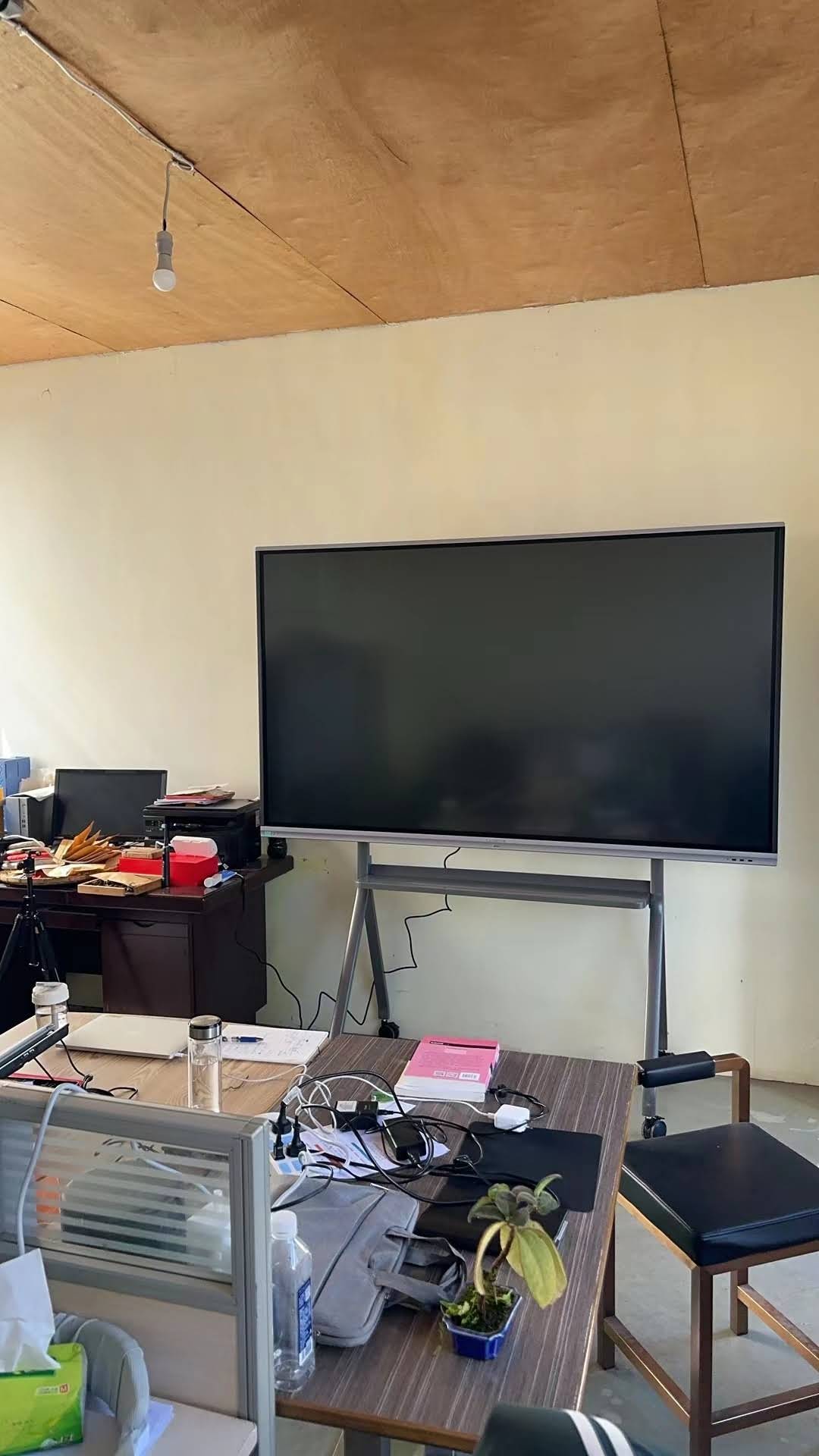
- LeaderHub L65HM Interactive Smart Whiteboard — 65″ 4K touchscreen, ideal for standard classrooms, priced at $1299.00
- LeaderHub L75ZM Interactive Whiteboard — 75″ 4K smart panel, balanced for medium-to-large meeting rooms, priced at $1399.00
- LeaderHub L86HM Interactive Smart Whiteboard — 86″ 4K touchscreen, best for large lecture halls or boardrooms, priced at $3199.00
- LeaderHub U55Pro Interactive Flat Panel — 55″ mobile 4K display, great for flexible, multi-room use, priced at $2499.00
Real-World Impact: What Users Report
In a 2023 internal survey conducted across 40 partner schools using flicker-free interactive panels, 78% of teachers reported reduced end-of-day eye fatigue compared to previous non-certified displays. Similarly, corporate IT administrators managing conference room upgrades noted fewer complaints about screen glare during all-day training sessions after switching to low blue light certified panels.
These findings align with broader industry data. The World Health Organization has highlighted increasing concern over screen-related visual fatigue, particularly among students who now spend more classroom hours interacting with digital displays than a decade ago.
Maintenance Tips to Preserve Eye-Care Performance
- Clean the anti-glare coating regularly using a microfiber cloth—avoid ammonia-based cleaners that degrade the coating.
- Calibrate brightness seasonally as natural light changes affect optimal display settings.
- Update firmware to ensure blue light filtering algorithms remain optimized.
- Position the panel away from direct sunlight or window glare to reduce the need for excessive brightness compensation.
Frequently Asked Questions
Does low blue light mode reduce color accuracy?
Quality panels use hardware-level filtering that preserves color fidelity, unlike software-based “night mode” filters on phones that noticeably yellow the display.
Is flicker-free technology necessary for occasional use?
For displays used less than 2 hours daily, standard panels may suffice. However, for daily classroom or office use exceeding 4 hours, flicker-free technology is strongly recommended by ophthalmology researchers.
Can eye-care features be added to existing whiteboards?
No—these are hardware-level features built into the panel’s backlight driver circuitry and cannot be retrofitted through software updates.
Making Your Final Decision
When selecting an eye-care smart whiteboard, prioritize independently certified flicker-free and low blue light technology over marketing terminology alone. Verify specifications directly with manufacturers and, where possible, test displays in person under your actual lighting conditions before committing to a bulk classroom or office rollout.
LeaderHub, with 16 years of experience in the interactive panel industry serving 82 countries, designs its smart whiteboard product line with certified eye-care technology as a core specification across all models—ensuring both educational institutions and businesses can prioritize user health without compromising on performance.
Explore the full range of smart whiteboards or browse complementary mini PC solutions to build a complete, health-conscious interactive display setup for your classroom or office.








