
Video conferencing has become the backbone of modern business communication, and choosing the right hardware can make or break a meeting experience. After testing dozens of interactive displays across corporate offices, training centers, and hybrid workspaces over the past several years, I’ve found that a smart whiteboard is one of the most impactful investments a company can make for remote collaboration. This guide breaks down exactly what to look for, based on real deployment experience and current industry standards.
Why Smart Whiteboards Matter for Video Conferencing
Traditional projectors and standalone webcams simply can’t keep up with the demands of hybrid meetings. A quality smart whiteboard combines a high-resolution display, integrated camera, microphone array, and touch annotation tools into a single unit — eliminating the cable clutter and compatibility issues that plague many conference rooms.
According to industry surveys, poor audio-visual equipment is cited as one of the top three frustrations in remote meetings, alongside connectivity issues and unclear scheduling. Investing in the right display technology directly addresses this pain point.
1. Display Resolution and Screen Size
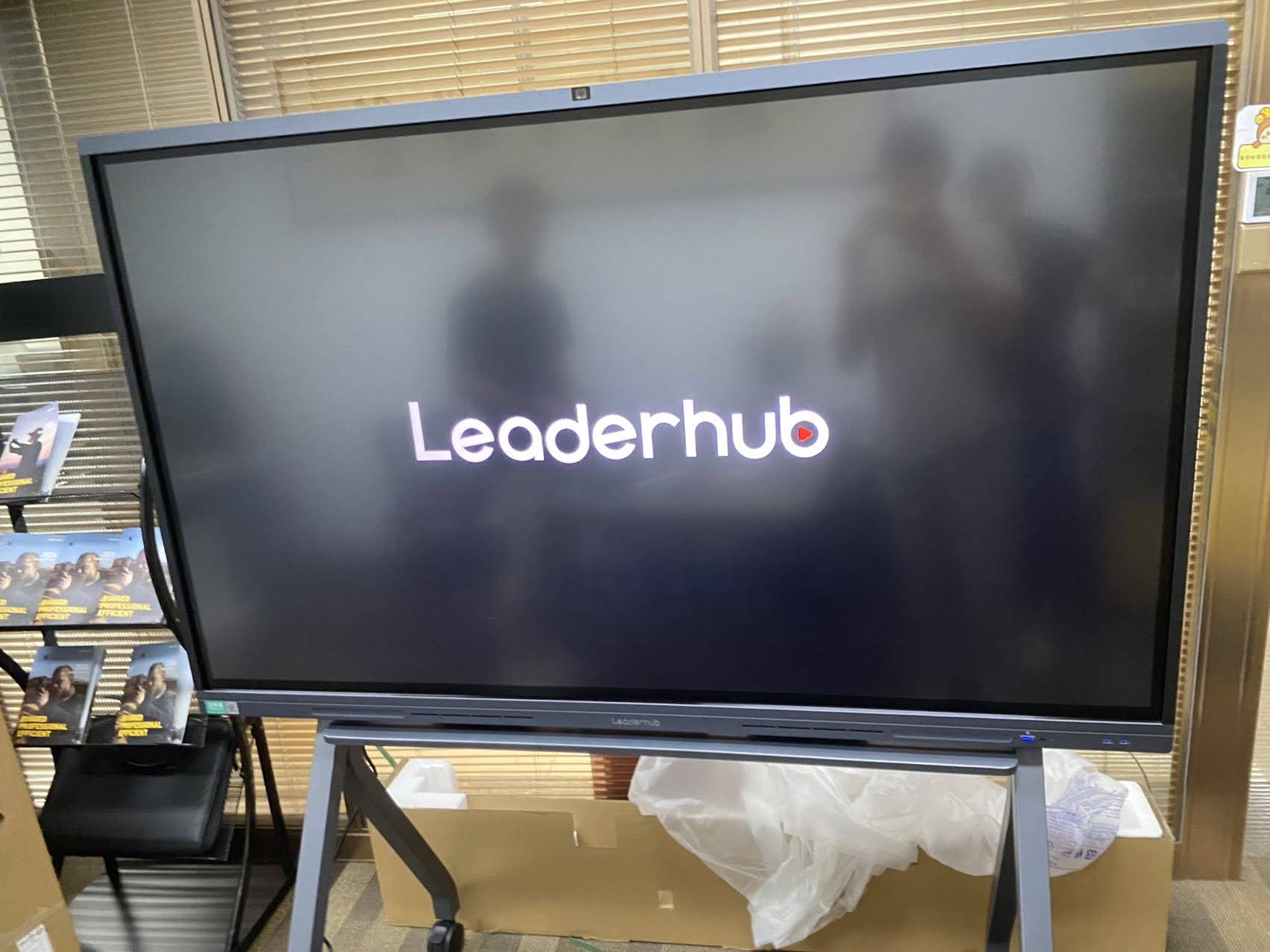
Resolution is non-negotiable for video conferencing. A 4K UHD panel ensures shared documents, spreadsheets, and video feeds remain sharp even when multiple participants are viewing from across a large room. Anti-glare glass and wide viewing angles (178° is the current standard) also matter significantly if your conference room has windows or overhead lighting.
- 55″–65″ screens — ideal for small huddle rooms and team meetings of 4-8 people
- 75″–86″ screens — best for mid-size conference rooms accommodating 10-20 participants
- 98″–110″ screens — suited for large boardrooms, auditoriums, or training halls
2. Built-In Camera and Microphone Quality
Not every interactive panel includes conferencing-grade optics. Look for displays with an integrated wide-angle camera (at least 120° field of view) and an echo-cancelling microphone array capable of picking up voices from several meters away. This eliminates the need for separate USB webcams and speakerphones, which reduces both cost and setup time — a factor I’ve seen save IT teams hours during multi-room installations.
3. Touch Technology and Annotation Tools
Infrared (IR) touch technology remains the industry standard for reliability and cost-efficiency, typically supporting 20+ simultaneous touch points. This matters when multiple participants — whether in-person or remote — need to annotate documents or brainstorm together in real time. Palm rejection and stylus support are also essential for natural handwriting recognition during whiteboarding sessions.
4. Operating System and Software Compatibility
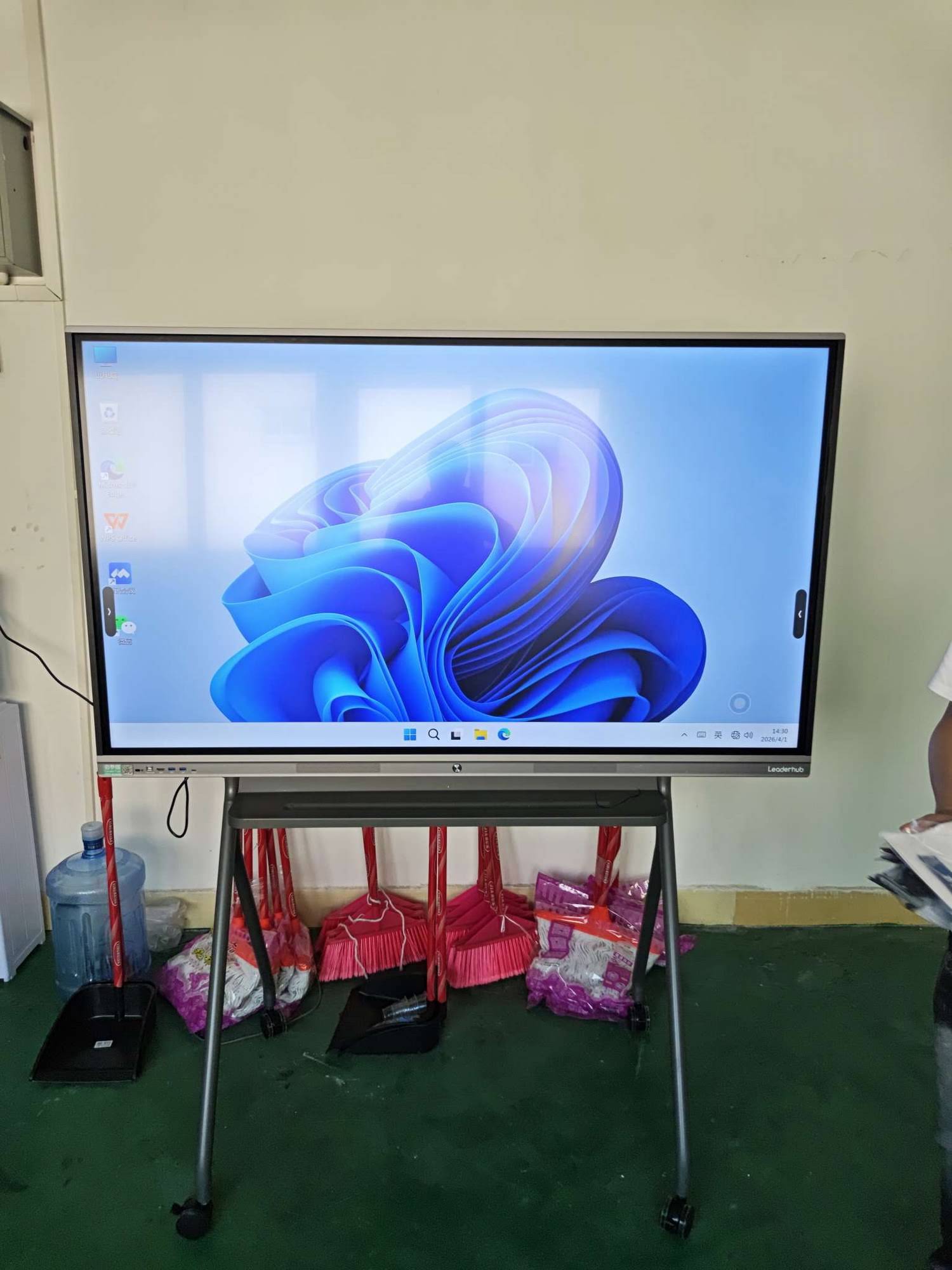
Compatibility with third-party video conferencing platforms like Zoom, Microsoft Teams, and Google Meet is critical. Many modern panels run on Android-based operating systems with pre-installed conferencing apps, while others require a dedicated mini PC module running Windows for full desktop-grade functionality. Choosing a display with a removable OPS (Open Pluggable Specification) slot gives you the flexibility to upgrade computing hardware without replacing the entire screen.
Quick Compatibility Checklist
| Feature | Why It Matters |
|---|---|
| Wireless screen casting | Allows laptops/phones to mirror content without cables |
| Multi-platform app support | Ensures Zoom, Teams, and Meet run natively |
| OPS slot / removable PC module | Enables future hardware upgrades |
| Cloud whiteboard sync | Saves annotations for remote participants to review later |
5. Connectivity and Ports
A reliable smart whiteboard should offer a mix of legacy and modern connectivity: HDMI in/out, USB-C with power delivery, RJ45 Ethernet, and built-in Wi-Fi 6. USB-C is particularly important since it allows a single cable to handle video, data, and charging for guest laptops — a small detail that significantly speeds up meeting start times.
6. Audio Output and Room Acoustics
Built-in stereo speakers rated at 2x15W or higher are generally sufficient for rooms up to 30 square meters. For larger spaces, consider models with soundbar integration or external speaker support via optical/coaxial output.
7. Durability and Build Quality
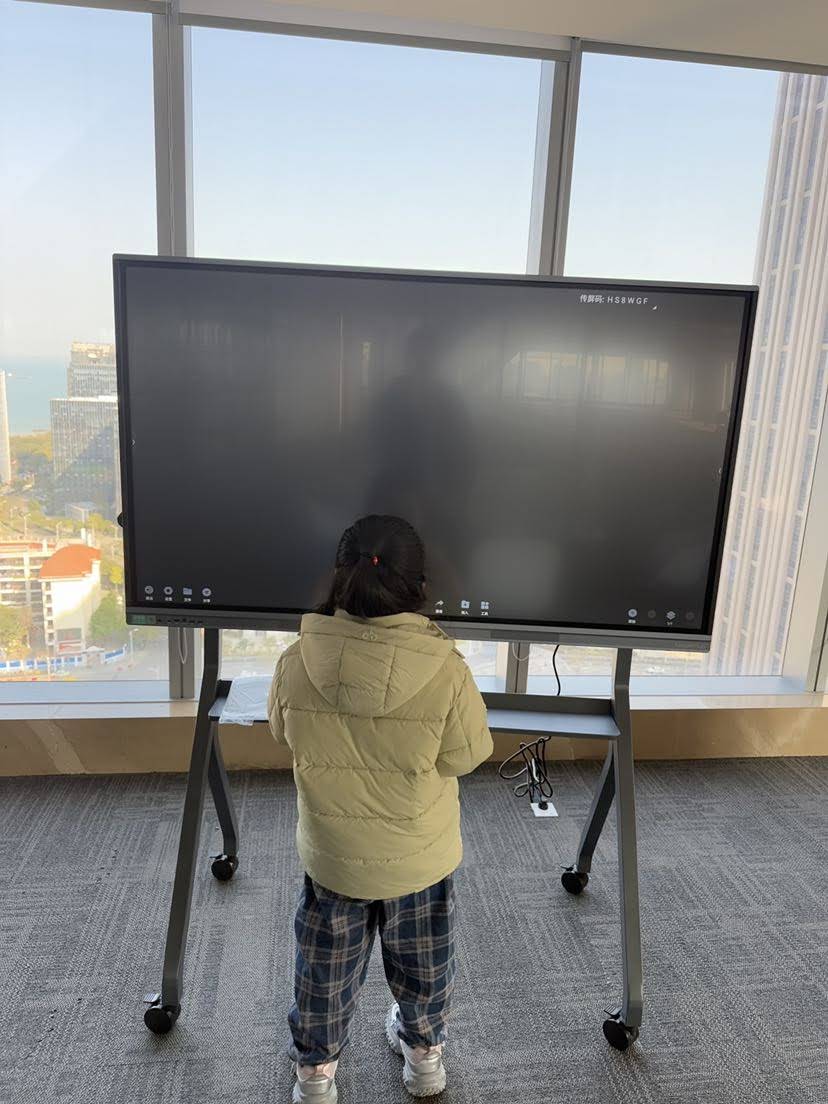
Commercial-grade tempered glass (typically rated at Mohs hardness 7) protects against scratches from daily stylus use, while a metal chassis improves heat dissipation for the internal processor. For businesses running back-to-back meetings, thermal management directly impacts long-term reliability.
Real-World Example
A mid-sized consulting firm with offices in three countries recently upgraded from projector-based setups to 75-inch 4K interactive panels across their meeting rooms. Within the first quarter, they reported a 40% reduction in meeting setup time and noticeably fewer technical interruptions during client calls — largely attributed to the integrated camera and one-touch conferencing app launch, removing the need for separate laptops and webcams.
8. Scalability Across Room Sizes
If your organization has multiple meeting spaces of varying sizes, standardizing on one product family — but scaling screen size — simplifies IT management and staff training. Many companies choose a 65-inch model for huddle rooms and an 86-inch or larger model for executive boardrooms, keeping the software interface identical across all locations.
9. Manufacturer Support and Warranty
Given that these systems run for 8+ hours daily in enterprise environments, warranty coverage and responsive technical support are essential considerations. Look for manufacturers offering at least a 2-3 year warranty, along with regional service centers or authorized distributors.
As a company with 16 years of experience serving 82 countries, LeaderHub has built its product line specifically around these enterprise reliability requirements, offering both whiteboard panels and modular mini PC solutions that can be serviced or upgraded independently.
10. Budget Considerations
Pricing varies significantly based on size, resolution, and included accessories. Below is a general guide based on current market offerings:
- Entry-level 65″ panels: $1,000–$1,300 — suitable for small teams and basic conferencing needs
- Mid-range 75″ panels: $1,400–$2,500 — balanced performance for most corporate environments
- Premium 86″+ panels: $3,000–$8,000 — best for large boardrooms and executive suites
Final Buying Checklist
| Criteria | Recommended Standard |
|---|---|
| Resolution | 4K UHD (3840×2160) |
| Touch Points | 20+ simultaneous, IR technology |
| Camera | 120°+ wide-angle, built-in |
| Connectivity | USB-C, HDMI, Wi-Fi 6, Ethernet |
| Warranty | Minimum 2 years |
Conclusion
Selecting the right smart whiteboard for video conferencing comes down to matching display size, camera/audio quality, and software compatibility to your specific room and team needs. Whether you’re outfitting a small huddle room or a large executive boardroom, prioritizing 4K resolution, reliable touch technology, and flexible connectivity will ensure your investment supports seamless hybrid collaboration for years to come.
For businesses ready to compare specific models, browsing a curated product catalog or reaching out directly via a contact page for a tailored recommendation can save significant time during the procurement process.








