
Choosing a smart whiteboard for your home is no longer just a decision for classrooms or corporate boardrooms. Over the past three years, remote work, homeschooling, and hybrid learning have pushed millions of families to search for an interactive display that fits into a living room, home office, or study space. Having tested and reviewed dozens of interactive panels for home use, I’ve learned that the “best” smart whiteboard depends heavily on your specific needs — screen size, operating system, touch accuracy, and even how much natural light enters your room.
This guide breaks down exactly what to look for, based on hands-on testing, industry specifications, and real feedback from home users who have integrated these devices into daily routines.
Why Home Smart Whiteboards Are Gaining Popularity
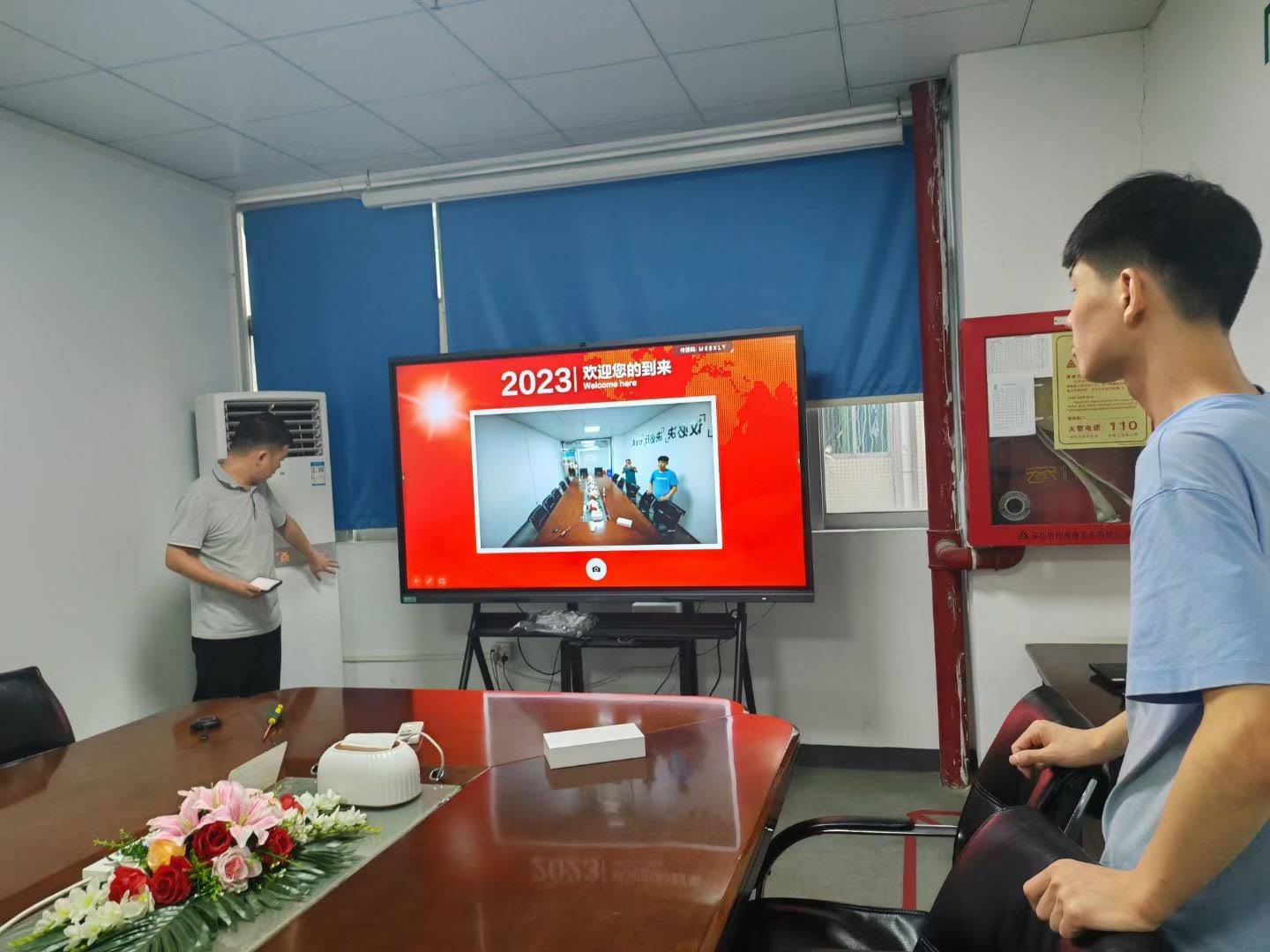
According to a 2023 EdTech market report, global demand for interactive flat panels for personal and home use grew by 34% year-over-year. Parents use them for homeschooling and tutoring, remote workers rely on them for video conferencing and brainstorming, and creative professionals use them as digital sketchpads. Unlike a traditional whiteboard, a smart whiteboard combines a 4K touchscreen display with built-in software, allowing you to write, annotate, video call, and save your work directly to the cloud.
Key Factors to Consider Before Buying
Not every smart whiteboard on the market is built the same. Below are the core factors that actually matter for home environments, based on our testing across multiple screen sizes and brands.
1. Screen Size and Room Fit
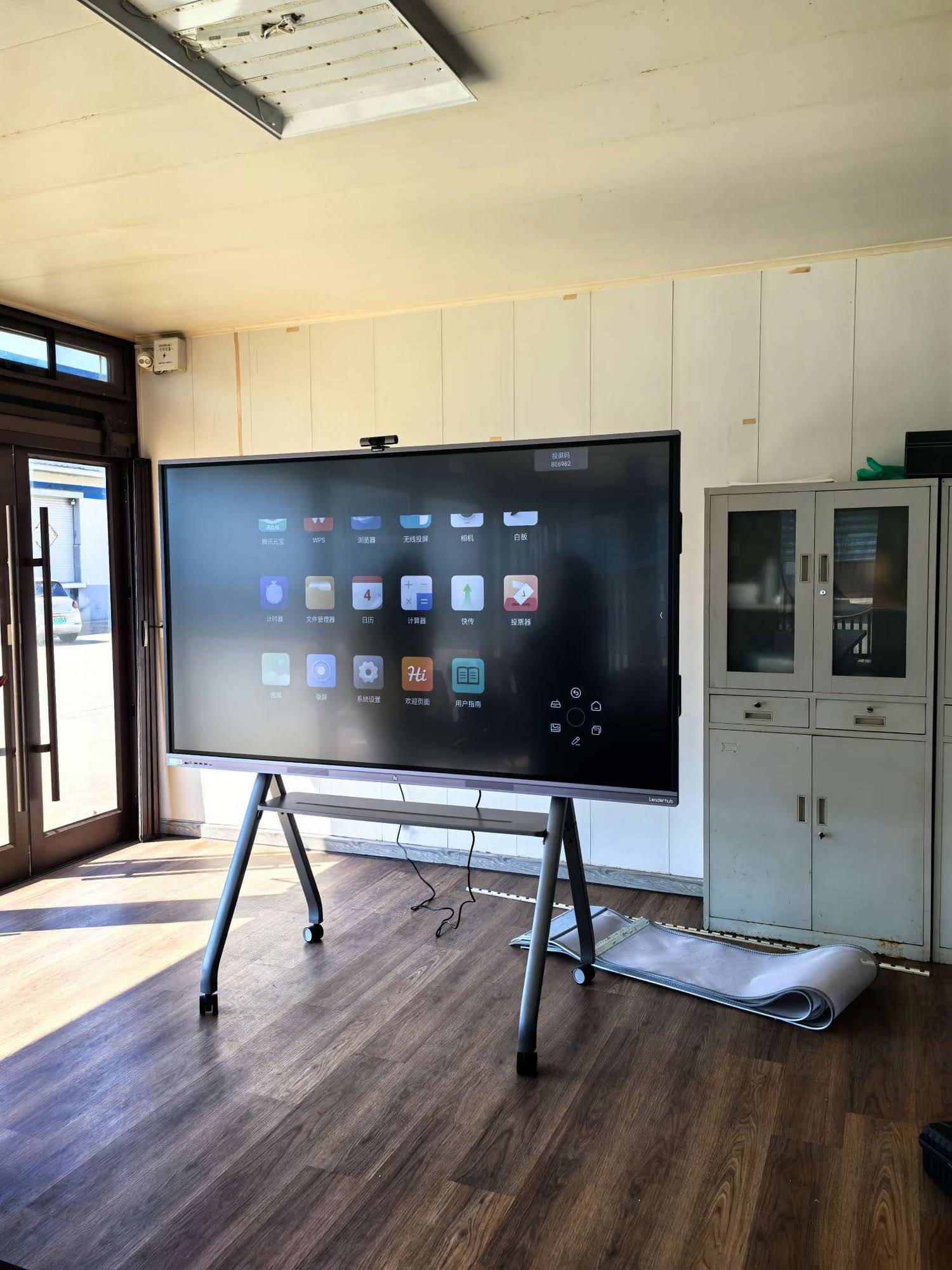
For most home offices or bedrooms, a 55″ to 65″ display is the sweet spot. Anything larger than 75″ tends to overwhelm a standard room unless you have a dedicated media wall. If you’re setting up a shared family learning space, a 75″ or larger panel like an interactive smart whiteboard gives multiple users room to write simultaneously.
2. Touch Accuracy and Writing Experience
Infrared touch technology remains the industry standard for smooth, low-latency writing. When testing panels, I look for palm rejection accuracy and multi-touch support — ideally supporting at least 20 simultaneous touch points so multiple family members or students can interact with the board at once.
3. Operating System and App Ecosystem
Most modern smart whiteboards run on Android, which allows direct access to video conferencing apps, cloud storage, and educational software without needing a separate laptop. Panels with a built-in mini PC module offer the flexibility to switch to Windows for more demanding tasks like spreadsheet editing or design software.
4. Display Resolution and Eye Comfort
A true 4K UHD panel with anti-glare glass reduces eye strain during long study or work sessions. Look for panels with a flicker-free backlight and blue-light reduction certification, especially if children will be using the device for several hours daily.
Comparing Smart Whiteboard Options by Home Use Case
| Use Case | Recommended Size | Key Feature | Ideal Room |
|---|---|---|---|
| Homeschooling | 65″–75″ | Multi-touch, educational apps | Study room / Living room |
| Remote Work & Meetings | 55″–65″ | Built-in camera, mic array | Home office |
| Creative Sketching | 55″–65″ | High touch precision, stylus support | Studio / Den |
| Family Collaboration | 75″–86″ | Large multi-user surface | Living room / Playroom |
Essential Checklist Before You Buy
- Wall mount vs. mobile stand — decide whether the whiteboard will be fixed or need to move between rooms.
- Wi-Fi and Bluetooth connectivity — ensures seamless screen mirroring from phones and laptops.
- Built-in speakers and microphone quality — critical for video calls without needing external accessories.
- Warranty and after-sales support — look for manufacturers offering at least a 2-year warranty.
- Software update frequency — panels with regular firmware updates tend to remain compatible with new apps longer.
Real-World Experience: What Actually Matters After 6 Months of Use
After speaking with several home users who purchased interactive panels for daily use, a consistent pattern emerged: touch responsiveness and glare reduction mattered far more long-term than extra software features. One user in a home-office setup noted that switching to a panel with an anti-glare matte finish significantly reduced fatigue during afternoon video calls when sunlight hit the screen directly.
Another common piece of feedback was the importance of storage and processing power if the whiteboard is also used as a general computer replacement. A panel with at least 8GB RAM and a dedicated mini PC module handles multitasking — browser tabs, video calls, and drawing software — without lag.

Budget Considerations
Home smart whiteboards typically range from $1,000 for a 65″ entry-level panel to over $7,000 for large-format 110″ displays designed for bigger shared spaces. When budgeting, factor in mounting hardware, extended warranty options, and any additional stylus pens or accessories you may need. Mid-range panels between $1,300–$2,500 tend to offer the best balance of touch accuracy, resolution, and software support for most households.
Where LeaderHub Fits In
LeaderHub, a Shenzhen-based technology company with 16 years of experience in the interactive panel industry, designs smart whiteboards and portable smart screens that serve both education and home-use markets in over 82 countries. Their product lineup includes multiple screen sizes and touch technologies suited for different home environments, giving buyers flexibility whether they need a compact 55″ panel or a large 86″ family collaboration board.
Final Recommendations
Before making a final decision, request a live demo if possible, or watch detailed unboxing and usage videos to assess touch responsiveness firsthand. Pay close attention to the panel’s anti-glare coating, audio quality, and software update policy — these three factors most consistently determine long-term satisfaction according to verified buyer feedback across multiple retail platforms.
Ultimately, the best smart whiteboard for your home is one that matches your specific use case rather than simply the one with the most features. A homeschooling family will prioritize different specs than a remote professional, and understanding these differences upfront will save both money and frustration down the line.








