
Smart boards have revolutionized the way we collaborate, teach, and present in modern classrooms and meeting rooms. Whether you’re an educator looking to enhance student engagement or a business professional seeking to upgrade your conference room, understanding smart board pricing is essential before making an investment. This comprehensive guide explores the costs, features, and factors that influence smart board prices to help you make an informed purchasing decision.
Understanding Smart Board Technology
A smart board, also known as an interactive flat panel or digital whiteboard, is a large interactive display that connects to a computer and projector or functions as a standalone device. These advanced tools allow users to control applications, write notes, annotate documents, and collaborate in real-time using touch gestures or stylus pens.
Modern smart boards combine the functionality of traditional whiteboards with the power of digital technology, offering features like wireless screen sharing, video conferencing integration, cloud connectivity, and AI-powered collaboration tools. The technology has evolved significantly over the past decade, with manufacturers like LeaderHub, who have over 16 years of experience in interactive display solutions, continuously improving hardware reliability and software capabilities.
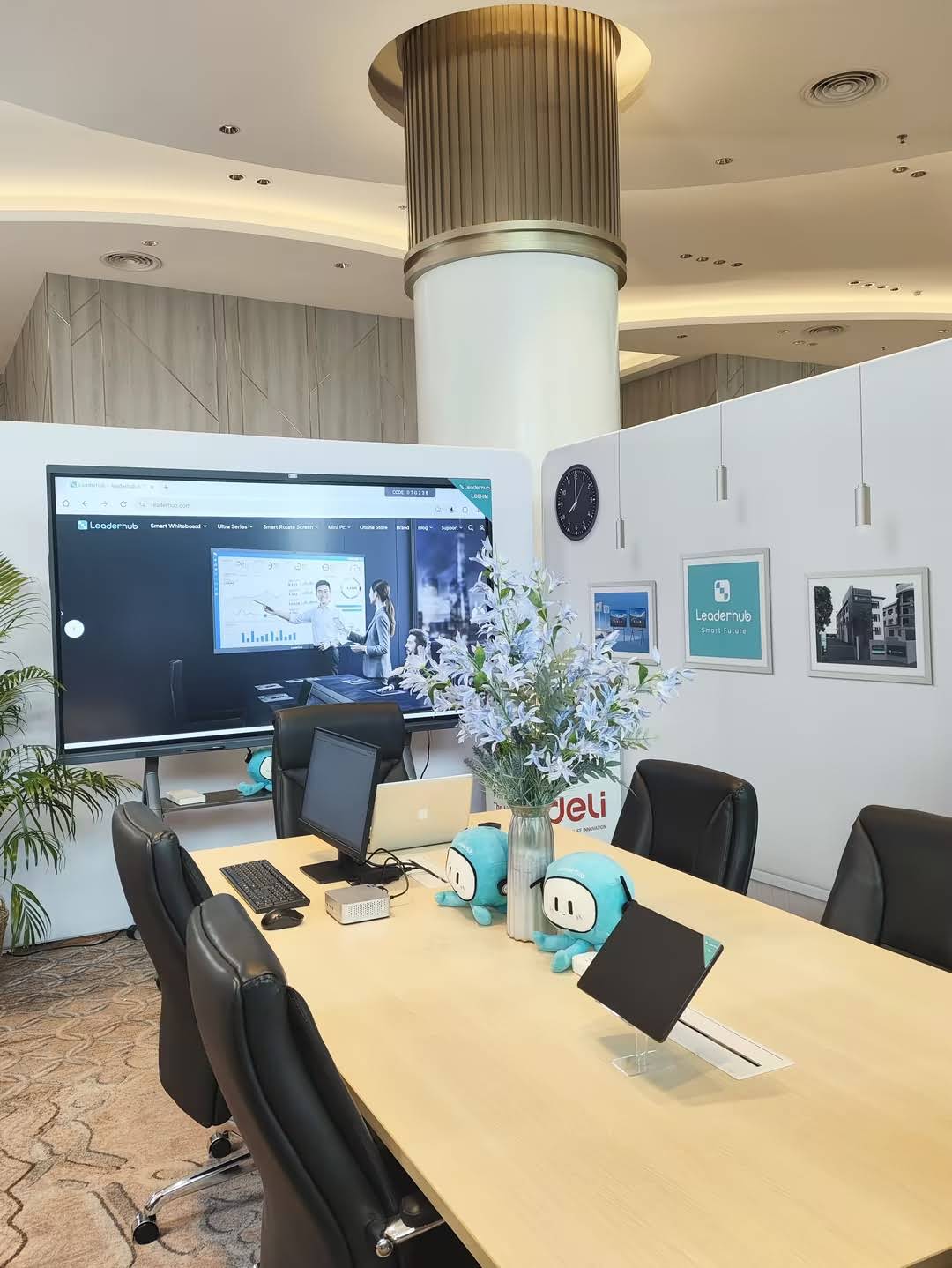
Smart Board Price Ranges by Category
Smart board costs vary significantly based on size, technology, brand, and features. Understanding these price categories helps you set realistic budget expectations.
Entry-Level Smart Boards ($800 – $2,500)
Entry-level smart boards typically range from 55 to 65 inches and offer basic interactive functionality. These models are suitable for small classrooms, home offices, or small meeting rooms where budget constraints are a primary concern.
- Screen sizes: 55″ – 65″
- Resolution: Full HD (1920×1080) or 4K
- Touch points: 10-20 simultaneous touch points
- Basic annotation and whiteboarding software
- Limited connectivity options
- Standard warranty (1-2 years)
Mid-Range Smart Boards ($2,500 – $5,000)
Mid-range options typically feature larger displays (65-75 inches) with enhanced touch responsiveness, better built-in audio, and more comprehensive software packages. These represent the sweet spot for most educational institutions and small to medium-sized businesses.
- Screen sizes: 65″ – 75″
- Resolution: 4K Ultra HD (3840×2160)
- Touch points: 20-40 simultaneous touch points
- Advanced annotation tools and educational software
- Wireless screen sharing capabilities
- Built-in speakers and microphone arrays
- Extended warranty options (2-3 years)
Premium Smart Boards ($5,000 – $10,000+)
Premium smart boards offer the largest screen sizes (75-98 inches), cutting-edge technology, and enterprise-grade features. These are ideal for large conference rooms, lecture halls, and organizations that demand the highest performance and reliability.
- Screen sizes: 75″ – 98″ and beyond
- Resolution: 4K Ultra HD with HDR support
- Touch points: 40+ simultaneous touch points
- AI-powered features and advanced collaboration tools
- Integrated camera systems for video conferencing
- Professional-grade audio systems
- Comprehensive software suites
- Extended warranties and priority support (3-5 years)
| Price Category | Size Range | Best For | Average Cost |
|---|---|---|---|
| Entry-Level | 55″ – 65″ | Small rooms, home offices, budget-conscious buyers | $800 – $2,500 |
| Mid-Range | 65″ – 75″ | Classrooms, small-medium meeting rooms | $2,500 – $5,000 |
| Premium | 75″ – 98″+ | Large venues, enterprise collaboration, lecture halls | $5,000 – $10,000+ |
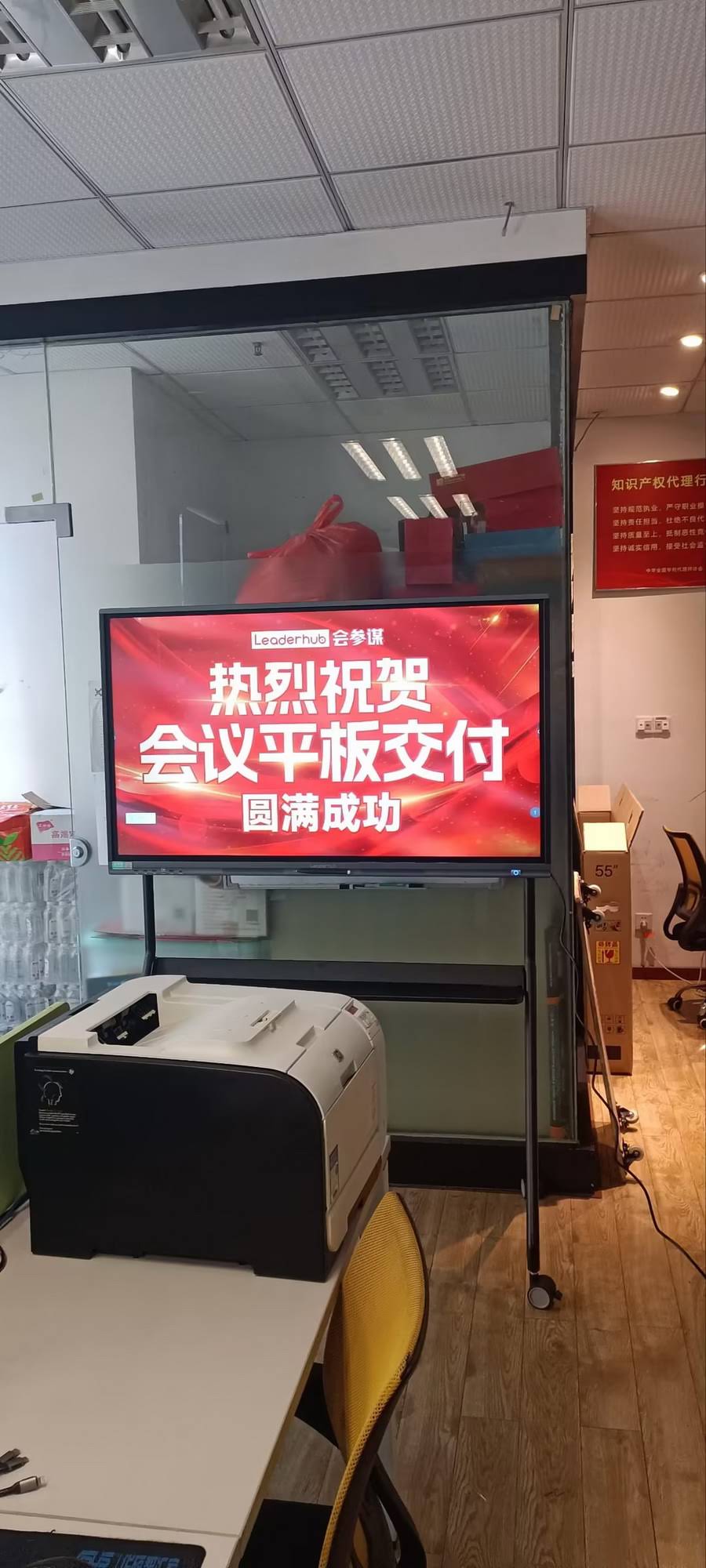
Key Factors That Influence Smart Board Costs
Several variables affect the final price of a smart board. Understanding these factors helps you prioritize features that matter most for your specific use case.
Screen Size and Display Technology
Screen size is the most significant cost driver. Larger displays require more materials, advanced manufacturing processes, and specialized logistics. A 55-inch smart board might cost $1,200, while a 98-inch model from the same product line could exceed $9,000.
Display technology also impacts pricing. LED-backlit LCD panels are standard and affordable, while OLED or Mini-LED technologies offer superior contrast and color accuracy at premium prices. Resolution matters too¡ª4K displays cost more than Full HD models but deliver sharper images essential for detailed presentations and fine text readability.
Touch Technology and Sensitivity
The type of touch technology significantly affects both performance and cost. Infrared touch technology is common in modern smart boards, offering excellent accuracy and supporting multiple simultaneous touch points without requiring special pens.
Higher-end models support 40+ touch points, allowing entire groups to interact simultaneously¡ªcrucial for collaborative learning environments. Budget models typically support 10-20 touch points, which suffices for individual presenters or small group activities.
Processing Power and Built-In Computing
Many modern smart boards include integrated computing systems, eliminating the need for external PCs. These built-in computers range from basic Android-based systems to powerful Windows-based solutions with Intel Core processors and dedicated graphics.
Smart boards with embedded high-performance computers cost $500-$1,500 more than display-only models, but they reduce cable clutter and simplify deployment. The processing power determines how smoothly the system handles multitasking, video playback, and complex applications.
Software and Ecosystem
Software significantly impacts the total cost of ownership. Some manufacturers bundle comprehensive software suites at no additional cost, while others charge annual subscription fees ranging from $100 to $500 per device.
Consider what’s included: whiteboarding tools, screen recording, wireless presentation software, device management platforms, and cloud storage. Enterprise customers should evaluate compatibility with existing systems like Microsoft Teams, Zoom, Google Workspace, and specialized educational platforms.
Audio and Video Capabilities
Built-in audio systems vary dramatically in quality. Entry-level models may have basic 10W speakers, while premium systems feature 20W+ speakers with subwoofers and advanced audio processing for clear sound in large rooms.
Integrated cameras for video conferencing add $200-$800 to the cost. High-end models include 4K cameras with AI-powered features like auto-framing, speaker tracking, and background removal¡ªessential for hybrid meeting environments.
Durability and Build Quality
Commercial-grade smart boards designed for heavy daily use cost more than consumer-oriented models. Look for features like anti-glare, scratch-resistant glass, reinforced frames, and robust internal components.
Education-focused models often include additional protective features to withstand the demands of classroom environments. Industrial-grade displays with IP ratings for dust and moisture resistance command premium prices but offer longevity in challenging environments.
Hidden Costs to Consider
The sticker price is just the beginning. Smart buyers account for the total cost of ownership, which includes several often-overlooked expenses.
Installation and Mounting
Professional installation typically costs $200-$800, depending on mounting requirements, room size, and cable management complexity. Wall mounting requires specialized brackets (often sold separately at $100-$300) rated for the display’s weight.
Mobile stands offer flexibility but add $300-$1,000 to your budget. Electric height-adjustable stands for accessibility compliance can exceed $1,500. Factor in any necessary electrical work or network cabling, which may require licensed contractors.
Accessories and Peripherals
Essential accessories add up quickly:
- Digital stylus pens: $30-$150 each (schools often need multiple)
- Remote controls: $40-$80
- Wireless presentation dongles: $50-$200
- External cameras and microphones: $150-$800
- Document cameras: $300-$1,000
- Protective screen covers: $100-$300
Extended Warranties and Support
Standard warranties typically cover 1-2 years. Extended warranty options cost 10-20% of the device price annually but provide peace of mind, especially for mission-critical installations.
On-site service contracts ensure rapid response times when issues occur. Some manufacturers offer 24/7 technical support, advanced replacement programs, and dedicated account managers for enterprise customers.
Training and Professional Development
Maximizing your smart board investment requires proper training. Budget $500-$2,000 for professional development sessions, either on-site or virtual. Many educational institutions invest in train-the-trainer programs to build internal expertise.
Consider ongoing training costs as software updates introduce new features. Some vendors include training credits with purchase, while others charge separately.
Software Licenses and Subscriptions
While some smart board software is perpetually licensed, many advanced features require annual subscriptions:
- Cloud storage: $50-$200/year per device
- Advanced collaboration features: $100-$300/year
- Device management platforms: $50-$150/year per device
- Content libraries and templates: $30-$100/year
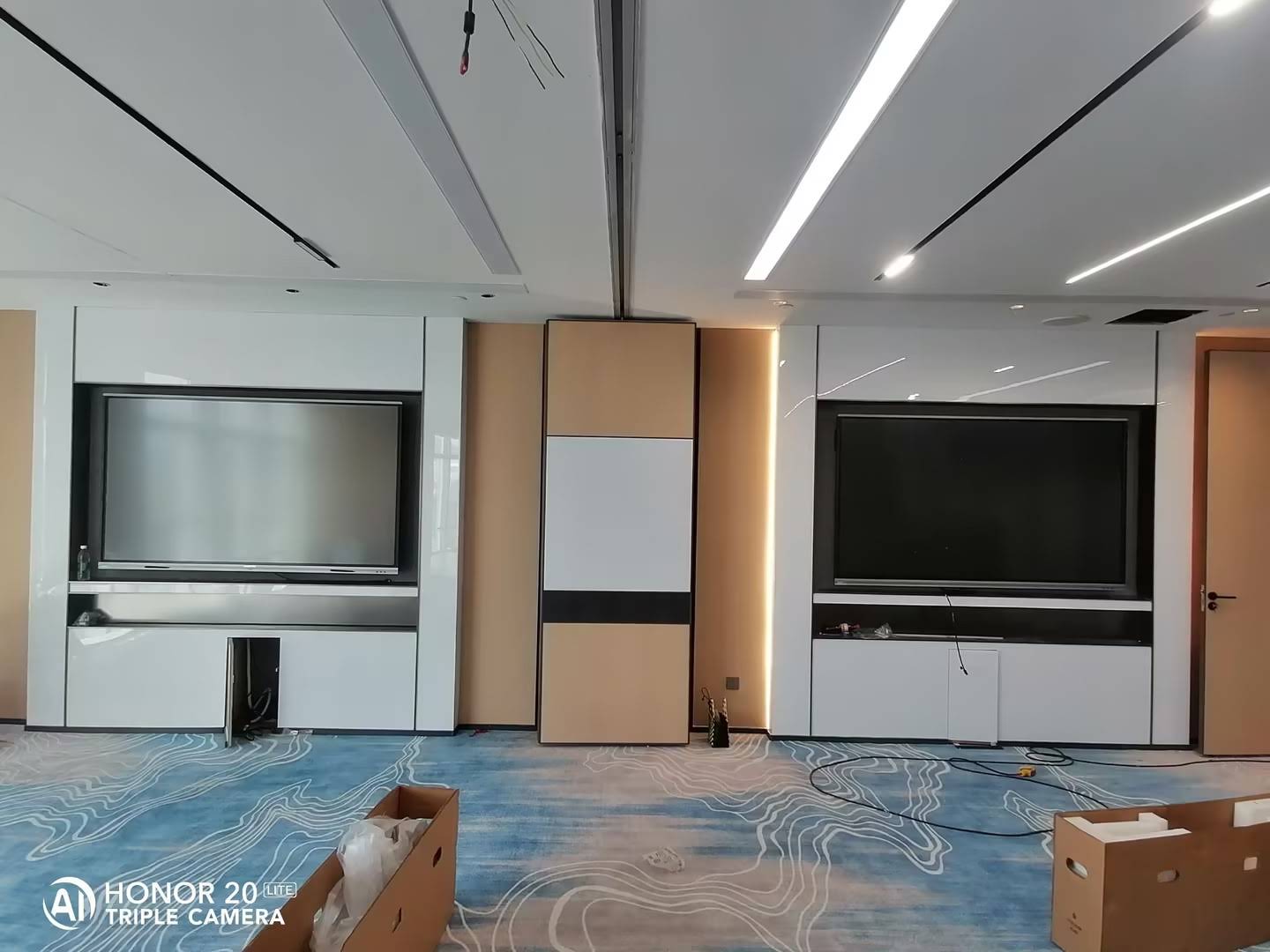
Smart Board Features Worth Paying For
Not all features justify their premium. Here’s what genuinely enhances the user experience and delivers long-term value.
4K Resolution Display
The difference between Full HD and 4K becomes dramatically apparent on displays larger than 65 inches. Text remains crisp at any viewing distance, fine details in images and diagrams stay clear, and the overall presentation quality looks professional. For educational and business environments where content clarity matters, 4K is worth the 15-25% price premium.
Zero-Bonding Technology
Zero-bonding (also called optical bonding) eliminates the air gap between the touch sensor and LCD panel. This reduces glare, improves contrast, enhances durability, and makes the writing experience feel more natural¡ªlike writing on paper. The technology adds 10-15% to the cost but significantly improves user satisfaction.
Wireless Screen Sharing
Built-in wireless presentation capability eliminates cables and simplifies content sharing from laptops, tablets, and smartphones. This feature proves invaluable in collaborative environments where multiple participants need to share content quickly. Look for systems supporting multiple wireless standards (Miracast, AirPlay, Chromecast) for broad device compatibility.
AI-Enhanced Features
Modern smart boards increasingly incorporate AI capabilities that genuinely improve the user experience. AI-powered writing recognition converts handwriting to typed text with impressive accuracy. Intelligent shape recognition transforms rough sketches into perfect geometric shapes. AI cameras automatically frame speakers and adjust based on room activity.
These features previously required expensive third-party add-ons but are now becoming standard in mid-range and premium models. The AI implementations continue improving through software updates, making them a future-proof investment.
Robust Connectivity Options
Comprehensive connectivity ensures compatibility with various devices and workflows. Essential ports include multiple HDMI inputs, USB-C with power delivery, USB 3.0 ports, Ethernet, and audio jacks. Models lacking diverse connectivity options limit flexibility and may require costly adapters or hubs.
Buying Considerations for Different Use Cases
Your specific requirements should guide your purchasing decision more than generic feature lists.
For Education
Schools prioritize durability, ease of use, and educational software integration. The typical budget ranges from $2,000-$4,000 per classroom. Key considerations include:
- Scratch-resistant glass suitable for frequent student interaction
- Integrated whiteboarding apps with subject-specific templates
- Student device connectivity for collaborative learning
- Learning management system integration
- Classroom management features for teachers
- Warranty coverage for heavy daily use
Educational institutions often qualify for volume discounts of 15-30% when purchasing multiple units. Many manufacturers offer special education pricing and flexible payment plans.
For Corporate Meetings
Businesses need professional presentation capabilities, video conferencing integration, and seamless collaboration tools. Corporate budgets typically range from $3,000-$7,000 per conference room.
- 4K resolution for sharp text and detailed visuals
- Integrated or compatible video conferencing systems
- Calendar integration and room booking features
- Wireless presentation from multiple devices
- Enterprise security and device management
- Professional-grade audio for clear communication
For Training and Development
Training environments benefit from interactive features that engage participants and facilitate hands-on learning. Budgets vary widely ($2,500-$6,000) based on room size and training sophistication.
- Multi-touch capability for group activities
- Screen recording for session documentation
- Annotation tools for real-time feedback
- Split-screen and multi-source display
- Cloud storage for session materials
- Mobile cart for flexible room setup
For Healthcare
Medical facilities require specialized features for patient education, telehealth, and staff training. Healthcare-grade displays typically cost $4,000-$8,000.
- Medical-grade certification where required
- Antimicrobial coating options
- HIPAA-compliant software and security
- High-resolution imaging capabilities
- Easy sanitization without damage
- Telehealth platform integration
New vs. Refurbished Smart Boards
Budget-conscious buyers may consider refurbished smart boards, which typically cost 30-50% less than new models. However, this option involves tradeoffs worth carefully evaluating.
Advantages of Refurbished Units
Significant cost savings make newer technology accessible to organizations with limited budgets. Reputable refurbishers thoroughly test and certify devices, often including limited warranties. This option makes sense for pilot programs, temporary installations, or non-critical applications.
Risks and Limitations
Refurbished smart boards may have reduced remaining lifespan, limited or no manufacturer warranty, potential cosmetic imperfections, and outdated technology. Touch sensor degradation is common in heavily-used displays. Software support may be limited for older models.
If considering refurbished equipment, purchase from authorized refurbishers, verify warranty terms, test thoroughly upon arrival, and ensure software updates are available. For mission-critical applications, the risk rarely justifies the savings.
Smart Board ROI and Long-Term Value
Evaluating smart board costs requires looking beyond the initial purchase price to the total value delivered over the device’s lifespan.
Productivity Gains
Studies consistently show smart boards reduce meeting time by 15-25% through more efficient collaboration and real-time documentation. In educational settings, interactive technology increases student engagement and can improve learning outcomes by 15-20% when implemented effectively.
Calculate productivity gains by estimating time saved per meeting or class session, multiplying by the number of sessions annually, and valuing that time at appropriate rates. For many organizations, the productivity gains alone justify the investment within 2-3 years.
Reduced Consumable Costs
Smart boards eliminate ongoing expenses for dry-erase markers, erasers, cleaning supplies, and replacement whiteboards. A typical classroom spends $200-$400 annually on whiteboard supplies. Over a smart board’s 5-7 year lifespan, these savings add up to $1,000-$2,800.
Enhanced Collaboration
Digital collaboration capabilities enable remote participation, real-time document sharing, and persistent session capture. These features prove invaluable in hybrid work and learning environments, reducing the need for costly in-person meetings and travel while maintaining engagement quality.
Expected Lifespan
Quality smart boards typically last 5-7 years with proper maintenance. Premium commercial-grade models may exceed 50,000 hours of operation¡ªequivalent to 10+ years of standard use. Factor in the cost per year of use when comparing models. A $5,000 display lasting 7 years costs less annually than a $3,000 display requiring replacement after 4 years.
Where to Buy Smart Boards
Purchase channels significantly impact pricing, support quality, and overall buying experience.
Direct from Manufacturers
Buying directly from manufacturers like LeaderHub often provides the best prices, especially for volume orders. Direct relationships ensure authentic products, manufacturer warranties, and access to technical support. Manufacturers may offer customization options and OEM/ODM services for specific requirements.
Authorized Distributors and Resellers
Authorized distributors add value through local inventory, installation services, training, and ongoing support. They often bundle hardware, software, and services into comprehensive solutions. Pricing typically runs 5-15% higher than direct purchase but includes additional services justifying the premium.
Education and Government Procurement
Schools and government agencies benefit from specialized procurement channels offering pre-negotiated contracts, volume discounts, and compliant purchasing processes. Many manufacturers participate in cooperative purchasing programs and state contracts providing favorable terms.
Online Retailers
Major online retailers offer convenience and competitive pricing but may provide limited post-sale support. Verify seller authorization, warranty terms, and return policies. Be cautious of marketplace sellers offering prices significantly below market rates¡ªthese may involve gray-market goods lacking proper warranties.
Negotiating the Best Price
Smart board pricing is often negotiable, especially for volume purchases or when comparing competitive quotes.
Volume Discounts
Multiple-unit purchases typically qualify for tiered discounts:
- 2-5 units: 5-10% discount
- 6-10 units: 10-15% discount
- 11-25 units: 15-20% discount
- 26+ units: 20-30% discount (negotiable)
End-of-Year and Promotional Periods
Manufacturers often offer special pricing during end-of-fiscal-year periods, back-to-school seasons, and major holidays. Education-focused promotions typically run April-August. Corporate buyers find the best deals November-December and March-June.
Package Deals
Bundling hardware, accessories, installation, training, and extended warranties often yields better overall value than purchasing components separately. Request comprehensive quotes allowing direct comparison of total cost of ownership.
Trade-In Programs
Some manufacturers offer trade-in value for existing interactive displays or projectors. While trade-in values typically range from $200-$800, they simplify disposal of old equipment and reduce net costs.
Questions to Ask Before Purchasing
Asking the right questions helps avoid costly mistakes and ensures the selected solution meets your requirements.
About the Product
- What is the exact screen resolution and does it support HDR?
- How many simultaneous touch points are supported?
- What operating system powers the built-in computer?
- Which wireless presentation protocols are supported?
- What is the rated brightness and contrast ratio?
- Does the display have anti-glare coating?
- What is the response time for touch input?
- Are replacement parts readily available?
About Software and Compatibility
- What software is included and are there subscription costs?
- Is the system compatible with our existing IT infrastructure?
- Which video conferencing platforms are supported?
- Can we integrate with our learning management system or enterprise software?
- How are software updates delivered and are they free?
- What security features and certifications does the system have?
About Support and Service
- What does the warranty cover and for how long?
- What is the typical response time for technical support?
- Are extended warranty and on-site service options available?
- Do you provide installation and training services?
- What is your return policy if the product doesn’t meet expectations?
- Do you offer loaner equipment during repairs?
Maintenance and Ongoing Costs
Proper maintenance extends smart board lifespan and ensures consistent performance. Budget for these recurring expenses:
Regular Maintenance
Screen cleaning supplies cost $30-$50 annually. Use only manufacturer-approved cleaning solutions to avoid damaging anti-glare coatings. Professional calibration every 1-2 years ensures optimal touch accuracy and may cost $150-$300 per service call.
Software Updates and Licenses
While basic firmware updates are typically free, advanced software features may require annual subscription renewals. Budget $100-$500 annually per device depending on the feature set required.
Technical Support
After warranty expiration, technical support may cost $200-$500 annually per device, or $1,000-$2,000 for on-site service contracts. Large organizations often negotiate enterprise support agreements covering multiple devices.
Making Your Final Decision
With a clear understanding of smart board costs, features, and considerations, you’re ready to make an informed purchase decision.
Start by defining your specific requirements: room size, primary use case, must-have features, and budget constraints. Request quotes from multiple suppliers, ensuring quotes include all necessary components, installation, and initial training. Don’t hesitate to negotiate, especially for volume purchases.
Consider the total cost of ownership over 5-7 years rather than focusing solely on the initial purchase price. Factor in productivity gains, reduced consumable costs, and the value of enhanced collaboration capabilities. A slightly higher upfront investment in quality equipment often delivers better long-term value than budget options requiring frequent service or early replacement.
When possible, arrange product demonstrations allowing hands-on evaluation. Test touch responsiveness, evaluate display quality under various lighting conditions, and confirm the software interface meets your needs. Involve end users in the selection process¡ªtheir feedback ensures the chosen solution will be adopted enthusiastically rather than underutilized.
Finally, select a supplier offering strong post-sale support. Even the best hardware occasionally needs assistance, and responsive technical support makes the difference between minor inconveniences and costly downtime. Manufacturers with established track records, like LeaderHub with over 16 years serving customers in more than 82 countries, typically provide more reliable long-term support than newer market entrants.
Smart boards represent significant investments that transform how we collaborate, teach, and communicate. By understanding the costs involved, evaluating features that deliver genuine value, and selecting quality equipment from reputable suppliers, you’ll maximize your investment and enjoy years of productive use. Whether equipping a single room or deploying across an entire organization, informed purchasing decisions ensure your smart whiteboard technology enhances rather than complicates daily workflows.








