
Smart boards revolutionized classrooms and conference rooms when they first appeared in the 1990s. These interactive whiteboards promised to transform how teachers taught and how teams collaborated. Fast forward to 2026, and many organizations are questioning whether traditional smart boards still meet modern needs¡ªor if newer technologies have made them obsolete.
The short answer: traditional smart boards are increasingly outdated, but interactive display technology itself is more relevant than ever. The key difference lies in understanding what has replaced old-generation smart boards and why modern interactive flat panels deliver superior performance, functionality, and value.
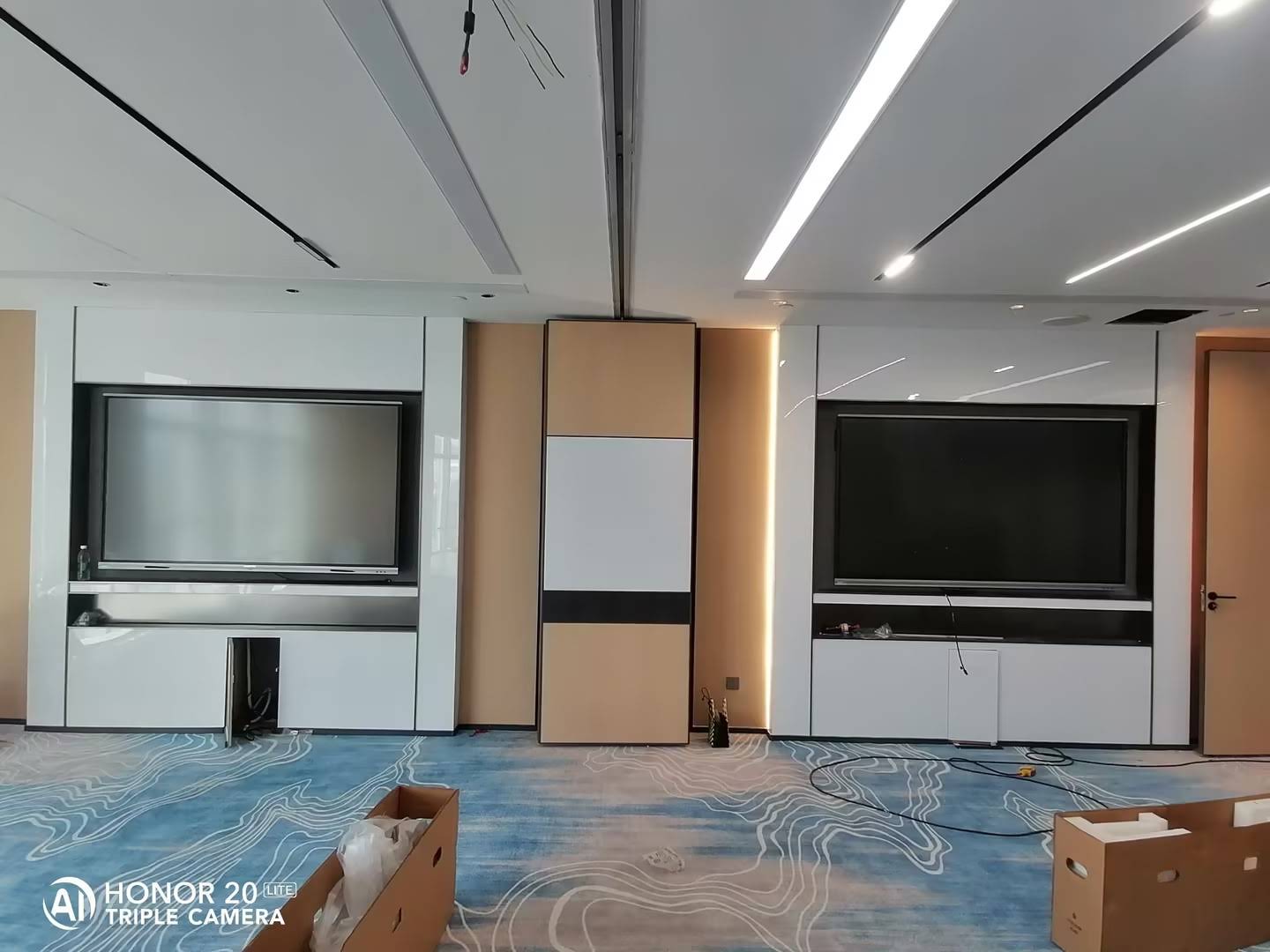
What Made Traditional Smart Boards Popular¡ªAnd What Changed
Traditional smart boards gained popularity because they brought digital interactivity to physical spaces. Teachers could project lessons, annotate directly on the board, and save their work digitally. Businesses used them for dynamic presentations and collaborative brainstorming sessions.
However, these first-generation systems had significant limitations:
- Projector dependency: Most smart boards required external projectors, which added installation complexity, ongoing maintenance costs, and image quality issues like shadows and glare
- Calibration problems: Users frequently needed to recalibrate touch accuracy, disrupting workflows and wasting valuable meeting or class time
- Limited resolution: Early projector-based systems typically delivered 1024¡Á768 or 1280¡Á800 resolution¡ªfar below today’s 4K standards
- High maintenance: Projector bulbs required regular replacement, costing hundreds of dollars annually per unit
- Poor ambient light performance: Bright classrooms or sunlit conference rooms made projected images difficult to see clearly
- Connectivity limitations: Early smart boards offered limited connectivity options and minimal integration with modern cloud-based collaboration tools
As display technology advanced, these limitations became increasingly problematic. Organizations started looking for solutions that eliminated projectors, reduced maintenance overhead, and delivered better image quality with more reliable touch performance.
The Modern Alternative: Interactive Flat Panels
Interactive flat panels (IFPs) represent the natural evolution of smart board technology. Unlike projector-dependent systems, IFPs combine a high-resolution display, touchscreen functionality, and computing capabilities into a single integrated unit.
Key Advantages of Interactive Flat Panels
| Feature | Traditional Smart Board | Modern Interactive Flat Panel |
|---|---|---|
| Display Technology | Projected image (requires external projector) | Integrated LED/LCD display |
| Resolution | Typically 1280¡Á800 or lower | 4K UHD (3840¡Á2160) standard |
| Brightness | 2000-3000 lumens (projector-dependent) | 400-450 nits (performs well in bright rooms) |
| Maintenance | Regular projector bulb replacement ($200-500/year) | Minimal maintenance required |
| Touch Points | 2-4 simultaneous touches | 20-40 simultaneous touches |
| Built-in Computing | Requires external computer | Integrated Android/Windows system available |
| Lifespan | 5-7 years (projector lifespan) | 50,000+ hours (10+ years typical usage) |
Real-World Performance Improvements
According to a 2025 study by Futuresource Consulting, schools that upgraded from projector-based smart boards to interactive flat panels reported:
- 73% reduction in technology-related class disruptions
- 89% decrease in annual maintenance costs
- 42% improvement in student engagement scores during interactive lessons
- 67% faster lesson setup time compared to projector-based systems
In corporate environments, organizations reported similar benefits. A 2024 survey of 500 enterprise IT managers found that interactive flat panels reduced meeting setup time by an average of 8 minutes per session¡ªtranslating to significant productivity gains across hundreds of meetings annually.
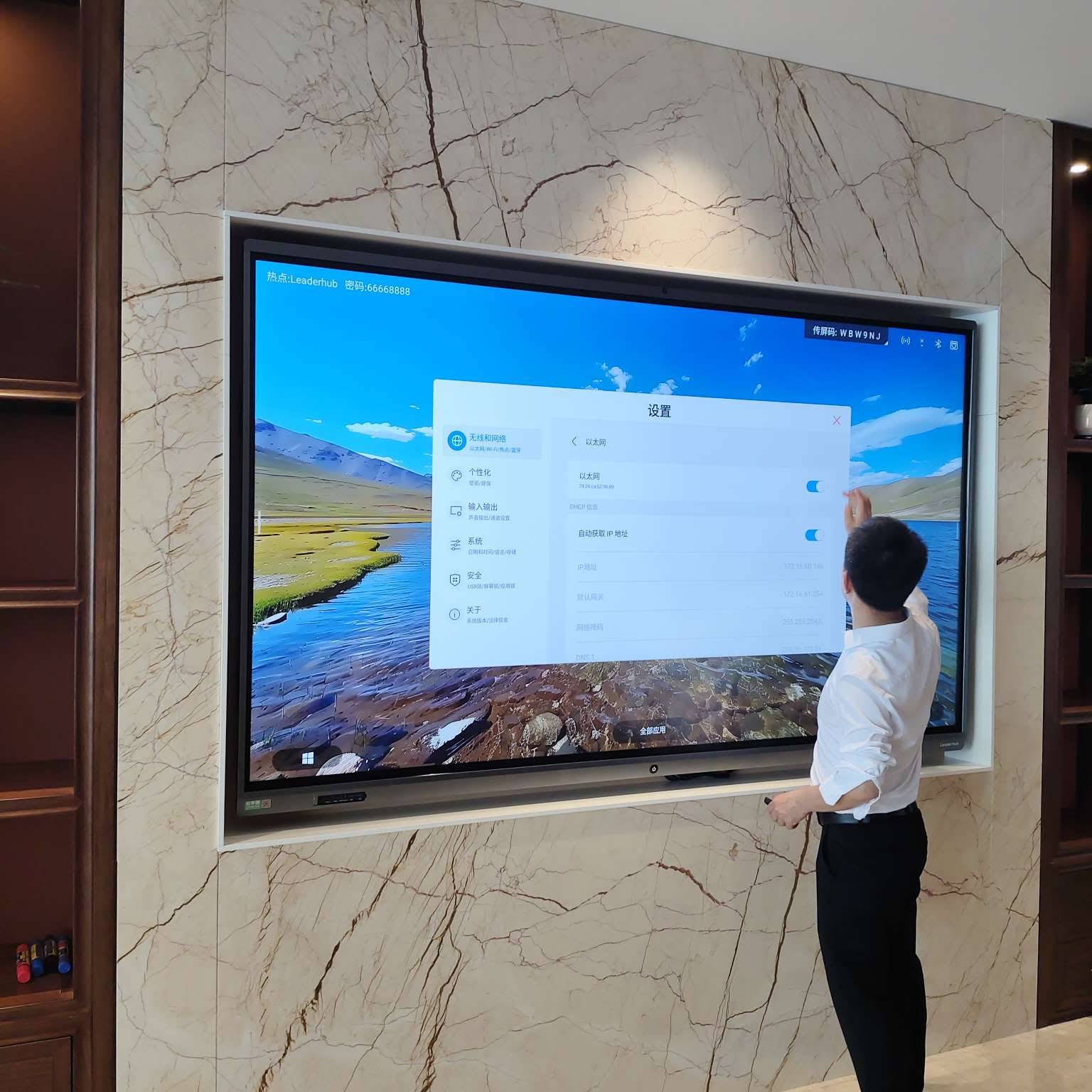
AI-Powered Features: The Next Generation of Interactive Displays
Modern interactive flat panels have evolved beyond simple touch displays. AI integration is transforming how these devices support collaboration, learning, and productivity.
Intelligent Writing Recognition
Advanced handwriting recognition powered by machine learning algorithms can now convert handwritten notes into editable text with over 95% accuracy across multiple languages. This capability allows teachers to write naturally while automatically generating searchable, shareable digital documents.
Smart Object Recognition
AI-powered systems can identify shapes, diagrams, and mathematical equations written on the board, automatically cleaning up rough sketches into precise geometric figures and converting handwritten formulas into properly formatted mathematical expressions.
Automated Translation and Transcription
Real-time speech-to-text and translation features enable multilingual collaboration. International teams can conduct meetings where participants speak different languages, with the system providing live transcription and translation directly on the display.
Intelligent Content Recommendations
AI algorithms analyze lesson context or meeting content to suggest relevant resources, previously created materials, or educational content from integrated platforms¡ªhelping educators and professionals work more efficiently.
When Traditional Smart Boards Still Make Sense
Despite their limitations, traditional smart boards aren’t completely obsolete in every scenario. There are specific situations where they remain viable:
- Budget-constrained environments with existing projectors: If an organization already owns functioning projectors and cannot afford interactive flat panels, adding a smart board surface extends existing equipment value
- Extremely large display requirements: For auditoriums or large lecture halls requiring 120+ inch displays, projection systems may still be more cost-effective than comparable-sized flat panels
- Temporary or mobile installations: Portable smart board systems with lightweight projectors offer easier transportation than heavy flat panels for traveling presenters
However, even in these scenarios, the long-term total cost of ownership typically favors interactive flat panels due to lower maintenance expenses and longer operational lifespan.
What Schools Should Choose Today
Educational institutions face unique requirements when selecting interactive display technology. Based on deployment data from over 82 countries, LeaderHub has identified key factors that determine optimal classroom technology choices.
Primary and Secondary Education (K-12)
For K-12 classrooms, 65-75 inch interactive flat panels deliver the best balance of visibility, functionality, and cost. These sizes work well for typical classroom dimensions of 600-900 square feet with 20-30 students.
Essential features for educational environments include:
- Multi-touch capability: Minimum 20-point touch for collaborative group activities
- Eye-care technology: Anti-glare coating and blue light filtering to protect student eye health during extended use
- Integrated educational software: Pre-installed teaching tools, digital whiteboard applications, and curriculum-aligned content
- Wireless screen sharing: Easy content casting from teacher and student devices without cables
- Durability: Reinforced screens designed to withstand daily use by children
- Cloud integration: Seamless connection to learning management systems and cloud storage platforms
Higher Education and Universities
University lecture halls and seminar rooms benefit from 75-86 inch displays or even larger configurations for auditoriums. Advanced features become more important in higher education settings:
- 4K resolution for detailed scientific diagrams, complex equations, and data visualization
- Annotation and recording capabilities for creating lecture recordings
- Integration with research tools and specialized academic software
- Support for BYOD (bring your own device) ecosystems with diverse operating systems
Real Implementation Example: Maryland Public Schools
In 2024, Montgomery County Public Schools in Maryland completed a district-wide upgrade replacing 1,200 aging smart boards with modern interactive flat panels. The district reported measurable improvements:
- Technology support tickets decreased by 68% in the first year
- Teachers spent an average of 45 additional instructional minutes per week due to eliminated calibration and troubleshooting time
- Student participation in interactive lessons increased by 34% according to teacher surveys
- Annual maintenance budget decreased by $1.2 million
What Businesses Should Choose Today
Corporate environments have different priorities compared to educational settings. Business-focused interactive displays must support seamless collaboration, integrate with enterprise software ecosystems, and deliver reliable performance for critical meetings and presentations.
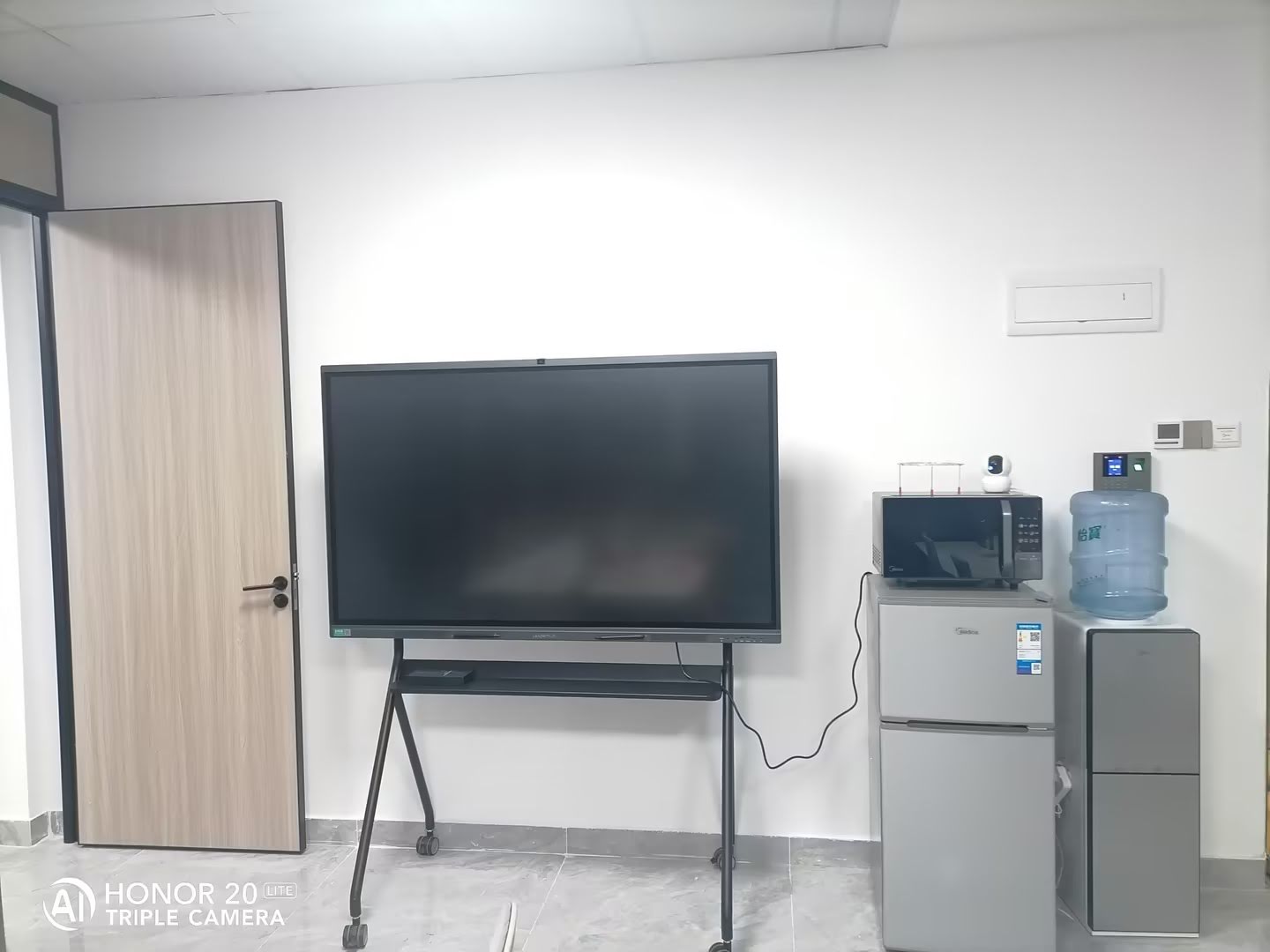
Small to Medium Conference Rooms
For meeting spaces accommodating 6-12 people, 55-65 inch interactive flat panels provide optimal viewing angles and touch interaction without overwhelming the room. Key business features include:
- Video conferencing integration: Built-in or seamlessly integrated cameras, microphones, and speakers for hybrid meetings
- Enterprise security: Encrypted data transmission, secure access controls, and compliance with corporate IT policies
- Wireless presentation: One-touch screen sharing from laptops, tablets, and smartphones
- Annotation and collaboration tools: Digital whiteboard applications with real-time co-editing capabilities
- Microsoft Teams, Zoom, and Webex optimization: Certified compatibility with major collaboration platforms
Large Conference Rooms and Boardrooms
Executive boardrooms and large meeting spaces require 75-98 inch displays or dual-screen configurations. Premium features for high-level meetings include:
- Professional-grade 4K resolution for detailed financial charts, architectural renderings, and product designs
- Advanced touch technology with precise stylus input for signing digital documents
- Content management systems for organizing and accessing presentation materials
- Scheduling integration with Outlook, Google Calendar, and room booking systems
Case Study: Financial Services Firm
A multinational financial services company with offices in 15 countries standardized on interactive flat panels in 2023, replacing a mix of projectors, smart boards, and traditional displays across 400 meeting rooms.
Results after 18 months:
- Meeting efficiency improved by 22% due to faster setup and reduced technical difficulties
- IT support costs decreased by 41% through reduced service calls and eliminated projector maintenance
- Employee satisfaction with meeting technology increased from 62% to 89% in internal surveys
- Annual energy consumption decreased by 35% compared to projector-based systems
Total Cost of Ownership: Smart Boards vs. Interactive Flat Panels
While interactive flat panels typically have higher upfront costs than traditional smart boards, their total cost of ownership over a 10-year period is significantly lower.
10-Year Cost Comparison (Single Unit)
| Cost Category | Traditional Smart Board + Projector | Interactive Flat Panel |
|---|---|---|
| Initial Purchase | $3,500 | $4,500 |
| Installation | $800 | $400 |
| Projector Bulbs (10 years) | $2,500 | $0 |
| Maintenance & Calibration | $1,200 | $300 |
| Energy Costs (10 years) | $1,800 | $900 |
| Replacement/Upgrade | $3,500 (projector replacement year 6) | $0 |
| Total 10-Year Cost | $13,300 | $6,100 |
This analysis demonstrates that interactive flat panels cost 54% less to own and operate over 10 years despite higher initial purchase prices. Organizations with 20+ units can realize savings exceeding $140,000 over a decade.
Hybrid Work and Remote Collaboration Capabilities
The shift to hybrid work models has made video conferencing integration essential. Modern interactive flat panels serve as collaboration hubs that bridge physical and remote participants.
Critical Features for Hybrid Environments
- Intelligent camera tracking: AI-powered cameras that automatically frame active speakers and follow movement around the room
- Noise cancellation and echo reduction: Advanced audio processing ensures clear communication even in acoustically challenging spaces
- Digital whiteboard sharing: Content created on the physical display appears in real-time for remote participants
- Cloud storage integration: Automatic saving and syncing of meeting content to platforms like OneDrive, Google Drive, and Dropbox
- Cross-platform compatibility: Support for Teams, Zoom, Webex, Google Meet, and other conferencing solutions
A 2025 Harvard Business Review study found that meetings using integrated interactive displays with proper video conferencing features had 31% higher engagement scores from remote participants compared to meetings using separate, disconnected technologies.
Environmental and Sustainability Considerations
Environmental impact has become a significant factor in technology procurement decisions. Interactive flat panels offer substantial sustainability advantages over traditional smart board and projector combinations.
Energy Efficiency
Modern LED-backlit interactive flat panels consume 60-70% less energy than projector-based systems. A typical 75-inch interactive flat panel uses approximately 150-200 watts during operation, while a comparable projector system draws 300-400 watts.
For an organization operating 100 displays for 8 hours daily, 250 days per year, this efficiency difference translates to:
- Annual energy savings of approximately 40,000 kWh
- Reduced carbon emissions equivalent to taking 6-7 cars off the road
- Cost savings of $4,000-6,000 annually (depending on local electricity rates)
Reduced Electronic Waste
Projector bulbs require replacement every 2,000-5,000 hours, generating ongoing electronic waste. Interactive flat panels with LED backlighting typically last 50,000-100,000 hours without component replacement, significantly reducing waste generation over their operational life.
Recyclability and End-of-Life Management
Leading manufacturers now design interactive flat panels with recyclable components and participate in electronics takeback programs. Organizations should prioritize vendors who offer:
- Products certified to environmental standards (Energy Star, EPEAT, RoHS)
- Transparent supply chain and manufacturing practices
- End-of-life recycling and responsible disposal programs
Implementation Best Practices
Successfully transitioning from traditional smart boards to modern interactive displays requires thoughtful planning beyond simply purchasing new equipment.
Phased Rollout Strategy
Rather than replacing all units simultaneously, implement a phased approach:
- Pilot program: Deploy 3-5 units in representative environments to identify integration challenges and gather user feedback
- Training development: Create organization-specific training materials based on pilot program insights
- Priority spaces: Upgrade high-traffic, high-visibility spaces first to demonstrate value and build momentum
- Full rollout: Complete deployment with refined processes and trained support staff
Training and Change Management
Technology adoption success depends heavily on user training. Effective programs include:
- Hands-on workshops: Interactive sessions where users practice with actual devices rather than watching demonstrations
- Role-specific training: Customize content for teachers, administrators, IT staff, and executives based on their use cases
- Champion programs: Identify and train power users who can provide peer support and demonstrate advanced features
- Ongoing resources: Maintain accessible documentation, video tutorials, and quick reference guides
Organizations that invest in comprehensive training programs achieve 2-3x higher technology utilization rates compared to those that simply install equipment without formal user enablement.
Future-Proofing Your Investment
Technology decisions made today should remain viable for 7-10 years. When evaluating interactive display solutions, consider future-readiness factors:
Modular Computing Architecture
Look for displays with replaceable computing modules (OPS slots or similar standards). This architecture allows upgrading processing power, memory, and storage without replacing the entire display, extending functional lifespan and protecting investment value.
Software Update Commitment
Verify the manufacturer’s track record and commitment for software updates, security patches, and feature enhancements. Leading vendors provide 5+ years of software support, while lesser-known manufacturers may abandon products within 2-3 years.
Open Standards and Integration
Prioritize solutions that support open standards and APIs rather than proprietary, locked ecosystems. This flexibility enables integration with evolving collaboration tools and prevents vendor lock-in.
AI-Ready Hardware
As AI capabilities become more sophisticated, ensure selected hardware has sufficient processing power, memory, and connectivity to support emerging AI features through software updates rather than requiring hardware replacement.
Making the Right Choice for Your Organization
Traditional smart boards served an important role in digitizing classrooms and meeting rooms, but technological advancement has created significantly better alternatives. For most schools and businesses making decisions in 2026, interactive flat panels represent the clear choice due to superior image quality, lower maintenance requirements, enhanced features, better total cost of ownership, and greater future readiness.
The question is no longer whether to move beyond traditional smart boards, but rather which modern interactive display solution best meets your specific requirements. Consider your room sizes, user needs, budget constraints, and integration requirements when evaluating options.
Organizations that proactively upgrade their collaborative technology infrastructure position themselves to work more efficiently, engage more effectively, and adapt more easily to future changes in how we teach, meet, and collaborate.
The technology landscape continues evolving rapidly. Smart boards aren’t just obsolete¡ªthey represent an earlier chapter in an ongoing story of innovation. The next chapter features AI-powered, integrated interactive displays that fundamentally improve how people share ideas, solve problems, and work together. Organizations that embrace this evolution gain competitive advantages through improved productivity, enhanced collaboration, and better experiences for everyone who uses their spaces.








